

Turn recordings into transcripts and summaries in minutes
Upload audio or video for multilingual transcription, AI notes, and action items
4 Best iPhone Transcription Apps for Cantonese in 2026: Which One Actually Helps You After the Meeting?
After a two-hour Cantonese meeting, you still spend another two hours organizing the transcript—this is the daily reality for many professionals. What's worse, tools that support Cantonese transcription are already rare, and once mixed Chinese-English speech appears, the error rate spikes immediately.
So the real choice you face is simple: keep using iPhone's built-in transcription, or install a dedicated tool?
The key isn't "whose accuracy is 1% higher"—it's whether you want text you still have to read through yourself afterward, or meeting materials you can search, query, and export directly. This article uses 4 practical iPhone solutions to break down that decision for you.
Still Spending Two Hours After the Meeting? You Don't Need a Recording App—You Need a Post-Meeting Workflow
Scenario one: Online meeting. A client spends half an hour explaining requirements on Zoom. You type while listening, but by the end, your notes are full of gaps, and attendees are waiting for you to send a summary.
Scenario two: Cantonese meeting. A colleague mixes English product names into a sentence, and the transcription turns into unrecognizable text. You have to compare each sentence against the recording to fix it—editing often takes longer than just re-listening.
Scenario three: Recorded and forgotten. The audio file sits on your phone. Next time you need to find "what was the last decision," you have to listen from the beginning. Recording becomes a burden, not data.
What these three scenarios have in common: the problem isn't whether you can convert speech to text—it's whether you have a workflow to turn that text into something usable. Choosing the right tool can solve all three problems at once.
5 Key Points to Understand Before Choosing an iPhone Transcription Tool
1. Cantonese recognition depends on real scenarios, not official numbers. Many tools claim impressive accuracy, but that's usually measured in quiet environments with single speakers and standard accents. Real meetings have air conditioning noise, keyboard clicks, people talking over each other, and often mixed English terminology. When choosing, confirm the tool supports Cantonese, ideally allows custom terminology (like team-specific terms), and always test the free version with your own meeting recording.
2. What you can do after recording matters more than how accurately it transcribes. A transcript is just the starting point. You need automatic summaries, chapter segmentation, action items, and the ability to "ask questions directly about the meeting content." Most tools stop at "converting to text"—that's where the efficiency gap opens up.
3. Meetings happen on computers; the phone is just the starting point. Most meetings now take place on Zoom, Google Meet, Microsoft Teams, or Webex. Confirm whether the tool can record computer audio directly without inviting a meeting bot—having an extra bot in the meeting room is often awkward with external clients.
4. Cross-platform capability determines whether you'll stick with it long-term. Today you record on your phone; tomorrow you want to organize on your computer and export to Notion or Google Docs. If the tool only has a mobile app, you'll quickly abandon it. Having iOS, Android, desktop, and web versions is key for long-term use.
5. Pricing must match your usage rhythm. Occasionally transcribing a recording, short-term intensive interviews, weekly meetings, or entire team sharing—each requires a completely different plan. For team use, also confirm: differences between members, roles, and seats, and who actually owns the meeting data.
Tinrec—Our Top Recommendation After Testing
Tinrec is an AI meeting notes and collaboration tool for individuals and teams, supporting iOS, Android, desktop, and web, covering 14 languages, with a focus on Chinese and multilingual meeting scenarios.
No more bots in your meetings. The desktop version captures system audio directly, handling Zoom, Google Meet, Microsoft Teams, Webex, and other online meetings without an extra meeting bot or requiring the other party's cooperation. For those who frequently meet with external clients, this matters more than anything—no strange account suddenly appears in the meeting list. Transcription starts as you record, so by the time the meeting ends, you already have a draft, not a to-do.
The transcript is just the beginning; the post-meeting part is key. After recording, Tinrec automatically generates summaries, chapters, and highlights, extracts action items from discussions, and even produces mind maps. More importantly, AI Q&A: you can directly ask "Who mentioned the budget in the last meeting?" or "What were the client's concerns about the delivery date?" It answers based on semantic understanding, not just throwing keyword search results at you. Currently, tools in the same price range almost never have this capability.
Export in formats you already use. Transcripts and organized results can be exported and taken to Notion, Google Docs, OneNote, Dropbox for further editing; Agent post-processing can also generate reports, tables, and documents based on meeting content. For those who need to deliver meeting minutes, this directly saves that "post-meeting hour."
Handling Cantonese and mixed Chinese-English. Tinrec covers Chinese, Traditional Chinese, and multilingual meetings, supports real-time translation during recording, and allows switching between original, translated, or bilingual views; the team version also maintains team-specific terms, adding internal product names and project codes to improve recognition of professional terminology. A reminder: no tool should claim a fixed accuracy rate—actual performance depends on recording quality, background noise, accents, and overlapping speech. For important content, verify against transcript timestamps and recording playback.
Stop organizing recordings by hand
Upload audio or video and automatically get a transcript, summary, and action items
For team use, understand version differences first. Tinrec for Teams is not "multiple people sharing one personal account" but an independent team space: meeting data belongs to the team, members can view and reuse historical meetings; admins can set owners, administrators, and regular members, assign or revoke seats, view usage trends and member details, and query/export audit logs; deleted audio can be restored from the recycle bin. Note the difference between "roles" and "seats": roles determine who can manage the team, seats determine who can record, upload, edit, import/export—members with a role but no seat can still read and play team data, just not perform resource-consuming operations.
Pricing and benefits according to current product configuration: Team monthly USD 29.80 per paid seat per month, annual USD 199 per paid seat per year (about USD 16.58/month); first eligible team trial is 7 days, 1 free seat, 300 minutes of team shared import quota; paid seats provide 2,000 minutes of team shared import quota per month. Real-time recording currently does not deduct minutes under an active team plan and active seat; file and web imports use the team shared quota. Actual prices, currencies, and promotions are subject to the official purchase page.
Limitations to be clear about. The free version has only basic quota; heavy users need to pay; batch import of large long audio files is not its strong suit—such needs are better suited for dedicated file transcription tools.
Who it's for: Meetings primarily in Cantonese or Chinese, wanting to use AI to find key points right after recording, needing to switch between phone and computer, or teams wanting to turn every meeting into searchable, transferable data—in these cases, Tinrec is currently the more complete choice.
Besides Tinrec, What Other Options Are There on iPhone?
iPhone built-in Voice Memos transcription After upgrading to iOS 18.4, Voice Memos can generate transcripts directly after recording. A quote symbol (") appears next to the recording time; tap it to see the text. Opening recordings made with iOS 17 or earlier also auto-transcribes. It supports Cantonese, is completely free, and requires no third-party software. If you just need copyable text, this is enough. Limitations: no summaries, chapters, or action items, no ability to ask questions about meeting content, long meetings still require reading through, and no desktop organization. Also, keyboard voice dictation (including Gboard's Cantonese input) is only suitable for short phrases, not long meeting recordings—this is the biggest difference from Tinrec.
Notta Excels at multilingual transcription and file import. Official current terms: free version 120 minutes per month, max 3 minutes per item; Pro annual about USD 8.17/month, 1,800 minutes per month; Business annual about USD 16.67 per seat per month, including unlimited transcription, role permissions, and usage reports. If you mainly convert audio/video to subtitles or do translations, it's competent. But desktop bot-free recording and team meeting data accumulation are not its focus, and it lacks Tinrec's Agent post-processing (generating reports, tables, and documents from meetings).
Otter.ai A mature choice for English business meetings. Free version 300 minutes per month; Pro annual about USD 8.49 per user per month, including 1,200 minutes of in-app recording and 10 file imports per month. Its ecosystem and workflow are quite complete for English scenarios, but Chinese and Cantonese are not its strong suit. If your meetings are mainly Cantonese, it will feel restrictive; conversely, if 90% of your meetings are in English, it's indeed more cost-effective than Tinrec. Prices subject to official page.
Pitfall Guide: 4 Most Common Mistakes When Choosing an iPhone Transcription Tool
Pitfall 1: Only looking at official accuracy claims. Many tools say they have "98% accuracy," but that's measured in a quiet studio. Real meetings have air conditioning noise, keyboard clicks, and people talking over each other—the number will drop. The right approach is to test the free version with your own class or meeting recording, not just look at ads.
Pitfall 2: Ignoring cross-platform needs. Today you record on iPhone; tomorrow you want to organize notes on your computer. If the tool has no web version or sync capability, you'll be transferring audio files back and forth, and you'll give up after a few times. Choose a tool that supports multiple platforms to use it long-term.
Pitfall 3: Buying a tool but only using it as a voice recorder. If you only use a transcription tool for "audio to text," you're using only one-third of its capability. With Tinrec's AI chat query, you can directly ask "What was the conclusion of this meeting?" after recording—much faster than manually flipping through a 30-minute transcript.
Pitfall 4: Team purchasing only looks at "how much per seat." Team version roles and seats are two different things: having a role doesn't mean you can use resources; having a seat means you can record, upload, edit, import/export. Also, team resources belong to the team and won't be taken away if a member leaves—these two points are the most common oversights that lead to discovering the tool doesn't work after purchase.
Conclusion: Which One Should You Choose?
To sum up: if your meetings are primarily in Cantonese or Chinese, and you want meeting materials that are "ready to use right after recording," Tinrec is the most complete choice in this comparison.
| Your Situation | Recommended Choice | Reason |
|---|---|---|
| Cantonese/mixed Chinese-English meetings, want to ask key points directly after recording | Tinrec | Supports Cantonese and multilingual, built-in AI summaries, chapters, action items, AI Q&A |
| Online meetings without an extra meeting bot | Tinrec | Desktop version captures system audio directly, no bot needed |
| Record on phone, organize on computer, export to Notion/Google Docs | Tinrec | Full iOS, Android, desktop, web versions, multiple formats and third-party export |
| Team needs to share meeting data, manage seats and usage | Tinrec Team | Team space, roles and seats, usage analytics, audit logs, audio recycle bin |
| Only need copyable text, don't want to pay | iPhone built-in Voice Memos | Supports transcription and Cantonese after iOS 18.4, free and no installation |
| 90%+ English meetings, budget-sensitive | Otter.ai | Mature English business meeting ecosystem, larger free quota |
| Batch transcription of many long audio files and videos | Notta and other file transcription tools | File processing and subtitle translation are main strengths |
Final advice is simple: first record a Cantonese meeting on your phone, run it through Tinrec's free version, and see if the transcript, summary, and action items meet your needs. If they work for you, consider upgrading—no need to pay from the start.
Also a reminder: recording and transcription involve others' privacy. Before proceeding, obtain consent from participants in accordance with local regulations.
References
- [Tutorial] iPhone recording to text transcript supports Cantonese, no third-party software needed - unwire.hk Hong Kong
- [Tutorial] 2026 Tinrec Cantonese voice input: iPhone setup steps + AI transcription test - Tinrec Blog
- View Voice Memos transcripts on iPhone - Apple Support (Taiwan)
- iPhone Cantonese Input
- Speech to Text: AI Transcript · Recording to Text · Voice Memo Audio Real-time Translator App - App Store
Turn every recording into actionable outcomes
Get 60 free transcription minutes when you sign in. No credit card required.
Related Reading
You might also like

WhatsApp Voice to Text vs Tinrec in 2026: Which Handles Cantonese Transcripts Better?
Can WhatsApp's built-in voice message transcription handle Cantonese? This hands-on comparison puts WhatsApp's built-in transcription and Tinrec side by side across five dimensions: audio sources, Cantonese and mixed Chinese-English scenarios, post-transcription processing, team collaboration, and setup cost and pricing. Find out which one fits your situation.
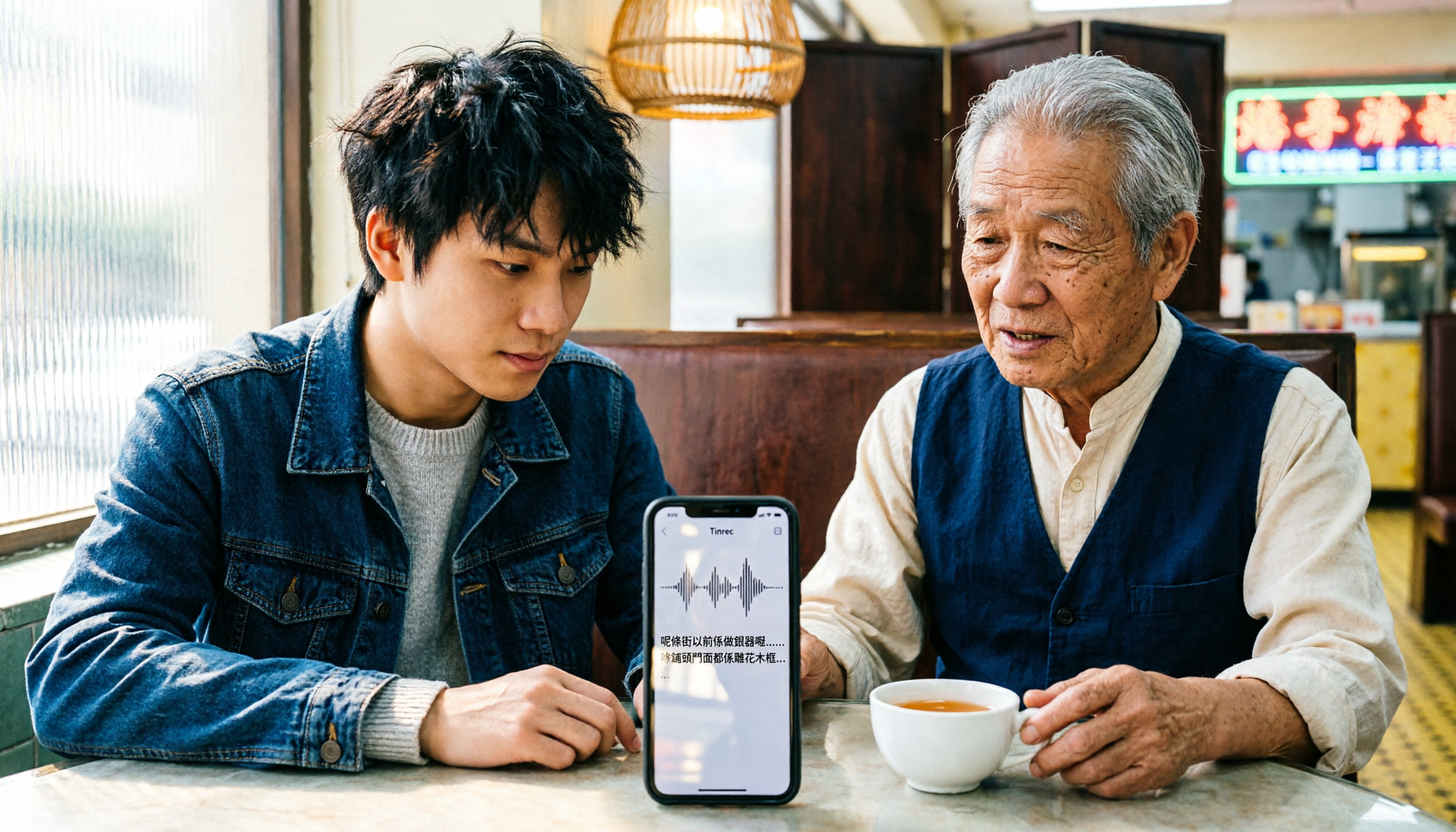
iPhone Cantonese Transcription in 2026: Built-in Voice Memos vs. Tinrec — Which Is Enough?
Recording Cantonese on iPhone — should you stick with the built-in Voice Memos transcript, or install a dedicated AI recording tool? This article compares iPhone's built-in Voice Memos with Tinrec across six dimensions: recording sources, Cantonese and mixed Chinese-English recognition, post-meeting organization, online meetings, cross-platform use, and team collaboration. It also covers pricing and FAQs to help you decide which approach fits your needs.

3 Taiwanese Input Methods Compared: Which One Should You Install on Your Phone or Computer?
Can't find a keyboard that types Taiwanese Hokkien? This article compares three tools: FHL Taiwanese & Hakka Input Method, PhahTaigi Taiwanese Input Method, and Ministry of Education Taiwanese Input Method. It covers download sources, input methods, candidate word design, offline use, and target users, with setup steps and FAQs to help you choose.
4 Best Cantonese to English Translation Apps in 2026: From Single Sentences to Meeting Transcripts
Can you understand Cantonese meetings and Hong Kong client interviews but dread the post-meeting wrap-up? This article breaks down how to choose a Cantonese to English translation app using 4 key criteria, and compares Tinrec, Cantonese Translation Assistant, Otter.ai, and Notta to help you match the right tool to your needs.

4 WhatsApp Voice-to-Text Tools Tested in 2026: What Android Users Who Speak Cantonese Should Choose
Can WhatsApp voice-to-text recognize Cantonese on Android? This article addresses common misconceptions and compares four approaches: WhatsApp's built-in transcription, WeChat, iMyFone VoxBox, and Tinrec. It covers three key buying factors: platform language differences, privacy risks, and free quotas. It also explains how Tinrec turns a Cantonese voice message into a searchable, queryable, and actionable transcript with to-dos.

3 Taiwanese Input Method Apps for Mobile Tested and Compared in 2026: How to Choose Between Missing Characters and Speech-to-Text?
Struggling to type Taiwanese on your phone? This article starts with common misconceptions, compares keyboard-based Taiwanese input methods with audio-to-text tools, and uses Tinrec to demonstrate how to turn Taiwanese conversations, interviews, and bilingual meetings into searchable, organized transcripts and action items, with 5 key purchasing considerations and an FAQ.

Cantonese to English Translation App 2026: Cantonese Transcription + Real-Time English Bilingual Comparison
When looking for a Cantonese to English translation app, first clarify whether you need to 'look up a word' or 'turn an entire Cantonese conversation into an English record.' This article compares Tinrec and Otter.ai across 5 dimensions—Cantonese/Chinese context, recording method, post-meeting organization, team collaboration, and pricing/quotas—to give you scenario-based recommendations.

Taiwanese Hokkien Input Methods in 2026: 3 Ways to Type and Tinrec Transcription Guide
How do you type in Taiwanese Hokkien? This guide covers three common input methods (romanization, character selection, and speech-to-text) and shows how Tinrec turns Taiwanese Hokkien interviews, meetings, and class recordings into searchable transcripts, summaries, and action items. It also explains the differences between the personal and team plans.
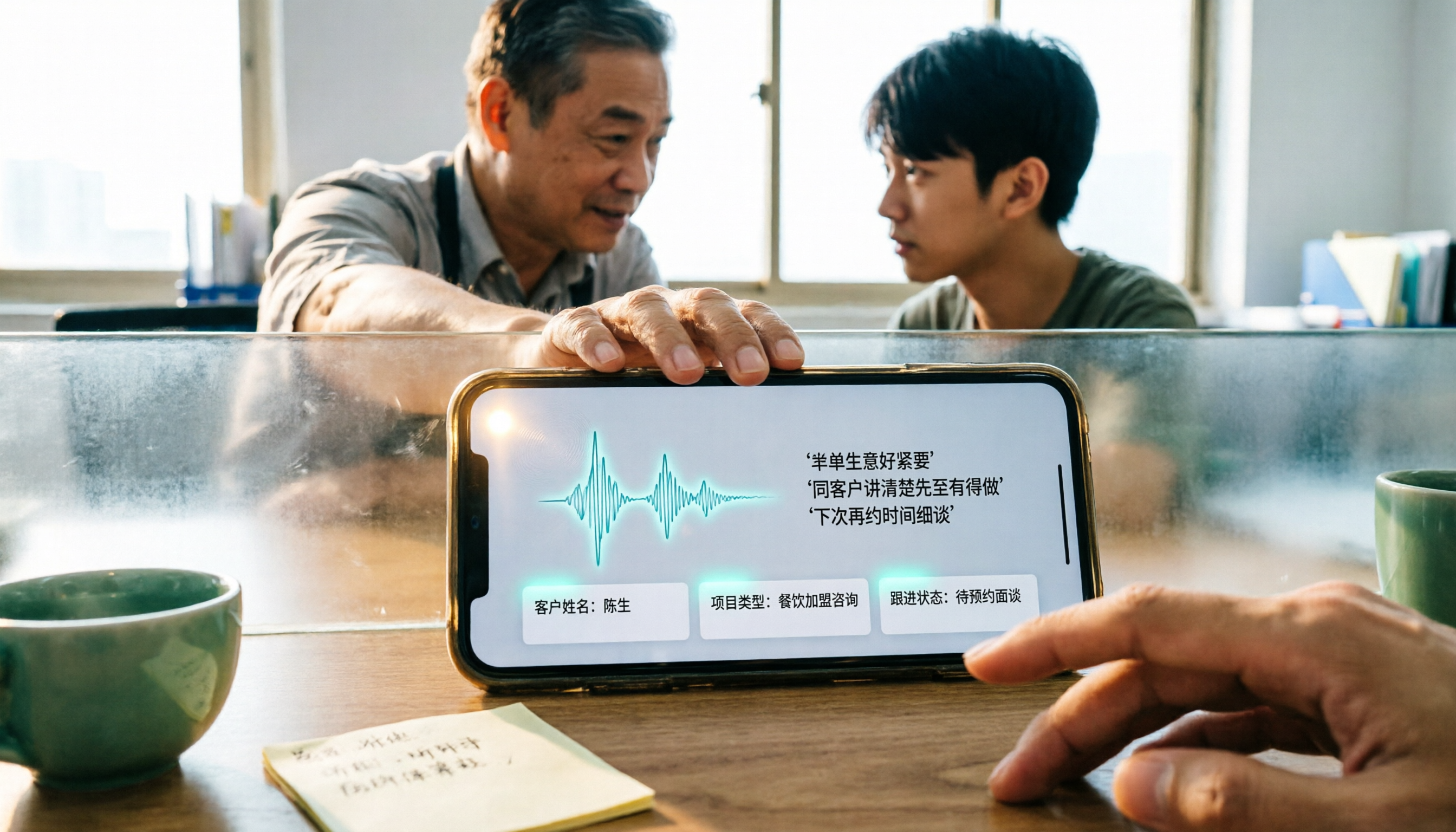
4 WhatsApp Voice-to-Text Methods Tested for 2026: Which Is Easiest for Cantonese Transcription on iPhone?
Transcribing WhatsApp Cantonese voice messages on iPhone: what are the limitations of the built-in transcription, iOS Shortcuts, and third-party tools? This guide covers setup steps and use cases for 4 methods, explains the iOS 16+ requirement, the two conflicting claims about Cantonese support, and what you can do when you want to turn customer conversations and meeting content into searchable, queryable data—not just read a single voice message.