
Turn recordings into transcripts and summaries in minutes
Upload audio or video for multilingual transcription, AI notes, and action items
2026 Comparison of 4 Call Recording and Transcription Tools: Is Cube ACR Free Version Enough?
Is Cube ACR Free? Yes, But Free Doesn't Mean Enough
First, the answer to your most pressing question: Yes, Cube ACR is free.
It's an Android-only call recording app, and its Google Play Store page says "The best part? It's free!" Besides phone calls, it also supports voice calls on LINE, WhatsApp, Facebook Messenger, WeChat, Signal, Viber, Telegram, Slack, Skype, and more. With automatic recording enabled, it starts recording both outgoing and incoming calls—which is indeed convenient.
However, there are two caveats to "free."
First, the free version has ads. The official paid version offers cloud backup, app passcode lock, and ad-free features. According to third-party reviews, subscription prices are roughly NT$60 per month, NT$200 for 6 months, and NT$300 per year. For actual amounts and currency, please refer to the Google Play Store page.
Second, and more importantly: Cube ACR solves "recording," not "usability."
You may have experienced this: after a 40-minute call with a client, you hang up and realize there are three things to confirm, so you have to replay from the beginning. After a two-hour online meeting, you have no transcript, no key points—just an audio file sitting on your phone.
There's also the compatibility issue. Many Android 10 and later models require repeated adjustments to the recording source in settings, or even enabling forced communication mode, to capture the other party's voice. Some devices can't record at all. The free version is fine to download and try, though.
Before Choosing Such Tools, Understand These 4 Key Points
1. How Free Quotas Are Calculated
"Free" usually comes with three types of limits: minutes per month, maximum minutes per session, and whether you can export. Some tools give you hundreds of minutes per month in the free version, but only 3 minutes per session—such a quota is almost meaningless for meeting notes. When evaluating quotas, compare them to your actual meeting length.
2. What You Get After Recording
This is the most easily overlooked point. Even for "recording," some tools only give you an audio file, while others directly provide transcripts, summaries, chapters, and action items. If your goal is to save organizing time, then "output after recording" is more worth examining than "how clearly it records."
3. What Device You Have
Android and iOS have very different recording permissions, and cross-platform support varies. If you record on your phone today and want to organize on your computer tomorrow, whether the tool has a web or desktop version is key.
4. Who Ultimately Holds Your Data
For personal use, it's not a big issue. But if a team needs to view meeting notes together, you should ask: Is the data stored in individual accounts or a team space? Will records remain after a member leaves? These questions often have no answers with free tools.
Tinrec — Our Top Recommendation After Testing
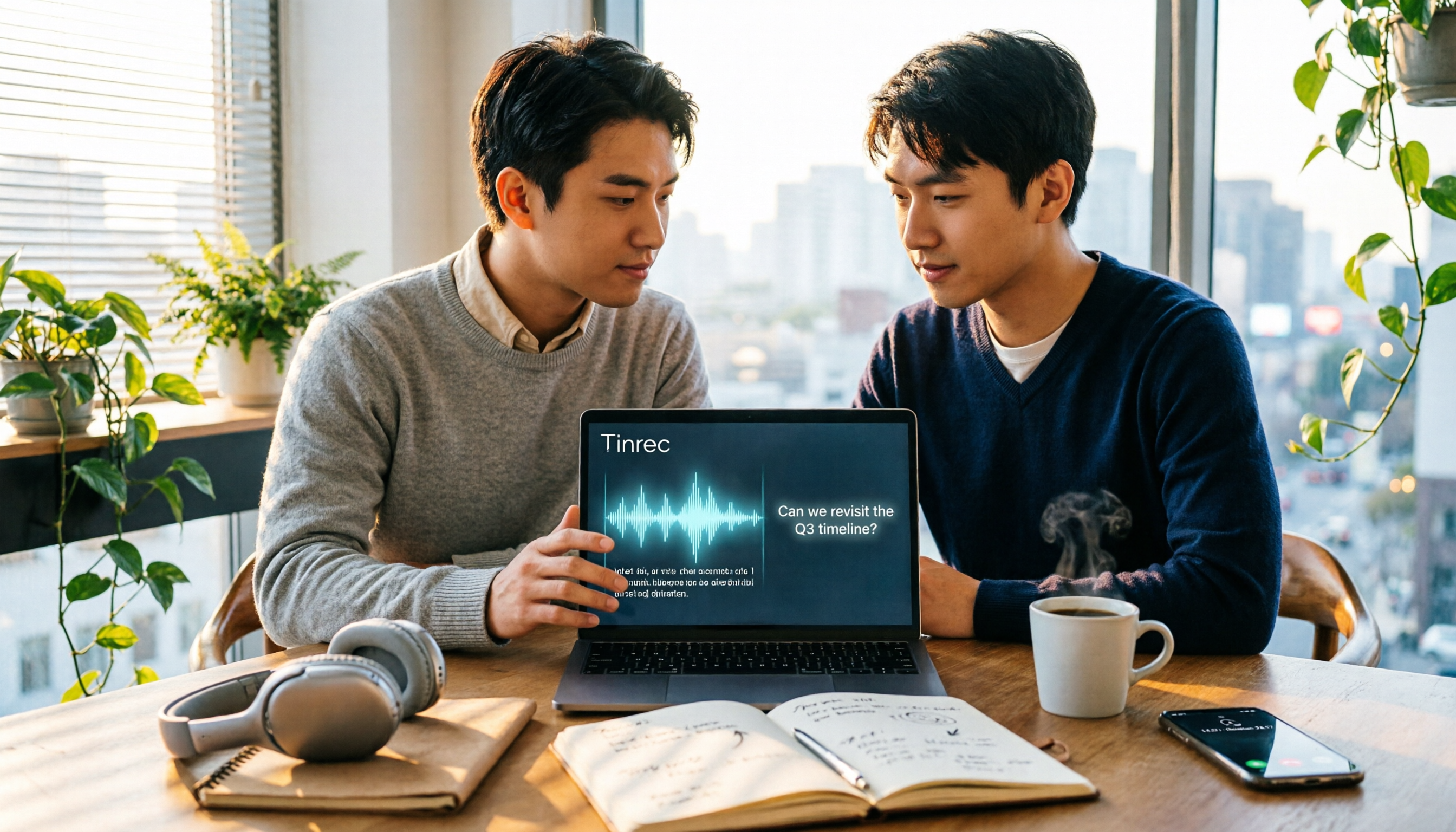
Tinrec is an AI meeting notes and collaboration tool for individuals and teams. It supports real-time recording to text, audio and video file import, online meeting recording, and automatically generates summaries, chapters, action items, and mind maps. Its biggest difference: it doesn't just turn sound into text—it lets you continue using that text.
Produce usable notes directly during meetings. Open Tinrec to record and transcribe simultaneously; the transcript is generated in real time as the meeting progresses, and after it ends, AI has already organized the summary and action items. Who is responsible for what, what to discuss next time—no need to rely on memory.
No bot needed for online meetings. The desktop version directly captures your computer's system audio, so for Zoom, Google Meet, Microsoft Teams, Webex, etc., you don't need an extra bot to join the meeting room. For external client meetings, this makes a big difference—no unfamiliar participant suddenly appears on screen.
You can keep asking it after recording. This is where Tinrec differs most noticeably from most recording tools. You can directly ask questions about the meeting content, such as "What was the budget cap the client mentioned in the last meeting?" It will give you an answer based on semantics, rather than throwing a string of keywords for you to search through. You can also export results to Notion, Google Docs, OneNote, Dropbox, etc., or further generate reports, tables, and documents.
Stop organizing recordings by hand
Upload audio or video and automatically get a transcript, summary, and action items
Testing conditions. We tested with a 10-minute meeting recording mixed with Chinese and English, with background noise from air conditioning and keyboard. The transcript was clearly segmented and directly searchable, and the summary captured the main discussion points. Note that actual performance is affected by recording quality, accents, simultaneous speakers, and technical terms. We recommend trying it with your own meeting recording—that's more accurate than any promotional numbers.
Limitations to be clear about. The free version provides a basic quota to experience recording, import, summary, and transcription; heavy users need to pay. The personal version also offers weekly, Pro monthly, and Pro annual plans for different usage patterns. For team use, the team version is a separate team space with a 7-day trial (1 free seat, 300 minutes of shared team import quota). Paid seats are USD 29.80 per month, or USD 199 per year (about USD 16.58/month), with each paid seat including 2,000 minutes of shared team import quota per month, plus management capabilities like members, roles, seats, usage analytics, and audit logs. Prices and benefits are subject to the official purchase page.
Who it's for. If you have regular meetings or client calls every week, need records in Chinese or mixed Chinese-English, want to find key points directly after recording, or even share meeting data with your team—Tinrec will save you more time than a simple call recording app.
Besides Tinrec, What Other Options Are There?
Cube ACR: A free call recording app for Android, supporting phone calls and voice calls on multiple messaging apps. Automatic recording is its strength. But its purpose is recording—no iOS version, and no ability to turn recordings into transcripts, summaries, and action items. If you use Android and just want to save calls, it's free and sufficient. But for cross-device use or if you want searchable text right after recording, you'll need to pair it with other tools.
Otter.ai: A mature English meeting assistant. Basic free version offers 300 minutes per month; Pro annual is about USD 8.49 per user per month, including 1,200 minutes of in-app recording and 10 file imports per month. It's strong for English business meetings. However, Chinese meetings are not its focus; Tinrec is more aligned with the daily needs of Taiwanese users for Chinese and mixed Chinese-English content, real-time translation, and team hotwords.
Notta: Covers multi-platform transcription, file import, translation, and team plans. Free: 120 minutes per month, max 3 minutes per session; Pro annual is about USD 8.17 per month (1,800 minutes per month); Business annual is about USD 16.67 per seat per month. It performs well in multilingual transcription and subtitles, but Tinrec's Agent post-processing can directly generate reports, tables, and documents from meetings, which is more practical for office workers who need to produce deliverables.
PLAUD Note/NotePin: Representatives of AI recording hardware. Note Pro is priced at USD 189, NotePin at USD 159. Membership: Starter 300 minutes per month, Pro USD 99.99 per year. The experience of portable hardware recording has its value, and it supports phone call recording. In contrast, Tinrec requires no extra device, works on web, desktop, and mobile, and can directly handle online meeting audio played on your computer.
Pitfall Guide: 3 Most Common Mistakes When Choosing Such Tools
Pitfall 1: Only looking at the word "free," not the limitations after free. Many tools' free versions cut corners on session length, monthly minutes, or export formats. Before downloading, confirm whether the quota covers your meeting length; otherwise, after the trial, you'll still have to look for another tool.
Pitfall 2: Ignoring platform limitations. Some apps are Android-only, some iOS-only, some have no web version. If you switch between phone and computer, be sure to confirm cross-platform support; otherwise, you'll find yourself recording on your phone but forced to organize on your computer.
Pitfall 3: Using the tool only as a recorder. This is the most regrettable. If you only use it to "record," you're using only one-third of its value. The transcript, summary, action items, and AI Q&A after recording are what truly save overtime hours—and often the free version lets you experience that.
Conclusion: Which One Should You Choose?
Back to the original question: Is Cube ACR free? Yes, but it depends on whether you just need "recording" or "usable after recording."
- Just want to record Android phone calls and LINE calls with zero budget → Cube ACR, free version meets automatic recording needs.
- After recording calls or meetings, want transcripts, summaries, and action items directly → Tinrec, the core scenario for such needs.
- Want to find key points by asking questions after recording, not manually flipping through transcripts → Tinrec, AI Q&A is currently the most noticeable difference among similar tools.
- Need to switch between phone, computer, and web → Tinrec, desktop version can directly record online meetings without inviting a bot.
- Mainly record English meetings with limited budget → Otter.ai, generous free quota, a reasonable choice for English scenarios.
If you have a call recording that's been sitting unorganized for a long time, we suggest starting with Tinrec's free version and importing that recording for a run. After seeing what the transcript and summary look like, you'll understand the difference between a free tool and a "usable tool."
References
- Is Cube ACR Free? 2026 Test and Selection Guide for 5 High-Value Recording-to-Text Tools - Tinrec Blog
- Cube ACR Free Call Recording App: Records Voice Calls, LINE, FB Messenger, and More! - Kocpc
- [Recording Recommendation] Can Record Phone and LINE Calls! Automatic Call Recording App! Cube ACR APP/Android | Kikinote
- Is Cube ACR Free in 2026? 4-Step Free Call Recording + AI Organization Guide - Tinrec Official Blog
- Call Recorder - Cube ACR - Google Play App
Turn every recording into actionable outcomes
Get 60 free transcription minutes when you sign in. No credit card required.
Related Reading
You might also like

4 Call Recording Transcription Tools Compared in 2026: Can You Record, and What to Do After?
Can you legally record a phone call? This article covers Taiwan legal practice, iPhone and Android support limitations, and compares four tools—Tinrec, PLAUD, Notta, and Granola—to show how to turn call recordings into searchable transcripts, summaries, and action items.

2026 Android Recording Showdown: AI App vs. Dedicated Hardware — Which Should You Choose?
Recording on Android phones seems simple, but since Android 10, call recording has been removed from most devices. This article first covers three Android recording scenarios and their practical methods, then compares Tinrec and PLAUD Note across five dimensions: setup requirements, post-meeting organization, file handling, team collaboration, and pricing. Find out whether you should use your existing phone with an AI tool or invest in a dedicated recording device.

3 Ways to Record iPhone Calls in 2026: Built-in Feature Is Free but Limited, Meeting Organization Needs This
After iOS 18.1, iPhone finally has built-in call recording and transcription, but region restrictions, two-party notification, and no support for LINE and other apps deter many users. This article covers the actual usage and 5 limitations of built-in call recording, common misunderstandings and pitfalls to avoid, and compares alternatives like Tinrec, Otter.ai, Notta, and PLAUD in terms of use cases and pricing to help you decide which approach saves the most time.

5 Android Call Recording Apps Tested in 2026: Cube ACR vs Tinrec — Which Makes Recordings Truly Usable?
People searching for "call recording app Android" often get stuck on the same question: after you record the call, then what? This article compares Android built-in call recording, Cube ACR, Call Recorder, and other recording methods, plus how Tinrec turns call and meeting audio into searchable, summarizable, queryable data. It also covers buying tips and FAQs.

Best AI Meeting Recorder for Notes in 2026: Tinrec vs Granola Compared
Many people think recording-to-meeting-notes just means uploading audio and waiting for AI to spit out a summary, but they end up with notes that can't be searched, traced, or shared with the team. This article compares two bot-free meeting tools, Tinrec and Granola, across five dimensions: meeting capture, audio retention, Chinese-language experience, post-meeting outputs, and team governance, to help you decide which one fits your needs.

5 Free Windows Recording Options in 2026: A Complete Guide
Windows actually has built-in recording features, but they're split between Voice Recorder and Xbox Game Bar. This guide covers 5 common recording methods on Windows in 2026 and compares built-in tools with Tinrec in terms of transcription, post-meeting organization, online meetings, and team collaboration.

2026 Comparison of 3 Audio-to-Text Tools: ChatGPT Recording Limits and Top Picks for Long Meetings
ChatGPT's recording mode has a maximum of about 120 minutes per session, but the real challenge is how to organize the recording afterward. This article compares three audio-to-text tools, covering speaker separation, post-meeting summaries, AI Q&A, and team data management, to help you choose the right tool for Chinese meetings and avoid common purchasing mistakes.

Samsung Phone Recording in 2026: 3 Methods Tested and Compared — Built-in Limits and Tinrec's Complete Workflow
Does your Samsung phone have a recording feature? The built-in voice recorder handles basic needs, but call recording varies by model and lacks AI organization. This article tests and compares three methods, and shows how Tinrec turns phone recordings into transcripts, summaries, and to-dos — making recordings truly useful.

4 Phone Recording Methods Compared in 2026: iPhone, Samsung Built-in, or Tinrec?
Do phones have recording features? Yes, but built-in recording mostly just captures audio—it doesn't necessarily help you organize it. This article tackles the common dilemma readers face, comparing iPhone Voice Memos, Samsung Voice Recorder, call recording, and Tinrec to help you see which solution fits meetings, classes, and interviews.