

Turn recordings into transcripts and summaries in minutes
Upload audio or video for multilingual transcription, AI notes, and action items
2026 Android Recording Showdown: AI App vs. Dedicated Hardware — Which Should You Choose?
After an online meeting, you want to go back and confirm what the other party actually promised. You open your phone and discover: the recording only captured your own voice—not a single word from the other side.
That's the problem with Android recording. Recording in a regular environment is simple enough, but when it comes to calls and online meetings, limitations pop up one after another.
This article will first help you understand the three Android recording scenarios and their respective methods, then compare two common approaches: Tinrec, which requires no extra hardware, and PLAUD Note, which focuses on portable hardware. I'll lay out the pricing, limitations, and who each is for—so you can decide for yourself.
How to Record on Android: First, Understand the 3 Scenarios
Scenario 1: General Environment Recording (Meetings, Classes, Interviews)
Most Android phones come with a built-in "Recorder" app that can directly capture ambient sound—this is the most basic approach.
A few things to watch out for: whether recording continues when the screen is off, whether you have enough storage space, and that some apps may be interrupted by the system when running in the background. Before recording something important, it's a good idea to do a 1-minute test recording to confirm.
If you just need to record a class or take quick notes, the built-in feature is more than enough.
Scenario 2: Call Recording
This is where Android users hit the biggest roadblock. For privacy reasons, Google removed built-in call recording from most devices starting with Android 10; even if a phone manufacturer originally supported it, a single system update could take it away.
Google's Phone app does offer call recording, but only on specific devices and carriers. The steps are: tap "More options" in the top right corner → "Settings" → "Call recording," then under "Always record" select "Selected numbers."
And to protect privacy, the system notifies both parties when recording starts and again when it stops. On the legal side, be extra careful: many regions require all participants' consent for call recording.
When the built-in option doesn't work, here are some common alternatives:
- Third-party call recording apps like Google Voice, Cube ACR, or Automatic Call Recorder Pro—but availability varies by OS version and carrier.
- Put the call on speaker and use another device or digital recorder to capture it—no special permissions needed, but audio quality depends on the environment.
- Hardware recording devices that capture audio directly, bypassing Android system restrictions—such as the Plaud Note.
Scenario 3: Online Meetings and Organizing Long Recordings
This is the real pain point for office workers. Recording is just the first step—next you have to re-listen, type, pick out key points, and organize action items. A one-hour meeting often takes more than an hour to process afterward.
In this scenario, what matters isn't whether you can record—it's what you can do with the recording afterward.
Tinrec vs PLAUD Note | Quick Overview
In one sentence: Tinrec is an AI meeting notes and team collaboration tool; PLAUD Note is a portable AI recording device.
| Item | Tinrec | PLAUD Note |
|---|---|---|
| Requires extra hardware | No—phone and computer are enough | Device purchase required |
| How it works on Android | App records in real time; can also import existing audio files | Hardware records, then syncs to app |
| Core strengths | Transcription, summaries, action items, AI Q&A, export, team workspace | Portable recording, hardware form factor, call recording |
| Entry cost | Free tier available | Device from USD 159 |
Next, I'll compare them across five dimensions: setup requirements, post-meeting organization, file handling, team collaboration, and pricing.
Dimension 1 | Setup Requirements and Device Needs
PLAUD Note's logic is straightforward: buy a dedicated recording device. Current US pricing is NotePin USD 159 and Note Pro USD 189. The advantage is that it doesn't rely on phone software, and call recording won't be blocked by the Android system.
Tinrec takes a different path—no extra hardware needed. Android phones can record in real time, and the desktop version can directly capture computer system audio to handle Zoom, Google Meet, Microsoft Teams, Webex, and other online meetings—without a meeting bot joining.
→ This dimension: Tinrec wins. Most people already have the devices they need, saving on hardware costs.
Dimension 2 | Transcription and AI Post-Meeting Organization
PLAUD offers summaries, templates, and Q&A within its app, so you can process everything in one ecosystem after recording.
Tinrec focuses on the workflow after transcription: transcripts, AI summaries, chapters and highlights, action items, mind maps, plus real-time translation with original, translated, or bilingual views. Even more useful is AI Q&A—you can directly ask "What are the action items from this meeting?" without re-listening to the whole thing. After the meeting, you can use the Agent to generate reports, tables, and documents, and export to Notion, Google Docs, OneNote, Dropbox, and other tools.
Stop organizing recordings by hand
Upload audio or video and automatically get a transcript, summary, and action items
→ This dimension: Tinrec wins. Both depth of organization and output flexibility are more complete.
Dimension 3 | Handling Existing Audio Files and Online Meetings
If you already have a pile of old recordings, interview files, or meeting videos, PLAUD is primarily hardware recording—old files need to be handled separately.
Tinrec supports uploading audio and video files for transcription, and can also import some public content via web links—meaning both new and old data can be brought in.
→ This dimension: Tinrec wins. Before buying a new tool, get your old data organized too.
Dimension 4 | Team Collaboration and Data Governance
PLAUD offers team memberships and device management, leaning more toward device and account level.
Tinrec's team plan is a separate team workspace where meeting data belongs to the team. Admins can set owners, admins, and regular members, assign or revoke seats, view usage trends and details, query and export audit logs, and access a 30-day audio recycle bin. When a member leaves or loses their seat, their team resources must be handed over to other active members.
Note that the team plan is primarily team-level sharing—active members can view, play, and read data, but only seat holders can record, upload, edit, and export.
→ This dimension: Tinrec wins. If your meeting data needs to be retained and searchable, the difference is clear.
Dimension 5 | Pricing and Long-Term Cost
PLAUD is hardware plus subscription: device USD 159–189 one-time, then Starter at 300 minutes/month, Pro at USD 99.99/year with 1,200 minutes/month, Unlimited at USD 239.99/year.
Tinrec requires no device purchase—the free tier lets you try recording, importing, summaries, and transcription. For short bursts of intensive use, consider a weekly pass; for steady weekly needs, Pro monthly or annual plans work well. The team plan is USD 29.80 per paid seat per month, or USD 199 per paid seat per year (about USD 16.58/month). Each paid seat includes 2,000 minutes of team shared import quota per month. Eligible teams can try 7 days free with 1 free seat and 300 minutes of shared import quota.
Keep in mind that actual prices, currencies, and promotions for both are subject to the official purchase pages.
→ This dimension: Tinrec wins on entry cost; but if you truly need a portable device to record calls, PLAUD's hardware cost isn't wasted.
What Unique Advantages Does Each Have?
Tinrec's advantages:
- No extra hardware. Your Android phone and computer are your recording devices—nothing extra to carry.
- Ask directly after recording. AI Q&A lets you find a decision or action item without re-listening to the entire meeting.
- Post-meeting outputs fit your workflow. The Agent can generate reports, tables, and documents, then export to your existing note-taking and cloud tools.
- Meetings become team assets. Data lives in the team workspace, searchable and transferable—it won't disappear when someone leaves.
PLAUD Note's advantages:
- Portable hardware recording. A standalone device isn't subject to Android call recording restrictions—record calls and in-person conversations alike.
- Long outings. Doesn't use your phone's battery or storage—very practical for workers who are often on the go.
Conclusion: Which Should You Choose?
- If you want to start recording and organizing with your existing Android phone → Tinrec, no extra hardware cost.
- If you need to capture key points and action items right after recording → Tinrec, with AI summaries, chapters, and action items as standard.
- If you have a pile of old audio files and meeting videos to organize → Tinrec, with file import and multi-format export in one go.
- If meeting data needs to be shared across the whole team, with permission and usage management → Tinrec team plan.
- If your work often takes you out and about, and you need a standalone device for portable recording—or even call recording → PLAUD Note's hardware does have its place.
In one sentence: For most people recording meetings, interviews, and classes on Android phones, Tinrec is the choice with fewer limitations and more complete post-recording organization. I recommend trying the free version with one of your own recordings first.
FAQ
Q1: Can Android phones record with built-in features? For general environment recording, yes—most models have a built-in recorder app. Call recording is another story: after Android 10, most models have lost this feature.
Q2: Why did my Android call recording suddenly disappear? It could be that a system update removed the feature, or your carrier and device don't support Google Phone app's call recording. This feature is currently only supported on specific devices and carriers.
Q3: Is call recording legal? It varies by region. Many jurisdictions require consent from all participants to record a call, and Google's call recording feature notifies both parties at the start and end. Check your local laws before recording.
Q4: What if the recording app stops mid-recording? First check battery optimization settings, background execution permissions, and remaining storage. Before recording something important, do a test recording to confirm stability.
Q5: What can Tinrec do on an Android phone? You can record in real time on your phone, or import existing audio or video files for transcription, then generate transcripts, summaries, chapters, and action items, and follow up with AI Q&A. Bot-free recording of online meetings is done on the desktop version.
Q6: Is Tinrec's free version enough? If you only occasionally organize a recording, the free version lets you try recording, importing, summaries, and transcription. If you have steady weekly needs, consider Pro; for short bursts of intensive use, check out the weekly pass.
Q7: What's the difference between Tinrec's team and personal plans? Personal plan data is managed under your individual account. The team plan is a separate team workspace where data belongs to the team, with additional governance capabilities like roles, seats, sharing rights, usage analytics, audit logs, and an audio recycle bin.
References
- How to Record Calls on Android? 2026 Latest Guide: Built-in Features, Apps, and Hardware Devices
- Record a call with the Phone app - Phone app Help
- [2025 Picks] How to Record Calls on Android - Built-in Features and App Recommendations – AirDroid
- Guide to Recording Audio and Calls on Your Phone: Android and iPhone
- Voice Recorder - Google Play App
Turn every recording into actionable outcomes
Get 60 free transcription minutes when you sign in. No credit card required.
Related Reading
You might also like

4 iPhone Recording Methods Compared in 2026: Which One Helps You Organize Key Points After Recording?
Recording on iPhone isn't just about pressing the red button. This article addresses common misconceptions and covers practical methods for using the built-in Voice Memos, call recording, and external microphones. It explains why post-recording organization is crucial and introduces how Tinrec turns iPhone recordings into searchable, queryable, and shareable transcripts and meeting materials.

4 Best Audio Transcription Tools in 2026: Where Samsung Voice Recordings Are Stored and How to Organize Them
Can't find your Samsung voice recordings? It's usually not because the files were deleted, but because you don't know where they're stored. This article first explains where Samsung voice recordings are located, where the files are saved, and call recording limitations. Then it compares 4 audio organization tools side by side, showing how to use AI to organize transcripts, summaries, and action items after recording.
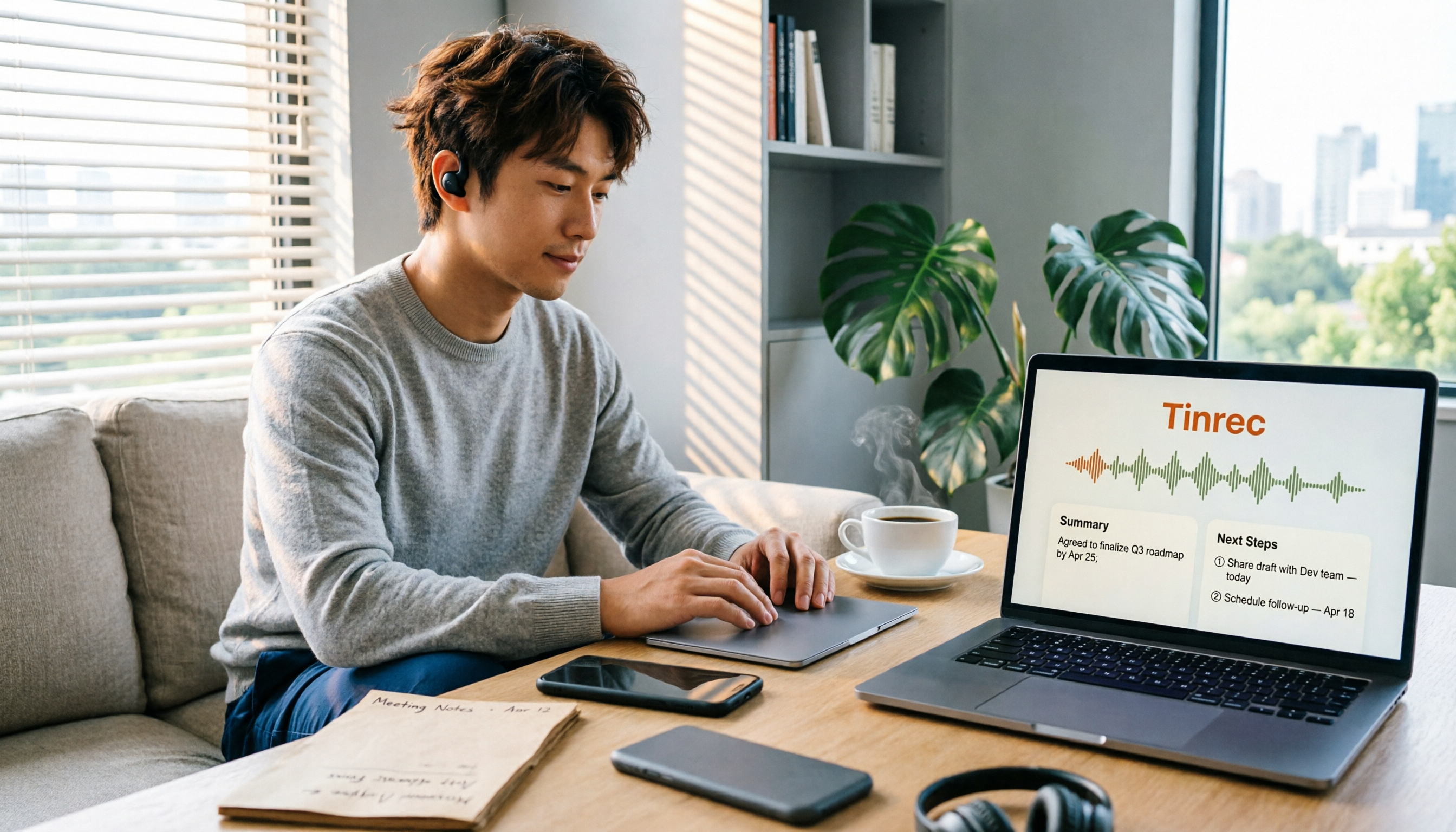
5 Best iPhone Call Recording Solutions in 2026: From Built-in Features to AI Transcription
iPhone finally has built-in call recording starting with iOS 18, but the real challenge is what comes after: transcription, summarization, and organizing your data. This article compares 5 common iPhone call recording and post-call organization solutions, including iPhone's built-in call recording, Tinrec, Notta, TurboScribe, and PLAUD recording hardware. We break down features, pricing, and ideal users, and remind you about the legal and consent issues you must consider before recording.
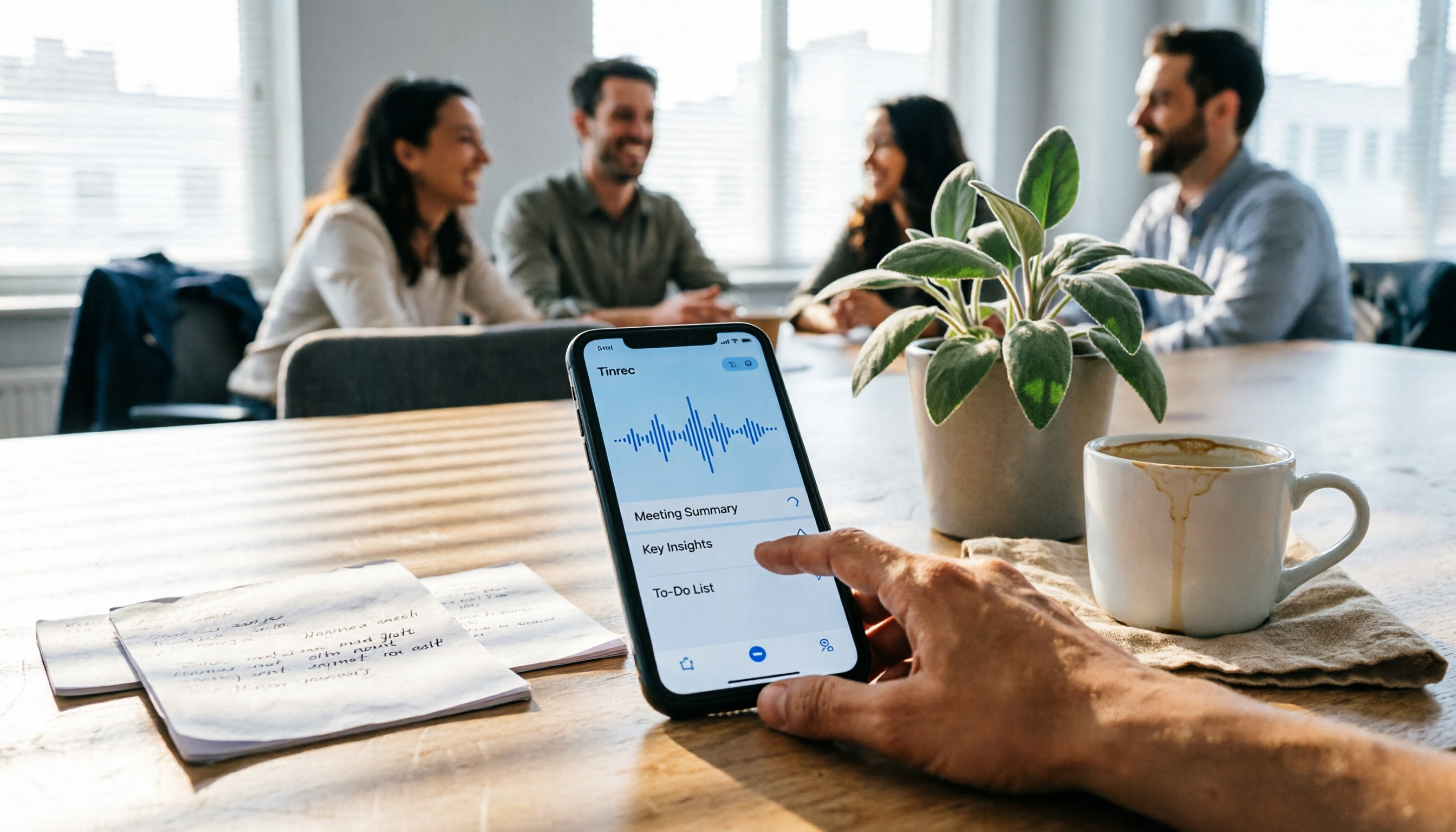
5 Fast iPhone Recording Methods Compared: One-Tap Start, But Who Can Organize Your Meeting?
iPhone has 5 built-in quick recording methods: Action Button, Lock Screen shortcut, Back Tap, Control Center's Local Capture, and the basic Voice Memos. This hands-on comparison covers startup speed, use cases, and limitations, and explains how to choose a tool for meeting notes and avoid common pitfalls.

How to Record iPhone Calls in 2026: Built-in One-Tap Recording + Automatic Transcription
Starting with iOS 18.1, iPhone has a built-in call recording feature. This guide walks you through checking your system version, region and language support, the notification both parties hear, and legal considerations, then shows you step by step how to record a call, find the recording file, and access the transcript. It also covers the real limitations of the built-in feature and what you can add for post-call organization, cross-platform use, and team collaboration.

4 Call Recording Transcription Tools Compared in 2026: Can You Record, and What to Do After?
Can you legally record a phone call? This article covers Taiwan legal practice, iPhone and Android support limitations, and compares four tools—Tinrec, PLAUD, Notta, and Granola—to show how to turn call recordings into searchable transcripts, summaries, and action items.

3 Ways to Record iPhone Calls in 2026: Built-in Feature Is Free but Limited, Meeting Organization Needs This
After iOS 18.1, iPhone finally has built-in call recording and transcription, but region restrictions, two-party notification, and no support for LINE and other apps deter many users. This article covers the actual usage and 5 limitations of built-in call recording, common misunderstandings and pitfalls to avoid, and compares alternatives like Tinrec, Otter.ai, Notta, and PLAUD in terms of use cases and pricing to help you decide which approach saves the most time.

5 Android Call Recording Apps Tested in 2026: Cube ACR vs Tinrec — Which Makes Recordings Truly Usable?
People searching for "call recording app Android" often get stuck on the same question: after you record the call, then what? This article compares Android built-in call recording, Cube ACR, Call Recorder, and other recording methods, plus how Tinrec turns call and meeting audio into searchable, summarizable, queryable data. It also covers buying tips and FAQs.

Best AI Meeting Recorder for Notes in 2026: Tinrec vs Granola Compared
Many people think recording-to-meeting-notes just means uploading audio and waiting for AI to spit out a summary, but they end up with notes that can't be searched, traced, or shared with the team. This article compares two bot-free meeting tools, Tinrec and Granola, across five dimensions: meeting capture, audio retention, Chinese-language experience, post-meeting outputs, and team governance, to help you decide which one fits your needs.