

Turn recordings into transcripts and summaries in minutes
Upload audio or video for multilingual transcription, AI notes, and action items
5 Android Call Recording Apps Tested in 2026: Cube ACR vs Tinrec — Which Makes Recordings Truly Usable?
People searching for "call recording app Android" usually don't have the same thing in mind.
Some want "evidence in hand if there's ever a dispute." Others want "the requirements a client mentioned on the phone that I can still find later." The first group is done once the audio is recorded. The second group is where the trouble begins — a 40-minute call recording sitting on your phone is something almost no one wants to listen to a second time.
So before picking a tool, I'd ask you to confirm one thing: do you want "recording," or do you want "data you can actually use after recording"?
This article looks at five common approaches side by side: Android built-in call recording, Cube ACR, free call recording apps like Call Recorder, feeding recorded audio into an AI tool for organization (Tinrec), and bot-free online meeting recording (Tinrec desktop version).
Why are people starting to feel that "call recording alone" isn't enough?
The call recording landscape on Android has changed quite a bit in recent years. Since Google opened up call recording permissions, brands like Samsung, Pixel, Xiaomi, Motorola, and Asus mostly include built-in call recording, and some models can be set to auto-record without a notification sound — very different from the iPhone experience where you get a "This call will be recorded" prompt every time.
People who want more features usually look for third-party apps. Cube ACR, for example, can record not just phone calls but also VoIP calls on WhatsApp, Skype, Signal, Viber, and more — genuinely convenient for people who make a lot of internet calls.
However, note that whether recording succeeds reliably depends heavily on phone brand, OS version, and permission settings. User reports have included situations like "auto-recording stopped working after an update" or "only my side of the call was recorded." If you really need to record an important call, it's safer to test a few times beforehand.
Think one level deeper: even if you record successfully, where does that audio file go next? Most people end up putting it in a phone folder and never opening it again.
If that sounds familiar, what you actually need to solve isn't "recording" — it's the part after recording. AI note-taking tools like Tinrec handle exactly that.
Tinrec vs built-in recording and Cube ACR: where's the difference?
Bottom line first: these aren't replacements for each other — they handle different stages.
1. Different roles: one captures the audio, one makes the recording usable
Built-in recording and Cube ACR have a clear role — save the call audio. That already solves the most critical part: "did I capture it at all?"
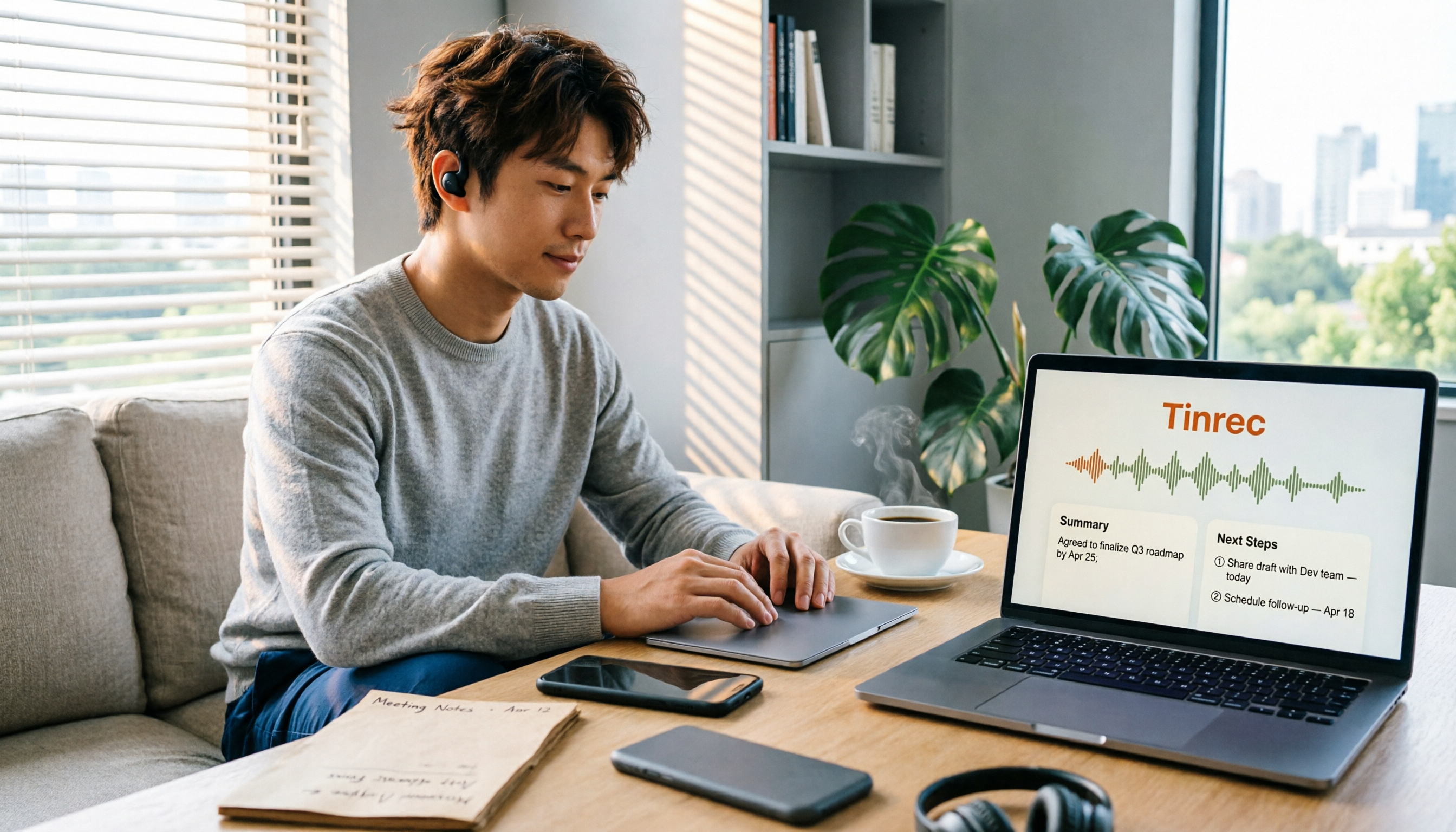
Tinrec is an AI meeting notes and collaboration tool for individuals and teams. It handles what happens after audio becomes text: summaries, chapters, action items, Q&A, translation, and export.
In practice, I'd pair them like this: record calls with Android built-in or a call recording app, then import the important segments into Tinrec to organize into text data. The recording itself isn't wasted — it just goes one step further.
2. Chinese and mixed Chinese-English organization experience
Tinrec covers Chinese, Traditional Chinese, and multilingual meeting scenarios. It supports mixed Chinese-English content organization and lets you view recordings in original text, translation, or bilingual mode during recording.
Actual recognition quality depends on recording quality, ambient noise, accents, overlapping speakers, and technical terminology — same as any tool. I won't give you a fixed accuracy number.
If your calls often mix Chinese and English, or you need bilingual records, the difference here will be obvious.
3. What you get after recording
With a plain recording file, you can only listen from start to finish. Tinrec converts audio into a transcript, then generates AI summaries, chapters, and key points, and extracts action items from the conversation.
More useful is AI conversational query. After recording, you don't have to manually scan the transcript — just ask "what budget did the other party mention in this call" or "who's responsible for what next," and it answers based on semantic understanding.
Finally, you can export to Notion, Google Docs, OneNote, Dropbox, and other tools, or generate reports, tables, and documents.
4. Data ownership and team attribution
Personal plan data is managed under your individual account — plenty for handling your own call records.
The team plan is a separate team collaboration space where meeting data belongs to the team, with capabilities including members, roles, seats, sharing rights, usage analytics, audit logs, and audio recycle bin.
Note that roles determine who can manage the team, while seats determine whether a member can record, upload, edit, and export. Active members without a seat can still view, play, and read team data.
5. Cross-platform and use cases
Tinrec has a web version, desktop version, and mobile app (Android, iOS). The desktop version captures computer system audio directly, so for Zoom, Google Meet, Microsoft Teams, Webex, and other online meetings, you don't need to invite a meeting bot.
The mobile side is suited for being out and about, offline communication, and quick notes. Call recording's strength is on the phone itself — the two are complementary.
Tinrec's core features at a glance
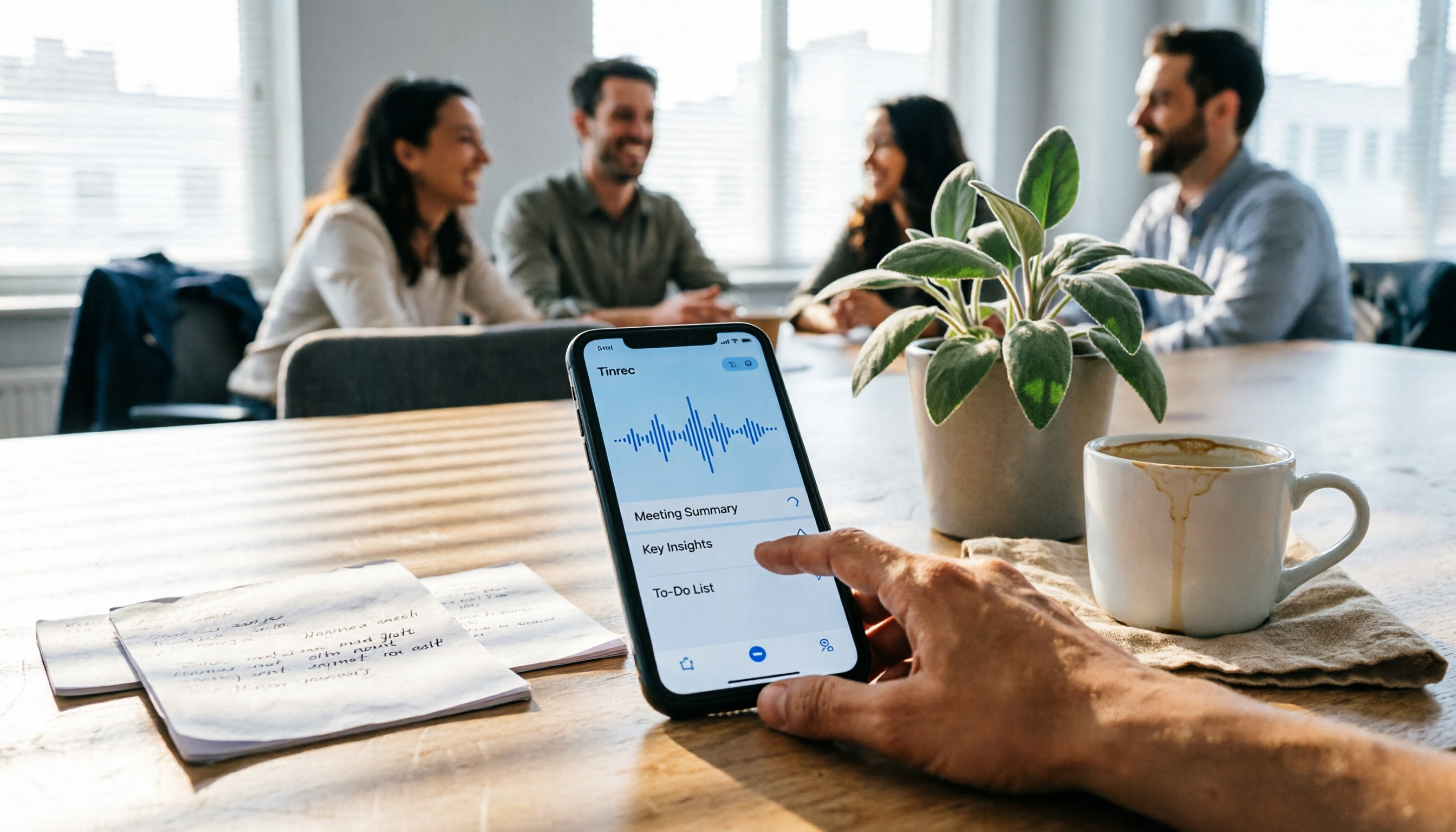
Audio and video file transcription: Upload call audio you recorded with Android built-in features or Cube ACR, and Tinrec converts it into a transcript with search and review support. Great for organizing a backlog of recordings you've never finished listening to.
Real-time recording to text: Open Tinrec and start recording — text appears simultaneously. Suited for in-person meetings, interviews, and on-site notes. The transcript is done the moment you finish, no need to re-listen.
Stop organizing recordings by hand
Upload audio or video and automatically get a transcript, summary, and action items
Bot-free online meeting recording: The desktop version captures device system audio, recording online meetings without adding extra participants. To be clear: it's user-initiated recording, not automatic joining of all calendar meetings.
AI summaries, chapters, and action items: Long meetings get broken into browsable structure, with discussion highlights and follow-ups presented separately. The most time-consuming post-meeting organization work is usually saved here.
AI conversational query: Keep asking questions across one or multiple meeting records. For example, "what were the three concerns the client mentioned last month" — no need to flip through 30 pages of transcript yourself.
Real-time translation and bilingual view: For cross-language meetings, view translations while recording, and check against the original bilingually afterward.
Multi-format export and Agent post-processing: Bring results into your existing workflow, or directly generate reports, tables, and meeting minutes.
Team space and governance: Team data is stored centrally. New members can view historical meetings, and managers can review members, seats, usage, and activity logs. When a member leaves, their team resources are handed over to other active members — data doesn't leave with the person.
Real-world use cases
Sales and client calls: Record a client call on your phone, then import into Tinrec to quickly organize requirements, objections, and commitments. For salespeople who go back and forth with clients often, this kind of record is far more reliable than recalling from memory.
Important communication retention: For communications you need to keep on file, first make sure the recording itself succeeds, then use Tinrec to generate a transcript and summary. When you need to find a specific statement later, you can search by keyword directly.
Interviews and research: After interview recordings become transcripts, use AI Q&A to quickly pull out viewpoints and quotable material. The most time-consuming part for researchers — word-by-word transcription — can be largely eliminated.
Team meetings and handoffs: After a meeting, leave the transcript, summary, and action items in the team space. When a colleague goes on leave or leaves the company, the meeting context is still there — no need to re-explain.
Things to watch when choosing a call recording tool
Test before recording: Call recording depends heavily on OS version and permissions. After switching phones or updating the system, test again — especially for important calls, don't gamble.
How manageable is the recorded file: Whether it can be exported to common formats, searched, and converted to text determines whether the recording still has value three months later. Tinrec supports export to multiple formats and third-party tools here.
Language support range: Taiwan users often mix Chinese and English, and sometimes need Taiwanese Hokkien or Hakka contexts. Tinrec covers Chinese, Traditional Chinese, and multilingual scenarios, and can maintain technical terminology through team hotwords.
Data ownership and permissions: For personal use, it's about account ownership. For team use, clarify who owns the data and how it's handled when members change. The team plan currently focuses on team-level sharing, with governance and usage eligibility managed through roles and seats.
Legal and consent: Recording involves local laws and regulations. Obtain the other party's consent when necessary. Tools are just tools — how you use them is still your responsibility.
Cost and quota: The free plan provides basic quota to experience recording, import, summary, and transcription. For short-term intensive use, consider a weekly pass; for long-term stable use, Pro or annual pass is suitable. The team plan offers a 7-day trial for first-time eligible users, 1 free seat, and 300 minutes of team shared import quota. Team monthly is USD 29.80 per paid seat per month; annual is USD 199 per paid seat per year (about USD 16.58 per month). Each paid seat provides 2,000 minutes of team shared import quota per month. Under an active team plan, real-time recording currently isn't deducted by the minute. Prices and benefits are subject to the official purchase page.
FAQ
Q1: How do I record phone calls on an Android phone?
Most brands (Samsung, Pixel, Xiaomi, Motorola, Asus, etc.) have built-in recording after Google opened up call recording permissions, and some models support auto-recording. If you need VoIP call recording, consider third-party apps like Cube ACR.
Q2: Can Tinrec directly record Android phone calls?
Tinrec's real-time recording and mobile app are suited for offline meetings, interviews, and on-site notes; online meetings are handled through the desktop version capturing system audio. For phone calls, it's recommended to first get the audio using built-in features or a call recording app, then import into Tinrec for transcription, summary, and organization — this way recording and post-processing each use the most suitable tool.
Q3: Is Tinrec's free plan enough?
The free plan provides basic quota to actually experience the recording, import, summary, and transcription workflow. If you only occasionally organize a call or meeting, testing with the free plan is the most direct approach.
Q4: What's the transcription accuracy rate?
I don't recommend looking at a fixed number. Actual performance depends on recording quality, noise, accents, overlapping speakers, and technical terminology. Quality is stable with clear audio and common scenarios. For important content, verify against transcript timestamps and recording playback.
Q5: What's the difference between the team plan and personal plan?
Personal plan data belongs to your individual account; the team plan provides a separate team space where data belongs to the team, plus members, roles, seats, sharing rights, usage analytics, audit logs, and audio recycle bin. After team audio enters the recycle bin, it can be restored before permanent cleanup begins.
Q6: Are there legal issues with recording?
Yes, depending on local regulations. Before using call recording, confirm local legal requirements and obtain consent when necessary — this matters more than which app you choose.
Summary: Is Tinrec worth trying?
If what you want is "record the call," Android built-in features or Cube ACR already meet most needs, and they're mostly free.
But if what you want is "still find the key points after recording," then you need to solve transcription, summarization, querying, and retention. Tinrec strings these into one workflow: import or real-time recording, generate transcript, automatic summary and action items, find answers with AI Q&A, export to your existing workflow, and finally settle in the team space.
I'd suggest starting with the free plan and throwing in an existing call recording you have on hand. Rather than comparing specs, verify with your own recording — that's more direct than reading any review.
References
- Top 5 Best Call Recorder Apps in 2026: Auto Recording/Transcription Full Review – AirDroid
- [Tech News] 3 Selected "Phone Call Recording Apps" Recommendations! Free, High-Quality Call Recording | Jyes Communication ~ Challenging the Lowest Phone Market Prices
- Call Recorder - Google Play App
- Call Recorder - Cube ACR - Google Play App
- Call Recorder - Google Play App
Turn every recording into actionable outcomes
Get 60 free transcription minutes when you sign in. No credit card required.
Related Reading
You might also like

4 iPhone Recording Methods Compared in 2026: Which One Helps You Organize Key Points After Recording?
Recording on iPhone isn't just about pressing the red button. This article addresses common misconceptions and covers practical methods for using the built-in Voice Memos, call recording, and external microphones. It explains why post-recording organization is crucial and introduces how Tinrec turns iPhone recordings into searchable, queryable, and shareable transcripts and meeting materials.

4 Best Audio Transcription Tools in 2026: Where Samsung Voice Recordings Are Stored and How to Organize Them
Can't find your Samsung voice recordings? It's usually not because the files were deleted, but because you don't know where they're stored. This article first explains where Samsung voice recordings are located, where the files are saved, and call recording limitations. Then it compares 4 audio organization tools side by side, showing how to use AI to organize transcripts, summaries, and action items after recording.
5 Best iPhone Call Recording Solutions in 2026: From Built-in Features to AI Transcription
iPhone finally has built-in call recording starting with iOS 18, but the real challenge is what comes after: transcription, summarization, and organizing your data. This article compares 5 common iPhone call recording and post-call organization solutions, including iPhone's built-in call recording, Tinrec, Notta, TurboScribe, and PLAUD recording hardware. We break down features, pricing, and ideal users, and remind you about the legal and consent issues you must consider before recording.
5 Fast iPhone Recording Methods Compared: One-Tap Start, But Who Can Organize Your Meeting?
iPhone has 5 built-in quick recording methods: Action Button, Lock Screen shortcut, Back Tap, Control Center's Local Capture, and the basic Voice Memos. This hands-on comparison covers startup speed, use cases, and limitations, and explains how to choose a tool for meeting notes and avoid common pitfalls.

How to Record iPhone Calls in 2026: Built-in One-Tap Recording + Automatic Transcription
Starting with iOS 18.1, iPhone has a built-in call recording feature. This guide walks you through checking your system version, region and language support, the notification both parties hear, and legal considerations, then shows you step by step how to record a call, find the recording file, and access the transcript. It also covers the real limitations of the built-in feature and what you can add for post-call organization, cross-platform use, and team collaboration.

4 Call Recording Transcription Tools Compared in 2026: Can You Record, and What to Do After?
Can you legally record a phone call? This article covers Taiwan legal practice, iPhone and Android support limitations, and compares four tools—Tinrec, PLAUD, Notta, and Granola—to show how to turn call recordings into searchable transcripts, summaries, and action items.

2026 Android Recording Showdown: AI App vs. Dedicated Hardware — Which Should You Choose?
Recording on Android phones seems simple, but since Android 10, call recording has been removed from most devices. This article first covers three Android recording scenarios and their practical methods, then compares Tinrec and PLAUD Note across five dimensions: setup requirements, post-meeting organization, file handling, team collaboration, and pricing. Find out whether you should use your existing phone with an AI tool or invest in a dedicated recording device.

3 Ways to Record iPhone Calls in 2026: Built-in Feature Is Free but Limited, Meeting Organization Needs This
After iOS 18.1, iPhone finally has built-in call recording and transcription, but region restrictions, two-party notification, and no support for LINE and other apps deter many users. This article covers the actual usage and 5 limitations of built-in call recording, common misunderstandings and pitfalls to avoid, and compares alternatives like Tinrec, Otter.ai, Notta, and PLAUD in terms of use cases and pricing to help you decide which approach saves the most time.

Best AI Meeting Recorder for Notes in 2026: Tinrec vs Granola Compared
Many people think recording-to-meeting-notes just means uploading audio and waiting for AI to spit out a summary, but they end up with notes that can't be searched, traced, or shared with the team. This article compares two bot-free meeting tools, Tinrec and Granola, across five dimensions: meeting capture, audio retention, Chinese-language experience, post-meeting outputs, and team governance, to help you decide which one fits your needs.