
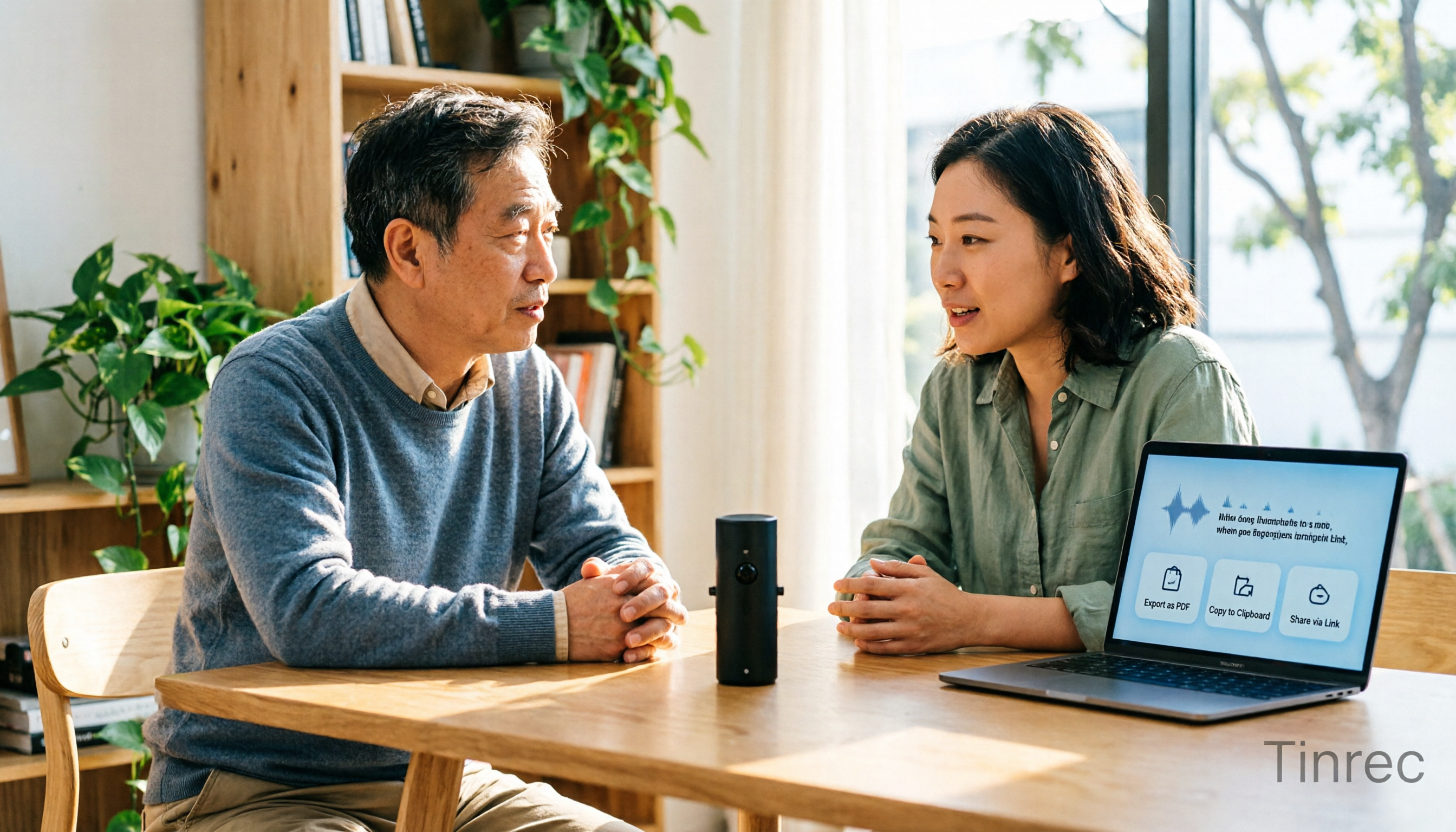
Turn recordings into transcripts and summaries in minutes
Upload audio or video for multilingual transcription, AI notes, and action items
When you search for "how to export audio from Yating Transcript," you might actually be thinking of two different things: one is downloading the transcribed text file, and the other is retrieving the original audio file you uploaded.
Many tools only handle half of these needs.
Having tested meeting minutes tools for readers for years, the most common situation I encounter is: transcription is done, you have the text, but when you want to archive the original audio along with it, you discover the platform doesn't offer audio re-download. So this article not only answers "where is the export button" but also helps you judge whether the exported file fits into your subsequent workflow.
Take Tinrec, a mainstream AI meeting minutes tool, as an example. Its export logic leans toward the latter: it retains recordings, organizes content, and lets you take the results with you.
What Can Transcript Export Do for You?
Scenario 1: Get a sendable record within 5 minutes after a meeting
Previously, after a two-hour meeting, you might spend another hour organizing. With Tinrec, after the meeting, the transcript, summary, chapters, and action items are already there. Choose a format, export, and you can directly write a report or send it to colleagues.
Scenario 2: Archive audio and text together after an interview
The most troublesome part of user interviews is that text is separate from audio. Tinrec retains audio, and the transcript can be replayed with timestamps, so you don't have to dig through folders when you need to quote something.
Scenario 3: Integrate transcripts into your existing note-taking workflow
If you're used to organizing with Notion, Google Docs, or OneNote, Tinrec supports third-party exports, so you don't have to manually copy and paste, and your workflow doesn't break at the last step.
Scenario 4: Turn historical meetings into searchable company data
When meetings pile up, transcripts scattered on individual computers are as good as nonexistent. Tinrec's team plan centralizes meeting data in a team space, so new members can review past discussion contexts.
What Are the Core Capabilities of Audio-to-Transcript Tools?
Real-time recording to text
Transcribe while recording, not after. Tinrec's real-time transcription lets you confirm key points during the meeting, suitable for offline meetings and impromptu interviews.
Bot-free online meeting recording
Most people's concern about meeting bots is "an extra account hanging in the meeting." Tinrec's desktop version directly captures computer system audio, handling Zoom, Google Meet, Microsoft Teams, Webex, and other online meetings without an extra bot joining as a participant.
Note that this is still "you actively open Tinrec to start recording," not automatically joining all calendar meetings—remember to press it when you need to record.
AI summary, chapters, and action item extraction
Transcription is just the first step. Tinrec breaks long meetings into chapters and key points, and extracts action items from discussions, so you can quickly see who is responsible for what and what's next, much faster than reading the entire transcript.
AI Q&A
After transcription, you can ask it questions directly, such as "Who mentioned the budget in this meeting?" or "What were the client's concerns about the delivery date?" It answers based on semantic understanding, not keyword search.
Multi-format export and third-party integration
This is the core of this article: Tinrec offers export in multiple common file formats and can bring results to Notion, Google Docs, OneNote, Dropbox, and other tools for further processing. It can also generate reports, tables, and documents directly within the platform.
Team space, roles, and seat management
The team plan is not "multiple people sharing a personal account" but an independent team space. Administrators can create multiple teams, invite members via links, and set owners, admins, and regular members.
Here's a commonly confused concept: roles determine who can manage the team and settings; seats determine whether members can record, upload, edit, import, and export. Members who are active but have no seat can still view, play, and read team data.
Practical Application Scenarios
Meeting minutes: weekly meetings, review meetings, cross-department discussions. Use Tinrec desktop to initiate bot-free recording, and after the meeting, get transcripts, summaries, and action items directly. Decision basis stays in the team space.
Stop organizing recordings by hand
Upload audio or video and automatically get a transcript, summary, and action items
Customer interviews and sales communications: requirements, objections, commitments all need to be remembered. Tinrec organizes customer conversations into searchable text, so you can quote directly when writing proposals later, without relying on memory.
Classes and lectures: a two-hour course often only requires capturing a few key points. Tinrec's chapter feature segments long content, and with summaries, review is much faster.
Content creation and subtitles: interview audio and video materials can be transcribed first and then rewritten. Tinrec supports importing audio and video files and can also handle some public video links.
Team knowledge retention: when members leave, meeting data doesn't go with them. Tinrec team plan resources belong to the team, and before a member exits or loses their seat, they can hand over to other active members.
5 Things to Note When Choosing a Transcript Export Tool
1. Does it export text or audio?
This is the most common pitfall. Some traditional transcription services only provide text export, and the original audio is not available for re-download, so you have to keep the file before uploading. Tinrec retains recordings, so transcripts and audio can be managed together.
2. Do you need to manually upload first?
The traditional process is "find audio file → upload → wait for recognition → export," with several extra steps. Tinrec supports real-time recording and desktop meeting recording, so the transcript is already there when the meeting ends, eliminating the most time-consuming part.
3. Can you use the export directly?
With only a transcript, you usually still need to manually segment and highlight key points. Tinrec generates summaries, chapters, action items, and key points before export, and can even generate reports and tables, so you can move to the next step right away.
4. Is it sufficient for Chinese and multilingual scenarios?
Meetings in Taiwan often mix Chinese and English. Tinrec covers Chinese, Traditional Chinese, and multilingual meeting scenarios, and supports real-time translation and team hotwords, so professional terminology can be maintained in advance.
However, honestly, accuracy is affected by recording quality, noise, accents, and overlapping speakers. It's best to test with your own recording.
5. How to manage team collaboration and permissions?
If meeting data is to be used by the entire department, confirm whether the tool can separate roles, seats, and usage. Tinrec team plan offers member invitations, role settings, seat allocation, usage analysis, audit logs, and audio recycle bin. Data ownership belongs to the team, not individuals.
Frequently Asked Questions
Q1: How to export audio from Yating Transcript?
For typical transcription services, after recognition is complete in the app or web version, go to the transcript page and click "Export" or "Download," then choose a text format to save to your computer. The status must show complete to find the button. If you can't find it, usually recognition is still running or you need to check plan permissions.
Q2: Why can't I find the original audio after export?
Because "export" in most traditional services means exporting text, and the original audio is not available for re-download. You must keep the recording before uploading. If you want recordings and transcripts managed together, a tool like Tinrec that retains audio is more convenient.
Q3: What formats can Tinrec export?
Tinrec supports export in multiple common file formats and can directly bring to Notion, Google Docs, OneNote, Dropbox, and other third-party tools for further editing. It can also generate reports, tables, and documents within the platform.
Q4: How to choose a Tinrec personal plan?
The free version is good for experiencing recording, import, summary, and transcription. If you have short-term intensive meetings or interviews, consider a weekly card. If you use it regularly every week, the Pro monthly card is more suitable. For long-term recording data retention, the annual card offers a better monthly rate. Please refer to the official website for actual quotas and prices.
Q5: What's the difference between Tinrec team and personal plans?
Personal plan data belongs to the individual account. The team plan is an independent team space with member invitations, role and seat management, shared benefits, usage analysis, audit logs, and audio recycle bin. Meeting data belongs to the team and can be handed over when members change.
Q6: Do I need consent before recording and transcribing?
Yes. Recording and transcription involve local regulations and participant rights. Before recording, it's advisable to inform participants and obtain consent, especially for client meetings and internal confidential discussions.
Conclusion
Back to the initial question: export is never as simple as pressing a button. The real difference is "what you get after export." With only a text file, you still have to spend time organizing. A tool that provides summaries, chapters, action items, and integrates into your existing workflow truly saves time.
If you have more than three meetings a week and transcripts often get stuck at the final export and archiving, I recommend starting with Tinrec's free version to experience the complete process from recording to export, then decide whether to move to the team plan.
References
- Yating Transcript
- Yating Transcript
- How to Export Audio from Yating Transcript? 2026 Efficient Audio-to-Text Tool Comparison and Operation Guide - Tinrec Blog
- Yating Transcript Audio Export Tutorial (2026) | Complete Flowchart from Upload to Export
- Yating Transcript Tutorial: Taiwan AI Speech-to-Text, Mandarin and Taiwanese Recognition, YouTube Subtitles
Turn every recording into actionable outcomes
Get 60 free transcription minutes when you sign in. No credit card required.
Related Reading
You might also like

Tinrec vs Otter.ai 2026: 5-Dimension Comparison — Who Transcribes 180 Words Per Minute More Accurately?
Average Chinese speech rate is about 160-220 words per minute, so a 60-minute meeting can produce over 10,000 words of transcript. This article first clarifies the actual number of words per minute in typical speech, then reviews 7 audio-to-text solutions and compares Tinrec and Otter.ai across 5 dimensions to help US readers choose the right tool and save time on meeting notes.

How to Use Gemini for Meeting Notes in 2026: Audio Transcription Test + Tinrec Bot-Free Organization
Can Gemini take meeting notes? This article breaks down Gemini's audio upload, Google Meet's Take Notes for Me, and Gemini Notebook's practical limitations, and compares Tinrec's bot-free recording, AI Q&A, to-dos, and team spaces to help you choose the right meeting notes tool.

2026 Audio-to-Transcript Tools Compared: Is Gemini Enough? Tinrec Saves Time on Chinese Meeting Notes
2026 hands-on comparison: Can Gemini really turn audio files into transcripts? This article answers that question from a student's perspective and compares real-time recording, file import, AI summaries, action item extraction, AI Q&A, and team collaboration. It explains why Tinrec is better suited for students and small groups who need Chinese meeting notes and searchable, shareable transcripts, with 5 key buying tips and FAQs.

ChatGPT Recording Mode 2026: 120-Minute Limit + Transcript Tested
ChatGPT's recording mode has a single-session limit of about 120 minutes, and audio is deleted after transcription. This article explains what that limit really means and its usage constraints, then compares Tinrec, Notta, Otter.ai, and Granola using 5 key buying factors, and outlines 4 common pitfalls to help you find a tool that truly saves time on meeting notes.

4 Transcription Tools Tested and Compared in 2026: What Does 'Verbatim' Mean? Which Saves the Most Time for Chinese Meetings?
What does 'verbatim' mean? This article starts with dictionary definitions to clarify the pronunciation, part of speech, and usage of 'verbatim,' then explains why verbatim transcripts (audio typing, stenography) are so time-consuming. It compares Chinese recognition, post-meeting organization, team collaboration, and pricing of transcription and AI meeting note tools like Tinrec, Otter.ai, Notta, and PLAUD Note, helping you decide which type of tool you actually need.

6 Ways to Launch Google Gemini in 2026: Phone, Computer, and Voice Compared
How do you launch Google Gemini? This guide covers 6 practical ways to wake it up, from Android's "Ok Google" voice command and long-pressing the power button to asking about screen content, Gemini Live, the iPhone app, and the desktop web version. It includes setup paths and common troubleshooting reasons so you can figure out which method to use on your device.

2026 Audio-to-Text Solutions Compared: Beyond ChatGPT, Why Tinrec Is Better for Meeting Notes
Can ChatGPT actually transcribe audio files? The answer depends on your plan, version, and usage limits. This article compares ChatGPT and Tinrec in real meeting scenarios, covering audio sources, Chinese recognition, transcript post-processing, team collaboration, and pricing. It also includes 7 FAQs to help you decide which approach fits your workflow.

5 Best Audio-to-Transcript Tools in 2026: Which One Handles Chinese Meetings and Post-Meeting Workflows Best?
Audio-to-transcript tools do more than just convert sound to text. This article examines real-world use cases, covering core capabilities like real-time transcription, AI summaries, action item extraction, Q&A, and team collaboration. It also outlines 5 key buying criteria and answers common questions to help you choose a transcript tool that truly saves time.

2026 Comparison of 3 Transcription Tools: Which AI Auto-Summarizer Saves the Most Time?
What does a transcript mean? This article starts with common misconceptions, explains the difference between a transcript and meeting minutes, and uses Tinrec to demonstrate real-time transcription, AI summaries, action item extraction, and AI Q&A. It also covers 5 key points to consider when choosing a transcription tool, along with recording compliance and FAQs.