
Turn recordings into transcripts and summaries in minutes
Upload audio or video for multilingual transcription, AI notes, and action items
After every meeting or interview, staring at hours of audio on your iPhone with no idea where to start? Transcribing is exhausting, re-listening takes too much time, and you often end up with no concrete action items—this is a common pain point for both professionals and students. As an editor with years of experience reviewing digital tools, this article rounds up the best iPhone recording apps for 2025.
In this article, you'll get the following practical info:
- A multi-dimensional comparison table of core tools (covering pricing, language support, real-time transcription, and export capabilities).
- In-depth reviews of 11 mainstream recording tools—pros, cons, and ideal use cases.
- An AI-powered step-by-step workflow from recording to action items, plus an FAQ section.
Quick takeaways: If you only need basic free recording, Apple's built-in Voice Memos is enough; for professional audio editing, AudioShare is a good choice; if you value real-time multilingual transcription, auto-generated meeting notes, and AI chat-based queries, consider AI solutions like Tinrec (Ting) or Otter.
Why Upgrade Your iPhone Recording App? (Pain Points & Buying Guide)
Traditional recording has a fatal flaw: "information density is extremely low, and the cost of re-listening is extremely high." With today's fast-paced work and study environment, manually pausing and playing to type transcripts wastes enormous time. When choosing an iPhone recording app, consider these dimensions:
- Transcription capability: Does it offer high-accuracy speech-to-text?
- Post-processing efficiency: Beyond transcription, can it generate decision summaries and to-do action items?
- Use case compatibility: Does it support in-person meetings, remote (Teams/Meet), and even online videos or podcasts?
- Pricing & free tier: Is there enough free usage for light daily needs?
2025 iPhone Recording App Comparison Table
Below we compare the most representative tools on the market to help you find the best solution at a glance:
| Tool Name | Language Support | Real-time Transcription | Summary/Action Items | AI Query | Export/Integration | Pricing/Free Tier |
|---|---|---|---|---|---|---|
| Voice Memos | None (recording only) | ❌ | ❌ | ❌ | Basic sharing | Completely free |
| Otter | Mainly English | ✅ | ✅ (basic summary) | ❌ | Cloud collaboration | Free tier limited, subscription expensive |
| Tinrec (Ting) | 10+ languages including Chinese, English, Japanese | ✅ | ✅ (auto-generate minutes) | ✅ (supports semantic Q&A) | Multi-format export | 100 mins free/month, Pro $8.25/month |
| Voice Record Pro | None (transcription separate) | ❌ | ❌ | ❌ | FTP/YouTube | Free (with ads) |
| AudioShare | None (audio processing only) | ❌ | ❌ | ❌ | Cross-app transfer | $2.99 one-time purchase |
In-Depth Reviews & Recommendations for iPhone Recording Apps
1. Best Basic Apple Ecosystem Pick: Voice Memos
If you just need to capture ideas, iPhone's built-in Voice Memos is the top choice for free recording. It comes with all iOS 12.0+ devices, completely free with no time limits. The downside is it only offers basic audio editing tools and no transcription or summary features.
2. Professional Audio Processing: AudioShare & MultiTrack DAW
For music industry pros, AudioShare ($2.99) is a powerful file manager and recorder supporting external microphones and various bit rates. MultiTrack DAW ($9.99) offers 8–16 stereo tracks with non-destructive editing, ideal for experienced creators, but has a steep learning curve for note-takers.
Stop organizing recordings by hand
Upload audio or video and automatically get a transcript, summary, and action items
3. Student & Journalist Favorites: Voice Record Pro & HT Professional Recorder
Voice Record Pro offers excellent file sharing options (direct upload to FTP or YouTube), great for journalists who frequently transfer files. HT Professional Recorder ($9.99) captures high-quality voice from up to four feet away, even whispers, and can automatically split recordings over 30 minutes into multiple emails—ideal for students and business users.
4. Long-Distance Recording: Voice Recorder – Audio Record
This $3.99 tool claims to pick up sound up to 300 feet away, perfect for users in large conference rooms or lecture halls where you can't get close to the speaker. It also auto-uploads recordings to Dropbox.
5. Smart Transcription & Meeting Minutes: Otter vs Tinrec
If your pain point is "organizing meetings and notes," traditional recording apps fall short:
- Otter Voice Meeting Notes: Offers near-perfect real-time recording and transcription, with AI that identifies different speakers—great for international English meetings. Downside: high monthly/annual subscription fees.
- Tinrec (Ting): More than a recording-to-text tool, it's a complete workflow from recording → understanding → action. It supports iOS, Android, and web, automatically recognizing 10 languages including Chinese, Japanese, and even Taiwanese. Tinrec not only provides transcripts but also automatically extracts meeting minutes and to-do action items. Its most unique feature is "AI Chat Query," letting you ask questions about the recording content like an assistant.

Hands-On Tutorial: How to Build an Efficient Workflow with AI Recording Tools
Using Tinrec as an example of an app with AI summarization and query, here are four practical steps to double your efficiency:
Step 1: Real-Time Transcription for Seamless Idea Capture
In meetings or classes, open the real-time transcription feature. The system records and transcribes simultaneously—no waiting. You can view the live transcript to ensure no key points are missed.

Step 2: Import Audio Files for Quick Transcription
If you already recorded with Voice Memos, simply export the file and upload it via the audio-to-text entry. The system supports multiple formats; after upload, it quickly transcribes and auto-generates AI summaries and action items.

Step 3: Transcribe Online Videos & Podcasts for Efficient Learning
For digital creators or students reviewing online courses, use the podcast/video-to-text feature. Just paste a YouTube or social media URL to convert audio/video content into scannable, editable text.

Step 4: AI Chat Query – Find Answers Like Asking an Assistant
Traditional transcripts only allow Ctrl+F search. With AI Chat Query, you can directly ask, "What was the budget for next year mentioned in the meeting?" and the system quickly gives precise answers based on the recording content.

Frequently Asked Questions (FAQ) About iPhone Recording Apps
Q1: Can iPhone's built-in Voice Memos generate transcripts directly?
Currently, Voice Memos only records and does basic trimming—no automatic transcription. For transcripts, you need to export the audio and use a third-party AI tool like Tinrec or Otter.
Q2: Can iPhone recording apps capture audio during Teams or Google Meet calls?
Due to iOS system privacy and audio channel limitations, most third-party recording apps cannot capture internal audio while using calling/video apps (Teams/Meet) on iPhone. Use a desktop tool or enable speakerphone so the iPhone mic can pick up the audio.
Q3: Do these iPhone recording apps offer free usage?
Most advanced tools use a "free download + in-app purchase" model. For example, Tinrec offers 100 minutes of free transcription per month, sufficient for light use. Voice Memos is completely free but lacks AI features.
Q4: Which app supports both Chinese and foreign language transcription for international meetings?
Otter excels mainly in English recognition. If you need recognition for Chinese, Japanese, German, Taiwanese, or Cantonese (10+ languages) and want automatic speaker identification, Tinrec's multilingual auto-detection is a better fit.
Q5: Can iPhone recording apps capture clearly if I'm far from the speaker?
Phone microphones have limited physical range. For long distances, use an external Bluetooth mic. On the software side, apps like Voice Recorder – Audio Record and HT Professional Recorder offer special long-distance recording algorithms and mic sensitivity adjustments.
Q6: Audio files are large; how can I easily share them with colleagues?
High-quality WAV files take up a lot of space. Use apps with cloud sync or export features. For example, Voice Record Pro supports FTP and YouTube uploads, while AI tools usually let you share a web link for colleagues to view transcripts and AI summaries online without taking up phone storage.
Turn every recording into actionable outcomes
Get 60 free transcription minutes when you sign in. No credit card required.
Related Reading
You might also like

5 Free iPhone Recording Apps Compared in 2026: Is Built-in Voice Memos Enough, or Should You Switch to Tinrec?
How to choose a free iPhone recording app? This article examines 5 common tools, comparing Apple's built-in Voice Memos and Tinrec in depth on online meeting recording, post-meeting organization, AI follow-up questions, Chinese language support, and team collaboration. It also honestly lists free quotas and paid thresholds to help you decide which one is truly sufficient.

3 Free iPhone Call Recording Methods Tested for 2026: Built-in, Screen Recording, or App — Which Is Enough?
A practical comparison of free iPhone call recording methods in 2026, testing the real limits of iOS built-in call recording, speakerphone screen recording, and third-party apps. Plus, how to turn call audio into transcripts, summaries, and action items with Tinrec so your recordings are actually usable.

How to Record Online Meetings on iPhone in 2026: 5 Steps from Recording to AI Summary
iPhone's built-in Voice Memos can't capture the other party's voice on Zoom or Meet? Starting from real meeting scenarios, this article breaks down 4 key buying factors and a 5-step workflow, and tests the differences between Tinrec, PLAUD, Notta, and Otter.ai to tell you which combination saves the most time.
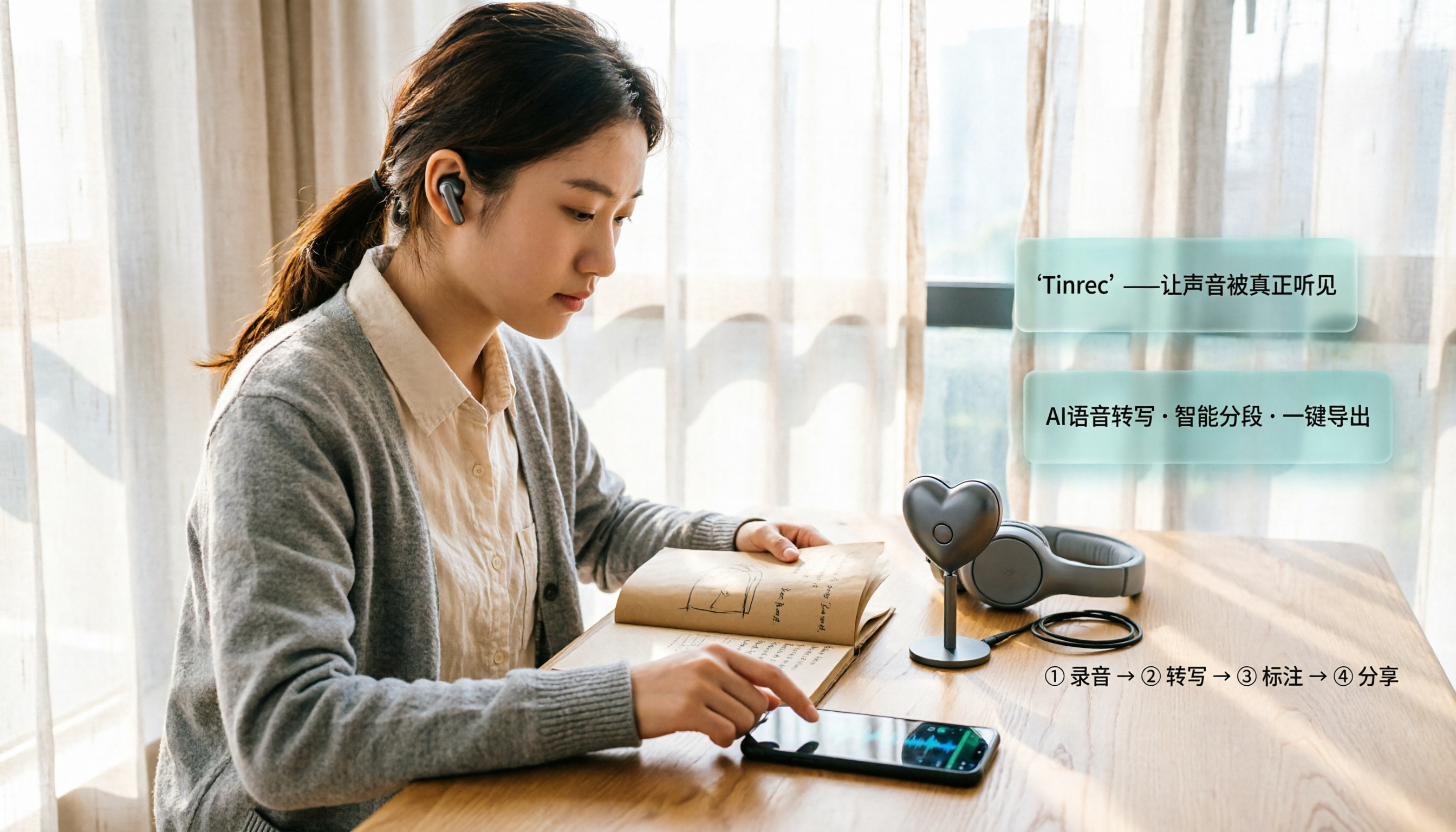
2026 iPhone Recording Microphone Comparison: Capture Is Just the Start—Organizing Is Key
A student's hands-on guide to choosing an iPhone recording microphone: connectors, power, dual wireless, noise reduction, and monitoring—plus why most people buy a mic but never use their recordings, and how Tinrec turns audio files into transcripts, summaries, and action items.

6 iPhone Call Recording Apps Tested for 2026: Which Free Option Is Actually Enough?
Recording iPhone calls has been easy since iOS 18—the hard part is organizing them afterward. This guide breaks down 6 options based on what you're really trying to solve: iOS 18 built-in call recording, Rev Call Recorder, TapeACall, Call Recorder ™, Voice Recorder, and Tinrec for post-call organization. Free and paid tiers are listed honestly, along with selection guidance and 4 things to know before you start.
4 iPhone Call Recording Apps Tested in 2026: Free Download Doesn't Mean Free Recording
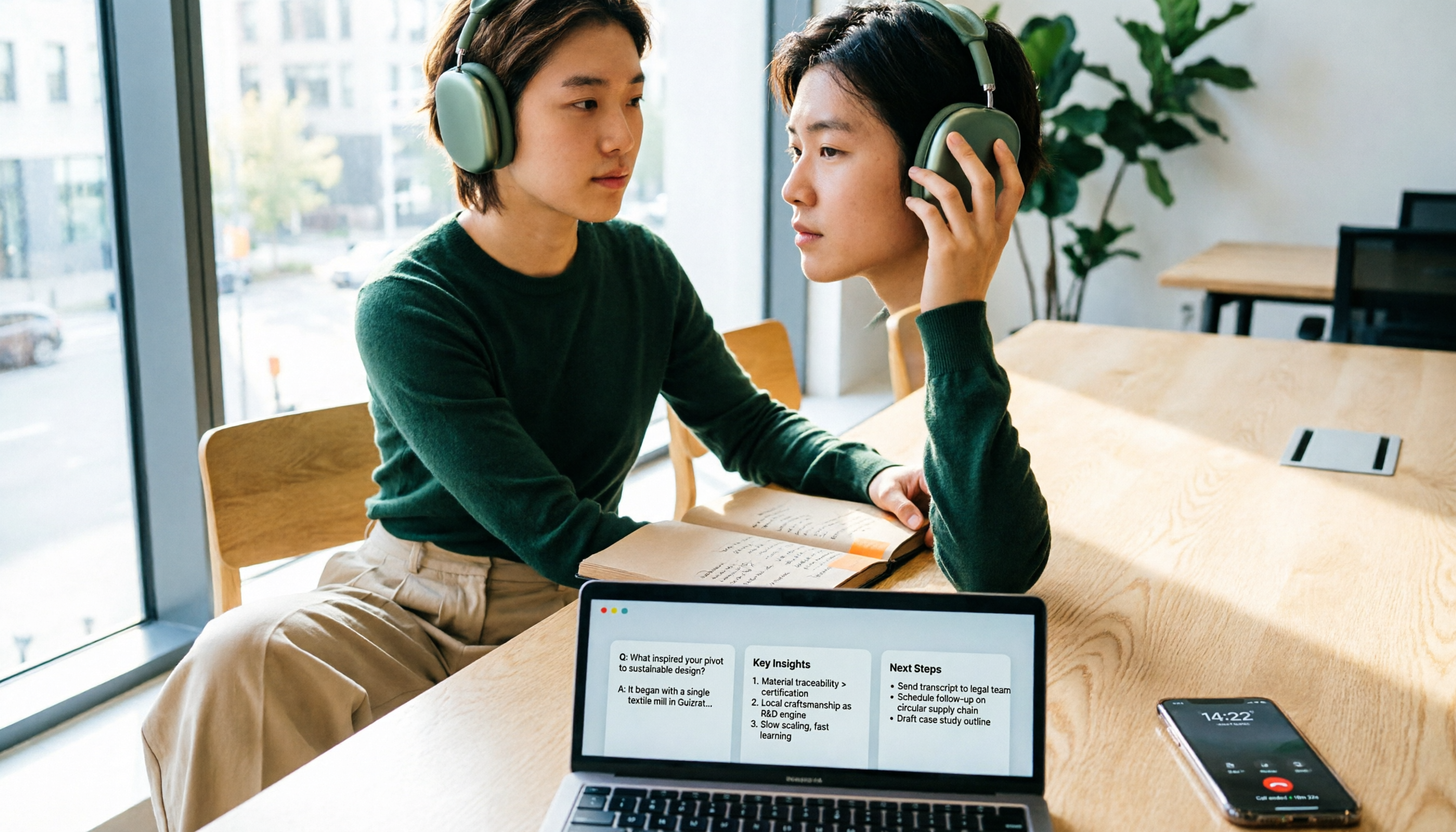
The biggest trap when recording calls on iPhone is mistaking 'free download' for 'free recording.' This article compares the real limitations of 4 iPhone call recording apps, including three-way calling, subscription unlocks, and where recordings are stored. It also explains that call recording and meeting notes should be handled separately: use Tinrec to turn meetings, interviews, and online calls on your computer into transcripts, summaries, and action items.
4 iPhone Call Recording Apps Tested in 2026: Free Download Doesn't Mean Free Recording
The biggest trap when recording calls on iPhone is mistaking 'free download' for 'free recording.' This article compares the real limitations of 4 iPhone call recording apps, including three-way calling, subscription unlocks, and where recordings are stored. It also explains that call recording and meeting notes should be handled separately: use Tinrec to turn meetings, interviews, and online calls on your computer into transcripts, summaries, and action items.
2026 iPhone Recording Microphone Comparison: Capture Is Just the Start—Organizing Is Key
A student's hands-on guide to choosing an iPhone recording microphone: connectors, power, dual wireless, noise reduction, and monitoring—plus why most people buy a mic but never use their recordings, and how Tinrec turns audio files into transcripts, summaries, and action items.
6 iPhone Call Recording Apps Tested for 2026: Which Free Option Is Actually Enough?
Recording iPhone calls has been easy since iOS 18—the hard part is organizing them afterward. This guide breaks down 6 options based on what you're really trying to solve: iOS 18 built-in call recording, Rev Call Recorder, TapeACall, Call Recorder ™, Voice Recorder, and Tinrec for post-call organization. Free and paid tiers are listed honestly, along with selection guidance and 4 things to know before you start.