

Turn recordings into transcripts and summaries in minutes
Upload audio or video for multilingual transcription, AI notes, and action items
The Most Common Mistake When Using AI to Write a Literature Review: Treating "Generation" as "Writing"
Many people, the first time they use AI to write a literature review, open a chat box and type, "Please write a literature review on [topic]."
What they get back is a passage that sounds plausible, but when they check it against the literature, nothing matches, and the whole thing has to be deleted and redone.
Honestly, the problem usually isn't the tool—it's the order of operations.
The essence of a literature review is "after reading through a body of material, organizing others' viewpoints into your own framework." AI can speed up the "reading" and "organizing," but it can't judge for you which paper matters or which viewpoint belongs in your structure.
A more reasonable sequence is: define your topic and scope → use AI to extract key points from individual papers → place those points into your own classification framework → keep probing contradictions and gaps → only then ask AI to help polish the writing.
Here are the three pitfalls I've seen most people fall into:
- Treating generation as writing: Asking AI to produce a full text without first giving it your framework and source material.
- Only handling text files: Ignoring oral sources like interviews, seminars, and talks—which means missing half your material.
- Treating summaries as citations: An AI summary helps you decide whether a paper is worth reading; it is not a citable source.
Quick Overview of 5 Tools
| Tool | Positioning | Role in the Literature Review Workflow |
|---|---|---|
| Wordvice AI Summarizing Tool | AI article summary generator | Key point extraction from individual papers and long texts |
| ChatArt | AI writing and chat assistant | Generating summaries and introduction drafts through conversation |
| QuillBot | Paraphrasing and summarizing tool | Rewriting and paraphrasing English passages |
| TLDR This | Web page and long-text speed reading | Quickly scanning large numbers of articles |
| Tinrec | AI meeting notes and transcription | Converting interviews, seminars, and oral discussions into queryable material |
On pricing, Wordvice AI offers free use; QuillBot's free version can summarize articles up to about 1,200 English words, while the paid version removes the word limit; TLDR This's free version has limited summary attempts, and the paid entry plan is about $4 per month; Tinrec's personal plan includes a free version and a Pro plan, and the team plan is USD 29.80 per paid seat per month (USD 199 annually). Please refer to each official page for actual plans and amounts.
These five aren't really the same type of tool. The first three handle material that's already been written as text; Tinrec handles oral material that hasn't yet become text.
If your literature review relies entirely on journal articles, the first three are enough. But if you're doing qualitative research, user interviews, or expert interviews, oral material is often the most original part.
Dimension 1 | Handling Chinese and Mixed Chinese-English Material
Wordvice AI's summarizing tool uses natural language processing to extract core viewpoints from text, has a complete Chinese interface, and handles individual Chinese documents quite smoothly. ChatArt lets you specify which large language model to use and generates summaries through conversation—flexible, but you need to write clear instructions yourself.
Mixed Chinese-English content is more of a test for these tools. Tinrec has been designed to handle Chinese meetings and mixed Chinese-English transcripts, and can work with team hotwords to maintain specialized terminology, reducing the chance of product names and proper nouns being transcribed incorrectly.
→ For this dimension: For pure text summaries, Wordvice AI and ChatArt are more direct; for mixed Chinese-English oral content, Tinrec's workflow is more complete.
Dimension 2 | Converting Interviews and Oral Material into Usable Transcripts
Most summarizing tools only accept text files—when they hit an interview recording, they're stuck, and you have to figure out how to transcribe it yourself before you can feed it in.
Stop organizing recordings by hand
Upload audio or video and automatically get a transcript, summary, and action items
Tinrec supports real-time recording, uploading audio and video files, and can also capture computer system audio through the desktop version, handling online interviews on Zoom, Google Meet, Microsoft Teams, and Webex without needing to invite an extra bot into the meeting. After transcription, it can directly generate summaries, chapters, and action items, and you can continue asking questions about the content.
Note that Tinrec is not a bot that automatically joins all meetings—the user needs to actively start recording.
→ For this dimension: When you need to handle interview and meeting recordings, Tinrec clearly wins.
Dimension 3 | Cross-Source Follow-Up Questions and Viewpoint Comparison
What actually takes the most time in writing a literature review is figuring out "where Scholar A and Scholar B differ on the same issue." ChatArt is good for one-off conversational follow-ups, but each time you start over, the context tends to scatter.
Tinrec's AI Q&A can sustain follow-up questions around a single meeting or multiple meeting materials, and interview transcripts retain timestamps, making it easy to go back and verify the original words. When comparing viewpoints, this is more efficient than flipping back and forth through files.
→ For this dimension: For cross-source follow-up questions and verifying original words, Tinrec wins.
Dimension 4 | Team Collaboration and Knowledge Retention
If a research lab or project team is writing a literature review together, having material scattered across everyone's computers is a hassle.
Tinrec's team plan provides an independent team space where meeting and interview materials belong to the team, and you can manage members, roles, and seats. Keep in mind that the team plan is primarily team-level sharing—only seat holders can record, upload, and edit; those without a seat can mainly view.
→ For this dimension: When multiple people need to share research material, Tinrec's team governance capabilities are the most complete.
What Unique Advantages Does Each Have?
Tinrec's Unique Advantages
- Complete oral source handling: from real-time recording and online meetings to audio/video files, all can be transcribed.
- A workflow after transcription: summaries, chapters, action items, translation, AI Q&A, and multi-format export.
- Team space and governance: members, seats, usage, audit, and audio recycle bin.
- Supports Chinese and multilingual meetings, and can maintain team hotwords.
Other Tools' Unique Advantages
- Wordvice AI has deeper accumulated experience in academic English summaries and editing services.
- QuillBot has high maturity in English rewriting and paraphrasing, suitable for adjusting sentences.
Conclusion: Which One Should You Choose?
- If you only need to read individual papers and extract key points → summarizing tools like Wordvice AI and ChatArt are enough.
- If your material includes interviews, seminars, or meeting recordings → Tinrec.
- If you want to repeatedly ask follow-up questions across multiple documents and verify original words → Tinrec's AI Q&A.
- If a team is doing research together and needs to share material → Tinrec's team plan.
- If you just need to rewrite English passages → QuillBot is still a handy choice.
Simply put, AI won't write a good literature review for you, but it can compress the tedious work of "listening to recordings, flipping through transcripts, and finding original quotes." What really determines quality is still your framework and judgment.
FAQ
Q1: Can I put AI-generated content directly into my paper when using AI to write a literature review? Not recommended. AI-generated content may not match the original literature; you should go back to the source, verify, and reorganize in your own words.
Q2: Are free tools enough? If you're only reading a few papers, the free versions are usually enough. But free plans typically have word or usage limits—for example, QuillBot's free version is about 1,200 English words, and TLDR This's free version has limited summary attempts.
Q3: Can AI summaries be used as citation sources? No. A summary only helps you decide whether a paper is worth reading; when citing, you still need to go back to the original literature.
Q4: How do I turn interview recordings into literature review material? First transcribe them, then mark recurring themes and key statements in the transcript. Tinrec can use AI Q&A to ask questions directly about the transcript and retains timestamps for easy verification of original words.
Q5: What can Tinrec's free version do? You can use the basic quota to try recording, importing, summarizing, and transcription. If you have a large number of interviews in a short period, you might consider a weekly card; for long-term stable use, the Pro plan is suitable.
Q6: Do I need the other party's consent to record an interview? Yes. Recording and transcription involve personal data; please comply with local regulations and obtain the interviewee's consent before recording.
References
- AI Article Summary Generator - Free English/Chinese Summaries | Wordvice AI
- How to Write a Summary? AI Writing Summarizes for You in One Second!
- AI Summarization | Google Cloud
- 8 Useful AI Article Summarizer / Paper Key Point Tools
- How to Quickly Write a Literature Review with AI? - Answer by Yiwei Kehang
Turn every recording into actionable outcomes
Get 60 free transcription minutes when you sign in. No credit card required.
Related Reading
You might also like

2026 Smart Meeting Collaboration Platforms Compared: Which Is Best for Chinese Meetings and Team Knowledge Retention?
What is a smart meeting collaboration platform? This article explains in plain language how it differs from smart meeting rooms and meeting room booking systems, then compares Tinrec, Otter.ai, Notta, and Granola across four key areas: how meeting audio is captured, what you get after the meeting, Chinese language performance, and team data ownership. It also covers the four most common pitfalls when adopting these tools.
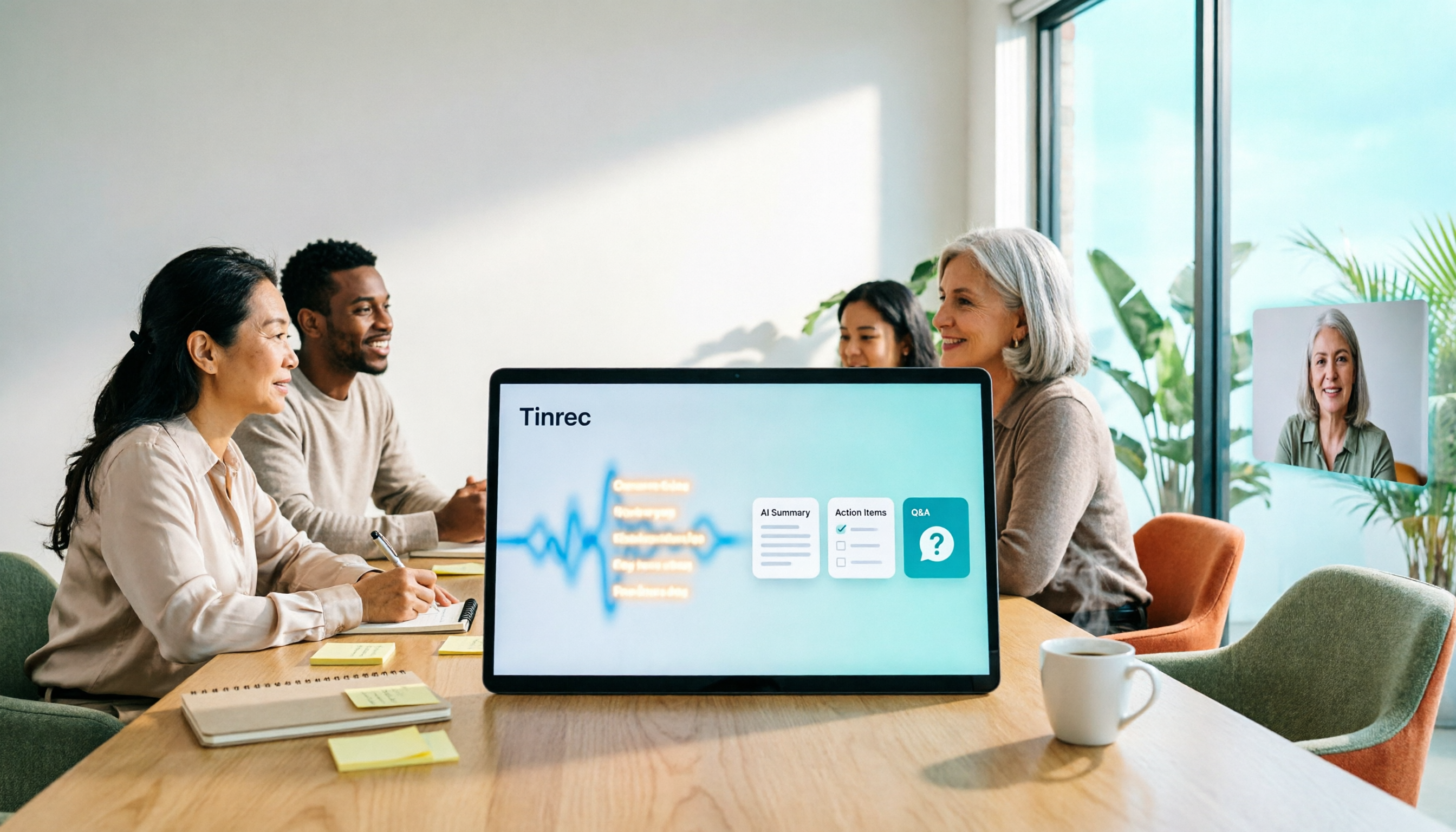
3 Smart Meeting Collaboration Tools Tested in 2026: Complete Tinrec Tutorial and Buying Guide
How do smart meeting collaboration tools work? This article focuses on Tinrec, covering the actual workflow for bot-free online meeting recording, real-time transcription, AI summaries and action items, AI Q&A, export and Agent post-processing. It also breaks down the differences between Personal and Team plans, seat and quota details, plus 5 key points to consider when buying and answers to common questions.

Tinrec vs Notta 2026: 5-Dimension Comparison for Smart Meeting Collaboration in Chinese Scenarios
What is smart meeting collaboration in English? Understand smart meeting collaboration, hybrid meeting, AI meeting assistant, and meeting transcription. Then, from a mid-level manager's hands-on perspective, compare the positioning, pricing, and target users of 6 solutions: Tinrec, Otter.ai, Notta, Granola, PLAUD, and TurboScribe.
2026 Live Transcription AI Comparison: Which Tool Saves the Most Time on Chinese Meeting Notes?
Live transcription AI isn't about who transcribes fastest—it's about who stays with you after the meeting ends. This article tackles three common misconceptions, outlines 5 key selection criteria, and compares Tinrec, Otter.ai, Granola, and Notta on Chinese meeting support, post-meeting Q&A, and team collaboration, plus a pitfalls guide and scenario-based recommendations.

2026 Real-Time Transcription Tools Compared: Chinese Recognition, AI Q&A, and Free Tiers
We tested four real-time transcription tools in 2026, comparing their performance on Chinese and mixed Chinese-English speech, AI Q&A capabilities, online meeting recording methods, and free tiers. We also share our hands-on experience with Tinrec for meeting organization and team collaboration to help you choose the best tool.

How to Choose a Live Transcription Tool in 2026: 5 Steps to Find the Best Fit
A comprehensive roundup of the latest live transcription tools, including Tinrec, Yating Transcription, Notta, Otter.ai, cSubtitle, and iPhone Notes. From free to paid options at a glance, plus a 5-step selection guide.

Best Live Transcription Tools in 2026: We Tested 4, and This One Wins for Chinese Meetings
Are more live transcription tools really better? Most people compare the wrong things from the start—focusing only on free minutes and word error rates while ignoring how meetings actually get recorded and whether you can query them afterward. This article covers selection criteria, then tests and compares Tinrec, Otter.ai, Notta, and Granola, with budget and team deployment recommendations.

How to Transcribe Voice to Text on iPhone in 2026: Built-in Transcripts + Cross-Platform Workflow
You can turn voice into text on iPhone using built-in transcription. This guide covers the exact steps for Voice Memos and Notes apps on iOS 18 and later, plus device and language limitations. It also explains when built-in features fall short and how Tinrec adds summaries, action items, AI Q&A, and team collaboration.
How to Transcribe Voice to Text on iPhone in 2026: Built-in Transcripts + Cross-Platform Workflow
You can turn voice into text on iPhone using built-in transcription. This guide covers the exact steps for Voice Memos and Notes apps on iOS 18 and later, plus device and language limitations. It also explains when built-in features fall short and how Tinrec adds summaries, action items, AI Q&A, and team collaboration.