

Turn recordings into transcripts and summaries in minutes
Upload audio or video for multilingual transcription, AI notes, and action items
2026 Live Transcription AI Comparison: Which Tool Saves the Most Time on Chinese Meeting Notes?
The Most Common Misconception About Live Transcription AI—You Don't Lack a Tool, You Lack a Process That Closes the Loop
"It's been ten minutes since the meeting ended, and you're still replaying the recording, hitting pause and typing."
Most people think the problem is typing too slowly, so they start looking for live transcription AI. But the real inefficiency usually isn't transcription speed.
The first misconception is treating "live" as "immediately usable." Seeing the transcript appear as you speak looks impressive, but a 60-minute meeting can easily produce tens of thousands of words, and you still have to read through it afterward.
The second misconception is treating "having a transcript" as the end goal. A transcript is just raw material. Without summaries, chapters, and action items, meeting notes are still a half-finished product.
The third misconception is comparing only free minutes. Quotas matter, of course, but the real pain point in the office is often workflow integration: after recording, can you search it, ask follow-up questions, and export it to your existing workflow?
So the real question isn't "who transcribes fastest" but "who can stay with you after the meeting ends." This article looks at several common live transcription AI tools in 2026 from that angle.
Before Choosing a Live Transcription AI, Understand These 5 Key Points
1. How does it capture audio? Online meetings and in-person meetings are two different things. Some tools use a meeting bot to join the call, some capture system audio directly via a desktop app, and some only support file uploads. Confirm your meeting type first, then choose a tool—it'll save you time.
2. What do you get after transcription? Transcript, summary, chapters, action items, AI Q&A, mind maps—these are not the same thing. A tool that only gives you a transcript still leaves you to organize everything afterward; one that directly produces action items and Q&A truly saves time.
3. Performance with Chinese and mixed Chinese-English. Meetings in Taiwan are rarely pure Chinese or pure English; you often hear sentences like "Let's review this case next week." When choosing a tool, test it with the way you actually speak, not just the official demo audio.
4. Where does the data end up? Personal and team needs differ. If meeting data needs to be searchable by colleagues or handed over, check whether the tool has team spaces, member and seat management.
5. How are quotas deducted? Whether free quotas, per-session limits, live recording, and file import share the same quota—these details directly affect whether you can keep using it at the end of the month.
Tinrec—Our Top Pick After Testing
Tinrec is an AI meeting notes and collaboration tool for individuals and teams, available on desktop, web, and mobile.
Record online meetings without a meeting bot. The desktop version captures your computer's system audio directly, so for Zoom, Google Meet, Microsoft Teams, Webex, and similar online meetings, you don't need to invite a bot. For in-person meetings in a conference room, use live recording to transcribe as you speak. Note that recording is initiated manually by the user; it won't automatically join every meeting on your calendar.
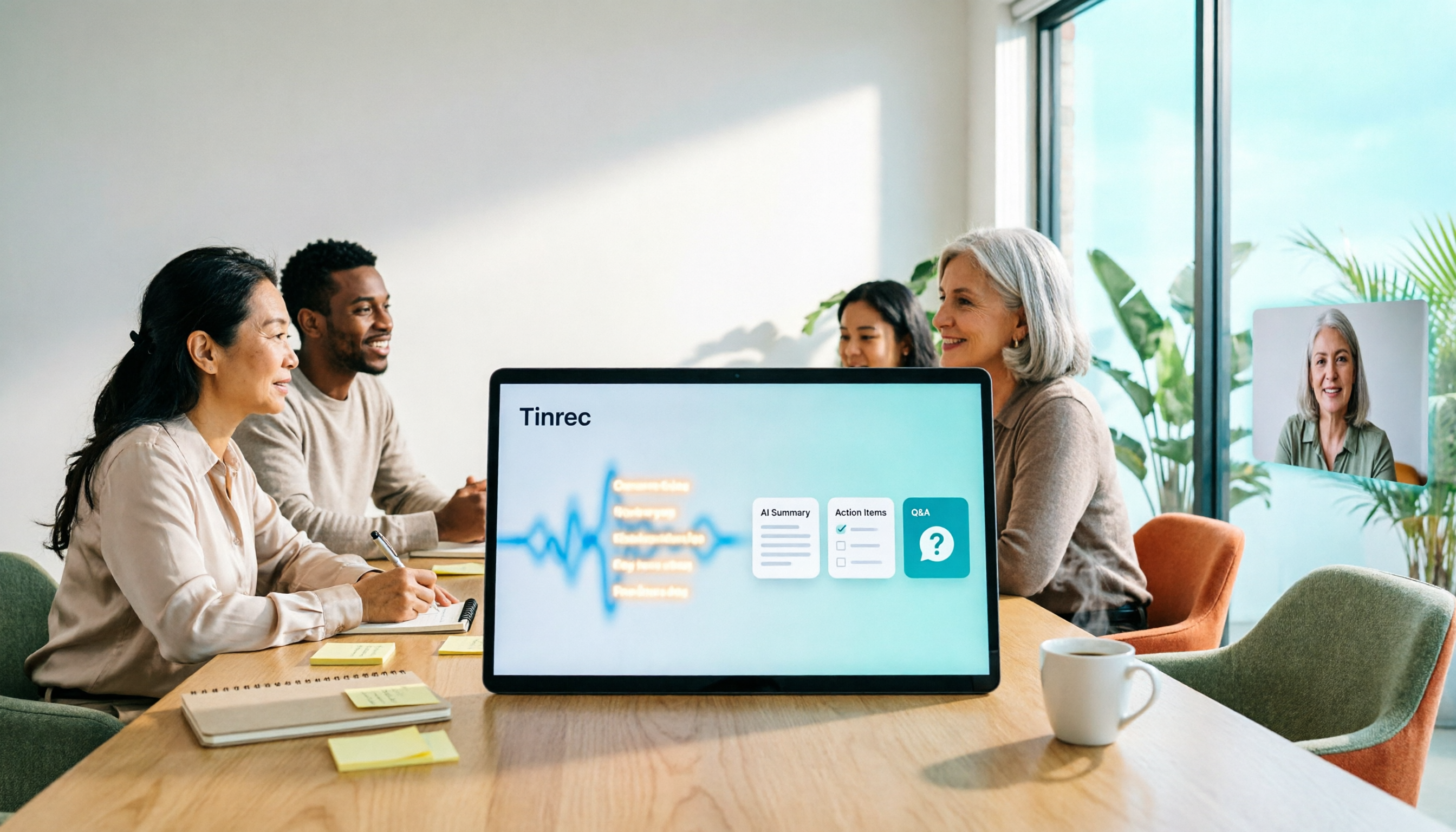
When the meeting ends, half the work is already done. After recording, Tinrec produces a transcript, summary, chapters, and key points, and extracts action items from the discussion. It can also turn long meetings into mind maps, which is intuitive for those who need to quickly review structure. For cross-language meetings, you can enable live translation and view in original, translated, or bilingual mode.
You can keep asking it questions after recording. This is where it differs most from pure transcription tools. You can ask questions directly about the meeting content, such as "What was the conclusion of this meeting?" or "What concerns did the client mention?" It responds based on the content, not a list of keyword search results. When you need to deliver, you can export to Notion, Google Docs, OneNote, Dropbox, or have an Agent generate reports, tables, and documents.
Stop organizing recordings by hand
Upload audio or video and automatically get a transcript, summary, and action items
Team version: turn meetings into team assets. Meeting data is centralized in team spaces, and new members can look up past meetings. Admins can create multiple team spaces, invite members via link, and distinguish owners, admins, and regular members; roles determine who can manage the team, and seats determine who can record, upload, edit, and export. Currently, the team monthly plan is USD 29.80 per paid seat per month, and the annual plan is USD 199 per paid seat per year (about USD 16.58 per month). Each paid seat provides 2,000 minutes of shared team import quota per month; under an active team plan and active seat, live recording currently does not deduct minutes. Eligible teams can try 7 days, 1 free seat, and 300 minutes of shared import quota. Actual prices and promotions are subject to the official purchase page.
Things to note. The personal version ranges from free, weekly pass, Pro monthly, to Pro annual, suitable for different tasks; file import uses shared import quota, so heavy uploaders should calculate usage. Also, the team version has team-level shared visibility and manages permissions by role and seat, not fine-grained file-level permissions. Transcription quality is affected by audio pickup, accents, multiple people talking over each other, and proper nouns; for important content, it's recommended to cross-check with recording playback.
Who it's for. If you have online or in-person meetings every week, need Chinese and mixed Chinese-English transcripts, and want to directly ask for key points, get action items, and leave data for the team after the meeting, Tinrec is currently the smoothest choice.
Besides Tinrec, What Other Options Are There?
Otter.ai: A mature English business meeting assistant. Free version offers 300 minutes per month; Pro annual works out to about USD 8.49 per user per month. If your meetings are almost entirely in English, it's a great value. But when meetings are mainly Chinese or mixed Chinese-English, Tinrec is more aligned with needs in Chinese meeting experience, live translation, and team hotwords.
Granola: Also a bot-free AI meeting notes tool, Business is USD 14 per user per month, featuring combining your handwritten notes with AI content. Note that it doesn't support uploading pre-recorded audio files and doesn't save meeting audio; if you need to keep recordings and organize historical files, Tinrec's file import and audio retention are more suitable.
Notta: Overlaps significantly with Tinrec in features. Free version offers 120 minutes per month, with a maximum of 3 minutes per session. It excels at transcription, translation, and subtitles. If you want post-meeting Q&A, action item extraction, and team data accumulation, Tinrec's workflow is more complete.
Pitfalls Guide: The 4 Most Common Mistakes When Choosing Live Transcription AI
Pitfall 1: Only looking at "minutes per month," not "minutes per session." Some tools offer 120 minutes per month on the free plan, but a maximum of 3 minutes per session, meaning a 40-minute meeting can't fit at all. Understanding how quotas are calculated is more important than looking at the total.
Pitfall 2: Assuming that installing the desktop version will automatically record every meeting. Most bot-free approaches currently require the user to manually start recording. Treat it as a tool that "starts when you open it" so you don't discover later that nothing was recorded.
Pitfall 3: Treating the transcript as the final deliverable. If you only use the tool as audio-to-text, you're only using part of its capabilities. After recording, directly asking the AI "What was the conclusion of this meeting?" or "Who is responsible for which item?" is often much faster than manually flipping through a 30-minute transcript.
Pitfall 4: Forgetting about recording consent. Regardless of which tool you use, recording and transcription should comply with local regulations, and you should obtain consent from participants when necessary. This isn't a tool issue; it's the user's responsibility.
Conclusion: Which One Should You Choose?
In one sentence: For Chinese meetings, post-meeting Q&A, and leaving data for the team, Tinrec is currently the most balanced choice.
- Need bot-free recording for online meetings + Chinese transcripts → Tinrec
- Want to use AI to ask for meeting highlights and action items right after recording → Tinrec
- Meeting data needs to stay with the team, manage members and seats → Tinrec Team
- Meetings are almost entirely in English, budget priority → Otter.ai
- Only need simple file transcription and subtitles → Tools like Notta, TurboScribe
We suggest running one or two of your own meetings with Tinrec's free version first to experience the difference of "the meeting ends and the summary is already waiting for you," then decide whether to upgrade. The best way to judge a tool is to test it with your own meetings.
References
- Yating Transcription
- No time limit! 3 free AI transcription tools, highly recommended! AI voice notes generate meeting minutes, presentations, mind maps | 104 Workplace Power
- Home | Vocol.ai Voice Collaboration Platform
- Meeting Ink - 2026 AI Meeting Notes Tool Test | 7 Speech-to-Text and Summary Speed Comparison | Meeting Ink - AI Meeting Notes Assistant Automatic Transcription Summary Meeting Minutes
- Meeting Ink - Transcription AI Meeting Summary Speech to Text - Google Play App
Turn every recording into actionable outcomes
Get 60 free transcription minutes when you sign in. No credit card required.
Related Reading
You might also like

4 Smart Meeting Collaboration Tools Tested and Compared in 2026: How to Use Them and Which One Your Team Should Choose
How do smart meeting collaboration tools actually work? Starting from the real pain points of meeting notes, this article outlines 5 key purchasing criteria, fully breaks down the workflow of Tinrec (Miao Ting Lu Yin) from starting a meeting, transcription, AI summaries, action items, to team spaces, and compares the differences between Granola, Otter.ai, and Notta, finally providing clear selection recommendations for different scenarios.

4 Smart Meeting Collaboration Tools Tested in 2026: Which One Turns Meetings into Actionable Tasks?
Want to understand how smart meeting collaboration works? This article starts with how meetings are captured and how post-meeting data becomes a team asset. It compares four tools—Tinrec, Otter.ai, Granola, and Notta—and outlines 4 key purchasing factors and 4 common pitfalls to help you find a solution that truly saves post-meeting organization time.

Best Free AI Meeting Collaboration Tools in 2026: 4 Options Compared
How do you approach smart meeting collaboration? This article starts with the three most common mistakes, outlines four key points to understand before choosing a tool, and compares the free plans and post-meeting AI capabilities of Tinrec, Notta, Otter.ai, and Granola, with a guide to avoiding pitfalls and a quick-start checklist.

6 Live Transcription Tools Compared for 2026: Free vs. Paid Plans
How do you choose a live transcription tool? This comparison covers 6 popular options—Tinrec, Otter.ai, Notta, Granola, TurboScribe, and PLAUD—with free tiers, supported languages, post-meeting AI summaries, and pricing, plus selection advice and FAQs.

Best AI Meeting Collaboration Tools in 2026: We Tested 5, and This One Handles Chinese Meetings Best
How do you run smart meeting collaboration? Most people think the problem is the device or the software, but the real bottleneck is what happens after the meeting. We tested 5 tools—Tinrec, Otter.ai, Granola, Notta, and TurboScribe—comparing them across recording method, Chinese recognition, post-meeting output, and team sharing. We also break down the 3 most common buying mistakes to help you find the solution that actually keeps meetings moving forward.

2026 Smart Meeting Collaboration Platforms Compared: Which Is Best for Chinese Meetings and Team Knowledge Retention?
What is a smart meeting collaboration platform? This article explains in plain language how it differs from smart meeting rooms and meeting room booking systems, then compares Tinrec, Otter.ai, Notta, and Granola across four key areas: how meeting audio is captured, what you get after the meeting, Chinese language performance, and team data ownership. It also covers the four most common pitfalls when adopting these tools.
3 Smart Meeting Collaboration Tools Tested in 2026: Complete Tinrec Tutorial and Buying Guide
How do smart meeting collaboration tools work? This article focuses on Tinrec, covering the actual workflow for bot-free online meeting recording, real-time transcription, AI summaries and action items, AI Q&A, export and Agent post-processing. It also breaks down the differences between Personal and Team plans, seat and quota details, plus 5 key points to consider when buying and answers to common questions.

Tinrec vs Notta 2026: 5-Dimension Comparison for Smart Meeting Collaboration in Chinese Scenarios
What is smart meeting collaboration in English? Understand smart meeting collaboration, hybrid meeting, AI meeting assistant, and meeting transcription. Then, from a mid-level manager's hands-on perspective, compare the positioning, pricing, and target users of 6 solutions: Tinrec, Otter.ai, Notta, Granola, PLAUD, and TurboScribe.

2026 Real-Time Transcription Tools Compared: Chinese Recognition, AI Q&A, and Free Tiers
We tested four real-time transcription tools in 2026, comparing their performance on Chinese and mixed Chinese-English speech, AI Q&A capabilities, online meeting recording methods, and free tiers. We also share our hands-on experience with Tinrec for meeting organization and team collaboration to help you choose the best tool.