

Turn recordings into transcripts and summaries in minutes
Upload audio or video for multilingual transcription, AI notes, and action items
The moment a meeting ends is usually when the trouble begins.
After a two-hour online meeting, you still have to go back and find out who promised what and by when; transcripts are scattered across chat threads, and the real decisions are buried in small talk. Cross-department meetings are even trickier, with Chinese mixed with English product terms, and built-in transcription often goes completely off track.
There's another scenario: you want to use a meeting bot to record automatically, but an unfamiliar attendee shows up in a client meeting, and the atmosphere just feels off.
This article isn't a spec sheet. It explains from the ground up how smart meeting collaboration actually works: how meetings are captured, how post-meeting data becomes a usable team asset, and finally gives you actionable recommendations.
Two-Hour Meeting, Two More Hours Organizing—What You're Missing Isn't a Transcript, It's a Meeting Collaboration Workflow
Smart meeting collaboration isn't just about turning voice into text. It's a workflow: recording → transcript → summary and chapters → action items → team sharing → searchable and queryable later.
Most people get stuck in the second half. You have the transcript, but no one wants to reread a 30-minute conversation to extract five action items; after the meeting, the data stays in someone's account, and next time you can't find the decision rationale.
If you've experienced these situations, the problem usually isn't whether you recorded the meeting—it's whether you turned the meeting into data you can keep using. Choosing the right tool can close that gap.
Before Choosing a Smart Meeting Collaboration Tool, Understand These 4 Key Points
1. How is the meeting captured? There are three common methods: a meeting bot joins as an attendee, desktop software directly captures system audio, or a hardware recording device is used. Bots are the most automatic but inconvenient for external meetings; system audio capture doesn't add an extra attendee and is currently a more balanced approach for online meetings.
2. Is it still usable after transcription? Don't just look for a transcript. Check whether it automatically generates summaries, chapters, action items, and whether you can ask questions directly about the meeting content. This determines whether you save typing time or save organizing time.
3. Handling Chinese and mixed Chinese-English. Teams rarely meet in pure Chinese or pure English; product names, technical terms, and client abbreviations get mixed together. Whether the tool supports custom team terminology (hotwords) directly affects recognition of professional vocabulary.
4. Where does the meeting data end up? If you use a personal account, data is tied to the individual; team plans put data in a team space and use roles and seats to separately manage governance and usage rights. This matters when team members change—will meeting assets disappear with them?
Tinrec—Our Top Pick After Running Through the Workflow
Tinrec is an AI meeting notes and collaboration tool for individuals and teams, available on web, desktop, and mobile. Its core purpose is to move meetings from recorded to usable.
Bot-free recording of online meetings. The desktop version directly captures system audio, handling meeting audio from Zoom, Google Meet, Microsoft Teams, Webex, and other platforms without inviting a meeting bot. This is very practical for client meetings or external reviews where you don't want an extra attendee.
Post-meeting AI Q&A. After recording, you can directly ask it, Who mentioned the budget in the last meeting? or What was the conclusion on the project timeline? It answers based on semantic understanding, not a list of keyword search results. This is the biggest difference from tools that only transcribe.
From transcript to work output. After the meeting, it automatically generates summaries, chapters, key points, and action items, and can even organize them into a mind map. When you need deliverables, it can further generate reports, tables, and documents, and export to Notion, Google Docs, OneNote, Dropbox, and other tools for further processing.
Team space. Team plan meeting data belongs to the team; new members can view past meetings after joining. Admins can manage members, roles, seats, sharing permissions, usage trends, and audit logs, and can transfer resources to other active members when someone leaves.
Stop organizing recordings by hand
Upload audio or video and automatically get a transcript, summary, and action items
For testing, I won't report a nice accuracy number—because that won't help you. We tested the workflow: under real online meeting conditions with air conditioning noise and multiple people taking turns speaking, we ran the entire path from recording → transcript → summary → Q&A → export. Actual recognition performance is affected by recording quality, noise, accents, overlapping speech, and technical terms—this is true for any tool.
Three clear advantages: First, it compresses post-meeting organization into one action; summaries and action items are generated automatically. Second, it handles Chinese and mixed Chinese-English meeting scenarios in a way that feels closer to Taiwanese teams. Third, team data won't be taken away when someone leaves.
Limitations to note: The free version provides a basic quota; heavy users need to evaluate the weekly pass or Pro. Also, team plan real-time recording and file/web import are billed differently. Under an active seat, real-time recording currently doesn't deduct minutes, but file import consumes the team shared import quota. Calculate clearly before purchasing.
Team plan pricing reference: First-time eligible users can try 7 days free, including 1 free seat and 300 minutes of team shared import quota; monthly USD 29.80 per paid seat per month, annual USD 199 per paid seat per year (about USD 16.58 per month), each paid seat provides 2,000 minutes of team shared import quota per month. Prices and promotions are subject to the official purchase page.
Who it's for: If you frequently need Chinese meeting notes, don't want a bot in the meeting room, want to use AI to extract key points after the meeting, and need meeting data to accumulate within the team, Tinrec is currently the closest fit.
Besides Tinrec, What Other Options Are There?
Otter.ai: A mature English meeting assistant supporting Zoom, Microsoft Teams, and Google Meet. Free version offers 300 minutes per month; Pro annual is about USD 8.49 per user per month, including 1,200 minutes of in-app recording and 10 file imports per month. If your meetings are almost entirely in English, it's a great value. Note that its strength is English business scenarios; for Chinese meetings, mixed Chinese-English, and team terminology management, Tinrec is closer to Taiwanese team needs.
Granola: Also a bot-free AI meeting notes tool. Free version is usable; Business is about USD 14 per user per month. It focuses on your notes + AI enhancement. Note that Granola doesn't support uploading pre-recorded audio files and doesn't save meeting audio. If you need to keep recordings, replay for verification, or add old interview files, Tinrec supports this more completely.
Notta: Known for multilingual transcription and translation. Free version offers 120 minutes per month, max 3 minutes per session; Pro annual is about USD 8.17 per month. Suitable for users focused on file transcription, subtitles, and translation. If you want real-time online meeting recording + post-meeting AI Q&A + team shared space, Tinrec's bot-free recording and team data accumulation are more aligned.
Pitfall Guide: 4 Most Common Mistakes When Choosing a Smart Meeting Collaboration Tool
Pitfall 1: Only looking at minutes per month. Real-time recording and file import quotas are often calculated separately, and team plans may be shared quotas rather than per-person. Before buying, calculate which type you'll actually use, or you may end up with a combination that's either unused or insufficient.
Pitfall 2: Thinking a transcript equals completed meeting notes. A transcript is just raw material. What really saves time is summaries, action items, and the ability to ask questions directly about meeting content.
Pitfall 3: Confusing roles and seats. In team plans, roles determine who can manage the team, members, and audits; seats determine who can record, upload, edit, and import/export. Members without a seat can still view, play, and read team data. Many teams buy the wrong quantity because they mix these two up.
Pitfall 4: Ignoring data ownership and recording consent. Using a personal account ties data to the individual; team plans put data in a team space, and when a member leaves or is removed, resources can be transferred to other active members. Also, before recording and transcribing, inform attendees and get consent, and comply with local regulations—this is more important than which tool you choose.
Conclusion: Which One Should You Choose?
In one sentence: if you want to turn meetings into data you can keep working with, rather than just getting a transcript, Tinrec is our top pick after testing.
Scenario breakdown:
- Need Chinese meetings, mixed Chinese-English transcripts and meeting notes → Tinrec
- Don't want a meeting bot joining online meetings (client meetings, external reviews) → Tinrec (desktop captures system audio)
- Want to use AI directly after the meeting to ask what was concluded, who is responsible for what → Tinrec (AI Q&A)
- Record on mobile, organize on computer, cross-device use → Tinrec
- Team needs to accumulate historical meetings, manage members and usage → Tinrec Team Plan
- Mainly bulk transcription of existing files, subtitles → Tools like TurboScribe are more aligned
- Meetings almost entirely in English, tight budget → Otter.ai is a reasonable exception
We suggest starting with the free version or the 7-day team trial (including 1 free seat and 300 minutes shared import quota), run one or two real meetings to feel the difference of not spending two hours organizing afterward, then decide whether to pay. Prices and quotas are subject to the official purchase page.
References
- Google Meet: Online voice and video meeting calls | Google Workspace
- Smart meetings - Smart meetings and workspaces
- Video conferencing, meetings, calling | Microsoft Teams
- What is a smart meeting room? A guide to benefits, feature suggestions, and application examples - DC Sales Portal
- Collaborative AI: What it is + real examples in teams
Turn every recording into actionable outcomes
Get 60 free transcription minutes when you sign in. No credit card required.
Related Reading
You might also like

4 Smart Meeting Collaboration Tools Tested and Compared in 2026: How to Use Them and Which One Your Team Should Choose
How do smart meeting collaboration tools actually work? Starting from the real pain points of meeting notes, this article outlines 5 key purchasing criteria, fully breaks down the workflow of Tinrec (Miao Ting Lu Yin) from starting a meeting, transcription, AI summaries, action items, to team spaces, and compares the differences between Granola, Otter.ai, and Notta, finally providing clear selection recommendations for different scenarios.

Best Free AI Meeting Collaboration Tools in 2026: 4 Options Compared
How do you approach smart meeting collaboration? This article starts with the three most common mistakes, outlines four key points to understand before choosing a tool, and compares the free plans and post-meeting AI capabilities of Tinrec, Notta, Otter.ai, and Granola, with a guide to avoiding pitfalls and a quick-start checklist.

6 Live Transcription Tools Compared for 2026: Free vs. Paid Plans
How do you choose a live transcription tool? This comparison covers 6 popular options—Tinrec, Otter.ai, Notta, Granola, TurboScribe, and PLAUD—with free tiers, supported languages, post-meeting AI summaries, and pricing, plus selection advice and FAQs.

Best AI Meeting Collaboration Tools in 2026: We Tested 5, and This One Handles Chinese Meetings Best
How do you run smart meeting collaboration? Most people think the problem is the device or the software, but the real bottleneck is what happens after the meeting. We tested 5 tools—Tinrec, Otter.ai, Granola, Notta, and TurboScribe—comparing them across recording method, Chinese recognition, post-meeting output, and team sharing. We also break down the 3 most common buying mistakes to help you find the solution that actually keeps meetings moving forward.

2026 Smart Meeting Collaboration Platforms Compared: Which Is Best for Chinese Meetings and Team Knowledge Retention?
What is a smart meeting collaboration platform? This article explains in plain language how it differs from smart meeting rooms and meeting room booking systems, then compares Tinrec, Otter.ai, Notta, and Granola across four key areas: how meeting audio is captured, what you get after the meeting, Chinese language performance, and team data ownership. It also covers the four most common pitfalls when adopting these tools.
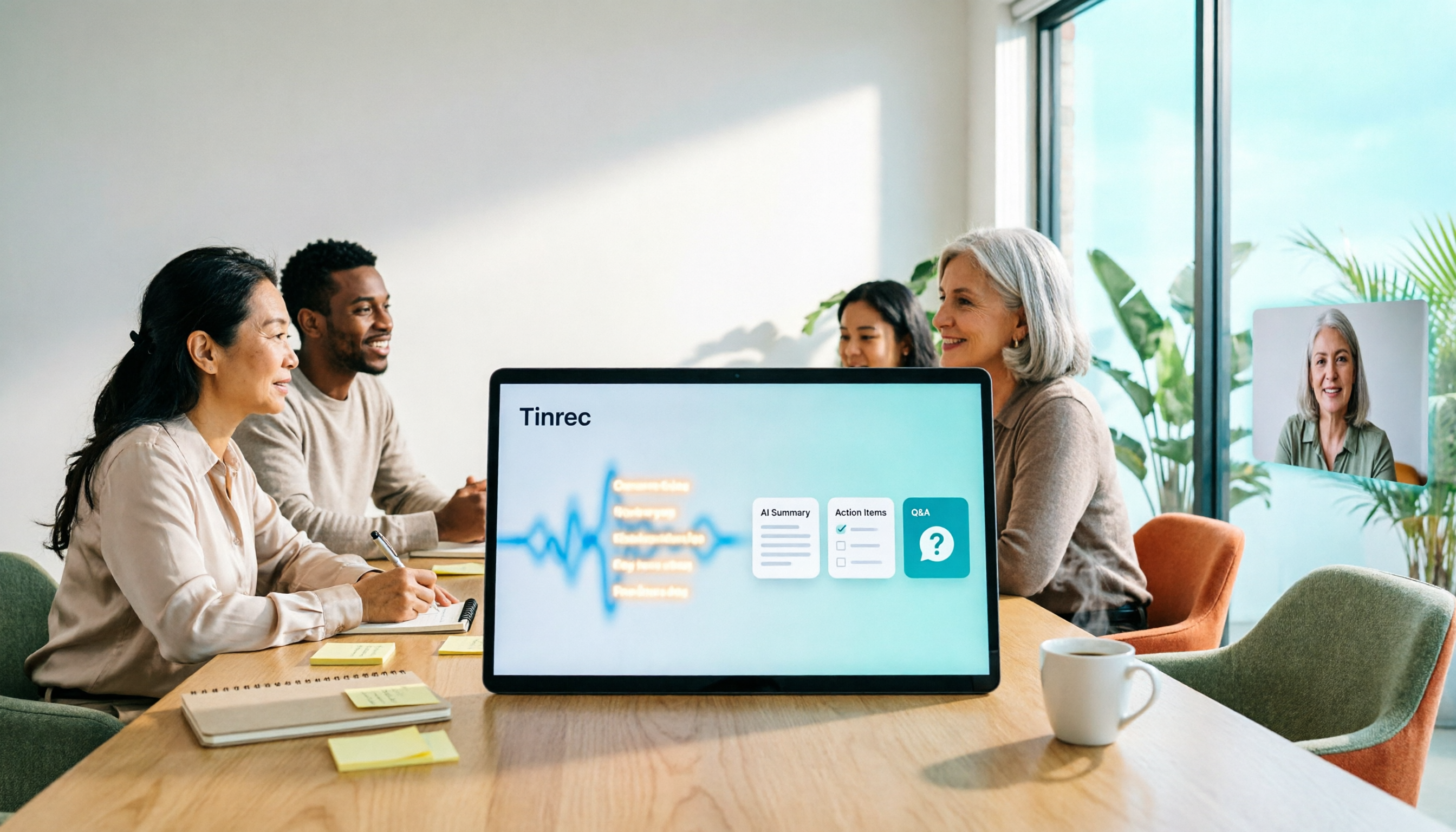
3 Smart Meeting Collaboration Tools Tested in 2026: Complete Tinrec Tutorial and Buying Guide
How do smart meeting collaboration tools work? This article focuses on Tinrec, covering the actual workflow for bot-free online meeting recording, real-time transcription, AI summaries and action items, AI Q&A, export and Agent post-processing. It also breaks down the differences between Personal and Team plans, seat and quota details, plus 5 key points to consider when buying and answers to common questions.

Tinrec vs Notta 2026: 5-Dimension Comparison for Smart Meeting Collaboration in Chinese Scenarios
What is smart meeting collaboration in English? Understand smart meeting collaboration, hybrid meeting, AI meeting assistant, and meeting transcription. Then, from a mid-level manager's hands-on perspective, compare the positioning, pricing, and target users of 6 solutions: Tinrec, Otter.ai, Notta, Granola, PLAUD, and TurboScribe.
2026 Live Transcription AI Comparison: Which Tool Saves the Most Time on Chinese Meeting Notes?
Live transcription AI isn't about who transcribes fastest—it's about who stays with you after the meeting ends. This article tackles three common misconceptions, outlines 5 key selection criteria, and compares Tinrec, Otter.ai, Granola, and Notta on Chinese meeting support, post-meeting Q&A, and team collaboration, plus a pitfalls guide and scenario-based recommendations.

2026 Real-Time Transcription Tools Compared: Chinese Recognition, AI Q&A, and Free Tiers
We tested four real-time transcription tools in 2026, comparing their performance on Chinese and mixed Chinese-English speech, AI Q&A capabilities, online meeting recording methods, and free tiers. We also share our hands-on experience with Tinrec for meeting organization and team collaboration to help you choose the best tool.