

Turn recordings into transcripts and summaries in minutes
Upload audio or video for multilingual transcription, AI notes, and action items
Best Free AI Meeting Collaboration Tools in 2026: 4 Options Compared
The Most Common Mistake in Smart Meeting Collaboration: You Don't Lack Recording, You Lack the Post-Meeting Part
When I coach teams on optimizing their meeting processes, this is the scene I see most often.
The meeting room is fully equipped, online meetings run smoothly, but the moment the meeting ends, everything falls apart.
Everyone returns to their seats with a vague impression, and meeting notes rely on the most responsible person to fill in from memory.
Mistake #1: Assuming that "having a recording" equals "having notes."
The audio file just sits there; no one will go back and listen to 60 minutes again. It's "kept," not "usable."
Mistake #2: Assuming that "having a transcript" equals "having meeting minutes."
A transcript is a running log; decisions are buried in a sentence at the 18-minute mark. You still have to read through it yourself.
Mistake #3: Assuming meeting data is a "personal" matter.
Notes are stored on your own computer, your own account, your own note-taking app. When someone leaves, that entire history disappears with them.
So when I later guide teams to adopt smart meeting collaboration, I reverse the order.
Don't start by asking "which device should we use?" Start by asking "what do we want to have after the meeting ends?"
A more sensible approach is to design the process around treating meetings as data that can be searched, queried, and acted upon.
Determine the post-meeting output first, then choose the tool.
Before Adopting Smart Meeting Collaboration, Understand These 4 Key Points
1. How does the meeting audio get in?
The traditional approach is to invite a meeting bot into the meeting; it appears on the participant list as an attendee.
The advantage is automation; the downside is that some clients or external parties may mind an unfamiliar account on the list.
Another approach is to capture the computer's system audio directly via a desktop app, without adding any participants.
If your meetings often include external partners, this matters more than you might think.
2. How far does the post-meeting output go?
Having only a transcript means only one-third of the work is done.
You need to ask: Can it automatically provide a summary, extract action items, and let me ask in one sentence "What was decided in the last meeting?"
This determines how much extra time you'll spend after the meeting.
3. Recognition of Chinese and mixed Chinese-English
Meetings in Taiwan are rarely pure Chinese; a single sentence often mixes product names, English abbreviations, and clients' English company names.
This is the most easily overlooked dimension, yet it has the biggest impact on user experience.
I suggest testing with a real meeting recording from your own company, not just official demo audio, which is usually too clean.
4. Where does the data ultimately reside?
Personal accounts and team spaces are two different things.
If meeting content is a team asset, it should be placed in a team space with management of members, roles, and access rights.
Otherwise, you're just helping each person accumulate their own files, not building organizational memory.
Tinrec — My Top Recommendation for Meeting Collaboration After Hands-On Testing
Tinrec is an AI meeting notes and collaboration tool for individuals and teams, supporting iOS, Android, desktop, and web.
I ran it through my own meeting workflow, and three things impressed me most.
First, bot-free recording on desktop.
By capturing the computer's system audio via the desktop app, I can directly handle ongoing meetings on Zoom, Google Meet, Microsoft Teams, and Webex without inviting an extra bot to join.
For teams that frequently meet with external clients, this saves a lot of explanation overhead.
Second, post-meeting AI Q&A.
This is where I think it differs most from ordinary transcription tools.
After the meeting, the transcript, AI summary, chapters, and action items are automatically organized.
More importantly, I can directly ask questions about the meeting: "What budget range did the client mention this time?" "Who is responsible for each action item?"
It doesn't give a list of keyword search results, but answers organized by semantics—an experience I've rarely seen in other similar tools.
After recording, the data truly starts being used.
Third, team space accumulation.
The team version isn't "multiple people sharing one account," but an independent team collaboration space.
Meeting data belongs to the team; new members can view past meeting content after joining, and when members leave, data isn't taken away and can be handed over to other active members.
Admins can manage members, roles, seats, usage analytics, team hotwords, and audit logs; accidentally deleted audio files can be recovered from the recycle bin.
A few advantages I particularly noted:
Stop organizing recordings by hand
Upload audio or video and automatically get a transcript, summary, and action items
- Besides online meetings, it also supports live recording, audio and video file import, so historical meetings can be gradually filled in.
- After meetings, it can produce summaries, chapters, action items, and mind maps, and export to Notion, Google Docs, OneNote, Dropbox, etc. for further processing.
- Covers Chinese, Traditional Chinese, and multilingual meetings, and supports real-time translation and bilingual viewing during recording.
- Under an active team plan, live recording currently doesn't deduct minutes; only file and web imports use the team shared quota.
Limitations to be clear about:
- It's not a bot that "automatically joins all calendar meetings"; you need to actively open Tinrec to start recording.
- Transcription quality is affected by recording environment, noise, accents, overlapping speakers, and technical terms; for important content, it's advisable to cross-check with transcript timestamps and the recording.
Who is it best for:
If your meetings are mainly in Chinese or mixed Chinese-English, you need to hold online meetings with external parties, and you want to use AI to retrieve key points directly after the meeting, Tinrec is currently the closest fit for this need.
When the whole team needs to share meeting data, just upgrade to the team version.
Besides Tinrec, What Other Options Are There?
Notta: A multi-platform transcription and meeting notes tool, covering translation and team plans, with the highest overlap with Tinrec. The free version offers 120 minutes per month, but each session is limited to 3 minutes; Pro annual billing is about USD 8.17/month with 1,800 minutes per month; Business annual billing is about USD 16.67/seat/month. It's well-suited for users who mainly transcribe files. But if you want bot-free online meeting recording, plus post-meeting AI Q&A and team data accumulation, Tinrec's workflow is more complete.
Otter.ai: A mature English AI meeting assistant. Basic free version offers 300 minutes per month; Pro annual billing is about USD 8.49/user/month. It has deep experience in English business meetings; if your meetings are almost entirely in English, it's a reasonable choice. However, Chinese and mixed Chinese-English are not its strong suit, and that's exactly where Tinrec can fill the gap.
Granola: An AI meeting notes tool that also takes a bot-free approach, using desktop system audio and microphone for real-time transcription, then combining with your own notes to generate content. Basic is free; Business is USD 14/user/month. Note that it doesn't support uploading pre-recorded audio files, nor does it retain meeting audio. If you need to keep recordings, import historical files, have a Chinese experience, and manage team data, Tinrec will be a better fit.
Pitfall Guide: The 4 Most Common Mistakes When Adopting Smart Meeting Collaboration
Pitfall 1: Comparing prices only by "transcription minutes."
Minutes are just the entry ticket. What really determines how much time you save is whether the tool can automatically produce summaries, action items, and queryable Q&A after the meeting.
With the same quota, having AI post-processing versus not makes a big difference in experience.
Pitfall 2: Assuming meeting bots are the only solution.
Bots are very automatic, but not every occasion is suitable for adding an extra account to the list. First confirm whether your meeting has external participants, then decide which capture method to use.
Pitfall 3: Putting team meeting data in personal accounts.
This is the most common and most expensive pitfall. When data is in personal accounts, any member change means starting from scratch.
If meeting content is a team asset, put it in a team space from the start.
Pitfall 4: Only saving transcripts and not using AI to ask questions.
Many people adopt the tool but only use the "audio-to-text" part. They turn it off after recording, which means using only one-third of its capabilities.
Spending three minutes asking it a few questions after the meeting is often much faster than going back through a 30-minute transcript.
Conclusion: Where Should Your Team Start?
After adopting smart meeting collaboration, you'll typically see a few changes:
- Post-meeting organization time is shortened; no one needs to fill in notes from memory.
- Decisions and action items have original content to reference, making tracking more evidence-based.
- Meeting data stays within the team; member changes are no longer a breakpoint.
To summarize this guide into a few decision points:
- Need bot-free online meeting recording → Tinrec (desktop captures system audio, no extra participants)
- Want to use AI directly to find key points and ask about decisions after recording → Tinrec (summary, chapters, action items, and AI Q&A all in one)
- Want meeting data to stay with the team and be transferable → Tinrec team version (team space, roles and seats, usage and audit)
- Meetings almost entirely in English → Otter.ai is a direction to consider
- Mainly batch transcription of many files → File-focused tools like Notta are more suitable
Quick Start in 6 Steps:
- Start with the free version and test-record a real internal meeting.
- During the meeting, check if the transcript appears in real-time and whether mixed Chinese-English passages are understandable.
- After the meeting, see if the summary and action items match your understanding.
- Ask the meeting three questions: What was decided, who is responsible for what, and when is the next follow-up.
- Export the results to your existing workflow, such as Notion or Google Docs.
- If for team use, create a team space, invite members, assign seats, and centralize meeting data.
Start by testing with a real meeting, and you'll quickly know which type of tool you need.
Adjust gradually, and you too can turn meetings into data your team truly uses.
References
- Smart meetings - Smart Meetings and Workspaces
- Meeting Notes AI Tool | Real-time Recording, Summary Organization! 3 Small Tools to Let You Focus on Meetings
- Google Meet: Online Voice and Video Meeting Calls | Google Workspace
- What is a Smart Meeting Room? A Guide to Benefits, Feature Suggestions, and Application Examples - DC Sales Portal
- Meeting Room Booking in Hybrid Offices: Integrating Smart Technology into Meeting Spaces Professionally | Webex Blog
Turn every recording into actionable outcomes
Get 60 free transcription minutes when you sign in. No credit card required.
Related Reading
You might also like

4 Smart Meeting Collaboration Tools Tested and Compared in 2026: How to Use Them and Which One Your Team Should Choose
How do smart meeting collaboration tools actually work? Starting from the real pain points of meeting notes, this article outlines 5 key purchasing criteria, fully breaks down the workflow of Tinrec (Miao Ting Lu Yin) from starting a meeting, transcription, AI summaries, action items, to team spaces, and compares the differences between Granola, Otter.ai, and Notta, finally providing clear selection recommendations for different scenarios.

4 Smart Meeting Collaboration Tools Tested in 2026: Which One Turns Meetings into Actionable Tasks?
Want to understand how smart meeting collaboration works? This article starts with how meetings are captured and how post-meeting data becomes a team asset. It compares four tools—Tinrec, Otter.ai, Granola, and Notta—and outlines 4 key purchasing factors and 4 common pitfalls to help you find a solution that truly saves post-meeting organization time.

6 Live Transcription Tools Compared for 2026: Free vs. Paid Plans
How do you choose a live transcription tool? This comparison covers 6 popular options—Tinrec, Otter.ai, Notta, Granola, TurboScribe, and PLAUD—with free tiers, supported languages, post-meeting AI summaries, and pricing, plus selection advice and FAQs.

Best AI Meeting Collaboration Tools in 2026: We Tested 5, and This One Handles Chinese Meetings Best
How do you run smart meeting collaboration? Most people think the problem is the device or the software, but the real bottleneck is what happens after the meeting. We tested 5 tools—Tinrec, Otter.ai, Granola, Notta, and TurboScribe—comparing them across recording method, Chinese recognition, post-meeting output, and team sharing. We also break down the 3 most common buying mistakes to help you find the solution that actually keeps meetings moving forward.

2026 Smart Meeting Collaboration Platforms Compared: Which Is Best for Chinese Meetings and Team Knowledge Retention?
What is a smart meeting collaboration platform? This article explains in plain language how it differs from smart meeting rooms and meeting room booking systems, then compares Tinrec, Otter.ai, Notta, and Granola across four key areas: how meeting audio is captured, what you get after the meeting, Chinese language performance, and team data ownership. It also covers the four most common pitfalls when adopting these tools.
3 Smart Meeting Collaboration Tools Tested in 2026: Complete Tinrec Tutorial and Buying Guide
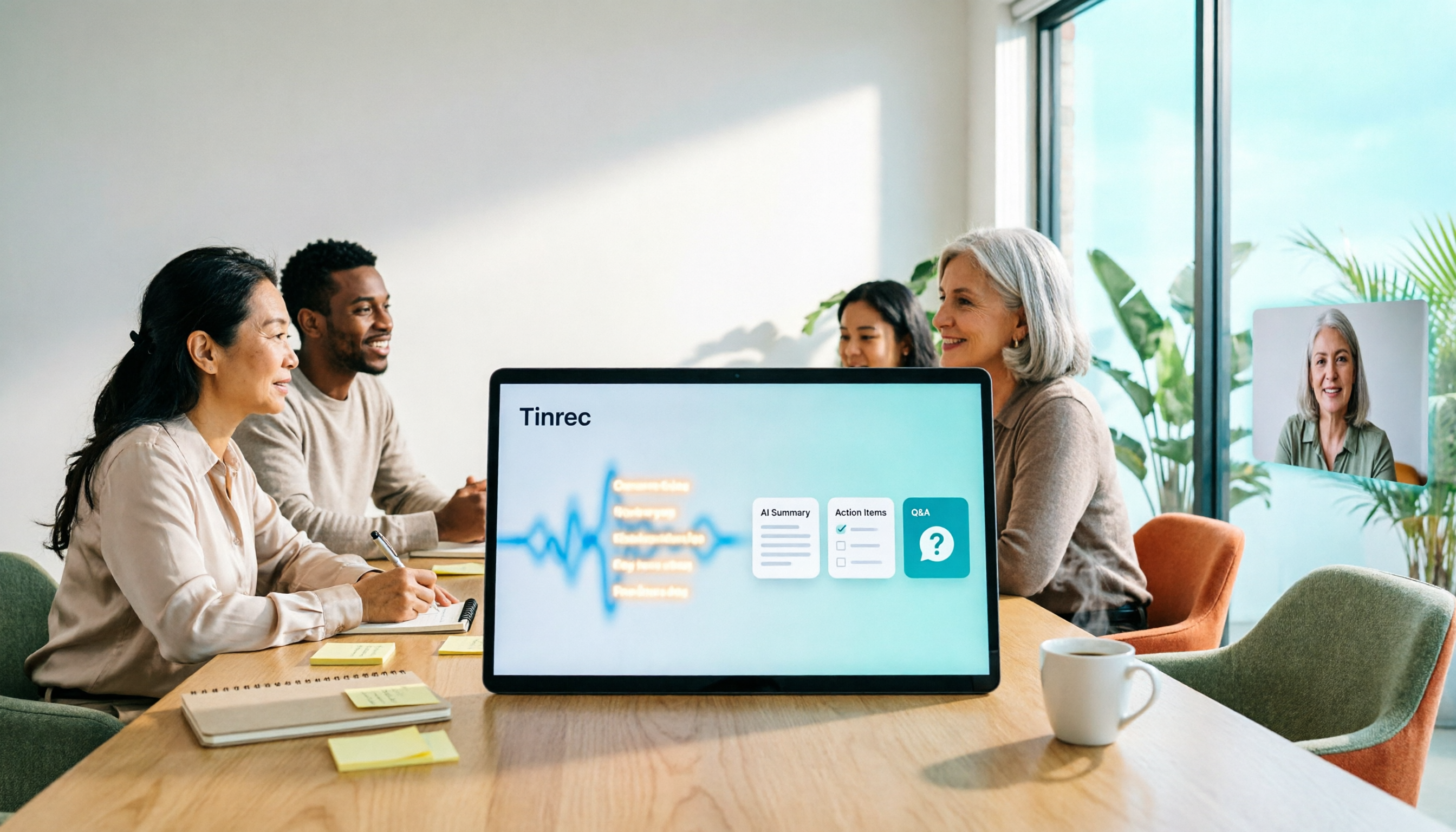
How do smart meeting collaboration tools work? This article focuses on Tinrec, covering the actual workflow for bot-free online meeting recording, real-time transcription, AI summaries and action items, AI Q&A, export and Agent post-processing. It also breaks down the differences between Personal and Team plans, seat and quota details, plus 5 key points to consider when buying and answers to common questions.

Tinrec vs Notta 2026: 5-Dimension Comparison for Smart Meeting Collaboration in Chinese Scenarios
What is smart meeting collaboration in English? Understand smart meeting collaboration, hybrid meeting, AI meeting assistant, and meeting transcription. Then, from a mid-level manager's hands-on perspective, compare the positioning, pricing, and target users of 6 solutions: Tinrec, Otter.ai, Notta, Granola, PLAUD, and TurboScribe.
2026 Live Transcription AI Comparison: Which Tool Saves the Most Time on Chinese Meeting Notes?
Live transcription AI isn't about who transcribes fastest—it's about who stays with you after the meeting ends. This article tackles three common misconceptions, outlines 5 key selection criteria, and compares Tinrec, Otter.ai, Granola, and Notta on Chinese meeting support, post-meeting Q&A, and team collaboration, plus a pitfalls guide and scenario-based recommendations.

2026 Real-Time Transcription Tools Compared: Chinese Recognition, AI Q&A, and Free Tiers
We tested four real-time transcription tools in 2026, comparing their performance on Chinese and mixed Chinese-English speech, AI Q&A capabilities, online meeting recording methods, and free tiers. We also share our hands-on experience with Tinrec for meeting organization and team collaboration to help you choose the best tool.