

Turn recordings into transcripts and summaries in minutes
Upload audio or video for multilingual transcription, AI notes, and action items
When you're ready to adopt a smart meeting collaboration platform, the first thing to figure out isn't how many features it has. It's this:
Are you trying to solve the problem of "meeting room devices won't connect," or the problem of "after the meeting ends, the data is scattered across everyone's computers"?
These two problems look similar, but the products that solve them are completely different. One is a hardware-integrated smart meeting room; the other is a software-based meeting collaboration platform.
This article will first explain clearly what a smart meeting collaboration platform is, then compare several common options available today, and finally tell you directly which type of team should choose which one.
What Is a Smart Meeting Collaboration Platform? How Is It Different from a Smart Meeting Room or a Meeting Room Booking System?
In one sentence: a smart meeting collaboration platform is software that connects the entire meeting process from start to finish.
It typically includes real-time audio-to-text transcription, AI summaries, chapter and action item extraction, meeting content search and Q&A, and a shared team data space.
In other words, traditional tools only handle "recording it." Transcription tools handle "turning it into text." A collaboration platform handles "turning it into data you can keep using."
Many people confuse it with two other things. Let's clarify the differences first:
- Smart meeting room: Focuses on hardware and space integration, such as interactive whiteboards, projectors, video conferencing equipment, and Microsoft Teams Rooms. It handles "can the on-site equipment start up smoothly."
- Meeting room booking system: Focuses on space governance, such as binding to company accounts, room tiering, usage logs, and auditing. It handles "who can use the room and what records need to be kept."
- Smart meeting collaboration platform: Handles the meeting content itself—transcripts, summaries, action items, and follow-up tracking.
The three can actually complement each other: the booking system schedules rooms, the meeting room equipment handles audio and video, and the collaboration platform preserves the meeting content.
But if your real pain point is "the meeting ended, the conclusions can't be found, and no one follows up on action items," then you actually need the third type.
Before Choosing This Type of Platform, Understand These 4 Key Points
These tools all look similar by name, but the real differences lie in four areas.
1. How meeting audio is captured
There are two common approaches: one is to send a "meeting bot" to join the online meeting as a participant; the other is to capture system audio directly from your own computer. The former is easy to set up but can be awkward in external client meetings; the latter is less noticeable to participants, and Tinrec's desktop version takes this approach.
2. What you get after transcription
Getting only a transcript versus getting a summary, chapters, action items, and the ability to ask questions directly about the meeting content are completely different workloads. With a transcript, you have to read through it yourself. Summaries and action items are what actually save time. This is the first thing I look at when choosing a tool.
3. Performance with Chinese and mixed Chinese-English
Meetings in Taiwan almost always mix Chinese and English, and internal company terminology comes up too. Whether you can maintain your own custom vocabulary directly affects how smoothly you can read the transcript afterward.
4. Data ownership and team sharing
If data is tied only to an individual account, it scatters when that person leaves. For team use, check whether there's a separate team space, member roles, seat and usage management.
Tinrec — The One We Most Often Recommend After Testing
Tinrec is an AI meeting notes and collaboration tool for individuals and teams. Its positioning isn't "audio-to-text" but rather turning meetings into searchable, collaborative, actionable team data.
No extra bot needed for online meetings
Tinrec's desktop version captures system audio directly from your computer, handling Zoom, Google Meet, Microsoft Teams, Webex, and similar meetings without inviting an extra meeting bot to join.
Note that it doesn't "automatically join all meetings on your calendar." More accurately: you open Tinrec yourself to start recording and real-time transcription.
When the meeting ends, the data is already organized
After recording, AI automatically generates summaries, chapters, and action items, and can also create mind maps to help you understand the topic structure of the entire meeting.
Even better is AI Q&A: you can directly ask "Who mentioned the budget in the last meeting? What was the conclusion?" It answers based on the meeting content rather than just throwing a bunch of keywords at you. This makes a big difference for project meetings that run one or two hours.
Post-meeting outputs can go directly into your workflow
Beyond transcripts, Tinrec can generate documents, reports, and tables, and export to Notion, Google Docs, OneNote, Dropbox, and other tools for further processing. You can also enable real-time translation during recording, viewing content in original, translated, or bilingual side-by-side format.
Stop organizing recordings by hand
Upload audio or video and automatically get a transcript, summary, and action items
The team version turns a personal tool into a team space
If you're a department or project team, the team version provides a separate team space rather than multiple people sharing one personal account. Meeting data belongs to the team, with member roles, seat allocation, shared recording and import privileges, usage analytics, audit logs, audio recycle bin, and team custom vocabulary management.
Roles control "who can manage the team," while seats control "who can record, upload, edit, and export." Members without seats can still view, play, and read team data.
When a member leaves or is removed, team resources aren't taken away, but resources need to be handed over to other active members.
On pricing, the current team version terms are: first eligible team trial is 7 days, 1 free seat, 300 minutes of team shared import quota; monthly USD 29.80 per paid seat per month, annual USD 199 per paid seat per year, approximately USD 16.58 per month. Each paid seat provides 2,000 minutes of team shared import quota per month; under an active team plan and active seat, real-time recording currently doesn't deduct minutes.
Actual prices, currencies, and promotions are subject to the official purchase page.
Limitations we should be honest about
The personal version has a free quota to try recording, importing, summaries, and transcription. Heavy users need to pay, with weekly cards and Pro monthly/annual cards available based on usage patterns.
Also, the official stance doesn't recommend promising a fixed accuracy rate. Recording quality, ambient noise, accents, multiple people talking over each other, and technical terminology all affect results. For important content, it's still recommended to verify against transcript timestamps and audio playback.
Who it's for
If your meetings are mainly in Chinese or mixed Chinese-English, you don't want a bot joining your meetings, you want to ask AI directly to find key points after the meeting, and you need meeting data to accumulate within the team, Tinrec is currently the most fully integrated option.
Besides Tinrec, What Other Options Are There?
Otter.ai
A mature AI meeting assistant with a solid experience for English business meetings. The official pricing page shows a free version with 300 minutes per month, and Pro annual at about USD 8.49 per user per month. If your meetings are almost entirely in English and your team is already used to existing meeting automation workflows, it's still a solid choice. However, for details like Chinese meetings and team custom vocabulary, Tinrec's approach is more aligned with the needs of teams in Taiwan.
Notta
A multilingual transcription tool with significant overlap with Tinrec. Official terms: free version 120 minutes per month, max 3 minutes per session; Pro annual about USD 8.17 per month; Business annual about USD 16.67 per seat per month. It's suitable for file transcription and translation-focused use; but if you want bot-free online meeting recording, post-meeting AI Q&A, and Agent post-processing, Tinrec's meeting workflow is more complete.
Granola
Also takes the bot-free desktop capture approach, focusing on "your notes plus AI enhancement." Official pricing is a free version and Business at USD 14 per user per month. Note that it doesn't support uploading pre-recorded audio files and doesn't retain meeting audio files. If you need to keep recordings, import existing audio files, bilingual comparison, and team data management, these are areas Tinrec covers that Granola doesn't.
Pitfall Guide: The 4 Most Common Mistakes When Adopting This Type of Platform
Pitfall 1: Treating "meeting bots" as the only approach
Bots joining meetings is fine for internal meetings, but for external clients or meetings requiring waiting room approval, they often get stuck on permissions. If your meeting types are more complex, desktop system audio capture saves a lot of communication overhead.
Pitfall 2: Comparing prices by minutes alone
Free quotas usually have per-session length limits, and AI features aren't necessarily included. It's better to test with one of your own real meetings—much more accurate than reading spec sheets.
Pitfall 3: Buying only the personal version when you clearly need team use
Personal account data follows the person, which is troublesome when someone leaves or changes departments. Only the team version has a separate space, seats, usage tracking, and handover mechanisms—these are two completely different things.
Pitfall 4: Forgetting recording compliance
Recording and transcription involve personal data and local regulations. Before recording, it's best to inform participants and get consent. This isn't something a tool can solve for you.
Conclusion: Which One Should You Actually Choose?
To sum up in one sentence: if your meetings are in Chinese or mixed Chinese-English, and you care about "being able to use it directly after the meeting," Tinrec is our top pick after testing.
- Chinese/mixed Chinese-English meetings, want to ask AI directly to find key points after the meeting → Tinrec (supports real-time translation and bilingual comparison)
- Don't want an extra bot joining online meetings → Tinrec (desktop version captures system audio)
- Need team sharing, seat allocation, and usage management → Tinrec team version (includes audit logs, custom vocabulary, and audio recycle bin)
- Meetings all in English, already used to existing automation workflows → Otter.ai
- Mainly processing large volumes of existing audio files, batch transcription of long files → Notta or transcription tools like TurboScribe
- Only need key notes, don't need to keep audio files → Granola
In practice, I usually suggest starting with the free version: take a meeting you've actually had, see if the transcript reads smoothly and whether the summary captures the key points, then decide whether to upgrade. This is more accurate than any review.
Finally, remember to comply with local regulations and get participant consent before recording. Tools only help you preserve the content; the responsibility is still on the user.
References
- Video Conferencing, Meetings, Calling | Microsoft Teams
- Put AI to work in meetings and video calls | Google Workspace
- What Is a Smart Meeting Room? A Guide to Benefits, Feature Recommendations, and Application Examples - DC Sales Portal
- Why Meeting Room Booking Systems Became an IT Core Battleground in 2026? From "Borrowing Rooms" to "Collaboration Space Governance Platforms" | CIO Taiwan
- Meeting Ink - AI Meeting Notes Assistant, Automatic Transcription and Meeting Summary
Turn every recording into actionable outcomes
Get 60 free transcription minutes when you sign in. No credit card required.
Related Reading
You might also like

4 Smart Meeting Collaboration Tools Tested and Compared in 2026: How to Use Them and Which One Your Team Should Choose
How do smart meeting collaboration tools actually work? Starting from the real pain points of meeting notes, this article outlines 5 key purchasing criteria, fully breaks down the workflow of Tinrec (Miao Ting Lu Yin) from starting a meeting, transcription, AI summaries, action items, to team spaces, and compares the differences between Granola, Otter.ai, and Notta, finally providing clear selection recommendations for different scenarios.

4 Smart Meeting Collaboration Tools Tested in 2026: Which One Turns Meetings into Actionable Tasks?
Want to understand how smart meeting collaboration works? This article starts with how meetings are captured and how post-meeting data becomes a team asset. It compares four tools—Tinrec, Otter.ai, Granola, and Notta—and outlines 4 key purchasing factors and 4 common pitfalls to help you find a solution that truly saves post-meeting organization time.

Best Free AI Meeting Collaboration Tools in 2026: 4 Options Compared
How do you approach smart meeting collaboration? This article starts with the three most common mistakes, outlines four key points to understand before choosing a tool, and compares the free plans and post-meeting AI capabilities of Tinrec, Notta, Otter.ai, and Granola, with a guide to avoiding pitfalls and a quick-start checklist.

6 Live Transcription Tools Compared for 2026: Free vs. Paid Plans
How do you choose a live transcription tool? This comparison covers 6 popular options—Tinrec, Otter.ai, Notta, Granola, TurboScribe, and PLAUD—with free tiers, supported languages, post-meeting AI summaries, and pricing, plus selection advice and FAQs.

Best AI Meeting Collaboration Tools in 2026: We Tested 5, and This One Handles Chinese Meetings Best
How do you run smart meeting collaboration? Most people think the problem is the device or the software, but the real bottleneck is what happens after the meeting. We tested 5 tools—Tinrec, Otter.ai, Granola, Notta, and TurboScribe—comparing them across recording method, Chinese recognition, post-meeting output, and team sharing. We also break down the 3 most common buying mistakes to help you find the solution that actually keeps meetings moving forward.
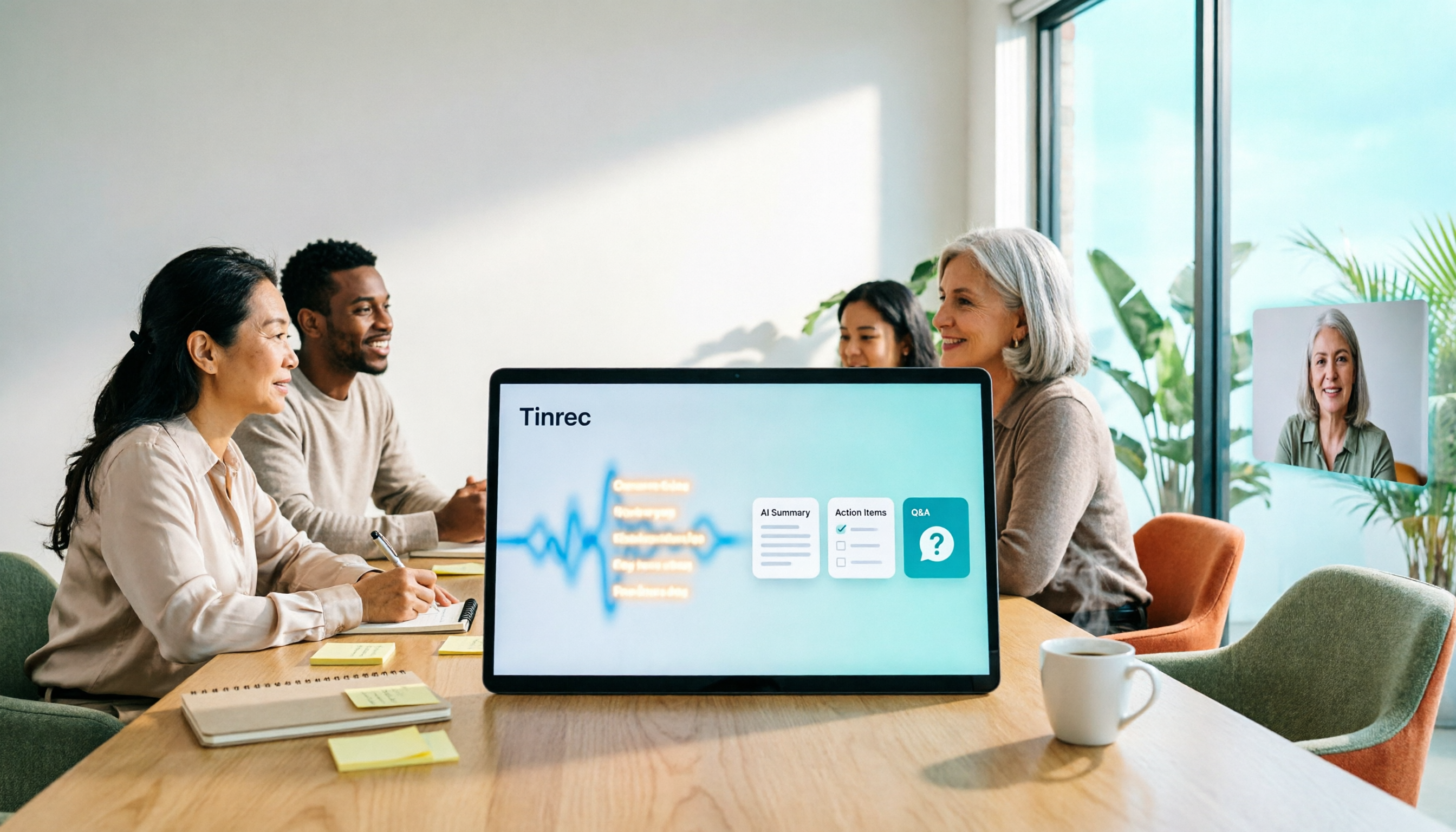
3 Smart Meeting Collaboration Tools Tested in 2026: Complete Tinrec Tutorial and Buying Guide
How do smart meeting collaboration tools work? This article focuses on Tinrec, covering the actual workflow for bot-free online meeting recording, real-time transcription, AI summaries and action items, AI Q&A, export and Agent post-processing. It also breaks down the differences between Personal and Team plans, seat and quota details, plus 5 key points to consider when buying and answers to common questions.

Tinrec vs Notta 2026: 5-Dimension Comparison for Smart Meeting Collaboration in Chinese Scenarios
What is smart meeting collaboration in English? Understand smart meeting collaboration, hybrid meeting, AI meeting assistant, and meeting transcription. Then, from a mid-level manager's hands-on perspective, compare the positioning, pricing, and target users of 6 solutions: Tinrec, Otter.ai, Notta, Granola, PLAUD, and TurboScribe.
2026 Live Transcription AI Comparison: Which Tool Saves the Most Time on Chinese Meeting Notes?
Live transcription AI isn't about who transcribes fastest—it's about who stays with you after the meeting ends. This article tackles three common misconceptions, outlines 5 key selection criteria, and compares Tinrec, Otter.ai, Granola, and Notta on Chinese meeting support, post-meeting Q&A, and team collaboration, plus a pitfalls guide and scenario-based recommendations.

2026 Real-Time Transcription Tools Compared: Chinese Recognition, AI Q&A, and Free Tiers
We tested four real-time transcription tools in 2026, comparing their performance on Chinese and mixed Chinese-English speech, AI Q&A capabilities, online meeting recording methods, and free tiers. We also share our hands-on experience with Tinrec for meeting organization and team collaboration to help you choose the best tool.