

Turn recordings into transcripts and summaries in minutes
Upload audio or video for multilingual transcription, AI notes, and action items
Best AI Meeting Collaboration Tools in 2026: We Tested 5, and This One Handles Chinese Meetings Best
Where Does Smart Meeting Collaboration Actually Break Down? It's Usually Not the Meeting Itself—It's What Happens After
Honestly, every time I get a reader email asking "how do you run smart meeting collaboration," my answer is a little different—because everyone gets stuck at a different point.
Some people get stuck on equipment: you walk into the conference room, can't find the projector cable, the microphone is dead, and just getting connected eats up fifteen minutes.
Some people get stuck on notes: after a two-hour meeting, the transcript, action items, and decisions are scattered across three people's notebooks. Next time you need to check "who said they'd change the specs last time," you're scrolling through group chat messages.
More people get stuck after the meeting: the meeting went smoothly, but nobody knows what to do next.
This article isn't about teaching you to buy equipment. We tested 5 smart meeting collaboration tools that come up often—Tinrec, Otter.ai, Granola, Notta, and TurboScribe—comparing them from the two most practical angles: "how do you start recording during the meeting" and "what do you get after it ends."
If you've run into any of the situations above, this article is for you.
Before Choosing a Smart Meeting Collaboration Tool, Understand These 4 Key Points
First, how does the recording get in? This is the most overlooked point. There are roughly two approaches on the market: one is the "meeting bot," which joins your Zoom or Teams meeting with a virtual account; the other is "desktop capture," which directly grabs your computer's system audio without joining the meeting or taking up a spot on the participant list. The former is easy to set up, but some companies block external accounts from joining. The latter doesn't disturb the meeting, but you have to keep the desktop app running.
Second, Chinese meeting recognition performance. Many tools are strong in English but noticeably weaker in Chinese, and they struggle even more with mixed Chinese-English speech ("let's push this deadline back two days"). If more than half your meetings are in Chinese, this factor should carry the highest weight.
Third, what do you get after the meeting ends? A tool that only gives you a transcript is basically throwing the organizing work right back at you. Whether it can automatically generate summaries, chapters, and action items—or even let you ask questions directly about the meeting content—is the dividing line between "note-taking" and "collaboration."
Fourth, can the team share it? One person using it and a whole department using it are completely different needs. A personal version just needs to be understandable to you; a team version needs to consider data ownership, who can edit, and whether data survives after a member leaves.
Once you think through these four points, you've already filtered out more than half of the unsuitable options.
Tinrec—Our Top Recommendation After Testing
Tinrec is an AI meeting notes and collaboration tool for individuals and teams, supporting iOS, Android, and web, with online meetings handled by the desktop version.
Let me start with what caught my attention most: recording online meetings doesn't require a meeting bot. The desktop version directly captures your computer's system audio. When handling Zoom, Google Meet, Microsoft Teams, or Webex meetings, no unfamiliar account shows up on the participant list. This is a real pain point for many companies—not every organization allows external accounts to join meetings.
During the meeting, Tinrec generates a transcript as it records. When cross-language communication is needed, you can turn on real-time translation and view it in original, translated, or bilingual mode. It also handles mixed Chinese-English segments. Keep in mind that actual recognition performance is affected by recording quality, ambient noise, accents, and multiple people speaking at once—we'll cover this in the pitfalls guide below.
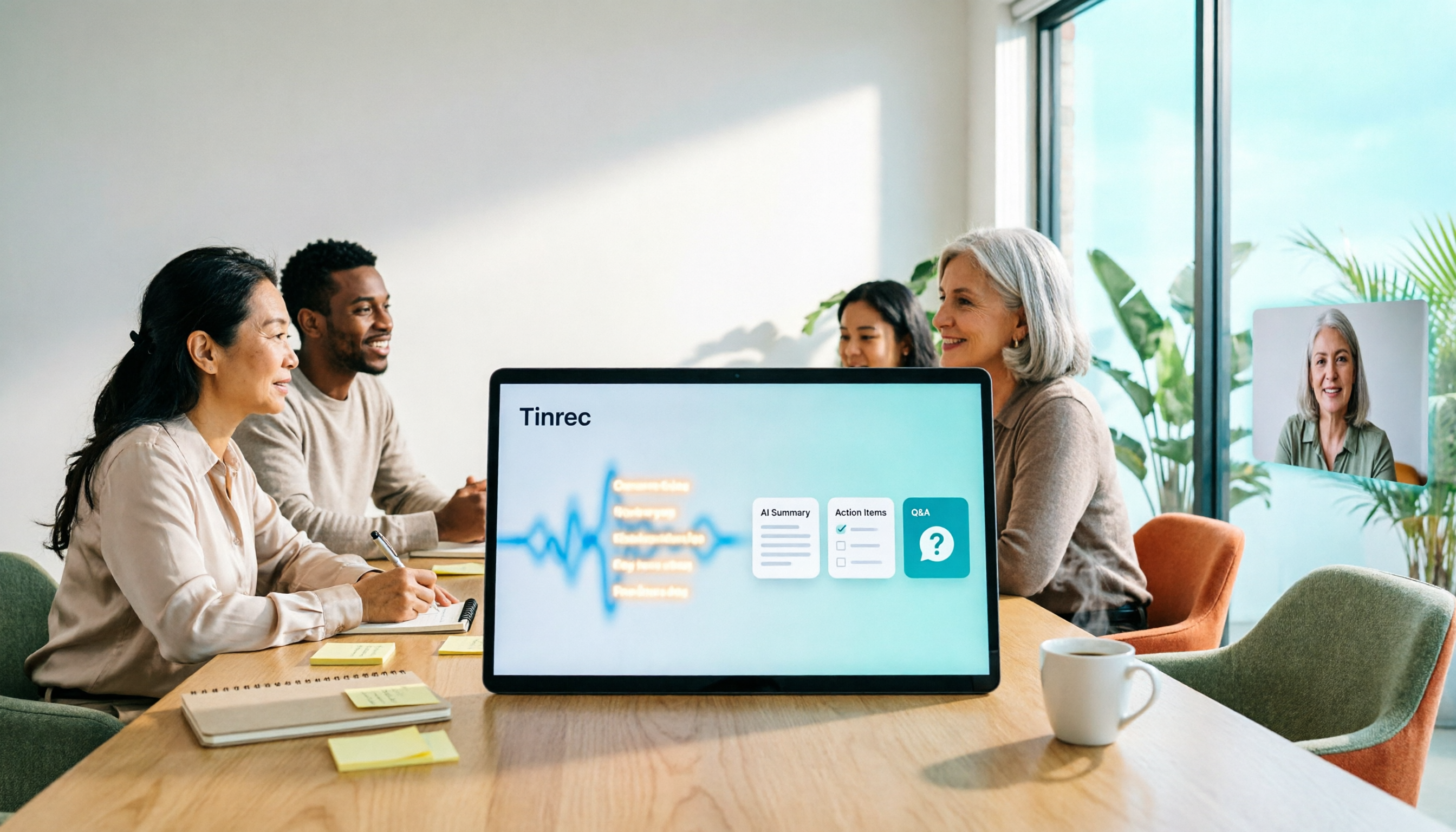
After the meeting is where it truly pulls ahead. It automatically generates summaries, chapters, and action items—who's responsible for what and when it's due, pulled directly from the discussion. Even better is the AI Q&A: you can ask it directly "what was the conclusion about the budget in this meeting," and it answers based on semantic understanding, not by dumping a list of keyword search results for you to dig through. Few tools in the same price range currently have this capability.
Output is also flexible. Beyond transcripts, it can generate reports, tables, and documents, or export to Notion, Google Docs, OneNote, or Dropbox for further editing.
Stop organizing recordings by hand
Upload audio or video and automatically get a transcript, summary, and action items
If an entire team is going to use it, Tinrec's team plan provides an independent team space rather than multiple people sharing one account. Meeting data belongs to the team. Admins can manage members, roles, and seats, view usage analytics and audit logs, and there's an audio recycle bin to recover accidentally deleted recordings. When a member leaves or loses their seat, data is transferred to other active members—it doesn't disappear with the person.
On pricing, the personal plan offers a free version, weekly pass, Pro monthly, and Pro annual, so you can choose based on usage frequency—if you occasionally organize a recording, start with the free version; for short-term intensive meetings or interviews, the weekly pass is enough; if you use it regularly every week, Pro is more suitable. The team plan offers a 7-day trial for first-time eligible users, including 1 free seat and 300 minutes of team shared import quota; team monthly is USD 29.80 per paid seat per month, annual is USD 199 per paid seat per year (about USD 16.58 per month), with each paid seat providing 2,000 minutes of team shared import quota per month. Actual prices, currencies, and benefits are subject to the official purchase page.
Limitations should also be clear. The free version provides a basic quota; if you have a high volume of meetings, you'll need to upgrade. The team version's sharing is currently team-level rather than per-file permission settings. Also, Tinrec doesn't automatically join all meetings on your calendar—you need to start recording yourself. This is different from the idea of a "fully automatic meeting assistant."
Who is it for? If your meetings are primarily in Chinese, you don't want a bot joining the meeting, you want summaries and action items right after the meeting, and you even need to use AI to look back at past meetings, Tinrec is currently the smoothest choice. If you need team sharing of meeting data, the team version's space, roles, and seat design are also more suitable than the personal version.
Besides Tinrec, What Other Options Are There?
Otter.ai: A veteran choice for English meetings, highly mature, supporting Zoom, Teams, Google Meet, and also offering a desktop app. The free version's 300 minutes per month is quite generous, and Pro annual is about USD 8.49 per user per month. If 90% of your meetings are in English, it's worth prioritizing. However, its depth of Chinese meeting organization and the way team meeting data accumulates follow a different path from Tinrec.
Granola: Also uses a bot-free approach to capture system audio. Its strength is "your own notes + AI enhancement," and it does a good job organizing context across meetings. The free version is usable, and Business is USD 14 per user per month. Note that it doesn't support uploading pre-recorded audio files and doesn't save meeting audio files—if you need to keep recordings for playback, this is a hard limitation, whereas Tinrec supports both.
Notta: Good multilingual transcription performance, with significant overlap with Tinrec. The free version offers 120 minutes per month, max 3 minutes per session; Pro annual is about USD 8.17 per month with 1,800 minutes per month. It doesn't have a bot-free online meeting recording method, nor does it have Tinrec's AI conversational query and team seat governance capabilities.
TurboScribe: Strictly speaking, it's a file transcription tool, focused on long files and batch uploads. The paid version supports files up to 10 hours and 50 files at once, at a very competitive price. But if what you want is "record during the meeting and get action items right after," it wasn't designed for that scenario.
Pitfalls Guide: The 3 Most Common Mistakes When Choosing a Smart Meeting Collaboration Tool
Pitfall 1: Thinking "has transcription" equals "can collaborate." A transcript is just raw material. What really saves time is summaries, action items, and a database you can query. When choosing a tool, use "how many things can I skip doing after the meeting" as your evaluation standard, not "how many languages does it support."
Pitfall 2: Ignoring the limitations of the recording method. Meeting bots are convenient, but many companies' meeting policies block external accounts. Conversely, desktop capture doesn't disturb the meeting, but you have to remember to start the app, and it mainly handles online meetings on a computer. First confirm which one your company allows, then check whether the tool supports it.
Pitfall 3: Using the official claimed accuracy rate as the only standard. This is the most common misjudgment. The same recording sounds very different in a quiet studio versus a real conference room with air conditioning noise, keyboard sounds, and multiple people talking over each other. We recommend testing with your own meeting recordings, especially Chinese and mixed Chinese-English segments. Also, recording involves personal data and privacy—remember to comply with local regulations and get participant consent when necessary.
Conclusion: Which One Should You Actually Choose?
Simply put, here's how to choose for these scenarios:
- Mostly Chinese meetings, want summaries and action items right after → Tinrec (most complete Chinese experience and post-meeting organization)
- Don't want a bot joining the meeting, but need recordings for playback → Tinrec (desktop captures system audio while keeping the audio file)
- Want to accumulate meeting data for an entire department → Tinrec team version (team space, roles and seats, usage and audit)
- Meetings are almost entirely in English → Otter.ai (the only exception recommended in this article)
- Just want to convert existing audio files to text → TurboScribe (better value for batch and long files)
Overall, if what you're trying to solve is "how do you run smart meeting collaboration"—not just recording the meeting, but making sure the meeting actually moves things forward—we recommend starting with Tinrec's free version, testing it with one of your own meetings to see if it saves you organizing time, and then considering an upgrade if it fits.
References
Turn every recording into actionable outcomes
Get 60 free transcription minutes when you sign in. No credit card required.
Related Reading
You might also like

4 Smart Meeting Collaboration Tools Tested and Compared in 2026: How to Use Them and Which One Your Team Should Choose
How do smart meeting collaboration tools actually work? Starting from the real pain points of meeting notes, this article outlines 5 key purchasing criteria, fully breaks down the workflow of Tinrec (Miao Ting Lu Yin) from starting a meeting, transcription, AI summaries, action items, to team spaces, and compares the differences between Granola, Otter.ai, and Notta, finally providing clear selection recommendations for different scenarios.

4 Smart Meeting Collaboration Tools Tested in 2026: Which One Turns Meetings into Actionable Tasks?
Want to understand how smart meeting collaboration works? This article starts with how meetings are captured and how post-meeting data becomes a team asset. It compares four tools—Tinrec, Otter.ai, Granola, and Notta—and outlines 4 key purchasing factors and 4 common pitfalls to help you find a solution that truly saves post-meeting organization time.

Best Free AI Meeting Collaboration Tools in 2026: 4 Options Compared
How do you approach smart meeting collaboration? This article starts with the three most common mistakes, outlines four key points to understand before choosing a tool, and compares the free plans and post-meeting AI capabilities of Tinrec, Notta, Otter.ai, and Granola, with a guide to avoiding pitfalls and a quick-start checklist.

6 Live Transcription Tools Compared for 2026: Free vs. Paid Plans
How do you choose a live transcription tool? This comparison covers 6 popular options—Tinrec, Otter.ai, Notta, Granola, TurboScribe, and PLAUD—with free tiers, supported languages, post-meeting AI summaries, and pricing, plus selection advice and FAQs.

2026 Smart Meeting Collaboration Platforms Compared: Which Is Best for Chinese Meetings and Team Knowledge Retention?
What is a smart meeting collaboration platform? This article explains in plain language how it differs from smart meeting rooms and meeting room booking systems, then compares Tinrec, Otter.ai, Notta, and Granola across four key areas: how meeting audio is captured, what you get after the meeting, Chinese language performance, and team data ownership. It also covers the four most common pitfalls when adopting these tools.
3 Smart Meeting Collaboration Tools Tested in 2026: Complete Tinrec Tutorial and Buying Guide
How do smart meeting collaboration tools work? This article focuses on Tinrec, covering the actual workflow for bot-free online meeting recording, real-time transcription, AI summaries and action items, AI Q&A, export and Agent post-processing. It also breaks down the differences between Personal and Team plans, seat and quota details, plus 5 key points to consider when buying and answers to common questions.

Tinrec vs Notta 2026: 5-Dimension Comparison for Smart Meeting Collaboration in Chinese Scenarios
What is smart meeting collaboration in English? Understand smart meeting collaboration, hybrid meeting, AI meeting assistant, and meeting transcription. Then, from a mid-level manager's hands-on perspective, compare the positioning, pricing, and target users of 6 solutions: Tinrec, Otter.ai, Notta, Granola, PLAUD, and TurboScribe.

2026 Live Transcription AI Comparison: Which Tool Saves the Most Time on Chinese Meeting Notes?
Live transcription AI isn't about who transcribes fastest—it's about who stays with you after the meeting ends. This article tackles three common misconceptions, outlines 5 key selection criteria, and compares Tinrec, Otter.ai, Granola, and Notta on Chinese meeting support, post-meeting Q&A, and team collaboration, plus a pitfalls guide and scenario-based recommendations.

2026 Real-Time Transcription Tools Compared: Chinese Recognition, AI Q&A, and Free Tiers
We tested four real-time transcription tools in 2026, comparing their performance on Chinese and mixed Chinese-English speech, AI Q&A capabilities, online meeting recording methods, and free tiers. We also share our hands-on experience with Tinrec for meeting organization and team collaboration to help you choose the best tool.