

Turn recordings into transcripts and summaries in minutes
Upload audio or video for multilingual transcription, AI notes, and action items
Tinrec vs Notta 2026: 5-Dimension Comparison for Smart Meeting Collaboration in Chinese Scenarios
Last week, during a meeting with an overseas client, they asked me: "So how does your team handle smart meeting collaboration?" I was stumped for three seconds—I understood "smart," "meeting," and "collaboration," but I had never thought of the Chinese term "智能會議協作" for the combination.
After returning, I looked up the phrase again and realized that what we do daily has a whole set of English expressions. If you also need to explain to foreign clients or expat managers how we conduct meetings, take notes, and follow up, this article can serve as a reference. By the way, I've also compiled the 6 tools our team has actually used and compared.
What is Smart Meeting Collaboration in English? First, Understand These 7 Key Terms
The most literal translation is smart meeting collaboration, and some also use intelligent meeting collaboration. It doesn't refer to a single feature but to an entire approach that automates meetings from scheduling to execution to post-meeting organization.
- Smart Meeting Collaboration: Refers to the entire process of meeting room booking, video equipment control, recording transcription, and post-meeting organization.
- Hybrid Meeting: A meeting where some people are in the conference room and others are online.
- AI Meeting Assistant: Typically includes transcription, summarization, and Q&A.
- Meeting Transcription: Converting meeting recordings to text.
- Meeting Minutes: The formal document produced from a meeting.
- Action Items: Tasks or action points to be completed.
- Meeting Room Booking: Reserving a meeting room.
Additionally, the word "meeting" itself has multiple expressions: meeting is the most general; conference is for larger, cross-departmental, or cross-organizational events; seminar is a knowledge-sharing lecture; workshop emphasizes hands-on interaction; briefing is a short progress update; and larger ones include forum, summit, and convention.
As for "I'm in a meeting," just say in a meeting, for example: I'm sorry, I can't talk right now; I'm in a meeting. Or simply reply out of office.
Why Do You Need a Smart Meeting Collaboration Tool?
After hybrid work, meetings have become more complex. Physical meeting rooms now have booking panels and environmental sensors; for example, Webex room panels even remind you to extend your booking during a call. On the online platform side, tools like Google Meet have integrated AI noise suppression, real-time translation, and studio effects.
The problem is that these capabilities are scattered. Meeting rooms manage bookings, platforms manage calls, transcripts are in another tool, and action items fall back on you. After the meeting, you still have to manually piece together four things.
My reason for finding a tool was simple: not more features, but less duplicate work.
Solution 1 | Tinrec (秒聽錄音) — Turn Meetings into Searchable, Collaborative, Actionable Team Data
Tinrec is an AI meeting recording and collaboration tool for individuals and teams, but its positioning is not just "audio-to-text."
- No meeting bot: The desktop version directly captures computer system audio, compatible with Zoom, Google Meet, Microsoft Teams, and Webex, without adding a bot to the meeting list. Note that this is you actively starting the recording, not automatically joining all calendar meetings.
- More than just a transcript: Automatically generates summaries, chapters, key points, action items, and mind maps, and allows AI Q&A around meeting content. Previously, to confirm "what were the client's concerns about the quote," I had to replay a 40-minute recording; now I can just type a question.
- Chinese and multilingual scenarios: Supports real-time translation and original/translated/bilingual views, works for mixed Chinese-English meetings; teams can maintain hotwords for more stable recognition of technical terms. Actual performance is still affected by audio quality, accents, and overlapping speech.
- Team space: Meeting data belongs to the team, and members leaving won't take data away. Roles and seats are managed separately—members without seats can still view, play, and read but cannot upload, edit, or export. Also includes usage analytics, audit logs, and an audio recycle bin (retained for 30 days).
Pricing: Light users can start with the free version; short-term intensive meetings have a weekly pass; for regular weekly use, the Pro monthly or annual plan is more cost-effective. The team version offers a 7-day trial for first-time eligible users, 1 free seat, and 300 minutes of shared team import quota; thereafter, it's USD 29.80 per paid seat per month, or USD 199 annually (about USD 16.58 per month), with each paid seat providing 2,000 minutes of shared team import quota per month. Under an active team plan and seats, real-time recording currently does not deduct minutes. Prices are subject to the official purchase page.
Who it's for: Managers and teams that primarily conduct meetings in Chinese, don't want another meeting bot, and need to turn meetings into team assets.
Stop organizing recordings by hand
Upload audio or video and automatically get a transcript, summary, and action items
Solution 2 | Otter.ai — A Veteran AI Meeting Assistant for English Business Meetings
Otter covers Zoom, Microsoft Teams, and Google Meet, offering real-time transcription, speaker identification, AI Chat, workflows, and team management. It is the most mature solution for English business meetings.
Pricing: Basic is free with 300 minutes per month; Pro annual billing is about USD 8.49 per user per month, including 1,200 minutes of in-app recording and 10 file imports per month; Business offers more management capabilities, with actual prices on the official page.
Who it's for: Teams that primarily meet in English and need a mature English meeting process. If Chinese meetings are a high proportion, I wouldn't rank it first.
Solution 3 | Notta — Multilingual Transcription and Team Solutions
Notta is one of the closest competitors to Tinrec: multi-platform transcription, meeting notes, file import, translation, and team plans are all available.
Free: 120 minutes per month, up to 3 minutes per single content; Pro annual billing is about USD 8.17 per month, 1,800 minutes per month; Business annual billing is about USD 16.67 per seat per month, offering unlimited transcription, role permissions, and usage reports.
Who it's for: Those who need multilingual transcription and whose workflow leans toward "uploading files for processing" rather than real-time meetings.
Solution 4 | Granola — Bot-Free AI Meeting Notes
Granola follows the same path as Tinrec's desktop version: real-time transcription via system audio and microphone, combined with your handwritten notes to generate more targeted content, and emphasizes cross-meeting context. Basic is free, Business is USD 14 per user per month, Enterprise is USD 35 per user per month.
Two things to know: It supports viewing, copying, and searching real-time transcripts, but does not support uploading pre-recorded audio files and does not save meeting audio.
Who it's for: Those who are used to taking notes while listening and don't need to revisit the recording.
Solution 5 | PLAUD Note/NotePin — AI Recording Hardware
If you often record in situations without a computer, such as phone visits or in-person client meetings, hardware still has its place. NotePin official price is USD 159, Note Pro USD 189; membership plans: Starter 300 minutes per month, Pro USD 99.99 per year (1,200 minutes per month), Unlimited USD 239.99 per year.
The downside is straightforward: you need to carry an extra device, and online meetings are not its forte.
Who it's for: Those who are often on the go and whose recording scenarios are mainly offline.
Solution 6 | TurboScribe — A Zero-Budget File Transcription Option
TurboScribe is more of a cost-effective file transcription tool, focusing on long documents, batch uploads, subtitles, and translation. Free: 3 files per day, up to 30 minutes per file; Unlimited annual billing is USD 120 (about USD 10 per month), paid version supports up to 10 hours or 5 GB per file, and up to 50 files at once.
It doesn't handle real-time meetings; it's just "throw files in and get text out." If you only occasionally need to transcribe a recording, the free quota is actually sufficient.
With So Many Options, How Should You Choose?
I look at five dimensions: capture method, post-meeting output, Chinese experience, team governance, and pricing/quota.
- Want the most complete post-meeting workflow (transcript + summary + action items + AI Q&A + export) → Tinrec. It is currently the only solution that strings these together.
- Don't want an extra bot on the meeting list → Tinrec desktop or Granola. But Granola doesn't retain meeting audio or allow uploading old files; if you need to check the original text, Tinrec is more suitable.
- Primarily Chinese or mixed Chinese-English meetings → Tinrec. It supports real-time translation, bilingual viewing, and team hotwords, making it the most complete for Chinese scenarios.
- Need to turn meetings into team assets and manage members and usage → Tinrec team version. Roles, seats, usage analytics, audit logs, and recycle bin are handled separately, so you don't worry about data being taken when members leave.
- Zero budget, only occasional file transcription → TurboScribe free version or Otter Basic. Basic features are enough, but no post-meeting Q&A or team governance.
- Meetings are almost all in English, need a mature English meeting process → Otter.ai; value multilingual file transcription → Notta.
4 Things to Know Before Using Smart Meeting Collaboration Tools
- Get consent before recording. Regulations vary by region, especially for international meetings. Notify as required. This is far more important than which tool you choose.
- Don't ask "what's the accuracy rate?" Audio quality, noise, accents, overlapping speech, and technical terms all affect results. The right approach is to keep the recording and transcript timestamps and double-check important decisions.
- "No bot" and "meeting bot" are two different approaches. The former, like Tinrec desktop, captures your computer's system audio, keeping the meeting list clean; the latter joins as a participant, visible to everyone on the list. Think clearly about which you want before choosing.
- Calculate the free quota first. Free versions usually have per-session or monthly limits (e.g., Notta max 3 minutes per session). If your meetings often last an hour, the free plan will be limiting. Test with a real meeting first; that's more accurate than reading spec sheets.
Conclusion
Translating "smart meeting collaboration" into English isn't hard; the hard part is having a process that actually runs. Meeting room booking, video, transcription, action items, and tracking—scattered across five places means five separate tasks.
If I could only choose one, I'd pick Tinrec: bot-free recording, Chinese experience, post-meeting AI Q&A, and team data accumulation are all there, and the free version lets you verify first. When the team grows and you need to manage seats and usage, upgrade to the team version.
Try it with that never-ending meeting on your hands. You'll know best whether you can save half an hour on post-meeting organization.
References
Turn every recording into actionable outcomes
Get 60 free transcription minutes when you sign in. No credit card required.
Related Reading
You might also like

4 Smart Meeting Collaboration Tools Tested and Compared in 2026: How to Use Them and Which One Your Team Should Choose
How do smart meeting collaboration tools actually work? Starting from the real pain points of meeting notes, this article outlines 5 key purchasing criteria, fully breaks down the workflow of Tinrec (Miao Ting Lu Yin) from starting a meeting, transcription, AI summaries, action items, to team spaces, and compares the differences between Granola, Otter.ai, and Notta, finally providing clear selection recommendations for different scenarios.

4 Smart Meeting Collaboration Tools Tested in 2026: Which One Turns Meetings into Actionable Tasks?
Want to understand how smart meeting collaboration works? This article starts with how meetings are captured and how post-meeting data becomes a team asset. It compares four tools—Tinrec, Otter.ai, Granola, and Notta—and outlines 4 key purchasing factors and 4 common pitfalls to help you find a solution that truly saves post-meeting organization time.

Best Free AI Meeting Collaboration Tools in 2026: 4 Options Compared
How do you approach smart meeting collaboration? This article starts with the three most common mistakes, outlines four key points to understand before choosing a tool, and compares the free plans and post-meeting AI capabilities of Tinrec, Notta, Otter.ai, and Granola, with a guide to avoiding pitfalls and a quick-start checklist.

6 Live Transcription Tools Compared for 2026: Free vs. Paid Plans
How do you choose a live transcription tool? This comparison covers 6 popular options—Tinrec, Otter.ai, Notta, Granola, TurboScribe, and PLAUD—with free tiers, supported languages, post-meeting AI summaries, and pricing, plus selection advice and FAQs.

Best AI Meeting Collaboration Tools in 2026: We Tested 5, and This One Handles Chinese Meetings Best
How do you run smart meeting collaboration? Most people think the problem is the device or the software, but the real bottleneck is what happens after the meeting. We tested 5 tools—Tinrec, Otter.ai, Granola, Notta, and TurboScribe—comparing them across recording method, Chinese recognition, post-meeting output, and team sharing. We also break down the 3 most common buying mistakes to help you find the solution that actually keeps meetings moving forward.

2026 Smart Meeting Collaboration Platforms Compared: Which Is Best for Chinese Meetings and Team Knowledge Retention?
What is a smart meeting collaboration platform? This article explains in plain language how it differs from smart meeting rooms and meeting room booking systems, then compares Tinrec, Otter.ai, Notta, and Granola across four key areas: how meeting audio is captured, what you get after the meeting, Chinese language performance, and team data ownership. It also covers the four most common pitfalls when adopting these tools.
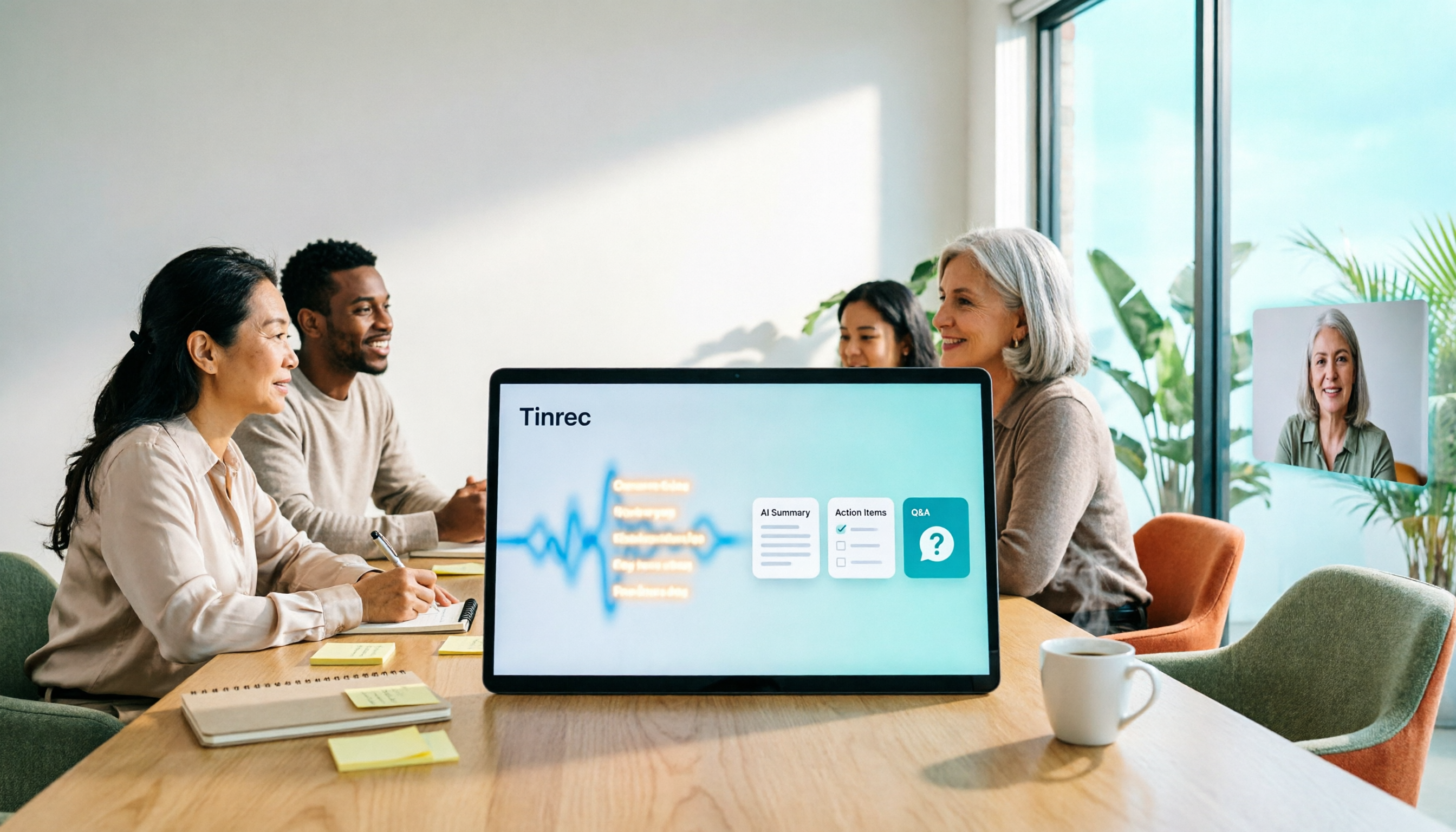
3 Smart Meeting Collaboration Tools Tested in 2026: Complete Tinrec Tutorial and Buying Guide
How do smart meeting collaboration tools work? This article focuses on Tinrec, covering the actual workflow for bot-free online meeting recording, real-time transcription, AI summaries and action items, AI Q&A, export and Agent post-processing. It also breaks down the differences between Personal and Team plans, seat and quota details, plus 5 key points to consider when buying and answers to common questions.
2026 Live Transcription AI Comparison: Which Tool Saves the Most Time on Chinese Meeting Notes?
Live transcription AI isn't about who transcribes fastest—it's about who stays with you after the meeting ends. This article tackles three common misconceptions, outlines 5 key selection criteria, and compares Tinrec, Otter.ai, Granola, and Notta on Chinese meeting support, post-meeting Q&A, and team collaboration, plus a pitfalls guide and scenario-based recommendations.

2026 Real-Time Transcription Tools Compared: Chinese Recognition, AI Q&A, and Free Tiers
We tested four real-time transcription tools in 2026, comparing their performance on Chinese and mixed Chinese-English speech, AI Q&A capabilities, online meeting recording methods, and free tiers. We also share our hands-on experience with Tinrec for meeting organization and team collaboration to help you choose the best tool.