

Turn recordings into transcripts and summaries in minutes
Upload audio or video for multilingual transcription, AI notes, and action items
2026 Smart Meeting Collaboration Platforms Compared: Which Is Best for Chinese-Language Meetings and Team Collaboration?
Three Common Misconceptions About Meeting Notes—The Problem Usually Isn't the Recording
Many people's first instinct is to hit record, and then that's it.
After recording a two-hour audio file, you still have to spend the same amount of time listening back, picking out key points, and typing them up. This isn't because the tools aren't good enough—it's because the process was wrong from the start.
Misconception 1: Thinking "having a recording" equals "having notes." A recording only proves the meeting happened. It can't tell you who agreed to what or when the deadline is.
Misconception 2: Assuming built-in transcription is enough. Zoom, Google Meet, and Teams each have transcription features, but the data stays on separate platforms. After a cross-platform meeting, you have to hunt for transcripts in three different places.
Misconception 3: Treating the transcript as the end goal. A transcript is raw material, not a finished product. What actually saves time are summaries, chapters, action items, and the ability to ask follow-up questions.
The point of meeting notes isn't "recording everything perfectly"—it's "being able to find and use it after the meeting." Once you understand this, your approach to choosing a tool will be completely different.
Four Key Factors to Understand Before Choosing a Smart Meeting Collaboration Platform
When I test these tools, I look at four things first, and the order reflects how important I think they are.
1. How does the meeting get captured? There are two main approaches: a meeting bot that joins as a participant, or a desktop app that directly captures your computer's system audio without needing an extra bot. For meetings with clients or external parties, the latter usually doesn't disturb the other side.
2. What can you do after transcription? A tool that only gives you a transcript is basically handing all the post-meeting work right back to you. Tools with summaries, chapters, action items, AI Q&A, and export features are the ones that actually give you your time back.
3. Performance with Chinese and mixed Chinese-English. Meetings in Taiwan are rarely pure Chinese or pure English—people often switch between both languages within a single sentence. This is a high-difficulty scenario for transcription and the area where differences between tools are most likely to show.
4. Data ownership and team governance. For personal use it doesn't matter much, but for teams it matters a lot. Does meeting data follow the person or stay in the team space? Does data remain after a member leaves? Are there roles, seats, usage, and audit logs you can check? These are more critical than price when purchasing.
Ultimately, the common logic behind these four points is: you want a platform that "lets you keep working after the meeting," not just a faster transcript-producing machine.
Tinrec—The One We Found Most Intuitive After Testing
Tinrec is an AI meeting notes and collaboration tool for individuals and teams, available on web, desktop, and mobile. Its positioning isn't "audio-to-text"—it's about turning meetings into searchable, collaborative, actionable data.
Bot-free recording for online meetings. The desktop version directly captures your computer's system audio, so it can handle Zoom, Google Meet, Microsoft Teams, and Webex meetings playing on your computer. The most noticeable thing during testing: no extra participant suddenly appears in client meetings, and you don't have to explain what it is. Note that it doesn't automatically join all meetings on your calendar—you open Tinrec yourself and start recording.
Transcription is just the midpoint; post-meeting is the focus. After recording, you get a transcript, AI summary, chapters, and key points, plus action items extracted from the discussion. For project meetings, this step saves the time you'd spend re-listening to the recording—previously you'd drag the timeline back and forth, now you just read the chapters.
You can ask questions directly about the meeting content. This is where it stands out most clearly from tools in the same price range. You can ask "What was the conclusion about the budget in this meeting?" or "What concerns did the client raise?" and it will find answers from the content instead of throwing back a bunch of keyword matches. During recording, you can also view the original text, translation, or bilingual content—very useful for cross-language meetings.
Meeting data can be further processed. Transcripts and summaries can be exported to Notion, Google Docs, OneNote, Dropbox, and other tools. When you need deliverables, post-processing features can generate reports, tables, and meeting minutes.
Stop organizing recordings by hand
Upload audio or video and automatically get a transcript, summary, and action items
The team version is a separate space, not multiple people sharing one account. After creating a team, you can invite members, set owners/admins/regular members, and assign seats. Team recordings, folders, and action items are stored centrally, and members can view and play back past meetings. On the admin side, you can check team usage trends, member details, team hot words, and audit logs. When a member leaves or loses their seat, their team resources need to be handed over to other active members—data doesn't disappear with the person. Keep in mind that the team version currently focuses on team-level sharing, with governance through roles and usage rights through seats, rather than per-file permission settings.
Limitations, honestly stated. Tinrec doesn't promise a fixed accuracy rate—actual performance depends on recording quality, ambient noise, accents, overlapping speakers, and technical terminology. For important content, we recommend cross-checking with transcript timestamps and audio playback. On quotas: the personal version starts with a free tier offering basic quota; for short-term high-frequency use, a weekly pass is available; for long-term data accumulation, Pro is suitable. The team version offers a 7-day trial for first-time eligible users (1 free seat, 300 minutes of shared team import quota). Paid seats include 2,000 minutes of shared team import quota per month. Monthly billing is USD 29.80 per paid seat; annual billing is USD 199 per paid seat (about USD 16.58/month). Prices, currencies, and benefits are subject to the official purchase page. Also, under an active team plan and active seats, live recording currently doesn't deduct minutes, but file and link imports use the shared team quota.
Who is it for? If you have weekly meetings in Chinese or mixed Chinese-English, don't want a bot joining client meetings, want to ask about key points right after recording, or need a unified meeting database for your team, Tinrec is currently the closest fit for these needs.
Besides Tinrec, What Other Options Are There?
Otter.ai — A veteran choice for English meeting automation. The free version offers a generous 300 minutes per month, and Pro annual billing comes to about USD 8.49/user/month. If your meetings are almost entirely in English and your budget is limited, it's genuinely worth it. But Chinese and mixed Chinese-English aren't its strong suit—real-time translation during recording, bilingual viewing, and team hot word management are built-in capabilities on Tinrec.
Notta — The competitor with the most overlap with Tinrec, offering multi-platform transcription, file import, translation, and team plans. The free version offers 120 minutes per month, max 3 minutes per session; Pro annual billing comes to about USD 8.17/month. The differences are Tinrec's bot-free desktop recording, team roles and seat management, audit logs, and post-processing capabilities for generating reports and tables.
Granola — An AI meeting notes tool that also takes the bot-free approach, focusing on combining handwritten notes with AI content. The free version is available for getting started, and Business is USD 14/user/month. Note that it doesn't support uploading pre-recorded audio files and doesn't save meeting audio. If you need to keep recordings, import existing files afterward, have a good Chinese meeting experience, and manage team data, Tinrec is more suitable.
Pitfall Guide: The 4 Most Common Mistakes When Choosing a Meeting Collaboration Tool
Pitfall 1: Only looking at transcripts, not the post-meeting workflow. No matter how accurate the transcript is, someone still has to organize it afterward—that's only solving half the problem. When choosing, directly confirm whether it has these four: summaries, action items, Q&A, and export.
Pitfall 2: Letting a bot join all meetings. Internal meetings might be fine, but for client meetings, interviews, and legal discussions, an extra bot participant adds a layer of concern. The desktop system audio capture approach is much friendlier for these situations.
Pitfall 3: Only comparing free minutes, ignoring rule details. Check whether the free quota is for "live recording" or "file import," and for team plans, whether it's per-person or shared quota and how seats are calculated. These rules often affect the actual experience more than the headline minutes.
Pitfall 4: Misunderstanding "team sharing" as everyone can edit. Members, roles, and seats are three different things. In Tinrec's team version, active members can view, play back, and read data even without a seat, but recording, uploading, editing, and importing/exporting require a seat. Before purchasing, think clearly about who only needs to read and who needs to write.
One more easily overlooked reminder: recording and transcription involve personal data and communication privacy. Before recording, you should obtain consent from participants in accordance with local regulations—this is more important than which tool you choose.
Conclusion: Which One Should You Actually Choose?
In one sentence: if you need Chinese-language meetings, post-meeting organization, and team data accumulation, Tinrec is the smoothest of this batch; if your meetings are almost entirely in English and you only want to use the free tier, Otter.ai is a reasonable exception.
- Mostly Chinese or mixed Chinese-English meetings → Tinrec
- Don't want a meeting bot joining client meetings → Tinrec (bot-free desktop recording)
- Want to ask AI directly for key points after recording, need action items and post-meeting documents → Tinrec
- Cross-device use, meeting data needs to be centrally accumulated → Tinrec (web, desktop, mobile)
- Team needs to share meeting data, manage seats and usage, check audit logs → Tinrec team version
- Meetings almost entirely in English, only want to use free tier → Otter.ai
We recommend starting with the free version. Individuals can first experience the transcription quality and post-meeting workflow; teams can use the 7-day trial (1 free seat, 300 minutes of shared import quota) to run through a real meeting cycle, and then consider upgrading if it feels right—no need to pay from the start.
References
- 5 AI Meeting Notes Tools Compared: Otter, Notta, and More—Features and Pricing
- Google Meet: Online Voice and Video Meetings | Google Workspace
- How to Choose Online Meeting Software: 5 Tools' Features, Pricing, and Use Cases - ALEN
- Video Conferencing, Meetings, Calling | Microsoft Teams
- Zoom Meetings: Conference Call Service | Zoom
Turn every recording into actionable outcomes
Get 60 free transcription minutes when you sign in. No credit card required.
Related Reading
You might also like

2026 Voice-to-Text Tools Compared: Which AI Best Handles Chinese Meetings and Saves Time?
Want to turn recordings, meetings, and interviews into transcripts quickly but don't know which tool to start with? I tested 4 voice-to-text tools, comparing Chinese recognition, bot-free meeting recording, AI summary Q&A, and team collaboration. Here are the criteria and selection methods I actually use.

How to Choose AI Tools in 2026: 5 Steps to Find the Best AI Right Now
Not sure which AI to use? This guide starts with your daily tasks, outlines 5 selection steps, and tests a meeting notes scenario to help you find the best AI right now. It also compares Tinrec, Granola, Notta, and PLAUD to help you avoid buying pitfalls.
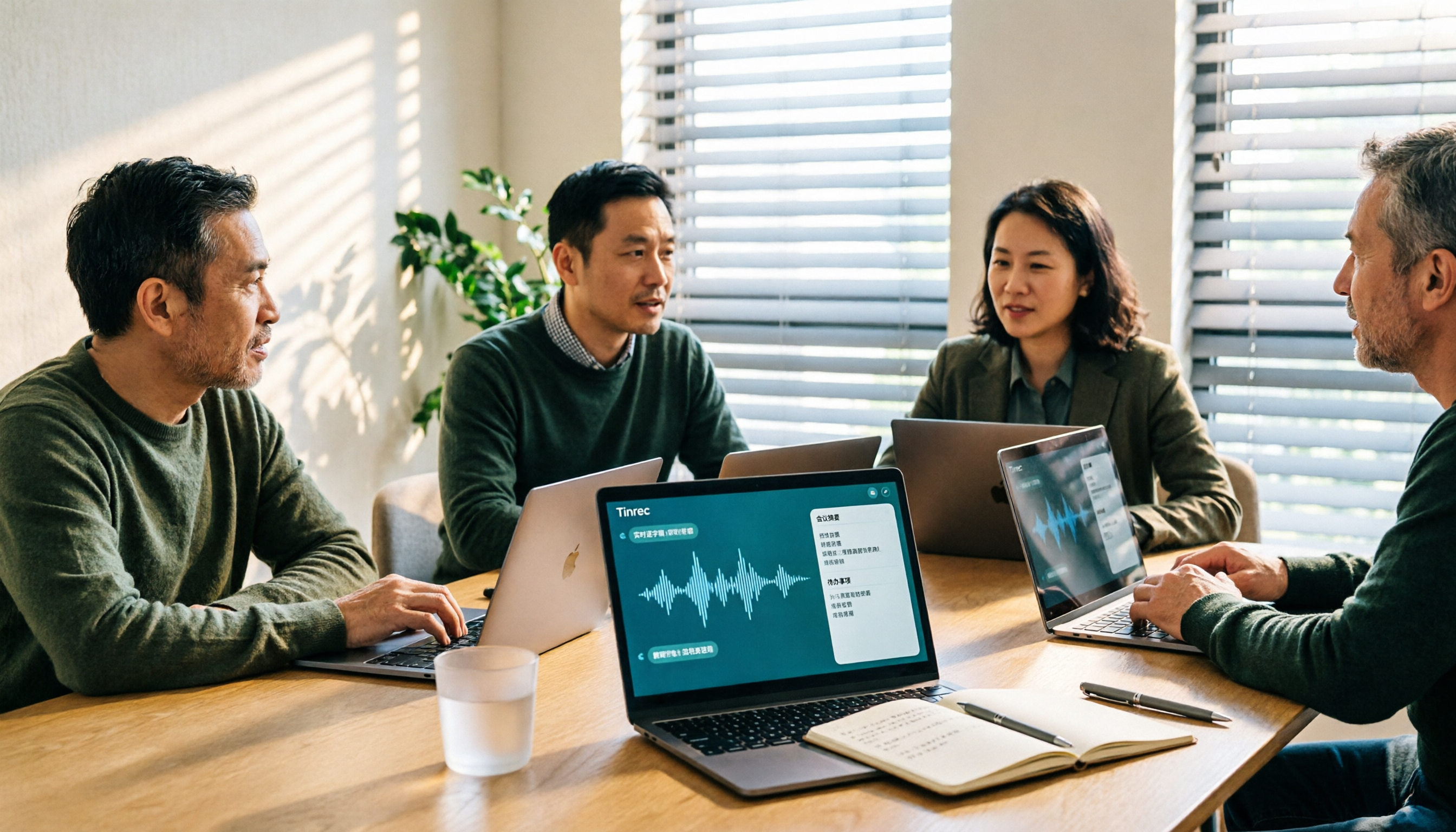
5 Best Audio-to-Text Tools for Chinese Meetings in 2026: Which Saves the Most Time?
Struggling to turn meeting recordings into transcripts? We tested and compared 5 audio-to-text tools—Tinrec, Otter, Notta, PLAUD, and TurboScribe—on Chinese recognition, meeting recording methods, post-meeting organization, and team collaboration to help you find the most time-saving option.
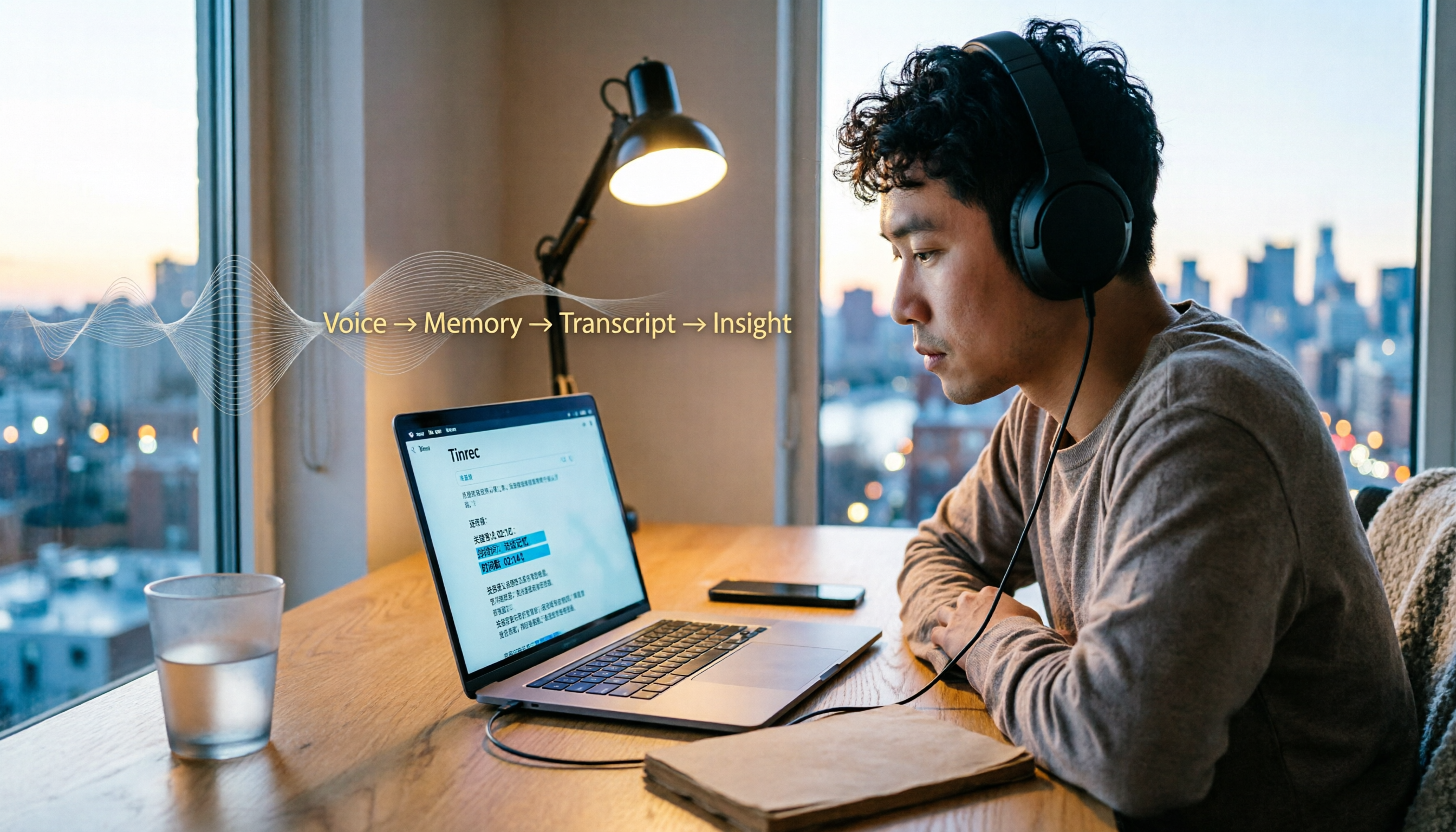
5 Best Video-to-Text Transcription Tools in 2026: Which AI Saves the Most Time?
Turning audio in videos into text is no longer just about converting sound to words. This article starts with common misconceptions, then walks you through post-transcription organization, search, follow-up questions, and export capabilities. We put Tinrec (秒聽錄音) through hands-on testing and compare it with Notta, TurboScribe, Otter.ai, and others to help you choose the video-to-text solution that truly saves time.

Tinrec vs Apple Voice-to-Text in 2026: A 5-Dimension Showdown for Chinese Meetings
After iOS 18.4, Apple added built-in transcription to iPhone Voice Memos. Do you still need a separate tool? This article compares Apple's built-in voice-to-text with Tinrec across five dimensions: Chinese recognition, recording preservation, post-meeting organization, cross-platform support, and team collaboration. It also includes practical tips and selection advice.

Free Video to Text Options in 2026: 4 Tools Compared
Turning video into text isn't hard—the hard part is the cleanup afterward. This guide compares the free plans and paid pricing of 4 video-to-text tools in 2026, with hands-on testing of transcript quality, summary and action items, AI Q&A, and team collaboration, so you can decide which one truly fits your workflow.

4 Video-to-Text Tools Tested: Which Saves the Most Time on Chinese Transcripts and Meeting Follow-Ups?
We tested 4 video speech-to-text tools, covering Chinese meeting transcripts, bot-free online meeting recording, AI summaries and action items, team data ownership, and pricing. We explain common pitfalls and selection criteria, and provide recommendations for different use cases.

Does Google AI Studio Support Chinese in 2026? 5 Steps to Understand Chinese Support and Meeting Notes
Does Google AI Studio support Chinese? This article first clarifies the difference between 'Chinese input/output' and 'interface language,' then outlines 4 key criteria for choosing a Chinese AI tool, and compares Tinrec, Notta, Otter.ai, and TurboScribe on their actual performance in Chinese meeting transcription to help you pick the right tool.
3 Ways to Use the AI Reflect Tool in Illustrator (2026 Tested Comparison): How to Mirror with Precision
Struggling with asymmetrical shapes when drawing symmetrical designs? This guide breaks down three ways to use the Illustrator (AI) Reflect tool: dragging from the toolbar, holding Shift to lock to 45-degree increments, and double-clicking to open the Reflect dialog box. It also covers the three most common beginner mistakes and how to avoid them, so you can create precise symmetrical artwork in half the time.