

Turn recordings into transcripts and summaries in minutes
Upload audio or video for multilingual transcription, AI notes, and action items
Does Google AI Studio Support Chinese in 2026? 5 Steps to Understand Chinese Support and Meeting Notes
Does Google AI Studio Support Chinese? First, Clarify Which Kind of Chinese You Mean
People who search for 'Does Google AI Studio support Chinese' usually have two different questions in mind: one is 'Can I give instructions in Chinese?' and the other is 'Will the interface menus be in Chinese?'
Here's the bottom line: Chinese input and output are no problem, but the interface language follows your Google account language settings.
According to Google's official documentation, Google AI Studio is the fastest way to start using Gemini, and you only need a Google account to use it. The Gemini model itself has good Chinese capabilities; you can write prompts directly in Traditional Chinese, and you can add 'Please answer in Traditional Chinese, using Taiwan terminology' to get output that can go straight into your editing workflow.
As for the interface itself, sources vary: some tutorials mention that the interface follows your Google account language settings, while other reports indicate that the interface is currently in English. In this case, the safer approach is to log in to your own account and see what actually displays. Don't get stuck on 'switching the interface to Chinese'—writing clear prompts is what truly affects the results.
There's also a positioning issue to clarify first. Google AI Studio is more of a workbench for people who want to test models and develop AI applications. If your problem is organizing transcripts, summaries, and action items after a meeting, that's actually a different category of tool. This is why most people, after checking out AI Studio, still go back to looking for meeting note tools.
Before Choosing a Chinese AI Tool, Understand These 4 Key Criteria
1. Stable Chinese output matters more than a Chinese interface
Many people assume that a 'Chinese interface' means Chinese is supported, but that's not necessarily true. The real difference is in the output: the same Chinese prompt can yield vastly different results across tools. When testing, use your own real materials—for example, a meeting recording with background noise and people interrupting—rather than the clean audio files used in official demos.
2. Do you want to 'develop models' or 'get work done'?
AI Studio lets you adjust parameters, test models, and get API access—it's suited for developers who need to integrate applications. But if your daily work involves meetings, interviews, and organizing client requirements, you need a tool that records when you open it and produces a transcript when you're done. The use cases don't overlap.
3. Can it directly produce usable output after the meeting?
Getting only a transcript is actually just half the job. What really saves time is the post-meeting part: summaries, chapters, action items, and a Q&A feature that lets you continue asking questions about the content. When choosing a tool, make 'how much work do I still have to do after recording' your main criterion.
4. Where does your data ultimately reside?
Recordings in a personal account are easily lost when you leave a job or switch devices. If the meeting content is valuable to the team, check whether the tool has team spaces, member management, and permission design.
Tinrec (秒聽錄音) — The Top Choice for Chinese Meeting Notes
Tinrec (秒聽錄音) is an AI meeting notes and collaboration tool for individuals and teams, supporting web, desktop, and mobile. It handles Chinese, mixed Chinese-English, and multilingual meetings.
Bot-free recording of online meetings: The desktop version directly captures your computer's system audio, working with Zoom, Google Meet, Microsoft Teams, and Webex without needing to invite an extra meeting bot as a participant. When the meeting starts, open Tinrec and start recording—the transcript is generated in sync, so by the time the meeting ends, you already have a readable text.
Ask key points right after recording: After the meeting, Tinrec automatically generates summaries, chapters, and action items—who is responsible for what and by when, organized into bullet points. Even better is the AI Q&A: you can directly ask 'Who mentioned the budget in the last meeting?' and it will answer based on the content, rather than giving you a list of keyword search results. For long meetings that easily last an hour, the time saved is significant.
Stop organizing recordings by hand
Upload audio or video and automatically get a transcript, summary, and action items
Post-meeting processing and team knowledge retention: Tinrec can further generate reports, tables, and documents, and export to Notion, Google Docs, OneNote, Dropbox, and other common tools for continued use. The team version offers an independent team space where meeting data belongs to the team. Admins can manage members, roles, and seats, view usage analytics and audit logs; when a member leaves or loses their seat, their team resources can be handed over to others, so they don't disappear with the individual.
Limitations (to be honest): Tinrec's free personal plan is suitable for light use. If you need to organize a large number of recordings every day, you'll need to upgrade. Pricing is based on usage tasks—use the free version for occasional recording, consider a weekly pass for short-term intensive meetings or interviews, Pro for steady weekly use, and an annual plan for long-term data retention. Also, actual transcription quality is affected by recording quality, ambient noise, accents, and overlapping speakers. It's not recommended to treat it as a 100% accuracy guarantee; important content should still be verified against the recording.
Who it's for: If you frequently handle Chinese or mixed Chinese-English meetings, want to use AI to find key points right after recording, and need meeting data to stay with the team rather than in personal accounts—Tinrec is currently the best match for these needs.
Besides Tinrec, What Other Options Are There?
Notta: The closest direct competitor to Tinrec, also offering multi-platform transcription, meeting notes, translation, and team plans. According to official information, the free version offers 120 minutes per month with a maximum of 3 minutes per session; the Pro annual plan is about USD 8.17/month with 1,800 minutes per month. The difference is that Tinrec's desktop version can record online meetings without a bot and offers AI Q&A and Agent post-processing.
Otter.ai: A representative English meeting assistant. The Basic free plan offers 300 minutes per month, which is quite generous. If your meetings are almost entirely in English and you don't need much Chinese output, Otter.ai is a reasonable choice; but Chinese meetings and bot-free desktop recording are not its strong suits.
TurboScribe: Takes a cost-effective file transcription approach. The free version allows 3 files per day with a maximum of 30 minutes per file; the Unlimited annual plan is USD 120. It's suitable for processing large volumes of long audio files at once, but lacks Tinrec's real-time meeting notes, post-meeting Q&A, and team collaboration capabilities. Prices and quotas are subject to change; please refer to the official pages before purchasing.
Pitfall Guide: The 3 Most Common Mistakes When Choosing a Chinese AI Tool
Pitfall 1: Assuming a 'Chinese interface' means good Chinese performance. Interface translation is one thing; whether the model's Chinese output is fluent and uses Taiwan-appropriate terminology is another. When choosing a tool, test it directly with a real Chinese meeting—that's much more reliable than looking at the interface language.
Pitfall 2: Treating a development workbench as a meeting notes tool. Tools like Google AI Studio focus on testing models and getting API access. You have to design the workflow, process audio files, and integrate the output yourself. If you just want to record meetings, this path is much longer than you think.
Pitfall 3: Recording and then leaving the file there. Recordings stored on personal devices become hard to find after three months, and you're afraid to delete them. When choosing a tool, first think about where the data should ultimately reside—especially for project meetings and client interviews that you'll need to look up repeatedly. A team space is much more practical than a personal folder.
Conclusion: Which One Should You Choose?
To sum up in one sentence: Google AI Studio's Chinese input and output are fine, but it's a development-oriented workbench; to solve Chinese meeting notes and organization, a tool like Tinrec is the right category.
- Want to test Gemini models and get API for applications → Google AI Studio (remember to write prompts in Traditional Chinese)
- Chinese or mixed Chinese-English meetings, need summaries and action items immediately after recording → Tinrec
- Want to use AI to follow up on meeting content right after recording → Tinrec (few competitors at the same price offer this)
- Need to use on both phone and computer, want data to stay with the team → Tinrec (web + desktop + mobile, team space)
- Meetings almost entirely in English, zero budget → Otter.ai free version is worth considering
We suggest trying Tinrec's free plan for one or two of your own meetings first to see if the quality of Chinese transcripts and summaries works for you. If it feels good, then consider upgrading—no need to pay from the start.
References
Turn every recording into actionable outcomes
Get 60 free transcription minutes when you sign in. No credit card required.
Related Reading
You might also like

2026 Voice-to-Text Tools Compared: Which AI Best Handles Chinese Meetings and Saves Time?
Want to turn recordings, meetings, and interviews into transcripts quickly but don't know which tool to start with? I tested 4 voice-to-text tools, comparing Chinese recognition, bot-free meeting recording, AI summary Q&A, and team collaboration. Here are the criteria and selection methods I actually use.

How to Choose AI Tools in 2026: 5 Steps to Find the Best AI Right Now
Not sure which AI to use? This guide starts with your daily tasks, outlines 5 selection steps, and tests a meeting notes scenario to help you find the best AI right now. It also compares Tinrec, Granola, Notta, and PLAUD to help you avoid buying pitfalls.
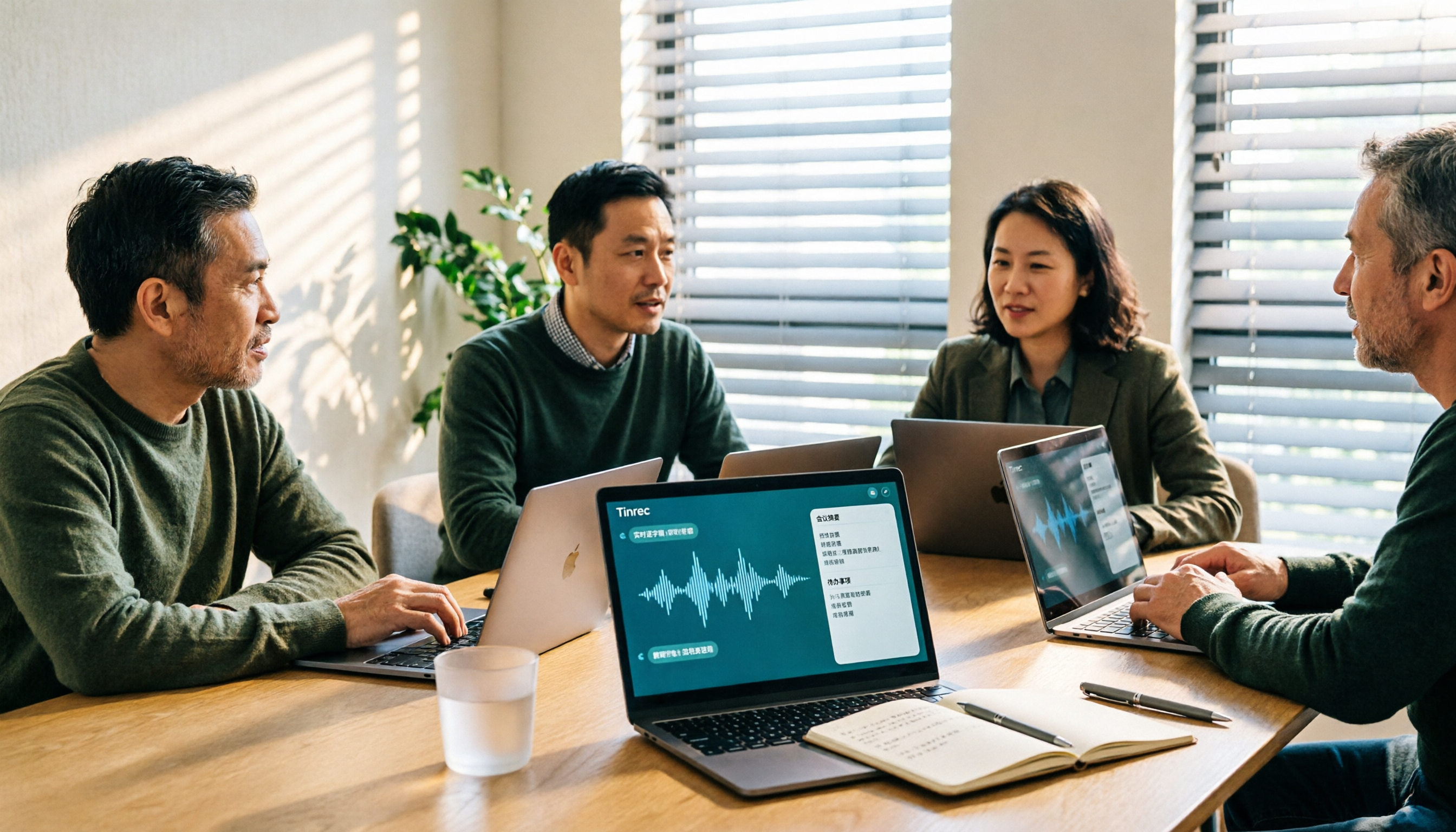
5 Best Audio-to-Text Tools for Chinese Meetings in 2026: Which Saves the Most Time?
Struggling to turn meeting recordings into transcripts? We tested and compared 5 audio-to-text tools—Tinrec, Otter, Notta, PLAUD, and TurboScribe—on Chinese recognition, meeting recording methods, post-meeting organization, and team collaboration to help you find the most time-saving option.

5 Best Video-to-Text Transcription Tools in 2026: Which AI Saves the Most Time?
Turning audio in videos into text is no longer just about converting sound to words. This article starts with common misconceptions, then walks you through post-transcription organization, search, follow-up questions, and export capabilities. We put Tinrec (秒聽錄音) through hands-on testing and compare it with Notta, TurboScribe, Otter.ai, and others to help you choose the video-to-text solution that truly saves time.

Tinrec vs Apple Voice-to-Text in 2026: A 5-Dimension Showdown for Chinese Meetings
After iOS 18.4, Apple added built-in transcription to iPhone Voice Memos. Do you still need a separate tool? This article compares Apple's built-in voice-to-text with Tinrec across five dimensions: Chinese recognition, recording preservation, post-meeting organization, cross-platform support, and team collaboration. It also includes practical tips and selection advice.

Free Video to Text Options in 2026: 4 Tools Compared
Turning video into text isn't hard—the hard part is the cleanup afterward. This guide compares the free plans and paid pricing of 4 video-to-text tools in 2026, with hands-on testing of transcript quality, summary and action items, AI Q&A, and team collaboration, so you can decide which one truly fits your workflow.

4 Video-to-Text Tools Tested: Which Saves the Most Time on Chinese Transcripts and Meeting Follow-Ups?
We tested 4 video speech-to-text tools, covering Chinese meeting transcripts, bot-free online meeting recording, AI summaries and action items, team data ownership, and pricing. We explain common pitfalls and selection criteria, and provide recommendations for different use cases.
3 Ways to Use the AI Reflect Tool in Illustrator (2026 Tested Comparison): How to Mirror with Precision
Struggling with asymmetrical shapes when drawing symmetrical designs? This guide breaks down three ways to use the Illustrator (AI) Reflect tool: dragging from the toolbar, holding Shift to lock to 45-degree increments, and double-clicking to open the Reflect dialog box. It also covers the three most common beginner mistakes and how to avoid them, so you can create precise symmetrical artwork in half the time.

2026 Smart Meeting Collaboration Platforms Compared: Which Is Best for Chinese-Language Meetings and Team Collaboration?
We tested four smart meeting collaboration platforms in 2026, comparing Tinrec, Otter.ai, Notta, and Granola across four dimensions: meeting capture, post-meeting organization, Chinese transcription, and team governance. We also break down free tiers, pricing, and common pitfalls to help you decide which one truly fits your meeting scenario.