

Turn recordings into transcripts and summaries in minutes
Upload audio or video for multilingual transcription, AI notes, and action items
2026 Voice-to-Text Tools Compared: Which AI Best Handles Chinese Meetings and Saves Time?
Let me ask you a question first.
Are you trying to solve "slow typing" or "no one organizes after the meeting"?
This is the first fork in the road I encounter most often when helping teams streamline their workflows.
If it's just slow typing, any voice-to-text tool can help.
But if your problem is: the meeting ended, no one remembers the conclusions, no one knows who is responsible for what, and next week's meeting will repeat everything—then what you really need isn't "transcription," but "turning voice into data you can keep working with."
So this article isn't just a spec sheet.
I want to share with you: with so many voice-to-text tools out there, what criteria I actually use to judge them.
Still Spending Two Hours Organizing After a Meeting? You Need a Solution, Not Just a Tool
I often see three scenarios.
The first is interview research. After a one-hour interview, you have to write a transcript, repeatedly pausing, playing, pausing, playing—listening to a sentence five times before daring to type it down.
The second is online meetings. After the meeting, attendees remember different versions, and no one dares to say what the decision actually was.
The third is courses and lectures. The recording sits on your phone for three months. You know there's something in it, but you never have time to open and listen.
The common thread in these three scenarios: the real time sink is never "listening," but "organizing after listening."
In other words, when choosing a tool, you shouldn't look at how fast it types, but how much "post-meeting work" it saves you.
5 Key Points to Understand Before Buying a Voice-to-Text Tool
1. What language are you recording?
This is the most easily overlooked point. Most tools perform well in English, but Chinese meetings, mixed Chinese-English expressions, and common Taiwanese proper nouns are where the real differences show. I suggest you take a real recording of your own and test it, rather than just looking at official numbers.
2. How does the sound get into the tool?
There are two approaches for online meetings: one is to send a meeting bot to join the meeting; the other is to use a desktop version to directly capture the computer's system audio, without adding an extra participant. The latter feels much more natural for client meetings, interviews, and other occasions with external people.
3. Do you only get a transcript, or do you get actionable results?
A transcript is just raw material. If you still have to read through 40 minutes of text to find action items, you've only saved half the time. Whether it can automatically generate summaries, chapters, action items, and even let you ask questions directly about the meeting content—that's the dividing line.
4. Cross-device and data retention
Recording on your phone today and organizing on your computer tomorrow is a common workflow. Also, ask clearly: will the recording be retained? Can you still find it three months later?
5. Are you using it alone or with a whole team?
For personal use, it's about quota and experience; for team use, it's about data ownership, member seats, and permissions. These two things have completely different criteria.
Tinrec (秒聽錄音) — My Top Choice After Testing
Tinrec (秒聽錄音) is an AI meeting notes and collaboration tool for individuals and teams, covering iOS, Android, desktop, and web.
I put it first because it happens to address the hardest of the five key points above.
First, meeting recording. I actually tested the online meeting scenario: open Tinrec desktop, and it directly captures the computer's system audio. Zoom, Google Meet, Microsoft Teams, Webex are all handled, without inviting any bot into the meeting room. This is especially noticeable when meeting with external clients—you don't need to explain upfront, "An AI will join us later."
Once in the meeting, it produces a transcript while recording. When the meeting ends, the summary, chapter highlights, and action items are already organized. Who is responsible for what and when it's due can be read directly. I personally like to add a question after the meeting, such as: "Please organize the three decisions, five action items, and unclaimed items from this meeting." This approach is much faster than flipping through a 40-minute transcript myself, and it gives you answers directly, not just keyword search.
This is also what I think is the biggest difference between Tinrec and ordinary transcription tools: it takes over the most time-consuming work "after recording." Transcripts are searchable, can be split into original, translated, or bilingual views, and meeting results can be exported to Notion, Google Docs, OneNote, Dropbox for continued use, and can directly generate reports, tables, or meeting minutes.
I'll also be clear about the test conditions: I used a mixed Chinese-English internal discussion recording, with air conditioning noise and occasional keyboard sounds. Under these conditions, I could almost read the Chinese sections directly, and English proper nouns needed one correction using team hotwords. I won't tell you a percentage accuracy, because that depends on your recording environment, accent, and how much people talk over each other—I still go back and check important content against the recording.
Stop organizing recordings by hand
Upload audio or video and automatically get a transcript, summary, and action items
Three things that satisfied me most:
- No meeting bot needed: Desktop version captures system audio, no awkwardness in external meetings.
- Chinese and multilingual meeting experience: Covers Chinese, Traditional Chinese, and multilingual scenarios, supports real-time translation and team hotwords.
- Complete post-meeting workflow: Summary, chapters, action items, AI Q&A, export, and document regeneration—all in one flow.
Limitations should also be clear. The free version provides a basic quota, suitable for trying it out; if you have regular meetings every week, you'll need a further plan. Also, it currently requires you to actively open the desktop version to start recording, not automatically join every meeting on your calendar—align expectations on this point first.
As for team use, the Tinrec team version is not multiple people sharing one account, but an independent team space. Meeting data belongs to the team, and members leaving won't take data with them. Administrators can manage roles and seats, view usage trends, query and export audit logs, and transfer resources to others when members change. Note that roles determine who can manage the team, and seats determine who can record, upload, and edit—members without a seat can still view, play, and read team data, but cannot upload or edit.
Who is it for? If you frequently have Chinese meetings, don't want a bot in the meeting room, want to use AI to find conclusions and action items right after recording, and even need to turn meetings into team data, Tinrec is currently the closest choice to this need.
Besides Tinrec, What Other Options Are There?
Otter.ai: A veteran AI meeting assistant, the top choice for English business meetings. Free version has 300 minutes per month; Pro annual is about USD 8.49/user/month, including 1,200 minutes of in-app recording and 10 file imports per month. If your meetings are almost entirely in English, its maturity is worth considering. But Chinese meetings and team data governance are not its strong suit, and it lacks Tinrec's bot-free desktop capture and seat management.
Notta: Good multilingual transcription and file processing. Free version has 120 minutes per month, max 3 minutes per session; Pro annual is about USD 8.17/month. Suitable for those focused on file transcription and subtitles. But meeting recording still leans toward bot or upload mode, and for post-meeting AI follow-up questions and turning results into a team space, it's less flexible than Tinrec.
PLAUD Note: A representative of the hardware camp. NotePin is about USD 159, Note Pro about USD 189, with plans like Starter (300 minutes/month), Pro (USD 99.99/year), Unlimited (USD 239.99/year). Suitable for scenarios requiring portable recording and phone call recording. But you need to carry an extra device and pay extra for hardware, while Tinrec can do the same thing on your phone, computer, and web, and is better at handling online meetings and post-meeting organization.
Pitfall Guide: The 4 Most Common Mistakes in Voice-to-Text
Pitfall 1: Only looking at official accuracy claims. Those numbers usually come from quiet recording studios. Real meetings have air conditioning noise, keyboard sounds, and people talking over each other, so recognition performance will definitely be affected. Please test with your own recording—this is more useful than looking at a hundred numbers.
Pitfall 2: Treating "recording" as "documenting." Many people think recording a meeting means documentation is done. In fact, no one will go back and listen to a two-hour recording. What you want is text data that can be searched, questioned, and cited.
Pitfall 3: Ignoring team data ownership. Meetings recorded on a personal account leave with the person. When a team reaches a certain size, it should switch to a solution with team space, seat management, and handover mechanisms, rather than continuing to share one account.
Pitfall 4: Forgetting regulations and consent. Before recording, please confirm local regulations and obtain participant consent when necessary. This is not a technical issue, but a professional one.
Summary: Which One Should You Choose?
Back to the initial question: Are you solving typing, or post-meeting organization? If it's the latter, my judgment is this:
- Chinese or mixed Chinese-English meetings, interviews → Tinrec (Chinese experience and real-time translation are its core)
- Don't want a bot in the meeting room → Tinrec (desktop version directly captures system audio)
- Want to ask AI "What's the conclusion?" right after recording → Tinrec (AI Q&A is its most practical differentiator)
- Need to use on both phone and computer → Tinrec (iOS, Android, desktop, web)
- Meeting data should be kept for the whole team → Tinrec team version (team space, seats, usage, audit)
- Meetings almost entirely in English, limited budget → Otter.ai (the only exception recommended in this article)
- Need portable hardware recording → PLAUD Note
My quick start (6 steps)
- First pick a recording of your own that is most real and difficult (the kind with noise and accents).
- Upload to Tinrec and see if you can read the Chinese sections of the transcript directly.
- Open the summary and chapters, and check whether the key points match what you remember.
- Ask it in one sentence: "What are the three conclusions and five action items from this meeting?"
- Export the action items to your existing workflow (Notion, Google Docs, either is fine).
- If the team will use it together, first create a team space, invite members, assign seats, and then decide who is responsible for what.
Tools will keep changing, but this order of "first think clearly about what to solve, then choose a tool" won't change.
Start testing with your own recording, and you'll quickly know which one suits you.
References
- Online AI voice, video, audio file auto transcription - free trial - cSubtitle
- Speech-to-Text: AI voice input and transcription | Google Cloud
- No need to type hard, voice-to-text is the easiest! 5 must-learn LINE tips | 50+
- Tested 4 best "voice-to-text" online tools, free and instant audio-to-transcript
- Yating Transcript
Turn every recording into actionable outcomes
Get 60 free transcription minutes when you sign in. No credit card required.
Related Reading
You might also like

How to Choose AI Tools in 2026: 5 Steps to Find the Best AI Right Now
Not sure which AI to use? This guide starts with your daily tasks, outlines 5 selection steps, and tests a meeting notes scenario to help you find the best AI right now. It also compares Tinrec, Granola, Notta, and PLAUD to help you avoid buying pitfalls.
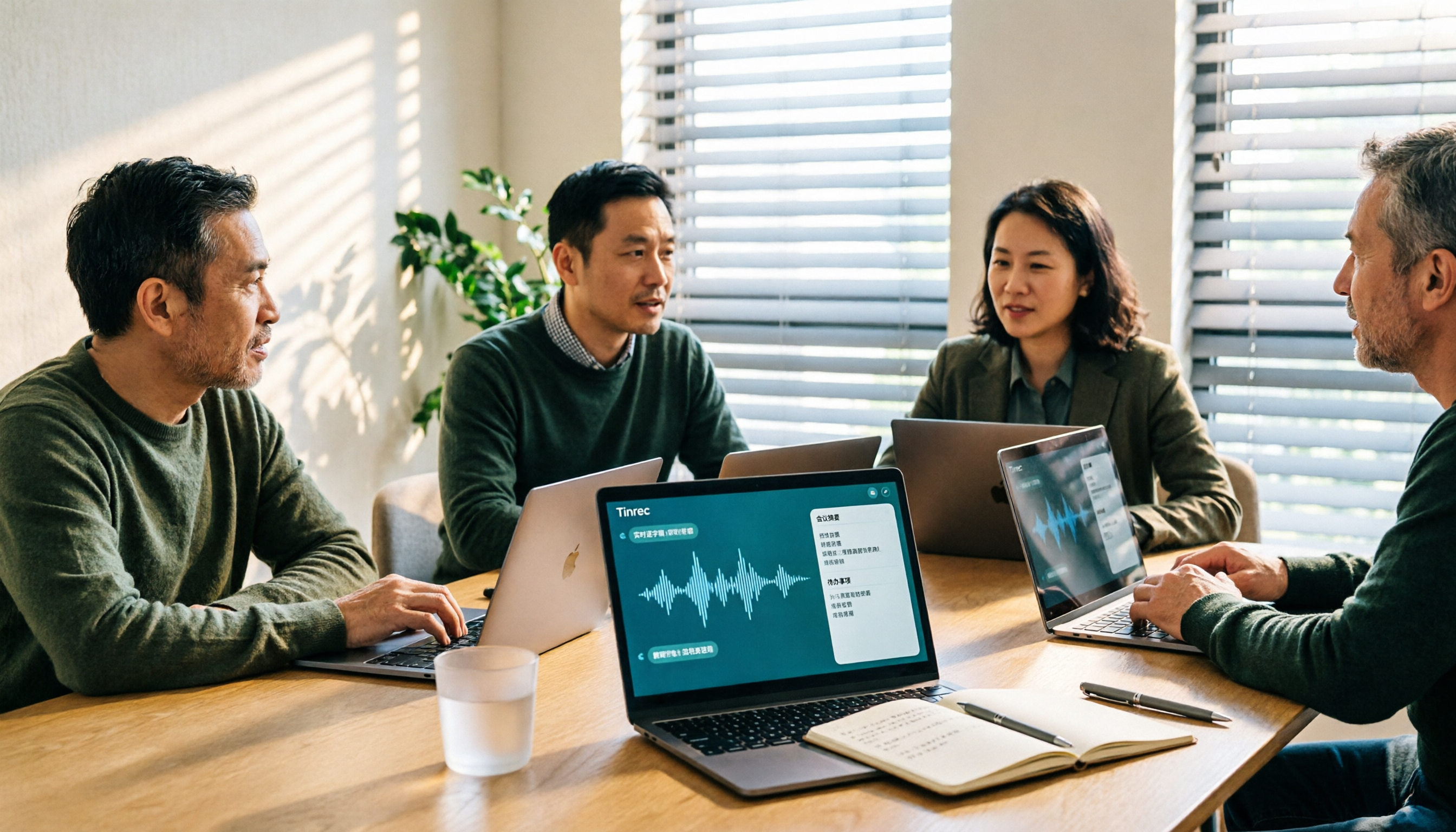
5 Best Audio-to-Text Tools for Chinese Meetings in 2026: Which Saves the Most Time?
Struggling to turn meeting recordings into transcripts? We tested and compared 5 audio-to-text tools—Tinrec, Otter, Notta, PLAUD, and TurboScribe—on Chinese recognition, meeting recording methods, post-meeting organization, and team collaboration to help you find the most time-saving option.
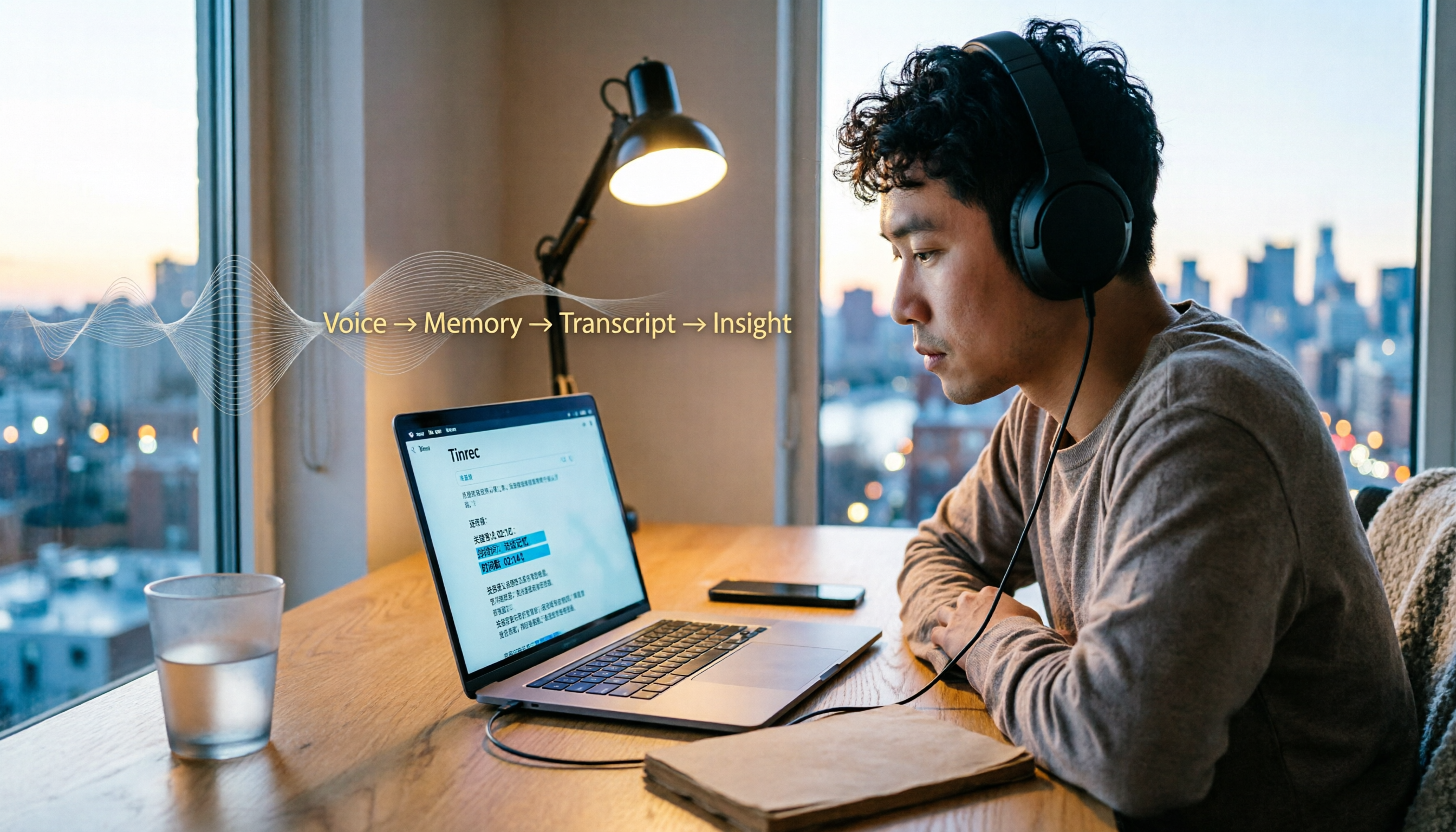
5 Best Video-to-Text Transcription Tools in 2026: Which AI Saves the Most Time?
Turning audio in videos into text is no longer just about converting sound to words. This article starts with common misconceptions, then walks you through post-transcription organization, search, follow-up questions, and export capabilities. We put Tinrec (秒聽錄音) through hands-on testing and compare it with Notta, TurboScribe, Otter.ai, and others to help you choose the video-to-text solution that truly saves time.

Tinrec vs Apple Voice-to-Text in 2026: A 5-Dimension Showdown for Chinese Meetings
After iOS 18.4, Apple added built-in transcription to iPhone Voice Memos. Do you still need a separate tool? This article compares Apple's built-in voice-to-text with Tinrec across five dimensions: Chinese recognition, recording preservation, post-meeting organization, cross-platform support, and team collaboration. It also includes practical tips and selection advice.

Free Video to Text Options in 2026: 4 Tools Compared
Turning video into text isn't hard—the hard part is the cleanup afterward. This guide compares the free plans and paid pricing of 4 video-to-text tools in 2026, with hands-on testing of transcript quality, summary and action items, AI Q&A, and team collaboration, so you can decide which one truly fits your workflow.

4 Video-to-Text Tools Tested: Which Saves the Most Time on Chinese Transcripts and Meeting Follow-Ups?
We tested 4 video speech-to-text tools, covering Chinese meeting transcripts, bot-free online meeting recording, AI summaries and action items, team data ownership, and pricing. We explain common pitfalls and selection criteria, and provide recommendations for different use cases.

Does Google AI Studio Support Chinese in 2026? 5 Steps to Understand Chinese Support and Meeting Notes
Does Google AI Studio support Chinese? This article first clarifies the difference between 'Chinese input/output' and 'interface language,' then outlines 4 key criteria for choosing a Chinese AI tool, and compares Tinrec, Notta, Otter.ai, and TurboScribe on their actual performance in Chinese meeting transcription to help you pick the right tool.
3 Ways to Use the AI Reflect Tool in Illustrator (2026 Tested Comparison): How to Mirror with Precision
Struggling with asymmetrical shapes when drawing symmetrical designs? This guide breaks down three ways to use the Illustrator (AI) Reflect tool: dragging from the toolbar, holding Shift to lock to 45-degree increments, and double-clicking to open the Reflect dialog box. It also covers the three most common beginner mistakes and how to avoid them, so you can create precise symmetrical artwork in half the time.

2026 Smart Meeting Collaboration Platforms Compared: Which Is Best for Chinese-Language Meetings and Team Collaboration?
We tested four smart meeting collaboration platforms in 2026, comparing Tinrec, Otter.ai, Notta, and Granola across four dimensions: meeting capture, post-meeting organization, Chinese transcription, and team governance. We also break down free tiers, pricing, and common pitfalls to help you decide which one truly fits your meeting scenario.