
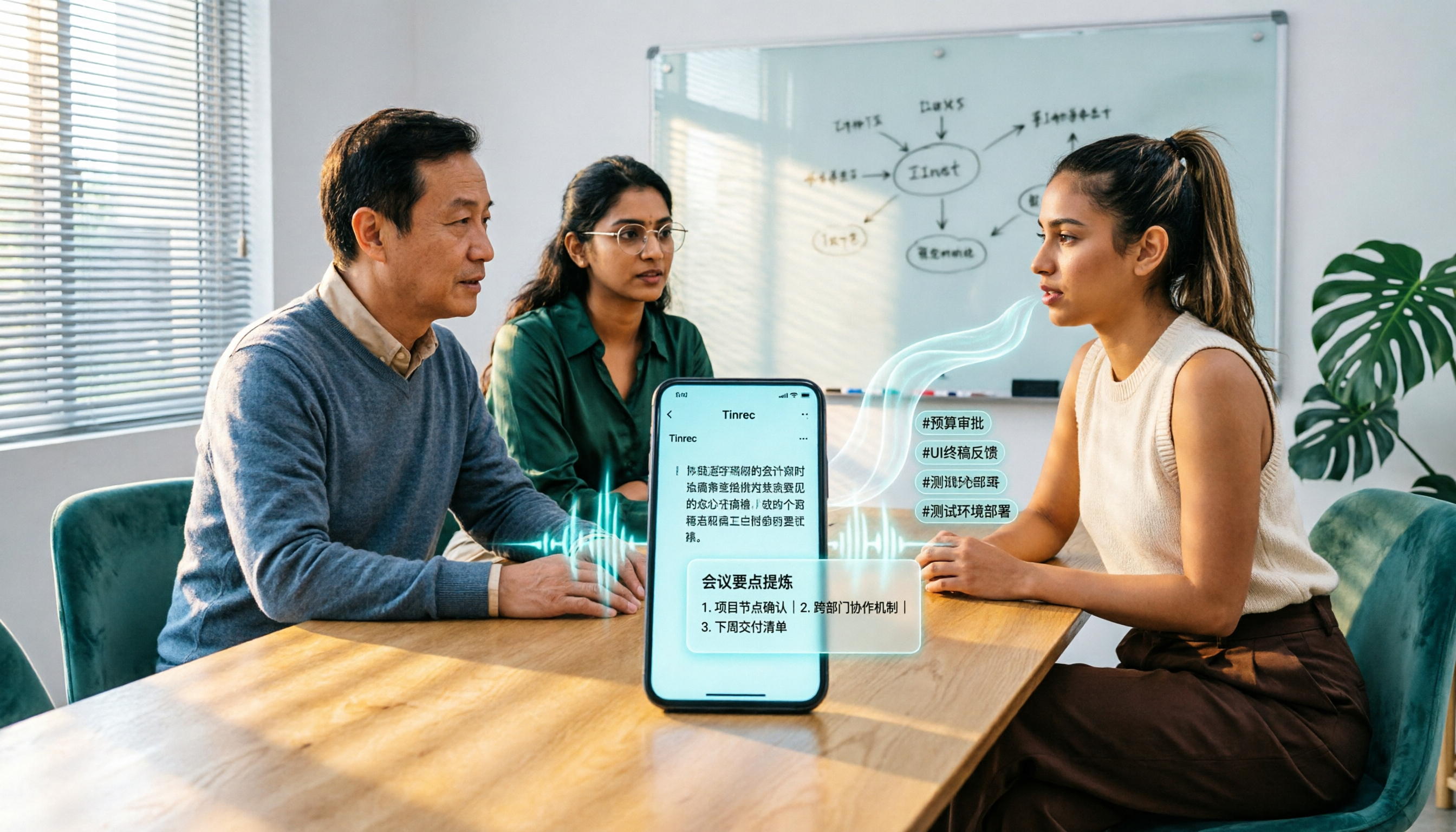
Turn recordings into transcripts and summaries in minutes
Upload audio or video for multilingual transcription, AI notes, and action items
When you finish recording a two-hour meeting on your Honor phone, what do you do with that audio? Keep replaying it on the built-in recorder, or find a tool that can automatically convert it to text and even help you organize a summary? These are two completely different workflows. The built-in recorder only helps you "capture" the audio, but the real time cost happens after recording—replaying, typing, picking out key points, and writing action items. This article compares several audio-to-text solutions for Honor phones, using Tinrec as the primary example, to take you from "recording" to "knowledge management."
What Can Audio-to-Text Do for You?
Scenario 1: Get Meeting Minutes in 5 Minutes After a Meeting
In the past, after a meeting you might have to spend double the time replaying the recording and typing out the transcript. Now, with Tinrec as an example, as soon as the meeting ends, AI has already generated a summary, conclusions, and action items—who is responsible for what and what the deadlines are, all at a glance.
Scenario 2: Interview Recordings—Quickly Find Key Quotes
When conducting user interviews or expert interviews, Tinrec can transcribe while recording, and afterward you can use AI Q&A to directly ask, "What was the interviewee's reaction to the price?" No need to listen from the beginning again.
Scenario 3: Classes and Lectures—Turn Recordings into Searchable Notes
In class or at a lecture, record with your Honor phone and upload to Tinrec, which automatically generates chapters and key points. When reviewing, just search for keywords to jump to the corresponding section.
What Are the Core Capabilities of Honor Phone Audio-to-Text?
Real-Time Transcription: Text Appears as You Record
Tinrec supports real-time audio-to-text transcription. Content recorded on your Honor phone is displayed as text with timestamps in sync. During meetings, you can follow along with the text to make sure you don't miss key points, without waiting until the recording is finished.
AI Summary and Chapters: Long Meetings Automatically Broken Down
Tinrec doesn't just condense the transcript into a paragraph; it organizes it structurally—meeting topic, discussion conclusions, and action items are listed separately, and it can automatically generate chapters for easy navigation.
Action Item Extraction: Turn Discussions into Actions
From meeting conversations, Tinrec automatically identifies action items and organizes them into a TODO list. After a project meeting, you can directly export the action items to team members.
AI Q&A: Query Meetings Like Asking Questions
After transcription is complete, you can directly ask Tinrec: "Who mentioned the budget in the meeting?" "What was the customer's feedback?" It answers directly based on semantic understanding, without replaying the recording.
Multi-Format Export and Team Spaces
Tinrec supports exporting to Notion, Google Docs, OneNote, Dropbox, and other tools. It can also store meeting data in a team space, allowing team members to view, search, and continue working on it together.
Practical Use Cases
In-Person Meetings and Client Visits
Record with the Tinrec app on your Honor phone and get real-time transcription. When you return to the office, the summary and action items are ready, and you can directly compile them into meeting minutes to send to the client.
Online Meetings Without Bots
The Tinrec desktop version directly captures your computer's system audio to handle meetings on Zoom, Google Meet, Microsoft Teams, Webex, etc., without inviting a meeting bot. Honor phone users can use the Tinrec desktop version on their computer and view the transcript on their phone afterward.
Interview and Research Recordings
After an interview, upload the recording from your Honor phone to Tinrec, which automatically generates a transcript, summary, and key points. Researchers can use AI Q&A to quickly retrieve interviewee perspectives.
Stop organizing recordings by hand
Upload audio or video and automatically get a transcript, summary, and action items
Personal Learning and Content Organization
Whether it's a class, a podcast, or organizing inspiration recordings, Tinrec can transcribe and generate summaries, so recordings are no longer dormant files but a searchable, queryable personal knowledge base.
5 Things to Consider When Choosing an Honor Phone Audio-to-Text Tool
1. Chinese Accuracy and Technical Terminology
Don't just rely on official marketing—try it with your own recordings. Tinrec covers Chinese, Traditional Chinese, and multilingual meeting scenarios, and supports team hotword management to maintain technical terminology and improve recognition. Actual results may be affected by recording quality, accents, noise, and overlapping speakers.
2. AI Post-Processing Capabilities
Transcription is only the first step; whether it can help you organize afterward is key. Tinrec provides AI summaries, chapters, action item extraction, AI Q&A, and can further generate reports, tables, and documents.
3. Input Sources and Cross-Platform Support
Make sure the tool supports the devices and meeting formats you commonly use. Tinrec supports real-time recording, audio/video file upload, desktop bot-free online meeting recording, and mobile use on Honor phones, covering both offline and online scenarios.
4. Whether Recordings Are Retained and Traceability
Some tools only provide transcripts and don't keep audio files. Tinrec supports retaining recordings and provides an audio recycle bin for easy recovery of accidentally deleted files. For important content, it's recommended to cross-check using transcript timestamps and audio playback.
5. Team Collaboration and Data Retention
If you're using it as a team, pay attention to the differences between members, roles, and seats. The Tinrec team version provides an independent team space where meeting data belongs to the team. Administrators can manage members, seats, sharing permissions, usage, and audit logs. When a member leaves, team data can be handed over and won't be taken away by individuals.
Frequently Asked Questions
Can I use Tinrec for audio-to-text on an Honor phone?
Yes. Tinrec has iOS and Android apps. Honor phone users can download the Tinrec app to use real-time audio-to-text transcription or upload existing audio files for transcription.
Is the free version enough?
The Tinrec free version provides a basic quota, suitable for light use. If you have weekly meeting transcription needs, consider a Pro monthly or annual plan; for short-term intensive use, there's a weekly plan option. Actual plans and prices are subject to the official purchase page.
Which online meeting platforms does Tinrec support?
The Tinrec desktop version captures computer system audio and can handle online meetings on Zoom, Google Meet, Microsoft Teams, Webex, etc., without a meeting bot. Users need to actively open Tinrec to start recording.
What's the difference between AI summaries and transcripts?
A transcript is a complete record of speech, while an AI summary is a structured organization of meeting topics, conclusions, key points, and action items. Tinrec provides both, so you can first read the summary to grasp the big picture, then refer back to the transcript for details.
What's the difference between the team version and the personal version?
Personal version data is managed by the individual account. The team version provides an independent team space where meeting data belongs to the team, and adds capabilities such as members, roles, seats, sharing permissions, usage analysis, and audit logs. Members without a seat can still view, play, and read team data, but cannot upload, edit, or export.
Conclusion
The built-in recorder on Honor phones can capture audio, but if you want to turn recordings into searchable, organized, actionable data, you need a more professional tool. Tinrec covers the complete meeting notes workflow, from real-time transcription, AI summaries, and action item extraction to team spaces.
If you have more than 3 meetings per week, or frequently need to organize interview or class recordings, we recommend trying Tinrec. You can start with the free version to experience how AI helps you organize meeting notes. Actual plans and prices are subject to the official Tinrec purchase page.
References
- 5 Honor Phone Audio-to-Text Tools Tested: Chinese Accuracy, AI Summaries, Multi-Device Sync at a Glance - Tinrec Blog
- How to Transcribe Mobile Meeting Recordings? Use Plaud + AI to Record and Organize in One Go
- Audio File to Text Methods Taught!
- No Third-Party App Needed! iPhone Voice Memos and Notes App Audio-to-Text Full Guide | Venus's Fantasy World
- Voice to Text - Google Play App
Turn every recording into actionable outcomes
Get 60 free transcription minutes when you sign in. No credit card required.
Related Reading
You might also like

Best AI Transcription Tools in 2026: 4 Tested, This One Saves the Most Time for Chinese Meetings
How to choose an AI transcription tool? This article compares Tinrec, Otter.ai, Notta, and Granola, covering Chinese and mixed Chinese-English recognition, post-meeting output, recording retention, and old file import, plus team data ownership. It also lists 4 key buying factors and common pitfalls to help you find the best solution for Chinese meeting transcription.
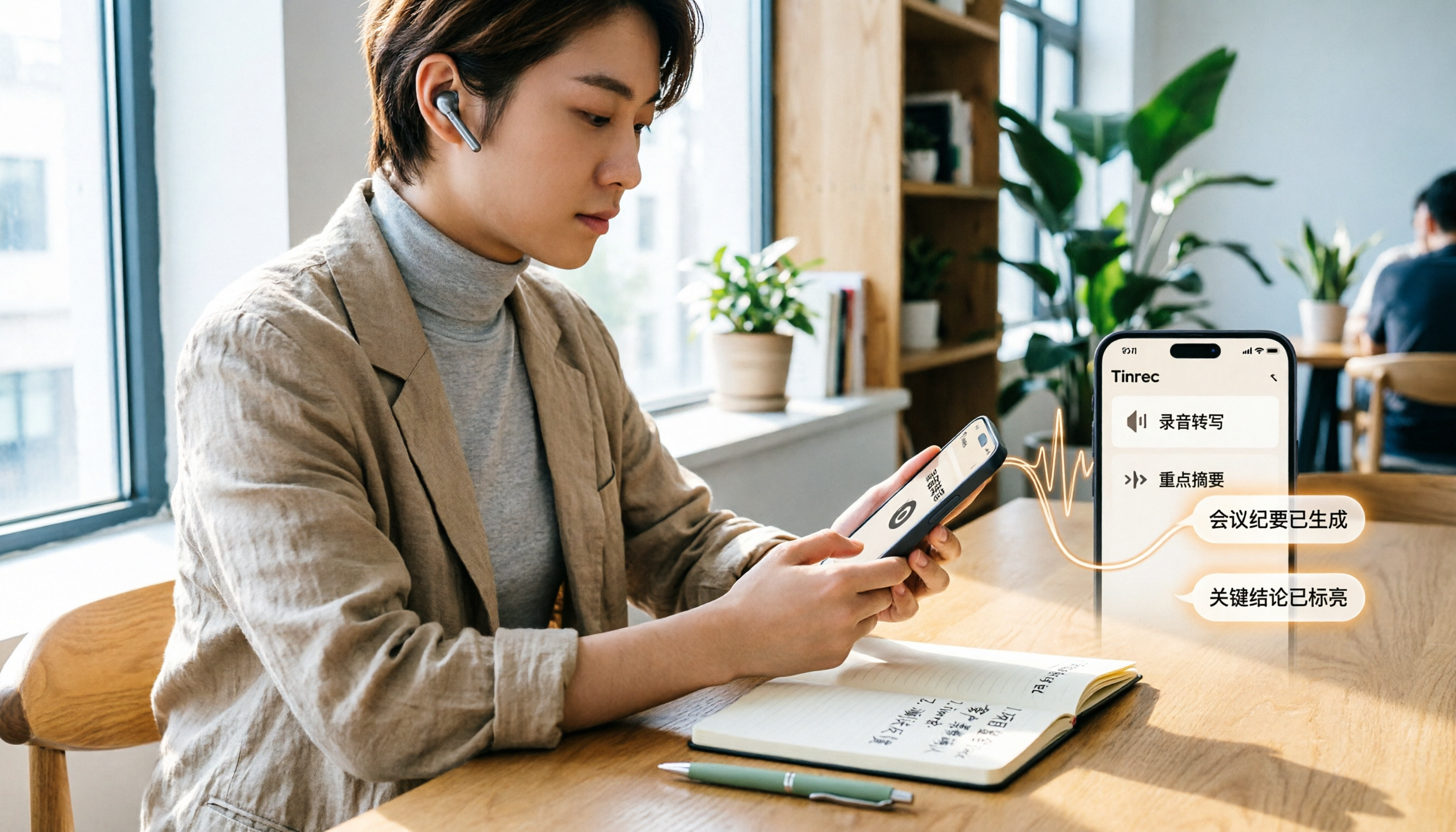
How to Transcribe iPhone Voice Memos in 2026: A Complete 5-Step Guide
The built-in Voice Memos app on iPhone supports Traditional Chinese transcription starting with iOS 18.4, but there are common misconceptions: device compatibility, older recordings may not be transcribed, and a transcript is not the same as meeting notes. This article walks you through the 5-step process of transcribing iPhone recordings and compares the built-in iPhone feature with Tinrec, Notta, and PLAUD, explaining which tool to use in which situation.

Tinrec vs Otter.ai 2026: 5-Dimension Comparison for Long Audio Transcription, Which One Should Chinese Teams Choose?
Long audio transcription isn't just about converting speech to text; it's about whether the output is usable. This article compares Tinrec and Otter.ai across five dimensions: Chinese long meeting transcription, bot-free recording, post-meeting organization, AI Q&A, and team governance, helping Chinese teams find the best long audio transcription solution.

2026 Voice-to-Text Tools Compared: Which Is Fastest for Chinese Meeting Transcripts?
Voice-to-text tools range from free to dozens of dollars per month, but the real question isn't budget—it's whether you need a raw transcript or meeting materials you can act on. This article breaks down 4 key buying factors and compares Tinrec, Otter.ai, Notta, and Granola on Chinese meeting transcription, post-meeting organization, AI Q&A, and team collaboration, plus 3 common pitfalls to avoid.
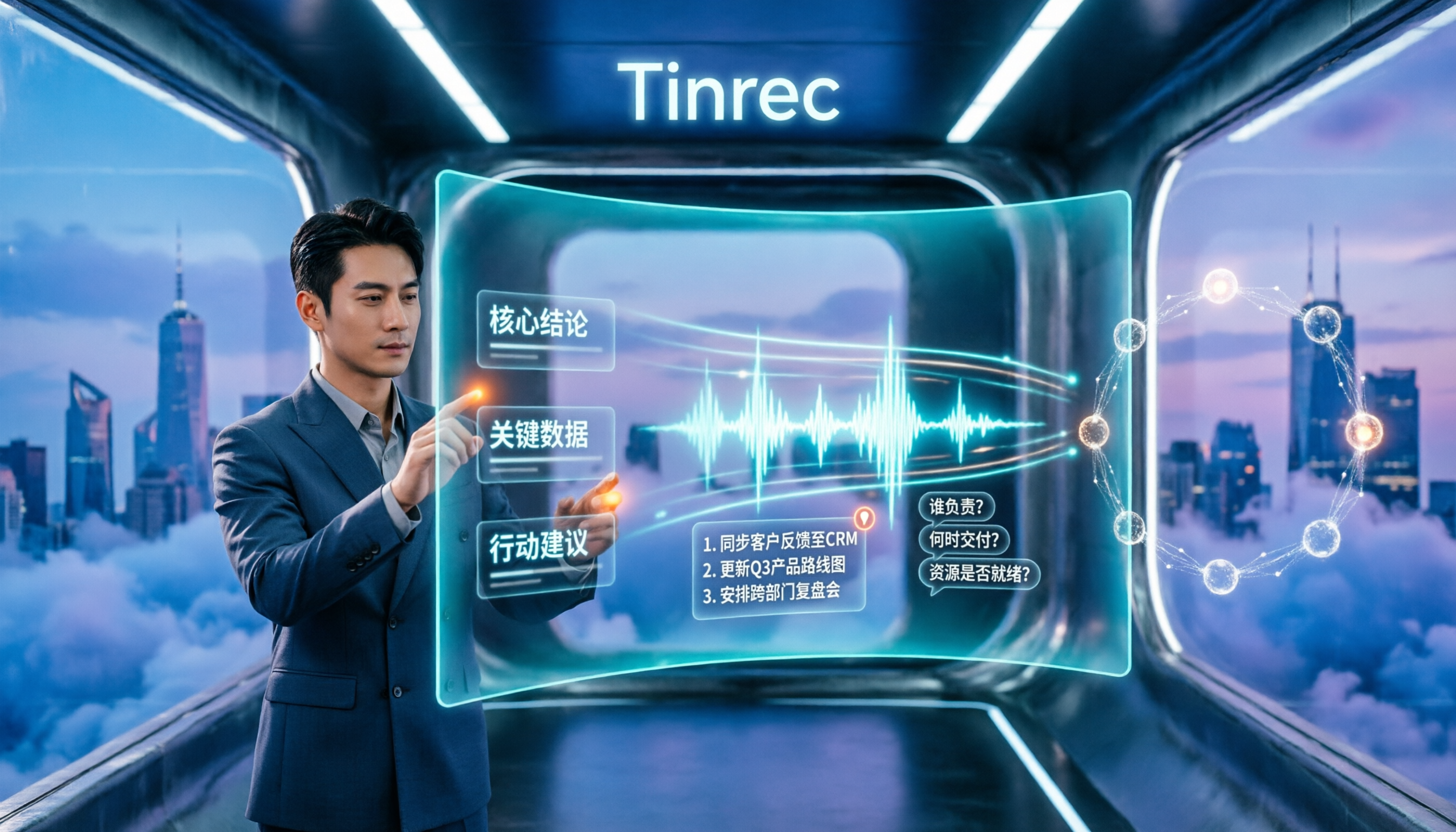
How to Summarize Chinese Audio in 2026: 5-Step Comparison of Tinrec vs Yating Transcript
Summarizing Chinese audio shouldn't just produce a transcript. This article uses 5 steps to compare Tinrec and Yating Transcript for Chinese meeting notes, explaining how real-time transcription, AI summaries, action item extraction, AI Q&A, and team spaces work, and covers pricing and seat concepts for personal and team plans to help you decide which approach suits your meeting volume.

3 Huawei Audio-to-Text Solutions Compared: How Tinrec Fills the Meeting Notes Gap
Many people search for 'Huawei audio to text' because they need to turn meeting recordings into transcripts, summaries, and action items. This article compares three common approaches: built-in device and cloud speech capabilities, online conversion tools, and Tinrec. From cross-platform recording and post-meeting organization to AI Q&A and team collaboration, we help you decide which fits your daily workflow.
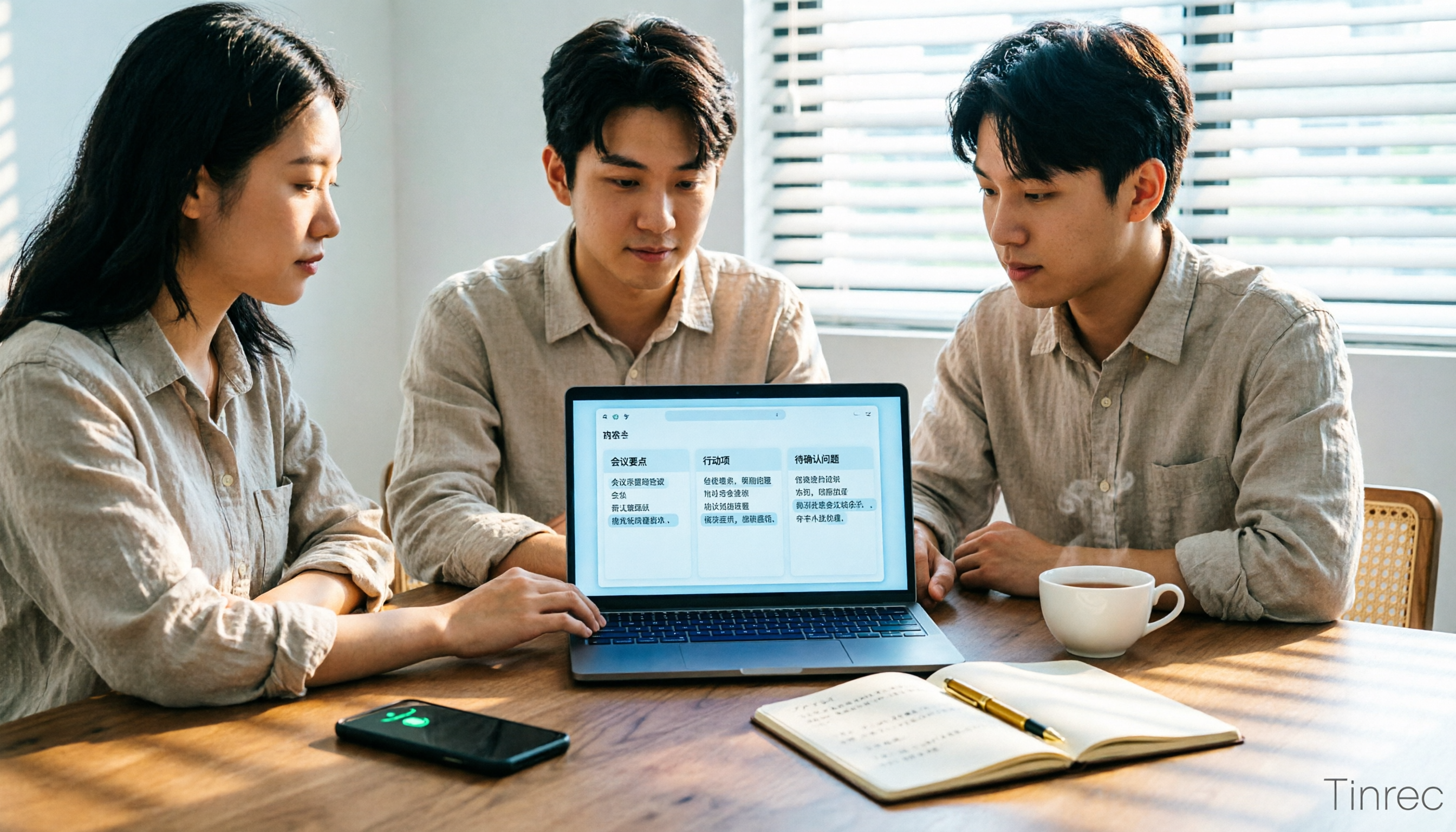
2026 Comparison of 2 Xiaohongshu Video-to-Text Tools: Which Is Better for Transcripts and Post-Meeting Organization?
The two most common pitfalls in converting Xiaohongshu videos to text: getting stuck when videos lack subtitles, and treating a transcript as the end goal. This article compares BibiGPT and Tinrec across 5 dimensions—link support, handling videos without subtitles, post-transcript organization, export formats, and team knowledge retention—to help you decide which tool fits your use case.

5 Photo-to-Text Tools Tested for 2026: Free OCR vs Built-in Features
You don't always need a separate app to turn photos into text—Google Lens, LINE, and Google Keep can do it for free. This guide shares hands-on experience with 5 image-to-text methods and pitfalls to avoid, plus why Tinrec is a better fit when your source is meeting or interview recordings.

2026 Comparison of 3 Bilibili Video-to-Text Solutions: Tinrec Personal, Team, and Otter.ai — Which Is Best for Chinese Videos?
2026 latest Bilibili video-to-text tool comparison! This in-depth review compares Tinrec Personal, Team, and Otter.ai on Chinese transcription, AI summaries, team collaboration, and pricing, with FAQs and selection advice to help you find the best Chinese video-to-text solution.