

Turn recordings into transcripts and summaries in minutes
Upload audio or video for multilingual transcription, AI notes, and action items
5 Photo-to-Text Tools Tested for 2026: Free OCR vs Built-in Features
Photo-to-text is convenient, but most people get the first step wrong
You have a paper document, words on a whiteboard, or a screenshot a friend sent. Many people's instinct is to search for an app called "photo to text," snap a picture, and wait for the result.
Honestly, that's the first misconception. The feature you actually need is probably already on your phone. Google Lens next to the Google search bar, LINE's built-in image-to-text, and Google Keep's "Grab image text" can all turn images into editable text for free.
The second misconception is even more common: thinking that once a photo becomes text, the job is done. A photo captures the visual, but it can't capture the conversation—who agreed to what in a meeting, what's due next week, or what the conclusion was. You can't photograph that.
So this article is divided into two parts: one on how to convert text from "photos"; the other on what tools to use when the source is a meeting, interview, or class recording. For the latter, I'll focus on Tinrec because it's designed for exactly this scenario.
Before choosing a tool, understand these 4 key points
1. Supported languages and characters. Chinese, English, mixed Chinese-English, and traditional characters perform differently across tools. If you often handle mixed-language content, check the tool's support level first.
2. Source type. Is it a phone photo, screenshot, scanned document, or an image file someone sent you? Some tools only accept JPG or PNG, while others can handle PDFs too.
3. Free quota and limitations. Common limits include: number of uploads at once (some cap at 5), file size (e.g., 4MB), and whether registration is required. These affect how smoothly you can use it.
4. What you can do after conversion. Can you edit, copy, translate, or export? If you can only extract text but not organize it, you'll still have to do the rest yourself.
Think through these 4 points, and you won't be swayed by the word "free."
Tinrec—my current recommendation when the source is a meeting recording
Tinrec is an AI meeting notes and collaboration tool for individuals and teams, available on mobile, desktop, and web. It doesn't process photos—it processes "sound," which fills the gap that photo-to-text can't.
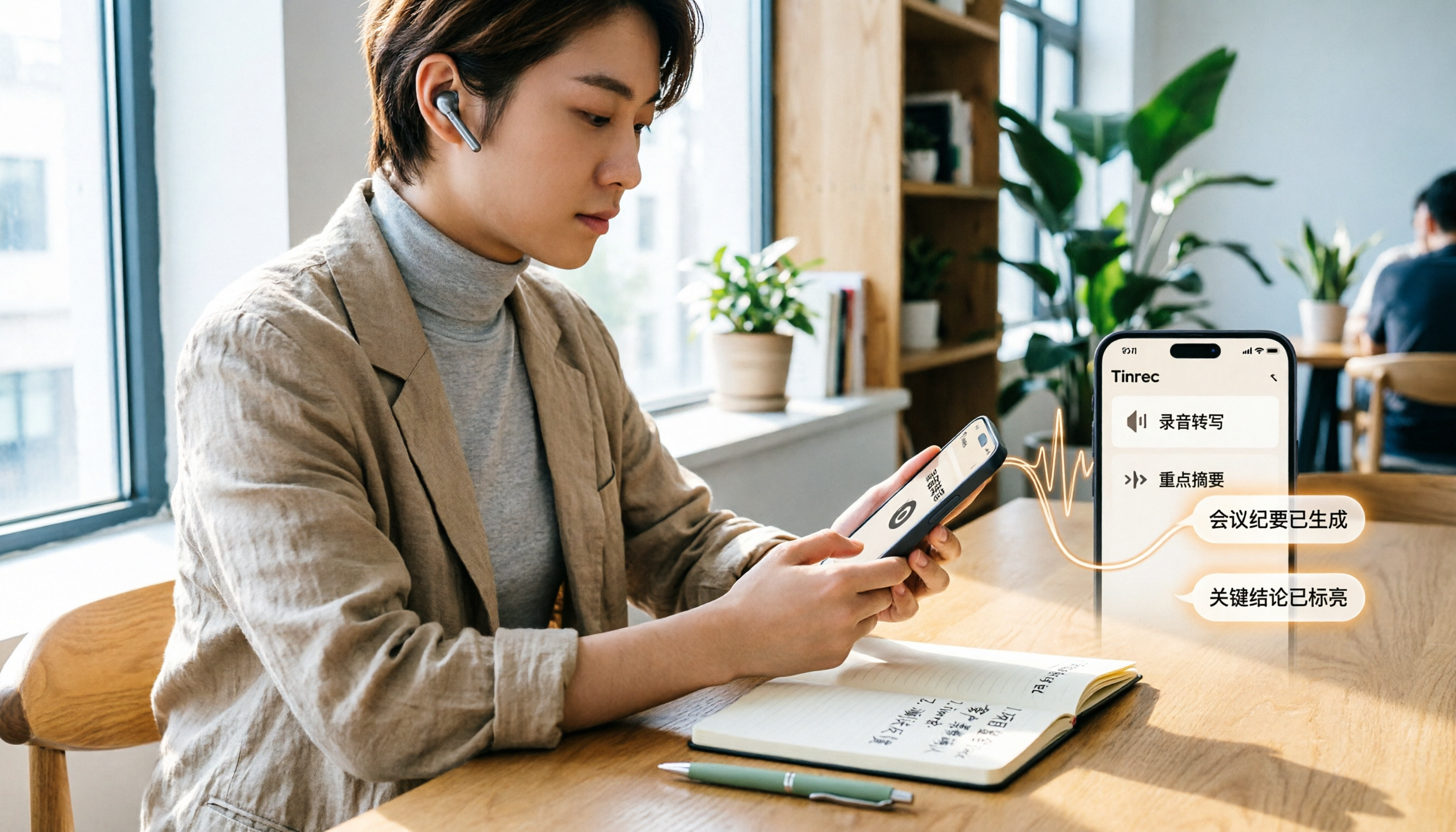
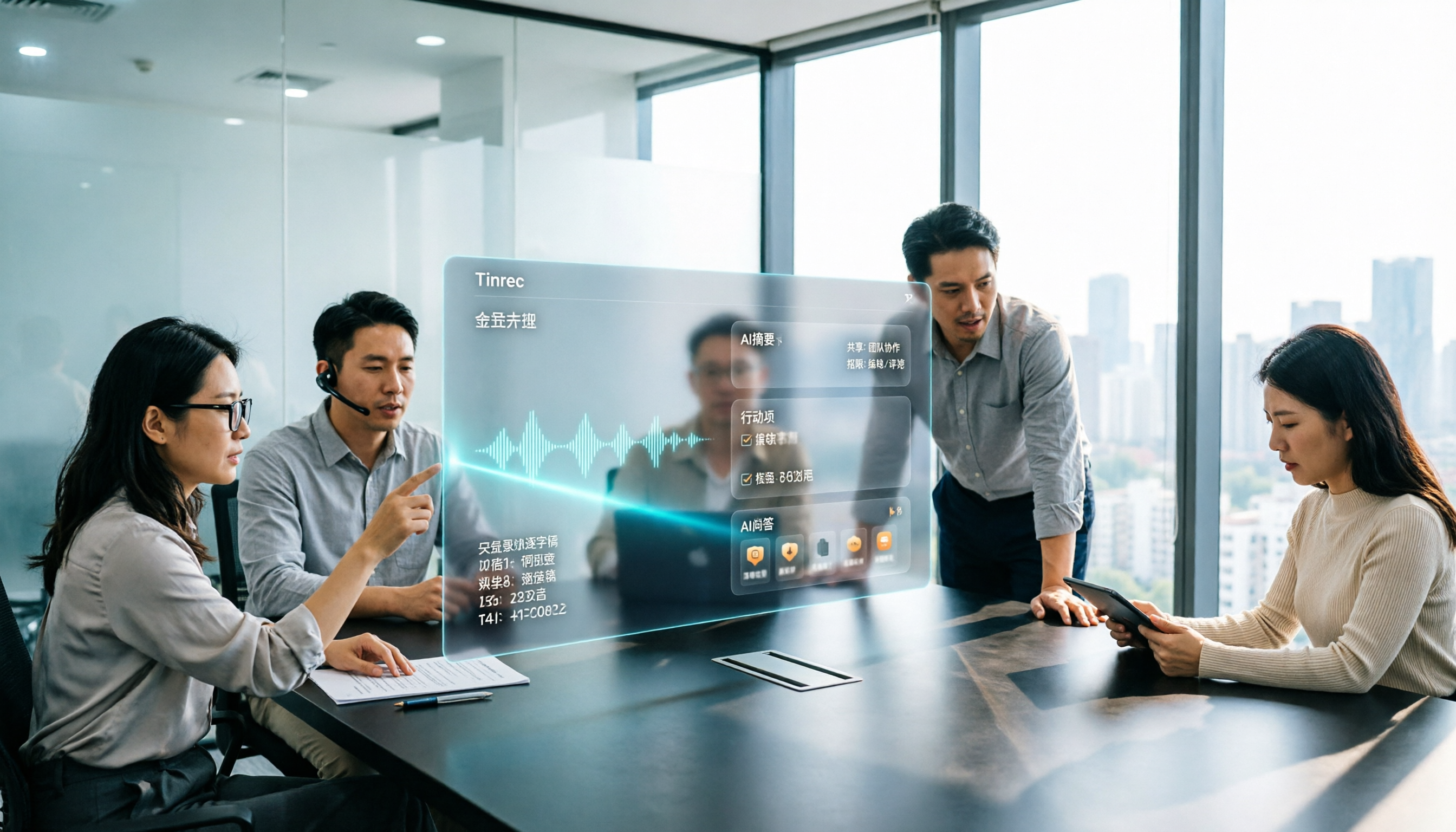
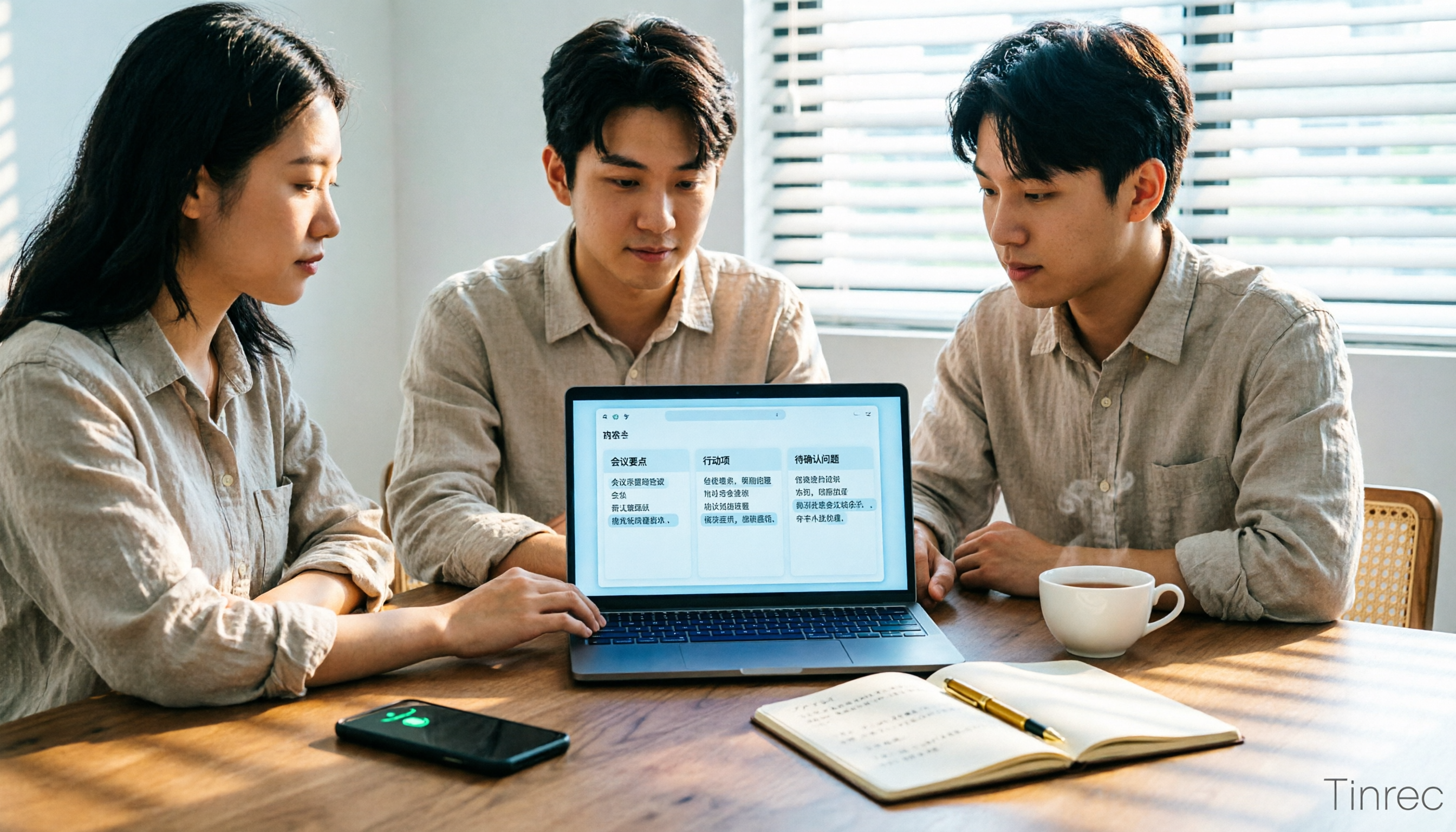
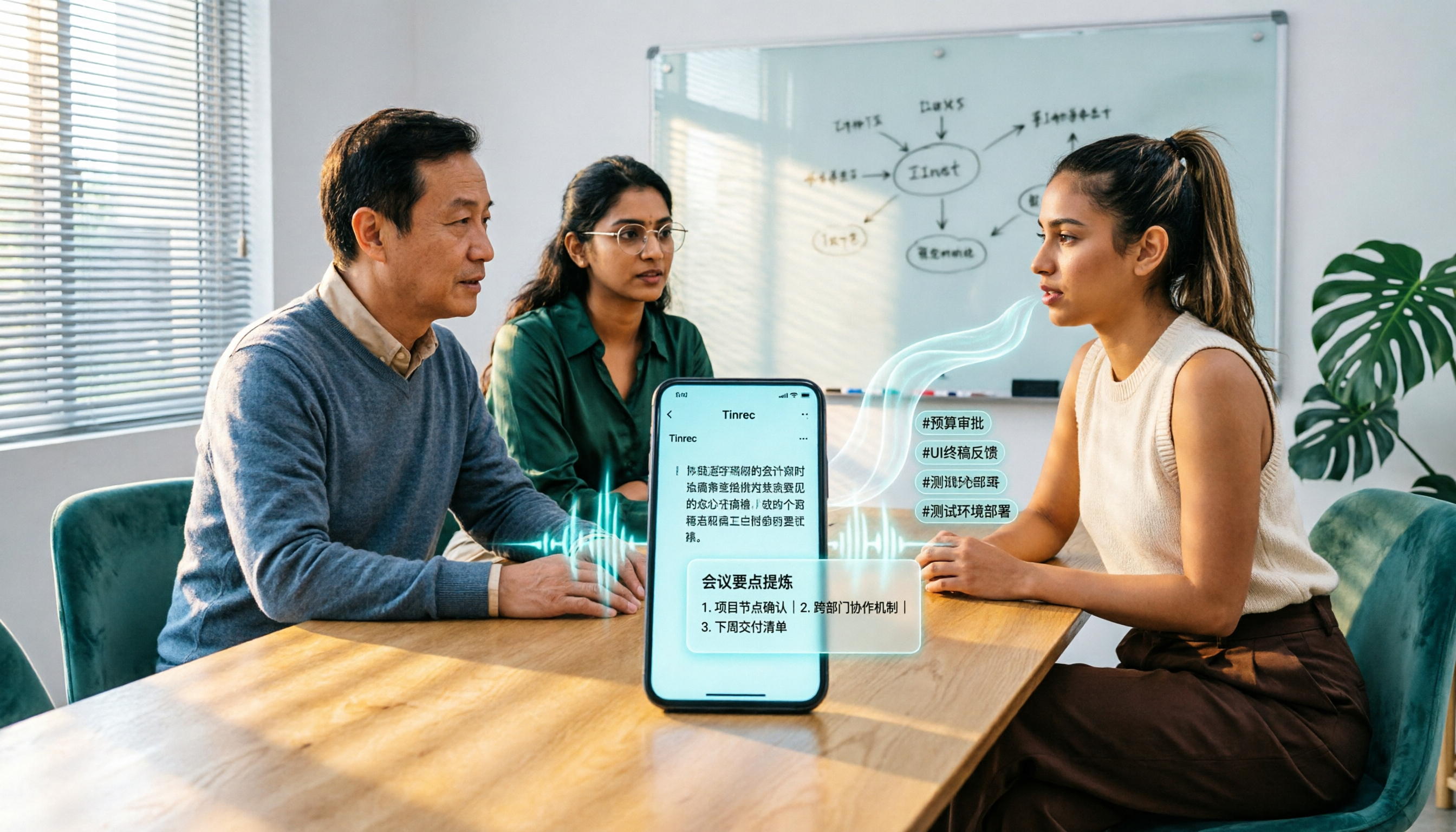
First, the most practical part. When you open Tinrec in a meeting, it transcribes as it records; by the time the meeting ends, AI has already organized the summary, chapters, and action items. You can see who's responsible for what and the deadlines at a glance, without listening to the recording again.
Its handling of online meetings is also worth mentioning. The Tinrec desktop app captures your computer's system audio directly, so you don't need to invite a meeting bot to Zoom, Google Meet, Microsoft Teams, or Webex. For those who don't want extra accounts appearing in the meeting list, this is a thoughtful touch.
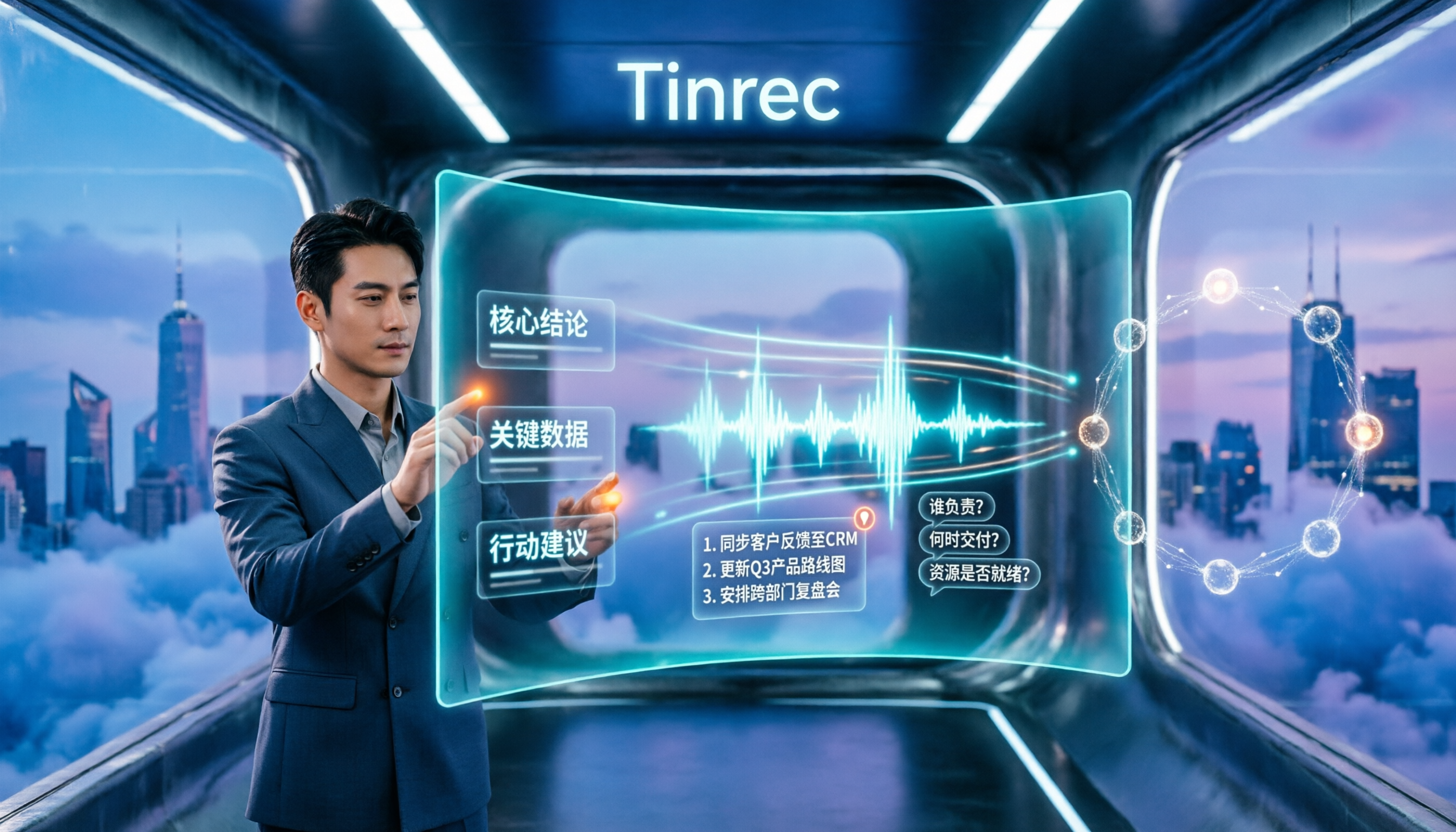
Even better is what you can do after recording. You can ask questions directly about the meeting content, such as "Who mentioned the budget in the last meeting?" Tinrec doesn't dump a bunch of keyword search results on you; it gives answers based on semantics. It also supports real-time translation, so cross-language meetings can switch between original, translated, or bilingual views.
After transcription, the results are portable: you can export to Notion, Google Docs, OneNote, Dropbox, and other tools, and further generate reports, tables, and documents. For those who need to submit meeting minutes, this saves a chunk of manual organizing.
Stop organizing recordings by hand
Upload audio or video and automatically get a transcript, summary, and action items
Note that Tinrec's free version offers a basic quota; if you have many meetings every week, you'll need a paid plan. The company also doesn't publicly promise a fixed accuracy rate—actual performance depends on recording quality, noise, accents, and multiple people talking over each other. Also, before recording, be mindful of local laws and get participants' consent when necessary.
For team use, the team version provides a separate team space: meeting data belongs to the team, you can manage member roles and seats, view usage and activity logs, and transfer data when members leave, turning meeting content into searchable, traceable team knowledge. The team version is USD 29.80 per paid seat per month, or USD 199 per paid seat per year (about USD 16.58 per month). Actual prices are subject to the official purchase page.
Who it's for: People who frequently need to organize meeting, interview, or class recordings, want to use AI to find key points right after recording, and switch between phone and computer.
Back to photos: 4 free image-to-text methods you can use
Google Lens. Tap the camera icon next to the Google search bar on your phone, upload or take a picture, and you can select and copy the text, with translation support too. It's the fastest way to read a menu or sign you don't understand while traveling.
LINE image-to-text. LINE has built-in image-to-text on both mobile and desktop, and can translate into other languages. For people who already use LINE daily, this is the most painless option.
Google Keep. Open Google Keep, create a note with an image, take or upload a photo, then tap into edit mode and tap the three-dot icon in the top right (bottom on mobile) and select "Grab image text." The image becomes a text file. Great for quickly turning an instructor's slides or a whiteboard into notes.
Online OCR tools. Sites like imagetotext.me offer no registration, no payment, support multiple languages and image formats, allow multiple uploads at once (common limit: 5 images, 4MB each), and provide separate results for each. Good for occasional batches of images when you don't want to install an app.
What these methods have in common: free, quick to learn, and suitable for "low volume, occasional use" image-to-text.
Pitfall guide: 4 most common mistakes in photo-to-text
Pitfall 1: Thinking you must download another app. Many people spend time searching for tools without knowing Google Lens, LINE, and Google Keep are already built in. Try the built-in ones first; only look for specialized tools if they're not enough.
Pitfall 2: Taking crooked or blurry photos. Poor lighting, tilted angles, and shaky hands all degrade recognition results. When shooting, try to be face-on with even lighting and let the text fill the frame.
Pitfall 3: Uploading everything just because it's free. Uploading ID cards, contracts, or client lists to unknown websites is risky. For sensitive content, prioritize reputable tools and pay attention to how data is handled.
Pitfall 4: Treating the tool as just "text conversion." Extracting text is only the first step. If the source is a meeting recording, the real value is in the summary, action items, and AI Q&A after conversion—that's the biggest difference between tools like Tinrec and simple transcription.
Conclusion: Which one should you use?
- Meeting, interview, or class recordings to text, plus generating minutes and action items → Tinrec (desktop version can record online meetings without a bot).
- After recording, want to ask AI directly "What was the conclusion?" or "Who mentioned the budget?" → Tinrec (supports Q&A around meeting content).
- Need to use on phone, computer, and web, without being tied to one device → Tinrec.
- Team needs to share meeting data, manage members and usage → Tinrec team version.
- Just occasionally converting a screenshot, whiteboard photo, or paper document to text → Google Lens, LINE, or Google Keep, free and sufficient.
Simply put, text in photos is mostly solved by built-in phone tools; but if your daily headache is "the meeting is over and the notes aren't written yet," what you're dealing with is sound, not photos—and Tinrec is the better choice for that.
I suggest starting with Tinrec's free version, using it in your next meeting, and seeing how much time the transcript and AI summary can save in a real scenario before deciding whether to upgrade.
References
Turn every recording into actionable outcomes
Get 60 free transcription minutes when you sign in. No credit card required.
Related Reading
You might also like

Best AI Transcription Tools in 2026: 4 Tested, This One Saves the Most Time for Chinese Meetings
How to choose an AI transcription tool? This article compares Tinrec, Otter.ai, Notta, and Granola, covering Chinese and mixed Chinese-English recognition, post-meeting output, recording retention, and old file import, plus team data ownership. It also lists 4 key buying factors and common pitfalls to help you find the best solution for Chinese meeting transcription.
How to Transcribe iPhone Voice Memos in 2026: A Complete 5-Step Guide
The built-in Voice Memos app on iPhone supports Traditional Chinese transcription starting with iOS 18.4, but there are common misconceptions: device compatibility, older recordings may not be transcribed, and a transcript is not the same as meeting notes. This article walks you through the 5-step process of transcribing iPhone recordings and compares the built-in iPhone feature with Tinrec, Notta, and PLAUD, explaining which tool to use in which situation.
Tinrec vs Otter.ai 2026: 5-Dimension Comparison for Long Audio Transcription, Which One Should Chinese Teams Choose?
Long audio transcription isn't just about converting speech to text; it's about whether the output is usable. This article compares Tinrec and Otter.ai across five dimensions: Chinese long meeting transcription, bot-free recording, post-meeting organization, AI Q&A, and team governance, helping Chinese teams find the best long audio transcription solution.

2026 Voice-to-Text Tools Compared: Which Is Fastest for Chinese Meeting Transcripts?
Voice-to-text tools range from free to dozens of dollars per month, but the real question isn't budget—it's whether you need a raw transcript or meeting materials you can act on. This article breaks down 4 key buying factors and compares Tinrec, Otter.ai, Notta, and Granola on Chinese meeting transcription, post-meeting organization, AI Q&A, and team collaboration, plus 3 common pitfalls to avoid.
How to Summarize Chinese Audio in 2026: 5-Step Comparison of Tinrec vs Yating Transcript
Summarizing Chinese audio shouldn't just produce a transcript. This article uses 5 steps to compare Tinrec and Yating Transcript for Chinese meeting notes, explaining how real-time transcription, AI summaries, action item extraction, AI Q&A, and team spaces work, and covers pricing and seat concepts for personal and team plans to help you decide which approach suits your meeting volume.

3 Huawei Audio-to-Text Solutions Compared: How Tinrec Fills the Meeting Notes Gap
Many people search for 'Huawei audio to text' because they need to turn meeting recordings into transcripts, summaries, and action items. This article compares three common approaches: built-in device and cloud speech capabilities, online conversion tools, and Tinrec. From cross-platform recording and post-meeting organization to AI Q&A and team collaboration, we help you decide which fits your daily workflow.
2026 Comparison of 2 Xiaohongshu Video-to-Text Tools: Which Is Better for Transcripts and Post-Meeting Organization?
The two most common pitfalls in converting Xiaohongshu videos to text: getting stuck when videos lack subtitles, and treating a transcript as the end goal. This article compares BibiGPT and Tinrec across 5 dimensions—link support, handling videos without subtitles, post-transcript organization, export formats, and team knowledge retention—to help you decide which tool fits your use case.
5 Best Honor Phone Audio-to-Text Tools Tested in 2026: Why Tinrec Wins on Chinese Accuracy and AI Summaries
The built-in recorder on Honor phones only captures audio—the real time sink is post-meeting organization. This article compares several audio-to-text solutions, using Tinrec as the primary example, to show how real-time transcription, AI summaries, action item extraction, AI Q&A, and team spaces turn meeting recordings into searchable, actionable data.

2026 Comparison of 3 Bilibili Video-to-Text Solutions: Tinrec Personal, Team, and Otter.ai — Which Is Best for Chinese Videos?
2026 latest Bilibili video-to-text tool comparison! This in-depth review compares Tinrec Personal, Team, and Otter.ai on Chinese transcription, AI summaries, team collaboration, and pricing, with FAQs and selection advice to help you find the best Chinese video-to-text solution.