

Turn recordings into transcripts and summaries in minutes
Upload audio or video for multilingual transcription, AI notes, and action items
If you're searching for 'Huawei audio to text,' the real question usually isn't whether the feature exists, but whether your phone or device's built-in capabilities and cloud speech services can handle those hour-long meeting recordings you have.
After testing a few options myself, my takeaway is this: once recordings exceed ten minutes, or when multiple people need to use them together, you'll likely want a dedicated tool. This article compares three common approaches: built-in device and cloud speech capabilities, free online conversion tools, and the AI meeting notes tool Tinrec.
Why are people looking for alternatives to Huawei audio-to-text?
First, a common point of confusion. Take the Huawei ecosystem as an example: official cloud services like Huawei Cloud Text-to-Speech focus on converting text into near-human speech, supporting multiple languages and voices, with adjustable speed, volume, and pitch.
But those searching for 'audio to text' want the opposite: turning recorded audio into editable, searchable text.
Once that need arises, common pain points appear. Recordings are scattered across phones, computers, and the cloud; transcription only gives you text, leaving summaries and action items to organize yourself; cross-language meetings need separate translation; and teams can't find a unified place to share data.
If you've faced similar issues, a dedicated meeting notes tool like Tinrec is worth checking out.
How does Tinrec differ from built-in and cloud speech capabilities?
1. Recording sources and cross-device coverage Meetings can happen on Zoom, Google Meet, Microsoft Teams, or Webex, or in person. Tinrec's desktop app captures system audio directly, without needing an extra meeting bot. The mobile app lets you record on the go and supports importing existing audio and video files. Built-in or single cloud services are usually tied to their own device and account ecosystem, making cross-device file management more cumbersome.
2. Depth of post-transcription organization Pure transcription tools solve the 'turn into text' problem, but meetings really need key points. Tinrec automatically generates summaries, chapters, and action items, and can further create mind maps, reports, tables, and documents. Cloud text-to-speech is about voice output, a different direction, so it naturally doesn't handle meeting minutes.
3. Language and translation needs Tinrec covers Chinese, Traditional Chinese, and multilingual meeting scenarios, supports real-time translation during recording, and lets you view in original, translated, or bilingual mode. Teams can also maintain a glossary to improve recognition of technical terms. Actual performance is affected by recording quality, accents, background noise, and overlapping speakers.
4. Team collaboration and governance Personal version data belongs to the individual account; the team version is a separate team space where data belongs to the team, with members, roles, seats, usage analytics, audit logs, and an audio recycle bin. It's important to distinguish: active members without a seat can view, play, and read team data; only after obtaining a seat can they record, upload, edit, and export.
5. Plan flexibility Tinrec's personal version offers a free plan, weekly pass, Pro monthly, and Pro annual, so you can choose based on usage frequency. The team version is USD 29.80 per paid seat per month, or USD 199 per paid seat per year (about USD 16.58 per month); each paid seat provides 2,000 minutes of shared team import quota per month. Eligible teams can try it free for 7 days, including 1 free seat and 300 minutes of shared import quota. Prices and promotions are subject to the official purchase page.
Tinrec's core features at a glance
Real-time recording to text: Open Tinrec and transcribe as you record. In-person meetings, interviews, and field notes show text simultaneously, so your transcript is ready as the meeting ends.
Bot-free online meeting recording: The desktop app captures system audio directly, handling meetings on Zoom, Google Meet, Microsoft Teams, Webex, and other platforms without inviting an extra bot into the meeting room.
Stop organizing recordings by hand
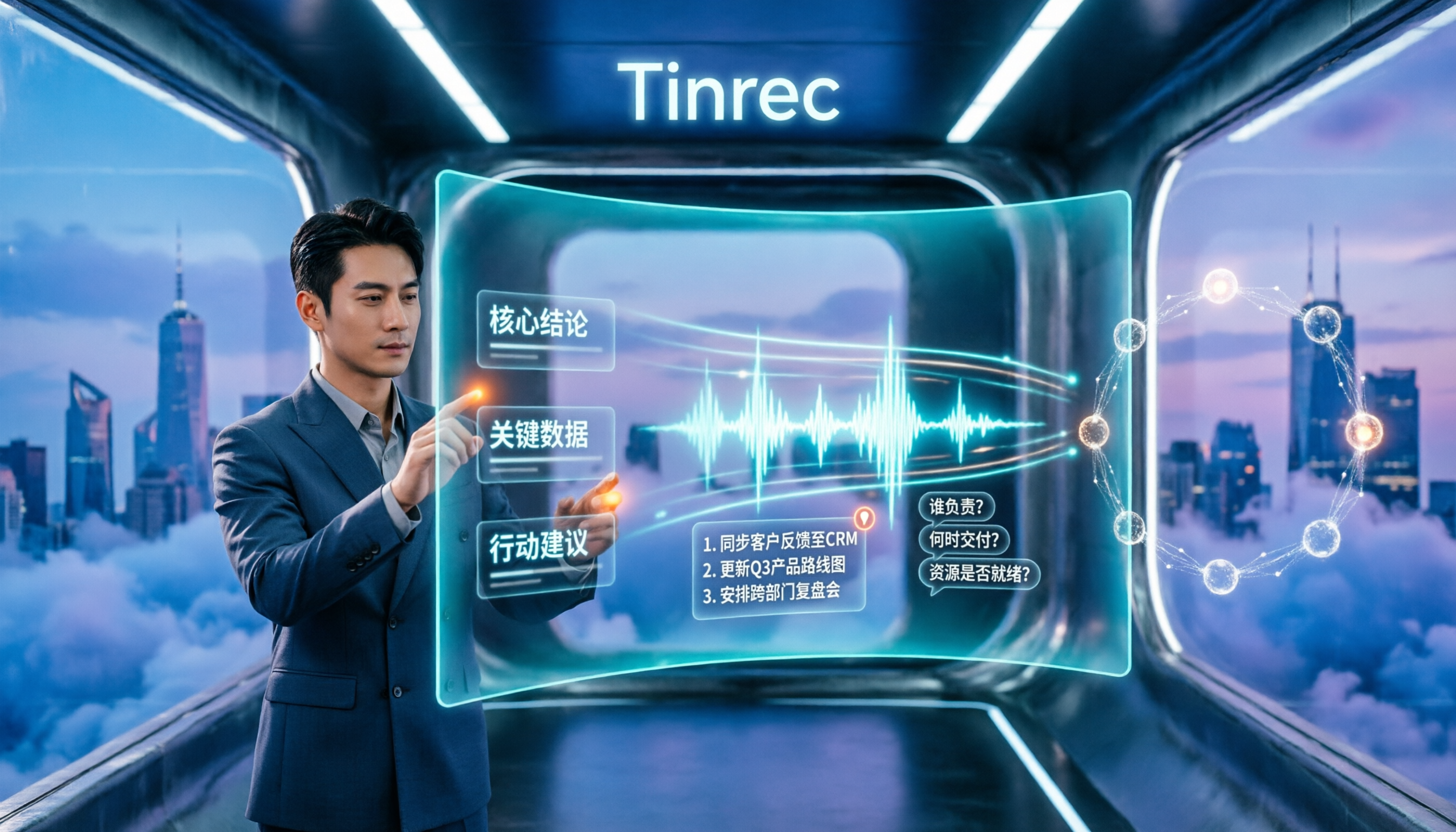
Upload audio or video and automatically get a transcript, summary, and action items
AI summaries, chapters, and action items: Long meetings are broken into easily browsable structures, with key points and action items automatically organized—especially useful for project and client meetings.
AI Q&A: After recording, you can ask questions directly about the meeting content, such as 'What was the conclusion?' or 'Who is responsible for which item?' without manually scanning the entire transcript.
Multi-format export and Agent post-processing: Results can be taken to Notion, Google Docs, OneNote, Dropbox, and other tools for further use, and reports, tables, and documents can be generated based on meeting content.
Real-world use cases
Online and offline meetings: Weekly meetings, review sessions, cross-department discussions—after recording with Tinrec, you get transcripts, summaries, and action items directly, saving time on re-listening after the meeting.
Classes and interviews: For long-form content like lecture recordings, user interviews, and expert interviews, use chapters and AI Q&A to quickly find viewpoints and quotes, saving significant time on organizing materials.
Cross-language communication: When you need to understand a foreign language meeting, real-time translation plus bilingual view lets you confirm content during the meeting, without waiting until after.
Team knowledge retention: Put meetings uniformly into the team space, so new members can look back at historical discussions, and data won't disappear when members leave.
What to look for when choosing an audio-to-text tool
Are input sources broad enough? If it only supports file upload, it can't handle live meetings; if it only supports its own device, cross-platform use will be stuck. When choosing a tool, check whether it can handle real-time recording, online meetings, and existing files simultaneously.
Can the output be used directly? A transcript is just the starting point. Summaries, chapters, action items, and export formats determine how much time you'll spend on secondary organization.
Are audio files retained? Some tools keep only text and not audio. If your work requires playback for verification, confirm this first.
Team governance capabilities: When multiple people use it, members, roles, seats, usage, and auditing are separate concepts. When choosing a team plan, ask clearly how these work.
Does the plan fit your usage frequency? Occasional use, regular weekly use, and long-term data retention require different plans. Start with the free quota to gauge your usage, then decide whether to upgrade—safer than committing to an annual plan upfront.
Conclusion: Is Tinrec worth a try?
If you just need to occasionally turn a short recording into text, built-in or online conversion tools are enough.
But when your needs become 'I have meetings to record every week,' 'meetings mix Chinese and English,' 'after recording I still need summaries and action items,' and 'the team needs to search historical data together'—when these come together, Tinrec's value emerges: record online meetings without a bot, generate summaries and action items directly after transcription, ask follow-up questions about meeting content, and finally retain data in the team space.
We recommend starting with the free version, testing with your most common type of recording to see if transcription quality and organization flow work for you, then deciding whether to upgrade.
FAQ
Q1: How is Tinrec different from my phone's built-in recording? Built-in phone features mainly handle 'recording.' Tinrec goes further by transcribing the recording into text, organizing summaries, chapters, key points, and action items, and also supports AI Q&A, translation, export, and team collaboration.
Q2: Is the free version enough? The free version provides basic quota, suitable for light use, and is enough to test transcription quality and workflow. If you have a high volume of meetings or need long-term data storage, consider a weekly pass, Pro monthly, or annual plan based on usage frequency.
Q3: Do I need to add a meeting bot? No. Tinrec's desktop app captures system audio directly, and the user initiates recording. It is not currently a bot mode that automatically joins all calendar meetings.
Q4: Can all team members edit meeting data? The team version distinguishes roles and seats. Active members without a seat can view, play, and read team data; only after obtaining a seat can they record, upload, edit, import, and export.
Q5: Can the transcribed text be exported to other tools? Yes. Tinrec supports multi-format export, allowing transcripts and organized results to be used in Notion, Google Docs, OneNote, Dropbox, and other workflows.
Q6: How accurate is the transcription? Actual performance is affected by recording quality, background noise, accents, overlapping speakers, and technical terms. We recommend not relying on a single number. For important content, verify with transcript timestamps and audio playback for more reliability.
References
Turn every recording into actionable outcomes
Get 60 free transcription minutes when you sign in. No credit card required.
Related Reading
You might also like

Best AI Transcription Tools in 2026: 4 Tested, This One Saves the Most Time for Chinese Meetings
How to choose an AI transcription tool? This article compares Tinrec, Otter.ai, Notta, and Granola, covering Chinese and mixed Chinese-English recognition, post-meeting output, recording retention, and old file import, plus team data ownership. It also lists 4 key buying factors and common pitfalls to help you find the best solution for Chinese meeting transcription.

How to Transcribe iPhone Voice Memos in 2026: A Complete 5-Step Guide
The built-in Voice Memos app on iPhone supports Traditional Chinese transcription starting with iOS 18.4, but there are common misconceptions: device compatibility, older recordings may not be transcribed, and a transcript is not the same as meeting notes. This article walks you through the 5-step process of transcribing iPhone recordings and compares the built-in iPhone feature with Tinrec, Notta, and PLAUD, explaining which tool to use in which situation.

Tinrec vs Otter.ai 2026: 5-Dimension Comparison for Long Audio Transcription, Which One Should Chinese Teams Choose?
Long audio transcription isn't just about converting speech to text; it's about whether the output is usable. This article compares Tinrec and Otter.ai across five dimensions: Chinese long meeting transcription, bot-free recording, post-meeting organization, AI Q&A, and team governance, helping Chinese teams find the best long audio transcription solution.

2026 Voice-to-Text Tools Compared: Which Is Fastest for Chinese Meeting Transcripts?
Voice-to-text tools range from free to dozens of dollars per month, but the real question isn't budget—it's whether you need a raw transcript or meeting materials you can act on. This article breaks down 4 key buying factors and compares Tinrec, Otter.ai, Notta, and Granola on Chinese meeting transcription, post-meeting organization, AI Q&A, and team collaboration, plus 3 common pitfalls to avoid.
How to Summarize Chinese Audio in 2026: 5-Step Comparison of Tinrec vs Yating Transcript
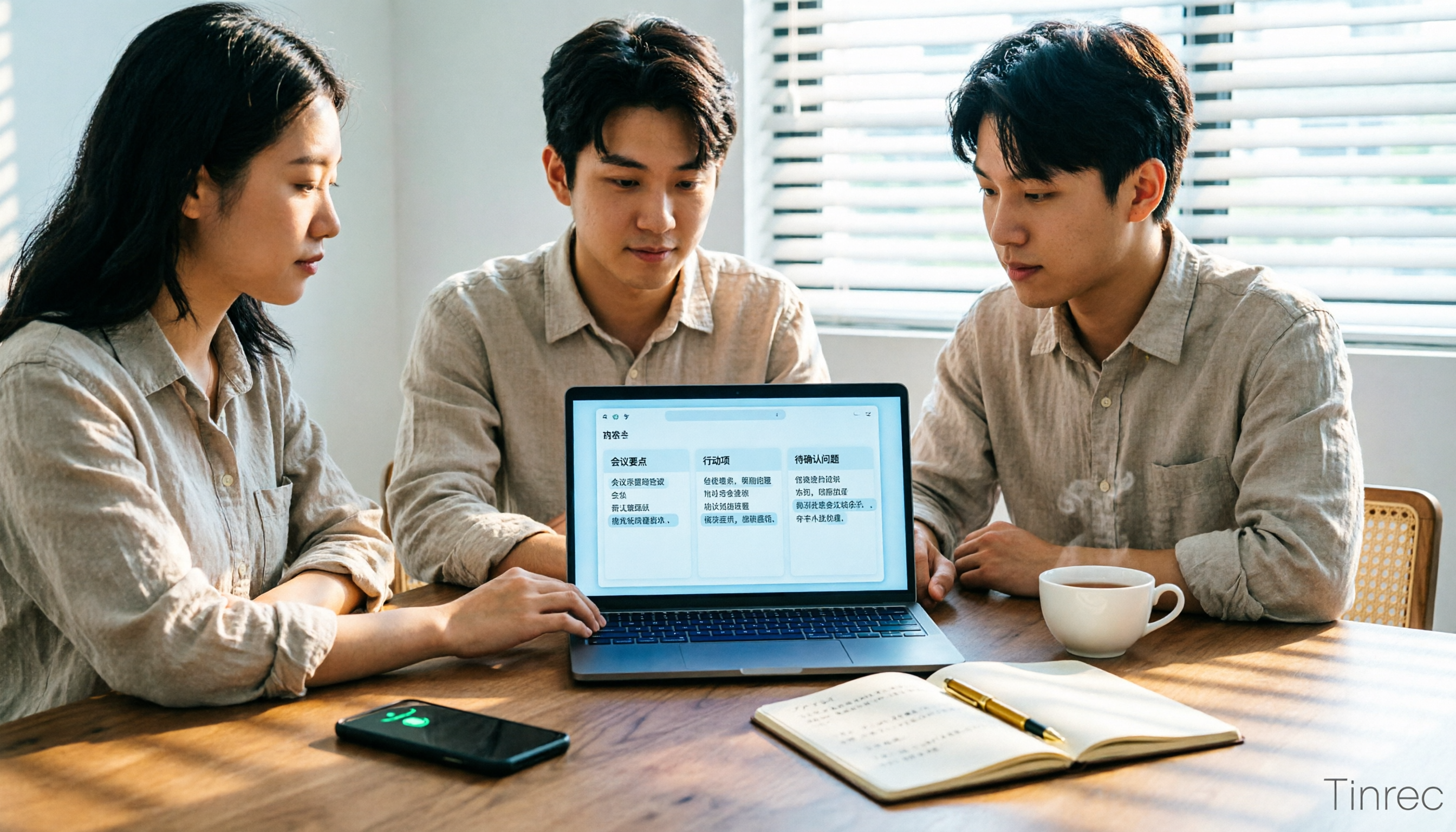
Summarizing Chinese audio shouldn't just produce a transcript. This article uses 5 steps to compare Tinrec and Yating Transcript for Chinese meeting notes, explaining how real-time transcription, AI summaries, action item extraction, AI Q&A, and team spaces work, and covers pricing and seat concepts for personal and team plans to help you decide which approach suits your meeting volume.
2026 Comparison of 2 Xiaohongshu Video-to-Text Tools: Which Is Better for Transcripts and Post-Meeting Organization?
The two most common pitfalls in converting Xiaohongshu videos to text: getting stuck when videos lack subtitles, and treating a transcript as the end goal. This article compares BibiGPT and Tinrec across 5 dimensions—link support, handling videos without subtitles, post-transcript organization, export formats, and team knowledge retention—to help you decide which tool fits your use case.

5 Photo-to-Text Tools Tested for 2026: Free OCR vs Built-in Features
You don't always need a separate app to turn photos into text—Google Lens, LINE, and Google Keep can do it for free. This guide shares hands-on experience with 5 image-to-text methods and pitfalls to avoid, plus why Tinrec is a better fit when your source is meeting or interview recordings.

5 Best Honor Phone Audio-to-Text Tools Tested in 2026: Why Tinrec Wins on Chinese Accuracy and AI Summaries
The built-in recorder on Honor phones only captures audio—the real time sink is post-meeting organization. This article compares several audio-to-text solutions, using Tinrec as the primary example, to show how real-time transcription, AI summaries, action item extraction, AI Q&A, and team spaces turn meeting recordings into searchable, actionable data.

2026 Comparison of 3 Bilibili Video-to-Text Solutions: Tinrec Personal, Team, and Otter.ai — Which Is Best for Chinese Videos?
2026 latest Bilibili video-to-text tool comparison! This in-depth review compares Tinrec Personal, Team, and Otter.ai on Chinese transcription, AI summaries, team collaboration, and pricing, with FAQs and selection advice to help you find the best Chinese video-to-text solution.