
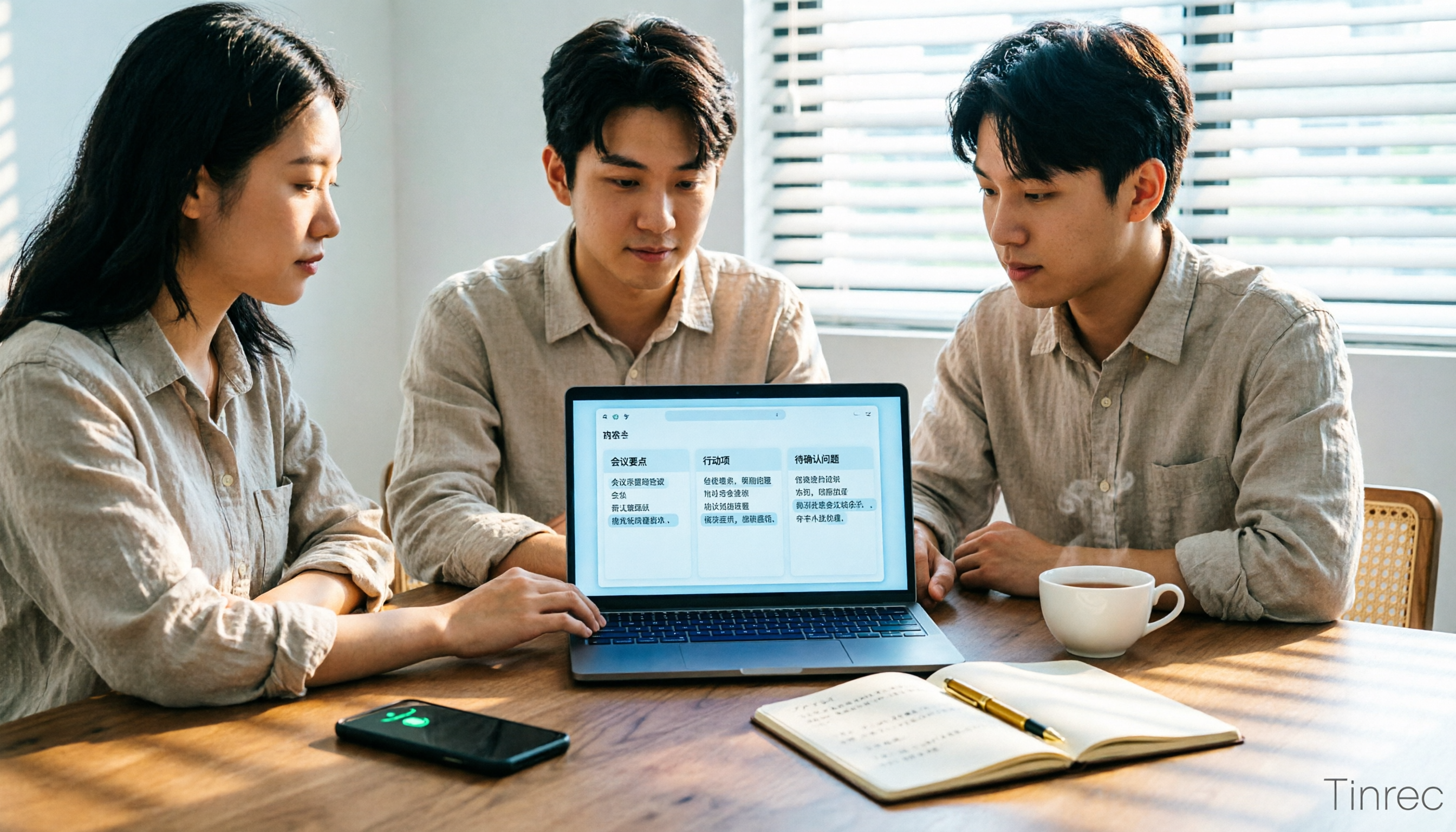
Turn recordings into transcripts and summaries in minutes
Upload audio or video for multilingual transcription, AI notes, and action items
2026 Comparison of 2 Xiaohongshu Video-to-Text Tools: Which Is Better for Transcripts and Post-Meeting Organization?
The most common pitfall is assuming that if subtitles exist, you can download them, and if not, there's no solution. Most subtitle download tools fail when videos lack native subtitles, and many talking-head videos on Xiaohongshu have no subtitles to begin with. Another pitfall is treating the transcript as the finish line—after exporting, you still have to re-listen and organize everything yourself.
A more sensible approach is to first clarify whether you need the text of a single video or a database of content. The former is about link support and recognition speed; the latter is about the workflow after the transcript.
BibiGPT vs Tinrec | Quick Overview
- BibiGPT: Focused on converting video links to text. Copy a Xiaohongshu share link (xiaohongshu.com or xhslink.com both work) and paste it directly—no login, no extension or app required.
- Tinrec: Focused on AI meeting notes and collaboration. It covers live recording, desktop bot-free online meeting recording, audio/video file transcription, and can import some public video content via web links, but this is a supplementary capability, not its main use case.
This article compares 5 dimensions: link and operation threshold, handling videos without subtitles, post-transcript capabilities, export and workflow integration, and team knowledge retention.
Dimension 1 | Link and Operation Threshold
After pasting a Xiaohongshu link into BibiGPT, results appear within seconds; short videos typically transcribe in 5–15 seconds, emphasizing instant use.
Tinrec uses web, desktop, and mobile as entry points, with primary input being live recording and local audio/video files; web link import is auxiliary, handling some public video content, and is not specifically designed for Xiaohongshu short videos.
→ In this dimension: For instant text from Xiaohongshu links, BibiGPT is more direct; Tinrec wins by covering both meetings and local files as input sources.
Dimension 2 | Videos Without Native Subtitles
BibiGPT prioritizes extracting creator-uploaded subtitles or platform auto-generated subtitles; when neither exists, it uses AI to recognize audio, so silent or subtitle-free videos can still produce text with timestamps and automatic segmentation.
Tinrec also uses AI recognition for audio/video content, focusing on Chinese and multilingual meeting scenarios, and can maintain professional terminology via team hotwords. Official statements do not promise a fixed accuracy rate—actual performance is affected by recording quality, noise, accents, and overlapping speakers.
→ In this dimension: Both can handle videos without subtitles—one for short videos, one for meeting contexts—so it's a tie.
Dimension 3 | What You Can Do After the Transcript
BibiGPT simultaneously generates summaries and mind maps, with timestamps on the transcript for easy citation.
Stop organizing recordings by hand
Upload audio or video and automatically get a transcript, summary, and action items
Tinrec puts summaries, chapters, to-dos, mind maps, AI Q&A, and report, table, and document generation into a single workflow, with the transcript as just the starting point.
→ In this dimension: Tinrec wins, with significantly more complete post-meeting outputs.
Dimension 4 | Export and Workflow Integration
BibiGPT offers three export formats: SRT, TXT, and Markdown. SRT preserves timestamps for re-embedding into videos; TXT is suitable for pasting into notes; Markdown is compatible with Obsidian and Notion. It also supports translation into 5 languages.
Tinrec supports multiple export formats and can carry results into Notion, Google Docs, OneNote, Dropbox, and other tools for continued use, plus real-time translation and original/translated/bilingual views.
→ In this dimension: For editing-oriented needs, choose BibiGPT's SRT; for office-oriented needs, choose Tinrec's third-party exports—each has its strengths.
Dimension 5 | Personal Access or Team Knowledge Retention
BibiGPT leans toward personal access to transcripts and summaries.
Tinrec's team version provides an independent team space where meeting data belongs to the team, with member, role, and seat management, shared benefits, usage analytics, audit logs, and an audio recycle bin. Note that roles and seats are two different things: members with valid roles but no seats can still view, play, and read team data; only after obtaining a seat can they record, upload, edit, and export.
→ In this dimension: Tinrec clearly wins—this is exactly what sets it apart from pure transcription tools.
What Unique Advantages Does Each Have?
Tinrec
- Desktop version directly captures system audio, no meeting bot needed to join Zoom, Meet, Teams, or Webex.
- After meetings, it can directly generate reports, tables, and documents, and supports AI Q&A.
- Complete team space, seats, usage, and audit features; data can be handed over when members leave.
- Real-time translation and bilingual view, suitable for cross-language meetings.
BibiGPT
- Paste Xiaohongshu share links directly, no login required, no plugins needed.
- SRT/TXT/Markdown exports are friendly for editing and note-taking workflows.
Conclusion: Which Should You Choose?
- If you just want to turn a Xiaohongshu video into a citable transcript or subtitle file → BibiGPT is more convenient.
- If you need to go all the way to summaries, to-dos, reports, and Q&A → Tinrec.
- If you need team data sharing, permission governance, and usage tracking → Tinrec team version.
- If you only occasionally handle short videos on your phone and don't need collaboration → BibiGPT free version is sufficient.
In one sentence: For Xiaohongshu video-to-text, BibiGPT is an instant-use entry point; to turn videos, meetings, and interview content into a searchable, collaborative database, Tinrec is the choice that fills in the next step. Finally, a reminder: before recording and transcribing, please pay attention to local regulations and obtain consent from relevant parties when needed.
References
- Xiaohongshu Video to Text — Free, No Login | BibiGPT
- Xiaohongshu Video to Text — AI Speech Recognition with Timestamps | BibiGPT
- How to Convert Short Videos to Text? These 3 AI Tools Make You a Copywriting Master in Seconds!
- Xiaohongshu Video Text Extraction, Easily Become a Video Expert! - Meixiaosan
- Xiaohongshu Beginner's Guide: Content and Image-Text Title Wording - How to Adapt to Xiaohongshu Operations? | I'm an Editor
Turn every recording into actionable outcomes
Get 60 free transcription minutes when you sign in. No credit card required.
Related Reading
You might also like

Best AI Transcription Tools in 2026: 4 Tested, This One Saves the Most Time for Chinese Meetings
How to choose an AI transcription tool? This article compares Tinrec, Otter.ai, Notta, and Granola, covering Chinese and mixed Chinese-English recognition, post-meeting output, recording retention, and old file import, plus team data ownership. It also lists 4 key buying factors and common pitfalls to help you find the best solution for Chinese meeting transcription.
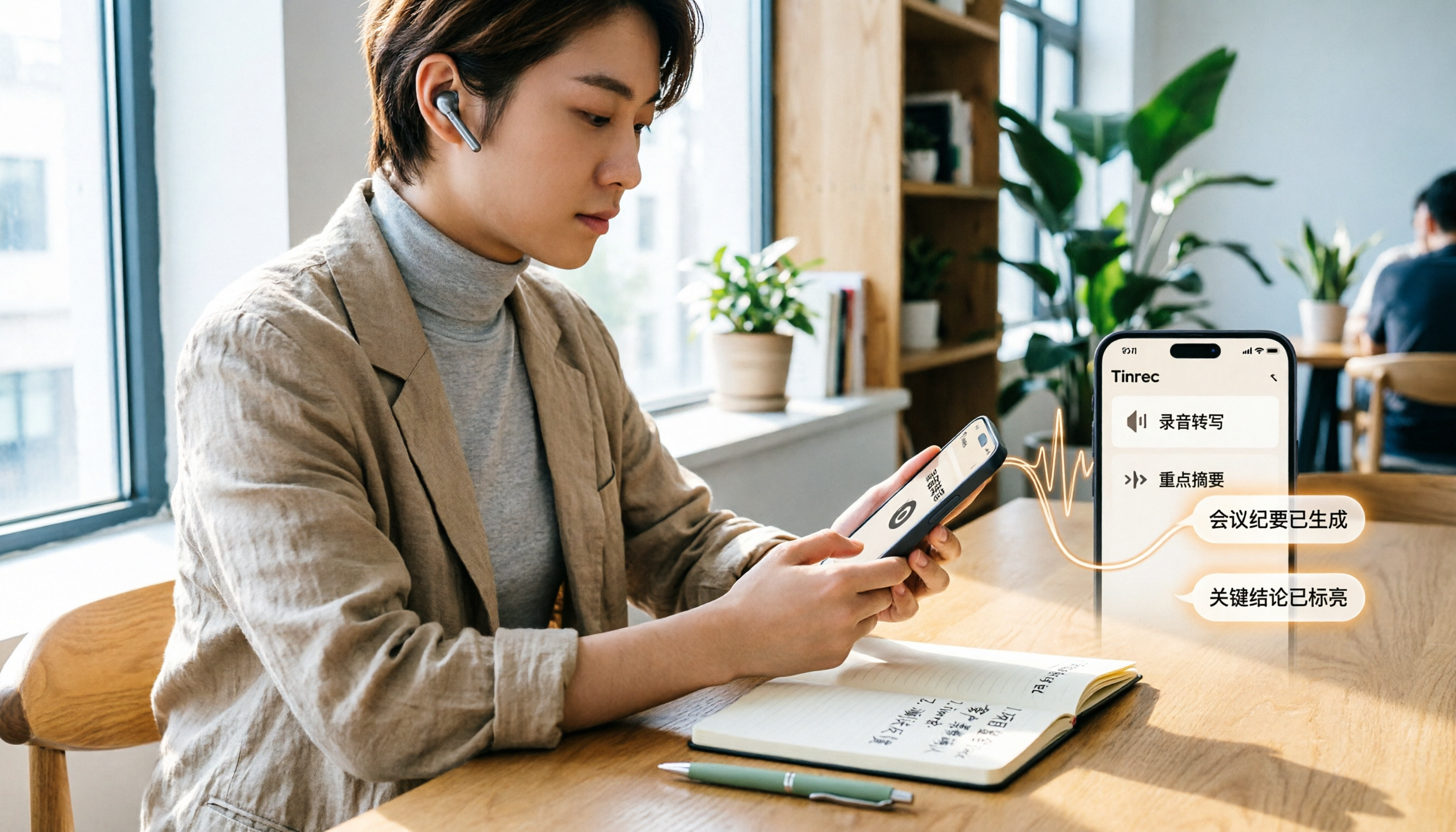
How to Transcribe iPhone Voice Memos in 2026: A Complete 5-Step Guide
The built-in Voice Memos app on iPhone supports Traditional Chinese transcription starting with iOS 18.4, but there are common misconceptions: device compatibility, older recordings may not be transcribed, and a transcript is not the same as meeting notes. This article walks you through the 5-step process of transcribing iPhone recordings and compares the built-in iPhone feature with Tinrec, Notta, and PLAUD, explaining which tool to use in which situation.
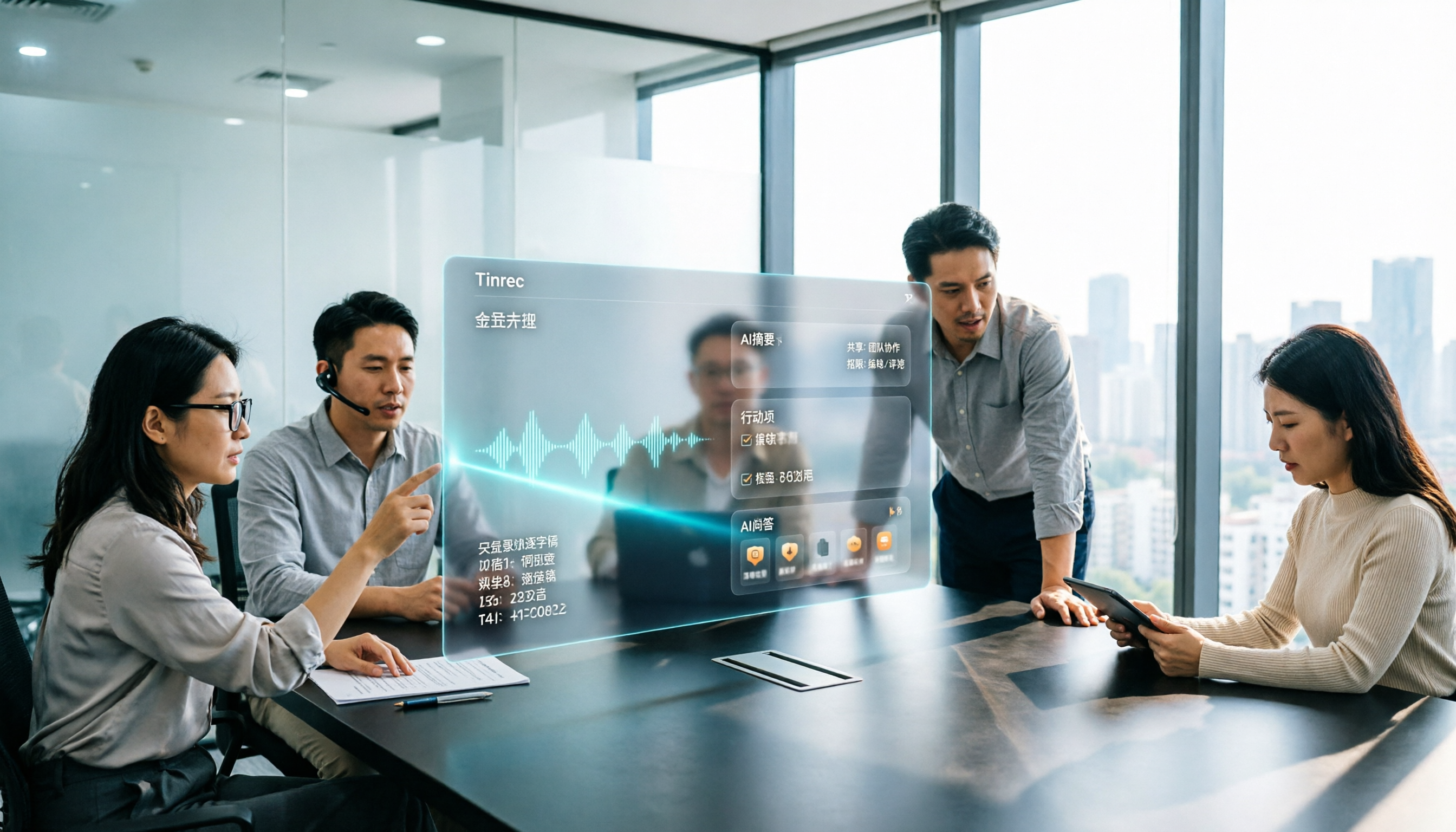
Tinrec vs Otter.ai 2026: 5-Dimension Comparison for Long Audio Transcription, Which One Should Chinese Teams Choose?
Long audio transcription isn't just about converting speech to text; it's about whether the output is usable. This article compares Tinrec and Otter.ai across five dimensions: Chinese long meeting transcription, bot-free recording, post-meeting organization, AI Q&A, and team governance, helping Chinese teams find the best long audio transcription solution.

2026 Voice-to-Text Tools Compared: Which Is Fastest for Chinese Meeting Transcripts?
Voice-to-text tools range from free to dozens of dollars per month, but the real question isn't budget—it's whether you need a raw transcript or meeting materials you can act on. This article breaks down 4 key buying factors and compares Tinrec, Otter.ai, Notta, and Granola on Chinese meeting transcription, post-meeting organization, AI Q&A, and team collaboration, plus 3 common pitfalls to avoid.
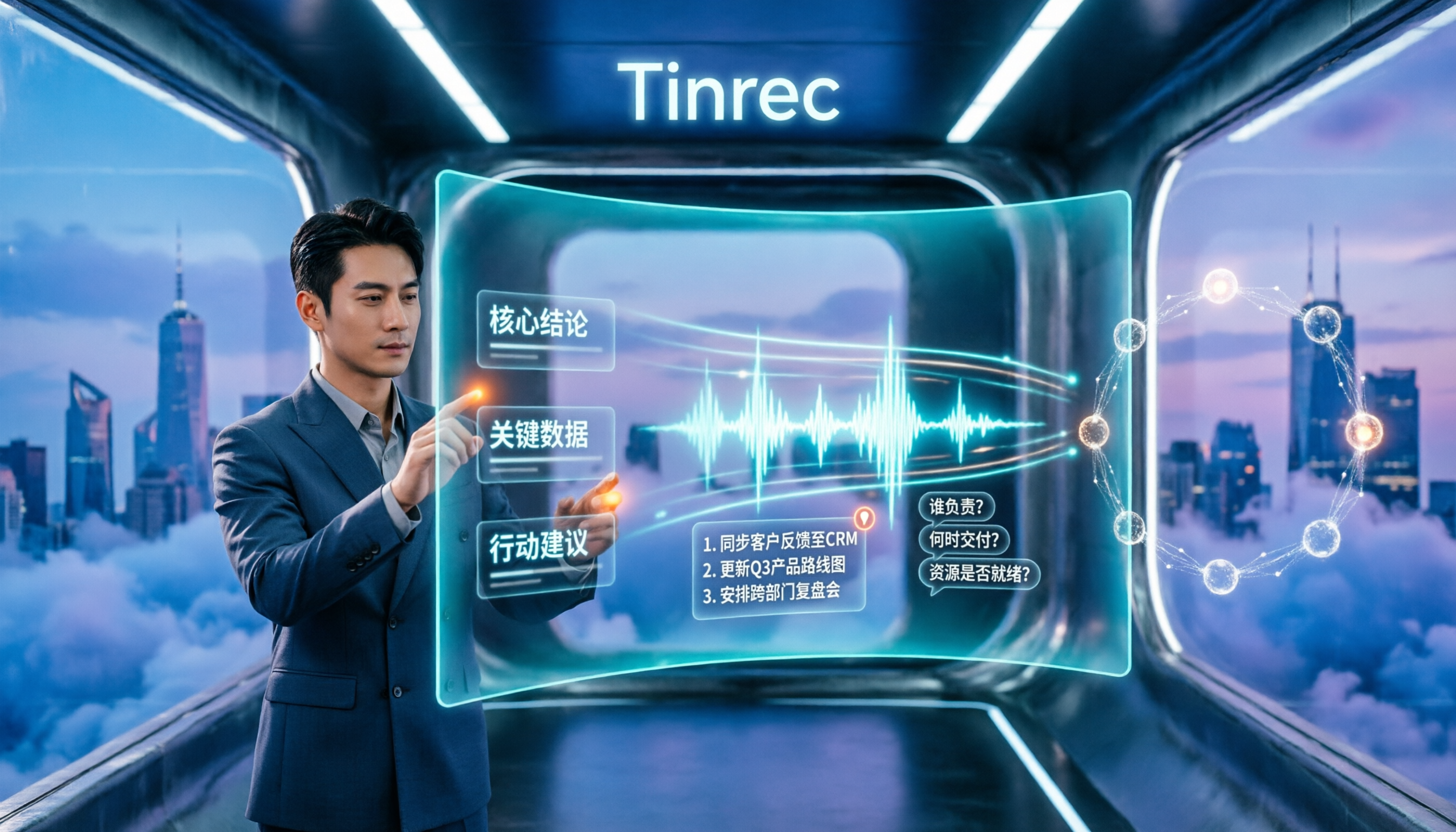
How to Summarize Chinese Audio in 2026: 5-Step Comparison of Tinrec vs Yating Transcript
Summarizing Chinese audio shouldn't just produce a transcript. This article uses 5 steps to compare Tinrec and Yating Transcript for Chinese meeting notes, explaining how real-time transcription, AI summaries, action item extraction, AI Q&A, and team spaces work, and covers pricing and seat concepts for personal and team plans to help you decide which approach suits your meeting volume.

3 Huawei Audio-to-Text Solutions Compared: How Tinrec Fills the Meeting Notes Gap
Many people search for 'Huawei audio to text' because they need to turn meeting recordings into transcripts, summaries, and action items. This article compares three common approaches: built-in device and cloud speech capabilities, online conversion tools, and Tinrec. From cross-platform recording and post-meeting organization to AI Q&A and team collaboration, we help you decide which fits your daily workflow.

5 Photo-to-Text Tools Tested for 2026: Free OCR vs Built-in Features
You don't always need a separate app to turn photos into text—Google Lens, LINE, and Google Keep can do it for free. This guide shares hands-on experience with 5 image-to-text methods and pitfalls to avoid, plus why Tinrec is a better fit when your source is meeting or interview recordings.

5 Best Honor Phone Audio-to-Text Tools Tested in 2026: Why Tinrec Wins on Chinese Accuracy and AI Summaries
The built-in recorder on Honor phones only captures audio—the real time sink is post-meeting organization. This article compares several audio-to-text solutions, using Tinrec as the primary example, to show how real-time transcription, AI summaries, action item extraction, AI Q&A, and team spaces turn meeting recordings into searchable, actionable data.

2026 Comparison of 3 Bilibili Video-to-Text Solutions: Tinrec Personal, Team, and Otter.ai — Which Is Best for Chinese Videos?
2026 latest Bilibili video-to-text tool comparison! This in-depth review compares Tinrec Personal, Team, and Otter.ai on Chinese transcription, AI summaries, team collaboration, and pricing, with FAQs and selection advice to help you find the best Chinese video-to-text solution.