
Turn recordings into transcripts and summaries in minutes
Upload audio or video for multilingual transcription, AI notes, and action items
Spent hours recording meetings or lectures, only to dread transcribing the audio later? If you're planning to visit a physical store like National Electronics to buy a traditional voice recorder, you might want to pause first. This article will walk you through the key factors for choosing a physical voice recorder in 2026, compare it with the latest AI recording software, and include a super practical 4-step tutorial along with common FAQs. Quick conclusion: If you need extreme battery life and long-distance recording, go for a traditional voice recorder. If you value getting key points and to-do lists immediately after recording, using an AI recording tool (like Tinrec) on your phone or web browser is a more efficient solution.
1. Why Are You Still Looking for a Traditional Voice Recorder? Pain Points Today
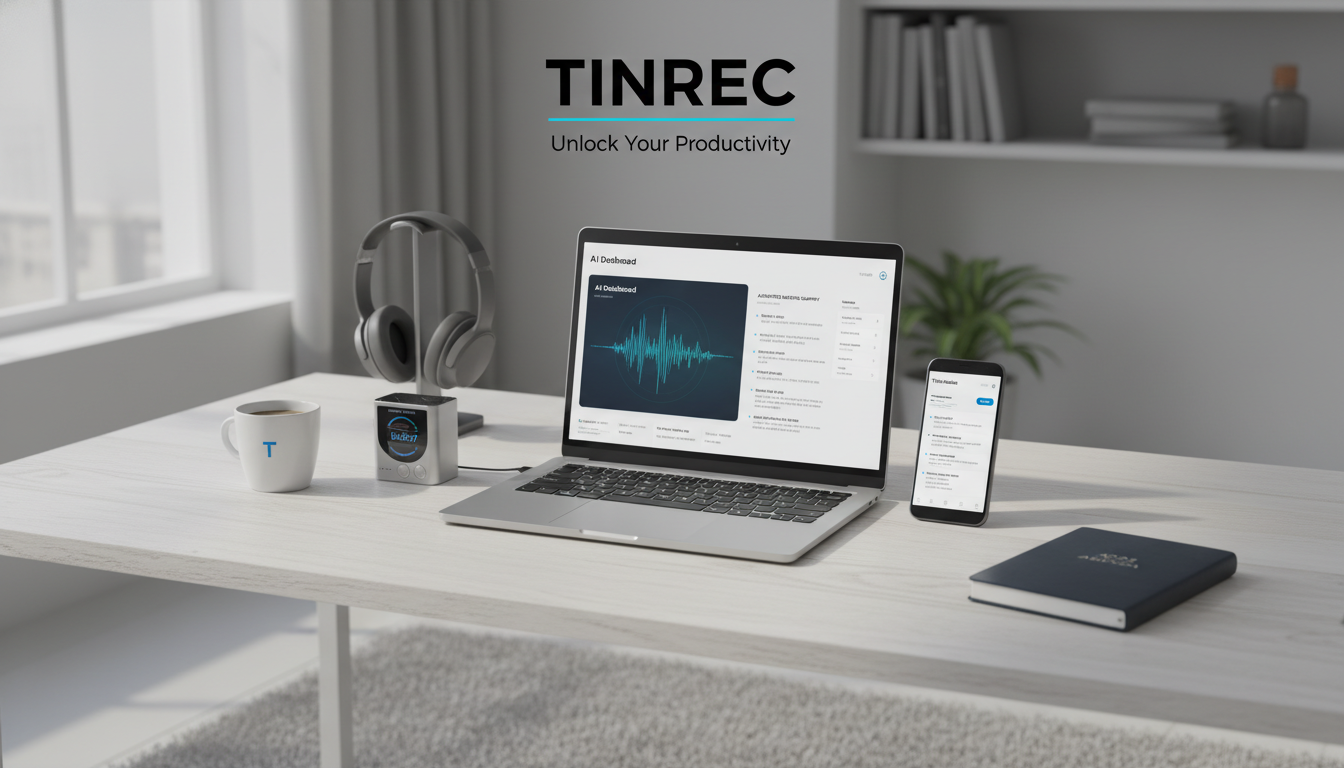
Traditional voice recording methods often face a major bottleneck: recording is easy, but finding key points is hard. Many people habitually press record during meetings, interviews, or classes, but later face these pain points:
- High cost of relistening: A one-hour meeting often takes two to three hours to transcribe.
- Lack of actionable decisions: The audio file is just sound data – it can't be directly turned into a to-do list.
- Cross-language barriers: For foreign-language meetings or lectures, simply recording doesn't help if you can't understand the language.
With technological advances, recording devices have evolved from "hardware that simply captures sound" to "AI assistants with understanding capabilities."
2. How to Choose a Voice Recorder in 2026? Key Specs and Models
If you still need a physical device, pay attention to these core specs:
- Battery Life: Designed for long recording sessions. For example, the LTP professional voice recorder offers over 130 hours of continuous recording, ideal for long-term fixed placement.
- Noise Cancellation and Pickup Range: The FJ recorder boasts 60-meter long-distance pickup; some high-end models use DSP or AI-based noise cancellation to filter background noise.
- Smart and Discreet Design: Beyond traditional pen-shaped models (like Victor K50), there's now the PLAUD NOTE – an AI smart recording card only 0.29cm thick, featuring ChatGPT integration for voice transcription and magnetic attachment for phone call recording.
3. Physical Voice Recorder vs. AI Recording Tools: Comparison Table
Should you buy hardware or use software? Evaluate across 6 dimensions to make an informed decision:
| Criteria | Basic Voice Recorder (e.g., K50/LTP) | AI Smart Recording Card (e.g., PLAUD NOTE) | Multi-Platform AI Recording Software (Tinrec) |
|---|---|---|---|
| Portability | Carry separately, various sizes | Carry separately, thin but easy to lose | No hardware needed, use phone/computer |
| Language Support | No translation | Multi-language transcription | Auto-detect 10+ languages including Chinese, English, Japanese, Korean, etc. |
| Real-time | Need to manually export and replay | Transcribe only after app sync | Real-time transcription while recording, no waiting |
| Summary/Action Items | None | Depends on dedicated app for summarization | Auto-generate meeting minutes, conclusions, and action items |
| AI Query | None | Provides text summaries | Supports AI-based semantic querying for quick retrieval of key points |
| Price/Free Tier | One-time purchase (several hundred to thousand USD) | High hardware cost + possible AI subscription | Free tier: 100 minutes/month; paid from ~$4.9/month |
Stop organizing recordings by hand
Upload audio or video and automatically get a transcript, summary, and action items
4. Software-Defined Recording: In-Depth Review of Tinrec as Your Personal Assistant
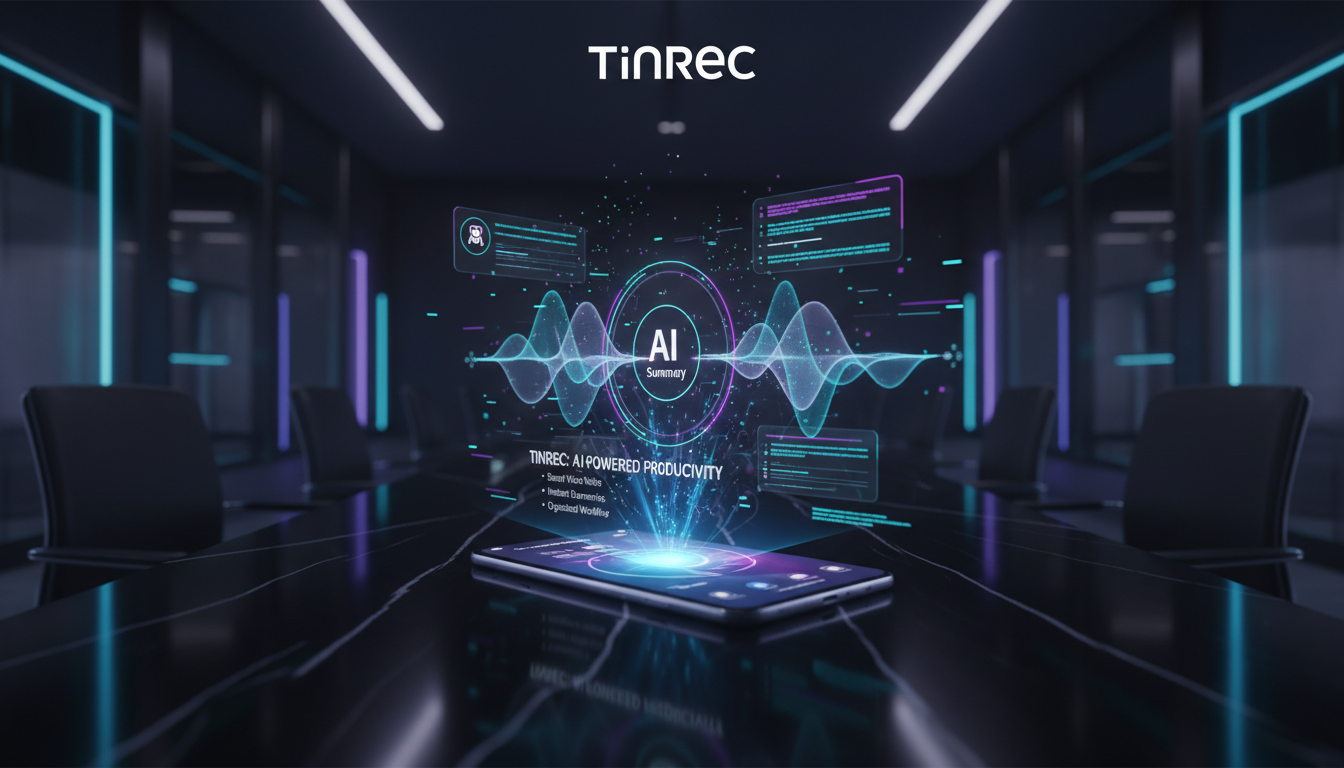
Compared to spending thousands on single-function hardware, more professionals and students are turning to cross-platform AI software. Tinrec's philosophy: not just "audio to text," but a complete workflow from "recording → understanding → action."

1. Turn Time-Based Content into Actionable Text
Traditional recordings have low information density. Tinrec doesn't just output a transcript; its core value is acting like a personal assistant, automatically extracting decision summaries and action items the moment recording ends.

2. Transform Recordings into a Searchable Database
Traditional transcripts require Ctrl+F for keyword searches. Tinrec supports AI-powered querying. You can ask: "What was the budget plan for next year mentioned in the meeting?" and it will synthesize the answer from the context – like asking a participant.

5. Say Goodbye to Manual Transcription! 4-Step AI Recording-to-Text Tutorial
Whether you're in a physical meeting, working remotely, or watching online courses, follow these steps to turn audio into valuable notes:
Step 1: Real-Time Transcription (for in-person meetings/classes)
At the start of a meeting, open the mobile or web interface and tap record. The system transcribes speech in real-time on the screen – no waiting for post-processing.

Step 2: Import Audio Files (for interviews/existing recordings)
If you have MP3 or WAV files from a traditional recorder, use the "audio file to text" feature. Upload the file, and the system will automatically identify speakers and generate a full transcript with AI summary.


Step 3: Parse Video Links (for online learning/content creators)
Found a useful YouTube tutorial or podcast? No need to take notes manually. Paste the URL into the "web video to text" field – the system will automatically grab the audio track and generate structured key points.

Step 4: Deep Retrieval with AI Query
When recordings are one to two hours long, use the "AI Query" feature to type your questions and get precise answers quickly – saving time from scanning long texts.

6. FAQ: Voice Recorders and AI Transcription
Q1: How do I choose between a physical voice recorder and AI recording software? If your scenario requires long-term fixed recording, evidence collection, or exam settings where phones aren't allowed, a physical recorder is the only option. For everyday meetings, class notes, or remote work, AI software – with no hardware to carry, fast transcription, and low cost – is more practical.
Q2: Can iPhones record phone calls directly? Due to iOS privacy restrictions, iPhones natively don't support two-way call recording. For that, you usually need a special magnetic device (like PLAUD NOTE) for physical audio capture.
Q3: Can I use these tools for remote meetings (Teams / Google Meet)? Yes. Open the AI recording software on your computer's web version and play the audio from Teams or Meet to get real-time transcription, even with speaker differentiation.
Q4: Does the transcript support Chinese and Taiwanese accents (Taiwanese Hokkien)? Today's advanced AI tools go beyond standard Mandarin, automatically recognizing Taiwanese, Cantonese, English, Japanese, Korean, and more, greatly reducing cross-language meeting costs.
Q5: Is there a free trial? Most AI transcription tools offer free trials. For example, Tinrec provides up to 100 minutes of free transcription per month – ideal for light users or those wanting to test accuracy first.
Q6: Does uploading a recording take a long time to transcribe? With real-time transcription, text appears as you speak. For a one-hour file upload, AI recognition and summary generation usually takes just a few minutes – far faster than manual transcription.
Turn every recording into actionable outcomes
Get 60 free transcription minutes when you sign in. No credit card required.
Related Reading
You might also like

4 Cantonese Subtitle Generators Compared: Which Saves the Most Time After Meetings?
How to choose a Cantonese subtitle generator? This article compares the actual workflows of Tinrec, Subanana, Zeemo, and CantoSub, covering free tier limits, mixed Chinese-English handling, colloquial vs. written output, and whether subtitles can be turned into summaries, action items, and team data. It also lists four common pitfalls to avoid.
Tinrec vs cantonese.ai 2026: 5-Dimension Comparison for Cantonese Speech-to-Text Efficiency
Cantonese speech-to-text shouldn't just be about copying transcripts. This article addresses common misconceptions and compares cantonese.ai and Tinrec across 5 dimensions. It also covers Tinrec's real-time transcription, bot-free online meeting recording, AI summaries and action items, AI Q&A, team spaces, plus buying tips and FAQs.

2 iPhone Live Transcription Apps Compared in 2026: Built-in Voice Memos vs Tinrec — Which Saves More Time on Meeting Notes?
How do you choose an iPhone live transcription tool? This article starts with common misconceptions and compares the built-in Voice Memos transcript with Tinrec, covering input sources, summaries and to-dos, AI Q&A, translation, and team collaboration. It also covers buying considerations, pricing and quotas, and FAQs to help you decide which option truly saves time on meeting notes.

2026 Cantonese Translation Tools Compared: Which One Turns a Full Cantonese Meeting into Usable Notes?
Cantonese translation is more than pasting sentences into a translation website. This article looks at three scenarios—single-sentence queries, Cantonese meetings, and interview transcripts—and outlines four key factors for choosing a tool. It compares Tinrec, Google Translate, Microsoft Translator, and Cantonese Translation Master, with four common pitfalls and scenario-based recommendations.

4 Cantonese Subtitle Apps Tested in 2026: After the Subtitles Are Generated, Which One Helps You Actually Use the Content?
There are more Cantonese subtitle apps to choose from, but the real question is: what happens after the subtitles are generated? This article compares Tinrec, Subanana, Zeemo, and CantoSub across four dimensions—spoken vs. written output, mixed Chinese-English handling, post-meeting organization, and team collaboration—and highlights the three most common pitfalls when choosing, so you can find the one that fits your workflow.

6 Best Live Transcription and Translation Apps in 2026: Free Tiers and AI Summaries Compared
How to choose a live transcription and translation app in 2026? This article reviews six tools—Tinrec, Vurbo.ai, Instant Voice Translate, Notta, TurboScribe, and Apple Notes Live Dictation—comparing free tiers, translation methods, post-meeting organization, and pricing to help you find the best real-time voice translation solution for meetings, travel, or interviews.
How to Add Cantonese Subtitles in Filmora 2026: 5-Step Guide from Recording to Subtitles
Many people think built-in AI subtitles in editing software can handle Cantonese, but the real bottleneck is speech-to-text. This article breaks down the Cantonese subtitle workflow into 5 steps, explaining how to use Tinrec to produce accurate transcripts, summaries, and bilingual content, then return to editing software for layout, and covers tool selection tips and FAQs.

2026 Comparison of 2 Taiwanese Hokkien Translation Tools: Free Instant Translation vs AI Meeting Notes
When Taiwanese Hokkien comes up in a meeting, do you need to understand it in the moment, or do you need a usable record afterward? This article focuses on Taiwanese Hokkien translation needs and compares the free instant translation service Lohankha with the AI meeting notes tool Tinrec, covering word and phrase translation, transcript generation, post-meeting organization, and team collaboration to help you decide which tool fits your work situation.

4 iPhone Live Transcription Translation Apps Tested in 2026: Which Bilingual Transcript Saves the Most Time?
iPhone's built-in Voice Memos can transcribe audio, but live translation and post-meeting AI organization are still limited. This article tests 4 solutions, comparing Tinrec, Apple's built-in tools, Notta, and PLAUD on live translation, bilingual transcripts, AI Q&A, and team collaboration to help you find the most time-saving option.