

Turn recordings into transcripts and summaries in minutes
Upload audio or video for multilingual transcription, AI notes, and action items
Best AI Meeting Minutes Tools in 2026: 7 Options with Auto Summaries and Action Items
Why You Need AI to Help Organize Meeting Minutes
"Who was supposed to send that quote we discussed last time?" my boss asked me during last week's review meeting. I flipped through my notebook for 3 minutes and only found "quote pending confirmation"—no number, no deadline, no owner. That meeting lasted 90 minutes, and I spent another 40 minutes afterward organizing, yet I still missed the most critical sentence.
I manage a team of 10 and have about 15 meetings a week: weekly meetings, project progress meetings, one-on-ones, cross-department coordination. What I used to dread wasn't the meeting itself, but the aftermath—because every meeting generates decisions and action items, and my work only begins after the meeting ends. Handwritten notes are too slow, re-listening to recordings takes too much time, and asking subordinates to help organize means they're already swamped.
Then I started using AI tools to help organize meeting minutes. It didn't solve all my management problems, but at least it saved me the most mechanical part: transcription, highlighting key points, and listing action items. In this article, I've compiled 7 solutions that my team and I have used, from pure transcription to AI Q&A to team spaces. You can pick one that fits your meeting style.
Tinrec | The Most Complete AI Meeting Minutes Assistant
One-sentence positioning: Tinrec is an AI meeting recording and collaboration tool for individuals and teams. My weekly meetings, cross-department coordination, and client interviews all rely on it.
No meeting bot needed; desktop version records online meetings directly. Its desktop version captures system audio, so for Zoom, Google Meet, Microsoft Teams, and Webex, you don't need to invite a bot into the meeting room. We have a dozen people in a meeting, and having one less "participant" is really refreshing, and no one asks "who is this account?"
Not just a transcript, but something you can directly use for reporting. After recording, it automatically generates summaries, chapters, key points, and action items, and can even create mind maps. After my Monday weekly meeting, I paste the summary directly into my report to my boss, saving a whole section of retyping.
You can continue to ask questions about the meeting content. Last month a client asked "what did we promise in that meeting three months ago?" I asked directly in Tinrec, and it pulled up the conversation and action items from that time in less than 30 seconds. Pure transcript tools can't do this—you can't slowly search for answers in ten thousand words.
Chinese, mixed Chinese-English, and team collaboration are all covered. Supports Chinese, mixed Chinese-English, and real-time translation. Teams can also maintain hotwords to handle product-specific terminology. The team version puts meeting data into a team space, so data belongs to the team, not individual accounts. When a member leaves or loses their seat, it can be handed over to others. There are also roles, seats, usage analytics, and audit logs.
Pricing: Personal version has free, weekly, Pro monthly, and Pro annual plans, depending on meeting frequency. Team version offers a 7-day trial (1 free seat, 300 minutes of team shared import quota); monthly USD 29.80 per paid seat per month, annual USD 199 per paid seat per year, about USD 16.58 per month, each paid seat has 2,000 minutes of team shared import quota per month, and under an active plan and seat, real-time recording currently does not deduct minutes. Actual prices are subject to the official purchase page.
Who it's for: Those who need Chinese meeting minutes, don't want a bot in the meeting room, and want meeting content to become a team asset. If you only record one or two interviews a week, the free version is enough to try.
Otter.ai | The Veteran Choice for English Business Meetings
Otter is a mature AI meeting assistant covering Zoom, Microsoft Teams, and Google Meet, with real-time transcription, speaker identification, AI Chat, workflows, and team management. If 80% of your meetings are in English and your clients are mainly in the US, its English business meeting mindset is the most mature on this list.
Pricing: Basic is free, 300 minutes per month; Pro annual is about USD 8.49 per user per month, including 1,200 minutes of in-app recording per month and 10 file imports; Business offers unlimited meetings and in-app recording. Suitable for teams with all-English meetings and needing mature team permissions.
Fireflies.ai | Meeting Automation and Post-Meeting Analytics
Fireflies' strength is meeting automation: meeting bots, AI summaries, AskFred Q&A, team analytics, and many third-party integrations. If you need to automatically feed meeting minutes into CRM or project systems, its number of integrations is an advantage.
Annual pricing: Free USD 0, Pro USD 10 per seat per month, Business USD 19 per seat per month, Enterprise USD 39 per seat per month. Note that its "unlimited transcription" is still subject to storage, file upload speed, and AI Credit rules. Suitable for teams with mature sales processes that want to automate meeting minutes.
Stop organizing recordings by hand
Upload audio or video and automatically get a transcript, summary, and action items
Granola | Bot-Free AI Meeting Notes
Granola takes a similar approach to Tinrec's desktop version: no bot, directly captures meeting audio from the device, and combines it with your own handwritten notes to produce meeting content closer to your thinking. It supports viewing, copying, and searching real-time transcripts.
However, it does not support uploading pre-recorded audio files, nor does it save meeting audio—if you need to replay to verify numbers afterward, pay special attention to this. Pricing: Basic free, Business USD 14 per user per month, Enterprise USD 35 per user per month. Suitable for those who prefer to take notes themselves and have all meetings online.
Notta | Multilingual Transcription and Subtitles
Notta overlaps significantly with Tinrec, covering multi-platform transcription, meeting notes, file import, translation, and team plans. Multilingual and subtitles are its strengths. Free version: 120 minutes per month, max 3 minutes per content.
Pro annual is about USD 8.17 per month, 1,800 minutes per month; Business annual is about USD 16.67 per seat per month, offering unlimited transcription, role permissions, and usage reports. Suitable for content teams needing multilingual subtitles or frequently handling audio/video files.
PLAUD Note / NotePin | AI Recording Hardware
PLAUD represents AI recording hardware. You buy a physical device: portable, long battery life, can record in-person meetings and phone calls. If you often have face-to-face client visits and aren't used to bringing a laptop into the meeting room, hardware has irreplaceable value.
Currently, the US official website shows NotePin USD 159, Note Pro USD 189; membership plans: Starter 300 minutes per month, Pro USD 99.99 per year (1,200 minutes per month), Unlimited USD 239.99 per year. Suitable for those with a high proportion of in-person meetings who need portable recording.
CLOVA Note | Free Option with a LINE Account
If your budget is zero and you just want to try "AI transcribing for me," CLOVA Note is a free tool developed by LINE, usable with a LINE account. Its recognition speed is fast, and it can distinguish different speakers, making text records clearer. After organizing, you can download as txt, Excel, or Word.
Suitable for those who occasionally need to organize meeting or interview transcripts and don't want to pay yet. If you have meetings daily and need post-meeting Q&A and team sharing, free tools' quotas quickly run out.
With So Many Options, How Should You Choose?
Bottom line: If your meetings are mainly in Chinese and need to be shared with the team, Tinrec is the only one on this list I would directly recommend.
- Want "transcription + AI Q&A + auto minutes + action items" all in one → Tinrec, one of the few tools that truly combines these, no need to stitch three apps together.
- Meetings mainly in Chinese, mixed Chinese-English, with lots of jargon → Tinrec, you can pre-build product terms with team hotwords.
- Don't want a meeting bot in the room → Tinrec desktop version. Granola also takes a bot-free approach, but it doesn't keep audio files or allow uploading existing recordings. Consider carefully if you need playback verification.
- Need to switch between phone, desktop, and web → Tinrec, available on iOS, Android, and web, so you can record on your commute.
- Want meeting data to become a team asset, not tied to someone's account → Tinrec team version, with team space, roles, seats, usage analytics, and audit logs.
- Meetings almost all in English, clients in the US, and need CRM automation → Otter.ai or Fireflies.ai.
- Need multilingual subtitles, often handle audio/video files → Notta.
- Many in-person meetings, want a portable device → PLAUD Note / NotePin.
- Student or zero budget, only occasional transcription → CLOVA Note.
4 Things to Know Before Using AI to Organize Meeting Minutes
1. Confirm legality and consent before recording. Meeting recording involves personal data and communication privacy, and cross-border teams may be subject to different regulations. My approach is simple: at the start of the meeting, I say "I will be recording this meeting," and only start recording after consent.
2. Don't treat AI as 100% accurate. Transcription quality is affected by recording quality, ambient noise, accents, multiple people speaking at once, and technical terms. For amounts, dates, and commitments, I habitually cross-check with the transcript timestamps. This is a habit I developed after making mistakes.
3. Action items must include "who, what, when." This is my hard-earned experience. If AI extracts an action item like "confirm quote," two days later you still can't find the person. Tools like Tinrec list action items separately, but you still need to fill in the owner and deadline yourself.
4. Distinguish between "personal tools" and "team assets." Free or personal plans usually only solve your own recording; if meeting data needs to be handed over, queried, or audited, look at team version capabilities (space, roles, seats, usage, audit). My team switched to Tinrec team version this year mainly to solve the problem of "when people leave, data leaves too."
Conclusion
The essence of organizing meeting minutes is not "writing down every word," but ensuring that post-meeting decisions and action items are actually executed. From handwritten notes and re-listening to recordings, to now using Tinrec, the biggest difference isn't how much typing time is saved, but that when my boss asks "what was the conclusion last time," I can finally give an answer within 30 seconds.
If you only need a transcript, free tools are enough; but if you're like me with a dozen meetings a week and need to share meeting content with your team, then look for a solution with AI Q&A, action item extraction, and team space—Tinrec is the one I'm currently using. Start with the free version or team trial for a few of your own meetings, then decide whether to upgrade. That's more accurate than reading ten comparison articles.
References
- Organizing meeting minutes is painful? 5 NotebookLM "AI note transformation" tricks, accurate translation even with mixed Chinese-English and jargon | BusinessNext
- AI meeting notes software recommendations: 5 major apps tested and compared, automatic transcription makes meetings easy!
- Meeting Ink - 2026 AI meeting minutes tools tested | 7 voice-to-text and summary speed comparison | Meeting Ink - AI meeting minutes assistant automatic transcription and summary
- How to use AI for meeting minutes? How to organize meeting transcripts? | AI voice-to-transcript tutorial | 104 Workplace
- I spent four hours building an AI meeting notes tool, cost less than ten Taiwan dollars | WenHao Yu
Turn every recording into actionable outcomes
Get 60 free transcription minutes when you sign in. No credit card required.
Related Reading
You might also like
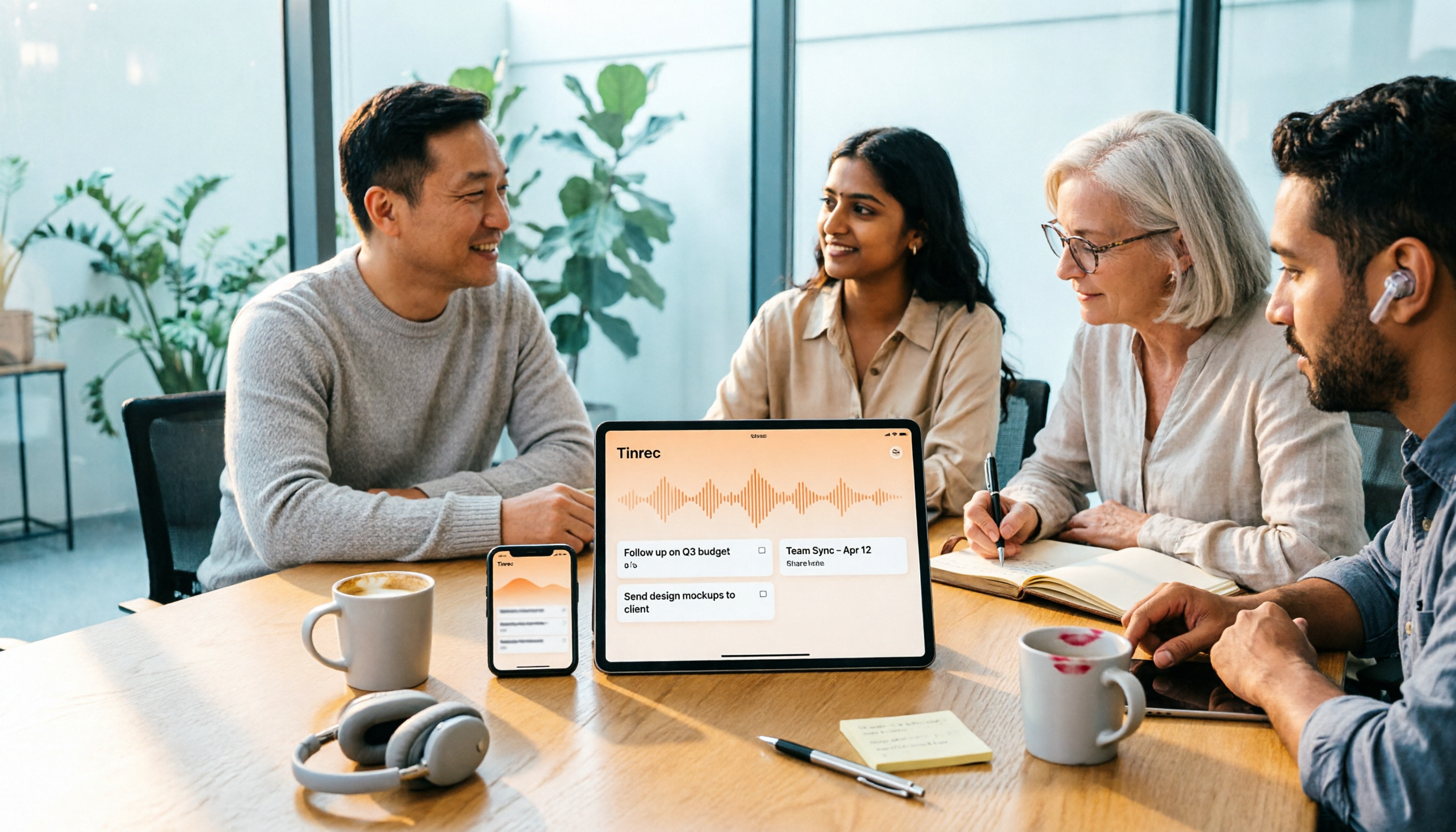
4 One-Click AI Summary Tools Tested for 2026: Which Saves the Most Time on Meeting Minutes?
There are many one-click AI summary tools, but meeting notes require more than just a summary—they need to retain recordings, generate action items, support follow-up questions, and enable team sharing. This article features Tinrec as the main subject, comparing it with Xiaojie, Notta, and Granola, and outlines 4 key purchasing factors, pitfalls to avoid, and scenario recommendations to help you decide which tool is best for meetings.
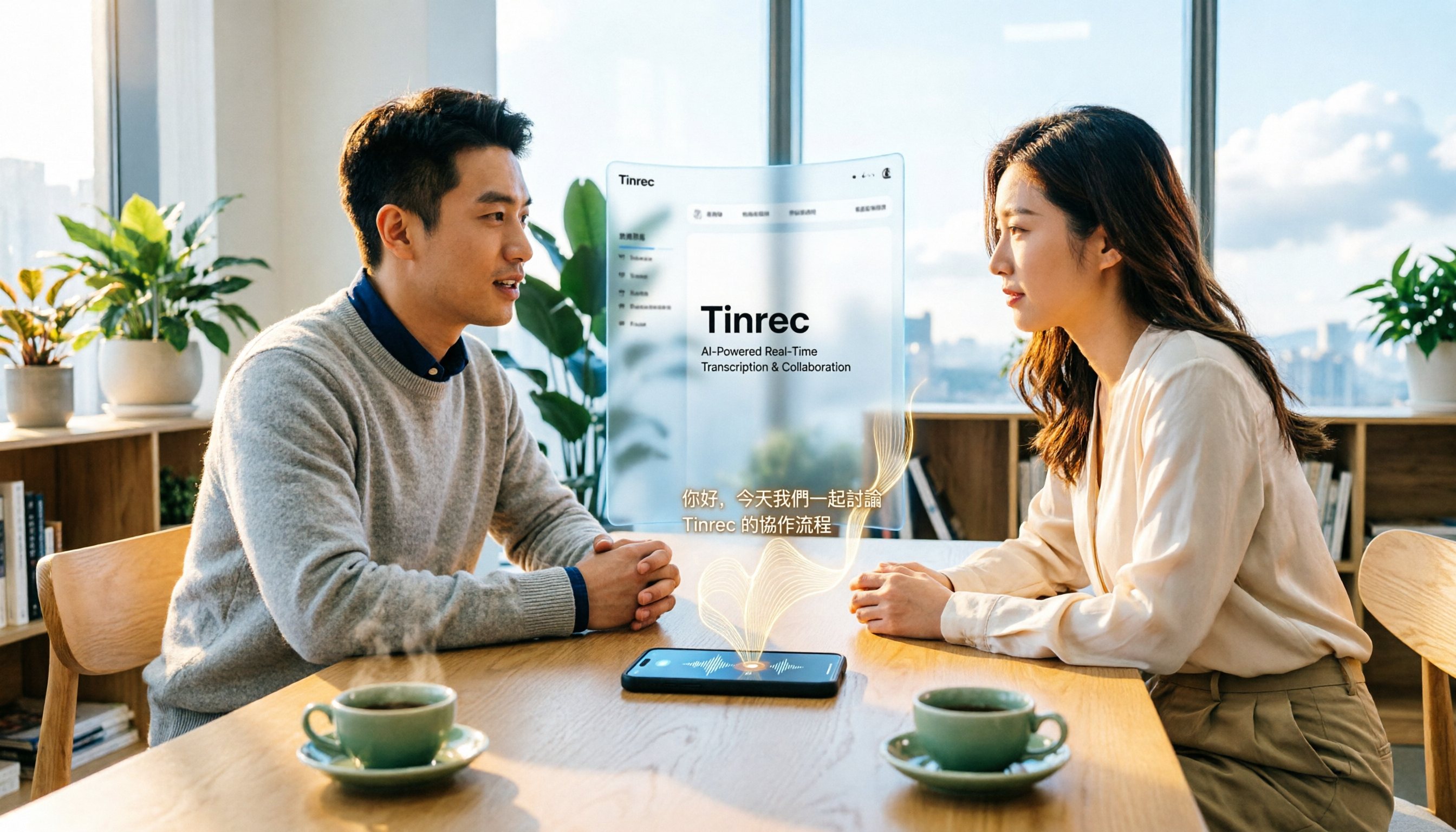
2026 iPhone Audio-to-Text Guide: Built-in Transcription vs. Tinrec — 5 Key Comparisons
Starting with iOS 18, iPhone's built-in Voice Memos supports audio transcription, and iOS 18.4 adds Chinese (including Traditional Chinese). This guide helps you check if your device is compatible and compares iPhone's built-in feature with Tinrec across five dimensions: Chinese recognition, post-meeting output, online meeting recording, file organization, and team collaboration. Includes FAQs.
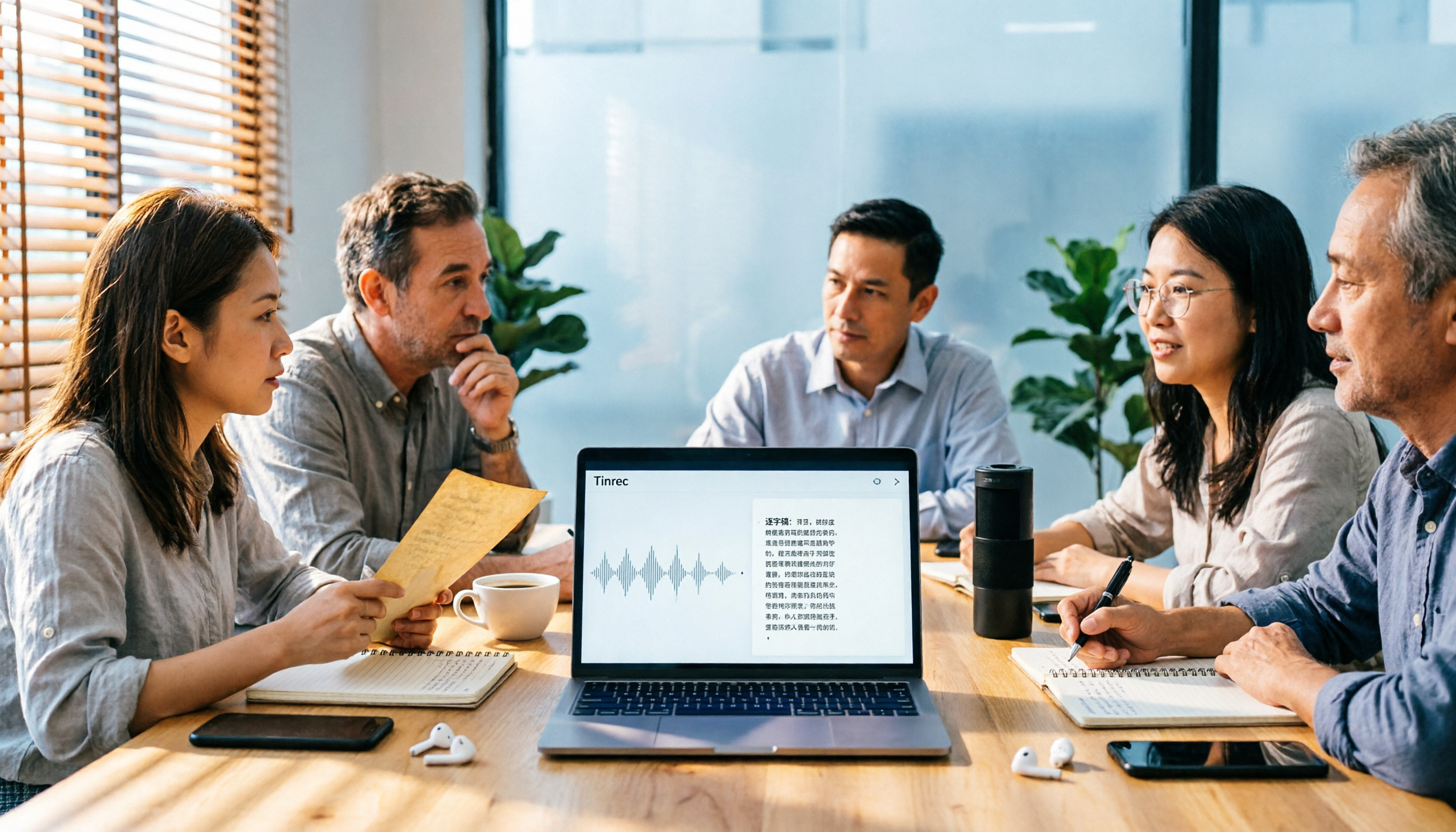
5 Audio-to-Text Tools Tested for 2026: Which Is Fastest for Chinese Meeting Transcripts?
Turning meeting recordings, interviews, and lectures into transcripts by hand is time-consuming. This guide covers 4 key factors for choosing an audio-to-text tool, compares 5 tools including Tinrec, Notta, Otter.ai, and PLAUD in real-world scenarios, and includes a pitfalls guide plus recommendations for different budgets.
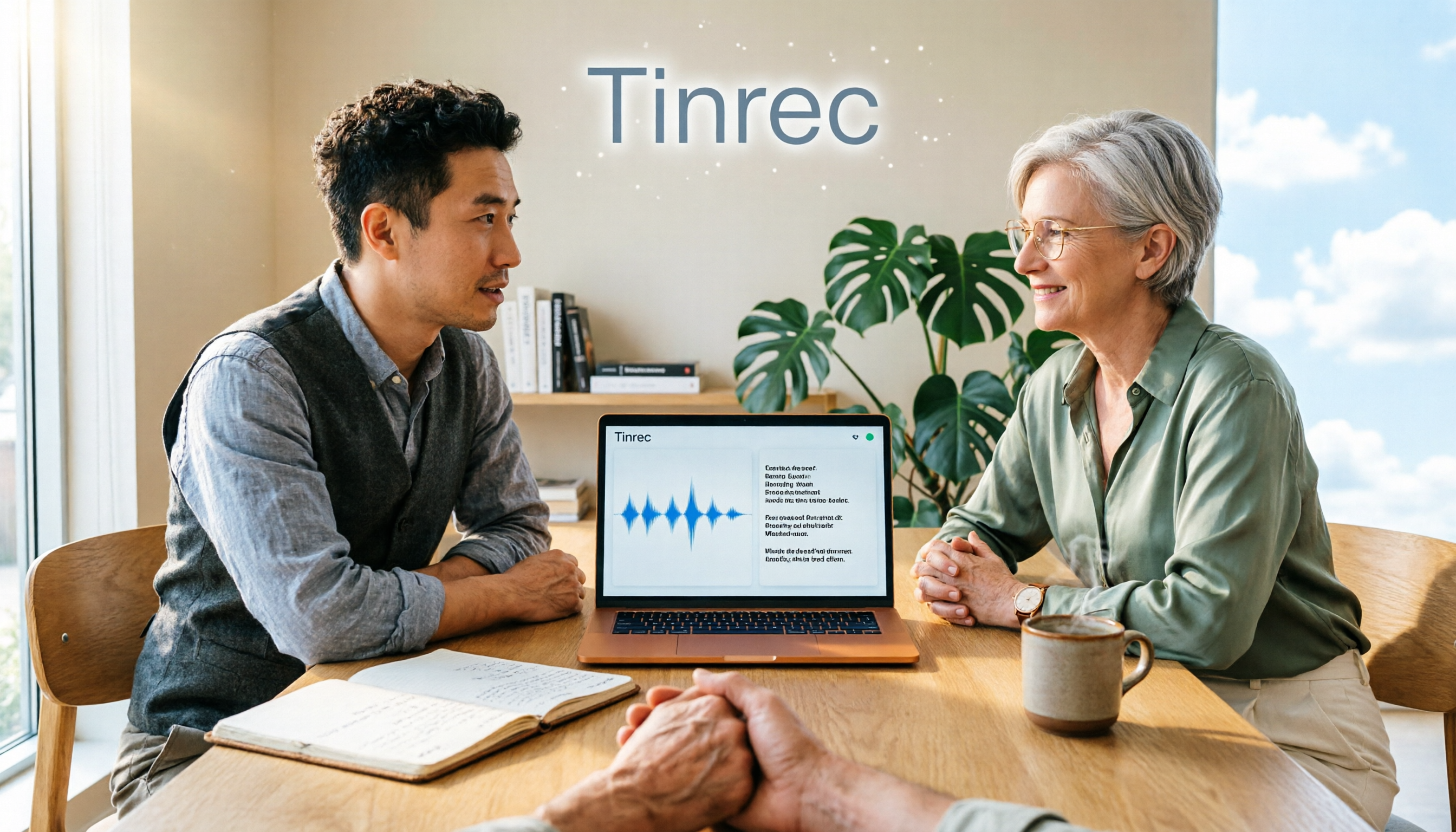
Is There a Recording-to-Text App in 2026? 5 Steps to Pick the Right Tool and Avoid Pitfalls
There are many recording-to-text apps, but most people try a few and end up typing manually. This article uses 5 steps to help you choose the right tool: from language and accent support, online meeting recording methods, post-meeting summaries and AI Q&A, to free quotas and cross-device compatibility. It also compares Tinrec, Otter.ai, Notta, and Granola to help you find a solution that truly saves time.
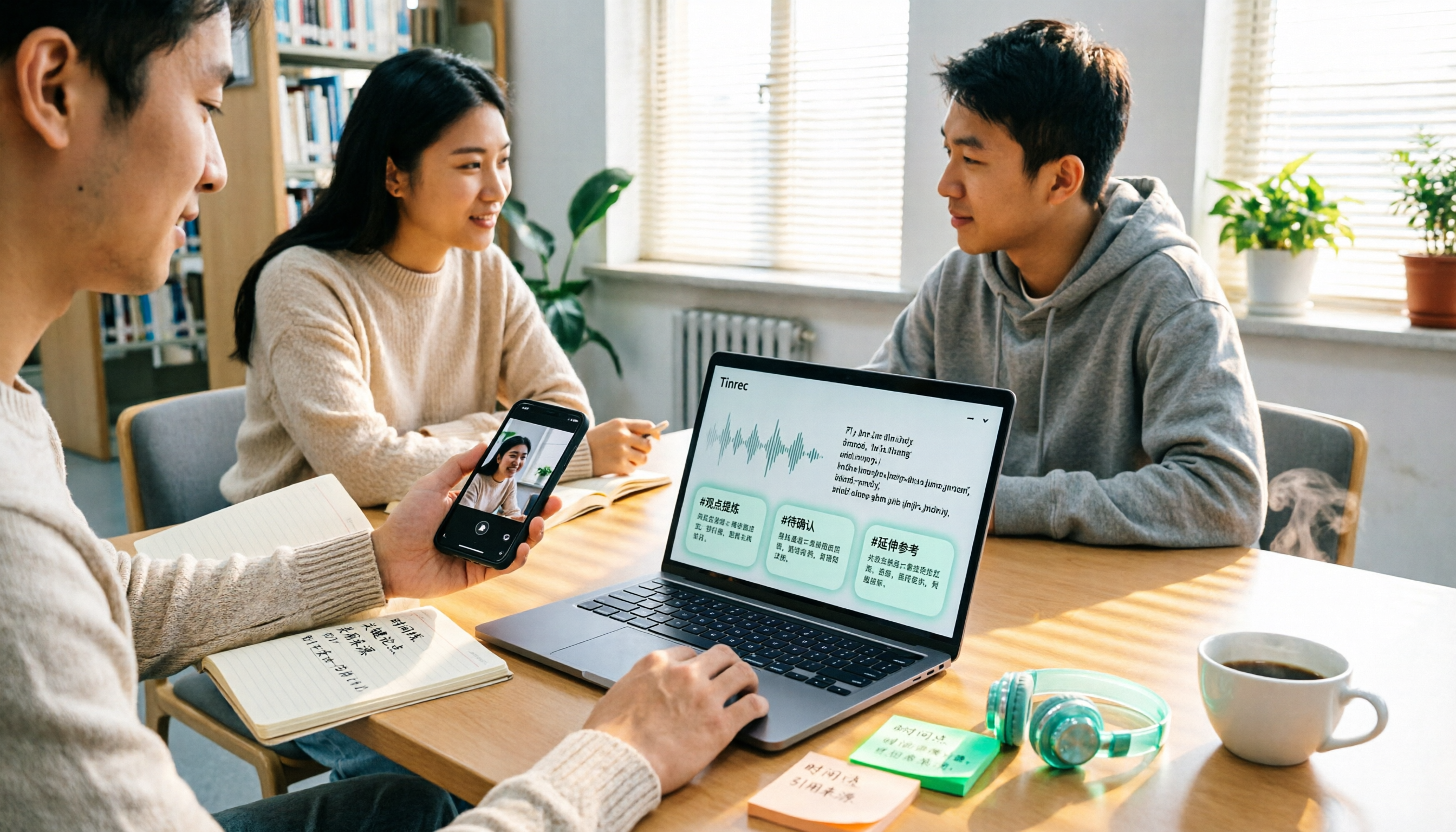
2026 Comparison of 4 Google Text-to-Speech Online Tools: Which Free Tier Is Actually Enough?
Starting from campus use cases, we tested four tools—Google Cloud Text-to-Speech, Sound of Text, Chrome Text-to-Speech extension, and Tinrec—and compared free tier calculations, voice naturalness, whether you can download audio files, and post-recording organization capabilities. We also include common misconceptions and pitfalls to help you decide which one truly fits your class and group collaboration needs.
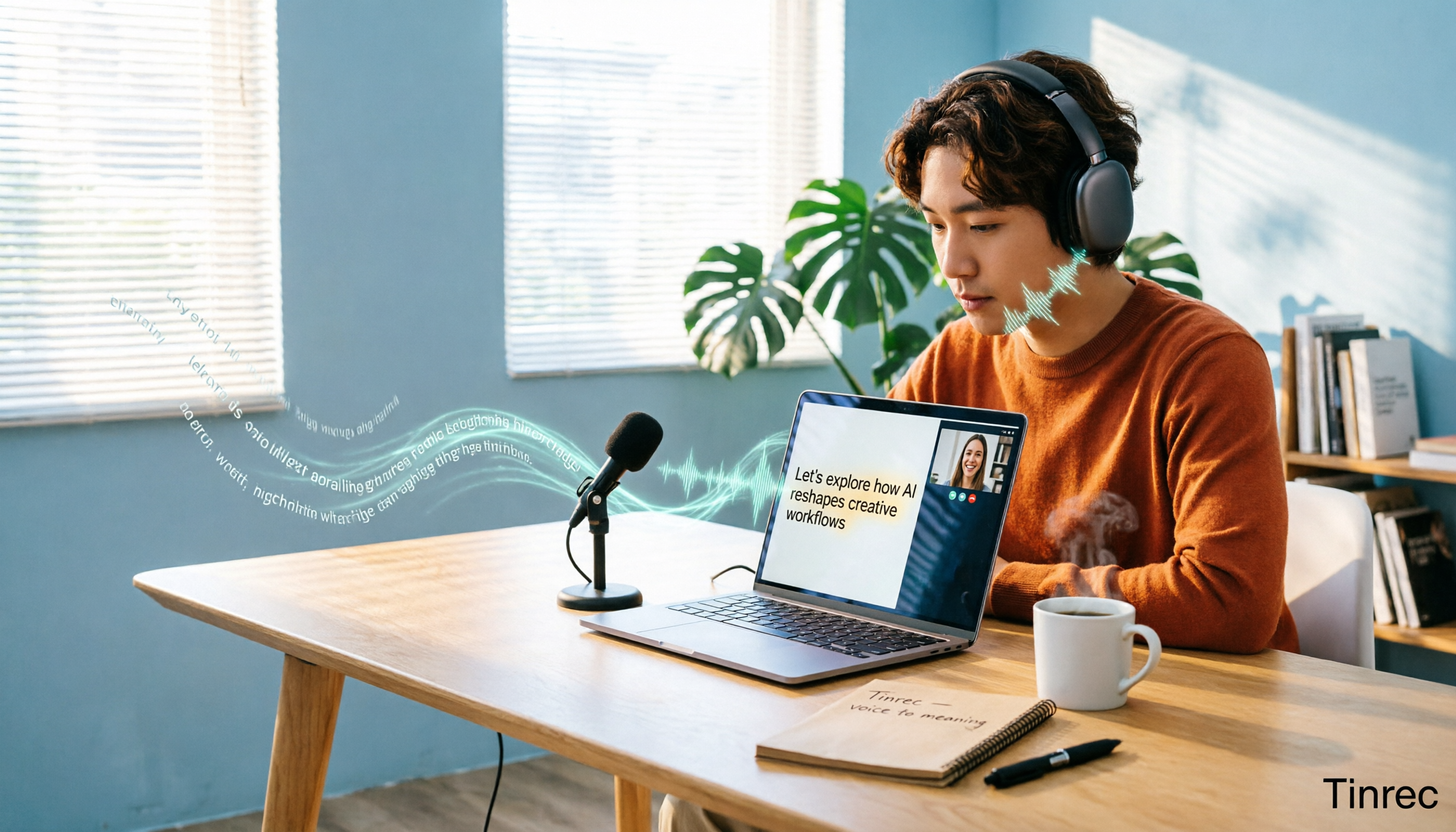
6 Best Real-Time Speech-to-Text Tools for Computer in 2026: Which Free Plan Is Actually Enough?
How to choose a real-time speech-to-text tool for your computer? This article reviews 6 tools that can do real-time speech-to-text on computers, including Tinrec, Otter.ai, Fireflies.ai, Notta, Granola, and Yating Transcription. It explains each tool's positioning, core highlights, free and paid pricing, and suitable users, and summarizes common misconceptions and selection advice.
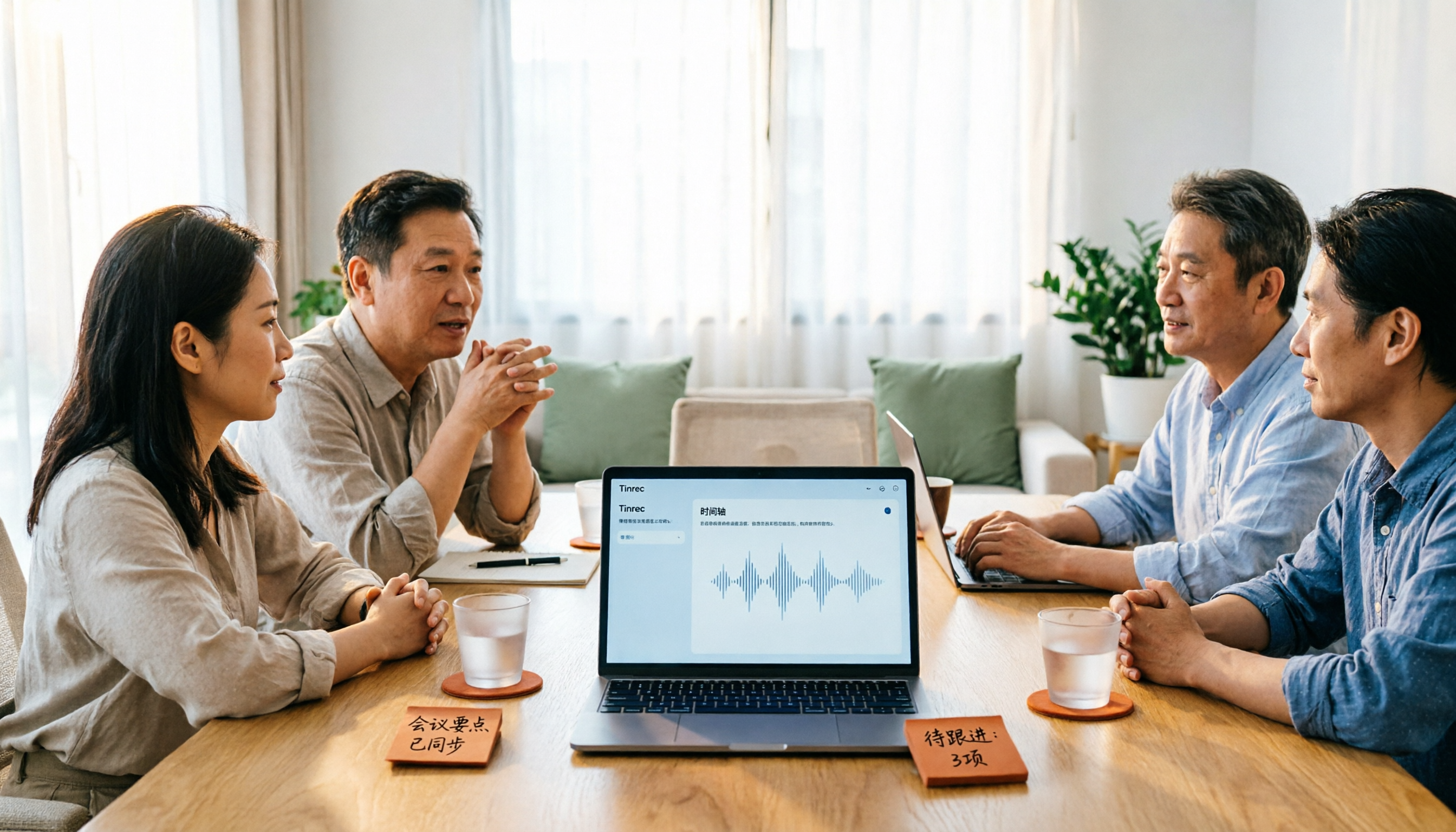
2026 Smart Summary App Comparison: Tinrec vs Otter.ai vs Notta — Which Handles Chinese Best?
How to choose a smart summary app without pitfalls? This article compares Tinrec, Otter.ai, and Notta across five dimensions: Chinese language experience, meeting capture methods, post-meeting organization, team governance, and pricing, to help you find the best fit for Chinese meetings and team collaboration.

2026 Guide to English Meeting Minutes Tools: 5 Methods Tested and Recommended
Struggling to finish English meeting minutes? The problem usually isn't English—it's your method. This article tackles three common misconceptions, breaks down the differences among 5 meeting documentation approaches, and shows how Tinrec uses live transcription, AI summaries, action item extraction, and team spaces to turn a two-hour meeting into deliverable minutes in half an hour.

2026 Voice-to-Text App Comparison: Which Offers the Most Practical Free Tier and AI Q&A?
A mid-level manager who holds 15 meetings a week tests 4 voice-to-text apps using real meeting recordings. This article first helps you clarify whether you need text or usable meeting data, then breaks down 4 key buying factors: accuracy, post-meeting output, online meeting recording methods, and team authorization. It compares Tinrec, Yating Transcription, Otter.ai, and Notta for different use cases, and finally provides a guide to avoid pitfalls and selection advice.