
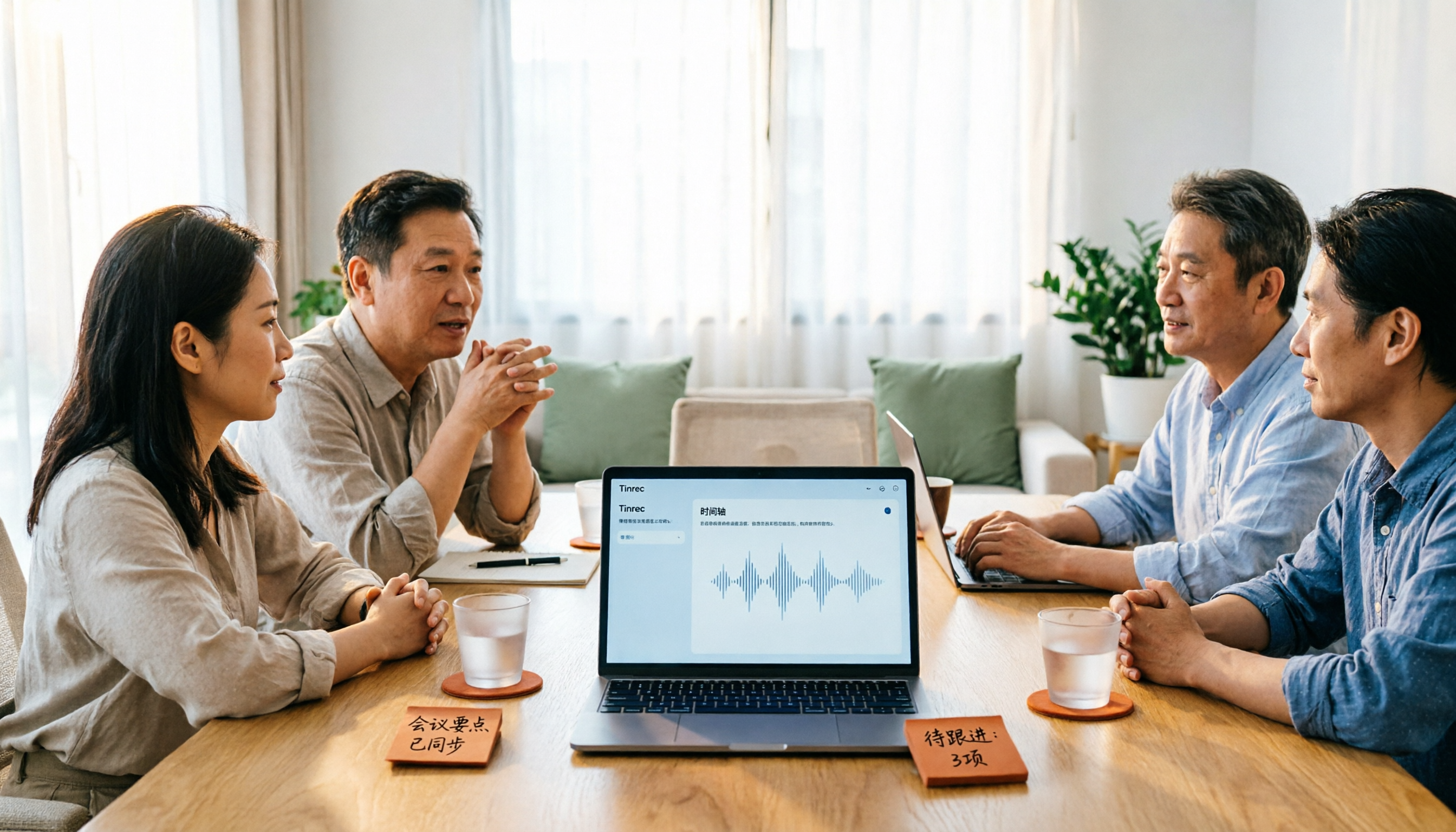
Turn recordings into transcripts and summaries in minutes
Upload audio or video for multilingual transcription, AI notes, and action items
Many people choose a smart summary app by first looking at free minutes, then at whether the interface looks good.
That's actually where you're most likely to stumble. Free quotas are about "how long you can try," not "whether you can turn meetings into usable data." What really affects you daily comes down to three things: whether it handles your language, whether you need to pull an extra bot into the meeting to record, and whether what you get after transcription is just a transcript or something you can deliver directly.
My own habit is to first see if it can handle the way I normally speak, then see what it gives me after the meeting, and finally look at the price. Below, I'll use that order to lay out Tinrec, Otter.ai, and Notta.
Tinrec vs Otter.ai | Quick Overview
Tinrec is an AI meeting notes and collaboration tool for individuals and teams, with the core purpose of turning meeting recordings into searchable, summarizable, queryable, and exportable data.
Otter.ai is a mature AI meeting assistant covering real-time transcription, speaker identification, AI Chat, workflows, and team management for Zoom, Microsoft Teams, and Google Meet. It has long been a common choice for English business meetings.
| Item | Tinrec | Otter.ai |
|---|---|---|
| Core positioning | AI meeting notes and team collaboration | AI meeting assistant and meeting automation |
| Free quota | Free version offers basic quota to experience recording, import, summary, and transcription | Basic free, 300 minutes per month |
| Paid pricing | Personal plans include weekly card, Pro monthly, Pro annual; team plan USD 29.80 per paid seat per month, annual USD 199 per paid seat per year (about USD 16.58 per month) | Pro annual equivalent to USD 8.49 per user per month; Business pricing may be affected by promotions |
| Meeting capture | Desktop version captures system sound, no bot needed | Multiple methods including bot and desktop |
| Chinese experience | Chinese, Traditional Chinese, and multilingual meetings, supports real-time translation | Stronger for English business meetings |
Prices and benefits are subject to change; please refer to the official purchase page before ordering.
Another frequently compared tool, Notta, has an official free version with 120 minutes per month and a maximum of 3 minutes per session. Pro annual is about USD 8.17 per month. Its features overlap significantly with Tinrec, so I won't expand on it here to avoid losing focus.
Below I compare across 5 dimensions: Chinese experience, meeting capture method, post-meeting organization, team governance, and pricing & quota.
Dimension 1 | Traditional Chinese and Mixed Chinese-English Meeting Organization Experience
Otter.ai's strength is English business meetings. It officially supports multiple languages, but for Taiwanese users, its optimized scenarios and user mindset still lean toward English. If your meetings mix Chinese with English product names, people speak fast and often interrupt each other, it tests the tool's language processing ability.
Tinrec covers Chinese, Traditional Chinese, and multilingual meeting scenarios, supports real-time translation during recording, and allows viewing in original, translated, or bilingual mode. The team version also maintains team hotwords, making recognition of common terms and professional vocabulary closer to your industry habits. Note that no tool should promise a fixed accuracy rate; actual results are affected by recording quality, background noise, accents, overlapping speech, and specialized terminology.
→ This dimension: For Chinese and mixed Chinese-English meetings, Tinrec clearly wins.
Dimension 2 | Meeting Capture Method: Do You Need an Extra "Participant"?
Otter.ai can join online meetings via a meeting bot, and also has desktop and other methods, covering Zoom, Teams, Google Meet, and other platforms, with a high degree of automation.
Tinrec's desktop version takes a different path: it directly captures the computer's system sound, without needing an extra bot to join as a participant. The advantage is that no unfamiliar account appears in the meeting list, and you don't need to change meeting settings for recording. However, note that Tinrec currently requires the user to actively start recording; it does not automatically join all calendar meetings.
→ This dimension: If you don't want an extra bot in the meeting, Tinrec wins.
Dimension 3 | After Transcription: Summary, To-Dos, Queries, and Post-Meeting Outputs
Otter.ai provides summaries, action items, AI Chat, and workflows, and can also produce team analytics. It is quite mature for post-meeting organization of English meetings.
In addition to transcripts, Tinrec generates summaries, chapters, key points, and to-dos, supports mind maps, and allows continued AI queries on single or multiple meeting contents. When you need to deliver documents, you can also use Agent post-processing to generate reports, tables, and documents, and export to Notion, Google Docs, OneNote, Dropbox, and other tools for further processing.
→ This dimension: Post-meeting processing and export flexibility, Tinrec wins.
Dimension 4 | Team Space and Governance Capabilities
Otter.ai's Business plan provides team management capabilities, with longer accumulation in mature teams and enterprise scenarios.
Stop organizing recordings by hand
Upload audio or video and automatically get a transcript, summary, and action items
Tinrec's team version provides an independent team space: you can create and switch between multiple teams, invite members via join links, set owner/admin/regular member roles, and assign, reclaim, or transfer seats. Meeting data is stored uniformly in the team space. When a member leaves, is removed, or loses their seat, resources are handed over to other valid members and do not disappear with the individual account. Admins can also view usage trends, member rankings, and details, query and export audit logs, and handle accidentally deleted audio files via the audio recycle bin (currently retained for 30 days; TODOs are not within the recycle bin scope).
Here's a common misunderstanding to clarify: Tinrec's team version currently operates on "team-level shared visibility + role-based governance + seat-based usage control." Valid members without a seat can view, play, and read team data, but cannot upload, edit, import, or export. It is not a file-level granular permission system; please do not understand it as being able to set independent access scopes for each file.
→ This dimension: If you need to turn meetings into team assets and manage member usage, Tinrec wins.
Dimension 5 | Pricing and Free Quota
Otter.ai's Basic free plan offers 300 minutes per month. Pro annual is about USD 8.49 per user per month, including 1,200 minutes of in-app recording per month and 10 file imports. Business provides unlimited meetings and in-app recording, more imports, and management capabilities; actual pricing may be affected by promotions.
Tinrec's personal plans range from free version, weekly card, to Pro monthly/annual, chosen by usage pace. The team version offers a 7-day trial for first-time eligible users, 1 free seat, and 300 minutes of team shared import quota. After that, each paid seat is USD 29.80 per month, or USD 199 annually (about USD 16.58 per month). Each paid seat provides 2,000 minutes of team shared import quota per month. Under an active team plan and active seat, real-time recording currently does not deduct minutes; file and web imports use the team shared quota.
→ This dimension: Tie. If you're an individual focused on English meetings, Otter's free and entry-level pricing is friendly. If you want Chinese experience and team governance, Tinrec's price buys you space, seats, and management capabilities.
What Are the Unique Advantages of Each?
Tinrec's unique advantages
- Bot-free recording: Desktop version directly captures system sound, no extra participant in online meetings, no need to change meeting settings.
- Chinese and multilingual experience: Supports real-time translation and original/translated/bilingual viewing; teams can maintain hotwords.
- Complete post-meeting workflow: Summaries, chapters, to-dos, mind maps, AI Q&A, and can generate reports and tables.
- Team data governance: Team space, roles, seats, usage analytics, audit logs, and audio recycle bin all in one.
Otter.ai's unique advantages
- Mature automation for English business meetings; the bot-joining-meeting process has been validated by many teams.
- Business plan provides unlimited meetings and in-app recording, very straightforward for English-dominant teams with high meeting volume.
Conclusion: Which Should You Choose?
- If you mainly have Chinese or mixed Chinese-English meetings → Tinrec (supports Chinese, Traditional Chinese, and multilingual, with real-time translation and bilingual viewing)
- If you don't want an extra bot in the meeting → Tinrec (desktop version captures system sound)
- If you want more than a transcript — summaries, to-dos, queries, and post-meeting documents → Tinrec (includes Agent post-processing and multi-format export)
- If you want to turn meetings into searchable, transferable team data → Tinrec team version (space, roles, seats, usage, and audit)
- If you mainly hold English meetings and only need mature meeting notes automation → Otter.ai is a handy choice
In one sentence: For most Taiwanese teams and Chinese meeting scenarios, Tinrec is the more complete choice. I suggest starting with the free version, trying it with a recording of your own meeting, and seeing if the results are good enough under your accent, terminology, and meeting pace before deciding whether to upgrade.
Final reminder: Recording and transcription involve personal data and communication privacy. Before use, please confirm compliance with local regulations and obtain participant consent when necessary.
FAQ
Q1: Is the free version of a smart summary app enough?
It depends on how many meetings you need to organize per month. Tinrec's free version offers basic quota to experience recording, import, summary, and transcription; Otter Basic has 300 minutes per month; Notta's free version has 120 minutes per month, max 3 minutes per session. If you only organize occasionally, test with the free version first; if you have meetings every week, consider a paid plan for practicality.
Q2: How is Tinrec different from a meeting bot?
Meeting bots typically join online meetings as a participant. Tinrec's desktop version directly captures the current device's system sound, without needing an extra bot to join. But it records only when the user actively starts it; it should not be understood as automatically joining all calendar meetings.
Q3: How high can I expect the accuracy of such tools to be?
It's not advisable to look at fixed accuracy numbers. Actual results are affected by recording quality, background noise, accents, overlapping speech, and specialized terminology. This is why Tinrec does not publicly promise a fixed accuracy rate. For important content, it's recommended to cross-check with transcript timestamps and recording playback.
Q4: What's the difference between the team version and personal version? Can members without a seat see data?
Personal version data is managed by the individual account; the team version has an independent team space, data belongs to the team, and adds members, roles, seats, shared benefits, usage analytics, audit logs, and recycle bin. Valid members without a seat can still view, play, and read team data; only after obtaining a seat can they record, upload, edit, and export.
Q5: Can deleted meeting recordings be recovered?
Team audio, after entering the recycle bin, can be restored before permanent cleanup begins; the current retention period is 30 days. Note that to-dos (TODOs) are not within the scope of the team recycle bin.
Q6: I use Zoom, Google Meet, Microsoft Teams, or Webex — can I record directly?
Tinrec's desktop version, by capturing computer system sound, can handle meeting audio played on the computer from these platforms. This refers to the technical ability to process audio played by the platform; it does not imply an official partnership with these platforms. Please still pay attention to each platform's recording policies when using.
References
- Which web summary app is good? Conclusion first: 2026 latest 8 AI tool recommendations - Tinrec Blog
- All-purpose YouTube and web AI summary assistant "HoneyNote AI" lifetime version free giveaway - Mr. Mad
- Summary Text - Chrome Web Store
- How to use AI to capture key points and summarize articles in 60 seconds (free tool) — Studio Global
- Summarize Videos & Websites in Seconds
Turn every recording into actionable outcomes
Get 60 free transcription minutes when you sign in. No credit card required.
Related Reading
You might also like
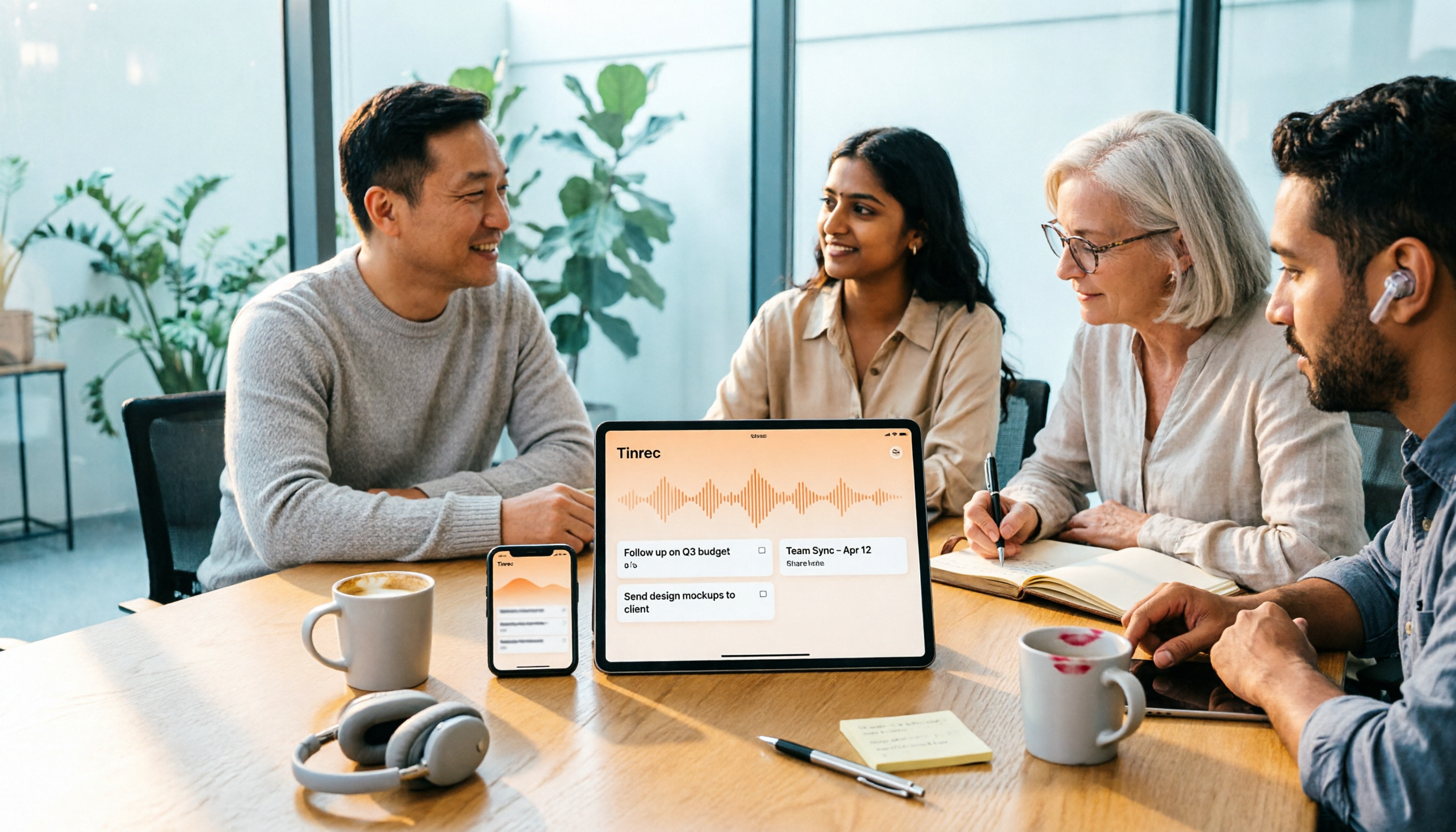
4 One-Click AI Summary Tools Tested for 2026: Which Saves the Most Time on Meeting Minutes?
There are many one-click AI summary tools, but meeting notes require more than just a summary—they need to retain recordings, generate action items, support follow-up questions, and enable team sharing. This article features Tinrec as the main subject, comparing it with Xiaojie, Notta, and Granola, and outlines 4 key purchasing factors, pitfalls to avoid, and scenario recommendations to help you decide which tool is best for meetings.
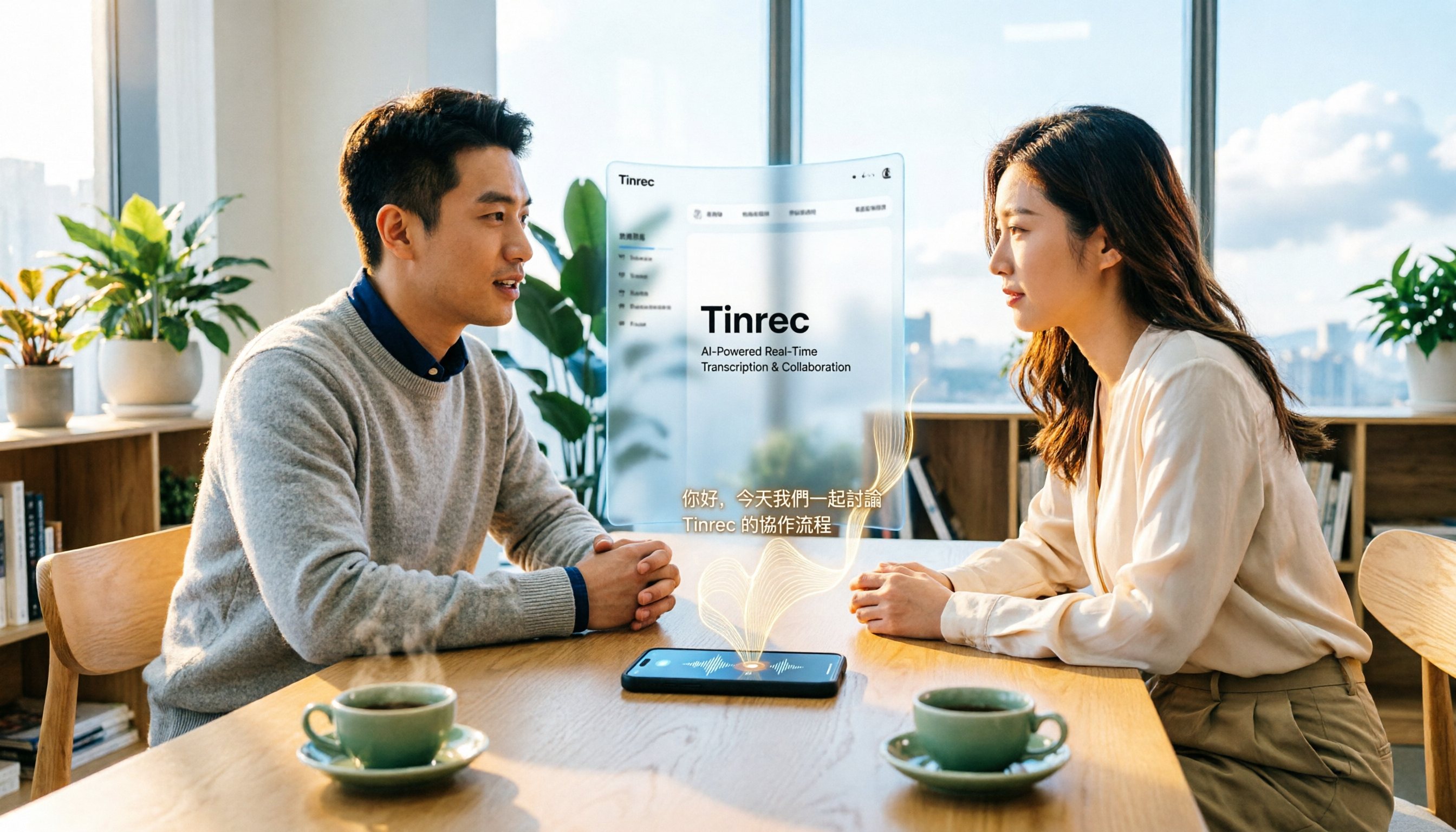
2026 iPhone Audio-to-Text Guide: Built-in Transcription vs. Tinrec — 5 Key Comparisons
Starting with iOS 18, iPhone's built-in Voice Memos supports audio transcription, and iOS 18.4 adds Chinese (including Traditional Chinese). This guide helps you check if your device is compatible and compares iPhone's built-in feature with Tinrec across five dimensions: Chinese recognition, post-meeting output, online meeting recording, file organization, and team collaboration. Includes FAQs.
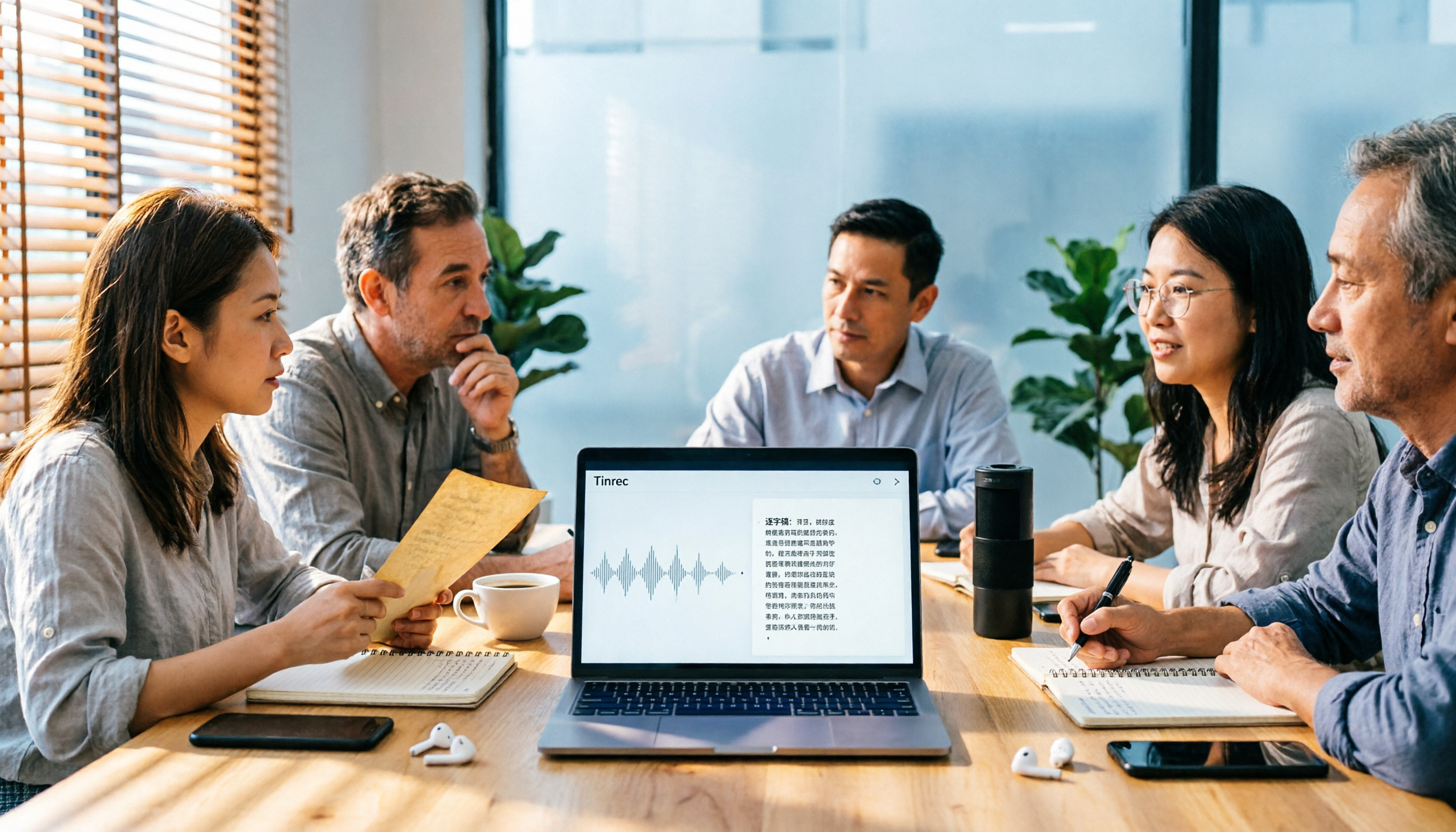
5 Audio-to-Text Tools Tested for 2026: Which Is Fastest for Chinese Meeting Transcripts?
Turning meeting recordings, interviews, and lectures into transcripts by hand is time-consuming. This guide covers 4 key factors for choosing an audio-to-text tool, compares 5 tools including Tinrec, Notta, Otter.ai, and PLAUD in real-world scenarios, and includes a pitfalls guide plus recommendations for different budgets.
Is There a Recording-to-Text App in 2026? 5 Steps to Pick the Right Tool and Avoid Pitfalls
There are many recording-to-text apps, but most people try a few and end up typing manually. This article uses 5 steps to help you choose the right tool: from language and accent support, online meeting recording methods, post-meeting summaries and AI Q&A, to free quotas and cross-device compatibility. It also compares Tinrec, Otter.ai, Notta, and Granola to help you find a solution that truly saves time.
2026 Comparison of 4 Google Text-to-Speech Online Tools: Which Free Tier Is Actually Enough?
Starting from campus use cases, we tested four tools—Google Cloud Text-to-Speech, Sound of Text, Chrome Text-to-Speech extension, and Tinrec—and compared free tier calculations, voice naturalness, whether you can download audio files, and post-recording organization capabilities. We also include common misconceptions and pitfalls to help you decide which one truly fits your class and group collaboration needs.
6 Best Real-Time Speech-to-Text Tools for Computer in 2026: Which Free Plan Is Actually Enough?
How to choose a real-time speech-to-text tool for your computer? This article reviews 6 tools that can do real-time speech-to-text on computers, including Tinrec, Otter.ai, Fireflies.ai, Notta, Granola, and Yating Transcription. It explains each tool's positioning, core highlights, free and paid pricing, and suitable users, and summarizes common misconceptions and selection advice.

2026 Guide to English Meeting Minutes Tools: 5 Methods Tested and Recommended
Struggling to finish English meeting minutes? The problem usually isn't English—it's your method. This article tackles three common misconceptions, breaks down the differences among 5 meeting documentation approaches, and shows how Tinrec uses live transcription, AI summaries, action item extraction, and team spaces to turn a two-hour meeting into deliverable minutes in half an hour.

2026 Voice-to-Text App Comparison: Which Offers the Most Practical Free Tier and AI Q&A?
A mid-level manager who holds 15 meetings a week tests 4 voice-to-text apps using real meeting recordings. This article first helps you clarify whether you need text or usable meeting data, then breaks down 4 key buying factors: accuracy, post-meeting output, online meeting recording methods, and team authorization. It compares Tinrec, Yating Transcription, Otter.ai, and Notta for different use cases, and finally provides a guide to avoid pitfalls and selection advice.

Best AI Meeting Minutes Tools in 2026: 7 Options with Auto Summaries and Action Items
A mid-level manager who runs 15 meetings a week shares 7 AI tools that automatically organize meeting minutes. From bot-free recording of online meetings, AI Q&A on past records, action item extraction, to team spaces and seat management, with actual pricing and use cases to help you find the most time-saving option.