

Turn recordings into transcripts and summaries in minutes
Upload audio or video for multilingual transcription, AI notes, and action items
2026 Voice-to-Text App Comparison: Which Offers the Most Practical Free Tier and AI Q&A?
First, Ask Yourself: Do You Need 'Text' or 'Usable Meeting Data'?
I hold about 15 meetings a week—weekly meetings, project progress meetings, one-on-ones, cross-department coordination. What used to annoy me most wasn't the meetings themselves, but the aftermath: decisions to record, action items to follow up on, and when my boss asks 'What was the conclusion of last meeting?' I'd have to flip through notes for 3 minutes.
So my criteria for a voice-to-text app is simple: not how high the claimed recognition rate is, but after recording, can I do one less thing?
Before choosing a tool, ask yourself: where will the transcribed text go next?
- Just occasionally turning a voice message or a one-minute memo into text → free real-time dictation is enough.
- Organizing meetings or interviews over an hour → you need transcription speed, file import, and segmentation.
- After recording, you need to report, track action items, and share with the team → you need summaries, Q&A, export, and team spaces.
These three needs correspond to completely different tools. Below is my summary after actually trying them out, including which one I kept and where it still falls short.
Before Choosing a Voice-to-Text App, Understand These 4 Key Points
1. Accuracy depends on your own scenario, not ads. Official pages may look great, but most are tested in quiet environments. Real meetings have air conditioning noise, keyboard sounds, multiple people talking over each other, and mixed Chinese-English. I suggest trying a recording of your own meeting, paying special attention to Chinese sentence breaks and mixed Chinese-English phrases—the differences here are more honest than numbers on a spec sheet.
2. What it gives you after recording. A tool that only provides a transcript is essentially handing the organizing work back to you. One that automatically generates summaries, chapters, and action items truly saves you that hour after the meeting.
3. How online meetings are recorded. One way is a 'meeting bot' joining as a participant; another is a desktop version directly capturing system audio, without an extra bot appearing in the list. The latter is more polite for client meetings and cross-department meetings, and won't make the other party feel watched by an extra account.
4. Free tier and team authorization. Personal free tiers usually only let you try it out; if you're using it for a team, what matters isn't 'who has more free minutes' but team spaces, members, and seat pricing—most reviews don't mention this, but it's the easiest place to stumble during procurement.
Tinrec—The One I Kept After Testing
Tinrec is an AI meeting notes and collaboration tool for individuals and teams, available on iOS, Android, and web.
I initially used it as a 'voice-to-text' tool, but later found it truly solves the second half of my meeting work. Three scenarios I actually use:
During the meeting: The desktop version directly captures system audio, handling Zoom, Google Meet, Microsoft Teams, Webex online meetings without inviting any meeting bot. It produces a transcript while the meeting is ongoing, so by the time the meeting ends, the text is already there—for someone like me with three back-to-back meetings a day, this eliminates the 'relisten to recording after meeting' step. For in-person meetings or one-on-ones, I use the mobile app's real-time recording.
At the moment the meeting ends: AI automatically generates summaries, chapters, key points, and action items. I tested with my own team's weekly meeting recording (indoor, air conditioning noise, mixed Chinese-English, three or more people talking over each other). The summary captured decision points, and action items were assigned to people. I usually spend just 2 minutes scanning, correcting owners, and dropping it into the group chat.
When questioned after the meeting: This is where I feel it differs most from ordinary transcription tools. After recording, you can directly ask it: 'Who mentioned the budget in the last meeting?' It doesn't dump a list of keyword search results; it understands the semantics and answers directly, with source paragraphs attached. Among tools at the same price, I haven't encountered this feature yet.
I'll also be clear about its limitations. First, the free version is a basic tier to let you experience the workflow; those who have stable weekly meetings will need a paid plan (actual limits are subject to the official page). Second, its strength is in meetings and interviews; if you want to batch process dozens of long audio files for subtitles, that's not its main arena. Third, transcription performance is affected by recording quality, accents, and overlapping speech; for important numbers and commitments, I still click back to the transcript timestamp to double-check.
Stop organizing recordings by hand
Upload audio or video and automatically get a transcript, summary, and action items
If you lead a team, the team version is worth considering: it's not 'multiple people sharing one account' but an independent team space where meeting data belongs to the team. Currently, eligible teams get a 7-day trial, 1 free seat, and 300 minutes of shared team import quota; team monthly is USD 29.80 per paid seat per month, annual is USD 199 per paid seat per year (about USD 16.58 per month), with each paid seat providing 2,000 minutes of shared team import quota per month. Real-time recording currently does not deduct minutes under an active team plan and active seat; file and web link imports use the shared team quota. Prices and benefits are subject to the official purchase page.
It also has several management features useful for my role: members, roles, and seats are separate (members without seats can view and listen but cannot upload or edit); team usage analytics and audit logs; a 30-day audio recycle bin; and team glossary maintenance to stabilize recognition of product terms. Team resources belong to the team, and when a colleague leaves or loses their seat, their data must be handed over to other active members—this gives me much more peace of mind than 'data lying on someone's phone.'
Who it's for: People who have meetings every week, need to track action items after recording, switch between phone and computer, or want to move meeting data from personal devices into a team space.
Besides Tinrec, What Other Options Are There?
Yating Transcription: This was the first one I used. Developed locally in Taiwan, it understands Taiwanese Mandarin, Taiwanese Hokkien, Cantonese, Japanese, and mixed Chinese-English, and is sufficient for classroom or interview transcripts. Some users on the App Store reported waiting over ten minutes for audio files longer than an hour, and some encountered transcription getting stuck. It's more like a 'voice-to-text' tool; as for desktop bot-free recording of online meetings, AI Q&A after recording, and action item extraction, those are not its main focus.
Otter.ai: The top choice for English meetings. Basic is free with 300 minutes per month; Pro annual is about USD 8.49 per user per month, including 1,200 minutes of in-app recording and 10 file imports per month. If you mainly record English content, it's more cost-effective than Tinrec. But for Chinese meeting sentence breaks, mixed Chinese-English, and Taiwanese terminology, as well as directly asking follow-up questions in Chinese and generating Chinese summaries and action items after recording, I find Tinrec much smoother.
Notta: The competitor with the highest overlap with Tinrec. Free is 120 minutes per month, max 3 minutes per session; Pro annual is about USD 8.17 per month, 1,800 minutes per month; Business annual is about USD 16.67 per seat per month, offering unlimited transcription, role permissions, and usage reports. It excels at file transcription, subtitles, and translation. But desktop bot-free recording of online meetings and using an Agent to regenerate meeting content into reports and tables are features I haven't used on Notta.
(By the way: iPhone's built-in Notes dictation is free and supports Chinese and English, great for jotting down a sentence or two, but it's mainly for real-time dictation, not for organizing an hour-long meeting.)
Pitfall Guide: The 4 Most Common Mistakes When Choosing a Voice-to-Text App
Pitfall 1: Only looking at official claimed accuracy. Those numbers are mostly tested in quiet environments. Real meetings have echo, air conditioning noise, and people talking over each other, so recognition performance will definitely drop. Testing the free version with your own recording is more reliable than looking at spec sheets.
Pitfall 2: Buying only to find it can't import existing audio files. Some tools only do real-time transcription, and none of your existing interview recordings or voice memos can be uploaded. Before buying, confirm it supports audio and video import.
Pitfall 3: Using a transcription tool as just a 'transcript machine.' Using it only for text is like using only one-third of its capabilities. My current workflow is: record → review AI summary and action items → ask it directly if I have questions. I used to Ctrl+F for 'budget' in a 30-minute transcript; now it's just one sentence.
Pitfall 4: Team procurement only looking at 'how much.' Personal and team versions are two different things. What to look at: who owns the data, how data is handed over after a member leaves, who can record and who can only view, and how overage is calculated. If these aren't clarified, a cheap solution will end up becoming administrative cost.
Conclusion: Which One Should You Choose?
- Need Chinese, mixed Chinese-English meeting transcription, and want to capture key points directly after recording → Tinrec (summaries, chapters, action items, and AI Q&A all in one workflow)
- Don't want an extra bot joining online meetings, and need cross-platform (phone + computer) → Tinrec (desktop uses system audio, available on iOS/Android/web)
- After recording, want to directly ask in Chinese 'Who said this?' → Tinrec (answers with semantic understanding and sources)
- Want to bring meeting data into the team, manage members and seats, view usage and audit → Tinrec Team
- Recordings are almost all in English, budget priority → Otter.ai (this is the only scenario where I'd recommend another brand)
- Batch subtitle translation for many long audio files → consider tools focused on file processing like TurboScribe
My advice: don't pay from the start. First use the free version to run your most difficult meeting recording, and see if its summary and action items can save you 30 minutes. If you only have two or three meetings a week, the basic tier is usually enough; if you have meetings daily and need to share data with the team, then directly evaluate the team version's seats and shared quota—what you're buying is 'no longer relying on memory after the meeting.' (Please be aware of local regulations regarding recording and transcription, and obtain consent from participants when necessary.)
References
- Voice to Text - Google Play App
- Real-time Voice-to-Text APP Recommendations 1. iPhone/iPad 'Notes' APP Supports real-time text conversion Cost: Free Supports Chinese, English
- Yating Transcription App - App Store
- SoundType AI Ultra-Precise Transcription, Voice-to-Text, AI Dictation - Google Play App
- SoundType AI Ultra-Precise Transcription, Voice-to-Text, AI Dictation App - App Store
Turn every recording into actionable outcomes
Get 60 free transcription minutes when you sign in. No credit card required.
Related Reading
You might also like
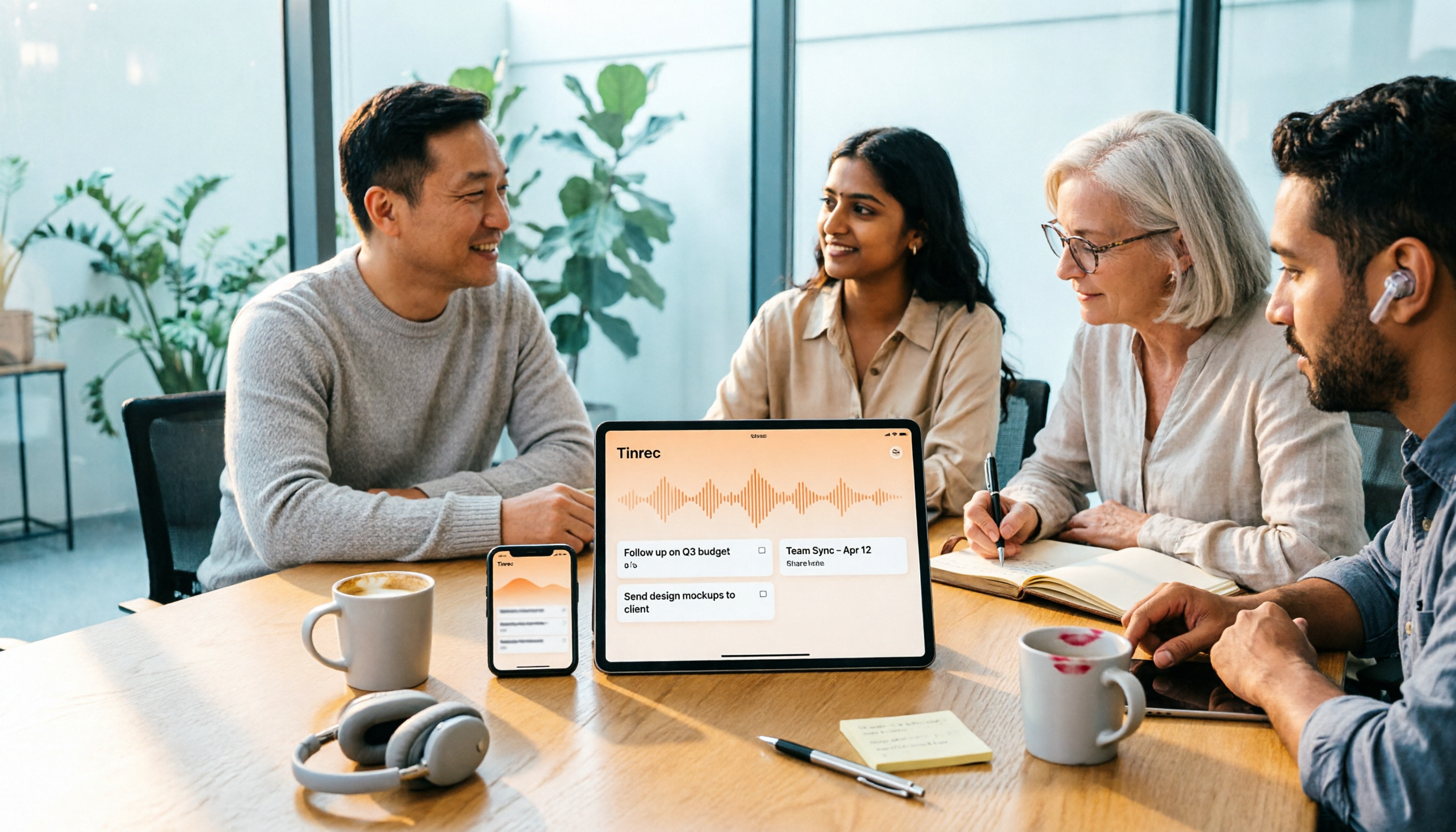
4 One-Click AI Summary Tools Tested for 2026: Which Saves the Most Time on Meeting Minutes?
There are many one-click AI summary tools, but meeting notes require more than just a summary—they need to retain recordings, generate action items, support follow-up questions, and enable team sharing. This article features Tinrec as the main subject, comparing it with Xiaojie, Notta, and Granola, and outlines 4 key purchasing factors, pitfalls to avoid, and scenario recommendations to help you decide which tool is best for meetings.
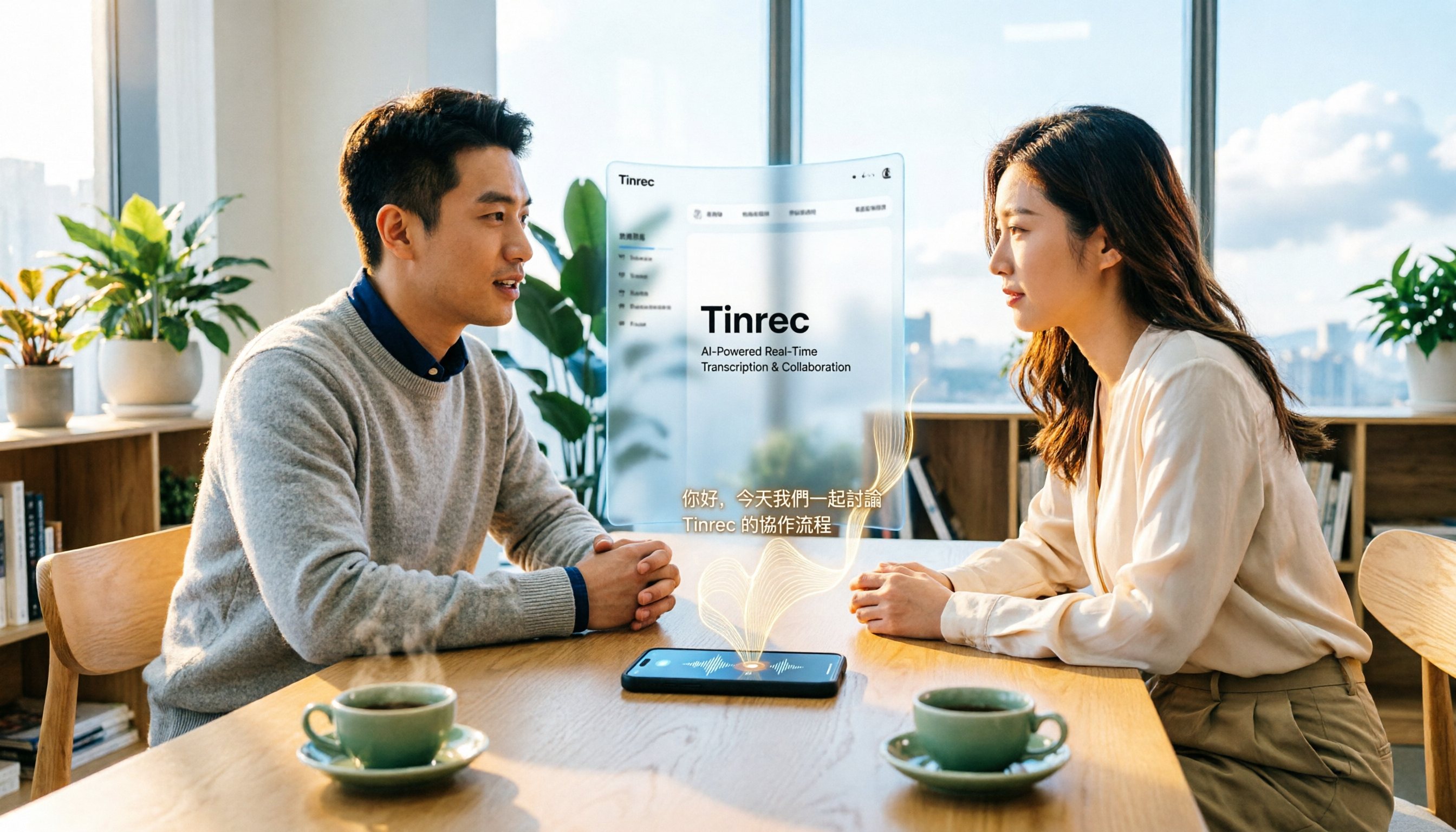
2026 iPhone Audio-to-Text Guide: Built-in Transcription vs. Tinrec — 5 Key Comparisons
Starting with iOS 18, iPhone's built-in Voice Memos supports audio transcription, and iOS 18.4 adds Chinese (including Traditional Chinese). This guide helps you check if your device is compatible and compares iPhone's built-in feature with Tinrec across five dimensions: Chinese recognition, post-meeting output, online meeting recording, file organization, and team collaboration. Includes FAQs.

5 Audio-to-Text Tools Tested for 2026: Which Is Fastest for Chinese Meeting Transcripts?
Turning meeting recordings, interviews, and lectures into transcripts by hand is time-consuming. This guide covers 4 key factors for choosing an audio-to-text tool, compares 5 tools including Tinrec, Notta, Otter.ai, and PLAUD in real-world scenarios, and includes a pitfalls guide plus recommendations for different budgets.
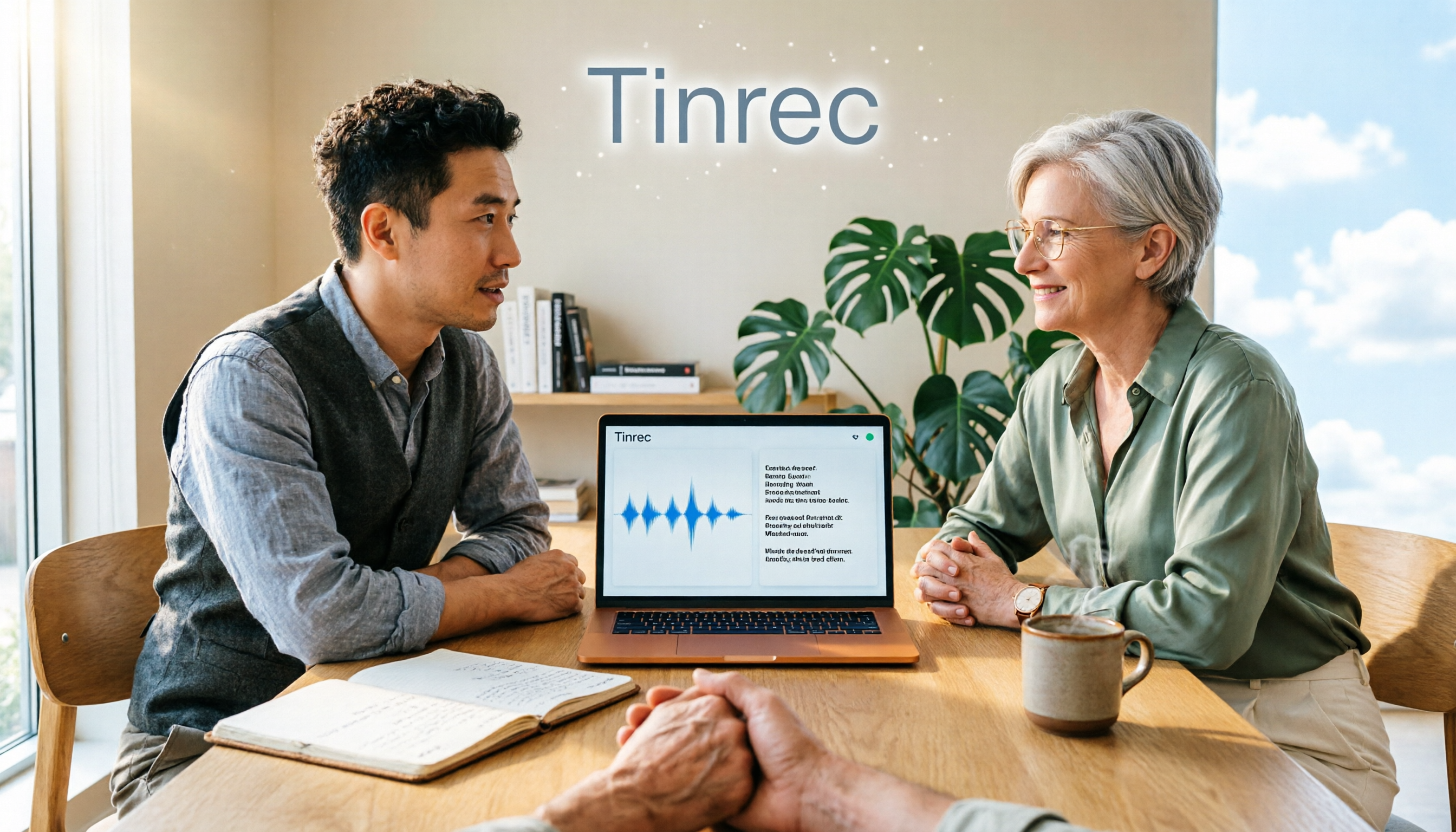
Is There a Recording-to-Text App in 2026? 5 Steps to Pick the Right Tool and Avoid Pitfalls
There are many recording-to-text apps, but most people try a few and end up typing manually. This article uses 5 steps to help you choose the right tool: from language and accent support, online meeting recording methods, post-meeting summaries and AI Q&A, to free quotas and cross-device compatibility. It also compares Tinrec, Otter.ai, Notta, and Granola to help you find a solution that truly saves time.
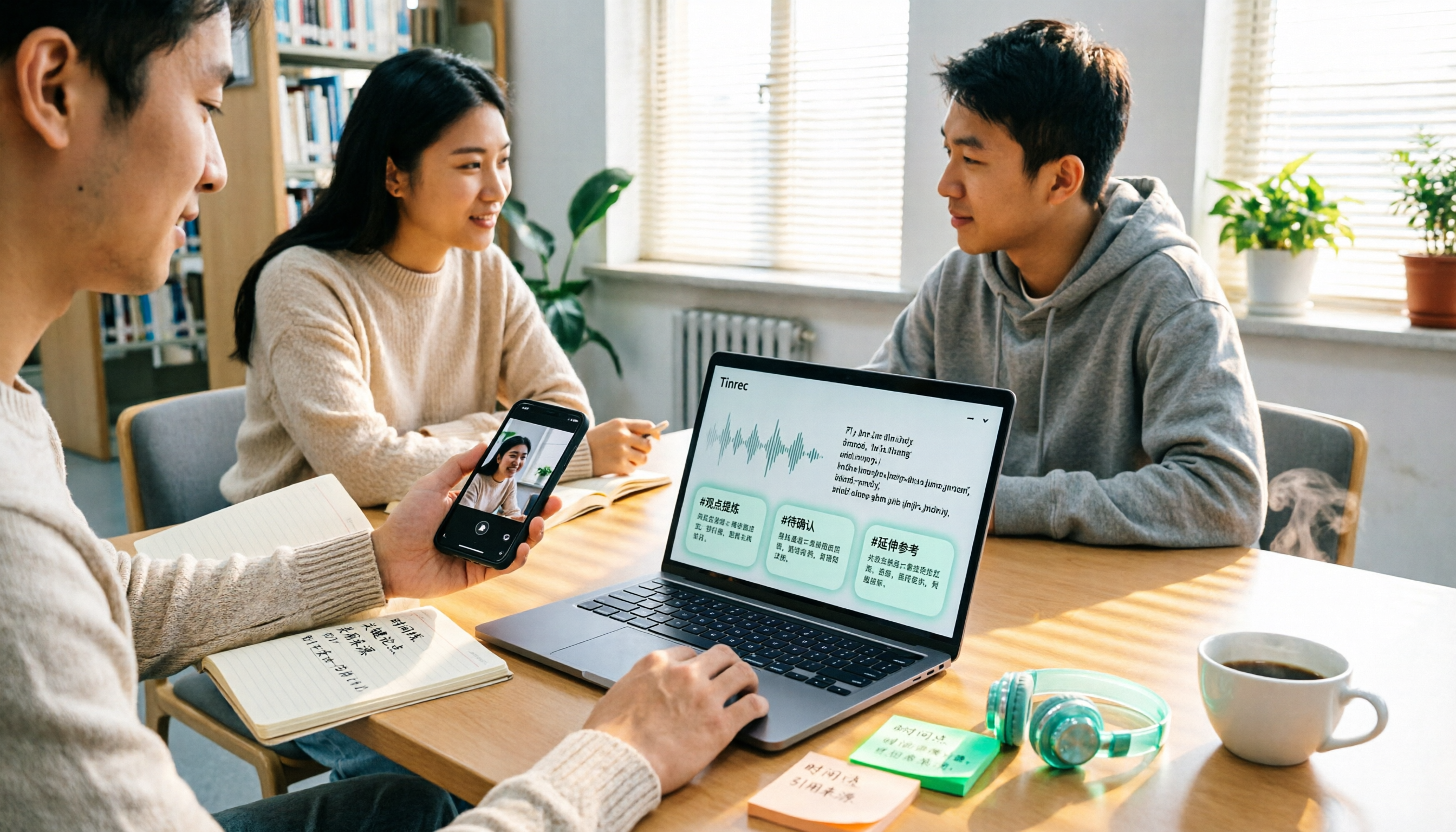
2026 Comparison of 4 Google Text-to-Speech Online Tools: Which Free Tier Is Actually Enough?
Starting from campus use cases, we tested four tools—Google Cloud Text-to-Speech, Sound of Text, Chrome Text-to-Speech extension, and Tinrec—and compared free tier calculations, voice naturalness, whether you can download audio files, and post-recording organization capabilities. We also include common misconceptions and pitfalls to help you decide which one truly fits your class and group collaboration needs.
6 Best Real-Time Speech-to-Text Tools for Computer in 2026: Which Free Plan Is Actually Enough?
How to choose a real-time speech-to-text tool for your computer? This article reviews 6 tools that can do real-time speech-to-text on computers, including Tinrec, Otter.ai, Fireflies.ai, Notta, Granola, and Yating Transcription. It explains each tool's positioning, core highlights, free and paid pricing, and suitable users, and summarizes common misconceptions and selection advice.
2026 Smart Summary App Comparison: Tinrec vs Otter.ai vs Notta — Which Handles Chinese Best?
How to choose a smart summary app without pitfalls? This article compares Tinrec, Otter.ai, and Notta across five dimensions: Chinese language experience, meeting capture methods, post-meeting organization, team governance, and pricing, to help you find the best fit for Chinese meetings and team collaboration.

2026 Guide to English Meeting Minutes Tools: 5 Methods Tested and Recommended
Struggling to finish English meeting minutes? The problem usually isn't English—it's your method. This article tackles three common misconceptions, breaks down the differences among 5 meeting documentation approaches, and shows how Tinrec uses live transcription, AI summaries, action item extraction, and team spaces to turn a two-hour meeting into deliverable minutes in half an hour.

Best AI Meeting Minutes Tools in 2026: 7 Options with Auto Summaries and Action Items
A mid-level manager who runs 15 meetings a week shares 7 AI tools that automatically organize meeting minutes. From bot-free recording of online meetings, AI Q&A on past records, action item extraction, to team spaces and seat management, with actual pricing and use cases to help you find the most time-saving option.