
Turn recordings into transcripts and summaries in minutes
Upload audio or video for multilingual transcription, AI notes, and action items
2026 Free PNG Image and Meeting Summary Apps: 6 Options Reviewed
Before choosing an app, take 10 seconds to think: are you organizing images, or recordings of meetings and interviews? These two types of content need different tools—images need conversion, merging, and collages, while recordings need transcripts, summaries, and action items. This article picks a few useful free options from each category so you can find the right fit.
Why do you need content organization tools?
For office workers, two types of content pile up fastest: screenshots, product images, and event photos in your phone's album, and meetings and interviews scattered across audio files and meeting links.
When you actually need them, images are hard to find and recordings are unorganized, so you end up spending time re-listening and searching. This article covers 6 tools: image tools focused on PNG-related processing, and meeting tools represented by Tinrec, which turns recordings into summaries.
Tinrec — Turn meeting recordings into searchable, actionable summaries
Most image tools only convert or combine files. The real content summarizer is a meeting notes tool, and Tinrec is the one I recommend most often.
It's an AI meeting notes and collaboration tool for individuals and teams. The desktop version captures your computer's system audio directly, so it works with Zoom, Google Meet, Microsoft Teams, Webex, and other online meetings without inviting a meeting bot.
Here are the standout features:
- Live transcription: Record offline meetings and interviews with real-time speech-to-text, so the transcript is mostly ready when the meeting ends.
- Automatic post-meeting organization: Generates summaries, chapters, key points, and action items automatically. For long meetings, you can grasp the direction just by reading the summary.
- AI Q&A: Ask follow-up questions about a single meeting or across multiple meetings—great for finding decisions and commitments quickly.
- Team workspace: Meeting data is centralized in a team workspace where members can view history, and admins can manage roles, seats, usage, and audits.
Pricing: The personal plan has a free tier with basic quota to try recording, importing, summaries, and transcription. There are also weekly, Pro monthly, and Pro annual plans. The team plan is USD 29.80 per paid seat per month, or USD 199 per paid seat per year (about USD 16.58 per month), with each paid seat providing 2,000 minutes of shared team import quota per month. Prices are subject to the official purchase page.
Who it's for: Office workers and teams who have meetings and interviews every week and want to turn recordings into searchable data.
Image to PNG Converter — Batch convert images to lossless PNG
Purpose: Convert JPG, WEBP, GIF, BMP, HEIC, and other formats to PNG in one go.
It focuses on PNG's lossless compression and transparent background, making it ideal for logos, icons, and screenshots. It supports batch conversion—select multiple images at once—and can preserve original transparency or replace it with a specified background color. Pricing is subject to the store page.
Who it's for: People who need to standardize assets to PNG before handing them to designers or uploading.
Image Merge — Combine multiple images vertically or horizontally
Purpose: Merge multiple images into one or create a collage.
It supports vertical and horizontal merging, custom ordering, rotation, mirror flipping, and cropping, as well as cropping to ratios like 1:1 and 16:9. Note that some users report that merged images get compressed, and the more images you merge, the more noticeable the quality difference. For important outputs, test with one image first. Pricing is subject to the store page.
Who it's for: People who need to combine long screenshots, comparison images, or tutorial step images into one.
Online Photo Collage — No upload, layout in your browser
Purpose: Create collages in a web page without installing an app or uploading photos.
Stop organizing recordings by hand
Upload audio or video and automatically get a transcript, summary, and action items
You can drag to adjust positions, scale, and swap photos in cells, and adjust spacing, corner radius, aspect ratio, and background color. Output size defaults to match photo resolution, and you can download as JPEG or PNG. Free to use.
Who it's for: People who need to quickly arrange an event photo or product collage.
Superimpose — Create double exposures and image blends
Purpose: Blend two or more photos to create double exposure or composite effects.
It offers blending tools like Photo Mixer, Photo Blender, and Photo Eraser, plus built-in editing features such as enhance, effects, overlay, crop, borders, stickers, and text—handy for creative composites. Pricing is subject to the store page.
Who it's for: People who want to create visual composites, cover images, or creative posts.
With so many options, how should you choose?
- If you're dealing with recordings of meetings, interviews, or client calls → Tinrec, which gives you transcripts, summaries, action items, and AI Q&A all at once.
- If meeting data needs to be shared with a team and you need to manage members and usage → Tinrec team plan, which provides a team workspace, roles, and seat management.
- For cross-language meetings needing real-time translation and bilingual viewing → Tinrec, which can show original, translated, or bilingual text during recording.
- If you want to bring meeting results into Notion, Google Docs, etc. → Tinrec, which supports multiple formats and third-party exports.
- If you just want to standardize your images to PNG → Image to PNG Converter.
- If you want to combine multiple images into one or make a collage → Image Merge or Online Photo Collage.
- If you want double exposure or other composite effects → Superimpose.
3 things to know before using these tools
- First confirm the content type. Image tools won't summarize content for you, and meeting tools won't edit images. Tinrec's value is turning recordings into searchable, actionable data, while images go to dedicated conversion or collage tools.
- Free plans usually have quotas or limits. Free versions of image apps may reduce size or quality; Tinrec's free version offers basic quota to try, and if you have weekly meetings, choose a plan based on usage frequency.
- Get consent before recording. In most regions, recording must comply with local laws. Inform participants before the meeting and obtain consent when needed.
FAQ
Q1: Can Tinrec process PNG images? No. Tinrec handles audio and video, including meeting recordings, online meetings, and audio/video files. For image conversion and merging, use the image tools in the list.
Q2: Does Tinrec need a meeting bot to join meetings? No. The desktop version captures your computer's system audio directly. You start recording yourself by opening Tinrec. It currently does not automatically join all calendar meetings.
Q3: Can Image to PNG Converter batch process? Yes, according to the store description, you can select multiple images at once to convert to PNG, and preserve or adjust transparency.
Q4: What's the difference between Tinrec team and personal plans? Personal plan data is managed under your personal account; the team plan is a separate team workspace where data belongs to the team, with added capabilities for members, roles, seats, shared benefits, usage analytics, auditing, and recycle bin.
Q5: Is the free plan enough? If you only organize images occasionally, image tools will suffice. If you have regular weekly meetings and need transcripts and summaries, Tinrec's free version lets you try basic quota, then decide whether to upgrade based on usage frequency.
Q6: Will merging or converting reduce image quality? It depends on the tool and settings. For example, with Image Merge, some users report that merged images get compressed, and the more images, the more noticeable the difference. For important outputs, check the result first.
Conclusion
Images and recordings are two different organization paths: images rely on conversion, merging, and collages to tidy up assets, while recordings rely on tools like Tinrec to turn content into summaries, action items, and searchable data. If your biggest headache is meeting notes and post-meeting organization, try Tinrec's free version first. For pure image needs, just use the image tools in the list.
References
Turn every recording into actionable outcomes
Get 60 free transcription minutes when you sign in. No credit card required.
Related Reading
You might also like

2026 Comparison of 3 Xiaomi Audio-to-Text Solutions: Built-in AI Recorder vs. Third-Party Apps—Which Saves More Time on Meeting Minutes?
Your Xiaomi phone's built-in recorder can transcribe audio, so why look for other tools? This article addresses common misconceptions and compares Xiaomi's built-in AI Recorder, Otter.ai, Notta, and Tinrec. It covers 4 key factors for choosing a Xiaomi audio-to-text solution, 3 common pitfalls, and recommendations for different scenarios.

5 Audio-to-Text Tools Tested and Compared in 2026: How to Choose Based on Free Quotas, Chinese Recognition, and Team Collaboration
Audio-to-text is not just about turning sound into words. This article starts with common misconceptions, then covers the core capabilities of audio transcription tools, practical use cases, and 6 key considerations for choosing one. Using Tinrec as an example, it explains real-time transcription, bot-free online meeting recording, AI summaries and action items, team spaces, and seat management—helping you decide whether a free version is enough and whether a team plan is worth it.
Best Podcast Summary Tools in 2026: AI Auto-Summaries + Transcript Q&A
This guide breaks down how to choose a podcast summary tool: from importing existing audio files, summary structure, AI Q&A, Chinese language support, to free usage limits—5 key points at a glance. It also tests Tinrec (秒聽錄音) to show how to turn long episodes into searchable transcripts, summaries, and key Q&A, and offers clear recommendations for different needs.
Tinrec vs Notta 2026: 5-Dimension Comparison for Chinese Audio-to-Text Transcription
Re-listening to meeting recordings and typing transcripts by hand is a common cause of overtime. This article breaks down what audio-to-text transcription tools can do, their core capabilities, and compares Tinrec and Notta across 5 practical dimensions to highlight key considerations for Chinese meetings and post-meeting organization.
5 Best English Audio-to-Text Transcription Tools in 2026: Accuracy and Efficiency Compared
How do you choose the right tool to transcribe English listening recordings, and is it worth paying? This article walks through a real-world workflow using Tinrec for audio transcription, live translation, AI summaries, and Q&A, plus 5 key buying considerations and FAQs.

5 Best MP4 to Text Tools in 2026: From Transcripts to AI Meeting Notes
MP4 to text is more than just converting video into words. This article breaks down the core capabilities, use cases, and key considerations for choosing an MP4 to text tool, using Tinrec as a primary example. Learn how to turn meeting recordings, courses, and interviews into searchable, queryable, and actionable data, and compare personal vs. team plans for collaboration and governance.
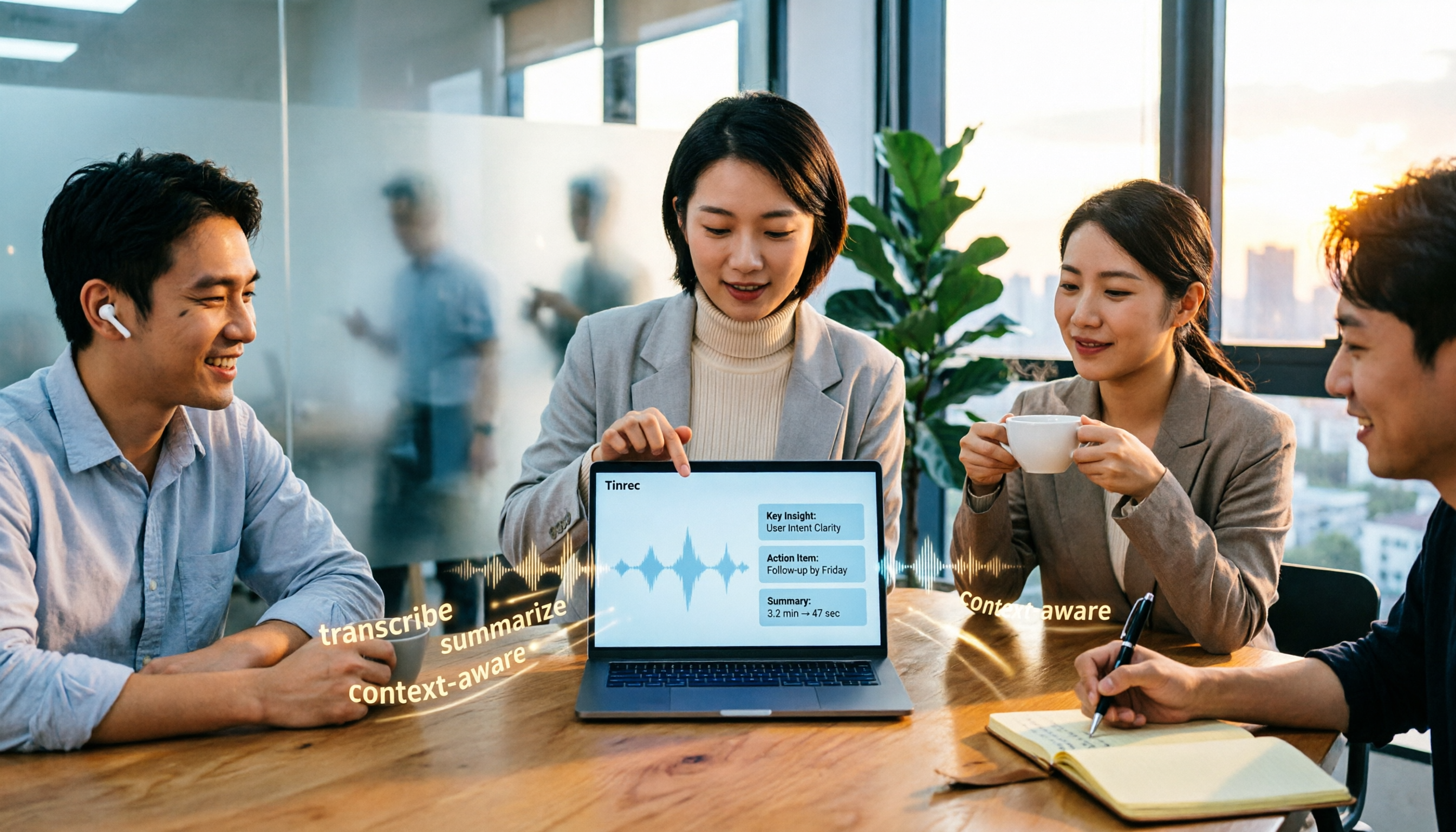
2026 AI Meeting Notes Tools Compared: Which Saves the Most Time for Chinese Meetings?
Tired of replaying recordings and typing transcripts after meetings? This article tests 4 AI meeting notes tools in real Chinese and mixed Chinese-English meeting scenarios. We first cover 4 key points and common pitfalls when choosing a tool, then dive into Tinrec's bot-free recording, AI Q&A, and team spaces. We also summarize who Otter.ai, Granola, and PLAUD Note are best for, along with their price ranges.
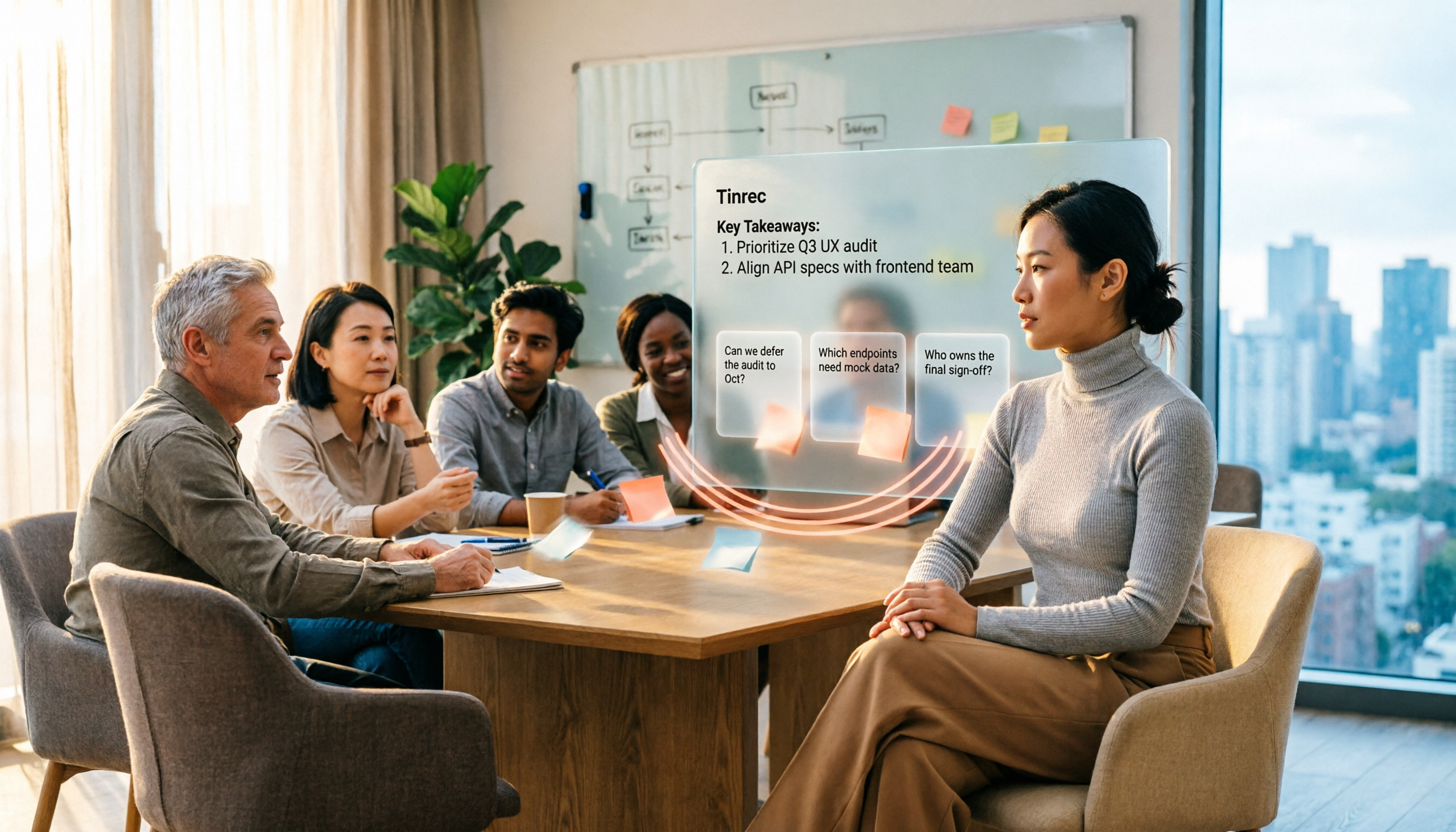
4 AI Conversation Tools Tested for 2026: Which One Turns Meetings into Answers You Can Question?
Many AI conversation tools exist, but few truly help at work. This article tests and compares Tinrec, Otter.ai, Granola, and Notta from a meeting notes perspective, covering feature differences, free plan limits, and team pricing to help you find the best fit for your work situation.

5 Best Phone Call Transcription Tools in 2026: Real-World Comparison of Transcripts, AI Summaries, and Team Collaboration
How do you turn phone recordings into text? This guide covers 5 common approaches based on real-world use cases, with a hands-on Tinrec demo showing live transcription, AI summaries and Q&A, bot-free online meeting recording, team spaces, and pricing. Includes 5 key buying considerations and FAQs.