

Turn recordings into transcripts and summaries in minutes
Upload audio or video for multilingual transcription, AI notes, and action items
The same MP4 file can yield vastly different results depending on the tool you use. Someone uploads a 40-minute meeting recording, waits over ten minutes, and gets back a block of text with no paragraphs and lots of typos. Someone else uploads the same 40 minutes and within minutes receives a transcript, chapters, summary, and to-do list. The difference isn't the video—it's the tool you choose.
This article skips vague definitions and directly explains what MP4 to text can do for you, what core capabilities to look for, how to use it in practice, and what to consider when choosing a tool. We'll use Tinrec as the primary example throughout.
What Can MP4 to Text Do for You?
MP4 is the most common video format—meeting recordings, online courses, interviews, and casual phone footage are almost all MP4. Once converted to text, videos transform from something you have to watch from start to finish into searchable, copyable, quotable, and editable text data.
Scenario 1: After a meeting, you don't want to rewatch a two-hour recording
Writing meeting minutes is painful because you have to rewatch. With Tinrec, for example, you import the MP4, and it first generates a transcript, then automatically organizes a summary, chapters, and action items—who's responsible for what and when it's due, all listed out. No need to listen and take notes simultaneously.
Scenario 2: Interview recordings need to become quotable material
Journalists, researchers, and product managers conduct interviews, but often only a few sentences from a 60-minute MP4 are used. Tinrec's transcript is searchable, and AI Q&A lets you directly ask, "What did the interviewee say about pricing?" without rewatching the entire video.
Scenario 3: Online course and lecture notes
Give Tinrec your course recording, and besides a transcript, it generates chapters and a summary. When reviewing, you can see the structure directly, which is much faster than fast-forwarding to find key points.
Scenario 4: Content creator's asset library
After filming a video, you want to write an article, social media post, or script—the transcript is the best raw material. Tinrec supports generating reports, tables, and documents, essentially turning an MP4 into a ready-to-edit content draft.
What Are the Core Capabilities of MP4 to Text?
Audio and video file transcription
Upload existing MP4 or audio files and quickly organize them into text data. This is the most basic step for handling historical meetings and interview archives, and it's one of Tinrec's main entry points.
Bot-free online meeting recording
Tinrec's desktop version captures computer system audio to handle Zoom, Google Meet, Microsoft Teams, Webex, and other online meetings without adding a meeting bot to the room. For other participants, the meeting flow is completely unaffected.
AI summary and chapters
The transcript isn't the end goal. Tinrec breaks long meetings into chapters and organizes a summary, letting you grasp two hours of content in three minutes.
Action items and key point extraction
The next steps after discussion are what matter. Tinrec organizes action items from the conversation, especially useful for project meetings and client meetings.
AI Q&A
After transcription, you can directly ask questions about the meeting content, such as "What was the final budget?" or "What objections did the client raise?" The AI answers based on semantics, so you don't have to search through the transcript yourself.
Real-time translation and bilingual display
For cross-language meetings, you can view the original, translation, or bilingual content while recording—especially useful for mixed Chinese-English meetings.
Multi-format export and Agent post-processing
Tinrec supports exporting results to Notion, Google Docs, OneNote, Dropbox, and other tools, and can further generate reports, tables, and documents, directly connecting to your existing workflow.
Practical Use Cases
Meeting notes
For weekly stand-ups, review meetings, and cross-department meetings, record with Tinrec or import an MP4, and get the transcript, summary, and action items right after. The team plan also lets you create team spaces to centrally store meeting data, so new members can look up historical records.
Stop organizing recordings by hand
Upload audio or video and automatically get a transcript, summary, and action items
Classroom and training
Recordings of online courses and internal training can be converted to text for searching and organizing into teaching notes.
Interviews and research
Transcripts are the foundation of interview research. Tinrec's search and AI Q&A can greatly reduce organization time.
Content creation
One video can be split into articles, posts, and scripts. Transcripts plus AI post-processing mean double the content output.
5 Things to Consider When Choosing an MP4 to Text Tool
1. Language and accent support
Chinese meetings, mixed Chinese-English, and accented speech vary greatly across tools. Tinrec covers Chinese and multilingual meeting scenarios and supports team hotwords, allowing you to add company-specific terminology to improve recognition of professional vocabulary. Actual performance is still affected by recording quality, noise, accents, and overlapping speakers.
2. Can you still use it after transcription?
Tools that only give you a transcript leave you to organize it yourself. Look for tools that can generate summaries, chapters, action items, and even let you ask questions directly. Tinrec's positioning is "the workflow after transcription," which is its biggest difference from pure transcription tools.
3. Output formats and existing workflow
Check whether it can export to your preferred format or directly send to tools like Notion or Google Docs. Tinrec supports multi-format export and also provides shareable links for easy team review.
4. Cross-platform and use cases
Do you only use it on a computer, or do you also need to record on your phone? Tinrec offers iOS, Android, and web versions, while the desktop version handles system audio capture for online meetings.
5. Team collaboration and data governance
If meeting data is to be used by the whole team, look at permissions and management capabilities. Tinrec's team plan provides an independent team space where you can invite members, set owners/admins/regular members, and distinguish between "roles" and "seats"—roles determine who can manage the team and view audits, while seats determine whether members can record, upload, edit, and export; members without seats can still view, play, and read team data. The admin side also shows usage trends, member rankings, and audit logs. Team resources belong to the team; when a member leaves, their responsible resources are handed over to other members, not taken with them.
One more reminder: recording and transcription involve others' privacy. Comply with local laws and obtain consent from participants when necessary.
Frequently Asked Questions
How accurate is MP4 to text?
Accuracy depends on audio quality, speaker pronunciation, background noise, and whether multiple people speak simultaneously. Rather than relying on official numbers, try it with your own files. Tinrec provides high-quality transcription for clear audio and common scenarios. For important content, we recommend cross-checking with transcript timestamps and audio playback.
What input sources does Tinrec support?
Live recording, computer meeting recording, audio and video files, mobile recording, and some web link content. MP4 is a video file that can be uploaded directly for transcription.
Is there a free version?
Tinrec offers a free plan with basic quota to experience recording, import, summary, and transcription. For short-term intensive use, consider a weekly pass; for weekly needs, Pro is suitable; for long-term data accumulation, an annual plan is more cost-effective.
What's the difference between the team and personal plans?
Personal plan data belongs to the individual account. The team plan is an independent collaborative space with member and seat management, shared import benefits, usage analytics, audit logs, audio recycle bin, and team hotwords. The team plan offers a 7-day trial for first-time eligible users, 1 free seat, and 300 minutes of shared team import quota; paid plans are USD 29.80 per paid seat per month, or USD 199 per paid seat per year (about USD 16.58 per month), with each paid seat providing 2,000 minutes of shared team import quota per month. Real-time recording is currently not deducted by minutes under an active plan and seat. Actual prices and benefits are subject to the official purchase page.
Can I take the transcribed text to other tools?
Yes. Tinrec supports multi-format export and can bring results into Notion, Google Docs, OneNote, Dropbox, and other tools for continued use.
Conclusion
The real value of MP4 to text isn't turning audio into words—it's turning a video into searchable, queryable, and actionable data. When choosing a tool, first ask yourself, "What will I do with it after transcription?" The answer usually points to the same thing: you need more than just a transcript.
With Tinrec, from MP4 import, transcript, summary, action items, AI Q&A, to export and team spaces, the entire workflow is completed in one tool. If you handle meeting recordings or interview files every week, start with the free plan's basic quota on one or two files to see if the summaries and action items work for you, then decide whether to upgrade. That's more practical than just looking at spec sheets.
References
Turn every recording into actionable outcomes
Get 60 free transcription minutes when you sign in. No credit card required.
Related Reading
You might also like

2026 Comparison of 3 Xiaomi Audio-to-Text Solutions: Built-in AI Recorder vs. Third-Party Apps—Which Saves More Time on Meeting Minutes?
Your Xiaomi phone's built-in recorder can transcribe audio, so why look for other tools? This article addresses common misconceptions and compares Xiaomi's built-in AI Recorder, Otter.ai, Notta, and Tinrec. It covers 4 key factors for choosing a Xiaomi audio-to-text solution, 3 common pitfalls, and recommendations for different scenarios.

5 Audio-to-Text Tools Tested and Compared in 2026: How to Choose Based on Free Quotas, Chinese Recognition, and Team Collaboration
Audio-to-text is not just about turning sound into words. This article starts with common misconceptions, then covers the core capabilities of audio transcription tools, practical use cases, and 6 key considerations for choosing one. Using Tinrec as an example, it explains real-time transcription, bot-free online meeting recording, AI summaries and action items, team spaces, and seat management—helping you decide whether a free version is enough and whether a team plan is worth it.
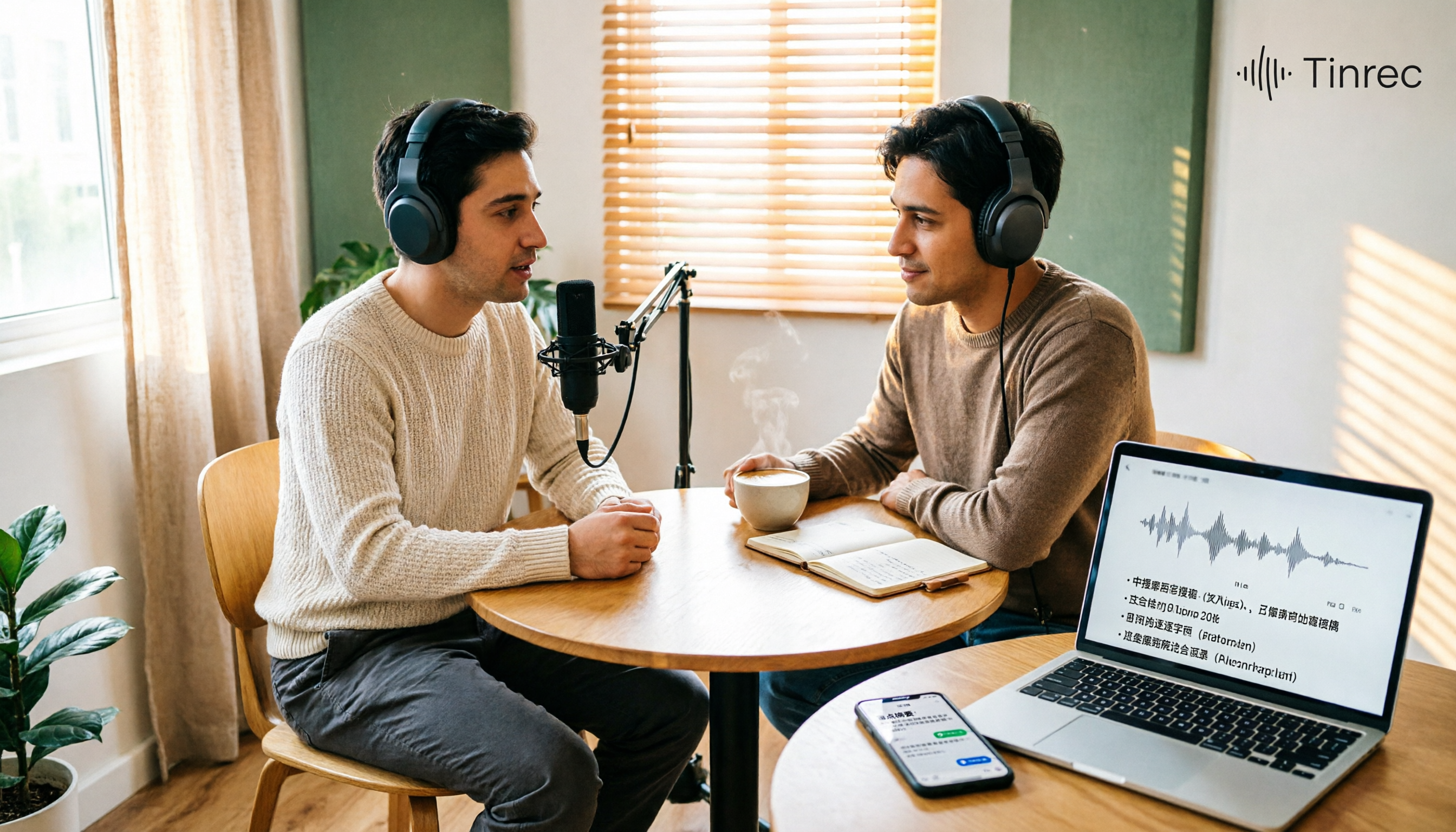
Best Podcast Summary Tools in 2026: AI Auto-Summaries + Transcript Q&A
This guide breaks down how to choose a podcast summary tool: from importing existing audio files, summary structure, AI Q&A, Chinese language support, to free usage limits—5 key points at a glance. It also tests Tinrec (秒聽錄音) to show how to turn long episodes into searchable transcripts, summaries, and key Q&A, and offers clear recommendations for different needs.
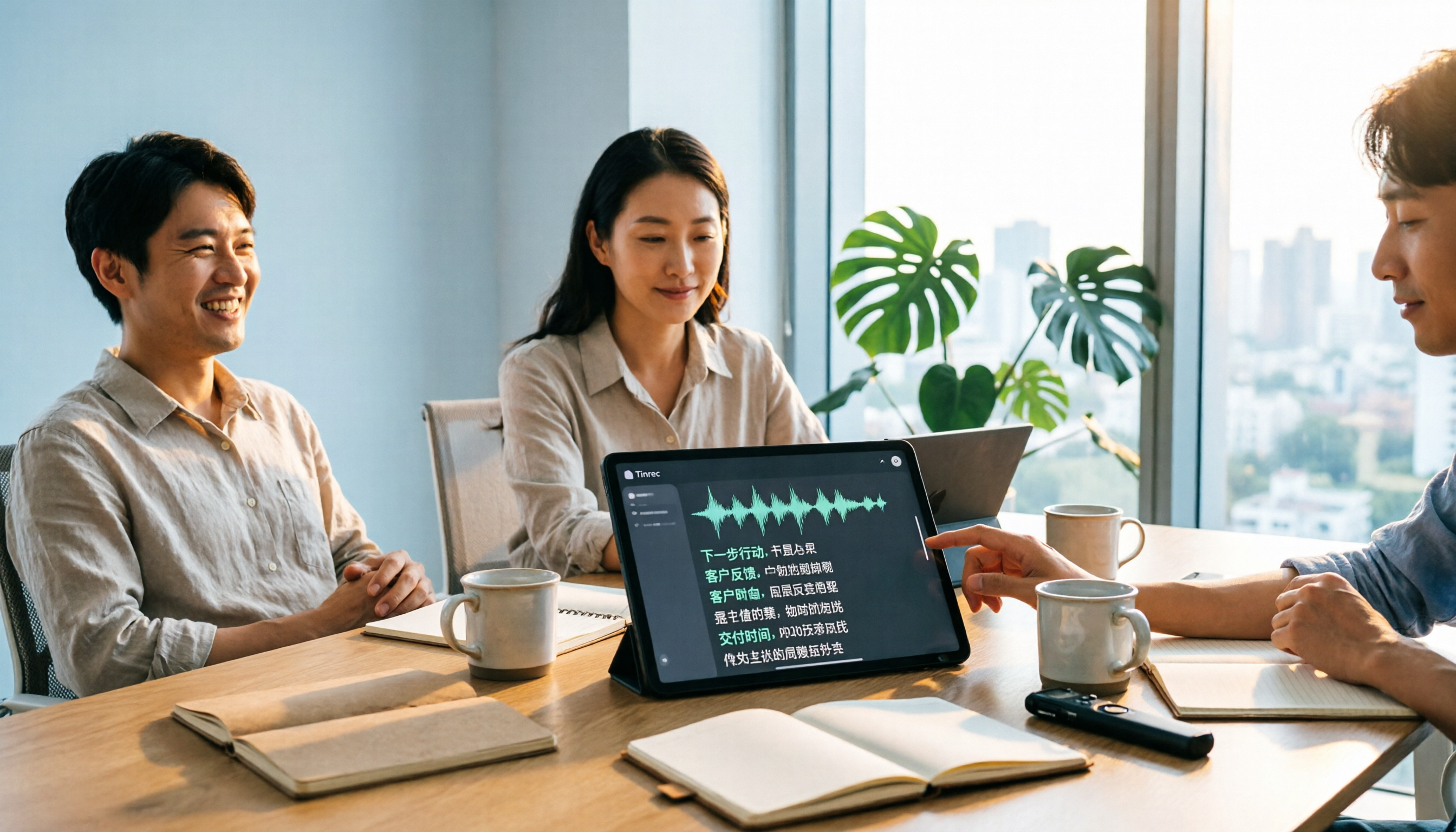
Tinrec vs Notta 2026: 5-Dimension Comparison for Chinese Audio-to-Text Transcription
Re-listening to meeting recordings and typing transcripts by hand is a common cause of overtime. This article breaks down what audio-to-text transcription tools can do, their core capabilities, and compares Tinrec and Notta across 5 practical dimensions to highlight key considerations for Chinese meetings and post-meeting organization.
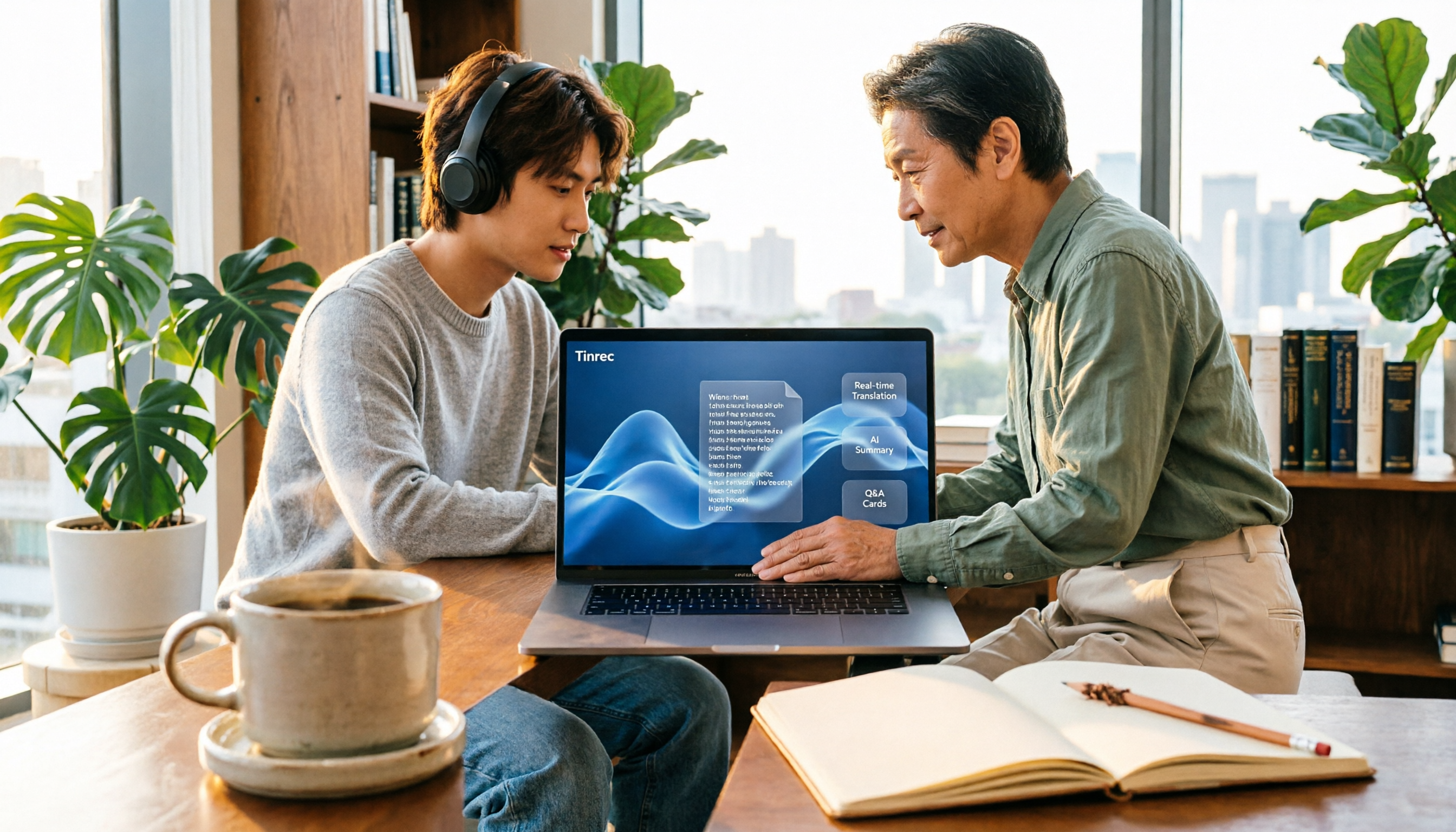
5 Best English Audio-to-Text Transcription Tools in 2026: Accuracy and Efficiency Compared
How do you choose the right tool to transcribe English listening recordings, and is it worth paying? This article walks through a real-world workflow using Tinrec for audio transcription, live translation, AI summaries, and Q&A, plus 5 key buying considerations and FAQs.
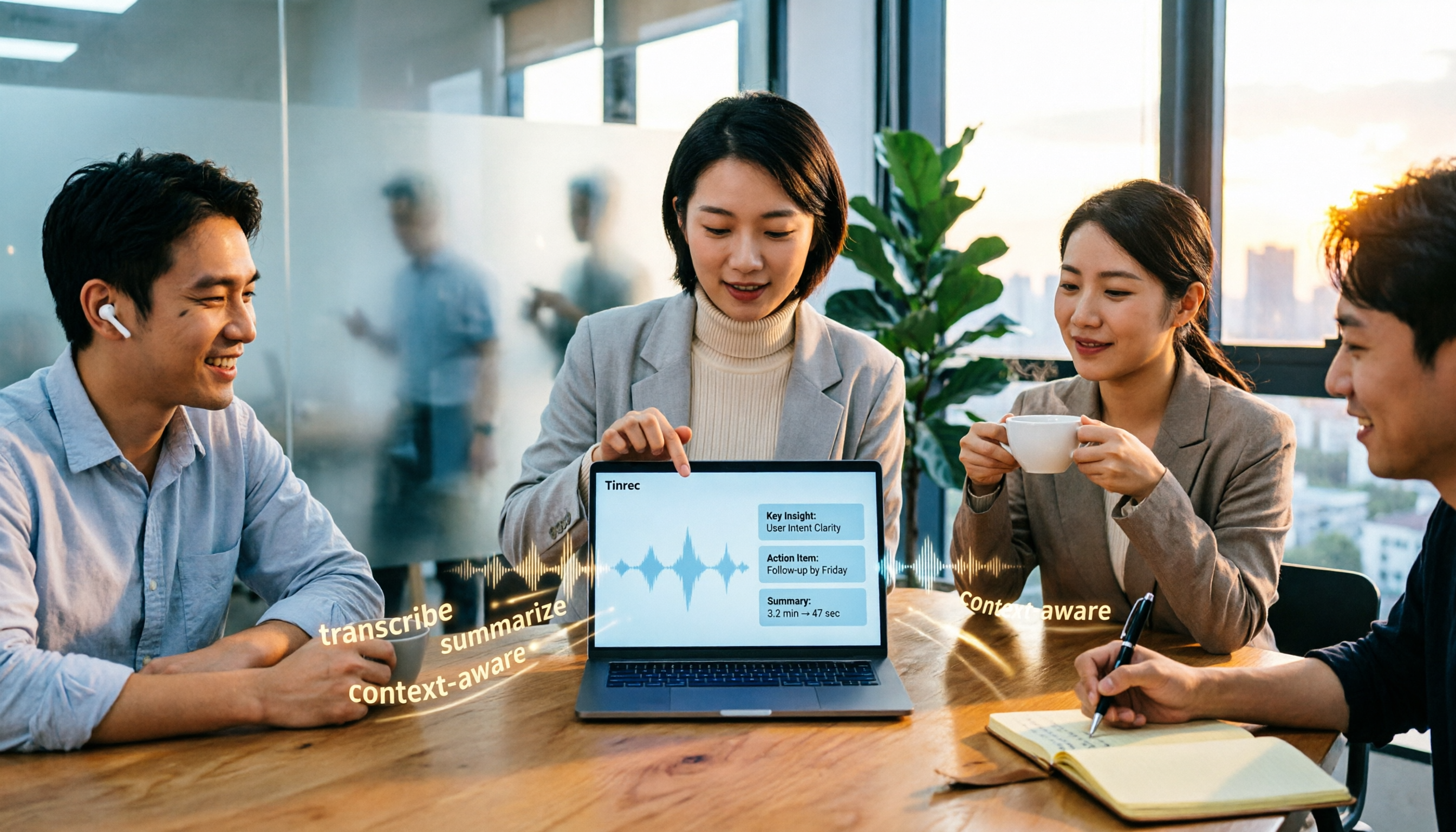
2026 AI Meeting Notes Tools Compared: Which Saves the Most Time for Chinese Meetings?
Tired of replaying recordings and typing transcripts after meetings? This article tests 4 AI meeting notes tools in real Chinese and mixed Chinese-English meeting scenarios. We first cover 4 key points and common pitfalls when choosing a tool, then dive into Tinrec's bot-free recording, AI Q&A, and team spaces. We also summarize who Otter.ai, Granola, and PLAUD Note are best for, along with their price ranges.

4 AI Conversation Tools Tested for 2026: Which One Turns Meetings into Answers You Can Question?
Many AI conversation tools exist, but few truly help at work. This article tests and compares Tinrec, Otter.ai, Granola, and Notta from a meeting notes perspective, covering feature differences, free plan limits, and team pricing to help you find the best fit for your work situation.

5 Best Phone Call Transcription Tools in 2026: Real-World Comparison of Transcripts, AI Summaries, and Team Collaboration
How do you turn phone recordings into text? This guide covers 5 common approaches based on real-world use cases, with a hands-on Tinrec demo showing live transcription, AI summaries and Q&A, bot-free online meeting recording, team spaces, and pricing. Includes 5 key buying considerations and FAQs.
2026 Free PNG Image and Meeting Summary Apps: 6 Options Reviewed
A roundup of 6 free tools that turn PNG images and meeting recordings into usable results, including Tinrec's bot-free meeting transcription, AI summaries and action items, plus image-to-PNG conversion, image merging, online photo collage, and image overlay tools, with each tool's free limitations and ideal users explained.