

Turn recordings into transcripts and summaries in minutes
Upload audio or video for multilingual transcription, AI notes, and action items
2026 AI Meeting Notes Tools Compared: Which Saves the Most Time for Chinese Meetings?
The Pain Begins After the Meeting Ends
It's 4 PM. Everyone has left the conference room. All you have is a 50-minute recording and a few notes you can barely read.
Half an hour later, your boss drops a message in the group chat: "Who's handling that project? When is it due?" You have to listen to the recording from the beginning, hunting for the exact minute that question was answered.
If the meeting was sprinkled with English terms, product codes, or client names, your handwritten notes almost certainly missed something.
And that's just one meeting. If you have three or four meetings a week, the real time drain isn't the meeting itself—it's the replaying and organizing that follows.
This article will help you understand three things: how to choose an AI meeting notes tool, how Tinrec performs in real use, and who the other three common options are best for.
4 Key Points to Understand Before Choosing an AI Meeting Notes Tool
1. Chinese and mixed Chinese-English recognition. Meetings in Taiwan are rarely pure Chinese—they usually include English proper nouns, product codes, or abbreviations. If a tool only excels at English business meetings, Chinese sections will struggle noticeably. When evaluating, test with a real recording from your own company, not just the official demo.
2. What it gives you after the meeting ends. A tool that only provides a transcript just hands the organizing work right back to you. What truly saves time is automatic summaries, chapters, and action items—or even the ability to ask questions directly about the meeting content afterward.
3. How it "gets into" your meeting. Some tools require a meeting bot to join your online call. Others capture system audio directly from your desktop without adding an extra participant. The latter is usually less awkward for client meetings or external calls.
4. Data ownership for team sharing. If meeting data lives in personal accounts, it leaves when the person does. For team use, check whether there's a separate team space and whether member roles and seats are distinguished.
Tinrec — Our Top Pick After Testing
Tinrec is an AI meeting notes and collaboration tool for individuals and teams. It supports iOS, Android, and web, with desktop handling online meetings.
In one sentence: it doesn't just record meetings—it turns them into searchable, queryable data you can keep working with.
During online meetings, Tinrec's desktop app captures system audio directly, no meeting bot required. It handles audio from Zoom, Google Meet, Microsoft Teams, Webex, and similar platforms played on your computer, generating a transcript in real time. For those who frequently meet with external clients, not having a bot sitting in the room is a nice touch.
After the meeting, AI automatically generates summaries, chapters, and action items—who's responsible for what, what's next. You can just read this instead. If someone asks "What was the budget mentioned last time?", you can query the meeting content directly and let AI answer, instead of Ctrl+F-ing through a transcript. This is where Tinrec pulls ahead of pure transcription tools.
When you need to deliver, transcripts, summaries, and action items can be exported to Notion, Google Docs, OneNote, Dropbox, and other common tools. You can also generate reports, tables, and documents to continue post-meeting work directly.
Tinrec also covers Chinese, Traditional Chinese, and multilingual meeting scenarios, with real-time translation and bilingual viewing. Mixed Chinese-English content can be cross-checked against the original. Team hotwords let you add company-specific product names and project codes, making technical term recognition more accurate.
A few things to keep in mind. The free version offers a basic quota, good for trying it out. If you have several meetings a week, you'll want to consider a paid plan. Also, importing audio files and web links consumes quota, so keep an eye on usage if you're a heavy user.
Stop organizing recordings by hand
Upload audio or video and automatically get a transcript, summary, and action items
Actual transcription quality still depends on the recording environment—air conditioning noise, multiple people talking over each other, and heavy accents will all affect results. For important content, we recommend cross-checking with the recording.
Who is it for? If your meetings are mainly in Chinese or mixed Chinese-English, you don't want a meeting bot joining, and you want to use AI to pull out key points afterward, Tinrec is currently the smoothest choice. For team use, Tinrec offers a separate team space where meeting data belongs to the team. Members can view past meetings together, and admins can manage roles, seats, usage, and audit logs. The team plan is currently USD 29.80 per paid seat per month, or USD 199 per paid seat per year (about USD 16.58 per month). Eligible teams also get a 7-day trial, 1 free seat, and 300 minutes of shared import quota. Actual pricing and benefits are subject to the official purchase page.
Besides Tinrec, What Are the Other Options?
Otter.ai: A mature choice for English business meetings. The free plan offers a generous 300 minutes per month, and Pro is about USD 8.49 per user per month with annual billing. But its strength is English—Chinese meeting transcription and organization are not its strong suit. Also, Tinrec's team space keeps meeting data within the team, so it doesn't leave with individual members. That makes a big difference for teams that want to build a meeting knowledge base.
Granola: Another bot-free AI meeting notes tool. It has a free plan, and Business is about USD 14 per user per month. Note that it doesn't retain meeting audio and doesn't support uploading pre-recorded audio files. If you want to add old recordings or need to cross-check against the original audio, Tinrec is more complete in this regard.
PLAUD Note: A representative AI recording hardware device. NotePin starts at about USD 159, and the Pro membership is about USD 99.99 per year. Its value is in portable hardware recording, but you need to carry an extra device and pay for hardware. Tinrec uses the phone and computer you already have to handle online meetings, in-person recording, and existing files.
Pitfall Guide: 3 Most Common Mistakes When Choosing an AI Meeting Notes Tool
Pitfall 1: Only looking at the advertised recognition rate. The numbers in ads usually come from quiet recording environments. Real conference rooms have air conditioning noise, keyboard sounds, and multiple people talking at once—performance will be lower. The most practical approach is to test with a recording from your own company's meeting, not just the marketing copy.
Pitfall 2: Only using it as "audio-to-text." Many people transcribe and then read through the whole thing themselves. That only uses one-third of the tool's capability. AI Q&A, action item extraction, summaries, and chapters are where the real time savings come from—asking "What was the conclusion of this meeting?" right after recording is much faster than reading through 30 minutes of transcript.
Pitfall 3: Ignoring where the data actually lives. Personal accounts and team spaces are two different things. If meeting notes are a shared team asset, choose a tool with team spaces, roles, and seat management. Otherwise, when the person handling it leaves, the data scatters too.
A quick reminder: recording and transcription involve personal data and local regulations. It's best to get consent from participants before the meeting and choose a tool with a clear data processing policy.
Summary: Which One Should You Choose?
Need Chinese and mixed Chinese-English meeting transcription, plus AI follow-up questions afterward → Tinrec
Don't want a meeting bot joining your online meetings → Tinrec (desktop captures system audio)
Want to organize old recordings and interview files together → Tinrec (supports audio and video import)
Need team sharing of meeting data that stays even when members change → Tinrec (team space + role/seat management)
Mainly record English meetings, zero budget → Otter.ai (the exception in this article)
Overall, in 2026, AI meeting notes tools no longer lack the ability to "turn speech into text." What really sets them apart is what happens after the meeting: can it organize automatically, can you ask follow-up questions, and can it stay within the team for reuse?
If you're still on the fence, try Tinrec's free plan with one of your own meetings. Experience what it's like not having to replay the recording afterward, then decide whether to upgrade.
References
- How to Use AI for Meeting Minutes? How to Organize Meeting Transcripts? | AI Speech-to-Text Tutorial | 104 Career Power
- The Most Recommended AI Meeting Notes Tools of 2026: Must-Have Tools for Time-Saving Meetings!
- How to Do AI Meeting Minutes? Complete Guide from Writing Principles to Tool Selection and Automation Prompts | Manager Today
- Meeting Ink - 2026 AI Meeting Notes Tool Test | 7 Speech-to-Text and Summary Speed Comparison | Meeting Ink - AI Meeting Notes Assistant Auto Transcription and Summary
- Organizing Meeting Minutes Is So Painful? 5 NotebookLM "AI Note Transformation" Tricks, Accurate Translation Even with Mixed Chinese-English and Technical Terms | BusinessNext
Turn every recording into actionable outcomes
Get 60 free transcription minutes when you sign in. No credit card required.
Related Reading
You might also like

2026 Comparison of 3 Xiaomi Audio-to-Text Solutions: Built-in AI Recorder vs. Third-Party Apps—Which Saves More Time on Meeting Minutes?
Your Xiaomi phone's built-in recorder can transcribe audio, so why look for other tools? This article addresses common misconceptions and compares Xiaomi's built-in AI Recorder, Otter.ai, Notta, and Tinrec. It covers 4 key factors for choosing a Xiaomi audio-to-text solution, 3 common pitfalls, and recommendations for different scenarios.

5 Audio-to-Text Tools Tested and Compared in 2026: How to Choose Based on Free Quotas, Chinese Recognition, and Team Collaboration
Audio-to-text is not just about turning sound into words. This article starts with common misconceptions, then covers the core capabilities of audio transcription tools, practical use cases, and 6 key considerations for choosing one. Using Tinrec as an example, it explains real-time transcription, bot-free online meeting recording, AI summaries and action items, team spaces, and seat management—helping you decide whether a free version is enough and whether a team plan is worth it.
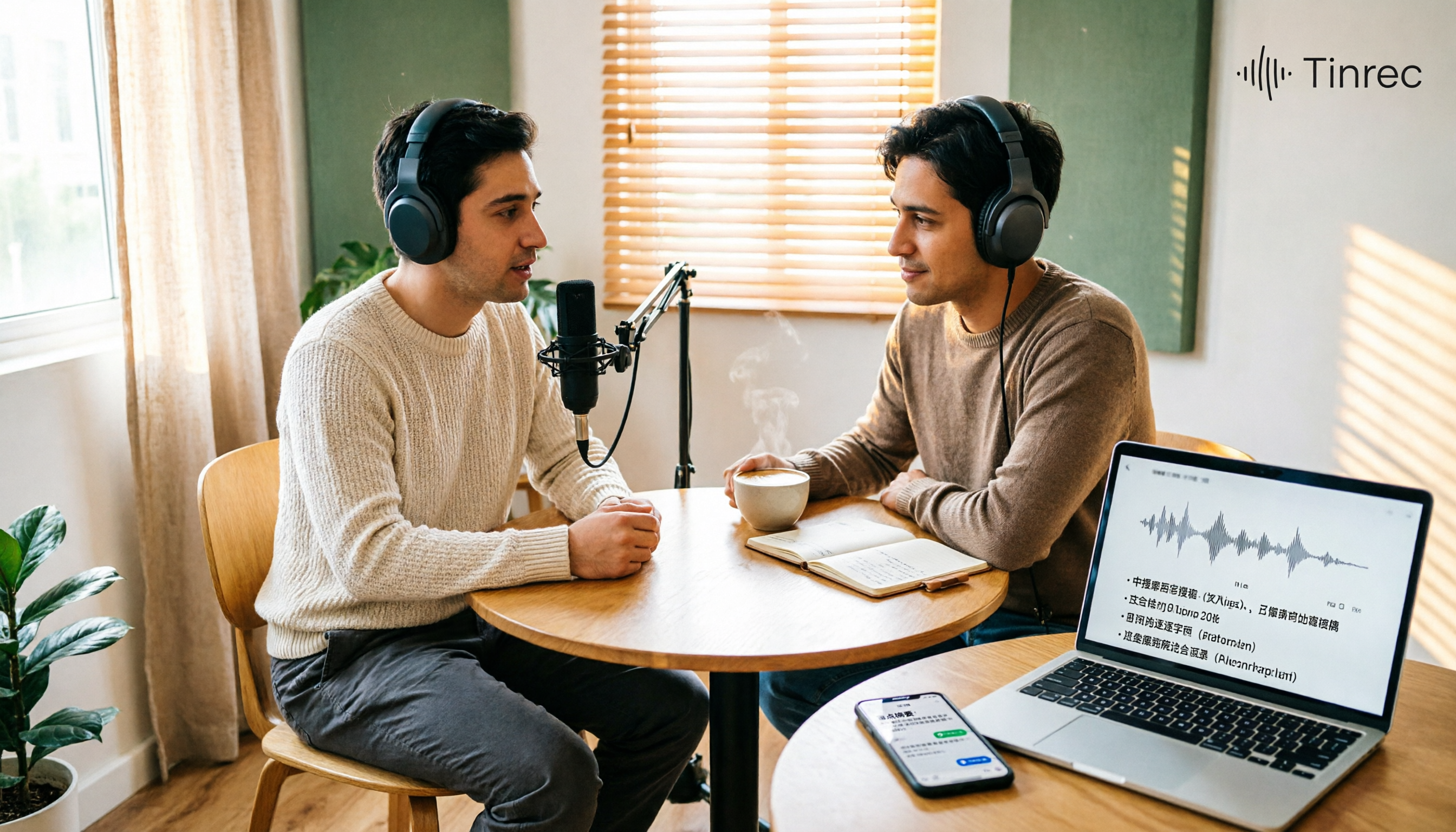
Best Podcast Summary Tools in 2026: AI Auto-Summaries + Transcript Q&A
This guide breaks down how to choose a podcast summary tool: from importing existing audio files, summary structure, AI Q&A, Chinese language support, to free usage limits—5 key points at a glance. It also tests Tinrec (秒聽錄音) to show how to turn long episodes into searchable transcripts, summaries, and key Q&A, and offers clear recommendations for different needs.
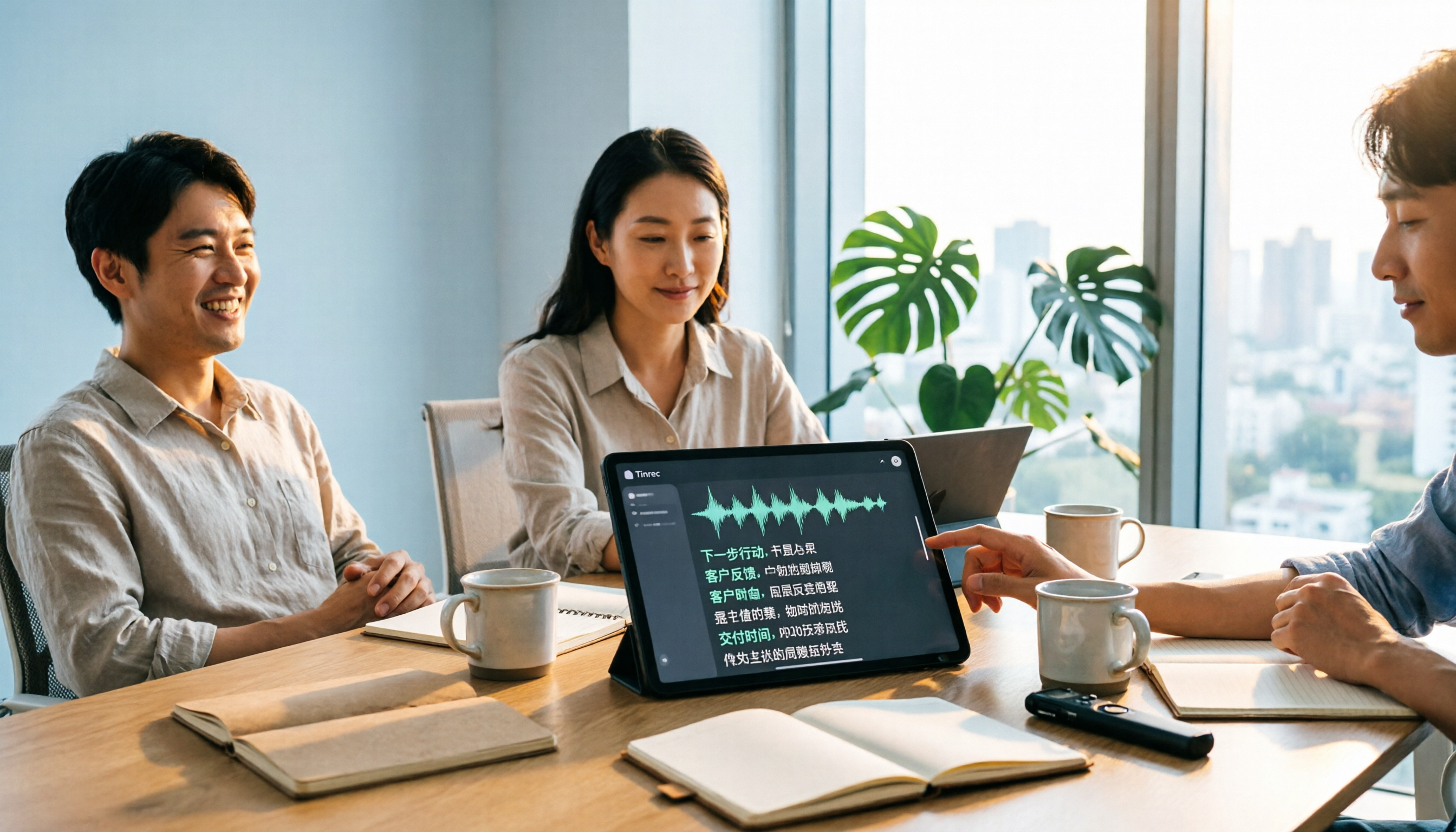
Tinrec vs Notta 2026: 5-Dimension Comparison for Chinese Audio-to-Text Transcription
Re-listening to meeting recordings and typing transcripts by hand is a common cause of overtime. This article breaks down what audio-to-text transcription tools can do, their core capabilities, and compares Tinrec and Notta across 5 practical dimensions to highlight key considerations for Chinese meetings and post-meeting organization.
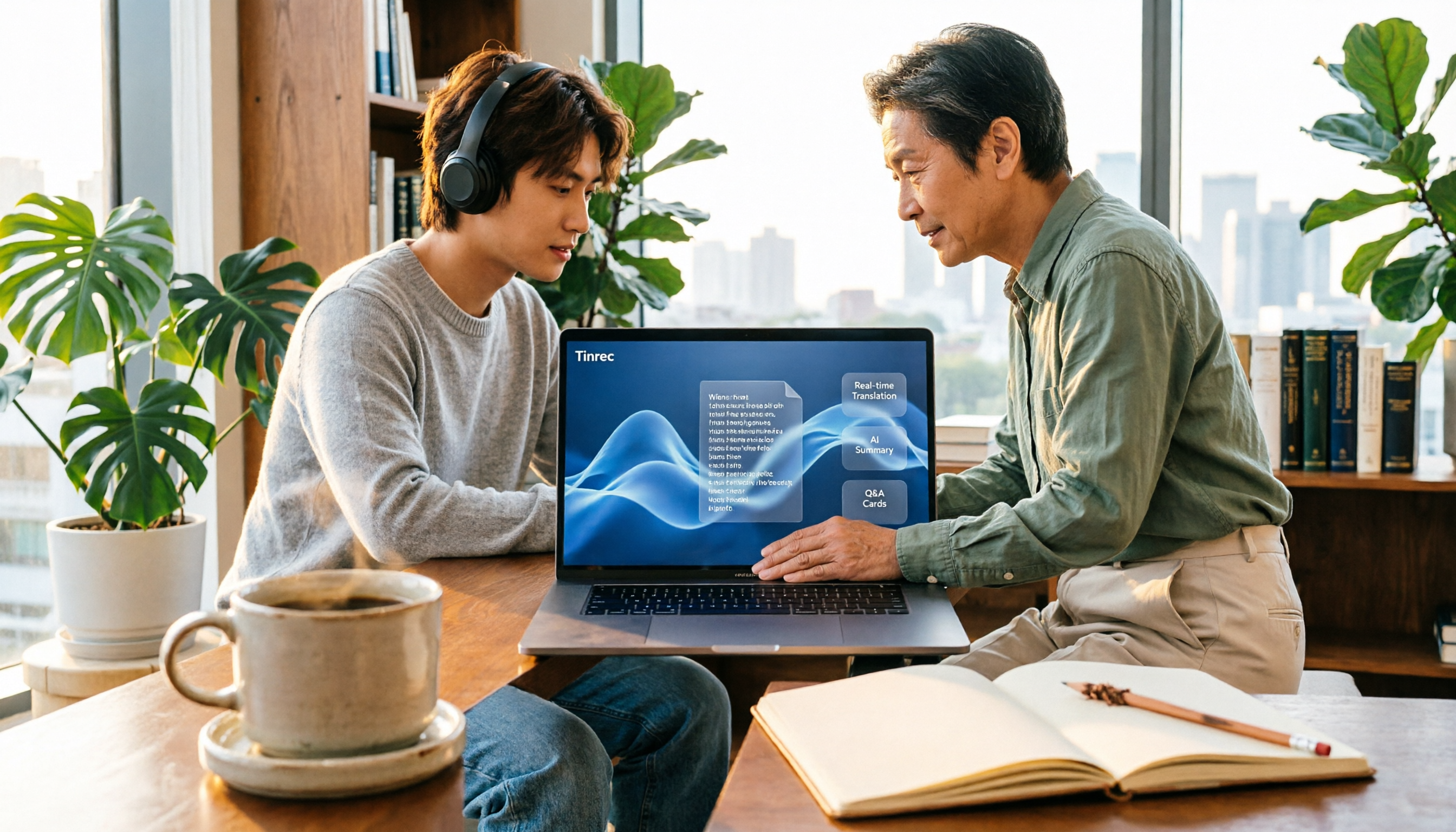
5 Best English Audio-to-Text Transcription Tools in 2026: Accuracy and Efficiency Compared
How do you choose the right tool to transcribe English listening recordings, and is it worth paying? This article walks through a real-world workflow using Tinrec for audio transcription, live translation, AI summaries, and Q&A, plus 5 key buying considerations and FAQs.

5 Best MP4 to Text Tools in 2026: From Transcripts to AI Meeting Notes
MP4 to text is more than just converting video into words. This article breaks down the core capabilities, use cases, and key considerations for choosing an MP4 to text tool, using Tinrec as a primary example. Learn how to turn meeting recordings, courses, and interviews into searchable, queryable, and actionable data, and compare personal vs. team plans for collaboration and governance.

4 AI Conversation Tools Tested for 2026: Which One Turns Meetings into Answers You Can Question?
Many AI conversation tools exist, but few truly help at work. This article tests and compares Tinrec, Otter.ai, Granola, and Notta from a meeting notes perspective, covering feature differences, free plan limits, and team pricing to help you find the best fit for your work situation.

5 Best Phone Call Transcription Tools in 2026: Real-World Comparison of Transcripts, AI Summaries, and Team Collaboration
How do you turn phone recordings into text? This guide covers 5 common approaches based on real-world use cases, with a hands-on Tinrec demo showing live transcription, AI summaries and Q&A, bot-free online meeting recording, team spaces, and pricing. Includes 5 key buying considerations and FAQs.

2026 Free PNG Image and Meeting Summary Apps: 6 Options Reviewed
A roundup of 6 free tools that turn PNG images and meeting recordings into usable results, including Tinrec's bot-free meeting transcription, AI summaries and action items, plus image-to-PNG conversion, image merging, online photo collage, and image overlay tools, with each tool's free limitations and ideal users explained.