

Turn recordings into transcripts and summaries in minutes
Upload audio or video for multilingual transcription, AI notes, and action items
How to Transcribe Meeting Recordings in 2026: 5-Step Guide Comparing Tinrec and Otter.ai
When it comes to transcribing meeting recordings, what you really need to choose isn't just "which tool can turn audio into text" but "whether the transcript can directly become meeting notes, action items, and team data." If all you want is a text file, many tools can do that. But if you want to spend less time organizing after the meeting, you need to look at differences in Chinese recognition, bot-free recording, AI Q&A, and export workflows.
Tinrec vs Otter.ai | Quick Overview
Tinrec is an AI meeting notes and collaboration tool for individuals and teams. Beyond transcripts, it can turn meetings into searchable, summarizable, queryable, and exportable data that accumulates in a team workspace.
Otter.ai is a mature AI meeting assistant covering Zoom, Microsoft Teams, Google Meet, live transcription, speaker identification, AI Chat, workflows, and team management. It has strong brand recognition in English business meeting scenarios.
This article compares them across 5 steps/dimensions: Chinese meeting transcription, bot-free online meeting recording, post-meeting organization and AI Q&A, team data management, and pricing and free quotas.
| Item | Tinrec | Otter.ai |
|---|---|---|
| One-line positioning | AI meeting notes and team collaboration tool | Mature AI meeting assistant |
| Chinese meeting experience | Chinese, Traditional Chinese, multilingual, mixed Chinese-English, real-time translation, team hotwords | Main strength is English business meetings |
| Online meeting recording | Desktop version captures system audio without a bot | Offers meeting bot and desktop methods |
| Pricing entry | Free plan, weekly pass, Pro monthly, Pro annual; team plan has separate seat options | Basic free 300 minutes/month; Pro annual equivalent USD 8.49/user/month; Business offers unlimited meetings and in-app recording |
Step 1 / Dimension 1 | Chinese Meeting Transcription and Mixed Chinese-English
Otter.ai is mature in live transcription, speaker identification, and meeting summaries for English business meetings, but Chinese meetings, mixed Chinese-English local terminology, and Traditional Chinese output are not its main selling points.
Tinrec covers Chinese, Traditional Chinese, and multilingual meeting scenarios, supports mixed Chinese-English content organization, real-time translation, and bilingual viewing, and can maintain professional terminology with team hotwords. Actual results are affected by recording quality, noise, accents, overlapping speakers, and specialized terminology; we do not recommend promising a fixed accuracy rate.
→ This dimension: If your meetings are mainly in Chinese or mixed Chinese-English, Tinrec is more suitable.
Step 2 / Dimension 2 | Bot-Free Online Meeting Recording
Otter.ai offers meeting bot and desktop methods; meeting bots typically need to join as a participant, which for some teams adds an invitation and management step.
Tinrec's desktop version directly captures computer system audio. When handling online meetings on Zoom, Google Meet, Microsoft Teams, Webex, etc., it does not require an additional bot to join. Note that users need to actively open Tinrec to start recording; it should not be understood as automatically joining all calendar meetings.
→ This dimension: If you don't want a bot in your meeting but still want to record computer meeting audio, Tinrec's desktop approach is more direct.
Step 3 / Dimension 3 | Post-Meeting Organization and AI Q&A
Otter.ai has summaries, action items, AI Chat, and team analytics, making post-meeting organization for English meetings quite complete.
In addition to transcripts, Tinrec automatically generates summaries, chapters, key points, action items, and mind maps. It also supports AI Q&A around single or multiple meeting data, real-time translation, and Agent post-processing to generate reports, tables, and documents. Simply put, Tinrec pushes transcripts further toward "data you can work with directly."
→ This dimension: Both have AI Q&A, but if you want diverse post-meeting outputs, Tinrec is more complete.
Step 4 / Dimension 4 | Team Data Management
Otter.ai has team management and enterprise capabilities, suitable for large teams needing meeting automation and analytics.
Stop organizing recordings by hand
Upload audio or video and automatically get a transcript, summary, and action items
Tinrec's team plan is an independent team collaboration space where meeting data belongs to the team. It provides member roles, seat allocation, shared import quotas, usage analytics, audit logs, audio recycle bin, and team hotwords. When a member leaves, is removed, or loses a seat, their team resources can be handed over to other active members; members without a seat can still view, play, and read data but cannot upload, edit, or export.
→ This dimension: If you want to turn meetings into searchable, traceable team assets, Tinrec's governance design is more aligned with the need.
Step 5 / Dimension 5 | Pricing and Free Quotas
Otter.ai's current official pricing page shows: Basic free 300 minutes/month; Pro annual equivalent USD 8.49/user/month, including 1,200 minutes of in-app recording per month and 10 file imports; Business offers unlimited meetings and in-app recording, more imports, and management capabilities. Specific prices may be affected by promotions.
Tinrec's personal plan includes a free plan, weekly pass, Pro monthly, and Pro annual. Choose based on your usage: for occasional recording organization, start with the free plan; for short-term intensive meetings, consider the weekly pass; for stable weekly use, Pro is more suitable; for long-term data accumulation, consider the annual plan. The team plan currently offers a first-time eligible trial of 7 days, 1 free seat, and 300 minutes of team shared import quota; team monthly is USD 29.80/paid seat/month, annual is USD 199/paid seat/year, equivalent to about USD 16.58/month, with each paid seat providing 2,000 minutes of team shared import quota per month. Under an active team plan and active seats, real-time recording currently does not deduct minutes; file and web imports consume team shared import minutes.
→ This dimension: If you only need English meetings and usage is low, Otter.ai Basic is sufficient; if you value Chinese meetings and team shared quotas, Tinrec's plans are more aligned. Prices and benefits are subject to the official purchase page.
What Are Their Unique Advantages?
Tinrec's unique advantages:
- Bot-free desktop recording: No need to add an extra bot to Zoom, Meet, Teams, Webex; directly captures computer system audio.
- Chinese and multilingual meetings: Supports Chinese, Traditional Chinese, mixed Chinese-English, real-time translation, bilingual viewing, and team hotwords.
- Complete post-meeting workflow: Summaries, chapters, action items, AI Q&A, mind maps, multi-format export, and can generate reports, tables, and documents.
- Team data accumulation: Team space, roles, seats, usage, audit, and recycle bin, so meeting data doesn't disappear when individuals leave.
Otter.ai's unique advantages:
- Mature brand recognition in English business meetings; meeting bot, summaries, action items, AI Chat, and team analytics are complete.
- Free plan with 300 minutes per month, easy for light English meeting users to get started.
Conclusion: Which One Should You Choose?
- If you need Chinese meetings, mixed Chinese-English, real-time translation, and bilingual transcripts → Tinrec.
- If you don't want a meeting bot joining Zoom, Meet, or Teams → Tinrec.
- If you want post-meeting summaries, action items, AI Q&A, export, or even a team database → Tinrec.
- If you only need English business meetings, low usage, and want to start with a free plan → Otter.ai Basic is sufficient.
In one sentence: For most users in Taiwan who mainly have Chinese meetings, Tinrec is the more complete choice. We recommend trying the free plan with your own meeting recordings first to confirm transcription quality and post-meeting workflow meet your needs before deciding whether to upgrade.
FAQ
Q1: How long does it take to transcribe a meeting recording? Tinrec converts real-time recordings, online meetings, or uploaded audio/video into text data. Actual speed depends on file length, language, queue, and plan quota; no fixed minute count can be promised.
Q2: Is the free plan enough? Tinrec's free plan allows you to experience recording, import, summary, and transcription with basic quota; Otter.ai Basic is 300 minutes per month. If you have meetings every week, you'll usually need a Pro or annual plan.
Q3: Do I need a meeting bot? Tinrec's desktop version captures computer system audio and does not require an extra bot to join the meeting; however, users must actively open Tinrec to start recording, not automatically join all calendar meetings.
Q4: Which meeting platforms are supported? Tinrec can handle meeting audio played on a computer from Zoom, Google Meet, Microsoft Teams, Webex, etc. Support for recording does not mean official partnership with these platforms.
Q5: Are transcripts accurate? We do not recommend promising a fixed accuracy rate. Actual results are affected by recording quality, noise, accents, overlapping speakers, and specialized terminology; for important content, we recommend cross-checking with timestamps and recording playback.
Q6: What's the difference between team and personal plans? Personal plan data is managed by the individual account. The team plan is an independent team space where meeting data belongs to the team, with added members, roles, seats, shared benefits, usage analytics, audit logs, and recycle bin. Members without a seat can view, play, and read but cannot upload, edit, import, or export.
References
- Online AI voice, video, audio file auto transcription - Free trial - cSubtitle
- Get meeting minutes done! How to do AI voice-to-transcript? Gemini Notebook, Gemini, EchoScript operation analysis | 104 Career Power
- How to use AI for meeting minutes? How to organize meeting transcripts? | AI voice-to-transcript tutorial | 104 Career Power
- Yating Transcript
- How to quickly create meeting transcripts? 2026 complete guide | Recording to text, AI automatic meeting notes in one go
Turn every recording into actionable outcomes
Get 60 free transcription minutes when you sign in. No credit card required.
Related Reading
You might also like

4 Meeting Recording Transcription Methods Compared: Which Turns a 2-Hour Recording into Usable Meeting Data?
How should you choose a meeting recording transcription method in 2025? This article examines four key decision points and compares approaches like Tinrec, Otter.ai, Granola, and PLAUD, covering bot-free online meeting recording, post-transcription summaries and action items with AI follow-up, and team spaces and seat management, to help you find a method that turns meetings into actionable data.
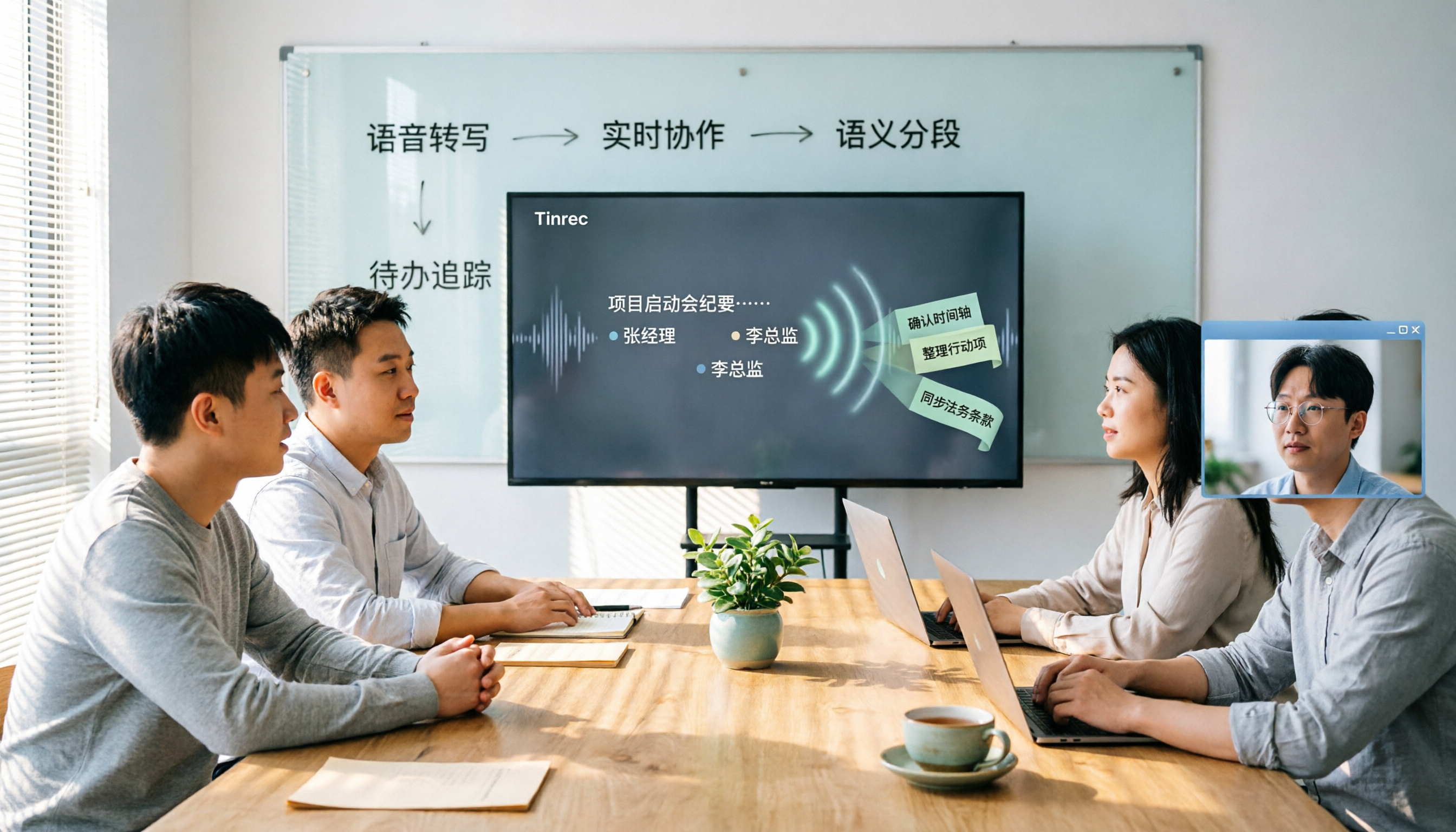
2026 Meeting Transcription Tools Comparison: Why Tinrec Is Better for Chinese-Speaking Teams
Should you choose software or hardware for meeting transcription? This article compares Tinrec and PLAUD Note, two products with completely different approaches, across five dimensions: hardware requirements, online meeting handling, Chinese language experience, post-meeting workflow, and team collaboration. It also covers pricing, plans, and FAQs to help you decide which 2026 version best fits your work situation.

2026 Meeting Transcription Showdown: Tinrec vs PLAUD Note — Which AI Meeting Assistant Saves More Time?
Many people think meeting transcription is as simple as feeding audio to an AI and getting a perfect transcript. But the real pain point is what happens after transcription: organizing and collaborating. This article compares Tinrec and PLAUD Note across five practical dimensions—meeting capture, Chinese language experience, post-meeting organization, team collaboration, and pricing—to help you decide which is better suited for your meeting scenarios.

2026 Comparison of 4 Meeting Transcription Tools: Which One Turns Recordings into Usable Meeting Notes?
Turning meeting recordings into transcripts isn't just about feeding audio to AI—it's a workflow from pre-recording prep to transcription, organization, and archiving. This hands-on review breaks down 5 key selection criteria, takes a deep dive into Tinrec's bot-free meeting recording, AI Q&A, and team spaces, briefly evaluates Notta, Granola, and Otter.ai for different use cases, and includes a pitfalls guide plus copy-paste prompt templates.

2026 Comparison of 4 Meeting Transcription Tools: Which Saves More Time for Chinese Meetings and AI Summaries?
Starting from the pain points of meeting notes discussed by Dcard users, this article compares four meeting transcription tools: Tinrec, Otter.ai, Granola, and PLAUD Note. It breaks down four key purchasing factors: language support, recording capture methods, post-meeting outputs, and team collaboration. It also includes a guide to avoid pitfalls and scenario-based selection advice to help you say goodbye to nights spent re-listening and typing transcripts.
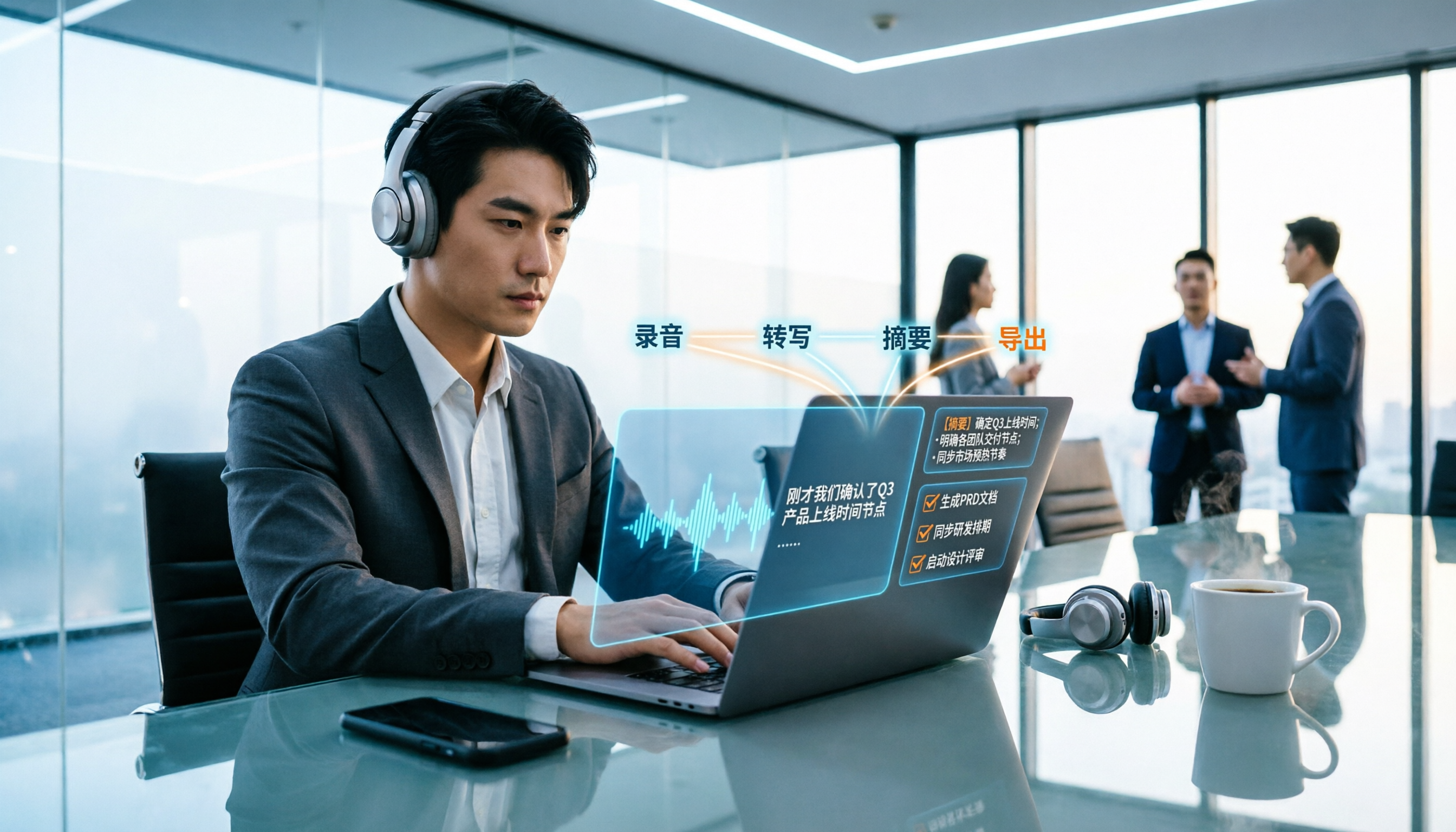
2026 Meeting Transcription Buyer's Guide: 5 Key Testing Points and Getting Started Tutorial
How exactly do you use meeting recording-to-text tools? This guide breaks down the complete workflow from live recording, bot-free online meeting capture, AI summaries, and action item extraction, based on hands-on experience. It covers 5 key buying factors including Chinese recognition, recording sources, export and integration, team management, and pricing quotas. Tinrec is used as the primary demonstration tool, with FAQs and practical insights included.

4 Meeting Transcription Tools Tested and Compared in 2026: Can Any of Them Handle Chinese Transcripts and AI Summaries That PTT Users Care About Most?
The most common question on PTT about meeting transcription tools is answered here. From Chinese transcripts, mixed Chinese-English recognition, and bot-free online meeting recording to AI summaries, action item extraction, and team knowledge retention, this article compares 4 common tool approaches and explains how Tinrec turns meetings into searchable, collaborative, and traceable team data.

Tinrec Meeting Transcription 2026: Real-Time Transcription + Automatic Meeting Minutes
How to choose a meeting transcription tool in 2026? Based on real meeting scenarios, this article explains how Tinrec performs real-time transcription in Chinese and mixed Chinese-English meetings, records online meetings without a bot using its desktop version, and automatically generates summaries, chapters, and action items. It also objectively compares Otter.ai and Notta, and summarizes key purchasing considerations and FAQs.

Best Meeting Transcription Tools in 2026: We Tested 5, and This One Excels for Chinese Meetings
Which meeting transcription tool is best in 2026? This article addresses common misconceptions, tests 5 tools, and demonstrates a complete workflow with Tinrec: bot-free recording for online meetings, AI transcripts, summaries, action items, AI Q&A, and team spaces. Includes free plan limits, team pricing, and FAQs.