
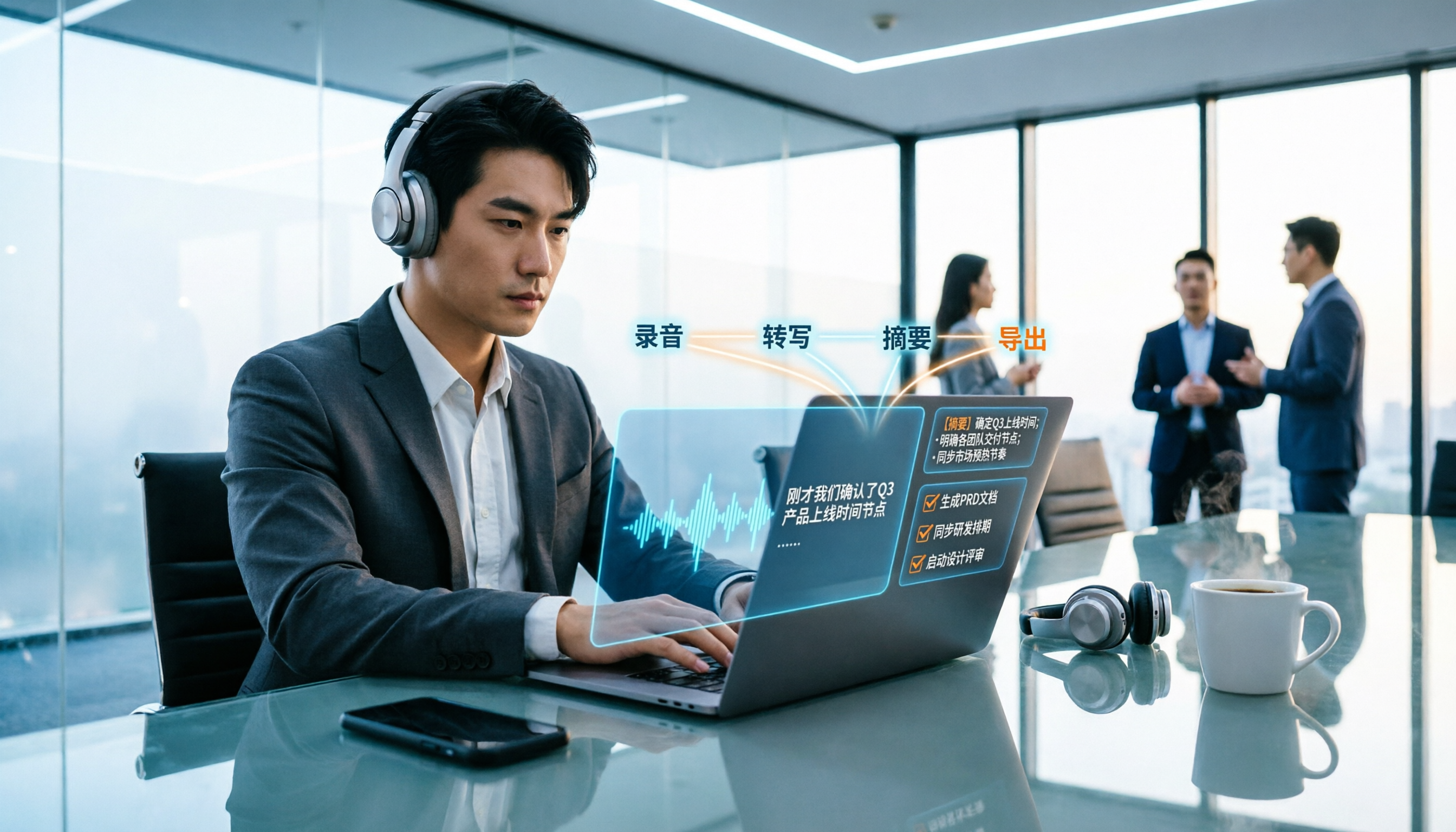
Turn recordings into transcripts and summaries in minutes
Upload audio or video for multilingual transcription, AI notes, and action items
Still typing while listening after a meeting? You don't have to do this yourself anymore
Have you ever had this experience: a two-hour meeting ends, everyone gets up and leaves, and you're the only one left staring at the recording file.
I used to be that unlucky person. A 30-minute recording would take nearly two hours to type out while listening, with constant pausing and rewinding, and by the end I had no idea what I was even typing.
Honestly, the problem was never "can't find a tool"—it was not knowing how to use it, where to use it, or which one to choose.
In this article, I'll share my hands-on experience to explain meeting recording-to-text from operation to purchasing in one go. The main demonstration tool throughout is Tinrec.
What can meeting recording-to-text do for you?
Scenario 1: After the meeting, the transcript is already there
Meeting notes used to be painful work that started after the meeting. With Tinrec as an example, you just press start recording before the meeting, text appears synchronously as the meeting progresses, and by the time the meeting ends, the transcript is basically done.
Scenario 2: No more asking "So what was the conclusion?"
Tinrec automatically generates summaries, chapters, and action items. Who's responsible for what and when it's due—just look at the organized list after the meeting instead of asking one by one in the group chat.
Scenario 3: Meetings from three months ago are still searchable
This is a point many people overlook. A transcript sitting in a folder is dead; being searchable and queryable is what makes it alive. Tinrec supports AI Q&A, so you can directly ask it "Who mentioned the budget issue in the last meeting?" and it will give you the answer directly.
Scenario 4: Keep up with cross-language meetings
When meeting with foreign clients, Tinrec supports real-time translation, allowing you to view the original text, translation, or bilingual comparison, so you don't have to guess where the other person is throughout the meeting.
Scenario 5: Data stays with the team, not on individual computers
The team version centralizes meeting data in a team space. New members can view historical meetings, and data won't disappear when members leave.
How to use meeting recording-to-text? 4 steps to get started with Tinrec
Step 1: Choose the source you want to record
Tinrec supports several input methods: live recording (offline meetings, interviews), desktop version capturing computer system audio (for Zoom, Google Meet, Microsoft Teams, Webex, and other online meetings), and direct upload of existing audio or video files.
Step 2: Start recording, or drop in a file
For online meetings, I usually use the desktop version. It captures the sound played by the computer directly, without needing a meeting bot to join the meeting room, so there won't be a strange extra account on the screen.
But pay special attention to this: get consent from participants before recording and comply with local regulations.
One more thing to be honest about. Tinrec is currently not the kind of meeting bot that automatically joins all meetings on your calendar—you have to open it yourself and press start. This is its limitation, and also its design.
Step 3: Watch the transcript while meeting
Transcription happens in real time, so during the meeting you can read along to confirm no key points are missed. It can also handle mixed Chinese and English content, which is really practical in meeting rooms in Taiwan.
Step 4: Post-meeting organization and export
After the meeting ends, Tinrec gives you summaries, chapters, key points, and action items. You can also use the Agent post-processing feature to turn content into reports, tables, or documents.
If you need to take it elsewhere, it supports export to common tools like Notion, Google Docs, OneNote, and Dropbox.
My most commonly used workflow is: after the meeting, first look at the summary to grasp key points, then use AI Q&A to follow up on questionable sections, and finally copy action items to project management tools.
What are the core capabilities of meeting recording-to-text?
Real-time transcript
It's not transcribing after recording, but generating text as people speak. With Tinrec as an example, you can see text being generated synchronously during the meeting. The key is "real-time confirmation," rather than discovering missed content after the meeting.
AI summary and chapters
Tinrec's summary isn't just forcibly condensing the transcript into a paragraph; it's structured organization: meeting topic, discussion points, conclusions, and action items listed separately. Long meetings are also divided into chapters so you can skip through them.
Action item extraction
This is what I consider the most practical feature. Tinrec picks out follow-up actions from the discussion, including owners and tasks, so you can just follow the list after the meeting.
AI conversational query
Transcription is only the first step. Tinrec lets you ask questions directly about meeting content, such as "What were the client's concerns about pricing?" or "Who is responsible for changing the specs this time?" It finds answers based on semantics, rather than throwing a bunch of keyword matching results at you.
Real-time translation and bilingual viewing
During cross-language meetings, Tinrec supports viewing the original text, translation, or bilingual content during recording.
Team space and governance
The team version provides an independent team space where you can create multiple teams, invite members via links, and set owners, admins, and regular members.
Here's an easily confused point to clarify: Tinrec's team version separates "roles" and "seats." Roles determine who can manage the team, members, and settings; seats determine whether a person can record, upload, edit, import, and export.
Members who are active but have no seat can still view, play, and read team data, but cannot edit. This is not a file-level permission system; currently it's mainly team-level sharing.
Stop organizing recordings by hand
Upload audio or video and automatically get a transcript, summary, and action items
The team version also includes usage analytics, audit logs, audio recycle bin (accidentally deleted items can be restored before permanent cleanup, currently retained for 30 days), and team hotwords to maintain company terminology.
Practical application scenarios
Weekly and project meetings
For regular weekly project meetings, the biggest fear is "what was said last week." Use Tinrec desktop version to record the meeting, and summaries and action items go directly into the team space. Before next week's meeting, use AI Q&A to check last week's decisions and get up to speed in seconds. For small teams, this is far cheaper than hiring another person.
Client interviews and requirements communication
Clients often jump around when talking, mixing requirements, complaints, and budgets all together. Tinrec's transcript combined with action item extraction helps you separately organize what the client promised and the objections they raised, so you can refer to them directly when writing proposals without relying on memory.
Courses, lectures, and self-learning
In classes or lectures, you simply can't take notes on two hours of content. Record with Tinrec and convert to a transcript, then use AI Q&A at home to go through parts you didn't understand, making review much more efficient.
Interview research and content creation
For user interviews or expert interviews, the most time-consuming part is typing up the recording. Tinrec supports uploading existing audio and video files, and after transcription, you can use AI summaries to extract viewpoints for direct citation when writing articles or reports.
5 things to note when buying a meeting recording-to-text tool
1. Chinese and mixed Chinese-English recognition performance
Meetings in Taiwan are rarely pure Chinese; usually half Chinese and half English technical terms. When choosing a tool, it's recommended to test with a real recording from your own company, not just watch official promotional videos. Tinrec can handle mixed Chinese-English content, and the team version can maintain company terminology with hotwords.
By the way, accuracy doesn't have a fixed number. Recording quality, background noise, accents, multiple people speaking simultaneously, and technical terms all affect results. In my testing, it performed best in quiet meeting rooms with a single speaker; meetings with multiple people interrupting definitely require manual proofreading.
2. How the meeting is recorded
This is where many people choose wrong. Some tools rely on a meeting bot joining the meeting room, some rely on platform built-in features, and some like Tinrec desktop version directly capture computer system audio. If your meetings often include external clients and you don't want an extra bot account on the screen, pay attention to this.
3. What else can be done after transcription
The era of only looking at transcripts is over. What you really need to ask is: after transcription, can it summarize for you? Can it extract action items? Can it let you ask questions about the content? Tinrec's positioning is to treat transcription as a starting point, with summaries, chapters, Q&A, export, and report generation being the real focus.
4. Export and workflow integration
No matter how good the tool is, it's meaningless if data can't get out. Tinrec supports export to common tools like Notion, Google Docs, OneNote, and Dropbox, and can also use Agent to turn meeting content into reports, tables, or documents.
5. Team management and data ownership
If you're a team of three or more, this is more important than price. Tinrec team version provides member and seat management, sharing rights, usage analytics, audit logs, and audio recycle bin. Meeting data belongs to the team, and when members leave, resources can be handed over to other members without being taken away entirely.
In terms of pricing, the team version is currently USD 29.80 per paid seat per month, or USD 199 per paid seat per year, equivalent to about USD 16.58 per month. Each paid seat provides 2,000 minutes of team shared import quota per month; live recording under an active plan is currently not deducted by minutes. Eligible teams can try for 7 days with 1 free seat and 300 minutes of shared import quota.
The personal version has a free version, weekly card, Pro monthly card, and Pro annual card. For occasional recording organization, the free version is enough; for short-term concentrated meetings, consider the weekly card; for stable weekly needs, go Pro. Actual prices and benefits are subject to the official purchase page.
Frequently asked questions
Q1: Is the accuracy of meeting recording-to-text good enough?
Under conditions of good recording quality and non-overlapping speakers, Tinrec's transcription results can usually be used directly as a working draft. But I don't recommend treating it as a 100% correct final version. Important numbers, names, and decisions should be checked against the recording or transcript timestamps.
Q2: Do I need a meeting bot to join the meeting?
No. Tinrec desktop version directly captures the computer's system audio, without needing an extra bot account to join the meeting. But remember, you must open Tinrec yourself to start recording; it won't automatically join every meeting on your calendar.
Q3: Can files recorded on mobile be transcribed?
Yes. Tinrec supports mobile recording and also supports uploading existing audio and video files, so historical meetings or old interviews can be transcribed later.
Q4: What can the free version be used for?
The free version is suitable for occasionally organizing a recording, letting you experience the basic workflow of recording, importing, summarizing, and transcribing. If you have regular weekly meetings, consider the weekly card or Pro.
Q5: What's the difference between the team version and personal version?
Personal version data is managed by the individual account. The team version is an independent team space where meeting data belongs to the team, with additional members, roles, seats, sharing rights, usage analytics, audit logs, and audio recycle bin.
Q6: Can deleted recordings be recovered?
The team version has an audio recycle bin. Accidentally deleted audio files can be restored before permanent cleanup begins, currently with a 30-day retention period. Action items are not covered by the recycle bin, so note this.
Conclusion
The real value of meeting recording-to-text isn't "turning sound into text," but having a searchable, queryable, assignable, and transferable record after the meeting ends.
Tinrec's strengths are exactly here: desktop version bot-free recording of online meetings, real-time transcripts, AI summaries and action items, AI Q&A, plus team space to accumulate data.
It's not without drawbacks. It's not a bot that automatically joins meetings, team permissions are team-level sharing rather than file-level permissions, and meetings with multiple people interrupting still require manual proofreading.
But if you have more than three meetings per week, I sincerely recommend trying the free version first to experience the feeling of "meeting ends, minutes are ready," then decide whether to go further.
One final reminder: always get consent from participants before recording and comply with relevant regulations in your location.
References
- How to use AI for meeting minutes? How to organize meeting transcripts? | AI speech-to-transcript tutorial | 104 Career Power
- Yating Transcript
- Get meeting minutes done! How to do AI speech-to-transcript? Gemini Notebook, Gemini, EchoScript operation analysis | 104 Career Power
- Online AI speech, video, audio file automatic transcription - Free trial - cSubtitle
- How to quickly create meeting transcripts? 2026 complete tutorial guide | Recording-to-text, AI automatic meeting minutes in one go
Turn every recording into actionable outcomes
Get 60 free transcription minutes when you sign in. No credit card required.
Related Reading
You might also like

4 Meeting Recording Transcription Methods Compared: Which Turns a 2-Hour Recording into Usable Meeting Data?
How should you choose a meeting recording transcription method in 2025? This article examines four key decision points and compares approaches like Tinrec, Otter.ai, Granola, and PLAUD, covering bot-free online meeting recording, post-transcription summaries and action items with AI follow-up, and team spaces and seat management, to help you find a method that turns meetings into actionable data.
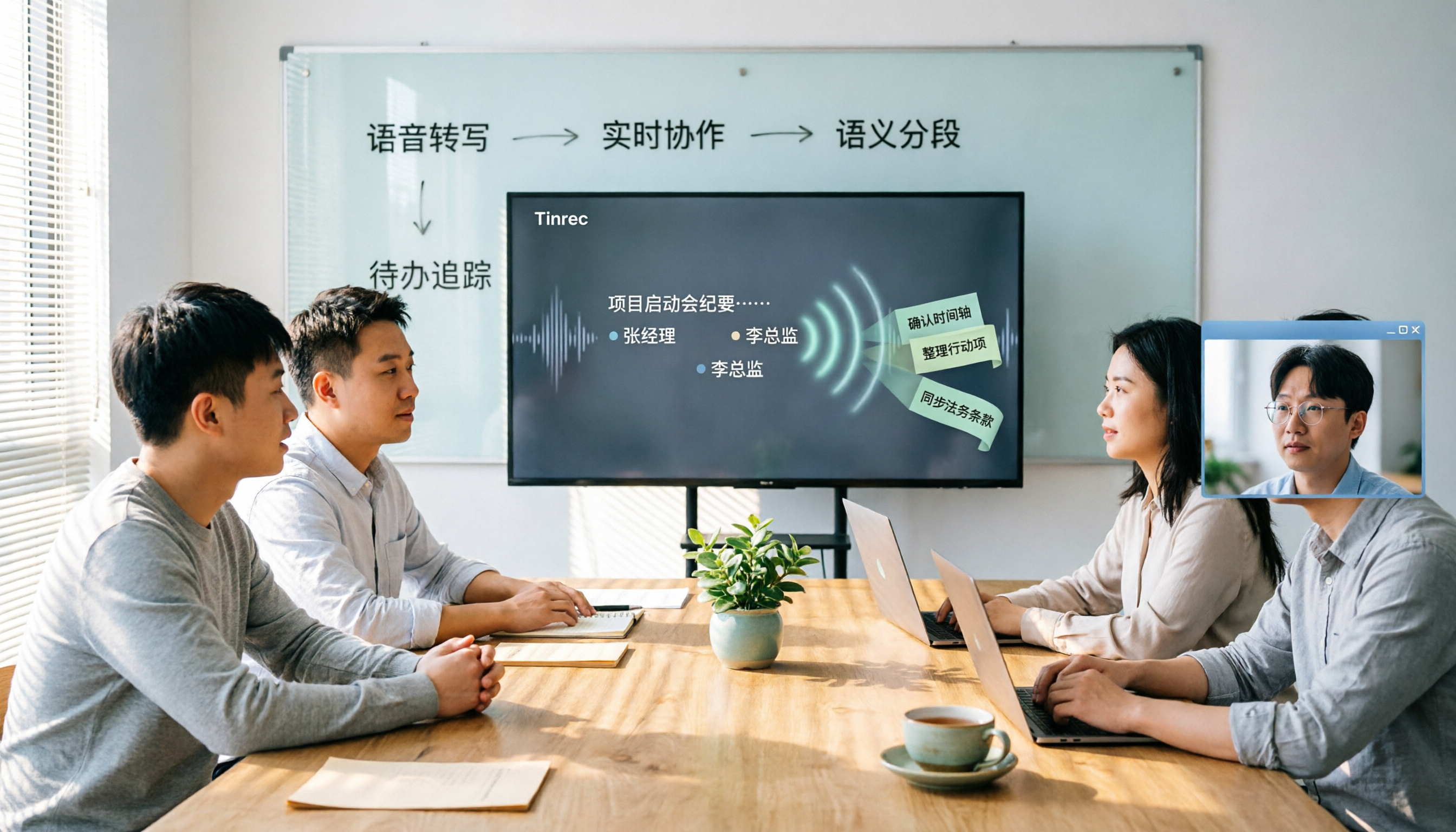
2026 Meeting Transcription Tools Comparison: Why Tinrec Is Better for Chinese-Speaking Teams
Should you choose software or hardware for meeting transcription? This article compares Tinrec and PLAUD Note, two products with completely different approaches, across five dimensions: hardware requirements, online meeting handling, Chinese language experience, post-meeting workflow, and team collaboration. It also covers pricing, plans, and FAQs to help you decide which 2026 version best fits your work situation.

2026 Meeting Transcription Showdown: Tinrec vs PLAUD Note — Which AI Meeting Assistant Saves More Time?
Many people think meeting transcription is as simple as feeding audio to an AI and getting a perfect transcript. But the real pain point is what happens after transcription: organizing and collaborating. This article compares Tinrec and PLAUD Note across five practical dimensions—meeting capture, Chinese language experience, post-meeting organization, team collaboration, and pricing—to help you decide which is better suited for your meeting scenarios.

2026 Comparison of 4 Meeting Transcription Tools: Which One Turns Recordings into Usable Meeting Notes?
Turning meeting recordings into transcripts isn't just about feeding audio to AI—it's a workflow from pre-recording prep to transcription, organization, and archiving. This hands-on review breaks down 5 key selection criteria, takes a deep dive into Tinrec's bot-free meeting recording, AI Q&A, and team spaces, briefly evaluates Notta, Granola, and Otter.ai for different use cases, and includes a pitfalls guide plus copy-paste prompt templates.

2026 Comparison of 4 Meeting Transcription Tools: Which Saves More Time for Chinese Meetings and AI Summaries?
Starting from the pain points of meeting notes discussed by Dcard users, this article compares four meeting transcription tools: Tinrec, Otter.ai, Granola, and PLAUD Note. It breaks down four key purchasing factors: language support, recording capture methods, post-meeting outputs, and team collaboration. It also includes a guide to avoid pitfalls and scenario-based selection advice to help you say goodbye to nights spent re-listening and typing transcripts.

4 Meeting Transcription Tools Tested and Compared in 2026: Can Any of Them Handle Chinese Transcripts and AI Summaries That PTT Users Care About Most?
The most common question on PTT about meeting transcription tools is answered here. From Chinese transcripts, mixed Chinese-English recognition, and bot-free online meeting recording to AI summaries, action item extraction, and team knowledge retention, this article compares 4 common tool approaches and explains how Tinrec turns meetings into searchable, collaborative, and traceable team data.

How to Transcribe Meeting Recordings in 2026: 5-Step Guide Comparing Tinrec and Otter.ai
Transcribing meeting recordings isn't just about getting a transcript—it's about organizing, searching, asking questions, and collaborating. This article compares Tinrec and Otter.ai across 5 steps: choosing a tool, importing recordings, correcting transcripts, organizing summaries and action items, and exporting for archiving. It also explains the differences between free and paid plans.

Tinrec Meeting Transcription 2026: Real-Time Transcription + Automatic Meeting Minutes
How to choose a meeting transcription tool in 2026? Based on real meeting scenarios, this article explains how Tinrec performs real-time transcription in Chinese and mixed Chinese-English meetings, records online meetings without a bot using its desktop version, and automatically generates summaries, chapters, and action items. It also objectively compares Otter.ai and Notta, and summarizes key purchasing considerations and FAQs.

Best Meeting Transcription Tools in 2026: We Tested 5, and This One Excels for Chinese Meetings
Which meeting transcription tool is best in 2026? This article addresses common misconceptions, tests 5 tools, and demonstrates a complete workflow with Tinrec: bot-free recording for online meetings, AI transcripts, summaries, action items, AI Q&A, and team spaces. Includes free plan limits, team pricing, and FAQs.