

Turn recordings into transcripts and summaries in minutes
Upload audio or video for multilingual transcription, AI notes, and action items
2026 Speech-to-Text Software Comparison: Is Free Enough? Which Handles Chinese Meetings Best?
What Is Speech-to-Text Software? You Usually Need More Than Just Turning Speech into Text
Speech-to-text software (often abbreviated as STT, also called dictation or transcription tools) refers to software that converts spoken content into text. It can be a mobile app, a web tool, or desktop software installed on your computer.
The situations where you actually use it are usually not glamorous.
After a two-hour online project meeting, everyone talks over each other, and decisions are scattered throughout the conversation. When the meeting ends, you only remember that "someone said we need to change the specs," but you can't recall who said it or when.
Or you have a 40-minute interview recording that you need to turn into quotable material, and just typing it out eats up an entire afternoon.
If the meeting also involves mixed Chinese and English, or even cross-language colleagues, the difficulty goes up another level.
This article doesn't talk about spec sheets. We'll look at 4 common tools from a real-world usage perspective and highlight the key points that are most easily overlooked when choosing.
5 Key Points to Understand Before Choosing Speech-to-Text Software
1. Recognition performance for Chinese and mixed Chinese-English
Many tools perform brilliantly in English meetings but struggle noticeably when switched to Chinese meetings or when English technical terms are mixed in. When choosing, don't just look at the number of languages; look at whether it handles Chinese well and whether you can customize the vocabulary. For example, if the tool supports hotword settings for product codes and abbreviations your team commonly uses, the recognition experience will be much better.
2. How the meeting is recorded
This is the most commonly overlooked point. Some tools rely on a meeting bot joining as a participant. The advantage is automation; the downside is an extra member appears on screen, which can be awkward in client meetings. Another approach is desktop software that directly captures the computer's system audio, so no extra participant appears. Neither method is inherently better, but you need to decide which one you care about.
3. What it can do after transcription
Turning audio into text is only half the battle. What really saves time is what happens after transcription: automatic summaries, chapter segmentation, action item extraction, the ability to ask questions about the content, and real-time translation. If you always have to dig out key points from the transcript yourself, the tool only saves you from typing.
4. Cross-platform and data retention
Recording on your phone today and organizing on your computer tomorrow is a common rhythm. So confirm whether the tool has iOS, Android, web, and desktop versions. Also ask: does it keep the original audio? Some tools only keep text, so you can't go back to check tone and context later.
5. Free quota and team licensing
For personal use, look at the monthly free minutes. But if you're buying for a department, it's not just about price—it's about team spaces, member roles, seat allocation, and usage records. Sharing a single personal account among multiple people will cause problems in the long run.
Tinrec – The One We Most Often Recommend After Testing
Tinrec is an AI meeting notes and collaboration tool for individuals and teams, supporting iOS, Android, web, and desktop. Its positioning is not just recording-to-text, but turning meetings into searchable, collaborative, and reusable data.
Record online meetings without a meeting bot
This is its most practical feature. The desktop version directly captures the computer's system audio, so when handling online meetings like Zoom, Google Meet, Microsoft Teams, and Webex, you don't need to pull an extra bot into the meeting room. Just open Tinrec and start recording, and the transcript is generated while the meeting is ongoing. For those who frequently meet with external clients, this is a big convenience—no unfamiliar member appears on screen, and you don't have to explain beforehand.
A complete workflow after transcription
After the meeting, Tinrec automatically generates summaries, chapters, and key points, and extracts action items from the discussion. More importantly, AI Q&A: you can directly ask it "Who mentioned the budget in the last meeting?" or "What was the conclusion this week?" It answers based on understanding semantics, not just throwing a bunch of keyword search results at you.
In addition, it supports real-time translation during recording, allowing you to view content in original, translated, or bilingual mode, which is very useful for cross-language meetings. After the meeting, you can further generate reports, tables, and documents, or export to Notion, Google Docs, OneNote, Dropbox, etc. for further processing.
Team version: Turn meetings into team assets
Stop organizing recordings by hand
Upload audio or video and automatically get a transcript, summary, and action items
If your needs go beyond individual use, Tinrec for Teams provides an independent team space, rather than multiple people sharing a personal account. Meeting data belongs to the team, and it offers member roles, seat allocation, usage analytics, audit logs, audio recycle bin, and team hotwords.
One easily confused point to clarify: roles determine who can manage the team, seats determine who can record, upload, edit, and export. Members without a seat can still view, play, and read team data, but cannot perform resource-consuming operations. When a member leaves or is removed, their team resources are transferred to other active members, not lost with the person.
Pricing: Team monthly is USD 29.80 per paid seat per month, annual is USD 199 per paid seat per year (about USD 16.58 per month), each paid seat provides 2,000 minutes of team shared import quota per month. Eligible teams can try 7 days, 1 free seat, and 300 minutes of shared import quota for the first time. Under an active team plan, real-time recording currently does not deduct minutes.
Personal plans include Free, Weekly Pass, Pro Monthly, and Pro Annual. If you occasionally organize a recording, start with the free version. For short-term intensive meetings or interviews, consider the weekly pass. For steady weekly needs, Pro is more suitable.
Limitations to be honest about
The free version has a basic quota, and heavy users need to pay. Also, Tinrec does not publicly promise a fixed accuracy rate—actual performance is affected by recording quality, ambient noise, accents, multiple people talking over each other, and technical terms. For important content, it's recommended to cross-check with transcript timestamps and original audio. The team version is currently team-level sharing, not file-level granular permission control.
Who it's for
If you frequently have Chinese meetings, don't want a bot joining the meeting, want to use AI to find key points directly after recording, or need to turn meeting data into a shared team database, Tinrec is currently the best fit.
Besides Tinrec, What Other Options Are There?
Otter.ai: A veteran AI meeting assistant for English meetings. Free users get 300 minutes per month. Pro annual is about USD 8.49 per user per month, including 1,200 minutes of in-app recording and 10 file imports per month. Team and enterprise features are also complete. Its English business meeting mindset is strong, but Chinese meetings and mixed Chinese-English are not its focus. If you need Chinese transcripts, desktop bot-free recording, and team data retention, Tinrec is closer.
Granola: Also a bot-free AI meeting notes tool. Basic is free, Business is USD 14 per user per month. Its strength is combining your handwritten notes with AI. However, note that it does not support uploading pre-recorded audio files and does not retain meeting audio files, so you can't go back and listen to the original. Tinrec also doesn't use a meeting bot, but it retains recordings, supports audio and video import, and provides AI Q&A and more export options.
PLAUD Note / NotePin: A representative of AI recording hardware. NotePin is USD 159, Note Pro USD 189. Membership plans range from Starter at 300 minutes per month to Unlimited at USD 239.99 per year. Suitable for those who like a physical device and one-touch recording. Its core is hardware; online meetings and post-meeting organization still need to be handled in the app. If you don't want to buy another device and want to handle online meetings, historical audio, and team sharing in one tool, Tinrec can do it with web, desktop, and mobile.
Pitfall Guide: 4 Most Common Mistakes When Choosing Speech-to-Text Software
Pitfall 1: Only looking at advertised accuracy. Accuracy numbers always come with a set of test conditions. A quiet recording studio and a real meeting room are two different things—the latter has air conditioning noise, keyboard sounds, and people talking over each other. We suggest testing with your own meeting recording, not just reading ad copy.
Pitfall 2: Ignoring how the recording gets in. A meeting bot joining automatically is convenient, but an extra member in a client meeting sometimes requires extra explanation. Desktop system audio capture doesn't alert anyone, but requires you to actively start recording. Think about which one matters more in your meeting situations.
Pitfall 3: Using the tool only as a dictation machine. If you only use it to turn recordings into text, you're only using one-third of its features. Summaries, action item extraction, and AI Q&A are the real time-savers. After recording a one-hour meeting, directly asking the tool "What are the conclusions and who is responsible?" is much faster than flipping through the transcript yourself.
Pitfall 4: Buying a personal plan for team needs. Sharing one account among multiple people may seem fine short-term, but over time you'll encounter data ownership, member departure, and uncontrolled usage. The team version looks at team space, roles, seats, and usage records—completely different logic from personal plans.
Conclusion: Which One Should You Choose?
Simply put, the 4 tools compared here have very different positioning. Choosing the wrong one isn't because it's bad, but because it doesn't fit your scenario.
- Need Chinese meetings, mixed Chinese-English transcripts → Tinrec (Chinese experience and team hotwords are its strong suit)
- Don't want a bot joining online meetings → Tinrec (desktop captures system audio)
- Want to use AI to find key points and auto-generate action items after recording → Tinrec (AI Q&A and action item extraction are core)
- Want to keep meeting data for the whole team → Tinrec (team space, seats, usage, and audit)
- Mainly English meetings, limited budget → Otter.ai (free 300 minutes per month, mature English mindset)
- Already have recording hardware, used to one-touch recording → PLAUD Note / NotePin (hardware experience focused)
Honestly, most people's meeting scenarios are mixed: Chinese, English, online, and offline. In this case, I'd suggest starting with Tinrec's free version, running a test with your own meeting recording, and seeing if the transcript, summary, and action items are what you want. Upgrade only if it works well; no need to pay from the start.
References
Turn every recording into actionable outcomes
Get 60 free transcription minutes when you sign in. No credit card required.
Related Reading
You might also like
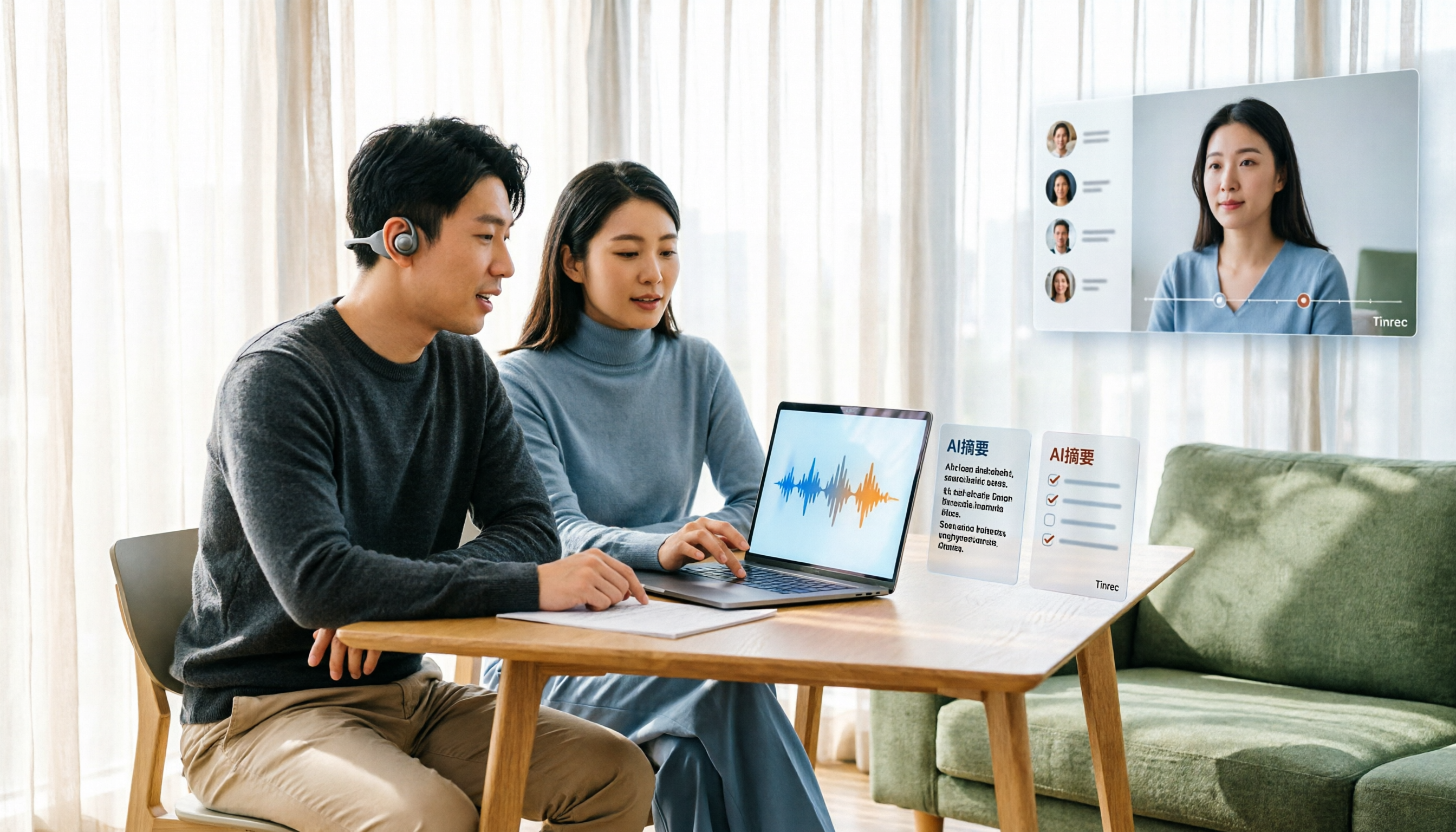
Tinrec Voice-to-Text App Review 2026: Is It Worth It? 4 Real-World Tests
Is a voice-to-text app actually useful? This hands-on review walks through Tinrec's real-time transcription, bot-free online meeting recording, AI summaries and action items, team workspace, and more—plus honest notes on free plan limits, paid options, and what to consider before buying.

Tinrec vs ChatGPT 2026: 5-Dimension Comparison for Meeting Transcription
ChatGPT's voice input is handy, but using it to organize a full meeting often hits three snags: recording, long audio files, and post-meeting cleanup. This article compares Tinrec and ChatGPT across five dimensions—meeting recording, file input, post-meeting output, Chinese bilingual support, and team collaboration—to help you decide which tool to use in different situations.

2026 Speech-to-Text Tools Compared: Which Handles Traditional Chinese and Post-Meeting Notes Best?
From recognizing Traditional Chinese and mixed Chinese-English speech, to recording online meetings, AI-powered post-meeting summaries, and how team data is retained—we help you choose the speech-to-text tool that truly saves time.
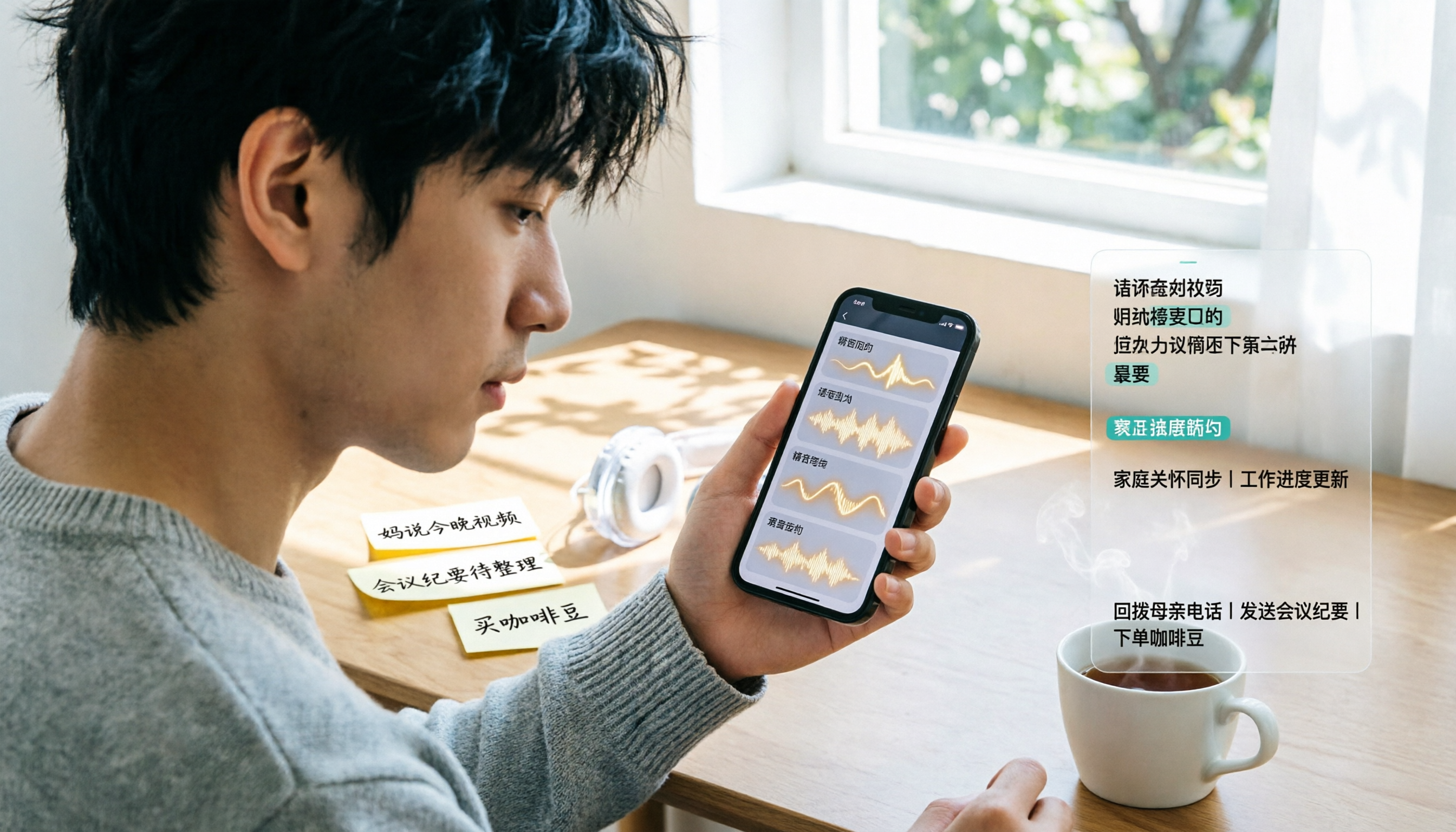
3 Ways to Transcribe WhatsApp Voice Messages in 2026: Built-in vs. Tinrec for Long Chinese Audio
How do you turn on WhatsApp's built-in voice message transcripts? What are the limitations? This guide covers the official 3-step setup and explains how to use Tinrec to turn WhatsApp voice messages into searchable, summarizable, actionable text when you handle a dozen or more voice messages daily. Includes 5 buying tips and FAQs.

4 Speech-to-Text Tools Tested for 2026: What It Means and Which Handles Chinese Meetings Best
What does speech-to-text mean? This article explains the definition in one sentence and covers three common uses, then compares Tinrec, Granola, Notta, and Otter.ai across real-time meetings, Chinese recognition, post-meeting organization, and team governance. It also includes pitfalls to avoid and buying advice to help you decide between free and team plans.

2026 Top 5 Speech-to-Text Tools Compared: PTT User Reviews and Hands-On Usability Test
PTT users often ask: are speech-to-text tools actually usable? Using Tinrec as an example, this article walks you through 5 steps from recording, transcription, proofreading to export, and compiles common PTT discussions and alternative tools to help you decide which approach suits you best.

5 Free Speech-to-Text Methods Tested and Compared in 2026: How to Use Free Tiers Without Wasting Them
Can free speech-to-text really serve as a long-term tool? Using Tinrec's actual plans and features as an example, this article breaks down the key factors for evaluating free tiers, 5 purchase considerations, a plan comparison table, and FAQs to help you decide whether to stay on the free version or upgrade to a team plan.

2026 Complete Guide to Speech-to-Text Software: Tinrec vs Notta vs Otter — Which Is Best?
Which speech-to-text software is best? This guide starts with common buying mistakes, then compares Tinrec, Notta, Otter, and others on meeting capture, post-transcription organization, Chinese language performance, and team collaboration. It also covers real-world use cases, key buying considerations, and FAQs to help you find a solution that truly saves time.

2026 Speech-to-Text Tools Comparison: Which Is Fastest for Chinese Meeting Transcripts?
Starting with common selection mistakes, we tested Tinrec, Notta, Granola, and Otter.ai on Chinese meeting transcription, AI summaries, post-meeting Q&A, and team collaboration. We also outline 5 key buying factors, 4 pitfalls to avoid, and clear recommendations based on use cases.