
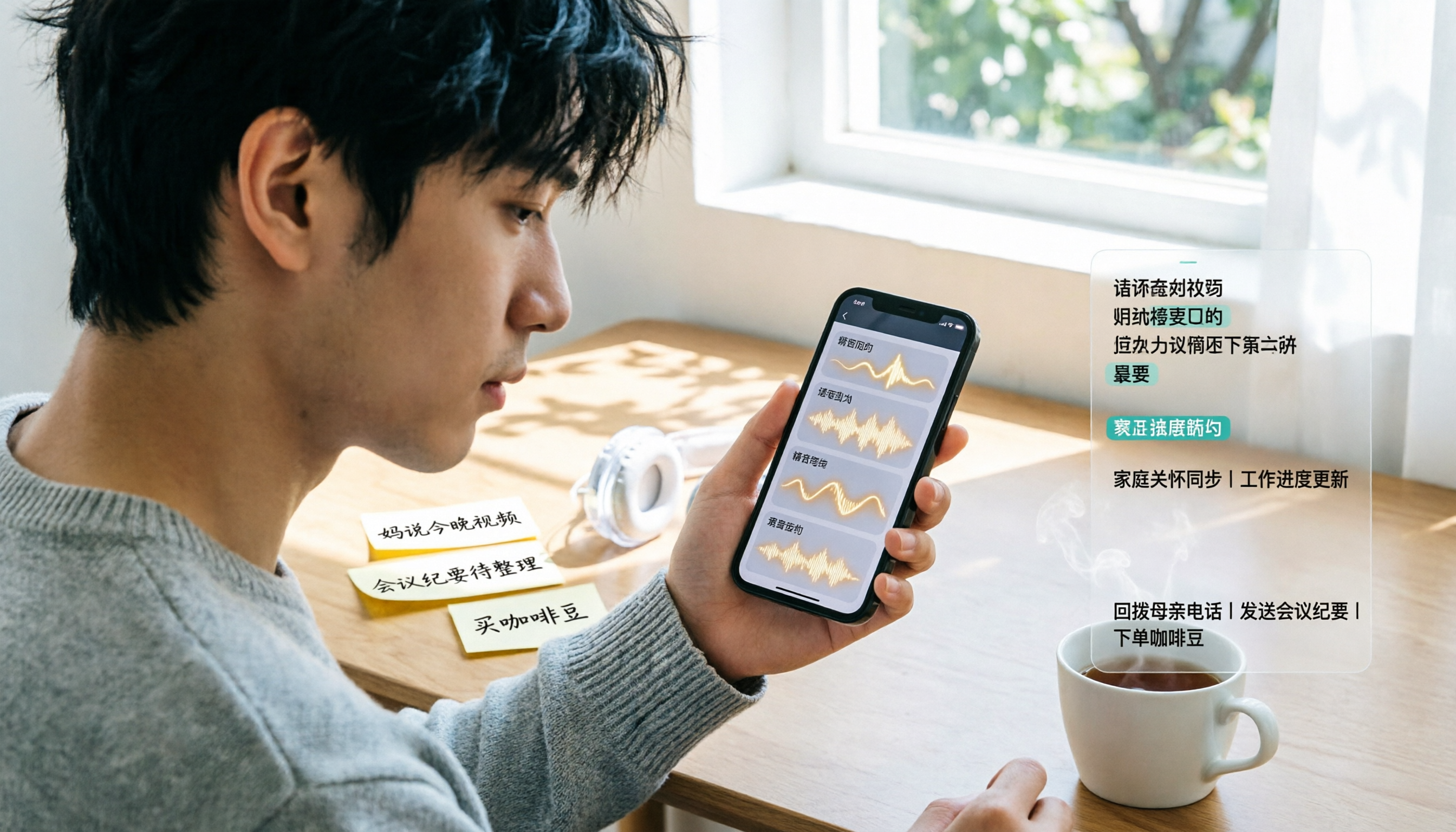
Turn recordings into transcripts and summaries in minutes
Upload audio or video for multilingual transcription, AI notes, and action items
You're in a client meeting when your phone buzzes three times—three WhatsApp voice messages, each nearly a minute long. You can't listen right then, so you wait until the meeting ends and sneak into the stairwell to catch up—only to find one was just a coworker asking what you want for lunch. Anyone who uses WhatsApp for business has been there.
There are three common approaches: use WhatsApp's built-in voice-to-text, use a general transcription tool, or hand it off to an AI meeting assistant like Tinrec. This article first explains the built-in feature clearly, then shows how to turn those voice messages into searchable, deliverable text when you're dealing with a dozen or more every day.
How to Turn On WhatsApp's Built-in Voice Message Transcripts: 3 Steps
WhatsApp introduced voice message transcripts in 2024, which convert received voice messages into text displayed right in the chat. Here's how to enable it:
- Open WhatsApp. On Android, tap the three-dot menu in the top right > Settings. On iPhone, tap Settings in the bottom right.
- Tap Chats > Voice message transcripts, select the language you want to transcribe, then tap Set up now.
- Go back to a chat, long-press a voice message, and tap Transcribe.
Transcription happens on your device, so WhatsApp and third parties can't read the content—a plus for privacy. But in practice, there are three things to keep in mind:
- You must manually trigger each transcription; it won't automatically transcribe all voice messages.
- You need to download the corresponding language pack first; available languages vary by device, and Android currently has fewer options than iPhone.
- Transcription doesn't appear instantly—it takes some time. If your phone's system language doesn't match the voice language, it may not work at all.
In other words, the built-in feature solves "I can't listen to this one right now," but it doesn't solve "How do I organize, archive, and find key points in these 20 voice messages?" That's where Tinrec comes in.
What Can WhatsApp Voice-to-Text Do for You? 4 Scenarios
Scenario 1: Mid-meeting, a client sends a 90-second requirement change
You can't pause the meeting to listen, but you can't miss the deadline either. Import that voice message's audio file into Tinrec, and it generates a transcript, automatically summarizing key points and action items—by the time the meeting ends, you already know what to reply, instead of staying late to catch up.
Scenario 2: A family group chat floods with a dozen voice messages
Elders often send voice messages one after another. Tinrec supports audio file transcription, so you can turn all those messages into a single text document, quickly scan who said what and whether anything needs your attention—no need to listen from the first to the last.
Scenario 3: Mixed Chinese-English client requests
"This spec needs to be confirmed again, and delivery moved up a week." Sentences like this are common on WhatsApp. Tinrec supports Chinese, Traditional Chinese, and multilingual content organization, and can display original text, translation, or bilingual view during recording—no need to switch tools when handling cross-language conversations.
Scenario 4: Turn voice messages into a to-do list
The biggest problem with voice messages is they're not searchable. When a client reads out an order number, address, or contract terms in a voice message, finding it later is like looking for a needle in a haystack. Tinrec extracts action items from discussions, and transcripts are searchable and copyable—you can save key info to your CRM or notes and find it later with a keyword.
Turning Voice into Usable Data: 5 Core Capabilities of Tinrec
1. Audio and video file transcription
Tinrec supports uploading existing audio and video files and quickly organizing them into text. WhatsApp voice messages, meeting recordings, and interview recordings can all go through the same workflow—no need to switch tools for different sources.
2. Desktop bot-free recording and real-time transcription
If you prefer WhatsApp on desktop, you can also use Tinrec's desktop app to capture system audio and transcribe in real time while playing voice messages—no need to invite any bot. The same mechanism works for recording Zoom, Google Meet, Microsoft Teams, Webex, and other online meetings.
3. AI summaries, chapters, and highlights
Tinrec doesn't just give you a transcript—it breaks long content into chapters and extracts discussion highlights. For conversations with a dozen or more voice messages, this is much faster than reading transcript after transcript.
4. AI Q&A and real-time translation
After transcription, you can ask Tinrec directly: "What delivery date did the client mention?" "How many action items are in this conversation?" It answers based on the content. For cross-language meetings, you can enable real-time translation and view in original, translated, or bilingual mode.
Stop organizing recordings by hand
Upload audio or video and automatically get a transcript, summary, and action items
5. Export and team knowledge retention
Organized results can be exported to Notion, Google Docs, OneNote, Dropbox, and other tools for further editing, or generate reports, tables, and meeting minutes. The team version centralizes this data in a shared team space, turning meeting content into a searchable, collaborative, traceable asset.
Real-World Use Cases: From Individuals to Teams
Sales and customer success
Client interviews, requirement discussions, and solution talks often happen on WhatsApp. After using Tinrec to turn these voice messages into transcripts and summaries, client needs, objections, and commitments are all documented—follow-ups don't rely on memory alone.
Project weekly meetings and cross-department meetings
Weekly meetings often focus on "what we said we'd do last time and where we are now." Tinrec extracts action items from meeting content, and the team version saves each meeting centrally—new members can look up historical data without asking "What was decided last time?"
Interviews and research
Researchers need to quote interviewees' exact words, and transcripts are essential. Tinrec preserves original speech and supports search, saving hours of typing when organizing viewpoints and quotes.
Personal knowledge management
Lecture recordings, spontaneous voice notes, and long-accumulated voice memos can all go into Tinrec and become searchable text. Over time, this data becomes your own database.
5 Things to Consider When Choosing a Voice-to-Text Tool
1. Chinese and mixed Chinese-English recognition performance
Don't just look at marketing claims—test with your own recordings. In practice, accuracy is affected by recording quality, noise, accents, overlapping speakers, and technical terms. Tinrec is designed for Chinese and multilingual scenarios and offers team hotwords to maintain recognition of technical terms.
2. Can it help you organize after transcription?
A transcript is just the first step. Tinrec provides summaries, chapters, action item extraction, and AI Q&A after transcription—that's where the real time savings come in.
3. Can audio files be saved and retrieved?
Some tools don't keep audio after transcription, so verifying later relies on memory. Tinrec keeps audio, and the team version has an audio recycle bin—deleted files can be restored before permanent cleanup (currently 30-day retention).
4. Cross-platform and input sources
Make sure the tool supports your devices and sources. Tinrec offers iOS, Android, web, and desktop versions, supporting real-time recording, online meetings, audio and video files, and more.
5. Team collaboration and governance
If voice messages are shared across a team, check how permissions are managed. Tinrec's team version distinguishes "roles" and "seats": roles determine who can manage the team and members, while seats determine whether a member can record, upload, edit, and export. Members who are active but have no seat can still view, play, and read team data. Team monthly pricing is USD 29.80 per paid seat per month, annual is USD 199 per paid seat per year (about USD 16.58 per month). Each paid seat provides 2,000 minutes of shared team import quota per month; eligible teams can enjoy a 7-day trial, 1 free seat, and 300 minutes of shared team import quota. Actual prices and benefits are subject to the official purchase page.
Frequently Asked Questions
Does WhatsApp voice-to-text support Chinese?
WhatsApp's built-in transcription language options vary by device, and you need to download the language pack first. If your voice messages are mainly Chinese or mixed Chinese-English, a tool designed for Chinese scenarios like Tinrec is more practical—it covers Chinese, Traditional Chinese, and multilingual content.
How long does transcription take?
WhatsApp's built-in transcription doesn't appear instantly—it takes some time. Tinrec's real-time transcription produces text as you record, so you can check for missed key points during the meeting.
Can the transcribed text be used directly?
Yes. Tinrec supports multiple export formats and can be taken to Notion, Google Docs, OneNote, Dropbox, and other tools for further editing, or generate reports, tables, and meeting minutes.
If a team shares one account, how do we divide voice message processing?
We recommend using a team space instead of sharing a personal account. Tinrec's team version is a separate team collaboration space where you can invite members, set owners, admins, and members, and assign or revoke seats. When a member leaves or loses their seat, their team resources are handed over to other active members—data doesn't leave with the person.
Are there privacy or legal issues with recording transcription?
Recording and transcribing conversations involving others should comply with local laws, and you should obtain consent when necessary. On the tool side, Tinrec's team version provides role permissions, seat management, usage analytics, and audit logs to help teams track important actions.
Conclusion
WhatsApp's built-in voice-to-text already solves "I can't listen right now," but it processes one message at a time—it can't help you organize twenty voice messages or turn content into searchable, deliverable data. If you handle a large volume of voice messages daily, or your team needs to share these communication records, Tinrec is a more complete solution: import or record, transcribe, auto-summarize and extract action items, ask follow-up questions when needed, and finally export or save to a team space. To see if it's a good fit, start with Tinrec's free version and try a few voice messages with the basic quota to see if the output is directly usable.
References
- WhatsApp Voice-to-Text Complete Guide: How to Enable and FAQs – AirDroid
- [Latest] WhatsApp Voice-to-Text 2026 Official Method!
- WhatsApp Voice-to-Text New Feature Is Here! See Android and iPhone Setup Methods
- Introducing Voice Message Transcripts - WhatsApp Blog
- WhatsApp Voice-to-Text: How to Set Up? Which Languages Are Supported? (With SME Use Cases)
Turn every recording into actionable outcomes
Get 60 free transcription minutes when you sign in. No credit card required.
Related Reading
You might also like

3 Short-Form Video Learning Tools Tested and Compared in 2026: Which One Saves the Most Time Turning Videos into Queryable Notes?
Short-form video learning is often inefficient not because you watch too little, but because you retain nothing. This article addresses common misconceptions, outlines four key factors for choosing a learning tool, and tests how Tinrec turns videos into transcripts, summaries, and queryable notes. It also compares Notta, TurboScribe, and built-in platform captions for different use cases.

How to Use Tinrec in 2026: 5 Steps to Transcribe Audio and Auto-Generate Meeting Minutes
Just finished a meeting and realized you need to submit minutes, but all you have is a recording? This guide uses Tinrec as an example to break down audio-to-text into 5 actionable steps: record, transcribe, proofread, generate meeting minutes, and export/share. It also covers FAQs, advanced tips, and advice on choosing between Personal and Team plans.

2026 Video Highlight Extraction Tools Compared: Which One Really Turns Long Videos into Key Points?
Long videos are hard to finish, but the problem isn't always time—it's that most tools only give you a transcript. This article uses 4 key points to help you decide which video highlight extraction tool to choose, and tests Tinrec, Monica, Reccap AI, and Vidnoz to see who each is best for, plus the most common pitfalls when teams use them.

Tinrec vs Traditional Notes in 2026: 5-Dimension Comparison to Boost Short-Form Video Learning Efficiency
How can you improve short-form video learning efficiency? This article compares Tinrec and traditional notes across 5 dimensions, showing you how to turn short videos into transcripts, AI summaries, chapters, and Q&A notes—from input to comprehension to output—so fragmented time truly becomes reviewable knowledge.
4 Ways to Convert LINE Voice to Text in 2026: Built-in Dictation, Shortcuts, and iOS 18 Compared
If you want to convert LINE voice to text, first figure out whether you need voice input or to turn received voice messages into text. This guide covers built-in dictation steps for iPhone and Android, iPhone Shortcuts scripts, iOS 18 Voice Memos, and third-party tools, plus how to use Tinrec to turn long recordings from meetings or interviews into transcripts, summaries, and action items.

Tinrec Voice-to-Text App Review 2026: Is It Worth It? 4 Real-World Tests
Is a voice-to-text app actually useful? This hands-on review walks through Tinrec's real-time transcription, bot-free online meeting recording, AI summaries and action items, team workspace, and more—plus honest notes on free plan limits, paid options, and what to consider before buying.

Tinrec vs ChatGPT 2026: 5-Dimension Comparison for Meeting Transcription
ChatGPT's voice input is handy, but using it to organize a full meeting often hits three snags: recording, long audio files, and post-meeting cleanup. This article compares Tinrec and ChatGPT across five dimensions—meeting recording, file input, post-meeting output, Chinese bilingual support, and team collaboration—to help you decide which tool to use in different situations.

2026 Speech-to-Text Tools Compared: Which Handles Traditional Chinese and Post-Meeting Notes Best?
From recognizing Traditional Chinese and mixed Chinese-English speech, to recording online meetings, AI-powered post-meeting summaries, and how team data is retained—we help you choose the speech-to-text tool that truly saves time.

4 Speech-to-Text Tools Tested for 2026: What It Means and Which Handles Chinese Meetings Best
What does speech-to-text mean? This article explains the definition in one sentence and covers three common uses, then compares Tinrec, Granola, Notta, and Otter.ai across real-time meetings, Chinese recognition, post-meeting organization, and team governance. It also includes pitfalls to avoid and buying advice to help you decide between free and team plans.