

Turn recordings into transcripts and summaries in minutes
Upload audio or video for multilingual transcription, AI notes, and action items
Tinrec vs ChatGPT 2026: 5-Dimension Comparison for Meeting Transcription
"Throw a recording into ChatGPT and a transcript will magically appear"—this is probably one of the most common misconceptions this year.
ChatGPT's built-in voice input is indeed handy. Speak your thoughts into your phone, and Whisper behind the scenes converts them to text. Then you can ask ChatGPT to fix typos, add punctuation, and even automatically paragraph—great for taking notes or drafting.
But if you want to turn a meeting into a usable record, this approach gets stuck. It won't record computer audio from Zoom or Teams, you have to figure out how to handle hour-long audio files yourself, you have to re-enter commands each time, and the output ends up scattered in chat threads. Finding the conclusion of the same meeting next time means scrolling up for a long time.
A more sensible approach is division of labor: give casual voice memos to ChatGPT, and give formal meeting records to a dedicated meeting tool.
Tinrec is an AI meeting notes and collaboration tool that takes the latter path. It supports web, desktop, and mobile. The free version offers basic quota to try recording, importing, summarizing, and transcribing. It's suitable for office workers who have meetings daily, project teams, and departments that need to retain meeting data. Below, we compare it with ChatGPT across five dimensions.
Tinrec vs ChatGPT | Quick Overview
First, the key difference: ChatGPT is a general-purpose AI assistant, strong in conversation, generation, and rewriting; Tinrec is a specialized meeting notes tool, strong in turning audio into "data you can continue working with."
The three most obvious differences: ChatGPT won't record meetings for you, but Tinrec's desktop version can; ChatGPT's output stays in the chat, while Tinrec saves transcripts, summaries, and action items as searchable data; ChatGPT has no concept of a team meeting database, while Tinrec's team version has spaces, seats, and auditing.
| Item | Tinrec | ChatGPT |
|---|---|---|
| Positioning | AI meeting notes and team collaboration tool | General AI chat assistant with built-in voice input in app |
| Meeting recording | Desktop captures system audio, no meeting bot needed | No meeting recording; you must record yourself and process |
| Input sources | Live recording, online meetings, audio and video files, mobile, some web links | Voice dictation, file upload (depends on interface and plan) |
| Post-meeting output | Transcript, summary, chapters, action items, mind map, AI Q&A, multi-format export | Text, summaries, or tables generated via chat commands |
| Team capabilities | Team spaces, roles, seats, usage analytics, audit logs, recycle bin | Mainly chat and workspace collaboration, not a meeting database |
| Pricing | Free version with basic quota; weekly card, Pro monthly and annual; team version $29.80/month per paid seat, $199/year per paid seat | Based on OpenAI's official plans |
The five dimensions compared in this article are: meeting recording and live transcription, long audio and multi-source input, post-meeting organization and output, Chinese and cross-language meetings, and team collaboration and data governance.
Dimension 1 | Meeting Recording and Live Transcription
ChatGPT's strength is "you speak, it types." Open the app, press voice input, speak your thoughts, and they become text. You can then ask it to polish. The catch: you have to speak into your phone, and it's your own notes.
Switch to an online meeting, and the flow breaks. ChatGPT won't capture the meeting audio playing on your computer; you have to record yourself first and then figure out how to feed the file in. The speaking order and who said what also need manual addition.
Tinrec's desktop version directly captures computer system audio, recording online meetings and generating transcripts simultaneously without inviting a meeting bot. It works with Zoom, Google Meet, Microsoft Teams, and Webex. For offline meetings, use mobile or desktop live recording to transcribe.
→ This dimension: As long as the scenario is a meeting, Tinrec wins.
Dimension 2 | Long Audio and Multi-Source Input
ChatGPT is better suited for audio you already have. Some tutorials mention that OpenAI's Playground can convert speech to text files, supporting multiple languages and file formats; after uploading, you can ask ChatGPT to translate, summarize, or tabulate smoothly.
The trouble is that meetings often last over an hour, files are large and formats varied, and the actual usable length and formats depend on the interface and plan you use.
Tinrec consolidates these entry points into one tool: supports audio and video file upload, mobile recording, live recording, and can also handle some public web link content. Uploaded meetings are stored centrally, so you can find a specific discussion later without digging through chat history.
Note that file import consumes plan quota; the actual available minutes depend on your version.
→ This dimension: Tinrec wins.
Stop organizing recordings by hand
Upload audio or video and automatically get a transcript, summary, and action items
Dimension 3 | Post-Meeting Organization and Usable Output
ChatGPT's organization ability is undeniable. Paste a transcript, ask it to smooth, punctuate, paragraph, or tabulate—usually works well. That's why many people love it.
The problem is you have to redo it every time: re-paste, re-command, re-tweak. And the output stays in the chat, with no fixed structure, hard to compare with other meetings.
Tinrec turns this into a fixed process. After transcription, it automatically generates AI summaries, chapters, and key points, extracts action items from discussions, and allows continued AI Q&A on meeting content. When you need deliverables, you can use Agent post-processing to generate reports, tables, and documents, then export to Notion, Google Docs, OneNote, Dropbox, etc.
For someone organizing a dozen meetings a month, the difference isn't "can it be done" but "do you have to redo it every time."
→ This dimension: Tinrec wins.
Dimension 4 | Chinese and Cross-Language Meetings
ChatGPT's Chinese polishing is indeed useful. Throw in a mixed Chinese-English transcript, and it can smooth sentences and add punctuation—no complaints there.
Tinrec builds Chinese meeting details into the process: Chinese and Traditional Chinese transcription, mixed Chinese-English organization, multilingual meeting transcription, real-time viewing of original, translated, or bilingual content during recording, and team glossaries to improve recognition of product names and proper nouns.
Actual results on both sides are affected by recording quality, background noise, accents, and overlapping speech. For important content, it's advisable to check against the original and recording.
→ This dimension: Chinese polishing is a tie; for real-time bilingual needs in meetings, Tinrec is more complete.
Dimension 5 | Team Collaboration and Data Governance
ChatGPT is essentially a conversational assistant. Transcripts stay in chat threads, with no concept of a team meeting database, and no management interfaces for seats, usage, or auditing.
Tinrec's team version is a separate team space, not a shared personal account. You can create and switch multiple teams, invite members via join links, set owners/admins/regular members, and use seats to determine who can record, upload, edit, and export. Clarify: roles govern governance, seats govern usage eligibility; valid members without seats can still view, play, and read team data.
Meeting resources belong to the team. When a member leaves or loses a seat, their responsible data must be handed over to other members. Admins can view usage trends, member rankings, and usage details, query and export audit logs, and restore accidentally deleted audio from the recycle bin (currently retained for 30 days).
Note that current sharing is mainly at the team level, not fine-grained file-level permissions. Keep this in mind when evaluating.
→ This dimension: Tinrec wins.
What Are the Unique Advantages of Each?
Tinrec's unique advantages:
- Record online meetings without a bot, so no extra account appears in the meeting list.
- Not just transcripts: summaries, chapters, action items, AI Q&A, Agent post-processing, and multi-format export form a workflow.
- Audio files are retained, transcripts have timestamps, and important content can be replayed for verification.
- Team data retention: spaces, roles, seats, usage, auditing, recycle bin, and team glossaries.
ChatGPT's unique advantages:
- Low barrier to entry: you can dictate using the chat interface you already use, no extra tool needed.
- Strong generation and rewriting capabilities, suitable for turning transcripts into articles, scripts, emails, or presentation outlines.
Conclusion: Which Should You Choose?
- You need to record Zoom, Meet, or Teams meetings without a meeting bot → Tinrec (desktop captures system audio).
- You want not just transcripts but also summaries, action items, and deliverable documents → Tinrec (complete post-meeting workflow).
- You organize many Chinese meetings monthly and need bilingual or translation → Tinrec (Chinese meetings, live translation, and team glossaries).
- You want to share meeting data with your team and manage members and usage → Tinrec team version.
- You just want to dictate thoughts into text and ask AI to polish or rewrite into articles → ChatGPT is sufficient.
In one sentence: ChatGPT is good for handling "text you already have," while Tinrec is good for handling the entire process "from recording to archiving a meeting." Most people who need meeting notes lack the latter. Try recording a meeting with the free version and see if the transcript and summary are directly usable.
FAQ
Q1: Is ChatGPT's speech-to-text accurate?
ChatGPT's voice input is designed for you to "speak to it." Short paragraphs with clear accents usually perform well. For full meeting recordings, overlapping speech, background noise, and technical terms will degrade performance.
Q2: Does Tinrec have a free version?
Yes, the free version offers basic quota to try recording, importing, summarizing, and transcribing. If you only occasionally organize a recording, start with the free version.
Q3: Can Tinrec handle Zoom, Google Meet, and Microsoft Teams meetings?
Yes, via the desktop version capturing computer system audio for recording and live transcription, without a meeting bot. Note that you must actively open Tinrec to start recording; it's not a bot that automatically joins all calendar meetings.
Q4: What if the audio file is too long for ChatGPT?
For long meetings, it's better to use a dedicated transcription tool first, then bring the transcript or summary into ChatGPT for further rewriting. Using both together saves more time than forcing one tool.
Q5: What's the difference between the team version and personal version?
Personal version data belongs to the individual account; the team version is a separate space where meeting resources belong to the team, plus management capabilities like members, roles, seats, sharing rights, usage analytics, audit logs, and recycle bin.
Q6: What should I note before recording?
Different regions have different legal requirements for recording and transcription. Check local regulations and obtain consent from participants if necessary before recording.
References
- How to use ChatGPT App's "speech-to-text" for meeting notes or notes to improve output efficiency? - TNL The News Lens
- 5 tips for quickly converting meeting speech transcripts into perfect article tables with ChatGPT
- ChatGPT - Writing Assistant - Speech to Text
- ChatGPT Text-to-Speech Tutorial [2025 Latest] - Edimakor
- Quickly generate meeting speech transcripts with AI, all free! #ChatGPT
Turn every recording into actionable outcomes
Get 60 free transcription minutes when you sign in. No credit card required.
Related Reading
You might also like

3 Short-Form Video Learning Tools Tested and Compared in 2026: Which One Saves the Most Time Turning Videos into Queryable Notes?
Short-form video learning is often inefficient not because you watch too little, but because you retain nothing. This article addresses common misconceptions, outlines four key factors for choosing a learning tool, and tests how Tinrec turns videos into transcripts, summaries, and queryable notes. It also compares Notta, TurboScribe, and built-in platform captions for different use cases.

How to Use Tinrec in 2026: 5 Steps to Transcribe Audio and Auto-Generate Meeting Minutes
Just finished a meeting and realized you need to submit minutes, but all you have is a recording? This guide uses Tinrec as an example to break down audio-to-text into 5 actionable steps: record, transcribe, proofread, generate meeting minutes, and export/share. It also covers FAQs, advanced tips, and advice on choosing between Personal and Team plans.

2026 Video Highlight Extraction Tools Compared: Which One Really Turns Long Videos into Key Points?
Long videos are hard to finish, but the problem isn't always time—it's that most tools only give you a transcript. This article uses 4 key points to help you decide which video highlight extraction tool to choose, and tests Tinrec, Monica, Reccap AI, and Vidnoz to see who each is best for, plus the most common pitfalls when teams use them.

Tinrec vs Traditional Notes in 2026: 5-Dimension Comparison to Boost Short-Form Video Learning Efficiency
How can you improve short-form video learning efficiency? This article compares Tinrec and traditional notes across 5 dimensions, showing you how to turn short videos into transcripts, AI summaries, chapters, and Q&A notes—from input to comprehension to output—so fragmented time truly becomes reviewable knowledge.
4 Ways to Convert LINE Voice to Text in 2026: Built-in Dictation, Shortcuts, and iOS 18 Compared
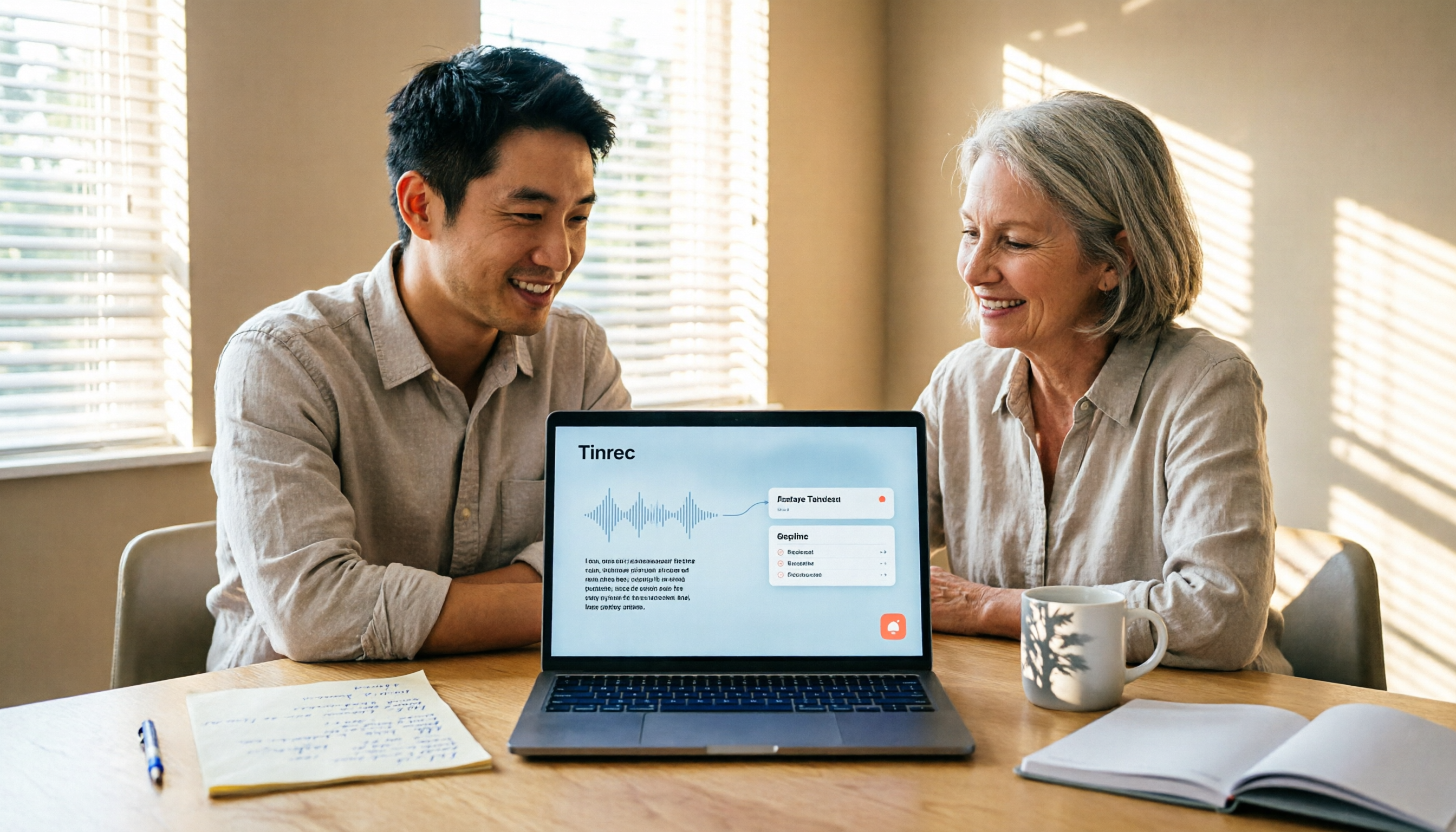
If you want to convert LINE voice to text, first figure out whether you need voice input or to turn received voice messages into text. This guide covers built-in dictation steps for iPhone and Android, iPhone Shortcuts scripts, iOS 18 Voice Memos, and third-party tools, plus how to use Tinrec to turn long recordings from meetings or interviews into transcripts, summaries, and action items.

Tinrec Voice-to-Text App Review 2026: Is It Worth It? 4 Real-World Tests
Is a voice-to-text app actually useful? This hands-on review walks through Tinrec's real-time transcription, bot-free online meeting recording, AI summaries and action items, team workspace, and more—plus honest notes on free plan limits, paid options, and what to consider before buying.

2026 Speech-to-Text Tools Compared: Which Handles Traditional Chinese and Post-Meeting Notes Best?
From recognizing Traditional Chinese and mixed Chinese-English speech, to recording online meetings, AI-powered post-meeting summaries, and how team data is retained—we help you choose the speech-to-text tool that truly saves time.
3 Ways to Transcribe WhatsApp Voice Messages in 2026: Built-in vs. Tinrec for Long Chinese Audio
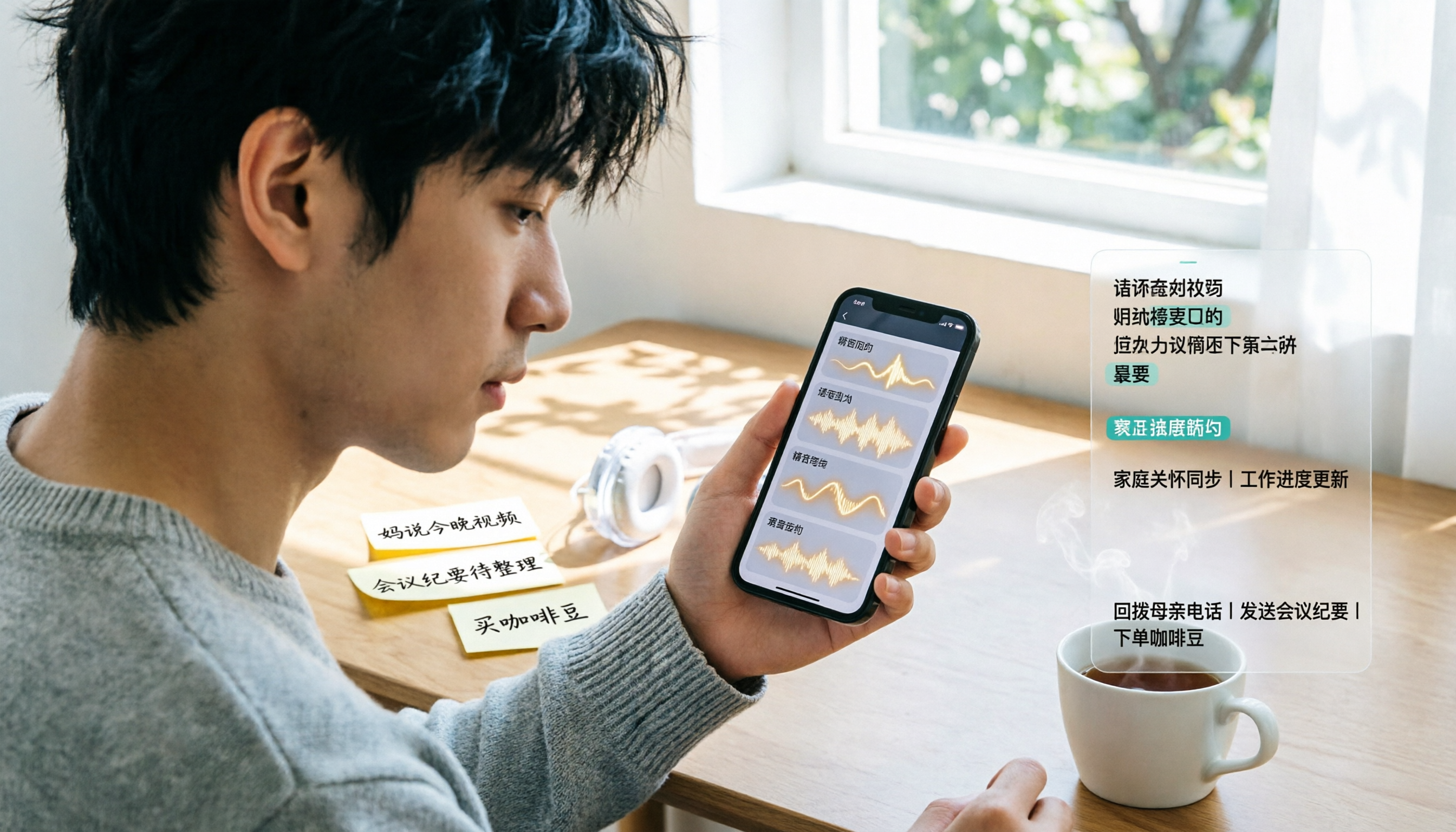
How do you turn on WhatsApp's built-in voice message transcripts? What are the limitations? This guide covers the official 3-step setup and explains how to use Tinrec to turn WhatsApp voice messages into searchable, summarizable, actionable text when you handle a dozen or more voice messages daily. Includes 5 buying tips and FAQs.

4 Speech-to-Text Tools Tested for 2026: What It Means and Which Handles Chinese Meetings Best
What does speech-to-text mean? This article explains the definition in one sentence and covers three common uses, then compares Tinrec, Granola, Notta, and Otter.ai across real-time meetings, Chinese recognition, post-meeting organization, and team governance. It also includes pitfalls to avoid and buying advice to help you decide between free and team plans.