
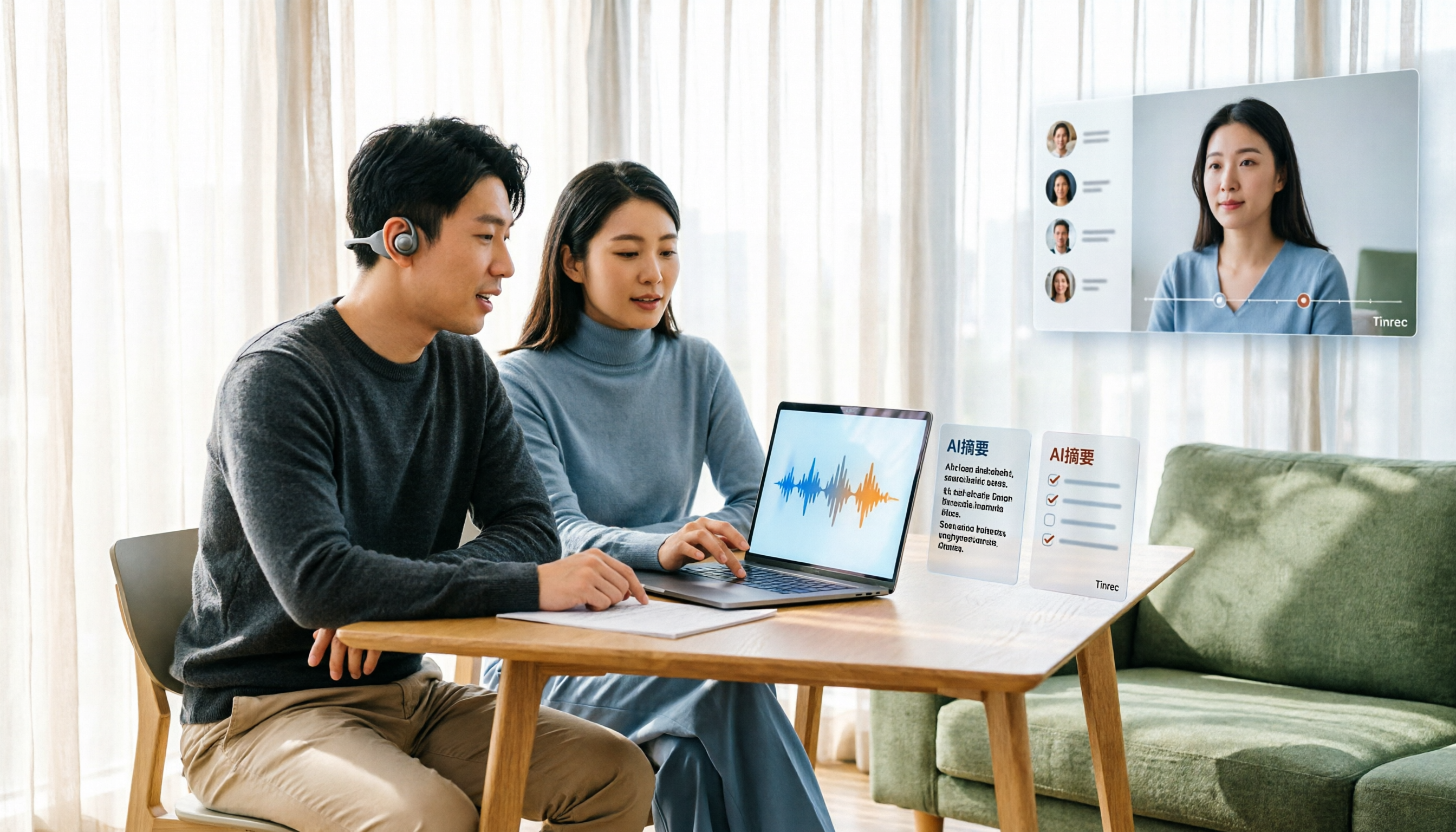
Turn recordings into transcripts and summaries in minutes
Upload audio or video for multilingual transcription, AI notes, and action items
Tinrec Voice-to-Text App Review 2026: Is It Worth It? 4 Real-World Tests
You finish a one-hour meeting, and the recording just sits there on your phone. You never feel like opening it up and listening to the whole thing again.
That's probably the complaint I hear most from readers. It's not that they don't want to organize meeting content—it's that voice-to-text apps always seem to have one or two steps that trip you up.
This article answers a straightforward question: Are today's voice-to-text apps actually any good? And what is Tinrec really like to use, and who is it for?
Why do so many people download a voice-to-text app and still find it lacking?
Voice-to-text has improved a lot in recent years. According to a roundup by mybest, generative AI lets systems judge wording based on context, greatly improving recognition accuracy, and apps have been adding features like timestamps, noise reduction, and translation.
But stronger tools don't automatically mean a smoother experience. In practice, there are roughly three common pain points.
The first is "what happens after transcription." You get the transcript, but a meeting turns into dozens of pages of text, and you still have to read through it yourself to find the key points. 104's Workplace Power also notes that some free tools have lower recognition accuracy, so you still need to check the output yourself.
The second is "files are hard to find." In the reviews section of voice-to-text apps on Google Play, users have reported that generated files don't appear at the top of the list—you have to dig into a notes list to find them, which is a bit of a hassle.
The third is "it doesn't help the team." Recordings live in a personal account, so colleagues have to be sent a copy; when a member leaves, the data trail breaks.
If you've run into similar situations, Tinrec's design approach is worth a look.
How is Tinrec different from common voice-to-text apps?
Input sources: Can it handle online meetings?
Many transcription tools are strong at "uploading files," but to record an online meeting you have to invite a meeting bot to join as a participant. Tinrec supports importing audio and video files, and the desktop version can directly capture your computer's system audio to handle online meetings on Zoom, Google Meet, Microsoft Teams, Webex, and similar platforms—no extra bot hanging around in the meeting room.
After transcription: The transcript is just the starting point
Tools that only give you a transcript leave the organizing to you. Tinrec goes on to generate summaries, chapters, and key points, turns action items from the discussion into to-dos, and lets you keep asking follow-up questions about the meeting content with AI Q&A.
Chinese-language experience: Handles mixed Chinese and English
Tinrec covers Chinese, Traditional Chinese, and multilingual meeting scenarios, supports mixed Chinese-English content organization, real-time translation during recording, and viewing the original text, translation, or bilingual side-by-side. The team version also offers hotword management, so you can add your team's commonly used technical terms.
Data ownership: Personal files or team assets
This is where I think the biggest difference lies. Tinrec's team version is a separate team workspace, and meeting data belongs to the team—it doesn't disappear when an individual member leaves. Admins can manage member roles and seats, view usage trends, query and export audit logs, and use an audio recycle bin to handle accidental deletions.
Plan flexibility: Choose by usage frequency, no long-term commitment required
Tinrec's personal version offers a free plan, weekly pass, Pro monthly, and Pro annual, corresponding to different levels of use from "occasionally transcribing a recording" to "long-term accumulation of meeting data." The team version is USD 29.80 per paid seat per month, or USD 199 per paid seat per year (about USD 16.58 per month); each paid seat provides 2,000 minutes of shared team import quota per month.
Tinrec's core features at a glance
Real-time recording to text
Open Tinrec and start recording—text appears simultaneously. Great for in-person meetings, interviews, and on-site notes. You can check key points as the meeting goes, and the transcript is ready the moment you finish.
Bot-free online meeting recording
The desktop version captures system audio to record online meetings without inviting an extra bot. Note: this is not "automatically join every meeting on your calendar"—the user actively starts the recording.
AI summaries, chapters, and action items
The most time-consuming part of a long meeting is finding the key points. Tinrec organizes content into summaries and chapters, extracts action items from the discussion, and saves you from copying follow-ups one by one after the meeting.
Stop organizing recordings by hand
Upload audio or video and automatically get a transcript, summary, and action items
AI Q&A
After recording a meeting, you can directly ask "What was the conclusion of this meeting?" or "Who is responsible for which item?" It answers based on semantic understanding, so you don't have to manually scan the entire transcript.
Multi-format export and further processing
Organized results can be exported to Notion, Google Docs, OneNote, Dropbox, and other tools for continued use, and can also generate reports, tables, and meeting minutes.
Real-world use cases
Weekly project meetings
For a weekly project meeting, the biggest fear is that last week's conclusions are forgotten this week. Record the whole meeting with Tinrec, and summaries and action items are generated automatically. Paste them into the team workspace after the meeting, and a quick review before next week's meeting gets you back up to speed.
Client interviews and requirements discussions
During interviews, clients talk fast and information is scattered—it's hard to take complete notes in the moment. Use Tinrec to record and transcribe simultaneously, then ask questions directly against the transcript afterward to quickly organize requirements, objections, and commitments.
Classes and lectures
Re-listening to a one-hour class recording takes another hour. Tinrec's chapters and summaries let you jump straight to the section you want to review, and go back to the transcript for details when needed.
Team knowledge accumulation
For a team, the most valuable thing is whether new hires can see past discussions. The team workspace keeps historical meetings in one place, so new members can search and review after joining—data isn't locked in someone's phone.
What to look for when choosing a voice-to-text app
Are input sources diverse?
Tools that only support file uploads leave you scrambling for online meetings. When choosing, check whether it supports real-time recording, online meetings, and existing files all at once.
Can you use the output directly after transcription?
The transcript is just raw material. Look for whether the tool offers summaries, action items, Q&A, and other post-processing—this often affects real efficiency more than recognition speed.
Chinese and mixed Chinese-English performance
Meetings in Taiwan often mix Chinese and English. When testing, run a real recording from your own work—that's more accurate than any spec sheet.
Who owns the data when used by a team?
If meeting data needs to be shared by multiple people, confirm it has a separate team workspace, member and seat management—not just "multiple people sharing one account."
Quota and pricing
Free plans usually have usage caps, and paid plans use different pricing units (per person per month, per seat). Clarify your usage frequency first, then choose a plan—it'll be more cost-effective.
Summary: Is Tinrec worth it?
Back to the original question. Is Tinrec good? I think for "meeting notes and post-meeting organization," it genuinely saves a lot of time.
It focuses on three things: recording online meetings without a meeting bot, providing summaries, action items, and Q&A after the transcript, and turning meeting data into a searchable team asset.
It's not necessarily for everyone. If you only occasionally need to convert a short recording to text, the free plan or a lightweight tool is enough. But if you have meetings to attend and organize every week, or your team needs a shared meeting database, Tinrec deserves a spot on your comparison list.
I suggest starting with the free plan, running one of your own real meeting recordings through it, and seeing whether the output quality and follow-up workflow fit your habits.
FAQ
Q1: Is Tinrec's free plan enough?
The free plan provides a basic quota and lets you try recording, importing, summaries, and transcription. If you don't use it often, running a few of your own recordings through the free plan will help you judge better than just looking at a plan table.
Q2: What platforms does Tinrec support?
Tinrec covers mobile, desktop, and web. Online meetings are recorded via the desktop version capturing system audio, and it can handle meeting audio played on a computer from Zoom, Google Meet, Microsoft Teams, Webex, and similar platforms.
Q3: What is the recognition accuracy rate?
Tinrec does not recommend promising a fixed accuracy rate publicly. Actual recognition results are affected by recording quality, ambient noise, accents, overlapping speakers, and technical terms. The practical approach: for important content, cross-check with transcript timestamps and recording playback.
Q4: What's the difference between the team version and the personal version?
Personal version data is managed under an individual account. The team version provides a separate team workspace, meeting data belongs to the team, and adds capabilities like members, roles, seats, shared benefits, usage analytics, audit logs, and an audio recycle bin.
Q5: Can all team members edit data?
The team version separates "roles" and "seats." Active members can view, play, and read team data even without a seat; only after obtaining a seat can they record, upload, edit, and export.
Q6: What should I pay attention to before recording?
Recording and transcription involve others' privacy and local regulations. It's recommended to get participants' consent before recording, and handle meeting recordings and subsequent use in accordance with the rules in your region.
References
- Voice-to-Text - Google Play App
- Expert-Reviewed Top 10 Audio-to-Text Recommendations | mybest
- Yating Transcript App - App Store
- SoundType AI Ultra-Precise Transcript, Voice-to-Text, AI Dictation - Google Play App
- No Time Limit! 3 Free AI Transcript Tools, Highly Recommended! AI Voice Notes Generate Meeting Minutes, Presentations, Mind Maps | 104 Workplace Power
Turn every recording into actionable outcomes
Get 60 free transcription minutes when you sign in. No credit card required.
Related Reading
You might also like

3 Short-Form Video Learning Tools Tested and Compared in 2026: Which One Saves the Most Time Turning Videos into Queryable Notes?
Short-form video learning is often inefficient not because you watch too little, but because you retain nothing. This article addresses common misconceptions, outlines four key factors for choosing a learning tool, and tests how Tinrec turns videos into transcripts, summaries, and queryable notes. It also compares Notta, TurboScribe, and built-in platform captions for different use cases.
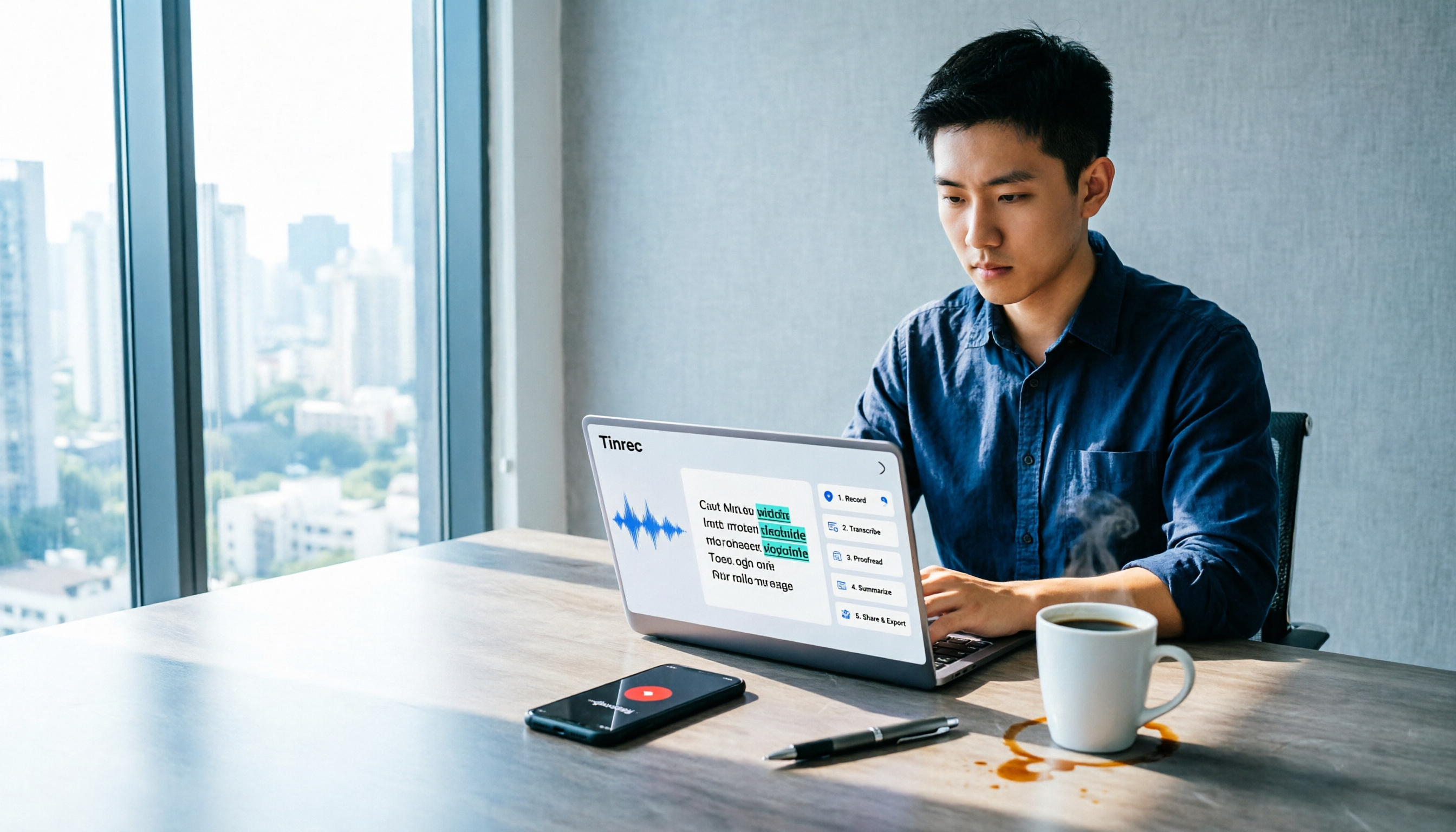
How to Use Tinrec in 2026: 5 Steps to Transcribe Audio and Auto-Generate Meeting Minutes
Just finished a meeting and realized you need to submit minutes, but all you have is a recording? This guide uses Tinrec as an example to break down audio-to-text into 5 actionable steps: record, transcribe, proofread, generate meeting minutes, and export/share. It also covers FAQs, advanced tips, and advice on choosing between Personal and Team plans.

2026 Video Highlight Extraction Tools Compared: Which One Really Turns Long Videos into Key Points?
Long videos are hard to finish, but the problem isn't always time—it's that most tools only give you a transcript. This article uses 4 key points to help you decide which video highlight extraction tool to choose, and tests Tinrec, Monica, Reccap AI, and Vidnoz to see who each is best for, plus the most common pitfalls when teams use them.

Tinrec vs Traditional Notes in 2026: 5-Dimension Comparison to Boost Short-Form Video Learning Efficiency
How can you improve short-form video learning efficiency? This article compares Tinrec and traditional notes across 5 dimensions, showing you how to turn short videos into transcripts, AI summaries, chapters, and Q&A notes—from input to comprehension to output—so fragmented time truly becomes reviewable knowledge.
4 Ways to Convert LINE Voice to Text in 2026: Built-in Dictation, Shortcuts, and iOS 18 Compared
If you want to convert LINE voice to text, first figure out whether you need voice input or to turn received voice messages into text. This guide covers built-in dictation steps for iPhone and Android, iPhone Shortcuts scripts, iOS 18 Voice Memos, and third-party tools, plus how to use Tinrec to turn long recordings from meetings or interviews into transcripts, summaries, and action items.

Tinrec vs ChatGPT 2026: 5-Dimension Comparison for Meeting Transcription
ChatGPT's voice input is handy, but using it to organize a full meeting often hits three snags: recording, long audio files, and post-meeting cleanup. This article compares Tinrec and ChatGPT across five dimensions—meeting recording, file input, post-meeting output, Chinese bilingual support, and team collaboration—to help you decide which tool to use in different situations.

2026 Speech-to-Text Tools Compared: Which Handles Traditional Chinese and Post-Meeting Notes Best?
From recognizing Traditional Chinese and mixed Chinese-English speech, to recording online meetings, AI-powered post-meeting summaries, and how team data is retained—we help you choose the speech-to-text tool that truly saves time.
3 Ways to Transcribe WhatsApp Voice Messages in 2026: Built-in vs. Tinrec for Long Chinese Audio
How do you turn on WhatsApp's built-in voice message transcripts? What are the limitations? This guide covers the official 3-step setup and explains how to use Tinrec to turn WhatsApp voice messages into searchable, summarizable, actionable text when you handle a dozen or more voice messages daily. Includes 5 buying tips and FAQs.

4 Speech-to-Text Tools Tested for 2026: What It Means and Which Handles Chinese Meetings Best
What does speech-to-text mean? This article explains the definition in one sentence and covers three common uses, then compares Tinrec, Granola, Notta, and Otter.ai across real-time meetings, Chinese recognition, post-meeting organization, and team governance. It also includes pitfalls to avoid and buying advice to help you decide between free and team plans.