

Turn recordings into transcripts and summaries in minutes
Upload audio or video for multilingual transcription, AI notes, and action items
Tinrec vs Traditional Notes in 2026: 5-Dimension Comparison to Boost Short-Form Video Learning Efficiency
If you scroll through a lot of educational short videos every day but forget them as soon as you look away, the problem usually isn't that you're not trying hard enough—it's that you're only using "watching" to learn. This article compares Tinrec and traditional notes across 5 dimensions to directly show you how to improve short-form video learning efficiency.
What Can Short-Form Video Learning Efficiency Do for You?
Scenario 1: Grasp the key points of a 10-minute educational short video in 5 minutes Previously, you might have had to drag the progress bar back and forth and take notes while watching. Take Tinrec as an example: after importing a video file or a link to some public videos, it generates a transcript, AI summary, and chapters. You can read the summary first and then go back to verify the sections, which speeds up comprehension significantly.
Scenario 2: Turn lecture-style short videos into searchable transcripts Tinrec's transcripts support search and review. When you want to find "that research method mentioned earlier" or "the third step," you no longer need to rewatch the entire video.
Scenario 3: Cross-language short videos with real-time translation Tinrec supports real-time translation, allowing you to view the original text, translation, or bilingual content. For learning from English, Japanese, and other short videos, this lowers the language barrier.
Scenario 4: Organize a series of short videos into study notes and to-dos Tinrec can extract to-dos and key points from content, and you can also use AI Q&A to ask follow-up questions like "What are the three conclusions of this video?" This connects scattered short videos into reviewable material.
What Are the Core Capabilities of Short-Form Video Learning Efficiency?
Capability 1: Video and audio to transcript Tinrec supports transcription of audio and video files, and can also process links to some public videos. For short videos you've already downloaded or recorded, you can import them directly and convert them to text, solving the pain point of "can't find the key points after watching."
Capability 2: AI summary and chapters Tinrec automatically generates summaries and chapters, breaking long content into an easy-to-browse structure. Although short videos are short, watching a series adds up to a lot of information—chapters are essential for quick review.
Capability 3: AI Q&A After transcription is complete, you can directly ask Tinrec: "What three methods does this video mention?" "What is the author's evaluation of a certain tool?" It answers based on the semantic content, which is closer to understanding than keyword search.
Capability 4: Real-time translation and bilingual viewing Tinrec supports real-time translation during recording, and you can view content in original, translated, or bilingual mode. When learning a foreign language from short videos, you can first read the bilingual transcript and then extract unfamiliar segments for review.
Capability 5: Export and post-processing Tinrec supports export in multiple formats and can also generate reports, tables, and documents through Agent post-processing. You can take your short video notes to your commonly used note-taking and cloud document tools for further editing.
Capability 6: Team space for accumulating learning materials If you're in a study group or company book club, Tinrec's team version can centralize transcripts, summaries, and to-dos in a team space. Members can view historical materials, and administrators can manage seats and usage.
Practical Application Scenarios
Scenario A: 3 educational short videos per day Use Tinrec to import or record audio, first read the AI summary, then select key sections to read in the transcript. Finally, combine the to-dos from the 3 videos into one action list.
Stop organizing recordings by hand
Upload audio or video and automatically get a transcript, summary, and action items
Scenario B: Highlights from online courses and lectures Import course videos into Tinrec to generate chapters and key points. When reviewing, jump directly to unfamiliar chapters without rewatching two hours.
Scenario C: Language learning short videos Use Tinrec's real-time translation and bilingual transcript to first understand the content, then export commonly used sentences into your own sentence pattern library.
Scenario D: Study groups or team book clubs Create a Tinrec team space to centrally save weekly short video insights, transcripts, and to-dos. When members leave or seats are adjusted, team materials remain in the team space and won't disappear with individual accounts.
5 Things to Consider When Choosing a Short-Form Video Learning Tool
- Chinese and multilingual transcription: Don't just look at English demos. Tinrec covers Chinese, Traditional Chinese, and multilingual scenarios, but actual results are still affected by recording quality, accents, and technical terminology.
- Can you organize after transcription: A transcript is just the first step. Tinrec provides AI summaries, chapters, to-dos, and AI Q&A to help you turn content into reviewable notes.
- Video import methods: Confirm whether the tool can handle the video files, audio files, or links to some public videos you have. Tinrec supports file import and links to some public videos, making short video learning smoother.
- Cross-platform use: You might watch short videos on your phone and organize notes on your computer. Tinrec has iOS, Android, and web versions, and the desktop version can also handle online meeting audio.
- Team collaboration and data accumulation: If you're in a book club or study group, Tinrec's team version provides team spaces, member roles, seat management, usage analytics, and audit logs, so learning materials don't get scattered across personal devices.
Frequently Asked Questions
Q1: How can I improve short-form video learning efficiency? A: First, turn "watched" into "searchable, summarizable, and queryable." Use Tinrec to convert short videos into transcripts and AI summaries, then ask AI about parts you don't understand, and finally export them as your own notes. This turns fragmented time into reviewable knowledge.
Q2: What short videos can Tinrec handle? A: Tinrec can process audio and video files, and can also handle links to some public videos as a supplement. The actual support range varies by platform and link status.
Q3: Can I use Tinrec to learn foreign languages? A: Yes. Tinrec supports real-time translation and allows you to view content in original, translated, or bilingual mode, making it suitable for listening and reading practice with foreign language short videos.
Q4: Is Tinrec's free version enough? A: If you only occasionally organize short videos, the free version lets you try the basic quota first. If you have steady learning needs every week, consider Pro or the annual plan; for short-term intensive use, a weekly plan is also available.
Q5: Can teams use Tinrec for learning? A: Yes. Tinrec's team version provides an independent team space where you can invite members, assign seats, share meetings and import benefits, and view usage and audits. The first eligible team trial is 7 days, 1 free seat, and 300 minutes of shared team import quota; paid seats provide 2,000 minutes of shared team import quota per month. Actual prices and benefits are subject to the official purchase page.
Conclusion
The key to short-form video learning efficiency isn't watching more—it's turning what you've watched into searchable, summarizable, and queryable material. Tinrec connects the entire short video learning process from transcript, AI summary, chapters, and to-dos to AI Q&A. If you scroll through educational short videos every day but often forget them right after watching, start with Tinrec's free version and turn your next video into your first reviewable note.
References
- How to Improve Learning Efficiency? Don't Say You Learn Efficiently Until You've Tried These 5 Methods - PressPlay
- The Impact of Short Videos on Children's Learning | Hsin-Yi Parenting | Hsin-Yi Foundation | Age-Appropriate Parenting, Parents' Best Helper
- Efficient Learning Methods: Six Secrets to Improve Learning Efficiency - ProcessOn
- Break Through Learning Plateaus: Master "Time Management" and "Note Organization" to Improve Learning Efficiency - Hot Topics
- The Impact of Online Video Teaching on Learning Outcomes: A Case Study of an Introduction to Information Applications Course
Turn every recording into actionable outcomes
Get 60 free transcription minutes when you sign in. No credit card required.
Related Reading
You might also like

3 Short-Form Video Learning Tools Tested and Compared in 2026: Which One Saves the Most Time Turning Videos into Queryable Notes?
Short-form video learning is often inefficient not because you watch too little, but because you retain nothing. This article addresses common misconceptions, outlines four key factors for choosing a learning tool, and tests how Tinrec turns videos into transcripts, summaries, and queryable notes. It also compares Notta, TurboScribe, and built-in platform captions for different use cases.

How to Use Tinrec in 2026: 5 Steps to Transcribe Audio and Auto-Generate Meeting Minutes
Just finished a meeting and realized you need to submit minutes, but all you have is a recording? This guide uses Tinrec as an example to break down audio-to-text into 5 actionable steps: record, transcribe, proofread, generate meeting minutes, and export/share. It also covers FAQs, advanced tips, and advice on choosing between Personal and Team plans.

2026 Video Highlight Extraction Tools Compared: Which One Really Turns Long Videos into Key Points?
Long videos are hard to finish, but the problem isn't always time—it's that most tools only give you a transcript. This article uses 4 key points to help you decide which video highlight extraction tool to choose, and tests Tinrec, Monica, Reccap AI, and Vidnoz to see who each is best for, plus the most common pitfalls when teams use them.
4 Ways to Convert LINE Voice to Text in 2026: Built-in Dictation, Shortcuts, and iOS 18 Compared
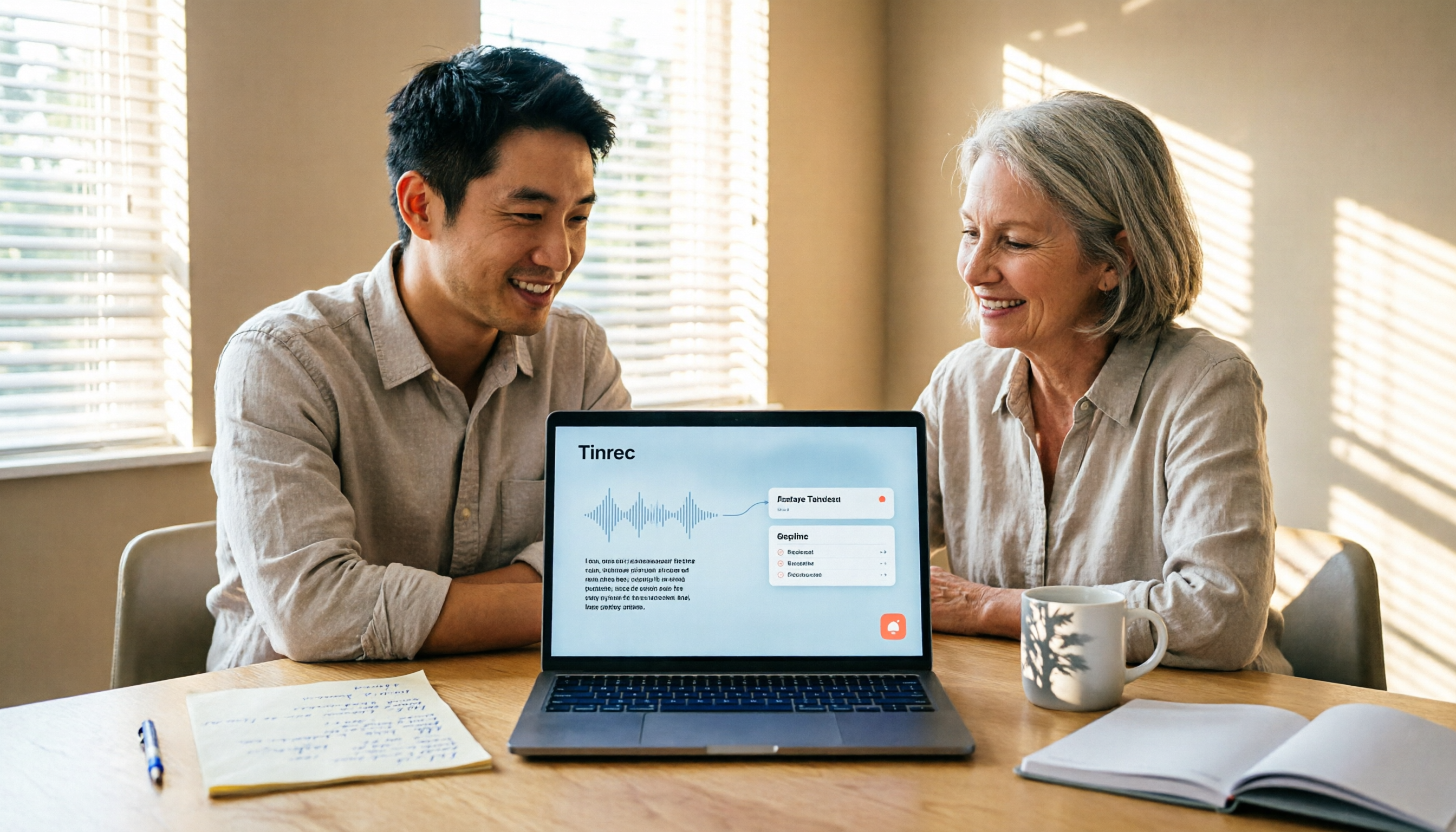
If you want to convert LINE voice to text, first figure out whether you need voice input or to turn received voice messages into text. This guide covers built-in dictation steps for iPhone and Android, iPhone Shortcuts scripts, iOS 18 Voice Memos, and third-party tools, plus how to use Tinrec to turn long recordings from meetings or interviews into transcripts, summaries, and action items.

Tinrec Voice-to-Text App Review 2026: Is It Worth It? 4 Real-World Tests
Is a voice-to-text app actually useful? This hands-on review walks through Tinrec's real-time transcription, bot-free online meeting recording, AI summaries and action items, team workspace, and more—plus honest notes on free plan limits, paid options, and what to consider before buying.

Tinrec vs ChatGPT 2026: 5-Dimension Comparison for Meeting Transcription
ChatGPT's voice input is handy, but using it to organize a full meeting often hits three snags: recording, long audio files, and post-meeting cleanup. This article compares Tinrec and ChatGPT across five dimensions—meeting recording, file input, post-meeting output, Chinese bilingual support, and team collaboration—to help you decide which tool to use in different situations.

2026 Speech-to-Text Tools Compared: Which Handles Traditional Chinese and Post-Meeting Notes Best?
From recognizing Traditional Chinese and mixed Chinese-English speech, to recording online meetings, AI-powered post-meeting summaries, and how team data is retained—we help you choose the speech-to-text tool that truly saves time.
3 Ways to Transcribe WhatsApp Voice Messages in 2026: Built-in vs. Tinrec for Long Chinese Audio
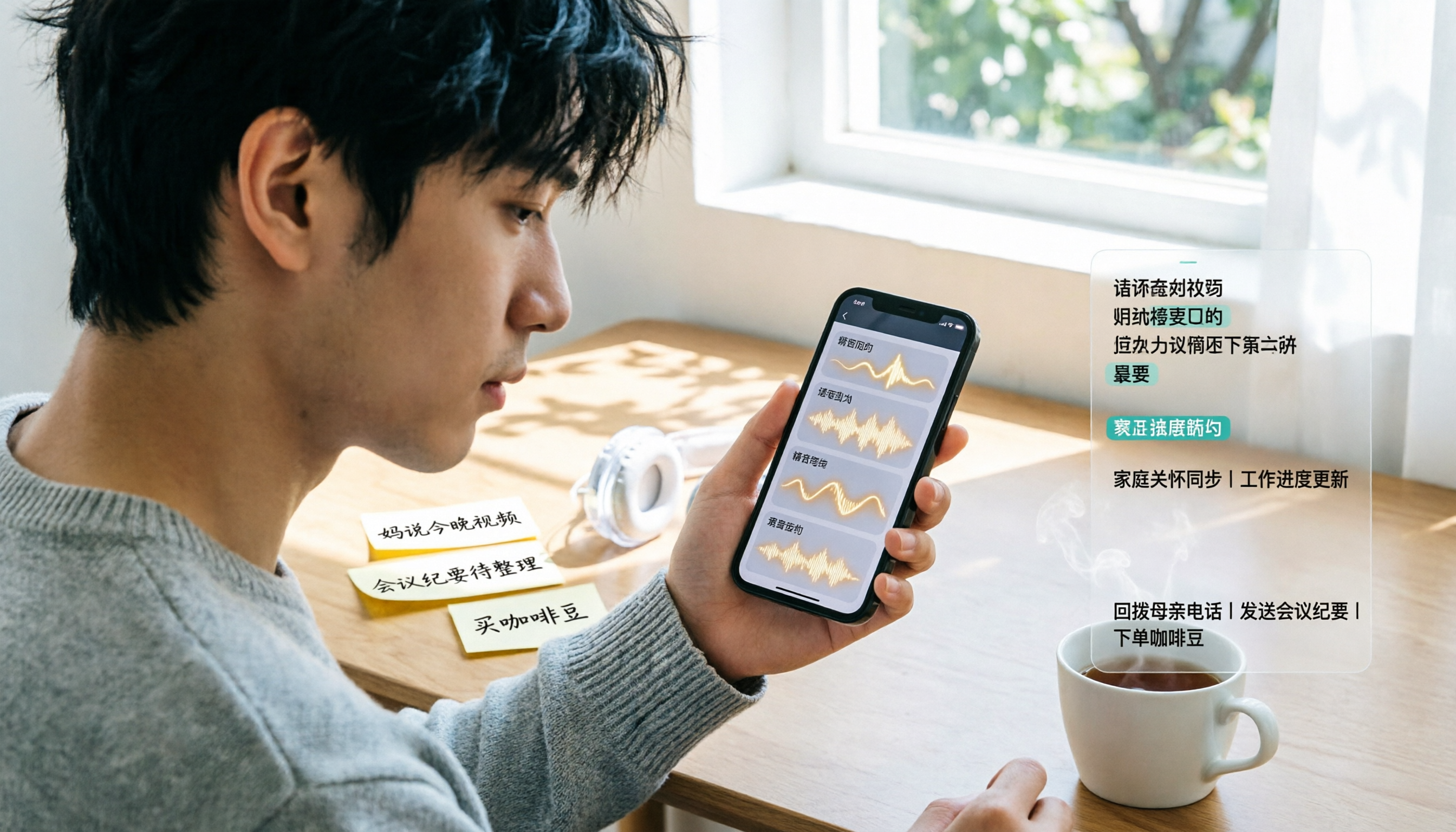
How do you turn on WhatsApp's built-in voice message transcripts? What are the limitations? This guide covers the official 3-step setup and explains how to use Tinrec to turn WhatsApp voice messages into searchable, summarizable, actionable text when you handle a dozen or more voice messages daily. Includes 5 buying tips and FAQs.

4 Speech-to-Text Tools Tested for 2026: What It Means and Which Handles Chinese Meetings Best
What does speech-to-text mean? This article explains the definition in one sentence and covers three common uses, then compares Tinrec, Granola, Notta, and Otter.ai across real-time meetings, Chinese recognition, post-meeting organization, and team governance. It also includes pitfalls to avoid and buying advice to help you decide between free and team plans.