

Turn recordings into transcripts and summaries in minutes
Upload audio or video for multilingual transcription, AI notes, and action items
You Saved Dozens of Videos, But Actually Learned Only a Few Minutes
Most people's first instinct to improve short-form video learning efficiency is to watch more videos.
This is actually the most common misconception.
Short-form videos provide "strong, fast, short" super-rewards that constantly stimulate the brain's dopamine system. Over time, the brain gets used to seeking only quick pleasure and loses patience for reading, deep learning, and other "high-value but slow-reward" activities—this is a reminder from psychiatrist Zheng Jiayi, not alarmism.
Another common scenario: you scroll all evening, save a row of "watch later," but when you put down your phone, your mind is blank and you can't say what you just learned.
The problem is usually not watching too little, but not leaving any trace to revisit after watching.
A more reasonable approach is to separate "watching" and "organizing": watch attentively, then use a method that leaves a text trace, turning content into searchable, reviewable notes.
Before Choosing a Learning Tool, Understand These 4 Key Points
1. Can it turn videos into text? The biggest drawback of video is that it's hard to search. You remember a useful method from a video last week but can't recall the minute. Whether it can produce a transcript determines if you can find the content later.
2. After converting to text, does it help you organize? A transcript is just raw material. Summaries, chapters, key points, and to-dos are what you'll actually revisit. Many tools stop at "text output."
3. Can you ask questions directly about the content? For a 10-minute video, you just want to confirm one number or step. If you have to scrub through, that's wasted time. Tools with AI Q&A let you ask "What are the three steps mentioned in this video?"
4. Is the free quota enough? Learning is long-term. If the free version only allows one trial, it's just a demo. Check if the monthly quota supports your regular learning pace.
Once you clarify these four points, you'll know what kind of tool to look for.
Tinrec — Our Top Choice for Organizing Videos After Testing
Tinrec is an AI meeting notes and collaboration tool for individuals and teams, available on iOS, Android, web, and desktop. It not only transcribes audio but also organizes content into searchable, summarizable, queryable, and exportable data.
For learners, three aspects are particularly useful.
First, turn videos or audio into transcripts. Besides uploading existing audio and video files, Tinrec can also process some public online video links (this is a supplementary capability; support is better for public videos, but not all links can be parsed). Transcripts retain timestamps, so you can click back to the original video to verify without guessing the minute.
Second, automatically generate summaries and chapters. A 40-minute lecture—if you only get a transcript, you probably won't want to rewatch. Tinrec breaks it into summaries, chapters, and key points, letting you scan to decide which parts to review.
Third, AI Q&A. This is the biggest differentiator for me. After organizing, you can ask "What are the three main points of this video?" or "What reservations did the speaker have about a certain approach?" It provides answers based on content, not keyword search results. In contrast, most similar tools stop at transcripts and summaries, lacking this conversational follow-up.
I tested with a roughly 10-minute Chinese knowledge video link: paste the link, wait for transcription, read the summary, then ask about uncertain sections. The whole process was much faster than rewatching, and I ended up with a searchable note. Actual transcription performance can be affected by recording quality, accent, background noise, and overlapping speakers—I want to be honest about that upfront.
Stop organizing recordings by hand
Upload audio or video and automatically get a transcript, summary, and action items
Clear advantages:
- Transcripts are searchable and reviewable; video content is no longer one-time.
- Summaries, chapters, and key points are auto-generated, making it easy to grasp structure even for long content.
- You can ask follow-up questions across one or multiple documents, avoiding full rewatches during review.
Limitations to note:
- Online link import is a supplementary feature; not all video sources are supported.
- The free version has a basic quota, suitable for trying the workflow; if you have regular weekly organizing needs, consider a weekly pass or Pro plan.
- Tinrec does not promise a fixed accuracy rate; for important content, verify against transcript timestamps and the original video.
Who it's for: If you regularly watch knowledge videos, online courses, or interviews and often have "impressions but can't articulate," Tinrec is currently the smoothest way to turn "watching" into "usable notes."
For companies using videos for internal training, Tinrec's team version centralizes data in a team space, manages members, roles, and seats. Paid seats are USD 29.80 per month or USD 199 per year, with 2,000 minutes per seat per month of shared import quota, making training video summaries a team asset.
Besides Tinrec, What Other Options Are There?
Notta: Mature multilingual transcription, subtitles, and translation, with team plans offering role permissions and usage reports. If your need is purely "file to text," it's a good choice. However, it lacks Tinrec's AI conversational follow-up and Agent post-processing, so you still have to organize after transcription.
TurboScribe: Focuses on cost-effective file transcription, with strengths in long files and batch uploads. Paid version supports up to 10 hours per file and multiple uploads at once. If you have a batch of long videos to process, it's more convenient for bulk work. But it won't turn content into queryable notes—that's the extra step Tinrec does.
Built-in platform auto-captions: Platforms like YouTube offer auto-captions for free, directly, without extra installation. But captions are essentially transcripts—hard to search, no Q&A, and not centrally managed across platforms. Those wanting to accumulate learning notes long-term usually still find another tool.
Pitfall Guide: 3 Most Common Mistakes When Learning from Short-Form Videos
Pitfall 1: Treating "saving" as "learning." Saving gives the illusion of "already handled," but you've just moved it to another drawer. A better approach is to set a fixed organizing time, e.g., weekly, pick two or three saved videos to actually turn into notes, and let the rest go.
Pitfall 2: Treating auto-captions as notes. Captions are transcripts, not notes. Transcripts only solve "hearing clearly," not "remembering." At least go one step further: write a three-sentence summary or list one to-do.
Pitfall 3: Only input, no output. Watching videos is input; speaking, writing, and using once is output. If a tool handles transcription and summarization, the final step—"saying it in your own words"—is still up to you, and that's where learning happens.
Conclusion: Which One Should You Choose?
To put it plainly:
- Want to turn videos, courses, or interviews into searchable, queryable notes → Tinrec.
- Need to batch process long files, budget-first → TurboScribe.
- Only need multilingual transcription and subtitles → Notta.
- Just want free captions, no long-term accumulation → built-in platform features suffice.
The problem with short-form videos is never "not watching enough," but leaving nothing behind. If you have a video you've been meaning to organize but haven't, try Tinrec's free quota to turn it into a transcript. See the difference between "can ask after watching" and "only vaguely remember," then decide whether to incorporate it into your regular learning workflow.
References
- The Impact of Short-Form Videos on Children's Learning | Hsin-Yi Parenting | Hsin-Yi Foundation | Age-Specific Parenting, Best Helper for Parents
- The Impact of Watching Short Videos on Cognitive Function: Measuring Language Comprehension Ability | Airiti Library
- Is Short-Form Video Stealing Your Focus? Doctor Teaches "5 Simple Tricks" to Rescue Your Brain from Algorithms
- The Impact of Online Video Teaching on Learning Outcomes: A Case Study of an Introduction to Information Applications Course
- Is Short-Form Video and Social Media Rotting Your Brain? A Table and Nine Methods to Regain Focus
Turn every recording into actionable outcomes
Get 60 free transcription minutes when you sign in. No credit card required.
Related Reading
You might also like
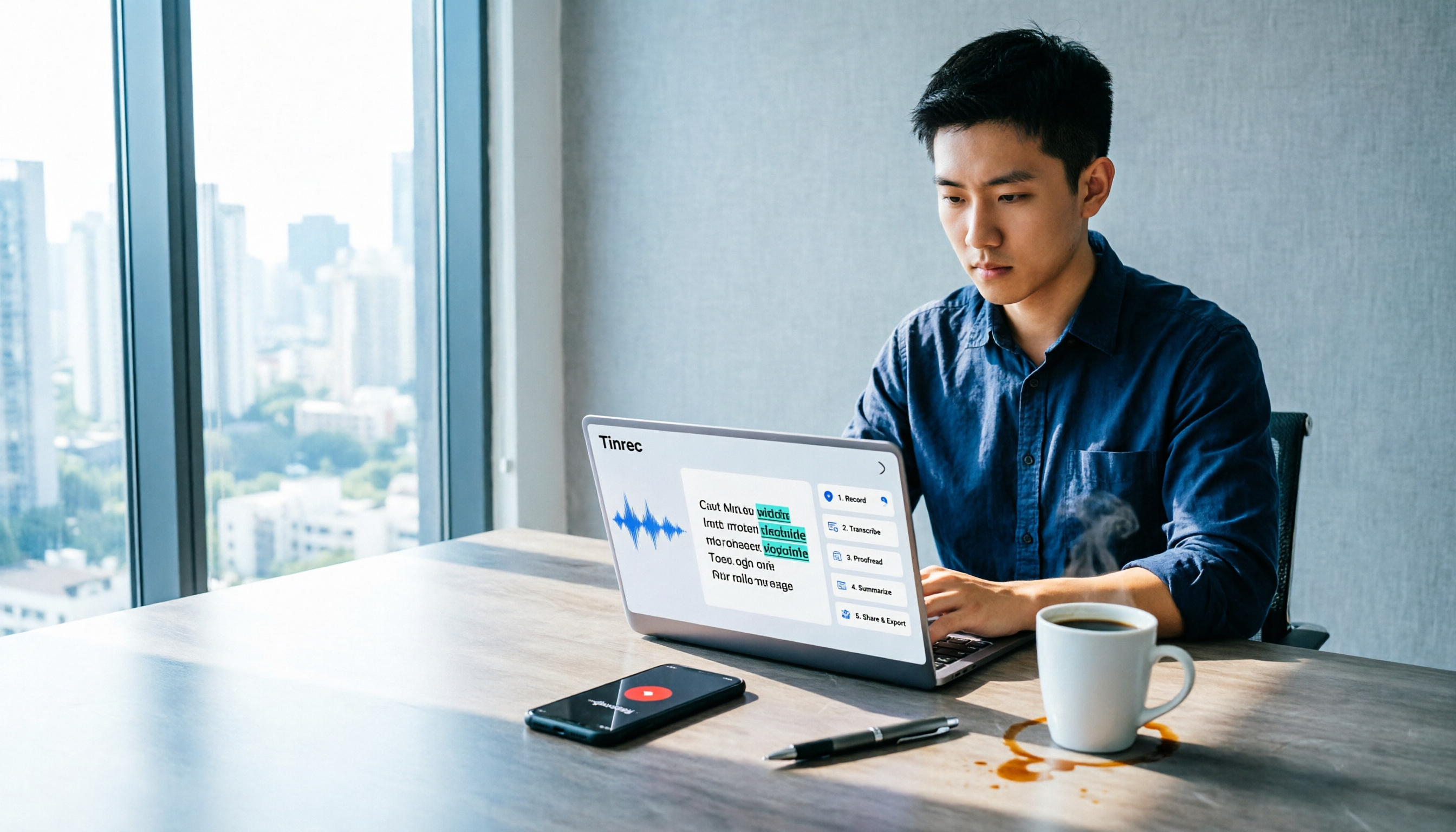
How to Use Tinrec in 2026: 5 Steps to Transcribe Audio and Auto-Generate Meeting Minutes
Just finished a meeting and realized you need to submit minutes, but all you have is a recording? This guide uses Tinrec as an example to break down audio-to-text into 5 actionable steps: record, transcribe, proofread, generate meeting minutes, and export/share. It also covers FAQs, advanced tips, and advice on choosing between Personal and Team plans.

2026 Video Highlight Extraction Tools Compared: Which One Really Turns Long Videos into Key Points?
Long videos are hard to finish, but the problem isn't always time—it's that most tools only give you a transcript. This article uses 4 key points to help you decide which video highlight extraction tool to choose, and tests Tinrec, Monica, Reccap AI, and Vidnoz to see who each is best for, plus the most common pitfalls when teams use them.

Tinrec vs Traditional Notes in 2026: 5-Dimension Comparison to Boost Short-Form Video Learning Efficiency
How can you improve short-form video learning efficiency? This article compares Tinrec and traditional notes across 5 dimensions, showing you how to turn short videos into transcripts, AI summaries, chapters, and Q&A notes—from input to comprehension to output—so fragmented time truly becomes reviewable knowledge.
4 Ways to Convert LINE Voice to Text in 2026: Built-in Dictation, Shortcuts, and iOS 18 Compared
If you want to convert LINE voice to text, first figure out whether you need voice input or to turn received voice messages into text. This guide covers built-in dictation steps for iPhone and Android, iPhone Shortcuts scripts, iOS 18 Voice Memos, and third-party tools, plus how to use Tinrec to turn long recordings from meetings or interviews into transcripts, summaries, and action items.

Tinrec Voice-to-Text App Review 2026: Is It Worth It? 4 Real-World Tests
Is a voice-to-text app actually useful? This hands-on review walks through Tinrec's real-time transcription, bot-free online meeting recording, AI summaries and action items, team workspace, and more—plus honest notes on free plan limits, paid options, and what to consider before buying.

Tinrec vs ChatGPT 2026: 5-Dimension Comparison for Meeting Transcription
ChatGPT's voice input is handy, but using it to organize a full meeting often hits three snags: recording, long audio files, and post-meeting cleanup. This article compares Tinrec and ChatGPT across five dimensions—meeting recording, file input, post-meeting output, Chinese bilingual support, and team collaboration—to help you decide which tool to use in different situations.

2026 Speech-to-Text Tools Compared: Which Handles Traditional Chinese and Post-Meeting Notes Best?
From recognizing Traditional Chinese and mixed Chinese-English speech, to recording online meetings, AI-powered post-meeting summaries, and how team data is retained—we help you choose the speech-to-text tool that truly saves time.
3 Ways to Transcribe WhatsApp Voice Messages in 2026: Built-in vs. Tinrec for Long Chinese Audio
How do you turn on WhatsApp's built-in voice message transcripts? What are the limitations? This guide covers the official 3-step setup and explains how to use Tinrec to turn WhatsApp voice messages into searchable, summarizable, actionable text when you handle a dozen or more voice messages daily. Includes 5 buying tips and FAQs.

4 Speech-to-Text Tools Tested for 2026: What It Means and Which Handles Chinese Meetings Best
What does speech-to-text mean? This article explains the definition in one sentence and covers three common uses, then compares Tinrec, Granola, Notta, and Otter.ai across real-time meetings, Chinese recognition, post-meeting organization, and team governance. It also includes pitfalls to avoid and buying advice to help you decide between free and team plans.