

Turn recordings into transcripts and summaries in minutes
Upload audio or video for multilingual transcription, AI notes, and action items
5 Free Speech-to-Text Methods Tested and Compared in 2026: How to Use Free Tiers Without Wasting Them
Free speech-to-text services are everywhere, but the only question you really need to answer first is: are you someone who "transcribes one or two recordings a month," or someone who "has meetings to organize every week"? That answer determines which tier you should stop at—free quota, short-term plan, or go straight to the team version. Choose wrong, and you're not just spending more money—you're stuck in a cycle of running out of quota, failing to upload files, and having to retype transcripts yourself.
Tinrec breaks down the choices relatively clearly: the free version provides a basic quota so you can actually experience recording, importing, summarizing, and transcribing; if you're truly using it daily, then choose the corresponding plan. Below, we'll use its actual features and plan structure to think through the question of "how to get free speech-to-text" once and for all.
What Can Free Speech-to-Text Do for You?
The value of free isn't how much money you save—it's whether you can first confirm that this thing actually helps. Here are the four most common scenarios where you'll notice the difference even at the free stage.
Scenario 1: After the meeting, the transcript is already there In the past, after a two-hour meeting, you'd spend another hour replaying the recording, pausing, and typing. With Tinrec, for example, you can transcribe in real time during the meeting, and by the time it ends, the text is already settled; then AI summaries and chapters break the long meeting into readable sections, so you just confirm the key points instead of listening from the first sentence to the last.
Scenario 2: Classes, lectures, talks—no more relying on handwritten notes Classes and lectures have high information density, and note-taking often misses the second half. Tinrec supports recording directly on your phone or computer, transcribing while recording, and then using AI summaries to extract topics and conclusions. For students and professionals who need to absorb a lot of new information, this turns "listening" into searchable text data.
Scenario 3: Interview and research recordings—ask questions directly afterward The most time-consuming part of interviews isn't recording—it's going back to find a specific quote. Tinrec's AI Q&A lets you ask follow-up questions directly about the meeting or interview content, such as "What were the interviewee's concerns about pricing?" without manually scrubbing the timeline. This is especially useful for user research, expert interviews, and requirements interviews.
Scenario 4: Cross-language meetings—understand what the other person is saying in real time For foreign-language meetings, Tinrec offers real-time translation, letting you view the original text, translation, or bilingual content as needed. You don't have to wait until the meeting ends to process it—you can grasp what the other person is saying on the spot, and then verify details with the transcript afterward.
What Are Tinrec's Core Capabilities?
Whether the free plan is worth keeping depends on what you can do "after transcription." Tinrec's capabilities can be roughly divided into six areas, and they all affect how you evaluate the free quota.
Real-time recording and transcription Transcribe while recording, not after. For in-person meetings, interviews, and on-site notes, you can proceed while checking the text to make sure you don't miss key points.
Bot-free online meeting recording The Tinrec desktop version directly captures computer system audio, handling meeting audio played on your computer from Zoom, Google Meet, Microsoft Teams, Webex, etc., without inviting an extra meeting bot to join. Note that this is not "automatically joining all calendar meetings"—you initiate the recording yourself.
AI summaries, chapters, and to-dos Transcripts are the raw material; summaries and to-dos are the finished product. Tinrec organizes long meetings into topics, conclusions, and follow-up action items, making it clear "who is responsible for what and when it's due."
AI Q&A and real-time translation After transcription is complete, you can ask Tinrec questions directly, and it will answer based on semantic understanding; for cross-language meetings, you can pair it with real-time translation and view in original, translated, or bilingual mode.
Multi-format export and post-processing Meeting results can be exported to common formats and brought into tools like Notion, Google Docs, OneNote, and Dropbox for continued use; when you need to deliver results, you can also use Agent post-processing to generate reports, tables, and documents.
Team space and governance If meeting data needs to be shared among multiple people, the Tinrec team version provides an independent team space that centrally stores Audio, Folders, and to-dos, with management capabilities including members, roles, seats, usage analytics, audit logs, and audio recycle bin.
Practical Use Cases
Meetings and project weekly syncs Weekly project syncs are the easiest to "forget after they end." Use Tinrec to transcribe in real time and automatically generate summaries and to-dos, then paste action items directly into the group chat after the meeting. Decision rationale stays in the team space, so you don't have to rehash everything next time.
Classes, lectures, and online courses Record the course, transcribe it into text, and use AI summaries to extract chapter highlights. When reviewing for finals or writing reports, you can search the transcript by keyword instead of rewatching a three-hour video.
Customer interviews and requirements confirmation Customer needs, concerns, and commitments are the easiest things to disagree on afterward. Tinrec preserves transcripts and recordings, so you can look up the original wording and ask questions about the content, turning "I think it was something like" into "the record says."
Content creation and subtitles Transcribing interviews, livestreams, or podcasts into text and then picking usable passages and quotes from the transcript is the most practical time-saver for content creators. Tinrec's output can go directly into subsequent editing workflows.
Stop organizing recordings by hand
Upload audio or video and automatically get a transcript, summary, and action items
Team data retention When meetings shift from an individual activity to a team activity, the focus changes from "was this transcription accurate this time" to "will we still be able to find it three months from now." The Tinrec team version centralizes recordings, transcripts, summaries, and to-dos in the team space; when members change, the data stays with the team and can be handed over to other active members.
How to Choose Free Speech-to-Text? Evaluate These 5 Points First
1. Is the free quota "one-time" or "renewed each period" This determines whether you can use it as a long-term tool. Tinrec's personal plans are tiered by usage rhythm: the free version provides a basic quota so you can experience recording, importing, summarizing, and transcribing; for short-term intensive needs, there's a weekly card; for regular weekly use, the Pro monthly card fits; for long-term accumulation of recording data, the Pro annual card is suitable, with a lower monthly equivalent. Actual quotas and benefits are subject to the purchase page and in-app display.
2. Does the free version include "post-transcription" organization Plans that only give you a transcript still require you to read the whole thing yourself. Tinrec's free version lets you experience recording, importing, summarizing, and transcribing, so you can judge at no cost whether AI summaries, chapters, and to-dos can really save you organization time.
3. Can it handle Chinese, mixed Chinese-English, and technical terms Meetings in Taiwan often mix Chinese and English, plus product codes and internal jargon. Tinrec covers Chinese, Traditional Chinese, and multilingual meeting scenarios, and provides team hot words for maintaining common terminology; actual performance is affected by recording quality, noise, accents, and overlapping speakers, so it's best to test with your own recording.
4. Are audio files retained, and can you look back afterward Some tools keep only text and not audio, so if you need to verify later, you'd have to re-record. Tinrec retains audio files, and the team version has an audio recycle bin—accidentally deleted audio can be restored before permanent cleanup (currently the recycle bin retention period is 30 days).
5. Does the team need to share meeting data If it's just for yourself, the free version or personal plan is enough; if multiple people need to share and manage who can record and who can edit, you need the team version. The Tinrec team version is an independent team space where meeting data belongs to the team, with "roles" determining management permissions and "seats" determining whether someone can record, upload, edit, and import/export.
If your situation is the latter, you can start with this comparison table:
| Your Usage Rhythm | Recommended Plan | Main Benefits |
|---|---|---|
| Only transcribe one or two recordings a month | Free version | Use basic quota to experience recording, importing, summarizing, and transcribing |
| Short-term intensive meetings, courses, or interviews | Weekly card | Suitable for project sprints and intensive use |
| Regular weekly meetings or learning needs | Pro monthly card | Continuous meetings, learning, and content organization |
| Long-term accumulation of recording data | Pro annual card | Lower monthly equivalent, suitable for long-term data retention |
| Team needs to share and manage meeting data | Team version | Team space, roles and seats, usage analytics, audit logs |
The current team version plan details are: first eligible team trial is 7 days, 1 free seat, and 300 minutes of team shared import quota; team monthly payment USD 29.80 per paid seat per month, annual payment USD 199 per paid seat per year (about USD 16.58 per month), with each paid seat providing 2,000 minutes of team shared import quota per month. Under an active team plan and active seats, real-time recording currently does not deduct minutes; file and web link imports use team shared import minutes. Prices, currencies, and promotions are subject to the official purchase page.
Frequently Asked Questions
Q1: Can speech-to-text really be completely free? Yes, but usually with limits. Most services' free versions provide a fixed quota or trial period, and the key is what happens after the quota runs out. Tinrec's approach is to provide a basic quota in the free version to experience recording, importing, summarizing, and transcribing, then choose a weekly card, Pro monthly card, or annual card based on your usage rhythm.
Q2: How long can Tinrec's free version transcribe? The free version provides a basic quota; actual available minutes and feature scope may adjust based on plan and promotions. Please refer to the official purchase page and in-app information. It's recommended to test with a real recording of your own before deciding whether to upgrade.
Q3: What can I do with the transcript from the free version? You can search it, review it, and use it as a basis for further organization. Tinrec's standout feature is that after the transcript, there are also summaries, chapters, to-dos, and AI Q&A; when you need to deliver, you can export to common formats or third-party tools for further processing.
Q4: Can online meetings on Zoom, Google Meet, and Teams also be recorded? The Tinrec desktop version handles meeting audio played on these platforms by capturing computer system audio, without requiring an extra meeting bot to join, and it does not involve official platform authorization partnerships. You initiate recording yourself; before recording, please be aware of local regulations and obtain consent from participants.
Q5: What's the difference between the team version and "multiple people sharing one account"? Completely different. The team version is an independent team space where meeting data belongs to the team, and you can invite members via a join link, set owners, admins, and regular members, as well as assign or revoke seats, view usage, and audit records. When a member leaves or is removed, their team resources can be handed over to other active members. Also note that active members without seats can still view, play, and read team data, but cannot upload, edit, or import/export.
Q6: Can accuracy be guaranteed? It's not recommended to expect that. Transcription quality is affected by recording clarity, noise, accents, overlapping speakers, and technical terms. Tinrec can provide high-quality transcription with clear audio and common scenarios, but for important content, it's still recommended to verify against transcript timestamps and recording playback.
Conclusion
Back to the initial question: do you want to transcribe occasionally, or are you using it every week? If the former, Tinrec's free version basic quota is enough to let you judge whether this type of tool is worth keeping in your workflow; if the latter, don't struggle repeatedly within the free quota—weekly card, Pro monthly card, or annual card correspond to different usage rhythms, and in the long run, they save more time.
If meeting data needs to be shared across the whole team, then go straight to the team version: meeting content belongs to the team, member changes won't take data away, and you can manage usage permissions through roles and seats. You can start with a 7-day team trial and use a real meeting to verify whether it can turn "scattered after the meeting" discussions into searchable, collaborative, and trackable team data.
References
- Online AI speech, video, audio file auto-transcription - Free trial - cSubtitle
- Speech-to-Text Converter – Free Online | TicNote Cloud
- Tested 4 Best "Speech-to-Text" Online Tools, Free Instant Audio-to-Transcript
- Audio to Text - Free Speech-to-Text Tool
- No Time Limit! 3 Free AI Transcript Tools, Highly Recommended! AI Voice Notes Generate Meeting Minutes, Presentations, Mind Maps | 104 Workplace
Turn every recording into actionable outcomes
Get 60 free transcription minutes when you sign in. No credit card required.
Related Reading
You might also like
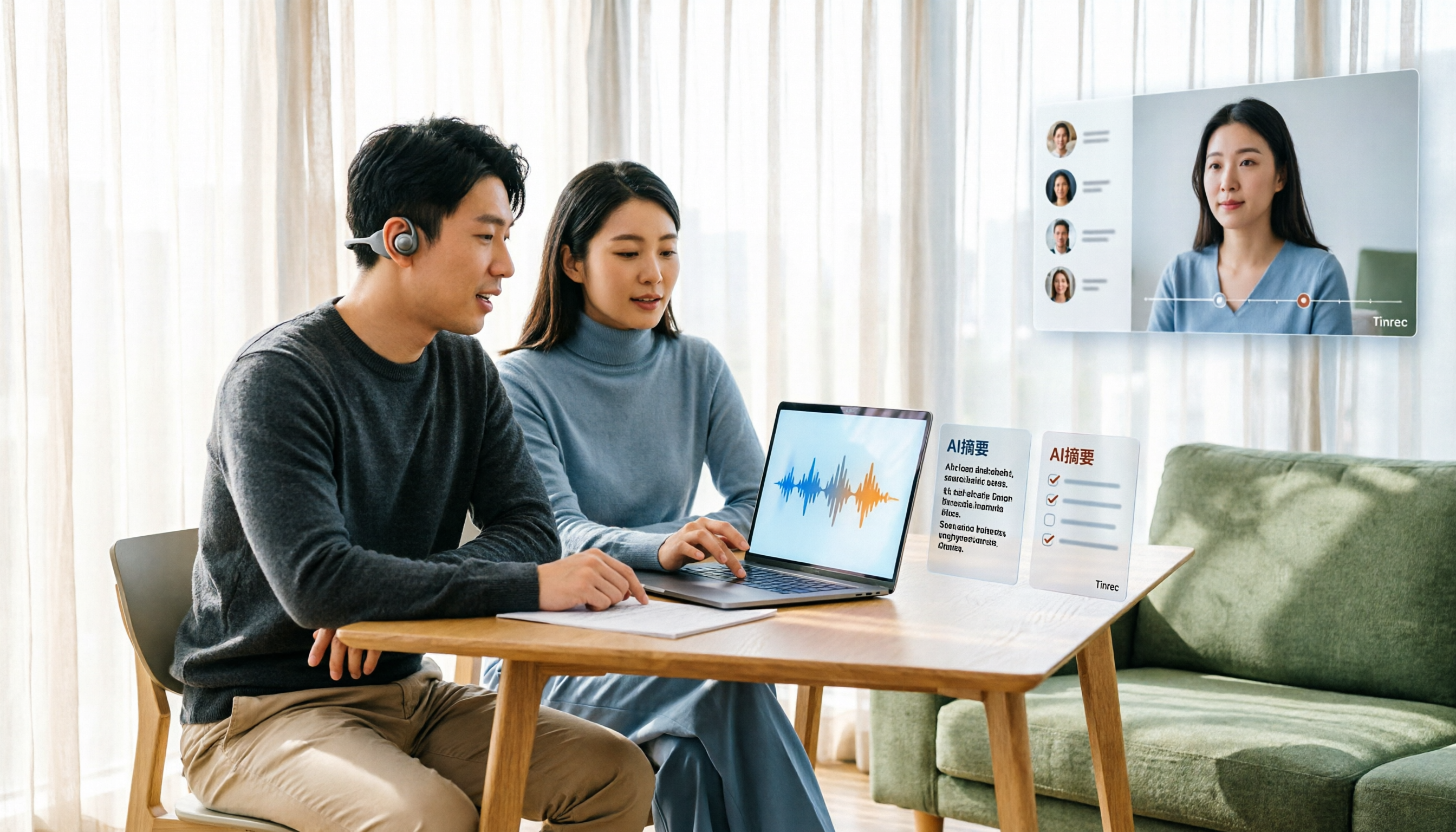
Tinrec Voice-to-Text App Review 2026: Is It Worth It? 4 Real-World Tests
Is a voice-to-text app actually useful? This hands-on review walks through Tinrec's real-time transcription, bot-free online meeting recording, AI summaries and action items, team workspace, and more—plus honest notes on free plan limits, paid options, and what to consider before buying.

Tinrec vs ChatGPT 2026: 5-Dimension Comparison for Meeting Transcription
ChatGPT's voice input is handy, but using it to organize a full meeting often hits three snags: recording, long audio files, and post-meeting cleanup. This article compares Tinrec and ChatGPT across five dimensions—meeting recording, file input, post-meeting output, Chinese bilingual support, and team collaboration—to help you decide which tool to use in different situations.

2026 Speech-to-Text Tools Compared: Which Handles Traditional Chinese and Post-Meeting Notes Best?
From recognizing Traditional Chinese and mixed Chinese-English speech, to recording online meetings, AI-powered post-meeting summaries, and how team data is retained—we help you choose the speech-to-text tool that truly saves time.
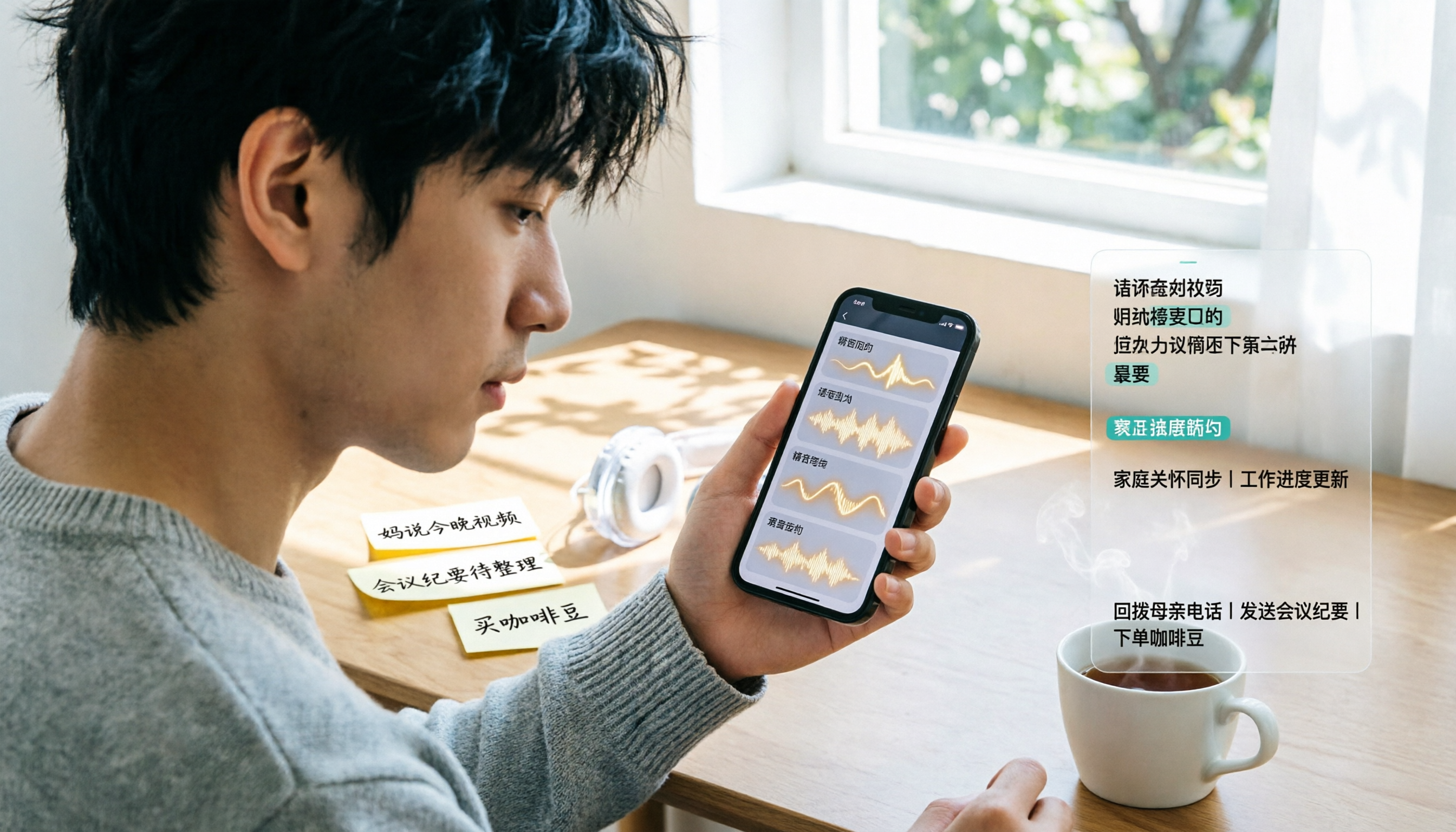
3 Ways to Transcribe WhatsApp Voice Messages in 2026: Built-in vs. Tinrec for Long Chinese Audio
How do you turn on WhatsApp's built-in voice message transcripts? What are the limitations? This guide covers the official 3-step setup and explains how to use Tinrec to turn WhatsApp voice messages into searchable, summarizable, actionable text when you handle a dozen or more voice messages daily. Includes 5 buying tips and FAQs.

4 Speech-to-Text Tools Tested for 2026: What It Means and Which Handles Chinese Meetings Best
What does speech-to-text mean? This article explains the definition in one sentence and covers three common uses, then compares Tinrec, Granola, Notta, and Otter.ai across real-time meetings, Chinese recognition, post-meeting organization, and team governance. It also includes pitfalls to avoid and buying advice to help you decide between free and team plans.

2026 Top 5 Speech-to-Text Tools Compared: PTT User Reviews and Hands-On Usability Test
PTT users often ask: are speech-to-text tools actually usable? Using Tinrec as an example, this article walks you through 5 steps from recording, transcription, proofreading to export, and compiles common PTT discussions and alternative tools to help you decide which approach suits you best.

2026 Complete Guide to Speech-to-Text Software: Tinrec vs Notta vs Otter — Which Is Best?
Which speech-to-text software is best? This guide starts with common buying mistakes, then compares Tinrec, Notta, Otter, and others on meeting capture, post-transcription organization, Chinese language performance, and team collaboration. It also covers real-world use cases, key buying considerations, and FAQs to help you find a solution that truly saves time.

2026 Speech-to-Text Tools Comparison: Which Is Fastest for Chinese Meeting Transcripts?
Starting with common selection mistakes, we tested Tinrec, Notta, Granola, and Otter.ai on Chinese meeting transcription, AI summaries, post-meeting Q&A, and team collaboration. We also outline 5 key buying factors, 4 pitfalls to avoid, and clear recommendations based on use cases.

2026 Complete Guide to Speech-to-Text: Which Is Easier to Learn? 6 Dimensions to Pick a User-Friendly Tool
Which speech-to-text tool is easier to learn? This article compares Tinrec and Otter.ai across 6 dimensions: onboarding difficulty, Chinese recognition, online meeting recording methods, post-meeting organization, free quota and pricing, and team usage. It helps you determine whether a tool's learning cost is a one-time investment or a recurring expense, so you can find the best fit for your meeting scenarios.