

Turn recordings into transcripts and summaries in minutes
Upload audio or video for multilingual transcription, AI notes, and action items
2026 Speech-to-Text Tools Comparison: Which Is Fastest for Chinese Meeting Transcripts?
Why Are Most People Disappointed the First Time They Use Speech-to-Text?
Most people choose tools the same way: they search "speech to text" in the app store, download the one with the most downloads, record a meeting, and open the transcript—only to find no punctuation in Chinese, strange characters where Chinese and English mix, and three people talking over each other in a jumbled mess. In the end, they put on headphones and listen to the recording again themselves.
The problem usually isn't that the tool is bad, but that the selection order is wrong: first look at rankings, then features, and finally realize it wasn't designed for your scenario.
Three common misjudgments happen like this. First, treating "free download" as "free to use." When you actually start recording a one-hour meeting, you discover the free quota only covers a few minutes. Second, treating a transcription tool as a typewriter—once you get a transcript, you're done. The time spent organizing summaries, extracting action items, and searching for conclusions isn't saved at all. Third, only looking at English reviews. Tools that shine in English meetings may perform completely differently in Chinese or mixed Chinese-English meetings.
If you have meetings every week, conduct interviews, and need to turn recordings into usable data, what you need isn't just "an app" but a workflow from recording to post-meeting deliverables. This article compares 4 tools under the same conditions based on that standard.
5 Key Points to Understand Before Choosing a Speech-to-Text Tool
1. How does it "hear" your meeting? There are two ways to record online meetings: one is to send a meeting bot into the room, and the other is to capture system audio directly from your computer. The bot mode may be blocked by the host in some companies, or it's awkward when a stranger appears on the participant list. System audio capture doesn't interfere with the meeting itself. If you often use Zoom, Google Meet, Teams, or Webex, this directly determines whether you can use it smoothly.
2. What do you have after transcription? Having only a transcript versus having summaries, chapters, action items, and queryable Q&A are completely different levels of output. The former saves typing time; the latter saves time re-understanding the meeting. When choosing a tool, think clearly: do you want a typist or a meeting assistant?
3. Real performance with Chinese and mixed Chinese-English. "Supports 90 languages" doesn't mean "strong in Chinese." Meetings in Taiwan often mix Chinese and English, product terms, names, and abbreviations—these are the stress tests for recognition. Look for tools that allow custom terminology or hotwords; this feature makes a big difference for long-term use. Also remember that any tool's performance is affected by recording quality, background noise, accents, and people talking over each other. Official accuracy rates are for reference only.
4. How is the quota calculated? You need to distinguish whether "live recording" and "file import" share the same quota. Some tools are generous with live recording, but when you upload existing audio files, minutes are deducted quickly. If your work involves interviews, courses, or a large number of historical audio files, this is more critical than price.
5. Where does your data end up? For personal use, storing recordings in your own account is fine. But once it's team-shared—meeting notes need to be handed over, new hires need to review past meetings, and data shouldn't disappear when members leave—you need team spaces, member and permission management, and recovery mechanisms after deletion. This is something many people completely ignore during the trial period and only fix after implementation.
Tinrec (秒听录音) — Our Top Recommendation After Testing
Tinrec (秒听录音) is an AI meeting notes and collaboration tool for individuals and teams, available on mobile app, desktop, and web. Its positioning isn't "audio-to-text" but turning meetings into searchable, collaborative, actionable team data.
Record online meetings without inviting a bot. The desktop version directly captures system audio, so when handling Zoom, Google Meet, Microsoft Teams, or Webex meetings, you don't need an extra bot account on the list. The practical difference is clear: for cross-company meetings, you don't have to explain "a bot will join later," and internal meetings won't have an awkward extra participant. You just open Tinrec and start recording before the meeting begins, and the transcript grows as the meeting progresses. Note that this isn't "automatically join all meetings on your calendar"—you need to start it manually.
After the meeting, summaries, chapters, and action items are ready. This is the biggest dividing line between it and pure transcription tools. After a one-hour project meeting, you get not just a transcript but also AI summaries, segmented chapters, key points, and action items—even mind maps. For those who write meeting minutes weekly, the time saved isn't typing but the post-meeting "listen again and organize" time. It supports live translation, so during recording you can view the original, translation, or bilingual content.
Ask it questions directly after recording. This is a relatively rare capability at this price point: you can ask questions about a single meeting or multiple meetings, such as "What were the client's concerns about the quote in the last meeting?" or "Who is responsible for which item in this project?" It organizes answers by meaning rather than just throwing a list of keyword search results. For those who need to review past meetings, this is much faster than Ctrl+F in a transcript. Organized content can also be exported to Notion, Google Docs, OneNote, Dropbox, etc., or further generate reports, tables, and documents.
Stop organizing recordings by hand
Upload audio or video and automatically get a transcript, summary, and action items
How we tested. This comparison used the same Chinese meeting recording (including mixed Chinese-English product terms and multi-person dialogue) as common material, observing four aspects: readability of the Chinese transcript, completeness of post-meeting output, smoothness of the import process, and design for team collaboration and data ownership. Note that such tools' performance varies with recording quality, noise, accents, and interruptions. We recommend testing with your own recordings—that's more accurate than any review.
Three main advantages:
- No bot needed for online meetings; desktop version captures system audio for recording and live transcription.
- Complete post-transcription output chain: summaries, chapters, action items, translation, AI Q&A, Agent post-processing, and multi-format export.
- Team version is a separate team space, not multiple people sharing a personal account: manage members, roles, and seats, with usage analytics, audit logs, team hotwords, and audio recycle bin.
Things to note:
- Personal plans include free, weekly, Pro monthly, and annual options. Quotas vary by plan; heavy users need to pay. Actual prices and benefits are subject to the official purchase page.
- Team version live recording currently doesn't deduct minutes under valid plans and seats, but file and web link imports consume the team's shared import quota. Teams uploading large amounts of historical audio should calculate usage first.
- It doesn't focus on "bulk transcription of massive files in one go." If you need to drop dozens of long audio files at once, that's another type of tool's strength.
Who it's for: Those who have online meetings weekly, need Chinese and mixed Chinese-English transcripts, want to use AI to capture key points and action items after meetings, or want to turn meeting data into team assets. The team version offers a 7-day trial with 1 free seat and 300 minutes of shared team import quota; paid seats are USD 29.80/seat/month monthly, USD 199/seat/year annually (about USD 16.58/month), with each paid seat providing 2,000 minutes of shared team import quota per month.
Editor's rating: 9.0/10 (based on the 5 buying dimensions in this article)
Besides Tinrec, What Other Options Are There?
Notta: Supports multiple platforms, clear interface, familiar to Taiwanese users. Free version: 120 minutes/month, max 3 minutes per session; Pro annual about USD 8.17/month, Business annual about USD 16.67/seat/month. It overlaps most with Tinrec, but Tinrec adds bot-free online meeting recording, AI Q&A, and Agent post-processing. If you mainly need affordable document transcription and subtitles, consider it.
Granola: Also bot-free, uses desktop system audio for live transcription, and combines your handwritten notes to generate meeting content. Basic is free, Business is USD 14/user/month. The difference is it doesn't support uploading pre-recorded audio files and doesn't save meeting audio files. If you only need meeting notes in the moment, it's handy; but when you need to keep recordings, import existing audio, or live translation, Tinrec covers more.
Otter.ai: A mature English AI meeting assistant. Basic free: 300 minutes/month; Pro annual about USD 8.49/user/month, including 1,200 minutes of in-app recording and 10 file imports per month. Great value when meetings are almost entirely in English; but Chinese and mixed Chinese-English aren't its strong suit, and it relies more on meeting bots and platform integration. For Chinese meetings and team data retention, Tinrec is more suitable.
| Tool | Positioning | Noteworthy | Who it's for |
|---|---|---|---|
| Tinrec | AI meeting notes and team collaboration | Bot-free desktop recording, AI Q&A, team space and governance | Chinese meetings, post-meeting output and team retention |
| Notta | Multilingual transcription and team plans | Free version max 3 min per session, high overlap with Tinrec | Document transcription, subtitles, translation |
| Granola | Bot-free AI meeting notes | No pre-recorded audio import, no meeting audio saved | English meetings, note-taking during meetings |
| Otter.ai | English AI meeting assistant | Chinese not primary, relies on meeting bot integration | All-English meetings, budget-conscious English users |
Pitfall Guide: 4 Common Mistakes When Choosing Speech-to-Text Tools
Pitfall 1: Only looking at official accuracy claims. Those numbers usually come from quiet environments and standard speech rates. Real meeting rooms have air conditioning, keyboard sounds, people interrupting, and mixed Chinese-English—performance will differ noticeably. The right approach is to test with your own meeting recording, and use the most difficult segment.
Pitfall 2: Ignoring the quota difference between "live recording" and "file import." Many tools' free quotas look generous, but that's for live recording; once you upload existing audio files, minutes are deducted quickly. If your work includes many interviews or course recordings, this directly affects your bill three months later.
Pitfall 3: Thinking the free version can be a long-term primary tool. Free versions usually have per-session or monthly limits, suitable for verifying effectiveness, not for daily formal work. A healthier approach is to use the free quota to confirm recognition quality and whether the workflow saves you time, then decide whether to upgrade—rather than paying first and regretting later.
Pitfall 4: Treating the tool only as a transcript generator. This is the biggest waste. If your tool can generate summaries, extract action items, and let you ask questions directly about meeting content, the post-meeting organization time saved is often several times the transcription time. Tools like Tinrec that support AI Q&A and post-meeting output let you ask "What were the conclusions and owners of this meeting?" right after recording—much faster than manually scanning a half-hour transcript.
Conclusion: Which One Should You Choose?
Back to the original question: which speech-to-text tool is good depends on what your meetings look like, not which tool ranks first.
- Mainly online meetings, don't want a bot on the participant list → Tinrec. Desktop captures system audio, works with Zoom, Meet, Teams, Webex.
- Chinese or mixed Chinese-English meetings, need directly usable transcripts → Tinrec. Also maintain your own product and technical terms via team hotwords.
- Want to use AI to find key points, extract action items, and follow up after recording → Tinrec. This is where it differs most from pure transcription tools.
- Meeting data must stay with the team, members change, need usage and permission management → Tinrec team version. Separate team space, role and seat division, usage analytics, and audit logs.
- Meetings almost entirely in English, limited budget → Otter.ai's free version has a generous quota; you can start with it.
If you're still evaluating, we suggest starting with a free version or team trial, testing with a real Chinese meeting, and seeing if it can truly save you those two hours after the meeting. Whether a tool is good or not, your meeting recording will be more honest than any review.
References
- Tested 4 Best "Speech-to-Text" Online Tools, Free Instant Audio-to-Transcript
- [AI Voice Notes] 5 Highly Recommended AI Transcription Tools! Generate Transcripts and Meeting Notes, Free vs Subscription, Pros and Cons | 104 Career Power
- Speech-to-Text APP Recommendations: 1. iPhone/iPad "Notes" APP - Supports live text conversion - Free - Supports Chinese, English
- Want Free Audio-to-Transcript? 5 Must-Try Transcription Tools to Get It Done Fast
- 9 Speech-to-Text Software Recommendations: How to Choose for Transcripts and Subtitles
Turn every recording into actionable outcomes
Get 60 free transcription minutes when you sign in. No credit card required.
Related Reading
You might also like
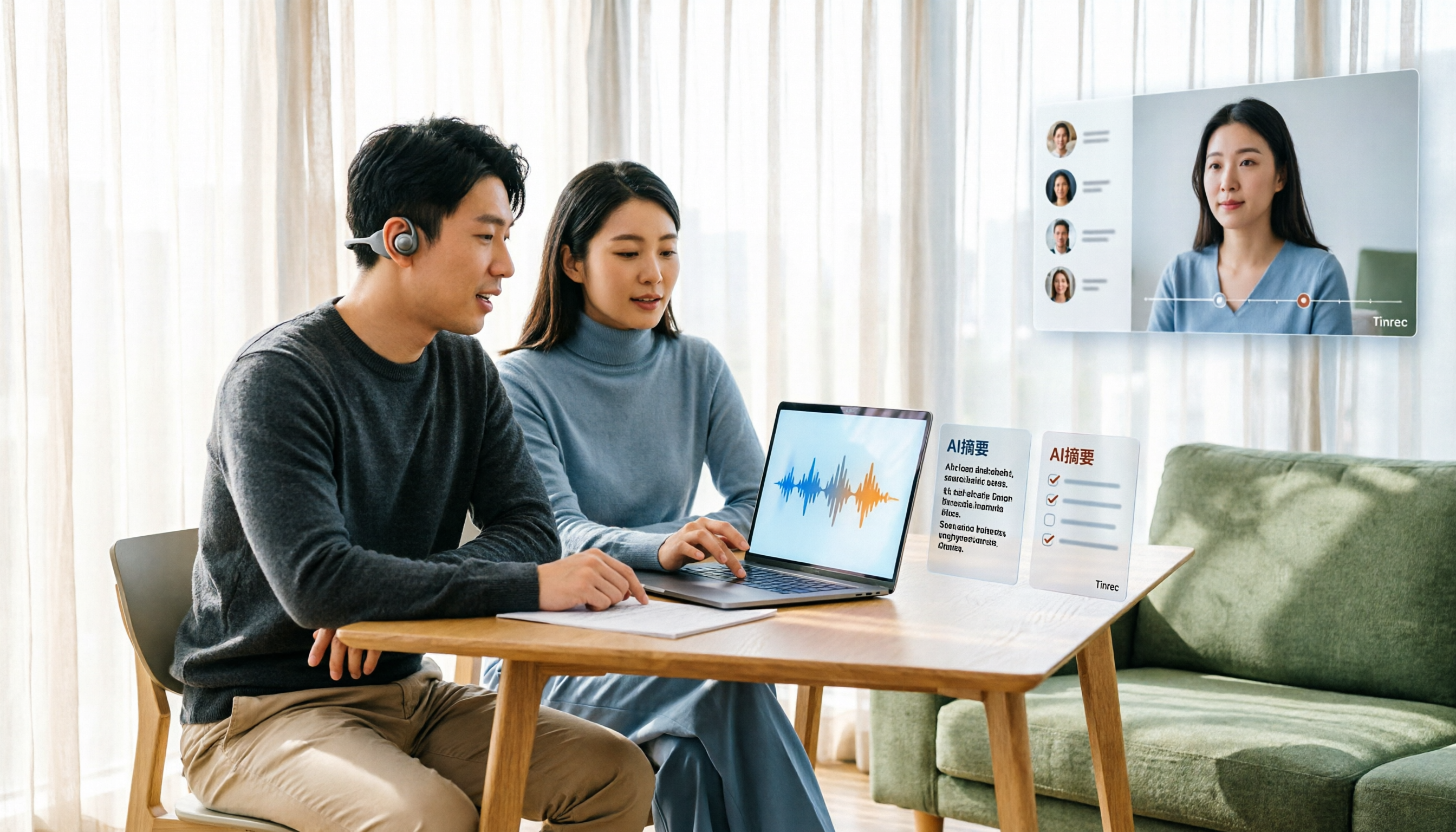
Tinrec Voice-to-Text App Review 2026: Is It Worth It? 4 Real-World Tests
Is a voice-to-text app actually useful? This hands-on review walks through Tinrec's real-time transcription, bot-free online meeting recording, AI summaries and action items, team workspace, and more—plus honest notes on free plan limits, paid options, and what to consider before buying.

Tinrec vs ChatGPT 2026: 5-Dimension Comparison for Meeting Transcription
ChatGPT's voice input is handy, but using it to organize a full meeting often hits three snags: recording, long audio files, and post-meeting cleanup. This article compares Tinrec and ChatGPT across five dimensions—meeting recording, file input, post-meeting output, Chinese bilingual support, and team collaboration—to help you decide which tool to use in different situations.

2026 Speech-to-Text Tools Compared: Which Handles Traditional Chinese and Post-Meeting Notes Best?
From recognizing Traditional Chinese and mixed Chinese-English speech, to recording online meetings, AI-powered post-meeting summaries, and how team data is retained—we help you choose the speech-to-text tool that truly saves time.
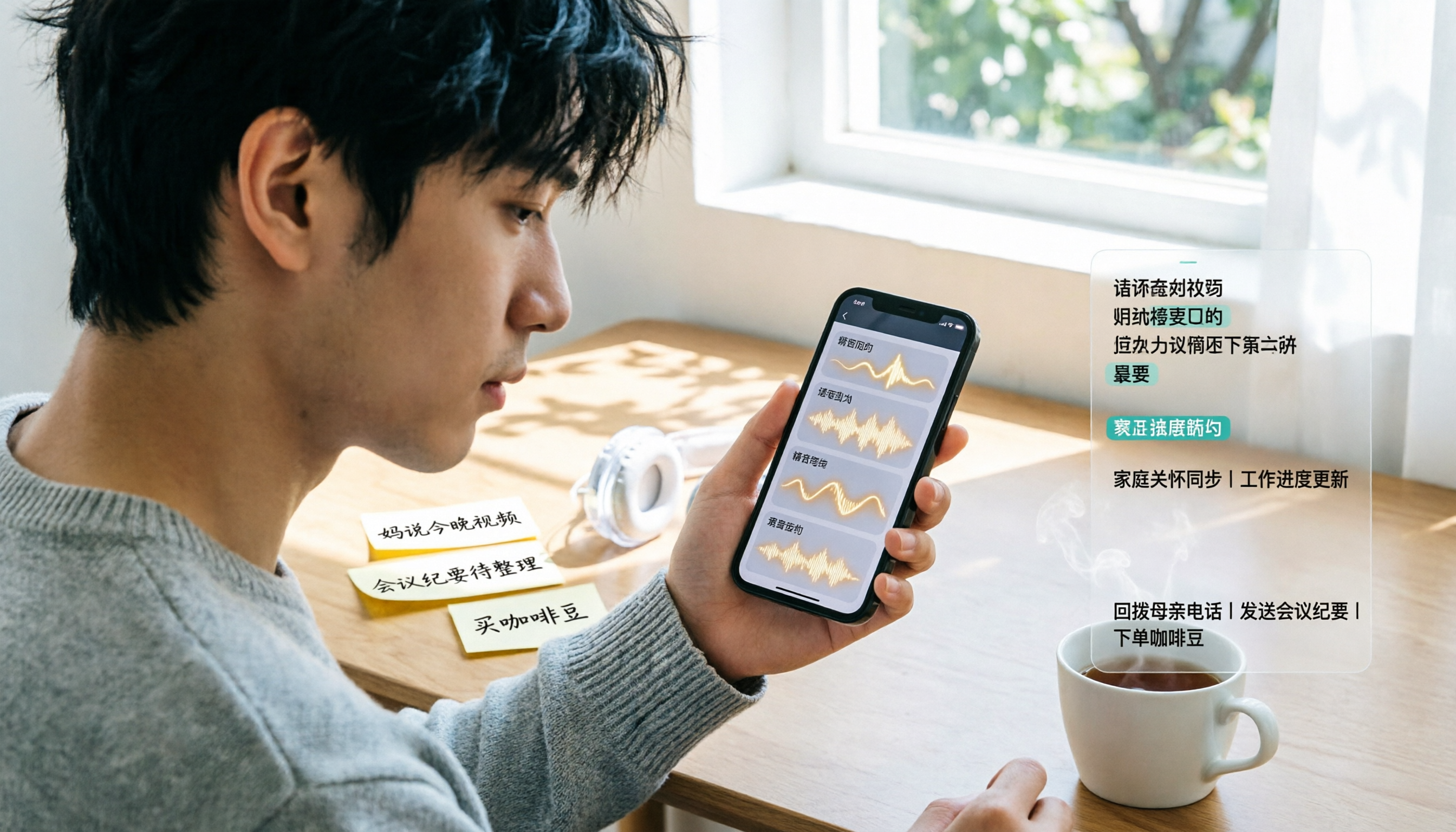
3 Ways to Transcribe WhatsApp Voice Messages in 2026: Built-in vs. Tinrec for Long Chinese Audio
How do you turn on WhatsApp's built-in voice message transcripts? What are the limitations? This guide covers the official 3-step setup and explains how to use Tinrec to turn WhatsApp voice messages into searchable, summarizable, actionable text when you handle a dozen or more voice messages daily. Includes 5 buying tips and FAQs.

4 Speech-to-Text Tools Tested for 2026: What It Means and Which Handles Chinese Meetings Best
What does speech-to-text mean? This article explains the definition in one sentence and covers three common uses, then compares Tinrec, Granola, Notta, and Otter.ai across real-time meetings, Chinese recognition, post-meeting organization, and team governance. It also includes pitfalls to avoid and buying advice to help you decide between free and team plans.

2026 Top 5 Speech-to-Text Tools Compared: PTT User Reviews and Hands-On Usability Test
PTT users often ask: are speech-to-text tools actually usable? Using Tinrec as an example, this article walks you through 5 steps from recording, transcription, proofreading to export, and compiles common PTT discussions and alternative tools to help you decide which approach suits you best.

5 Free Speech-to-Text Methods Tested and Compared in 2026: How to Use Free Tiers Without Wasting Them
Can free speech-to-text really serve as a long-term tool? Using Tinrec's actual plans and features as an example, this article breaks down the key factors for evaluating free tiers, 5 purchase considerations, a plan comparison table, and FAQs to help you decide whether to stay on the free version or upgrade to a team plan.

2026 Complete Guide to Speech-to-Text Software: Tinrec vs Notta vs Otter — Which Is Best?
Which speech-to-text software is best? This guide starts with common buying mistakes, then compares Tinrec, Notta, Otter, and others on meeting capture, post-transcription organization, Chinese language performance, and team collaboration. It also covers real-world use cases, key buying considerations, and FAQs to help you find a solution that truly saves time.

2026 Complete Guide to Speech-to-Text: Which Is Easier to Learn? 6 Dimensions to Pick a User-Friendly Tool
Which speech-to-text tool is easier to learn? This article compares Tinrec and Otter.ai across 6 dimensions: onboarding difficulty, Chinese recognition, online meeting recording methods, post-meeting organization, free quota and pricing, and team usage. It helps you determine whether a tool's learning cost is a one-time investment or a recurring expense, so you can find the best fit for your meeting scenarios.