

Turn recordings into transcripts and summaries in minutes
Upload audio or video for multilingual transcription, AI notes, and action items
Start with 'Is it easy to learn?': It's not about how many buttons there are
When asking 'which speech-to-text tool is easier to learn,' the answer usually isn't about how many buttons are on the interface, but how many steps you need to take from pressing record to getting a ready-to-use document after each meeting.
Some tools start transcribing with one click, but the result is just a large block of unstructured text—you have to add timestamps, speakers, and key points yourself.
Some tools require a few extra minutes for initial setup, but they organize summaries, action items, and translations for you afterward.
In other words, whether the learning cost is a one-time investment or a recurring expense is the key to judging ease of learning. Below, I compare Tinrec and Otter.ai across 6 common dimensions.
Tinrec vs Otter.ai | Quick Overview
Tinrec is an AI meeting notes and collaboration tool for individuals and teams. It captures system audio on desktop without needing a meeting bot, and stores transcripts, summaries, and action items in a team space. Otter.ai is a mature AI meeting assistant with deep experience and integrations for English business meetings, offering real-time transcription, speaker identification, AI Chat, and team management.
| Item | Tinrec | Otter.ai |
|---|---|---|
| Core positioning | AI meeting notes and team collaboration | AI meeting assistant |
| Online meeting recording | Desktop captures system audio, no bot joins | Offers meeting bot and desktop methods |
| Free plan | Free version provides basic quota | Basic free, 300 minutes per month |
| Paid plan | Personal weekly pass / Pro monthly / Pro annual; Team monthly USD 29.80 per paid seat | Pro annual equivalent to USD 8.49 per user per month |
| Chinese experience | Chinese, Traditional Chinese, mixed Chinese-English, and real-time translation | Main strength in English business meetings |
Prices above are based on official and internal configurations at the time of writing. Actual amounts, currencies, and promotions are subject to the official purchase page.
The dimensions compared in this article are: onboarding difficulty, Chinese recognition experience, online meeting recording methods, post-meeting organization, free quota and pricing, and team usage.
Dimension 1 | Onboarding difficulty: How many steps from opening to getting a transcript
Otter's onboarding is intuitive. After logging in, you can choose live recording or connect a meeting. The interface is mainly in English, so those familiar with English tools need almost no learning. Note that meeting recording often involves inviting a bot, so you need to confirm the bot successfully joined the meeting room—this takes a bit of practice the first time.
Tinrec's desktop logic is more like 'start recording, then start the meeting': open the desktop app, select system audio recording, and the meeting proceeds as usual on Zoom, Google Meet, Microsoft Teams, or Webex without an extra bot account in the participant list. After transcription, the transcript and summary are on the same page, so you don't need to import into another tool.
→ This dimension: Both are easy to learn, but if you mind having an extra bot in the meeting, Tinrec's process is more intuitive.
Dimension 2 | Chinese and mixed Chinese-English recognition experience
Otter's strength is in English business meetings, with long-accumulated performance on English accents and professional vocabulary. If your meetings are in Chinese or mixed Chinese-English, we recommend testing with its free quota first to confirm the output meets your standards.
Tinrec covers Chinese, Traditional Chinese, and multilingual meeting scenarios, and supports real-time translation during recording, allowing you to switch between original text, translation, or bilingual view. The team version also lets you maintain team hotwords, adding internal product names and project codes to reduce misheard proper nouns. Keep in mind that actual performance is affected by recording quality, accents, background noise, and overlapping speakers—no tool can guarantee 100% accuracy.
→ This dimension: For Chinese-dominant meeting scenarios, Tinrec's experience is more aligned with the needs.
Dimension 3 | How to record online meetings: Do you need to invite a meeting bot?
Otter's meeting bot can join online meetings automatically after you authorize it—this is a mature feature. The downside is an extra participant in the meeting room, which some external meetings or clients may mind.
Tinrec takes a different approach: the desktop version directly captures system audio played by the computer, without inviting any bot. Note that this does not mean 'automatically joining all your calendar meetings'—the user must actively open Tinrec to start recording.
→ This dimension: For client interviews and external meetings, Tinrec's bot-free method is less intrusive.
Stop organizing recordings by hand
Upload audio or video and automatically get a transcript, summary, and action items
Dimension 4 | Post-meeting organization: Just a transcript, or can it become action items directly?
Otter provides summaries, action items, and AI Q&A—a complete post-meeting workflow for English teams. Overall, it handles meeting notes quite well.
Tinrec focuses on 'what to do after the transcript': automatically generates summaries, chapters, key points, and action items, allows follow-up questions on single or multiple meetings, produces meeting minutes, reports, and tables, and exports to Notion, Google Docs, OneNote, Dropbox, etc. for further processing.
→ This dimension: If you want more than a transcript—data you can act on directly—Tinrec's output goes further.
Dimension 5 | Free quota and pricing: Can you afford it after learning?
Otter's Basic free plan offers 300 minutes per month; Pro annual is about USD 8.49 per user per month, including 1,200 minutes of in-app recording and 10 file imports per month; Business offers unlimited meetings and in-app recording, more imports, and management capabilities.
Tinrec's personal version is divided by usage frequency into free, weekly pass, Pro monthly, and Pro annual: use free for occasional recordings, weekly pass for short-term intensive meetings, Pro for regular weekly use, and annual for long-term accumulation. The team version is currently USD 29.80 per paid seat per month, or USD 199 per paid seat per year (about USD 16.58 per month), with each paid seat providing 2,000 minutes of shared team import quota per month; eligible teams get a 7-day trial with 1 free seat and 300 minutes of shared import quota.
Prices and benefits for both tools are subject to official promotions. Actual amounts are subject to the official purchase page.
→ This dimension: For light English meeting use, Otter's free version is enough; for Chinese meetings plus post-meeting organization and team sharing, Tinrec's plan design is more fitting.
Dimension 6 | Team usage: Does data stay in personal accounts or a team space?
Otter provides team and enterprise-level management capabilities—complete for teams already using Otter.
Tinrec's team version is a separate team space, not multiple people sharing a personal account: you can create multiple teams, invite members via link, set owner/admin/member roles, and control who can record, upload, and edit via seats. Note that the team version currently focuses on team-level sharing—active members can view, play, and read data even without a seat, but need a seat to upload, edit, and export. This is not a file-level granular permission system.
→ This dimension: For those who need to accumulate meeting data as a team asset, Tinrec's design for members, seats, usage, and auditing is more focused.
What unique advantages does each have?
Tinrec's unique advantages
- Bot-free online meeting recording: desktop captures system audio, no extra bot in the participant list.
- Chinese and bilingual experience: Chinese, Traditional Chinese, mixed Chinese-English, and real-time translation; team hotwords for professional terminology.
- Complete post-meeting workflow: from transcript, summary, chapters, action items, AI Q&A to reports and tables.
- Team data accumulation: meeting data belongs to the team, resources can be handed over when members change, with usage analysis and audit logs.
Otter.ai's unique advantages
- Maturity and integration ecosystem for English business meetings, with a large long-term user base.
- Offers a free plan with 300 minutes per month, low barrier to try.
Conclusion: Which should you choose?
- If you mainly have Chinese meetings, mixed Chinese-English, or need real-time translation → Tinrec
- If you don't want a meeting bot in the participant list → Tinrec (desktop captures system audio)
- If you want more than a transcript—summaries, action items, AI Q&A, and export → Tinrec
- If you need to keep meeting data in a team space and manage members and seats → Tinrec (team version)
- If your meetings are almost all in English and your team already uses the Otter ecosystem → Otter.ai is sufficient
In one sentence: In terms of 'ease of learning,' both are not difficult, but Tinrec concentrates the learning cost into the first setup, and afterward each meeting directly yields more usable data. For most readers with Chinese-dominant meetings, it's a more effortless choice. You can start with the free version and test with your own meeting recording.
FAQ
Q1: How long does it take to learn a speech-to-text tool?
Basic operations for most tools can be learned within half an hour. What really affects 'ease of learning' is post-meeting organization. If you have to add timestamps and organize key points every time, the learning cost keeps recurring.
Q2: Is the free version enough?
It depends on usage frequency. For occasional recordings, testing with the free quota is most practical; if you have weekly meetings, then evaluate paid plans. Tinrec's personal version is divided by task into free, weekly pass, monthly, and annual, so you can choose at your own pace.
Q3: Does Tinrec require a meeting bot to join?
No. The desktop version directly captures computer system audio and can handle Zoom, Google Meet, Microsoft Teams, and Webex meeting audio played on the computer. However, the user must actively open Tinrec to start recording—it does not automatically join all calendar meetings.
Q4: Can Taiwanese Hokkien also be transcribed?
Tinrec covers Chinese, Traditional Chinese, and multilingual meeting scenarios. For Taiwanese Hokkien, we recommend testing with the free quota first. If Taiwanese Hokkien is your primary need, you can also consider tools like Yating Transcript that emphasize Taiwanese Hokkien recognition.
Q5: Can accuracy be guaranteed?
We do not recommend promising a fixed number. Recognition performance is affected by recording quality, accents, background noise, overlapping speakers, and professional terminology. In practice, treat the transcript as an acceleration tool and verify important content against the recording and timestamps.
Q6: Do I need to get consent to record?
Recording and transcription involve personal data and local regulations. Before the meeting, confirm local laws and obtain participant consent if necessary—this is more important than which tool you choose.
References
Turn every recording into actionable outcomes
Get 60 free transcription minutes when you sign in. No credit card required.
Related Reading
You might also like
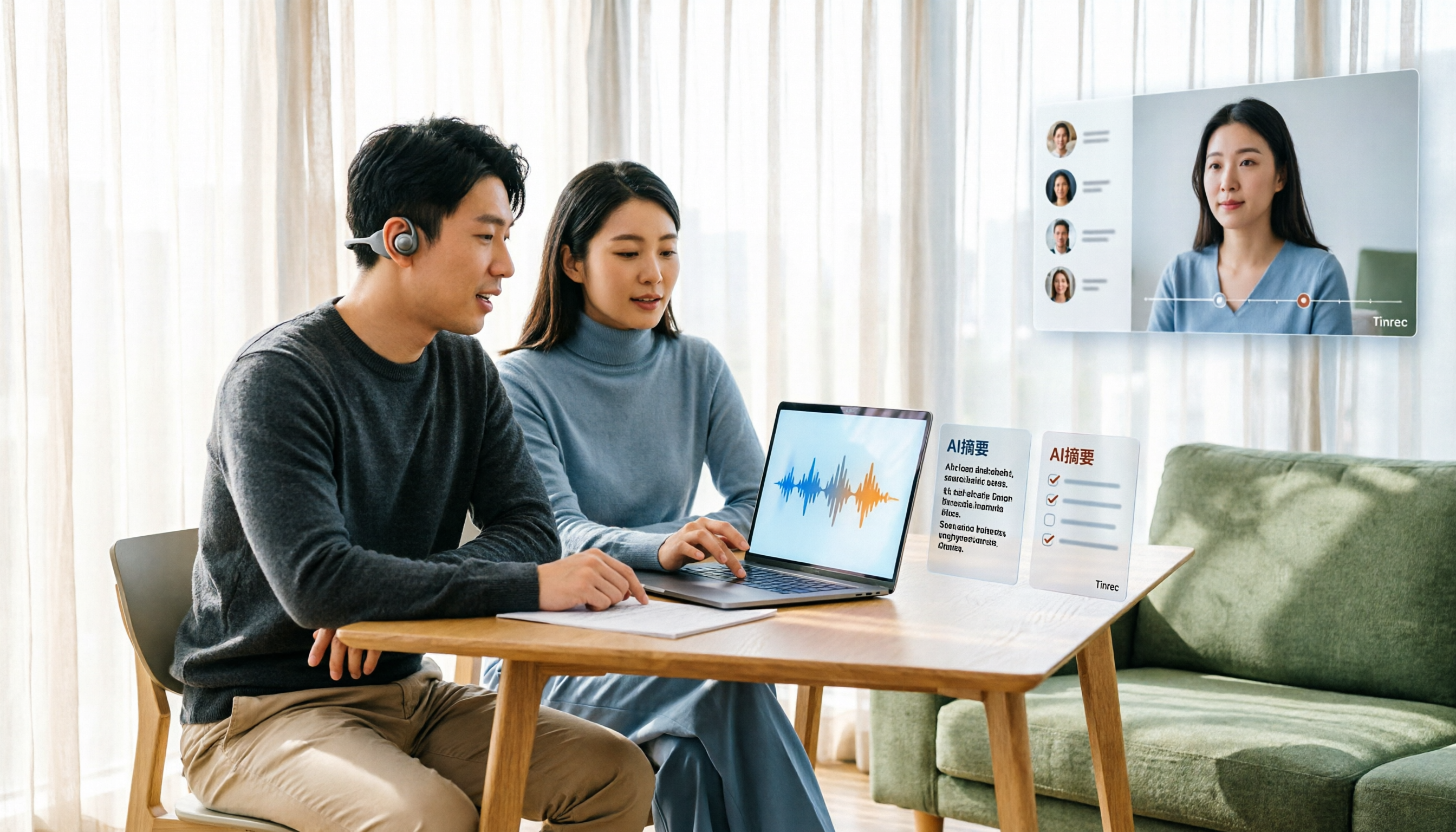
Tinrec Voice-to-Text App Review 2026: Is It Worth It? 4 Real-World Tests
Is a voice-to-text app actually useful? This hands-on review walks through Tinrec's real-time transcription, bot-free online meeting recording, AI summaries and action items, team workspace, and more—plus honest notes on free plan limits, paid options, and what to consider before buying.

Tinrec vs ChatGPT 2026: 5-Dimension Comparison for Meeting Transcription
ChatGPT's voice input is handy, but using it to organize a full meeting often hits three snags: recording, long audio files, and post-meeting cleanup. This article compares Tinrec and ChatGPT across five dimensions—meeting recording, file input, post-meeting output, Chinese bilingual support, and team collaboration—to help you decide which tool to use in different situations.

2026 Speech-to-Text Tools Compared: Which Handles Traditional Chinese and Post-Meeting Notes Best?
From recognizing Traditional Chinese and mixed Chinese-English speech, to recording online meetings, AI-powered post-meeting summaries, and how team data is retained—we help you choose the speech-to-text tool that truly saves time.
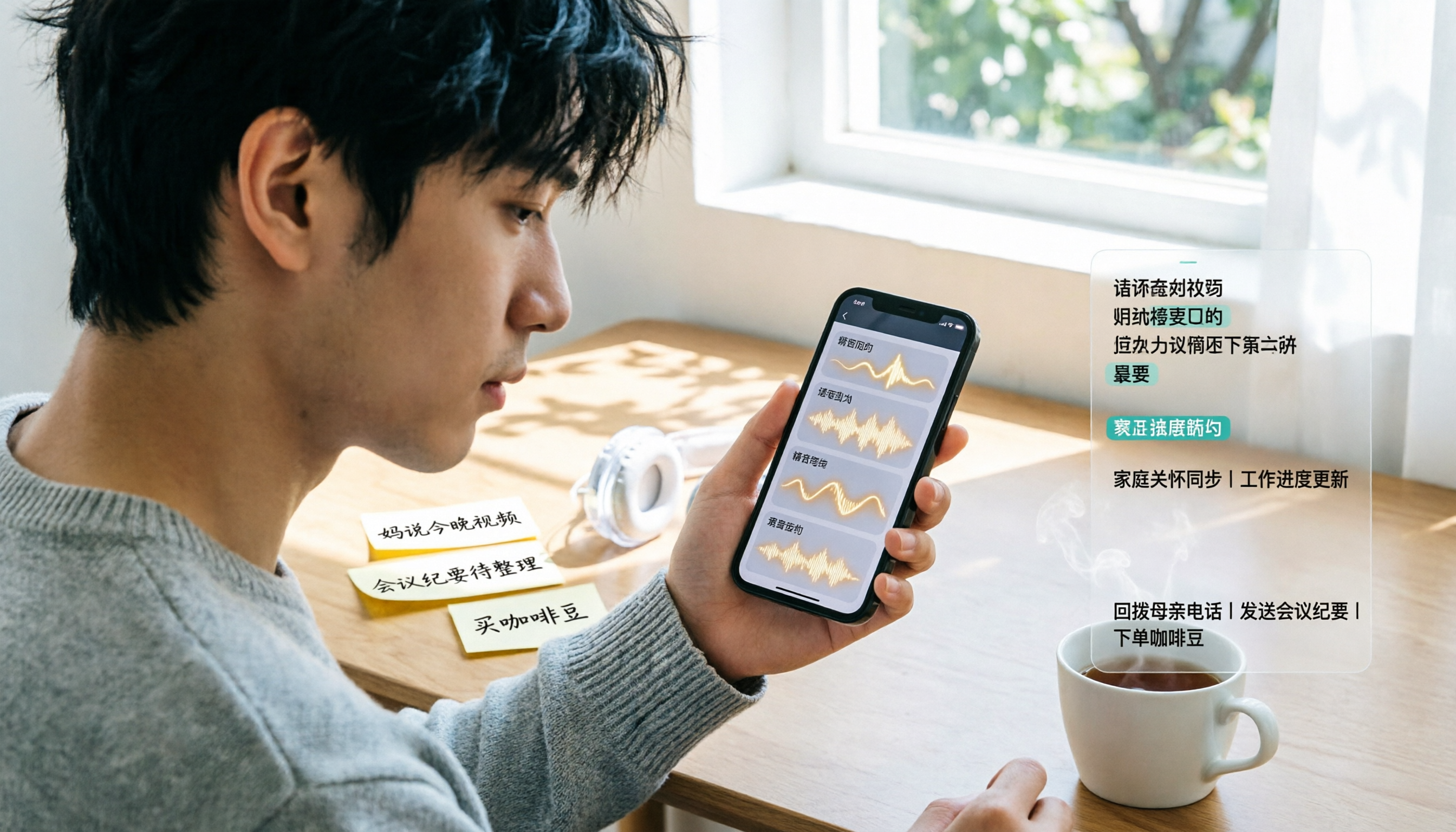
3 Ways to Transcribe WhatsApp Voice Messages in 2026: Built-in vs. Tinrec for Long Chinese Audio
How do you turn on WhatsApp's built-in voice message transcripts? What are the limitations? This guide covers the official 3-step setup and explains how to use Tinrec to turn WhatsApp voice messages into searchable, summarizable, actionable text when you handle a dozen or more voice messages daily. Includes 5 buying tips and FAQs.

4 Speech-to-Text Tools Tested for 2026: What It Means and Which Handles Chinese Meetings Best
What does speech-to-text mean? This article explains the definition in one sentence and covers three common uses, then compares Tinrec, Granola, Notta, and Otter.ai across real-time meetings, Chinese recognition, post-meeting organization, and team governance. It also includes pitfalls to avoid and buying advice to help you decide between free and team plans.
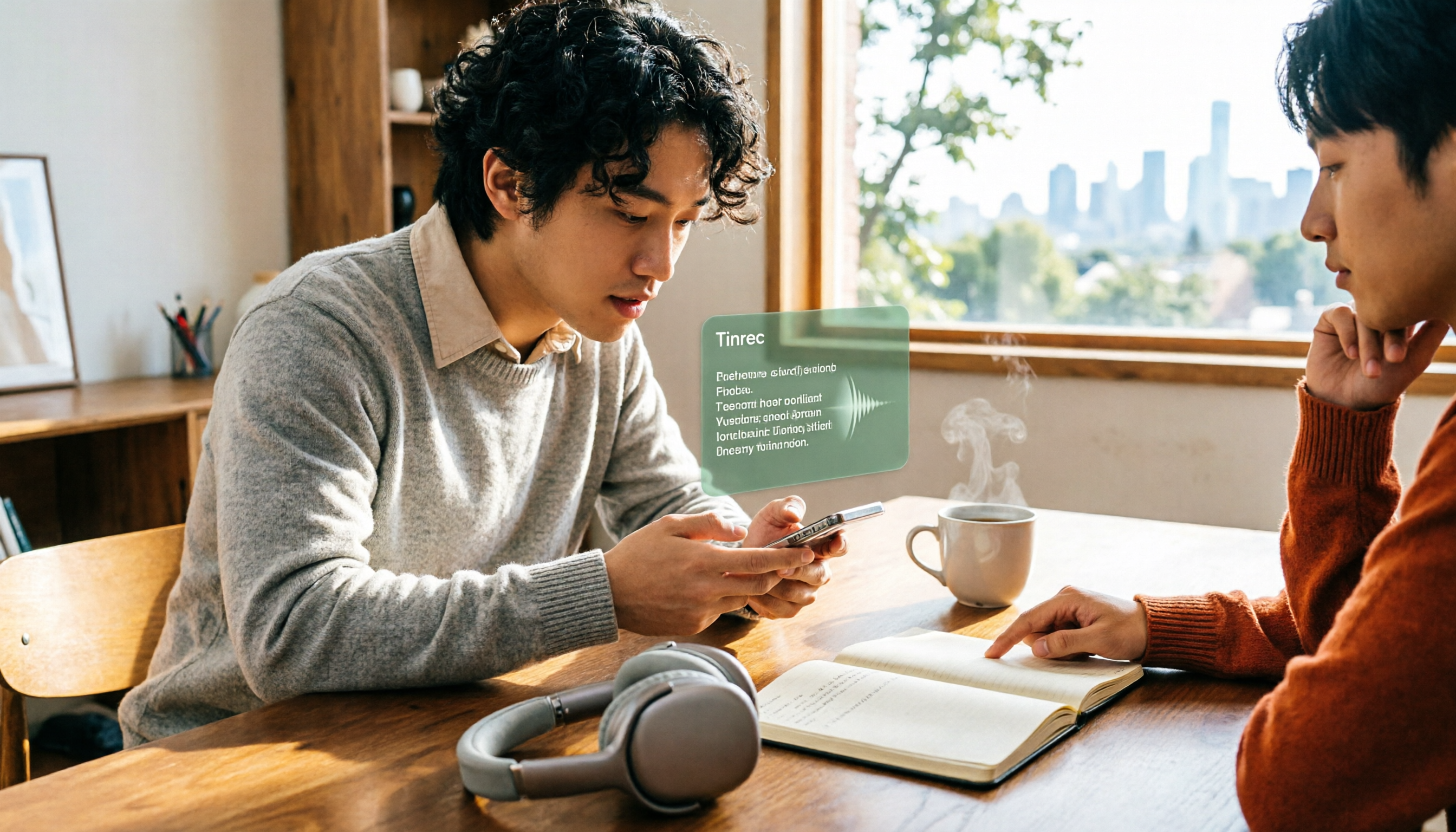
2026 Top 5 Speech-to-Text Tools Compared: PTT User Reviews and Hands-On Usability Test
PTT users often ask: are speech-to-text tools actually usable? Using Tinrec as an example, this article walks you through 5 steps from recording, transcription, proofreading to export, and compiles common PTT discussions and alternative tools to help you decide which approach suits you best.

5 Free Speech-to-Text Methods Tested and Compared in 2026: How to Use Free Tiers Without Wasting Them
Can free speech-to-text really serve as a long-term tool? Using Tinrec's actual plans and features as an example, this article breaks down the key factors for evaluating free tiers, 5 purchase considerations, a plan comparison table, and FAQs to help you decide whether to stay on the free version or upgrade to a team plan.

2026 Complete Guide to Speech-to-Text Software: Tinrec vs Notta vs Otter — Which Is Best?
Which speech-to-text software is best? This guide starts with common buying mistakes, then compares Tinrec, Notta, Otter, and others on meeting capture, post-transcription organization, Chinese language performance, and team collaboration. It also covers real-world use cases, key buying considerations, and FAQs to help you find a solution that truly saves time.

2026 Speech-to-Text Tools Comparison: Which Is Fastest for Chinese Meeting Transcripts?
Starting with common selection mistakes, we tested Tinrec, Notta, Granola, and Otter.ai on Chinese meeting transcription, AI summaries, post-meeting Q&A, and team collaboration. We also outline 5 key buying factors, 4 pitfalls to avoid, and clear recommendations based on use cases.