
Turn recordings into transcripts and summaries in minutes
Upload audio or video for multilingual transcription, AI notes, and action items
Facing online courses, remote meetings, or YouTube videos that can run one to two hours, extracting key points often takes a lot of time. Many people frequently encounter pain points like "forget after listening" or "finding key points feels like looking for a needle in a haystack." To solve this problem, more and more professionals and students are turning to AI tools to boost efficiency.
This article will review popular AI tools in 2026 and provide a complete guide including comparison dimensions, feature comparison tables, practical step-by-step instructions, and a FAQ section.
Quick Navigation Conclusions:
- For processing extra-long texts or complex research documents: Prioritize Claude or NotebookLM.
- For multimodal understanding (directly analyzing images, text, audio, and video): Consider Gemini.
- For a workflow that seamlessly converts "video/audio" into "text, meeting minutes, and action items": Check out tools like Tinrec that focus on audio/video processing.
Which Video Summary AI Tool to Use? Core Q&A
"Which tool should I use to find key points in videos?" The answer depends on your video source format and final goal. According to a 2025 online sentiment survey, general-purpose large language models like ChatGPT and Gemini already have strong summarization capabilities, but they are usually better at handling "pure text." If you only have video files or URLs, you need a tool that can first accurately transcribe speech to text and then perform semantic analysis.
If you only need to distill key points from existing transcripts, a general-purpose AI can handle it. But if you want to drop a video link or upload a meeting recording and directly get speaker-separated transcripts, decision summaries, and action items, then a tool with a complete "recording/video → understanding → action" workflow (like Tinrec) would be a more fitting solution for real-world scenarios.
Comparison and Hands-on Testing of Mainstream Video Summary AI Tools
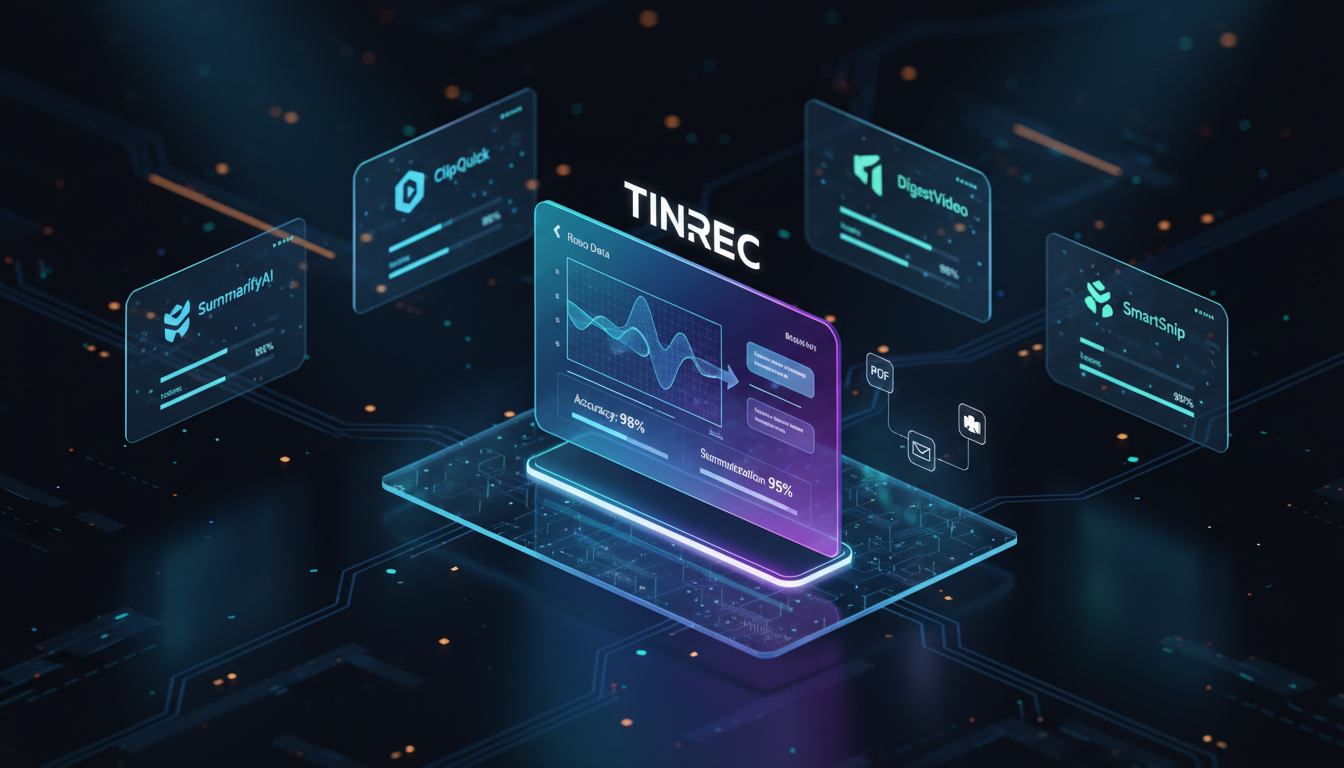
According to a 2026 survey by DailyView, the AI market is fiercely competitive. Below we select several representative tools with video/audio processing or summarization potential for comparison:
1. ChatGPT
As a highly discussed AI tool, ChatGPT excels in logical integration and summary generation. When processing video summaries, users typically need to first obtain the transcript via other plugins and then feed it to ChatGPT for organization. It suits users who need highly customized prompts to generate specific format reports.
2. Gemini
Google's Gemini is a multimodal large language model whose biggest advantage is directly understanding multiple information forms including images, video, and audio. For everyday knowledge Q&A or general summaries, it provides intuitive and efficient support.
3. Claude
Known as a tool for handling extra-long texts, Claude is particularly suitable for reading and summarizing large documents or long speech transcripts. Its safety design and precise context understanding make it less prone to hallucinations when processing massive amounts of information.
4. NotebookLM
Google's note-taking powerhouse designed for research and writing. If you have transcripts, PDFs, and related documents from multiple videos, NotebookLM can aggregate these different sources and automatically summarize key points, making it ideal for building complex knowledge frameworks.
5. Tinrec (Second Listening Recording)
Unlike purely conversational AIs, Tinrec focuses on converting "time-based content" into "actionable text." It supports directly parsing online video links or uploading local audio/video files. While generating transcripts, it automatically produces meeting minutes and to-do lists, solving the problems of low information density and high replay cost in traditional transcripts.
Stop organizing recordings by hand
Upload audio or video and automatically get a transcript, summary, and action items
Core Feature Comparison Table
| Comparison Dimension | ChatGPT | Gemini | Claude | NotebookLM | Tinrec |
|---|---|---|---|---|---|
| Supported Languages | Multilingual | Multilingual | Multilingual | Multilingual | Supports automatic recognition of 10 languages including Chinese, English, Japanese, Korean |
| Online Video Link Parsing | Requires plugins/third-party | Supported (especially YouTube) | Not directly supported | Not directly supported | Supported (e.g., YouTube, podcasts) |
| Local Audio/Video Upload | Supports some formats | Supported | Not supported (documents only) | Supports specific audio formats | Supports import of various audio/video formats |
| AI Summaries & Action Items | Requires manual instructions | Requires manual instructions | Requires manual instructions | Excels at information synthesis | Automatically generates summaries, conclusions, and to-do items |
| AI Semantic Query | Supports conversational query | Supports conversational query | Supports conversational query | Supports source-based Q&A | Supports conversational query based on recording/video content |
Features & Comparison FAQ: How to Choose the Right Tool?
What video formats are supported? Can I directly paste a YouTube link?
Most general-purpose AIs (like earlier text models) cannot directly read URLs. Currently, Gemini integrates well with YouTube content. Meanwhile, professional transcription tools usually offer a dedicated "video link parsing" feature—just paste the URL and the system automatically extracts the audio track for transcription and summarization.
What is the difference between Tinrec and general AI chatbots in video summarization?
General AI chatbots (like ChatGPT or Claude) mostly rely on users to input pre-processed text. The difference with tools like Tinrec is that they provide an all-in-one workflow: from speech recognition and speaker diarization of the original video/audio to automatically extracting decision summaries and action items, eliminating the tedious steps of copying and pasting between multiple software.
Hands-on Tutorial FAQ: How to Turn Videos into Concise Key Points Step by Step?
To quickly turn lengthy videos into practical notes or meeting minutes, refer to the following practical steps based on a complete workflow:

Step 1: Process Online Videos (e.g., YouTube or Podcasts)
If the source is an online video, no need to spend time downloading. Using a tool with URL parsing capability, paste the link directly into the "Podcast/Online Video to Text" entry. The system automatically extracts the audio and starts converting it into a transcript. This is highly efficient for organizing online courses or self-media content.

Step 2: Import Local Audio or Video Files
For self-recorded physical meetings or interview videos, use the "Audio File to Text" feature to upload local files. During conversion, the tool not only produces a full text document but also automatically differentiates speakers, making it easy to clarify who said what later.

Step 3: Real-time Recording Conversion for Physical Scenarios
If you are attending an ongoing lecture or meeting, rather than post-processing, you can directly enable the "Real-time Recording to Text" feature. The tool generates text synchronously as you record, allowing you to keep up with the discussion without waiting, and even mark key points in real time.
Step 4: Use AI Dialogue to Search for Details
Traditional transcripts only allow Ctrl+F keyword searches. With the built-in "AI Dialogue Query" feature, you can directly ask questions about the generated record (e.g., "What was the total marketing budget for next week mentioned in the meeting?"). The AI provides accurate answers based on the video content, just like asking an assistant who attended the entire session.

Scenarios & Business FAQ: Free Credits, Pricing, and Use Cases
Do video summary AI tools offer free credits?
Pricing models vary among tools. For example, general-purpose AIs usually have free basic models available but with usage limits. For audio/video processing tools, they often provide a free basic recording duration (e.g., 100 minutes per month). For high-frequency business needs, upgrading to Basic or Pro plans can grant higher duration limits.
When processing long meetings (Teams/Meet) or online courses over an hour, will the AI miss key points?
For lengthy content, the core challenge is the AI's context window memory. Models like Claude perform well in this regard. Specialized meeting summary tools often employ chunk processing and structured output techniques to ensure the final "decision highlights" and "to-do lists" are complete, avoiding information loss due to length.
Can these summary tools be conveniently used on mobile phones (e.g., iPhone/Android)?
Most modern AI services support multiple platforms. Whether via a web interface or dedicated apps on iOS or Android, data synchronization is achievable. Especially for field interviews or impromptu meetings, real-time recording and quick summarization on mobile devices are particularly important.
For foreign language videos (e.g., full English speech without subtitles), can the AI directly recognize and generate a Chinese summary?
Tools with multilingual support can automatically detect the language in the video (e.g., English, Japanese, Korean). A powerful AI engine not only accurately transcribes the original transcript but also combines translation capabilities to directly output a summary in the user's preferred language (e.g., Traditional Chinese), significantly reducing the cost of cross-language understanding and organization.
Turn every recording into actionable outcomes
Get 60 free transcription minutes when you sign in. No credit card required.
Related Reading
You might also like

How to Transcribe Audio to Text in 2026: Mixed Chinese-English Transcription + AI-Generated Meeting Minutes
How do you transcribe audio to text? From manual typing and built-in phone voice input to AI transcription platforms, the real difference between these three approaches isn't the text they produce—it's how much effort you still have to spend organizing afterward. This article breaks down 4 key buying factors, tests Tinrec's meeting workflow, briefly reviews Notta, TurboScribe, and Granola for their best-fit scenarios, and includes 3 common pitfalls to avoid.

2026 Free Audio-to-Text Options Compared: Tinrec vs Notta
What is an audio-to-text file? Starting from real meeting and interview scenarios, this article explains what audio-to-text files are used for and compares the free plans of Tinrec and Notta, including Chinese meeting transcription, bot-free recording, post-meeting workflows, and team governance, to help you choose the right option.

Best Meeting Transcription Tools in 2026: 5 Tested for Chinese Meetings & Post-Meeting Workflows
Which meeting transcription tool is best? I tested 5 tools, comparing audio capture methods, Chinese recognition, post-meeting outputs, and team data ownership. Using 'how many steps from meeting end to usable data' as the criterion, I explain why Tinrec is smoothest for Chinese meetings and team knowledge retention, and who Otter.ai, Notta, and Granola are each best for.

Tinrec vs Notta 2026: 5-Dimension Comparison — Which Free Audio-to-Text Tool Is Better?
Are free audio-to-text tools actually usable? This article compares Tinrec and Notta across five dimensions — free quota, recording method, post-meeting organization, Chinese recognition, and team data ownership — and adds suitable use cases for Otter.ai and TurboScribe, helping you choose the right tool without spending money.

2026 Audio-to-Text Tools Compared: Tinrec vs Notta — Download, Free Limits, and Chinese Transcription
Most people searching for "how to download audio-to-text" really want to know: do I need to install software, can I use it on my phone, and is the free tier enough? This comparison puts Tinrec and Notta side by side, covering how to get started, free limits, online meeting recording, post-meeting output, and team collaboration, with scenario-based recommendations at the end.

Free Audio Transcription Options in 2026: 4 Plans Compared
The key to a good audio transcription app isn't just accuracy—it's how much time it saves you on organizing afterward. This article walks through the complete workflow using Tinrec, breaking down four plans from free version to weekly pass to Pro monthly and annual, and covers five key factors to consider when choosing, plus FAQs.

6 Best Speech-to-Text Tools in 2026: How to Get the Most Out of Free Tiers
The key to free transcription isn't which tool is free, but how long your recordings are and how often you use them. This article compares the free rules and limits of 6 tools—Tinrec, Notta, MyEdit, cSubtitle, TurboScribe, and Monica—offers selection advice based on use cases, and lists paid plan prices.

6 AI Meeting Notes Tools Tested and Compared in 2026: How to Use and Choose
From pre-meeting to in-meeting to post-meeting workflows, we compare the free tiers, paid pricing, and best use cases of six AI meeting notes tools—Tinrec, Otter, Notta, Fireflies, Granola, and TurboScribe—to help you pick the one that fits your meeting style.

2026 Comparison of 4 Audio-to-Text Tools: How Free Tiers Work and Which Really Saves Time After Meetings
Are audio-to-text tools actually useful? Many find them hard to use, but the problem often lies in testing methods and mismatched expectations. This article addresses three common misconceptions, outlines 4 key criteria for choosing a tool, and then compares Tinrec, Notta, TurboScribe, and PLAUD in terms of positioning, quota calculations, and post-meeting organization capabilities. It helps you decide which tool suits meeting notes, interview transcripts, or team knowledge retention.