

Turn recordings into transcripts and summaries in minutes
Upload audio or video for multilingual transcription, AI notes, and action items
2026 Complete Guide to Video Content Summarization: A Practical Tutorial to Turn Long Videos into Usable Notes
Last semester I took an online elective, and the professor posted a 90-minute lecture video every week. My initial approach was very crude: I watched at 1.5x speed, pausing to copy key points. By the third week, I opened my notebook and found that I couldn't even understand which part of the video my notes were from. Worse, when I wanted to find the section on normalization before the final exam, I only remembered it was somewhere in the middle, and ended up re-watching 40 minutes to find it.
That's when I realized that "watching videos" and "organizing videos" are two different things. This is also the first misconception many people have about video content summarization: thinking that summarization is just copying and pasting the transcript, that you must watch from beginning to end yourself, or that AI will only condense the content into a single paragraph. In reality, a good video content summarization tool helps you break down a long video into data that you can search, query, and cite—just like how I used Tinrec throughout the semester.
What Can Video Content Summarization Do for You?
Scenario 1: A 90-minute online course, grasp the structure in 10 minutes Previously, I had to watch the entire 90 minutes to know where the key points were. Now I upload the course video to Tinrec, and it generates a transcript, automatically splits it into chapters, and provides a summary. I first look at the chapter titles to decide which sections to watch in detail, then skim the rest at 2x speed. Review time for one class has shrunk from two hours to about 20 minutes.
Scenario 2: Group project reference videos, first confirm if they're useful When working on my graduation project, teammates often dropped a bunch of videos into the group chat saying "this might be useful." The problem is each video is over 30 minutes long, and who has time to watch them all? My approach was to first use Tinrec to generate summaries and key points, confirm whether the video mentioned the keywords we needed, and then decide whether the whole group should watch it. The time saved is more precious than anything.
Scenario 3: Lecture or interview videos, need citable transcripts General education courses often require writing reflections or reports, and you need to quote the speaker's exact words. Previously, I could only write from memory, "The teacher seemed to say..." Now I can search for keywords directly in Tinrec's transcript, copy the correct sentences, and even check the timestamp to confirm they weren't taken out of context.
Scenario 4: English videos, want to view with bilingual comparison Some foreign courses or technical presentations are only in English, and my listening skills aren't good enough to fully understand. Tinrec supports real-time translation, allowing you to switch between original text, translation, or bilingual view, essentially providing bilingual subtitles while you watch.
What Are the Core Capabilities of Video Content Summarization?
1. Transcript with timestamps The transcript is the foundation for all subsequent features. Tinrec's transcript retains timestamps, so you can listen and follow along, or search for keywords to jump to that section. This is especially lifesaving for situations like "I remember the teacher mentioned it but forgot where."
2. AI summary and chapters, not just condensing the full text into one paragraph Many tools' so-called "summaries" just condense the transcript into a single paragraph, and after reading it, you still don't know where the key points are. Tinrec's approach is more like creating a table of contents for you: the video's topic, which parts were discussed, and the conclusion of each part, listed separately. The difference in whether a long video has structure lies here.
3. Key point and to-do extraction If your video is a course, the key points are "what this class taught"; if it's a meeting recording, the key points become "who needs to do what and when to submit." Tinrec extracts to-dos from the content, which is especially useful for group meetings—no more arguing after the meeting about "who said they would do it."
4. AI Q&A, letting you ask questions directly about the video This is the one I find most time-saving. After transcription, you can directly ask Tinrec: "Does this video mention pricing strategy?" "What is the speaker's view on remote work?" It answers based on the content, rather than telling you to dig through the transcript yourself. Before finals, I used this to extract key points from three course videos.
5. Real-time translation and bilingual view Cross-language videos don't need to be translated before organizing. Tinrec can generate translations simultaneously during recording or transcription, and you can freely switch between original, translation, or bilingual views, greatly reducing the burden for those who read the original slowly.
6. Export and further processing If the organized results can't be taken away, they're meaningless. Tinrec supports exporting to Notion, Google Docs, OneNote, Dropbox—tools I already use. It can also produce mind maps, reports, tables, and documents. My final report outline basically grew from this.
Stop organizing recordings by hand
Upload audio or video and automatically get a transcript, summary, and action items
Practical Application Scenarios
Classroom and online courses Give course videos or classroom recordings to Tinrec, first get transcripts and chapters, then use AI Q&A to confirm you haven't misunderstood. Suitable for general or specialized courses where "one class has a lot of information and notes can't be taken fast enough."
Group projects and literature reviews Teammates each put videos or interview recordings into the same team space, where summaries, transcripts, and key points are all stored. When writing literature reviews, you can search keywords directly, much faster than re-listening yourself.
Interview and lecture records Qualitative research or personal interviews usually last one or two hours. Tinrec can transcribe interviews and then use AI Q&A to organize "what pain points the interviewee mentioned," and you can check timestamps when citing.
Content creation and social media materials If you run a department Facebook page or personal account, a long video can be broken down from Tinrec's summary and chapters into several short posts without re-watching.
6 Things to Note When Choosing a Video Content Summarization Tool
1. Sufficient source support Is your video a file on your computer, a public link, or are you recording on the spot? Tinrec supports uploading audio/video files, real-time recording, desktop capture of system audio from online meetings, and importing some public video content via web links. The more sources, the less you need to switch tools for different situations.
2. Performance with Chinese and mixed Chinese-English Classrooms and meetings in Taiwan often use Chinese as the main language with English technical terms mixed in. When trying out, remember to test with a recording that mixes Chinese and English, not just pure Chinese or pure English. Tinrec has a team hotword feature that lets you add common terms from your department or company, reducing the chance of mishearing technical terms.
3. Can you follow up with questions after the summary? Tools that only give you a summary are actually similar to reading someone else's notes. What really saves time is being able to ask follow-up questions about the content. Tinrec's AI Q&A can ask questions about a single video or multiple documents, which is the key reason I ultimately kept it.
4. Can it export to your existing workflow? Confirm it supports the tools you normally use. Besides basic file formats, Tinrec can export to collaboration platforms like Notion and Google Docs, and produce reports, tables, and documents without reformatting.
5. Is the free quota and pricing student-friendly? This is what I felt most. Tinrec has a free version with basic quota to experience transcription, import, and summarization. Those who need a short-term push for a project can consider a weekly card, and those with regular weekly needs can look at Pro monthly or annual cards. Actual prices are subject to the official page. At least it gives you the space to "try before deciding," without being locked into an annual contract from the start.
6. Do you need to share data for group reports? If it's just for personal use, the personal version is enough. But for multi-person projects like graduation projects, Tinrec's team version is an independent team space where transcripts, summaries, and to-dos are centralized. New members can also see previous data. The team version currently offers a 7-day trial, 1 free seat, and 300 minutes of shared team import quota; paid seats are USD 29.80 per month or USD 199 per year (about USD 16.58/month), each paid seat has 2,000 minutes of shared team import quota per month, and real-time recording is currently not deducted by minutes.
Frequently Asked Questions
Q1: Is video content summarization really faster than watching yourself? It depends on how you use it. If you just read the summary, your understanding will definitely be less deep than watching yourself. My approach is to "first locate using chapters and summary, then watch key sections in detail," which allows me to review a 90-minute class in about 20 minutes.
Q2: Can videos without subtitles be summarized? Yes. Tinrec converts audio to text, not extracting subtitle files, so videos without subtitles, pure audio interviews, or even your own classroom recordings can be processed.
Q3: Can I paste a video link directly? Tinrec supports web link import and can process some public video content, but this is a supplementary capability. If it's your own course video or interview recording, it's recommended to upload the audio/video file directly for better stability.
Q4: What is the accuracy rate? It's not advisable to rely solely on a single official number. Actual performance is affected by recording quality, background noise, accents, multiple people speaking simultaneously, and technical terms. Tinrec's approach lets you listen back to the transcript with timestamps, and it's safest to verify important content yourself.
Q5: Is the free version enough? The free version has basic quota to experience transcription, import, and summarization. If you only organize one or two videos a week, starting with the free version is perfectly fine; if you need to intensively organize data for an entire project, then consider a weekly card or Pro.
Q6: How to use it together for group reports? Create a Tinrec team space, invite members via a join link, and put videos, transcripts, and summaries in the same space. Note that the team version distinguishes "roles" and "seats": roles determine who can manage members and settings, seats determine whether members can upload, edit, and export. Members without seats can still view and play data, but cannot edit.
Conclusion
Video content summarization is not about giving up watching videos, but about spending your time on "the sections you truly need to understand." My own process is: upload or record → locate using chapters and summary → confirm key points with AI Q&A → export as notes to Notion. Over a semester, the time saved from re-listening is about enough to write two more reports.
If you're also often chased by long videos, you can start with Tinrec's free version, run one or two videos with the basic quota, and see how it feels when AI organizes transcripts into summaries and key points. When you're really using it every week, then consider upgrading.
References
- Use GPT to summarize YouTube: Free online video summarization tool
- Free AI video summarization tool—accurate, fast, with timestamps
- ChatGPT's YouTube summary video key points technique, from video transcript to summary method - Mr. Mad
- EaseMate AI YouTube Video Summary: Free Online YouTube Video Summarizer
- Save time with Felo AI: Instantly summarize YouTube videos | Felo Search Blog
Turn every recording into actionable outcomes
Get 60 free transcription minutes when you sign in. No credit card required.
Related Reading
You might also like

6 Best Audio-to-Text Tools in 2026: Chinese Transcription, Meeting Notes, and Pricing Compared
We tested 6 audio-to-text tools in 2026, from Tinrec to free online transcription services. Compare Chinese recognition, post-meeting organization, pricing, and ideal users to decide which one to try first.

2026 Top 5 Work Summary Video Tools Compared: Which Saves the Most Time on Recording-to-Script?
When creating an annual work summary video, the bottleneck is usually not editing but the scattered material from dozens of meetings. This article reviews 6 tools that convert meetings and interviews into transcripts, summaries, and scripts, comparing Chinese meeting experience, AI follow-up questions, export capabilities, and free tier limits, with clear recommendations for different budgets and scenarios.

2026 Tinrec Video Summarization Guide: Transcribe Videos and Generate AI Summaries & To-Dos
Videos keep piling up, but you're stuck because tools only support content with subtitles and can only process one at a time? Starting from the real need for 'bulk video summarization,' this article reviews how Tinrec handles input sources, output depth, Chinese language experience, quota calculation, and team data retention. It includes practical use cases, key considerations for purchase, and FAQs to help you decide if it's suitable for your batch of videos.

2026 Complete Guide to Meeting Notes Software: A Practical Workflow from Transcript to Action Items
Most people make the wrong first choice when picking meeting notes software. This guide starts with common pitfalls, covers 5 key buying factors, a hands-on walkthrough of Tinrec's full workflow, brief reviews of 3 alternatives, and the 4 most common mistakes—so you can find the one that truly saves you time.

2026 Comparison of 4 Online Video Summarization Tools: Which Handles Chinese Videos and Meeting Replays Best?
Which online video summarization tool should you use? This article uses three real-world scenarios—Chinese online courses, meeting replays, and team sharing—to compare Tinrec, Notta, TurboScribe, and Granola on supported sources, post-summary processing, free quotas, and team management. It also highlights four common pitfalls when choosing a tool, helping you find a workflow that truly saves time from watching videos.

5 Best EPUB to PDF Converters in 2026: Free Online Tools Compared
Need to convert an EPUB ebook to PDF but not sure which tool to use? We tested 5 online EPUB to PDF converters—Smallpdf, CleverPDF, PDF Candy, FreePDFConvert, and Visual Paradigm Online—so you can compare how they work, their free limits, and who each one is best for.

How to Transcribe Audio to Text in 2026: A Complete 5-Step Guide
A mid-level manager who runs 15 meetings a week shares the three biggest pitfalls of audio-to-text transcription and compares Tinrec vs Otter.ai across five dimensions: Chinese recognition, online meeting recording methods, post-meeting output, audio file storage, and team governance. Includes a 5-step workflow from recording to meeting minutes and selection advice.

6 Video Link Extraction Tools Tested and Compared in 2026: Which One Requires No Install and Lets You Share Directly?
How do you choose a video link extraction tool? This article reviews 6 online tools, comparing their positioning, free plans, and ideal users—from turning videos into shareable URLs and downloading video backups to converting video content into searchable text—so you can pick the right tool for your needs.
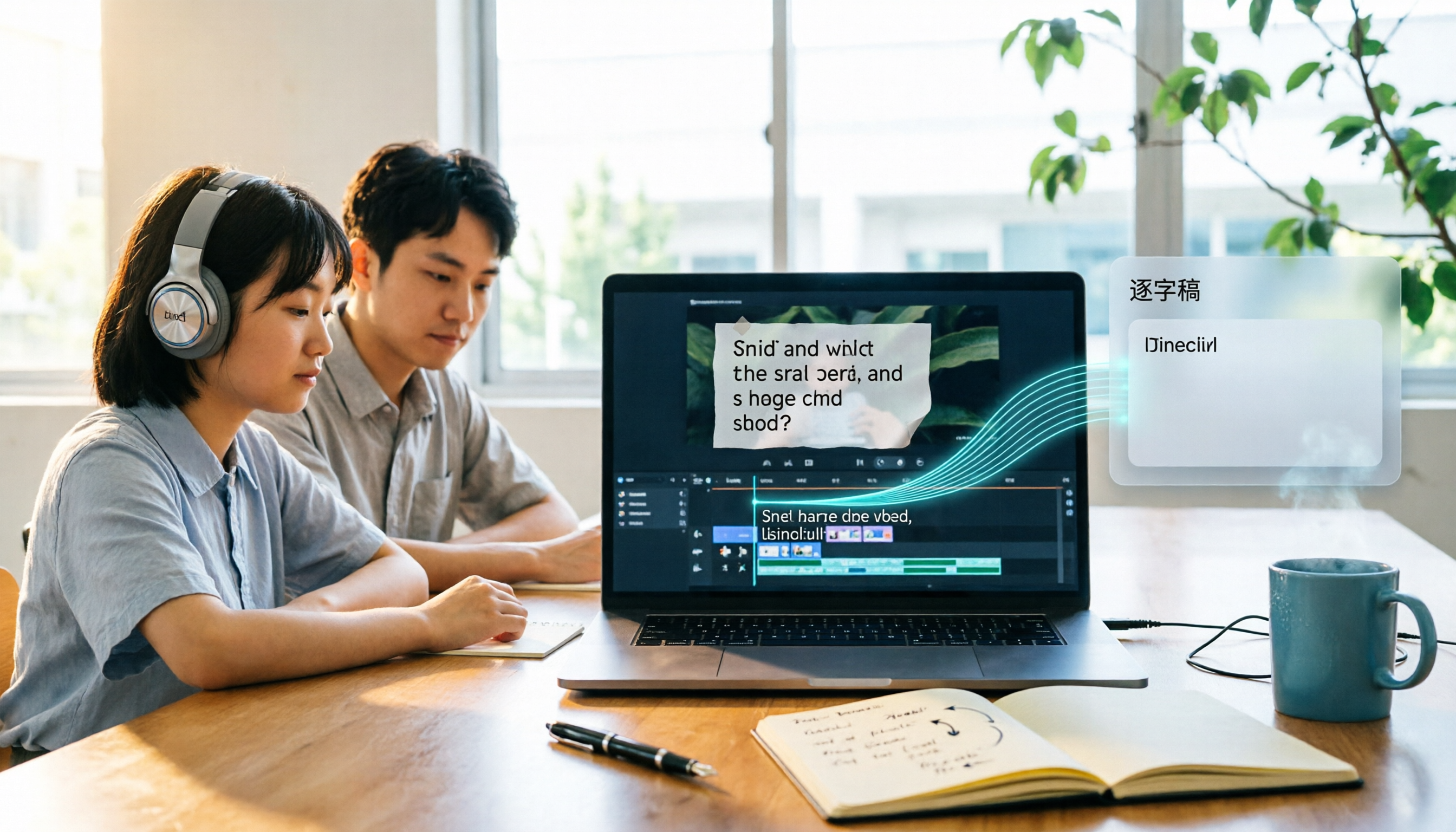
6 Video Subtitle Extraction Tools Compared (2026): Hard Subs vs Soft Subs — Which Should You Use?
First understand the difference between soft subtitles and hard subtitles, then choose your tool. This guide covers 6 video subtitle extraction methods: Tinrec, FFmpeg, Subtitle Edit, Video-subtitle-extractor, VLC, and DownSub, with free tier details, use cases, and recommendations for students.