
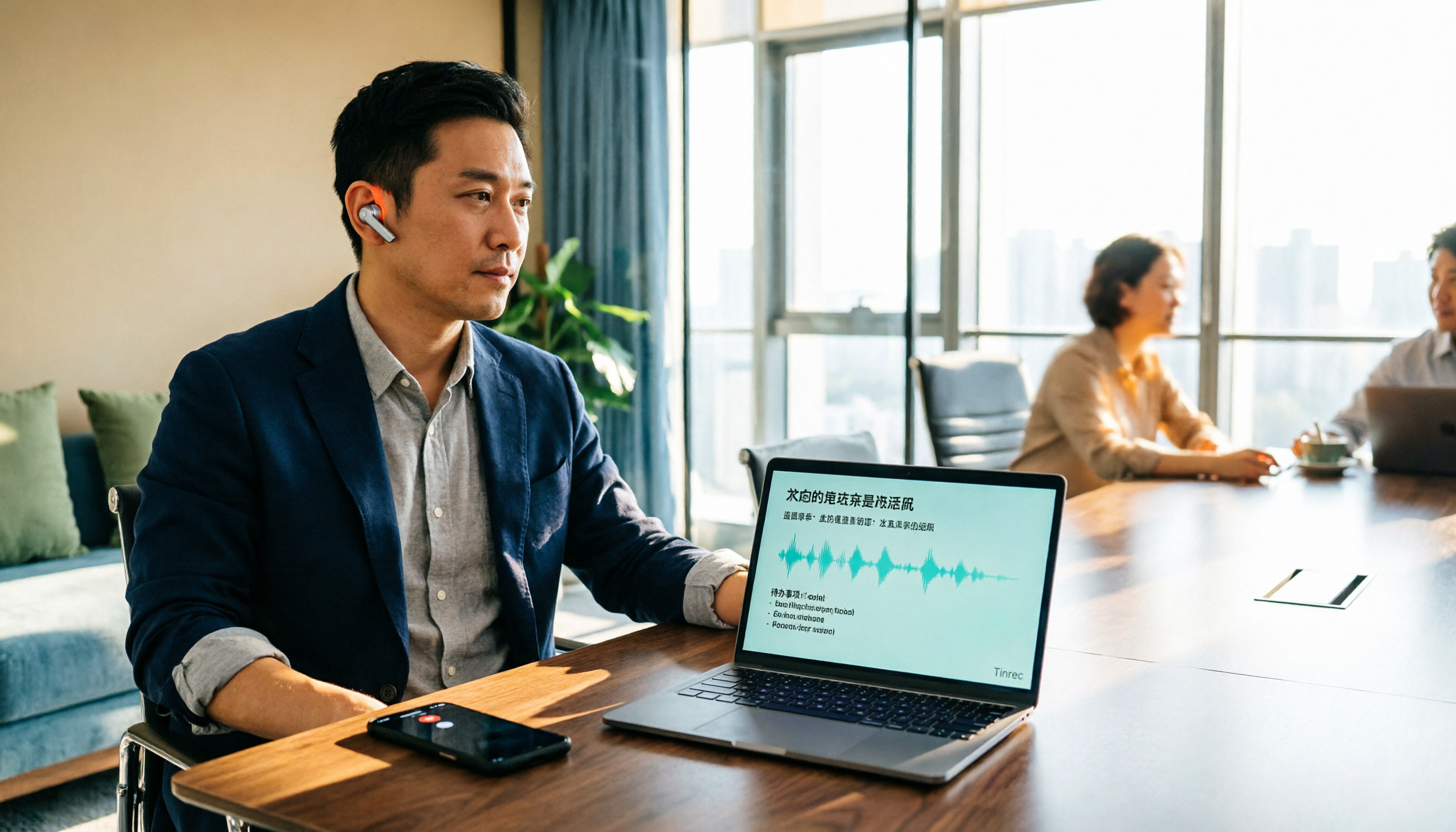
Turn recordings into transcripts and summaries in minutes
Upload audio or video for multilingual transcription, AI notes, and action items
How to Transcribe Audio to Text in 2026: A Complete 5-Step Guide
I run about 15 meetings a week—weekly syncs, project updates, one-on-ones, cross-department coordination. The most common tragedy after meetings used to be: three days later, my boss asks "Who was following up on that thing?" and after digging through my notes, I'd only find a line that made no sense out of context.
Later I realized most people's idea of "audio to text" stops at the same misconception: thinking that once you drop the file in and wait for the transcript, you're done. In reality, there are three biggest pitfalls:
- You only get a transcript, no summary or action items—essentially trading "listening and typing" time for "reading the transcript" time.
- Using a meeting bot to record online meetings results in an extra account on the attendee list, and clients ask who that is.
- Audio files aren't stored consistently, so six months later when you want to look up a decision, the file is lost on some computer.
My own sequence: I first used built-in transcription from meeting platforms, but organizing Chinese meetings still required manual work; I switched to Otter.ai in between, which was great for English sessions, but 80% of my meetings are in Chinese or mixed Chinese-English; finally settled on Tinrec and have been using it since. This article compares it with Otter.ai—not to declare a "best," but to answer one question: for your meeting scenario, which approach should you use?
Tinrec vs Otter.ai | Quick Overview
| Item | Tinrec | Otter.ai |
|---|---|---|
| One-line positioning | AI meeting notes and team collaboration tool that turns meetings into searchable, collaborative, actionable team data | Mature AI meeting assistant covering online meeting transcription, summaries, and team management |
| Primary capture method | Desktop version captures system audio (no bot needed), mobile recording, audio/video file import | Meeting bot and desktop methods, also supports file import |
| Pricing reference | Personal: free version, weekly pass, Pro monthly/yearly; Team: USD 29.80 per paid seat per month, annual USD 199 per seat per year (about USD 16.58 per month) | Basic free 300 minutes per month; Pro annual billing about USD 8.49 per user per month, includes 1,200 minutes of in-app recording and 10 file imports per month |
| Core difference | Chinese and mixed Chinese-English organization, bot-free recording, post-meeting output, and team governance | English business meeting ecosystem and integration maturity |
Prices and benefits may change; please refer to both official pages before purchasing. Next, let's break it down across 5 dimensions, and finally I'll give you a 5-step workflow I actually use.
Dimension 1 | Handling Chinese and Mixed Chinese-English Meetings
Otter.ai's product has long focused on English business meetings, with transcription, summaries, and AI Chat quite mature for English sessions; but for users in Taiwan, the common "Chinese sentences with English proper nouns" in meetings often still require manual correction afterward.
Tinrec lists Chinese, Traditional Chinese, and multilingual meetings as key scenarios, and offers team hotwords, allowing teams to maintain a list of their commonly used product names, project codes, and internal terminology to reduce mis-transcription of proper nouns. It also supports real-time translation, so cross-language meetings can view original text, translation, or bilingual content simultaneously.
Keep in mind that no tool should promise a fixed accuracy rate—recording quality, background noise, accents, multiple people speaking at once, and technical terminology all affect results. For important content, it's recommended to cross-check with transcript timestamps and audio playback.
→ This dimension: For meetings mainly in Chinese or mixed Chinese-English, Tinrec is clearly more convenient.
Dimension 2 | How to Record Online Meetings: Bot-free vs Meeting Bot
Otter.ai offers multiple recording methods including meeting bots and desktop, working on Zoom, Microsoft Teams, and Google Meet. The bot approach has the advantage of high automation.
Tinrec takes a different path: the desktop version directly captures the computer's system audio, initiated by the user, so no bot account appears on the attendee list after the meeting. For external meetings, client interviews—situations where "an extra person on the list requires an explanation"—this difference is noticeable. To be clear, this means "can handle meeting audio played on these platforms on a computer," not official partnerships with Zoom or Teams, nor automatic joining of all calendar meetings.
→ This dimension: Both can handle online meetings, but if you don't want a bot joining the meeting, Tinrec has a slight edge.
Stop organizing recordings by hand
Upload audio or video and automatically get a transcript, summary, and action items
Dimension 3 | What You Get After Recording
Otter.ai produces transcripts, summaries, and action items, and you can ask follow-up questions via AI Chat. This path already meets most post-meeting needs for English meetings.
Tinrec focuses on "what you can do after transcription": transcripts, AI summaries, chapters and highlights, to-dos, mind maps, AI Q&A, and real-time translation for bilingual comparison; Agent post-processing can generate reports, tables, and documents directly from meetings, and supports export to Notion, Google Docs, OneNote, Dropbox, etc. for further processing. For those who feel "the meeting ending is when work begins," this gap is most practical.
→ This dimension: Tinrec wins.
Dimension 4 | Audio Storage and File Import
Otter.ai's Pro plan includes 1,200 minutes of in-app recording and 10 file imports per month; Business plan offers unlimited meetings and in-app recording, more imports and management capabilities; whether audio is retained long-term depends on the plan and product design—check before use.
Tinrec supports real-time recording, audio/video files, and mobile recording; some public web links can also serve as supplementary sources. Audio files are retained, and the team version has an audio recycle bin—accidentally deleted audio can be restored before permanent cleanup (currently 30-day retention; to-dos are not covered by the recycle bin).
→ This dimension: Tinrec is more complete in input sources and audio rescue, especially suitable for professionals who "finish the meeting but aren't sure which part will be needed later."
Dimension 5 | Team Collaboration, Seats, and Data Governance
Otter.ai's Business and above plans offer team and enterprise management capabilities; their maturity in English business teams is worth noting.
Tinrec's team version separates "roles" and "seats": roles determine who can manage the team, members, audit, and team settings; seats determine whether members can record, upload, edit, import/export. Members without seats can still view, play, and read team data, but cannot perform resource usage operations. Team data belongs to the team; when a member leaves or is removed, their resources can be handed over to other active members; admins can also view usage trends, member rankings and details, maintain team hotwords, and query and export audit logs. Paid seats provide 2,000 minutes of team shared import quota per seat per month; under active team plans and active seats, real-time recording currently does not deduct minutes; first eligible team trial is 7 days, 1 free seat, 300 minutes shared import quota.
Note that currently the team version is "team-level shared visibility + role-controlled governance + seat-controlled usage," not a file-level granular permission system.
→ This dimension: If your team cares about "who can manage, who can use, who owns the data," Tinrec's model is more straightforward.
What Are the Unique Advantages of Each?
Tinrec
- Bot-free meeting recording: desktop version captures system audio, no extra account on attendee list.
- Chinese and mixed Chinese-English scenarios: supports Chinese, Traditional Chinese, multiple languages, and real-time translation, with team hotwords for maintaining technical terminology.
- Complete post-meeting workflow: summaries, chapters, to-dos, mind maps, AI Q&A, Agent post-processing, then export to Notion, Google Docs, OneNote, Dropbox.
- Team data accumulation: team space, roles and seats, usage and audit, audio recycle bin; data stays with the team when members change.
Otter.ai
- Mature English business meeting ecosystem: covers mainstream online meeting platforms, summaries, action items, and AI Chat all in one, with many third-party integrations.
- Low entry barrier: Basic free plan offers 300 minutes per month; individuals mainly in English meetings can try it first.
From Recording to Meeting Minutes: My Actual 5 Steps
- Decide the source before the meeting: For online meetings, use desktop version to record system audio directly; for offline interviews, use phone real-time recording; for historical meetings with existing files, import audio/video files.
- Transcribe while recording, enable translation when needed: Real-time audio-to-text, view original or bilingual content simultaneously for cross-language sessions.
- After the meeting, check summary and chapters first: Don't re-listen to the whole meeting; use AI summary and chapters to locate discussion highlights.
- Extract to-dos and assign people: Organize action items from transcript and summary, send them out the same day to avoid "I forgot" two days later.
- Follow up and export: Use AI Q&A to check uncertain details, then export results as documents, reports, or into Notion, Google Docs for further processing.
Before recording, remember to confirm local regulations and occasion norms; obtain consent from attendees when necessary.
Summary: Which Should You Choose?
- If meetings are mainly in Chinese or mixed Chinese-English → Tinrec (Chinese experience, team hotwords, real-time translation).
- If you don't want a meeting bot on the attendee list → Tinrec (desktop version captures system audio).
- If you want to ask key points, grab to-dos, and generate reports right after recording → Tinrec (AI Q&A, Agent post-processing, multi-format export).
- If your team needs to manage roles, seats, usage, and audit → Tinrec team version.
- If your team is almost entirely English business meetings and already using the Otter ecosystem → Otter.ai is sufficient.
In one sentence: For most professionals mainly in Chinese meetings, Tinrec is a more complete choice; but it's not a panacea—for important decisions, it's still recommended to cross-check with the recording and transcript. I suggest first running a free version with your own meeting recordings to confirm actual performance in your scenario, then decide whether to upgrade.
References
- Online AI voice, video, audio file auto-transcription - free trial - cSubtitle
- Online speech-to-text AI, free MP3 or audio file to text transcript - MyEdit
- Audio to text - free speech-to-text tool
- Transcribe - Audio to Text on the App Store
- SoundType AI ultra-accurate transcripts, speech-to-text, AI dictation - Google Play App
Turn every recording into actionable outcomes
Get 60 free transcription minutes when you sign in. No credit card required.
Related Reading
You might also like
6 Best Audio-to-Text Tools in 2026: Chinese Transcription, Meeting Notes, and Pricing Compared
We tested 6 audio-to-text tools in 2026, from Tinrec to free online transcription services. Compare Chinese recognition, post-meeting organization, pricing, and ideal users to decide which one to try first.

2026 Top 5 Work Summary Video Tools Compared: Which Saves the Most Time on Recording-to-Script?
When creating an annual work summary video, the bottleneck is usually not editing but the scattered material from dozens of meetings. This article reviews 6 tools that convert meetings and interviews into transcripts, summaries, and scripts, comparing Chinese meeting experience, AI follow-up questions, export capabilities, and free tier limits, with clear recommendations for different budgets and scenarios.

2026 Tinrec Video Summarization Guide: Transcribe Videos and Generate AI Summaries & To-Dos
Videos keep piling up, but you're stuck because tools only support content with subtitles and can only process one at a time? Starting from the real need for 'bulk video summarization,' this article reviews how Tinrec handles input sources, output depth, Chinese language experience, quota calculation, and team data retention. It includes practical use cases, key considerations for purchase, and FAQs to help you decide if it's suitable for your batch of videos.

2026 Complete Guide to Meeting Notes Software: A Practical Workflow from Transcript to Action Items
Most people make the wrong first choice when picking meeting notes software. This guide starts with common pitfalls, covers 5 key buying factors, a hands-on walkthrough of Tinrec's full workflow, brief reviews of 3 alternatives, and the 4 most common mistakes—so you can find the one that truly saves you time.

2026 Comparison of 4 Online Video Summarization Tools: Which Handles Chinese Videos and Meeting Replays Best?
Which online video summarization tool should you use? This article uses three real-world scenarios—Chinese online courses, meeting replays, and team sharing—to compare Tinrec, Notta, TurboScribe, and Granola on supported sources, post-summary processing, free quotas, and team management. It also highlights four common pitfalls when choosing a tool, helping you find a workflow that truly saves time from watching videos.

5 Best EPUB to PDF Converters in 2026: Free Online Tools Compared
Need to convert an EPUB ebook to PDF but not sure which tool to use? We tested 5 online EPUB to PDF converters—Smallpdf, CleverPDF, PDF Candy, FreePDFConvert, and Visual Paradigm Online—so you can compare how they work, their free limits, and who each one is best for.

6 Video Link Extraction Tools Tested and Compared in 2026: Which One Requires No Install and Lets You Share Directly?
How do you choose a video link extraction tool? This article reviews 6 online tools, comparing their positioning, free plans, and ideal users—from turning videos into shareable URLs and downloading video backups to converting video content into searchable text—so you can pick the right tool for your needs.

2026 Complete Guide to Video Content Summarization: A Practical Tutorial to Turn Long Videos into Usable Notes
Starting from common student mistakes in video note-taking, this guide explains what video content summarization can do for you and its core capabilities. Using Tinrec as an example, it demonstrates four practical scenarios: courses, projects, interviews, and content creation. Finally, it lists 6 key considerations for choosing a tool and answers FAQs to help you decide if the free quota is enough and whether to upgrade.
6 Video Subtitle Extraction Tools Compared (2026): Hard Subs vs Soft Subs — Which Should You Use?
First understand the difference between soft subtitles and hard subtitles, then choose your tool. This guide covers 6 video subtitle extraction methods: Tinrec, FFmpeg, Subtitle Edit, Video-subtitle-extractor, VLC, and DownSub, with free tier details, use cases, and recommendations for students.