

Turn recordings into transcripts and summaries in minutes
Upload audio or video for multilingual transcription, AI notes, and action items
3 Short Video Transcription Tools Tested in 2026: Which One Turns Transcripts into Queryable Notes?
A few days ago, I was scrolling on the subway and came across a 3-minute educational short video about three principles of presentation design.
I thought it was super useful at the time, but the video couldn't be downloaded, so I had to pause, rewatch, and hand-copy repeatedly.
In the end, it took me 20 minutes just to barely write down two sentences.
This isn't an isolated case.
Marketing colleagues need to organize the copy structure of competitor short videos, researchers need to interview ordinary people's opinions in short videos, students want to save course highlights—everyone gets stuck at the same point:
The content in the video can be seen and heard, but it can't be captured, searched, or used.
So this article isn't about "which tool has the most features."
What I want to discuss is: how can short video content become text data you can actually use?
The Real Pain Point of Short Video Transcription—What You Lack Isn't a Tool, It's a Workflow
The first scenario is "wanting to quote but having to type by hand."
You see a short video with a very precise explanation and want to put a sentence into a report or post. But the platform doesn't have a transcript, so you have to listen and type at the same time, and go back and forth to confirm punctuation.
The second scenario is "collecting a bunch but unable to search."
You saved 20 short videos on the same topic and want to compare different authors' viewpoints. But you only have video links, no text files. So you have to open them one by one and watch them again.
The third scenario is "platform subtitles can't be taken away."
Some short video platforms provide automatic subtitles, but they can't be downloaded, and copy-pasting gets messy. In the end, you're back to typing by hand.
These problems can't be solved by switching to a "stronger" tool.
Instead, you need to establish a workflow: collect materials → convert to transcript → use AI to organize key points → export to your note-taking system.
Before Choosing a Short Video Transcription Tool, Understand These 4 Key Points
The first key point is the input source.
Can the tool handle downloaded audio or video files? Tools that rely only on "pasting links" get stuck when encountering platform restrictions. A stable approach is to first save the short video as a file, then upload it for transcription. Tinrec supports audio and video file transcription at this step, and can also serve as a supplement for processing some public video links.
The second key point is the organization capability after transcription.
With only a transcript, you still have to read through it yourself. A good tool will further provide summaries, chapters, key points, and to-dos. Tinrec does this part very thoroughly, which is the biggest difference from pure transcription tools.
The third key point is recognition of Chinese and mixed Chinese-English.
Short videos often mix English proper nouns, Taiwanese, and background music. You should choose a tool that can handle Chinese and multilingual mixed content, not just look at English performance. Tinrec covers Chinese, Traditional Chinese, and multilingual meeting scenarios, and also supports team hotwords.
The fourth key point is cross-platform and export.
You might see a short video on your phone but organize it at your computer. The tool should be able to switch between iOS, Android, and web versions, and export results to Notion, Google Docs, etc. Tinrec has corresponding capabilities in these areas.
Tinrec—My Top Choice for Turning Short Videos into Queryable Notes
Tinrec is an AI meeting recording and collaboration tool for individuals and teams, covering iOS, Android, and web versions.
I use it for short video organization in roughly these scenarios.
The first scenario is uploading video files to produce transcripts.
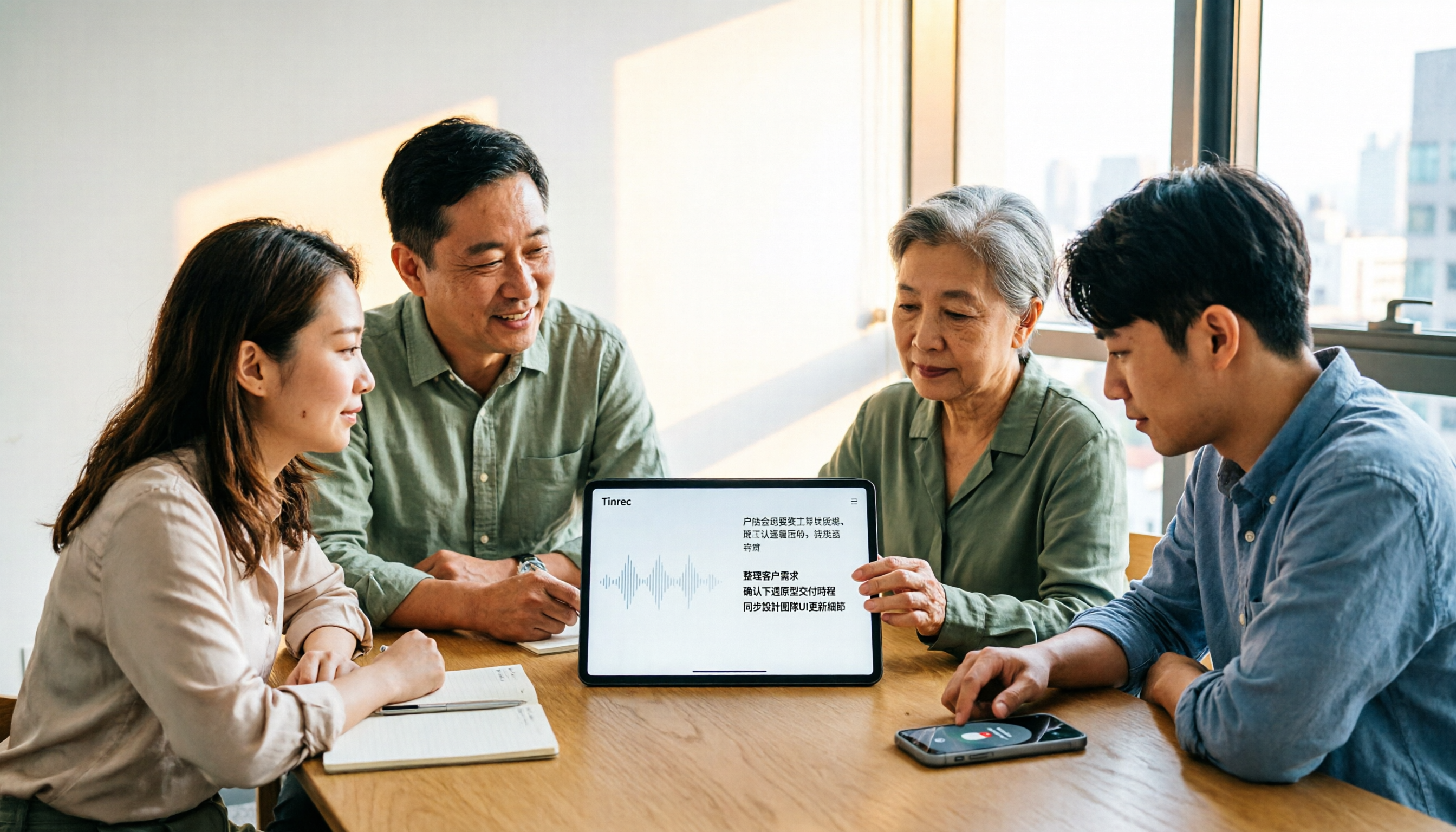
I upload downloaded short videos, and Tinrec produces transcripts and timelines. I don't need to listen and type at the same time, nor worry about missing a sentence. The same process can also handle meeting recordings, interview recordings, and course videos.
The second scenario is letting AI read it for me first.
For a 20-minute interview video, Tinrec automatically generates summaries and chapters. I first look at the summary to know what key points the video covers, then decide which part of the transcript to jump to for details.
This is much faster than watching from beginning to end.
The third scenario is my most commonly used AI conversational query.
After organizing a short video, I not only get text but can also continue asking it:
Stop organizing recordings by hand
Upload audio or video and automatically get a transcript, summary, and action items
"What three steps does this video mention?"
"What is the author's advice on budget?"
It doesn't just return keywords but gives answers based on semantics. Most tools at the same price point I've used don't have this capability.
The fourth scenario is export and subsequent processing.
Transcripts can be exported to Notion, Google Docs, OneNote, Dropbox. If I want to make a report for the team, I can also use Agent post-processing to generate documents, tables, and meeting minutes.
My test method was an 8-minute educational short video, recorded with phone speaker, with slight background music.
Tinrec's transcript captured most of the content, proper nouns needed manual correction, but overall it saved me most of the typing time. Actual results will be affected by recording quality, accent, and background noise, which I must honestly say.
I've summarized its advantages into three points.
First, no additional hardware needed. It works on phone, computer, and web, and you don't need to add a meeting bot to meetings. The desktop version can directly capture system sound, making it convenient for processing videos or online meetings played on the computer.
Second, the organization after transcription is very complete. Summaries, chapters, to-dos, AI Q&A, translation, export—turning "text" into "data you can continue to use."
Third, the team version has an independent team space. Meeting and video data belong to the team, and you can manage members, roles, seats, usage, and audits. When members leave, data can be handed over and won't disappear with the individual.
Limitations should also be clearly stated.
The free version has a basic quota. If you need to process large amounts of long videos every day, you'll need to pay. Network link import is currently a supplementary capability; some public video content can be processed, but it can't be treated as if all platforms can be transcribed by pasting links. Some team version capabilities still need to confirm production environment status before external promotion.
Who is it suitable for?
If you frequently need to turn short videos, interviews, courses, or meeting content into searchable, queryable text data, and want to export it to your workflow afterward, Tinrec is currently the smoothest choice.
Here's also a prompt template you can copy directly:
"Please organize the following based on this transcript:
- Three core viewpoints
- Sentences that can be directly quoted
- Specific actions I can take next"
Besides Tinrec, What Other Options Are There?
Notta: A multi-platform transcription and translation tool. The official free version offers 120 minutes per month, up to 3 minutes per session; Pro annual payment is about USD 8.17/month, 1,800 minutes per month. It's suitable for people who need subtitles and multilingual translation. But if you want team co-accumulation of meeting data, Tinrec's team space and member seat management are more complete.
TurboScribe: A cost-effective file transcription tool. Free version: 3 files per day, 30 minutes per file; Unlimited annual payment USD 120, up to 10 hours or 5 GB per file, up to 50 files at a time. If you have a large number of long recordings and just want to get transcripts quickly, it's very cost-effective. But it doesn't focus on real-time recording, post-meeting Q&A, and team collaboration, which are Tinrec's strengths.
Vidnoz: Focuses on pasting YouTube links, quickly exporting TXT, JSON, or SRT subtitle files, supports 30+ languages, emphasizes no installation. If you only need subtitle files for YouTube videos, this is a shortcut. But it leans towards subtitles and video generation, lacking Tinrec's AI conversational query, to-do extraction, and team data accumulation.
Pitfall Guide: The 3 Most Common Mistakes in Short Video to Text
Pitfall 1: Thinking pasting a link can recognize all platforms.
Many tools only support specific platforms or can only process public videos. A more stable approach is to first download the short video as an audio or video file, then upload it to a transcription tool. This is also my main workflow with Tinrec.
Pitfall 2: Stopping after getting only the transcript.
The transcript is just raw material. Without summaries, chapters, and Q&A, you still have to read through it yourself. Using AI Q&A is like having an extra assistant to help you capture key points.
Pitfall 3: Ignoring the recognition quality of Chinese and mixed Chinese-English.
Short videos often contain English proper nouns, Taiwanese, and background music. When choosing a tool, test with your own materials, don't just look at official promotional numbers.
Summary: Which One Should You Choose?
In one sentence: If you want a workflow from short video to text, then to queryable notes, Tinrec is my current top choice.
Scenario breakdown:
- Short videos, interviews, course videos to transcripts, and want to use AI to query key points → Tinrec.
- Need to record online meetings without a bot, and automatically generate summaries and to-dos after the meeting → Tinrec.
- Team wants to jointly save meeting and video data, manage members and seats → Tinrec team version.
- Have a large number of long audio files and just want to get transcripts quickly → TurboScribe.
- Only need YouTube subtitle files → Vidnoz.
Finally, you can start by trying Tinrec's free version.
Use it to process a short video you really want to save recently, and see if the transcript and AI Q&A can help you save time on rewatching.
Test step by step, and you'll gradually master this method.
References
- How to convert short videos to text? These 3 AI tools make you a copywriting expert instantly!
- Transcribe video to text - Instant, 99.9% accurate - VEED.IO
- Online AI speech, video, audio file auto transcription - Free trial - cSubtitle
- Free video to text tool | AI auto transcription with high accuracy subtitles
- Convert video to text | Transcribe App & Online Editor
Turn every recording into actionable outcomes
Get 60 free transcription minutes when you sign in. No credit card required.
Related Reading
You might also like

2026 Video-to-Text Tools Compared: Which One Actually Saves Time After Transcription?
How do you turn meeting recordings, interviews, and course videos into usable text? This article compares four video-to-text tools—Tinrec, TurboScribe, Notta, and Otter.ai—breaking down input sources, post-transcription organization, Chinese recognition, and team data ownership. It also covers free quotas, file limits, and pitfalls to help you choose the best tool for your needs.

5 Best Web-Based Audio-to-Text Tools for 2026: No App Needed, Which Free Version Handles Chinese Meetings Best?
The meeting ends, and the pain begins. This hands-on comparison of 5 web-based audio-to-text tools covers real-time transcription during meetings, Chinese and mixed Chinese-English recognition, free tier limits, and post-meeting AI-powered key point extraction. We also explain why Tinrec stands out for Chinese meetings and team collaboration.

4 AI Video Summarizer Tools Tested in 2026: Which One Actually Turns Videos into Usable Data?
Too many videos to watch? We tested AI video summarizers like Tinrec, Felo AI, Notta, and TurboScribe, comparing video sources, summary depth, AI Q&A, and team collaboration to help you find the best fit. Tinrec stands out for meeting notes and team knowledge retention.

4 YouTube Study Summary Tools Tested for 2026: Which One Saves You the Most Review Time?
Watch an online course and forget it? Can't find key points when reviewing? We tested 4 YouTube study summary tools across four dimensions: transcripts, AI Q&A, mixed Chinese-English recognition, and data accumulation. We explain why Tinrec is better suited for long-term learning with transcript retention, semantic Q&A, and team knowledge building, plus a pitfalls guide and selection advice.

2026 Comparison of 2 Xiaohongshu Video Summary Tools: Tinrec vs Notta — Which One Can Extract Key Points in One Click?
Many people waste time manually fast-forwarding and taking notes while watching Xiaohongshu videos, often missing key points. This article addresses common pitfalls and compares Tinrec and Notta across video-to-text conversion, Chinese recognition, summary extraction, AI Q&A, export options, and pricing to help you find a more efficient way to summarize Xiaohongshu videos.

Best One-Click Video Link Extraction Tools in 2026: Testing 3 Options, Tinrec Offers the Most Complete Chinese Support
Many people think one-click video link extraction means downloading video files, but what's really needed is turning video content into transcripts, summaries, and action items. This article uses Tinrec as an example to explain link import transcription, AI summaries, Q&A, export, and team collaboration, plus 5 key buying considerations and FAQs.

2026 AI Audio Transcription Guide: From Transcripts to Meeting Minutes
How to choose an AI audio transcription tool? This guide starts from real meeting scenarios for mid-level managers, breaks down 4 key selection factors, tests Tinrec's bot-free online meeting recording, AI Q&A, and team spaces, compares Otter.ai, Granola, and PLAUD, and concludes with 5 common pitfalls and selection advice.
4 AI Meeting Note Takers Tested for 2026: Which Handles Chinese Meetings and Team Collaboration Best?
Spending too much time on meeting notes? We tested 4 recording-to-meeting-minutes tools, comparing Chinese recognition, bot-free recording, post-meeting AI Q&A, and team collaboration to help you find the best fit for your workplace.

How to Transcribe Phone Recordings in 2026: Real-Time Transcripts + AI Summaries
How do you turn phone recordings into text? Starting from the real-world scenario of needing text right after recording on your phone, this article compares Tinrec and Otter.ai across 5 dimensions, covering Chinese and mixed Chinese-English recognition, post-recording summaries and action items, team knowledge retention, free tiers and pricing, and tells you directly which one to choose.