

Turn recordings into transcripts and summaries in minutes
Upload audio or video for multilingual transcription, AI notes, and action items
How to Choose an Online Smart Meeting Collaboration Platform in 2026: 5 Steps to Pick the Right Tool
Why Do You Need an Online Smart Meeting Collaboration Platform? Ask Yourself Three Questions First
Online meetings are no longer about "can we connect?" but about "what do we have left after the meeting ends?"
In its own customer stories, Google mentions that simply reducing manual tasks like meeting notes can save each employee about 7 hours per week on average. That's why these platforms have evolved so quickly in recent years: it's not just about being able to meet, but also about recording, summarizing, and following up.
But before choosing a tool, I usually ask readers to answer three questions:
- Do your meetings happen online, offline, or both?
- Do you just want a transcript, or do you need to be able to ask follow-up questions about the meeting content?
- Should meeting data stay on your own computer, or become a shared team asset?
These three answers will determine which type of platform you should look at. Below are 5 directions; the first is Tinrec, which in my testing came closest to the "usable after the meeting" requirement.
Tinrec — Turn Meetings into Team Data You Can Query
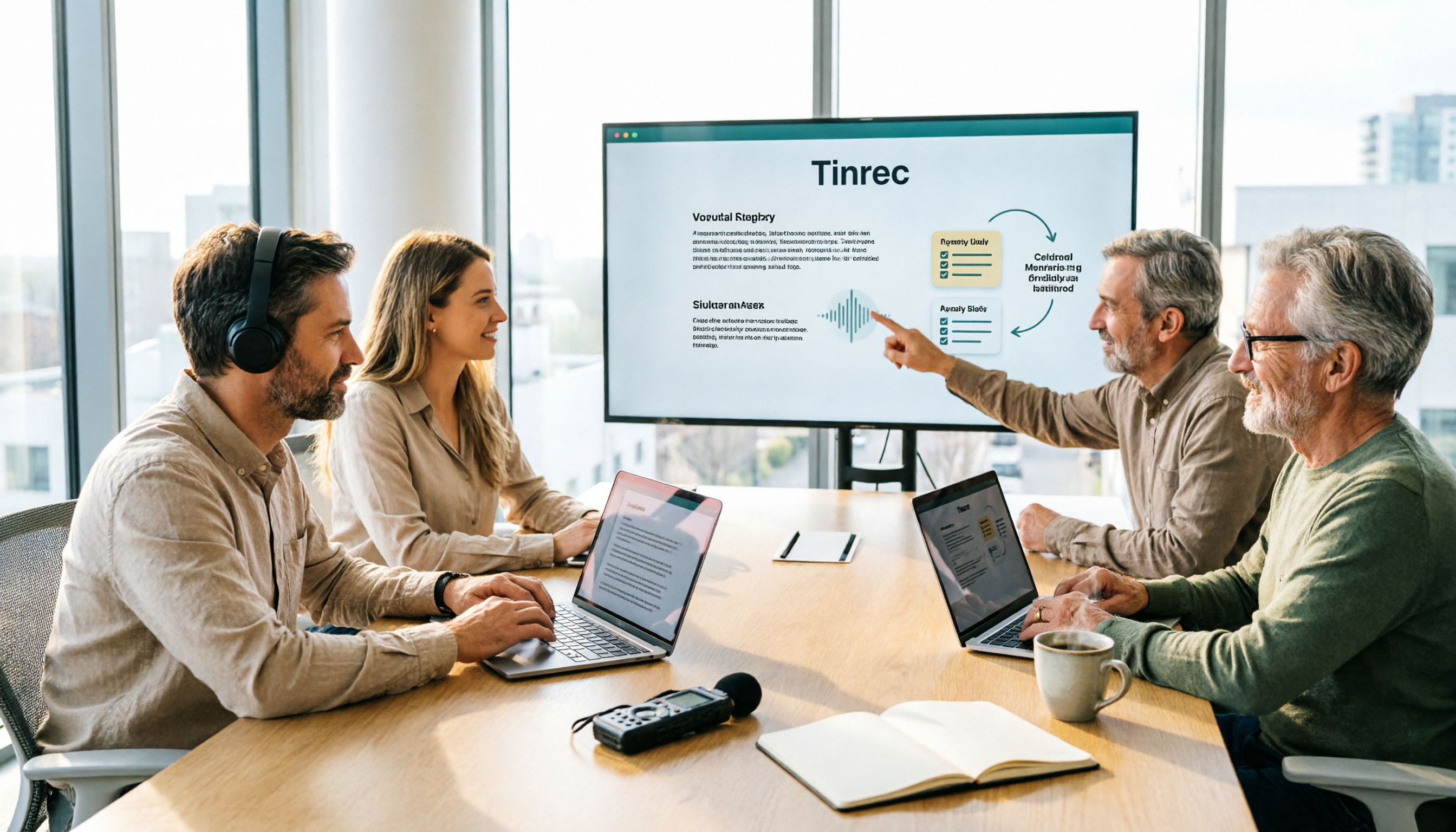
Tinrec is an AI meeting notes and collaboration tool for individuals and teams. Its positioning is not just converting audio to text, but organizing meetings into searchable, summarizable, queryable, and exportable data.
The first thing that struck me was "no meeting bot." The desktop version directly captures your computer's system audio, handling online meetings on Zoom, Google Meet, Microsoft Teams, and Webex without needing an extra bot account in the meeting.
The second is the post-meeting workflow. It automatically generates summaries, chapters, and action items, and can also do AI Q&A around the meeting content; when you need to deliver a report, you can use Agent post-processing to turn content into reports, tables, or documents, then export to tools like Notion, Google Docs, OneNote, and Dropbox.
The third is the team edition. Meeting data is stored in a team space, and admins can manage roles, seats, sharing permissions, usage, and audits; members without seats can still view, play, and read team data, but need a seat to actually record, upload, edit, or export.
On pricing, the personal edition has a free version with basic quota for trial, plus weekly cards, Pro monthly, and annual plans; the team edition is USD 29.80 per paid seat per month, or USD 199 per paid seat per year (about USD 16.58 per month), with each paid seat including 2,000 minutes of team shared import quota per month; under an active plan, live recording currently does not deduct minutes. Actual prices and promotions are subject to the official purchase page.
Who it's for: people who mainly hold meetings in Chinese, don't want a bot joining the meeting, and want post-meeting data to stay in the team for continued use.
Google Meet — Video Meetings Tied to Google Workspace
Google Meet's advantage is that it's "already where you work." You can start a meeting directly from Google Docs, Sheets, and Slides, and you don't need to find another place to store data afterward.
Interactive tools are fairly complete: polls, breakout rooms, Q&A, raise hand, and through Gemini you can create meeting notes, summarize, extract insights, and even generate and assign action items. On security, the company emphasizes default encryption, advanced client-side encryption, and anti-abuse mechanisms.
Business features are tied to Google Workspace plans; actual plans and quotas are subject to official announcements. Suitable for teams already using Google Workspace company-wide and not wanting to install another tool.
Zoom — Connects from Personal Devices to Meeting Rooms
Zoom's strength is "scenario continuity." Through Zoom Rooms, physical spaces can become meeting environments, and you can switch between computers, phones, and meeting room devices—very practical for companies with multiple meeting rooms.
It connects chat channels before, during, and after meetings: share agendas and pre-read materials beforehand, collaborate in real time during the meeting, and use AI to generate summaries and share recordings afterward. The platform also has thousands of apps and integrations for extensibility.
Plans and quotas are subject to official announcements. Suitable for enterprises with frequent cross-border communication, many meeting room devices, and a need to integrate with existing ecosystems.
Zoho Meeting — A Webinar and Meeting Choice for Small and Medium Businesses
Zoho Meeting does both online meetings and webinars, supporting live streaming, screen sharing, whiteboards, and file sharing—useful for external lectures or internal training.
It also automatically generates transcripts and meeting highlights; the company emphasizes using generative AI to reduce manual note-taking time and leave energy for the discussion itself.
Stop organizing recordings by hand
Upload audio or video and automatically get a transcript, summary, and action items
If your company already uses Zoho CRM, email, or forms, Zoho Meeting's integration will be smoother. Plans and quotas are subject to official announcements.
Cisco Webex — A Common Choice for Large Enterprises and Online Events
Webex has been in the enterprise market for a long time, with complete audience interaction tools like polling and Q&A, suitable for larger meetings or online events.
It emphasizes handling pre- and post-meeting work on the same platform; the company also mentions cases where customers saw meeting minutes increase but meeting time decrease after adoption.
For organizations needing IT governance, security review, and large-scale deployment, Webex is an option worth including on the list. Plans and quotas are subject to official announcements.
With So Many Platforms, How Should You Choose?
- Want Chinese meeting transcription, summaries, and post-meeting Q&A all in one → Tinrec, where these three things are in the same workflow.
- Don't want a meeting bot appearing in the participant list → Tinrec desktop version directly captures system audio, so no extra account appears in the meeting.
- Need to turn transcripts into reports, tables, or meeting minutes → Tinrec's Agent post-processing and multi-format export are smoother.
- Team needs unified meeting storage plus seat and usage management → Tinrec team edition has roles, seats, usage analytics, and audit logs.
- Company already uses Google Workspace across the board → Google Meet is the easiest, with meetings starting directly from documents.
- Many meeting rooms and frequent cross-border communication → Zoom's device switching and Rooms plans are worth evaluating.
- Need to host external webinars and already a Zoho user → Zoho Meeting is worth considering as well.
- Large enterprise needing security governance and online events → Cisco Webex is a common option.
Simply put, if your focus is "post-meeting data must remain usable," Tinrec is the most complete coverage on this list; if your focus is "don't change the company's existing ecosystem," then lean toward Google Meet, Zoom, or Zoho Meeting.
5 Things to Know Before Using
1. Distinguish between "meeting bot" and "desktop capture" A bot joins the meeting as a participant; desktop capture grabs system audio from your computer. The latter won't disrupt the participant list, but requires you to actively start recording—it doesn't automatically join all calendar meetings.
2. Convert free quotas into your meeting hours Rather than looking at plan names, calculate how many hours of meetings you have per month. Tinrec's team edition uses the concept of "shared import minutes"; live recording currently does not deduct minutes under an active plan—these two things should be viewed separately.
3. A transcript is not the same as meeting conclusions No matter how fast AI organizes, important numbers and commitments should still be verified by replaying at the relevant timestamps. This is also the value of tools like Tinrec that keep recordings and transcripts: you can go back when in doubt.
4. Team edition has two layers: "roles" and "seats" Roles determine who can manage the team; seats determine who can record, upload, edit, and export. Members without seats can view but not act—before purchasing, think clearly about how many people actually need to take action.
5. Get consent before recording Recording regulations vary by region, especially for cross-border meetings. In practice, informing and getting consent at the start of the meeting is the easiest approach.
Frequently Asked Questions
Does Tinrec need to add a bot to the meeting? No. The desktop version directly captures computer system audio, with the user actively starting recording, so no bot participant appears in the meeting. It also currently does not automatically join calendar meetings.
Is the free version enough? If your meeting volume is low and you only occasionally organize a recording, the free version's basic quota is a good way to test the waters. For those with weekly meetings, the Pro monthly or annual plan is less likely to hit quota limits midway; for short-term intensive interviews or courses, the weekly card is worth considering.
Does it support Zoom, Google Meet, and Teams? Tinrec desktop version can handle Zoom, Google Meet, Microsoft Teams, and Webex meeting audio played on a computer, and also supports uploading audio and video files. This means "can handle platform audio," not that it has official partnerships with these platforms.
What's the difference between team and personal editions? Personal edition data belongs to the individual account; the team edition is a separate team space where data belongs to the team, with additional member invitations, role and seat management, sharing permissions, usage analytics, audit logs, and audio recycle bin. Members without seats can still view data but cannot upload, edit, or export.
Is the transcript accurate? Quality is better with clear recordings and little noise; it can be affected by overlapping speakers, strong accents, or many technical terms. It's recommended to verify important content by replaying at timestamps, and teams can maintain hotwords to improve recognition of technical terms.
Conclusion
The real differentiator for online smart meeting collaboration platforms is no longer "can we video chat," but the post-meeting phase: can data be organized, queried, and retained.
If your meetings are mainly in Chinese and you don't want a bot in the meeting room, Tinrec is the closest match on this list; when teams need to collectively build up meeting data, its role and seat design is also easier to manage.
Run one or two meetings with the free version first, then decide whether to upgrade—that's much more accurate than just looking at spec sheets.
References
Turn every recording into actionable outcomes
Get 60 free transcription minutes when you sign in. No credit card required.
Related Reading
You might also like

2026 Smart Meeting Collaboration Online Services Buying Guide: 5 Platform Comparison and Selection Advice
Meetings end, but data starts to slip away—this is the real pain point for most teams. This article breaks down smart meeting collaboration online services into three stages: before, during, and after meetings, comparing the positioning and limitations of five platforms: Zoom, Google Meet, Cisco Webex, Zoho Meeting, and M+ Meet. It also adds the role of the meeting notes layer Tinrec, with a feature comparison table, pricing scope, and an actionable checklist.
5 Smart Meeting Collaboration Tools Tested for 2026: Which Free Version Is Enough?
The meeting ending is just the beginning of the work. This article uses Tinrec as the tutorial centerpiece to walk you through the five steps of 'record → transcript → proofread → minutes → export and share,' while comparing the positioning and pricing of five smart meeting collaboration tools—Tinrec, Otter.ai, Fireflies.ai, Notta, and Granola—to help you assemble a meeting toolbox that fits your needs.

2026 Tinrec Smart Meeting Collaboration: Bot-Free Recording + AI Summaries & Action Items
This article starts with the common misconception that 'recording is enough' and explains key considerations for choosing smart meeting collaboration tools. It features Tinrec as the primary hands-on recommendation, covering bot-free recording, AI summaries, action items, AI Q&A, and team spaces. It also briefly reviews Notta, Otter.ai, and Granola, with a pitfalls guide and selection advice.

2026 Smart Meeting Collaboration Platforms Compared: Which One Turns Meetings into Searchable Data?
Online meetings are routine, but recordings end up scattered across Zoom, Google Meet, Teams, and phones—making it hard to find key points later. This hands-on comparison of Tinrec, Zoom, Google Meet, and Microsoft Teams examines how each handles meeting capture, post-meeting organization, AI Q&A, and team knowledge retention, plus the most common pitfalls when choosing a similar system.

2026 Smart Meeting Collaboration Software Comparison: Which Saves the Most Time After Meetings?
A mid-level manager who holds 15 meetings a week tested 4 smart meeting collaboration tools, breaking down how meeting audio is recorded, whether post-meeting summaries and action items are directly usable, Chinese and mixed Chinese-English recognition, team data ownership, downloads, and cross-platform support. Tinrec wins with bot-free desktop recording, AI Q&A, and team spaces, while Google Meet, Microsoft Teams, and Zoom each have their own use cases.

5 Smart Meeting Collaboration Platforms Tested for 2026: Which Free Tier Is Actually Enough?
We compare Tinrec, Otter.ai, Fireflies.ai, Notta, and Granola across free quotas, sign-up requirements, and usable features to help you decide which free plan can truly handle your everyday meeting load.

3 Smart Meeting Collaboration Platforms Worth Recommending in 2026: Chinese Meeting Notes and Team Knowledge Retention Explained
Starting from the real pain point of "meeting materials scattering after the meeting ends," this article breaks down the four stages a smart meeting collaboration platform should have: recording, understanding, action, and retention. Using Tinrec as an example, it explains bot-free recording, real-time transcription, structured summaries, action item extraction, and team spaces, and compiles 5 purchasing checkpoints and FAQs.

2026 Comparison of 5 Free Smart Meeting Collaboration Platforms: Which Free Tier Is Most Sufficient?
Free meeting platforms are not all the same: some are free forever but limited, some are time-limited trials, and some free versions lack post-meeting organization. This article compares the free conditions, representative features, and limitations of Zoom, Microsoft Teams, Google Meet, FreeConferenceCall, and Tinrec from the perspective of a mid-level manager leading a team in real meeting scenarios, with a comparison table and selection advice. Data verified as of August 2026.

4 Smart Meeting Collaboration Tools Tested: No Bots Needed, Meeting Notes Form Automatically
Tired of spending after-hours time organizing meeting notes? This article starts with three common misconceptions, breaks down the key factors for choosing smart meeting collaboration tools, and compares Tinrec, Otter.ai, Granola, and Notta in terms of meeting capture, post-meeting organization, and team knowledge retention. It also includes a pitfalls guide and selection advice.