
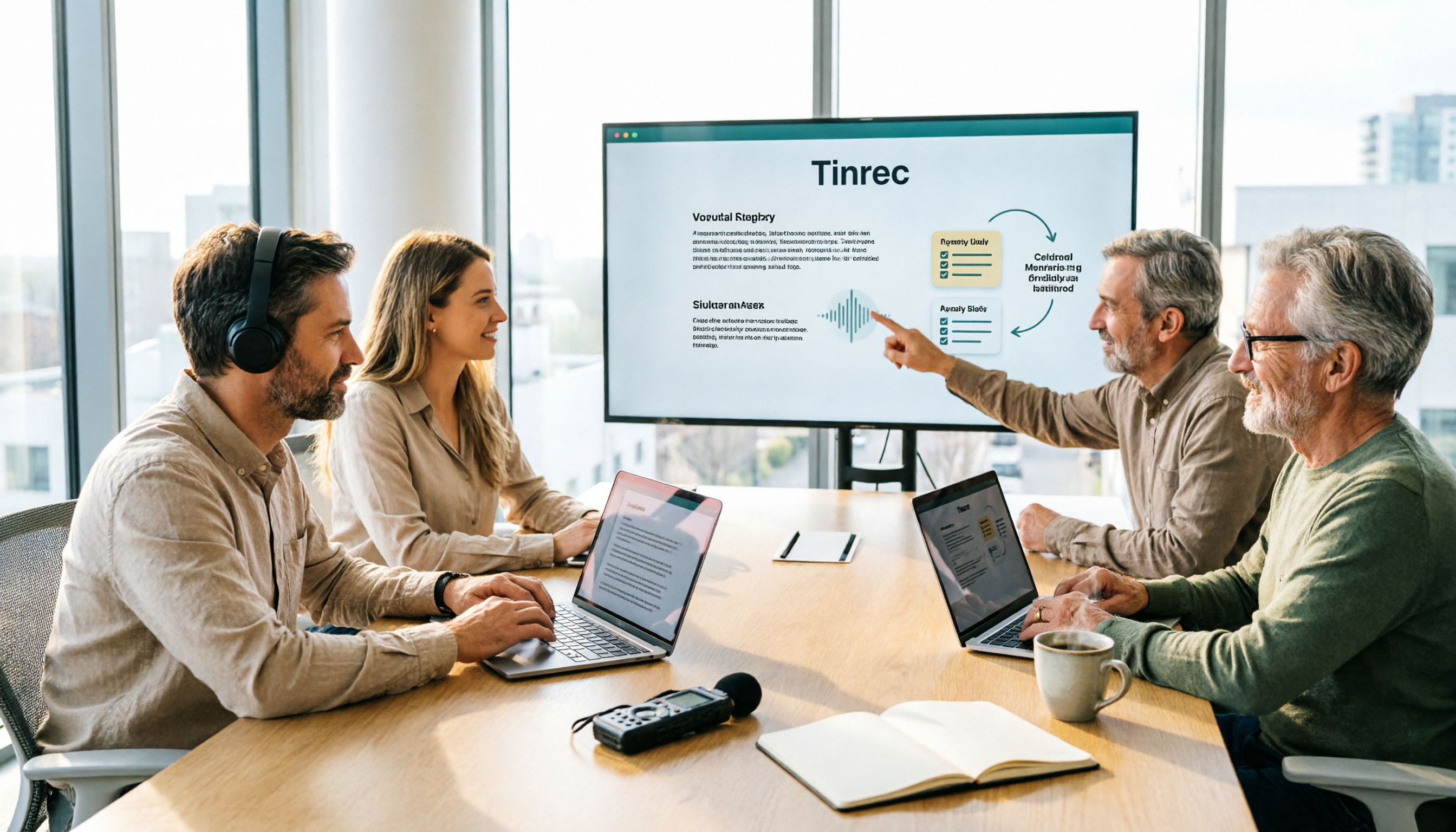
Turn recordings into transcripts and summaries in minutes
Upload audio or video for multilingual transcription, AI notes, and action items
It's 3 p.m. on a Wednesday, and a cross-departmental online meeting has just ended. You close the window, open your notes app, and try to recall who said what—only to remember 'someone mentioned the budget needs to be confirmed again.'
This is the daily routine for many office workers: meetings happen fast, but notes are slow to capture.
To make meetings truly leave something behind, it's not about trying harder to remember—it's about assembling a 'smart meeting collaboration toolbox.' This article uses Tinrec as the tutorial centerpiece to walk you through the complete workflow of 'record → transcript → proofread → minutes → export and share,' while comparing the positioning of five common tools to help you decide which combination suits you.
Tinrec is an AI meeting notes and collaboration tool for individuals and teams. It supports real-time audio-to-text, bot-free online meeting recording, audio/video file transcription, and real-time translation, and can automatically generate summaries, chapters, action items, and mind maps. The free version offers a basic quota so you can try before deciding.
Before You Start | Prepare These 5 Things Before Building Your Toolbox
- A computer and a phone. Tinrec has a web version, desktop app, and mobile app—use the desktop app for online meetings and your phone for off-site visits.
- An account. Sign up with Google or Apple ID—no need to remember another password.
- Real meeting material. For your first test, use a meeting you actually had last week—it'll be more meaningful than a demo audio file.
- A stable internet connection. Real-time transcription requires connectivity.
- Consent from participants. Recording involves legal and company policies—say something before you start recording so the rest of the process goes smoothly.
Understand the Role of Each of the 5 Tools Before Deciding How to Combine Them
| Tool | Core Positioning | Best Suited For |
|---|---|---|
| Tinrec | AI meeting notes and team collaboration | Chinese-language meetings, need to keep recordings, value post-meeting organization and team knowledge retention |
| Otter.ai | AI meeting assistant | English business meetings, need mature workflows and integrations |
| Fireflies.ai | Meeting automation and analytics | Sales teams, need extensive third-party integrations |
| Notta | Multilingual transcription and translation | Workflows focused on file transcription, subtitles, and translation |
| Granola | Bot-free AI meeting notes | Individual users who like to take notes while listening |
These 5 tools don't replace each other—they play different roles. Next, walk through the complete workflow with Tinrec so you can compare against your own needs.
Step 1 | Record the Meeting: No Need to Invite a Bot
The goal of this step is to capture a clean audio source—everything else depends on it.
The Tinrec desktop app directly captures your computer's system audio. When you're in a Zoom, Google Meet, Microsoft Teams, or Webex meeting, just open the Tinrec desktop app and start recording—no need to invite an extra meeting bot into the room.
Why does this matter? Because one more bot means one more thing to explain—'what is this?' In meetings with external clients, you might even be asked 'who is this account?' With system audio recording, no unfamiliar participant appears on anyone's screen.
Once done, the meeting content is transcribed in real time—as you meet, the transcript grows on screen. Imagine: your laptop has the meeting window and Tinrec open side by side, text scrolling on the right, and you can finally focus on listening instead of typing furiously.
Step 2 | Let AI Transcribe and Handle Multiple Languages
When the meeting ends, the transcript is usually almost done too.
For cross-language meetings—say, headquarters speaks English while you report in a Chinese environment—Tinrec supports real-time translation, letting you switch between original text, translation, or bilingual view. Chinese meetings and mixed Chinese-English discussions are also supported.
Note that transcription quality is affected by recording quality. Overlapping speakers, loud air conditioning, or speakers too far from the microphone will degrade recognition quality. No tool is completely immune to this—rather than regret it later, adjust the microphone position during recording.
Step 3 | Quick Proofread: Spend Time on Key Sections
The transcript isn't meant to be read from start to finish.
My approach: first look at the AI-generated chapters and summary, then jump directly to the 'decisions' and 'numbers' sections to verify. Names, amounts, and dates are the three types of information most prone to errors and most likely to cause后续 trouble.
Tinrec's transcript preserves timestamps—click to jump back to the corresponding position in the recording and confirm the speaker's exact words, much faster than dragging the progress bar back and forth.
The purpose of proofreading isn't perfection—it's ensuring 'those important few sentences' are correct.
Stop organizing recordings by hand
Upload audio or video and automatically get a transcript, summary, and action items
Step 4 | Generate Meeting Minutes, Summaries, and Action Items
This step is where the toolbox truly delivers value.
Tinrec automatically generates summaries, chapters, key points, and action items, and can also create mind maps to help you see the topic structure of a long meeting. If you just want to ask one question—like 'what are the three concerns the client mentioned?'—you can use AI Q&A to follow up around this meeting.
Honestly, AI-captured action items occasionally over-interpret, turning a casual remark into a task. So I usually manually delete one or two before sending. This step takes 3 minutes—better than spending 30 minutes recalling after the meeting.
Step 5 | Export and Share: Turn Meetings into Team Data
Meeting notes that no one reads might as well not be written.
Tinrec supports multiple export formats and can bring results to Notion, Google Docs, OneNote, Dropbox, and other tools for further processing. For formal deliverables, you can also use Agent post-processing to generate reports, tables, and documents.
For team use, the team version provides an independent team space: Audio, Folder, and TODO are centrally stored, new members can view historical meeting data, and nothing disappears just because someone leaves. When a member exits or loses their seat, resources can be handed over to other active members.
Pricing and Plans: How to Choose Between Personal and Team
For the personal version, the free version offers a basic quota—suitable for occasionally organizing a recording; for short-term intensive meetings, courses, or interviews, consider a weekly card; for steady weekly needs, the Pro monthly card is more practical; for long-term recording data retention, the Pro annual card has a lower monthly equivalent.
The team version is subject to current product configuration—please refer to the official purchase page for actual prices and benefits:
- First eligible team trial: 7 days, 1 free seat, 300 minutes of team shared import quota.
- Team monthly: USD 29.80 per paid seat per month.
- Team annual: USD 199 per paid seat per year, equivalent to about USD 16.58 per month.
- Paid seat benefits: 2,000 minutes of team shared import quota per seat per month.
- Real-time recording: under an active team plan and active seat, currently not deducted by minutes; file and web imports use team shared import minutes.
Here's a commonly misunderstood point: in the team version, 'roles' and 'seats' are two different things. Roles determine who can manage the team, members, and audits; seats determine whether members can record, upload, edit, and export. Active members without a seat can still view, play, and read team data.
FAQ and Troubleshooting
Q: Is the free version enough? A: Depends on how often you meet. For occasionally organizing one or two recordings, the free version's basic quota lets you test the waters; if you have weekly meetings to archive, Pro is more practical. For teams, the 7-day trial is the fastest way to evaluate.
Q: What if the transcript has many errors? A: First check your recording environment—distance and noise are the main causes. Tinrec's team hotwords let you maintain company terminology and product names, improving recognition of specialized terms.
Q: Do I need to invite a meeting bot? A: No. The Tinrec desktop app captures system audio, so no extra participant appears. But remember you need to actively start recording—it's not a tool that automatically joins all calendar meetings.
Q: Can all team members edit meeting data? A: Currently it's primarily team-level sharing—active members can view and play, and only those with a seat can record, upload, edit, and export. It's not a fine-grained file-level permission system—set expectations accordingly.
Q: If a colleague leaves, will their recorded meetings disappear? A: Team resources belong to the team and won't be taken away by individuals. When a member exits, is removed, or loses their seat, their responsible resources need to be handed over to other active members.
Q: Can you guarantee 100% accuracy? A: We don't recommend expecting that. Quality is good with clear audio and common scenarios, but for important content, we recommend cross-checking with transcript timestamps and recording playback.
Advanced Tips | 3 Ways to Double Your Toolbox Efficiency
- Set up team hotwords first. Maintain company abbreviations, product codes, and client names once—then every meeting benefits. Most transcription tools let you manually edit transcripts, but they won't remember 'how your company says things.'
- Use bilingual view for cross-language meetings. Seeing original and translation side by side is much faster than finding someone to translate afterward, and less prone to context misunderstandings.
- Use AI Q&A for pre-meeting review. Five minutes before a meeting, ask about the previous meeting's decisions and action items—you'll enter the room in a completely different state.
If You Don't Use Tinrec, Here Are Other Options
Granola: Bot-free AI meeting notes that combine personal handwritten notes with AI—suitable for people who write while listening; however, it doesn't support uploading pre-recorded audio files and doesn't retain meeting audio.
Notta: Good multilingual transcription and translation, also offers team plans—suitable for workflows focused on file transcription, subtitles, and translation.
If your priorities are all four of 'Chinese meetings, keep recordings, post-meeting organization, team knowledge retention,' Tinrec's end-to-end workflow is more convenient.
Summary
With these 5 steps, you can now use Tinrec to record online meetings without a bot, transcribe in real time, quickly proofread key sections, automatically generate minutes and action items, and finally export data your team can understand.
The next step is simple: try it with a recording of your own meeting from last week. Start with the free version's basic quota, and discuss plans once you're comfortable. You don't need many tools—the one that saves you an hour of organizing time right when the meeting ends is a good toolbox.
Remember to get participant consent before recording—this is the most basic and most easily overlooked step.
References
- Zoom Meetings: Meeting call service | Zoom
- 10 AI meeting assistant tools: AI meeting assistant tools and editing platforms to improve office efficiency by 90% - AI Toolbox
- 83 AI collaboration tools: AI collaboration tools and editing platforms to improve office efficiency by 90% - AI Toolbox
- AI meeting tools: 5 best global communication apps in 2025
- No more taking turns writing meeting notes! 3 AI tools for real-time notes and summaries so you can focus on the meeting | Manager Today
Turn every recording into actionable outcomes
Get 60 free transcription minutes when you sign in. No credit card required.
Related Reading
You might also like

2026 Smart Meeting Collaboration Online Services Buying Guide: 5 Platform Comparison and Selection Advice
Meetings end, but data starts to slip away—this is the real pain point for most teams. This article breaks down smart meeting collaboration online services into three stages: before, during, and after meetings, comparing the positioning and limitations of five platforms: Zoom, Google Meet, Cisco Webex, Zoho Meeting, and M+ Meet. It also adds the role of the meeting notes layer Tinrec, with a feature comparison table, pricing scope, and an actionable checklist.

2026 Tinrec Smart Meeting Collaboration: Bot-Free Recording + AI Summaries & Action Items
This article starts with the common misconception that 'recording is enough' and explains key considerations for choosing smart meeting collaboration tools. It features Tinrec as the primary hands-on recommendation, covering bot-free recording, AI summaries, action items, AI Q&A, and team spaces. It also briefly reviews Notta, Otter.ai, and Granola, with a pitfalls guide and selection advice.

How to Choose an Online Smart Meeting Collaboration Platform in 2026: 5 Steps to Pick the Right Tool
Starting from the real pain points of meeting notes, this article outlines the positioning, core features, and use cases of five online smart meeting collaboration platforms—Tinrec, Google Meet, Zoom, Zoho Meeting, and Cisco Webex—and provides a 5-step framework to help you decide which one to choose, including practical considerations such as free tiers, team seats, and export options.

2026 Smart Meeting Collaboration Platforms Compared: Which One Turns Meetings into Searchable Data?
Online meetings are routine, but recordings end up scattered across Zoom, Google Meet, Teams, and phones—making it hard to find key points later. This hands-on comparison of Tinrec, Zoom, Google Meet, and Microsoft Teams examines how each handles meeting capture, post-meeting organization, AI Q&A, and team knowledge retention, plus the most common pitfalls when choosing a similar system.

2026 Smart Meeting Collaboration Software Comparison: Which Saves the Most Time After Meetings?
A mid-level manager who holds 15 meetings a week tested 4 smart meeting collaboration tools, breaking down how meeting audio is recorded, whether post-meeting summaries and action items are directly usable, Chinese and mixed Chinese-English recognition, team data ownership, downloads, and cross-platform support. Tinrec wins with bot-free desktop recording, AI Q&A, and team spaces, while Google Meet, Microsoft Teams, and Zoom each have their own use cases.

5 Smart Meeting Collaboration Platforms Tested for 2026: Which Free Tier Is Actually Enough?
We compare Tinrec, Otter.ai, Fireflies.ai, Notta, and Granola across free quotas, sign-up requirements, and usable features to help you decide which free plan can truly handle your everyday meeting load.

3 Smart Meeting Collaboration Platforms Worth Recommending in 2026: Chinese Meeting Notes and Team Knowledge Retention Explained
Starting from the real pain point of "meeting materials scattering after the meeting ends," this article breaks down the four stages a smart meeting collaboration platform should have: recording, understanding, action, and retention. Using Tinrec as an example, it explains bot-free recording, real-time transcription, structured summaries, action item extraction, and team spaces, and compiles 5 purchasing checkpoints and FAQs.

2026 Comparison of 5 Free Smart Meeting Collaboration Platforms: Which Free Tier Is Most Sufficient?
Free meeting platforms are not all the same: some are free forever but limited, some are time-limited trials, and some free versions lack post-meeting organization. This article compares the free conditions, representative features, and limitations of Zoom, Microsoft Teams, Google Meet, FreeConferenceCall, and Tinrec from the perspective of a mid-level manager leading a team in real meeting scenarios, with a comparison table and selection advice. Data verified as of August 2026.

4 Smart Meeting Collaboration Tools Tested: No Bots Needed, Meeting Notes Form Automatically
Tired of spending after-hours time organizing meeting notes? This article starts with three common misconceptions, breaks down the key factors for choosing smart meeting collaboration tools, and compares Tinrec, Otter.ai, Granola, and Notta in terms of meeting capture, post-meeting organization, and team knowledge retention. It also includes a pitfalls guide and selection advice.