
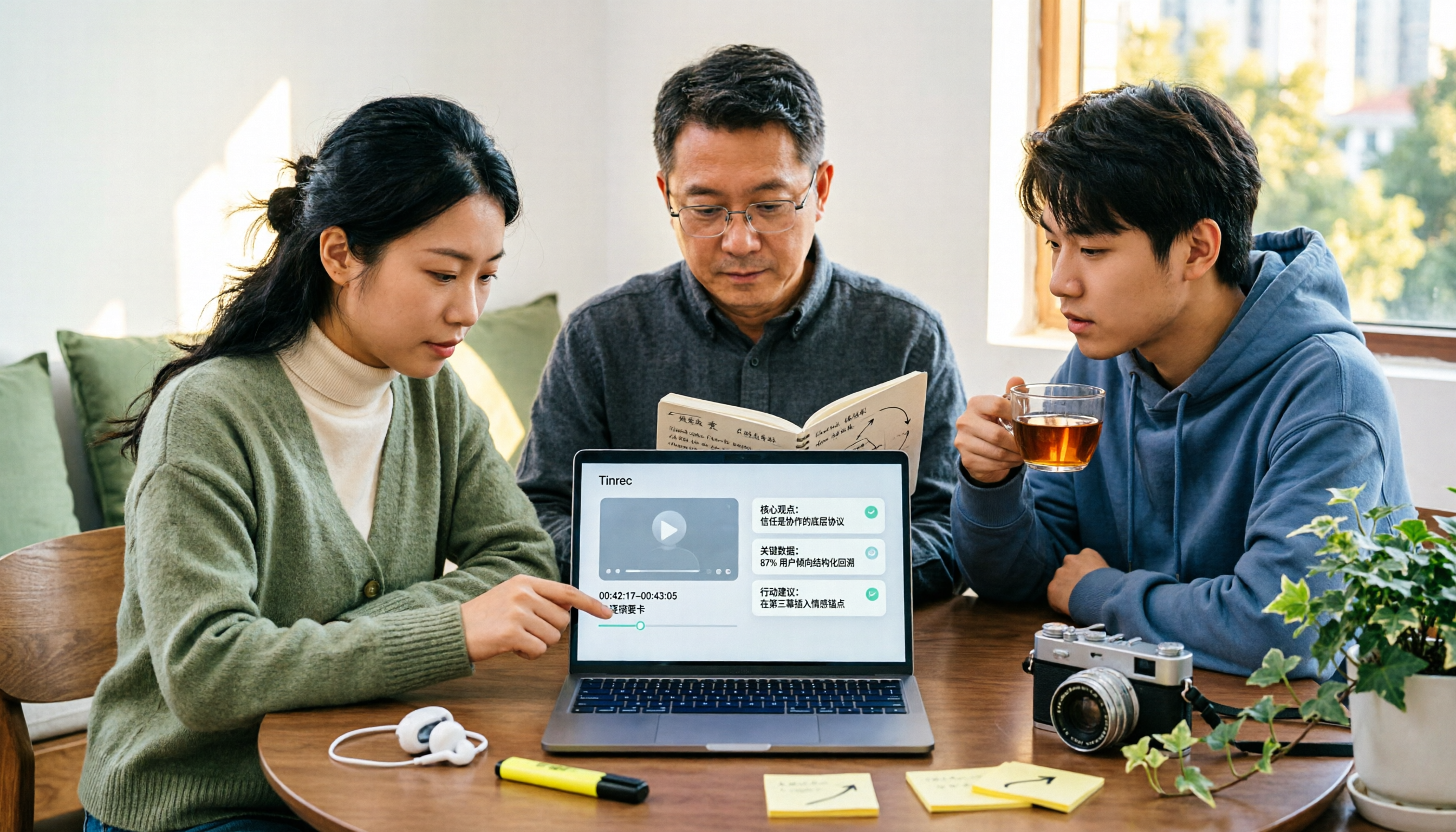
Turn recordings into transcripts and summaries in minutes
Upload audio or video for multilingual transcription, AI notes, and action items
The Complete Guide to YouTube Summary Apps in 2026: How to Choose from Transcripts to AI Summaries
Can't Finish YouTube Videos? Should You Use a Summary App? First, Figure Out What You Really Want
On a 40-minute commute, you have 6 YouTube videos saved on your phone, but you've actually finished fewer than 2.
This isn't a matter of willpower—it's simply that video length and available time don't match up. Most people save videos for later, and then never get around to them. The longer the saved list, the lower the chance of ever re-watching.
But before you start looking for an app, I'd ask one question: Do you just want to "know what this video is about," or do you need a resource you can search, ask follow-up questions about, and actually use later?
These two needs require completely different tools. For the former, a browser extension is enough; for the latter, you need a tool that truly retains the content. Below, I'll explain what I actually look for when choosing, and where people most often stumble.
Before Choosing a YouTube Summary App, Understand These 4 Key Points
1. Do you want a one-time summary or a resource you can query?
Most extensions work by sending subtitles to an AI to produce a summary, which you read once and then it's gone. If you later want to confirm "what was that number mentioned in the video?" you have to manually scrub through the timeline.
Whether the transcript is saved and whether you can directly ask questions about the content is the first dividing line. Tinrec makes this its primary feature.
2. Is the source only YouTube, or also meetings and audio files?
If you also need to organize online meetings, interview recordings, or voice memos from your phone, using the same tool for everything saves a lot of hassle.
Tinrec supports live recording, desktop bot-free recording of online meetings, audio/video file transcription, and also has web link import as a supplementary feature for some public video content.
3. Recognition performance for Chinese and mixed Chinese-English content
Taiwanese users often encounter videos with mixed Chinese and English, which is the toughest test for any tool. Tinrec covers Chinese, Traditional Chinese, and multilingual scenarios, supports real-time translation and bilingual viewing, and offers team hotwords to maintain specialized terminology.
Note that actual performance is still affected by audio quality, accents, background noise, and overlapping speakers. No tool can guarantee a fixed accuracy rate.
4. Can you take the output with you? Can a team take over?
If you only get a summary, the results are locked inside the tool. Whether you can export to Notion, Google Docs, OneNote, Dropbox, or generate reports or tables makes a big difference for those who need to deliver work.
If a team will use it together, you also need to check for member, role, seat, usage, and audit management capabilities.
Tinrec – If You Need More Than Just a Summary
Tinrec is an AI meeting notes and collaboration tool for individuals and teams, available on web, desktop, and mobile. Its core purpose is to turn audio into searchable, summarizable, queryable, and exportable data.
Turn videos or recordings into usable transcripts
After getting a long video or meeting recording, you can upload the audio/video file or use web link import. The tool produces a transcript and automatically organizes a summary, chapters, and key points. For situations like "a two-hour interview where you only want three conclusions," this workflow saves noticeable time.
Ask questions directly after recording
This is the biggest difference from simple summary tools. Once the data is saved, you can directly ask: "What was the final budget decided in this meeting?" It won't just throw a bunch of keyword search results at you—it answers based on the content.
The same logic applies to videos: "What are the three tips this video gives to beginners?" This query capability is something extensions that only produce a summary cannot do.
Output can be further processed and taken elsewhere
Besides transcripts and summaries, Tinrec can extract action items, generate mind maps, and use Agent post-processing to produce reports, tables, and documents.
Results support multiple export formats and can be brought into existing workflows like Notion, Google Docs, OneNote, and Dropbox for further use, without retyping everything.
When a team needs to share, it has corresponding management capabilities
Stop organizing recordings by hand
Upload audio or video and automatically get a transcript, summary, and action items
The team version is not "multiple people sharing one personal account" but an independent team space. Meeting data belongs to the team, members can view and reuse historical content; administrators can manage roles and seats, view usage trends and details, query and export audit logs, and use the audio recycle bin. One very practical detail: when a member leaves or is removed, their team resources can be handed over to other active members, so data doesn't leave with the individual.
Roles and seats should be viewed separately—roles determine who can manage the team, seats determine whether one can record, upload, edit, and export; active members without a seat can still view, play, and read team data.
Limitations and pricing, stated honestly
Note that web link import in Tinrec is a supplementary feature, mainly handling some public video content. Its core positioning is still organizing meeting and audio content. If you want "paste any YouTube URL and get a one-click summary," that need is actually better suited to lightweight extensions.
The personal version is divided by usage tasks into Free, Weekly Pass, Pro Monthly, and Pro Annual: for occasional recording organization, the Free version is enough; for short-term intensive use, consider the Weekly Pass; if you have weekly needs, go Pro. The team version currently offers a 7-day trial for first-time eligible users, 1 free seat, and 300 minutes of shared team import quota; paid seats are USD 29.80/month or USD 199/year (about USD 16.58/month), with each paid seat providing 2,000 minutes of shared team import quota per month. Actual prices and benefits are subject to the official purchase page.
Who it's for
If you frequently need transcripts for mixed Chinese-English or foreign language content, want to ask follow-up questions after organizing, or handle both videos and meeting recordings, Tinrec is currently a more suitable choice.
Besides Tinrec, What Other Options Are There?
YouTube Summary with ChatGPT
A browser extension that sends YouTube subtitles to ChatGPT for summarization. After installation, you can expand the transcript and summary on the video page. It supports multiple languages and allows specifying the transcript language. The advantage is it's lightweight and almost instant. But it gives you a summary that's gone once you read it—no cross-video database, and if you want to re-quote a sentence, you have to find the timestamp yourself. What Tinrec does that it doesn't is keep transcripts, summaries, and follow-up questions in one place.
Notta
A multi-platform transcription tool with high overlap with Tinrec, good at multilingual transcription. The official free version offers 120 minutes per month, max 3 minutes per item; Pro annual is about USD 8.17/month. However, it lacks Tinrec's desktop bot-free meeting recording and the team space governance capabilities like seats, usage, and auditing.
TurboScribe
Focuses on cost-effective file transcription. Free version: 3 files per day, max 30 minutes per file; Unlimited annual is USD 120 (about USD 10/month). Paid version supports up to 10 hours or 5 GB per file, and up to 50 files at once. It has advantages in long files and batch processing, but real-time meetings, post-meeting AI queries, and action item extraction are not its focus—Tinrec is more complete in these areas.
Pitfall Guide: The 4 Most Common Mistakes When Choosing a YouTube Summary App
Pitfall 1: Judging only by summary length. Longer isn't better, and shorter isn't stronger. What really matters is whether it retains the transcript and timestamps—when you want to confirm if something was said a certain way, a tool that only gives a summary can't help at all.
Pitfall 2: Ignoring source limitations. Many tools only accept YouTube links. When you need to organize an online meeting or a phone recording, you have to find a second tool, and your data is scattered in two places.
Pitfall 3: Not checking if you can take the output with you. Free tools usually lock content in their own interface. If you later need to put it into Notion, turn it into a report, or have a colleague take over, export formats and team permissions are hard requirements, not nice-to-haves.
Pitfall 4: Forgetting the legal issues of recording. If you're recording a meeting or someone else's voice, first check local laws and obtain consent when necessary. This is more important than how good the tool is.
Conclusion: Which One Should You Choose?
Simply put, first determine whether you want a "one-time summary" or "data you can keep." The answer will be clear.
- Want to turn videos into searchable, queryable notes → Tinrec (transcript retention + AI Q&A)
- Videos are mixed Chinese-English or foreign language, need bilingual transcripts → Tinrec (supports real-time translation and bilingual viewing)
- Need to organize online meetings, interview recordings, and videos simultaneously → Tinrec (desktop bot-free recording + file import)
- Content needs to be shared with a team, requires permission and usage management → Tinrec Team (seats, usage, audit)
- Just occasionally watch a video and want to know the gist in 30 seconds → A browser extension like YouTube Summary with ChatGPT is enough
I suggest starting with Tinrec's free version. Pick a long video you often watch or a meeting recording and try it. Confirm that the transcript and summary quality meet your expectations, then decide whether to upgrade. Whether a tool is good or not, you'll know after one try.
References
- Summarize YouTube with GPT: Free Online Video Summary Tool
- YouTube Video Summary App - App Store
- Summarize YouTube Videos - Chrome Web Store
- ChatGPT YouTube Summary Video Key Points Technique, from Transcript to Summary - Mr. Mad
- YouTube Summary with ChatGPT: One-Click Summarize YouTube Video Content, No Need to Watch - Kocpc
Turn every recording into actionable outcomes
Get 60 free transcription minutes when you sign in. No credit card required.
Related Reading
You might also like
How to Turn Text into Video in 2026: From Recording to AI Video Generation
The real bottleneck in text-to-video isn't the generation—it's the text you feed the AI. This guide starts with common mistakes, then shows how to use Tinrec to turn meeting, interview, and course recordings into structured transcripts, summaries, and script material for AI video generation. Includes real-world use cases, 5 factors to consider when choosing tools, and FAQs.

4 Video Note-Taking Tools Tested: Which One Turns a 2-Hour Video Into Searchable Notes?
You watch a two-hour course and only remember the opening. You've saved 80 meeting recordings and never opened them again. The problem isn't your focus—it's your tools. This article compares four automatic video note-taking apps, breaking down how Tinrec turns videos and meetings into searchable, queryable, exportable data, and who Notta, NoteGPT, and LunaNotes are best for. It also covers four key buying factors, three common pitfalls, and scenario-based recommendations.

2026 AI Meeting Notes Showdown: Tinrec vs Otter.ai for Chinese-Language Meetings
2026 comparison: Tinrec and Otter.ai differ in five key areas—meeting capture, Chinese-language meeting experience, post-meeting workflow, recording retention, and team governance. We break down free plans and paid pricing to help teams that mainly hold Chinese-language meetings decide which AI meeting notes tool to choose.

Tinrec vs WayinVideo 2026: 5-Dimension Comparison — How to Choose for Short Video Summaries and Team Knowledge Retention
Forget short videos right after watching? This article covers 6 ways to summarize short video content, from WayinVideo, Monica, and ChatGPT transcripts to Tinrec. We compare transcripts, summaries, timestamps, AI Q&A, export options, and team knowledge retention, with selection advice and key considerations.

2026 Comparison of 2 Lecture Video Summarization Tools: Which Handles Chinese and Cantonese Lectures More Efficiently?
Should you buy hardware or use software for lecture video summarization? This article uses the same lecture video as a benchmark to compare Tinrec and PLAUD Note across five dimensions: import methods and hardware requirements, Chinese and Cantonese recognition, key point organization and AI follow-up, cross-platform and post-meeting export, and team sharing and data retention. It helps you decide which tool is better suited for organizing lecture content.

Best YouTube Video Transcription Tools in 2026: We Tested 4, and Tinrec Turns Transcripts into Team Data
Still manually organizing YouTube video transcripts? We tested 4 video transcription tools, comparing subtitle dependency, post-transcription processing, and team collaboration, and share a complete method to turn video content into searchable, queryable, and shareable data.
4 AI Video Summarization Tools Tested for 2026: Which Wins on Chinese Accuracy and Summary Depth?
How should you really evaluate AI video summarization accuracy? This article starts with common misconceptions, breaks down 4 practical evaluation criteria, and compares Tinrec, Notta, TurboScribe, and Granola in real-world scenarios. It explains why accuracy isn't a fixed number, how to verify summaries against source transcripts and timestamps, and where Tinrec excels and falls short in Chinese transcription, AI follow-up questions, and team knowledge retention.

2026 Real-World Comparison of 4 Simultaneous Interpretation Apps: Which One Also Handles Post-Meeting Cleanup?
Simultaneous interpretation software is not just about real-time translation. This article compares Tinrec, Google Translate, iFlytek Simultaneous Interpretation, and TransGull from the perspectives of real-time bilingual support, transcripts, post-meeting summaries, action items, AI Q&A, and team knowledge retention to help you choose the right solution for meetings and cross-language collaboration.

6 Best MP3 to Text Tools in 2026: Which One Helps You Organize and Follow Up After Transcription?
How to choose an MP3 to text tool? This article reviews 6 practical options, from Tinrec's AI Q&A and meeting organization to completely free online transcription tools. It also explains what to do after getting a transcript, helping you turn audio files into truly usable data.