

Turn recordings into transcripts and summaries in minutes
Upload audio or video for multilingual transcription, AI notes, and action items
Best YouTube Video Transcription Tools in 2026: We Tested 4, and Tinrec Turns Transcripts into Team Data
You've Watched the Video, Now What? — You Don't Need a Transcript, You Need Usable Data
Last week I was organizing materials from an online interview.
The video was 90 minutes long. I opened YouTube and found it had no subtitles.
Or rather, the subtitles had been turned off by the creator.
I stared at the screen and thought: How do I turn these 90 minutes into searchable, quotable text?
This isn't a rare case.
Turning online courses into notes, organizing seminar recordings into articles, keeping records of client interview videos—these needs all stem from the same problem.
The content in the video is "locked."
You can't search it, copy it, or quote it.
So converting video to text becomes a natural first step.
But there's a common misconception: thinking that "converting to text" is the end.
The real question is: after you get the transcript, what then?
A 90-minute transcript can be 20,000 words.
How do you find the part where the speaker mentioned the budget?
How do you summarize the key points for your colleagues?
How do you turn the content into a report you can deliver?
If a tool only gives you a transcript, you've just gone from "listening for 90 minutes" to "reading 20,000 words."
The workload hasn't really decreased.
So in this article, I'm not just comparing who can convert video to text.
I care more about: after conversion, how much work do you still have to do?
Before Choosing a Video Transcription Tool, Understand These 4 Key Points
1. Does it read subtitles or audio?
Many tools actually "grab YouTube subtitles."
If there are subtitles, they can grab them; if there are no subtitles or subtitles are turned off, they return blank.
A truly useful tool should analyze audio directly, not rely on subtitles.
2. After transcription, what can it do for you?
This is the difference I care about most.
Some tools give you the transcript and that's it.
Others go on to generate summaries, chapters, and to-dos, and even let you ask questions directly about the content.
The latter is far more valuable.
Because what you really want is to understand the content, not just own a text file.
3. Can you take it with you?
If the transcript can only stay in the tool, it's hard to integrate into your existing workflow.
Can it be exported as TXT, DOCX, SRT?
Can it be brought to Notion, Google Docs for further editing?
This determines whether the transcript is "one-time use" or "reusable."
4. Is it just for you, or for the whole team?
For personal use, a free tool might be enough.
But if it's a group—a marketing team organizing every interview, a course team distilling every lesson—then where the data is stored, who can see it, who can edit it becomes a real issue.
The tool doesn't just transcribe text; it also determines whose asset your data ultimately becomes.
Tinrec — Our Top Pick After Testing
Tinrec is an AI meeting notes and collaboration tool for individuals and teams, available on iOS, Android, and web.
What first caught my attention was its desktop version.
Tinrec's desktop version directly captures your computer's system audio.
That means it can handle Zoom, Google Meet, Microsoft Teams, and Webex meetings played on your computer, without needing to invite a bot account to join the meeting.
This also applies to videos.
I play a YouTube video on my computer, and Tinrec can transcribe it in real time without downloading the video or converting files.
It can also import via web link to process some public video content, which is a supplementary capability.
And it retains the audio.
Many tools only give you text and don't keep the audio file.
But when you need to verify whether a sentence was misheard, having the original audio is much more reassuring.
However, what really made me feel that Tinrec is "not just a transcription tool" is what happens after transcription.
First, it automatically generates summaries and chapters.
For a 90-minute video, Tinrec will divide it into several sections and indicate what each section is about.
You don't have to read from beginning to end.
Second, it can extract to-dos.
If the video mentions "send the quote by next week," Tinrec will organize it as a to-do.
Third, and most crucially—AI Q&A.
Stop organizing recordings by hand
Upload audio or video and automatically get a transcript, summary, and action items
After recording, I can directly ask Tinrec:
"What pricing plans were mentioned in this interview?"
"What is the speaker's view on competitors?"
It doesn't give me keyword search results; it gives me answers directly.
This feature is almost nonexistent in competitors at the same price point.
Fourth, it can export to many places.
Transcripts can be exported as TXT, DOCX, SRT, VTT, and brought to Notion, Google Docs, OneNote, Dropbox for further editing.
I can also ask it to generate reports, tables, or meeting minutes based on the content.
What if I'm a team?
Tinrec's team version provides a separate team space.
Team meetings and video data belong to the team, not tied to individual accounts.
New members can view historical data after joining.
Admins can manage roles, seats, usage, and audit logs.
Paid seats include 2,000 minutes of shared team import quota per month. Team monthly billing is USD 29.80 per seat, annual billing is USD 199 per seat.
This is especially important for content teams.
Interview recordings are not anyone's private asset but the team's shared data.
Limitations should also be clear.
Tinrec's web link import is a supplementary capability, processing some public video content.
If you want to "batch transcribe 50 YouTube videos at once," that's not its main strength.
Also, the free version has quota limits, and heavy users need to consider a paid plan.
But if you want to turn video and meeting content into searchable, queryable, and shareable data, Tinrec is currently the most complete choice.
Besides Tinrec, What Other Options Are There?
TurboScribe
If you need batch transcription of large, long documents, TurboScribe is a solid choice.
The free version allows 3 files per day, up to 30 minutes per file; the paid version supports up to 10 hours or 5 GB per file, can upload 50 files at once, supports 98 languages and multiple export formats.
But it is essentially a transcription tool.
Post-transcription summaries, Q&A, to-dos, as well as team spaces and member management—Tinrec has these, TurboScribe does not.
Vizard
Vizard's feature is directly reading YouTube's subtitle track, fast, supports over 180 languages, and new accounts get free credits.
But because it reads the subtitle track, if the video has no subtitles or subtitles are disabled, it will encounter limitations.
It also lacks team spaces and seat management.
Tinrec's ability to directly process audio and turn data into team assets is something it doesn't have.
WayinVideo
WayinVideo focuses on being free and not requiring login.
It uses AI speech-to-text, so even videos without subtitles can generate transcripts, and it can also do summaries and mind maps, supporting over 100 languages.
As a lightweight YouTube-to-text tool, it's convenient.
But if your needs extend to weekly meeting minutes, team sharing, and permission management, Tinrec offers a more complete follow-up workflow.
Pitfall Guide: The 3 Most Common Mistakes When Choosing a Video-to-Text Tool
Pitfall 1: Only looking at "can it transcribe," not "can you use it after transcription"
Many people only compare transcription speed when choosing a tool.
But the real time-consuming part is organizing after transcription.
A transcript without summaries, search, or Q&A features still requires you to read from beginning to end.
Pitfall 2: Thinking that if there are subtitles, it can grab them; if not, there's no way
Tools that rely on subtitles fail when encountering videos with subtitles disabled.
It's advisable to prioritize tools that directly process audio, as they have a wider range of applicability.
Pitfall 3: Ignoring team needs
For personal use, it doesn't matter where the tool stores data.
But when you're a team, if meeting and interview data only exist in someone's account, after that person leaves, the data may disappear with them.
If this matters to you, choose a tool with team spaces and data handover mechanisms.
Conclusion: Which One Should You Choose?
In one sentence: If you want more than just a transcript—if you want to turn video and meeting content into searchable, queryable, and team-shareable data—Tinrec is currently the most complete choice.
Scenario breakdown:
- To process YouTube videos, online courses, interview recordings, and want to ask questions directly about the content → Tinrec
- Video has no subtitles, need to generate transcript from audio → Tinrec or WayinVideo
- Need to batch transcribe many long documents at once → TurboScribe
- Only need to quickly grab YouTube videos with subtitles → Vizard
- Team needs to share meeting data and manage member permissions → Tinrec Team Version
Finally, here's a starter approach:
- Pick a video you've been wanting to organize recently
- Use Tinrec to transcribe it
- Ask it to generate a summary and chapters
- Try asking it a question, like "What are the three key points of this video?"
- Export the results to the document you normally work in
- If you find it useful, consider upgrading or creating a team space
Test step by step, and you'll gradually find the video text organization method that suits you best.
References
- Transcribe YouTube Videos to Text | TurboScribe
- YouTube Transcript Generator|Free One-Click to Text, No Login Required
- YouTube Video to Text Tool: AI Free Transcription
- YouTube Transcript Generator: Free YouTube Video to Text Converter Online - EaseMate AI
- YouTube to Text Converter | Video Transcription Tool
Turn every recording into actionable outcomes
Get 60 free transcription minutes when you sign in. No credit card required.
Related Reading
You might also like
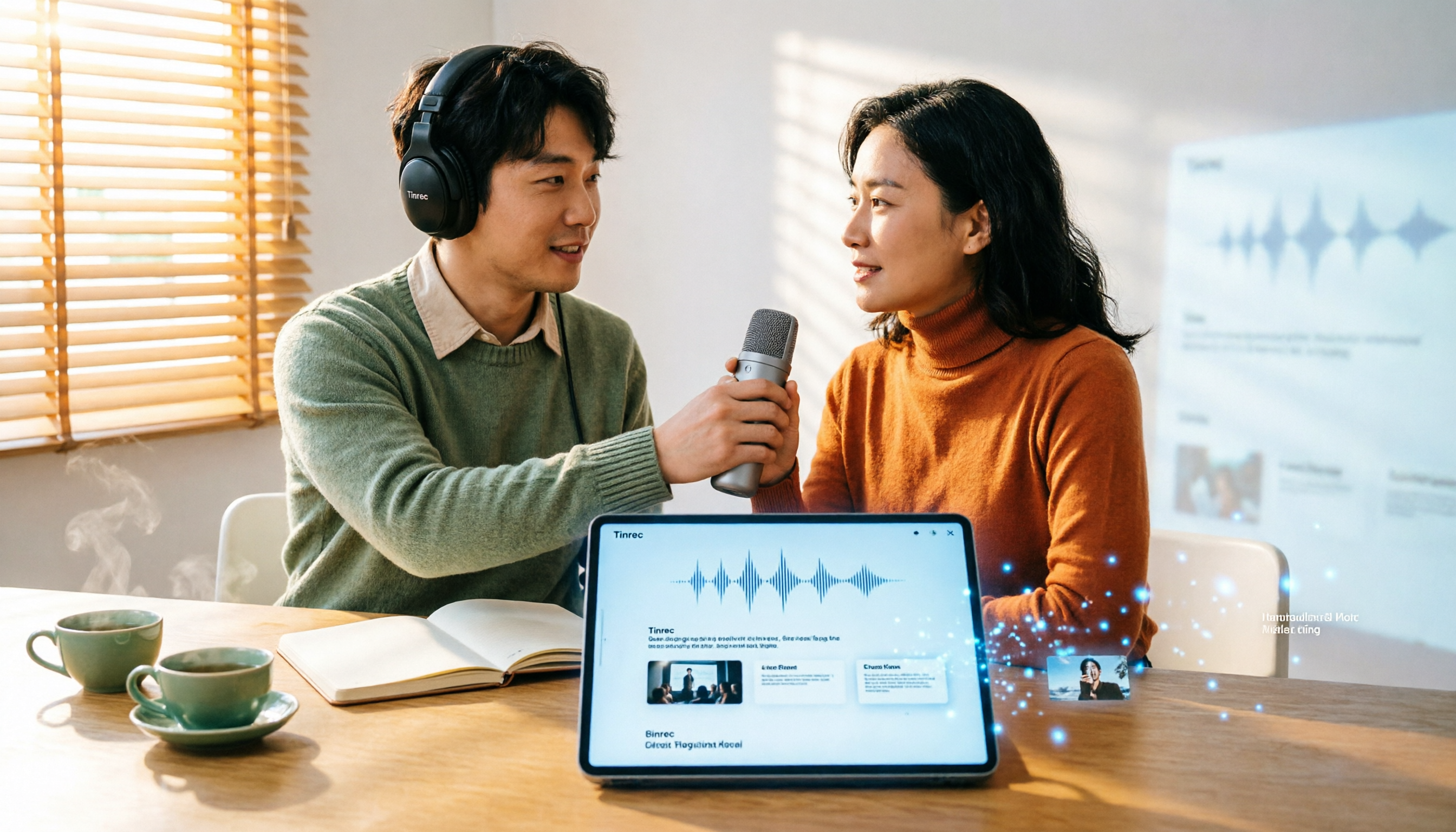
How to Turn Text into Video in 2026: From Recording to AI Video Generation
The real bottleneck in text-to-video isn't the generation—it's the text you feed the AI. This guide starts with common mistakes, then shows how to use Tinrec to turn meeting, interview, and course recordings into structured transcripts, summaries, and script material for AI video generation. Includes real-world use cases, 5 factors to consider when choosing tools, and FAQs.

4 Video Note-Taking Tools Tested: Which One Turns a 2-Hour Video Into Searchable Notes?
You watch a two-hour course and only remember the opening. You've saved 80 meeting recordings and never opened them again. The problem isn't your focus—it's your tools. This article compares four automatic video note-taking apps, breaking down how Tinrec turns videos and meetings into searchable, queryable, exportable data, and who Notta, NoteGPT, and LunaNotes are best for. It also covers four key buying factors, three common pitfalls, and scenario-based recommendations.

2026 AI Meeting Notes Showdown: Tinrec vs Otter.ai for Chinese-Language Meetings
2026 comparison: Tinrec and Otter.ai differ in five key areas—meeting capture, Chinese-language meeting experience, post-meeting workflow, recording retention, and team governance. We break down free plans and paid pricing to help teams that mainly hold Chinese-language meetings decide which AI meeting notes tool to choose.

Tinrec vs WayinVideo 2026: 5-Dimension Comparison — How to Choose for Short Video Summaries and Team Knowledge Retention
Forget short videos right after watching? This article covers 6 ways to summarize short video content, from WayinVideo, Monica, and ChatGPT transcripts to Tinrec. We compare transcripts, summaries, timestamps, AI Q&A, export options, and team knowledge retention, with selection advice and key considerations.

2026 Comparison of 2 Lecture Video Summarization Tools: Which Handles Chinese and Cantonese Lectures More Efficiently?
Should you buy hardware or use software for lecture video summarization? This article uses the same lecture video as a benchmark to compare Tinrec and PLAUD Note across five dimensions: import methods and hardware requirements, Chinese and Cantonese recognition, key point organization and AI follow-up, cross-platform and post-meeting export, and team sharing and data retention. It helps you decide which tool is better suited for organizing lecture content.
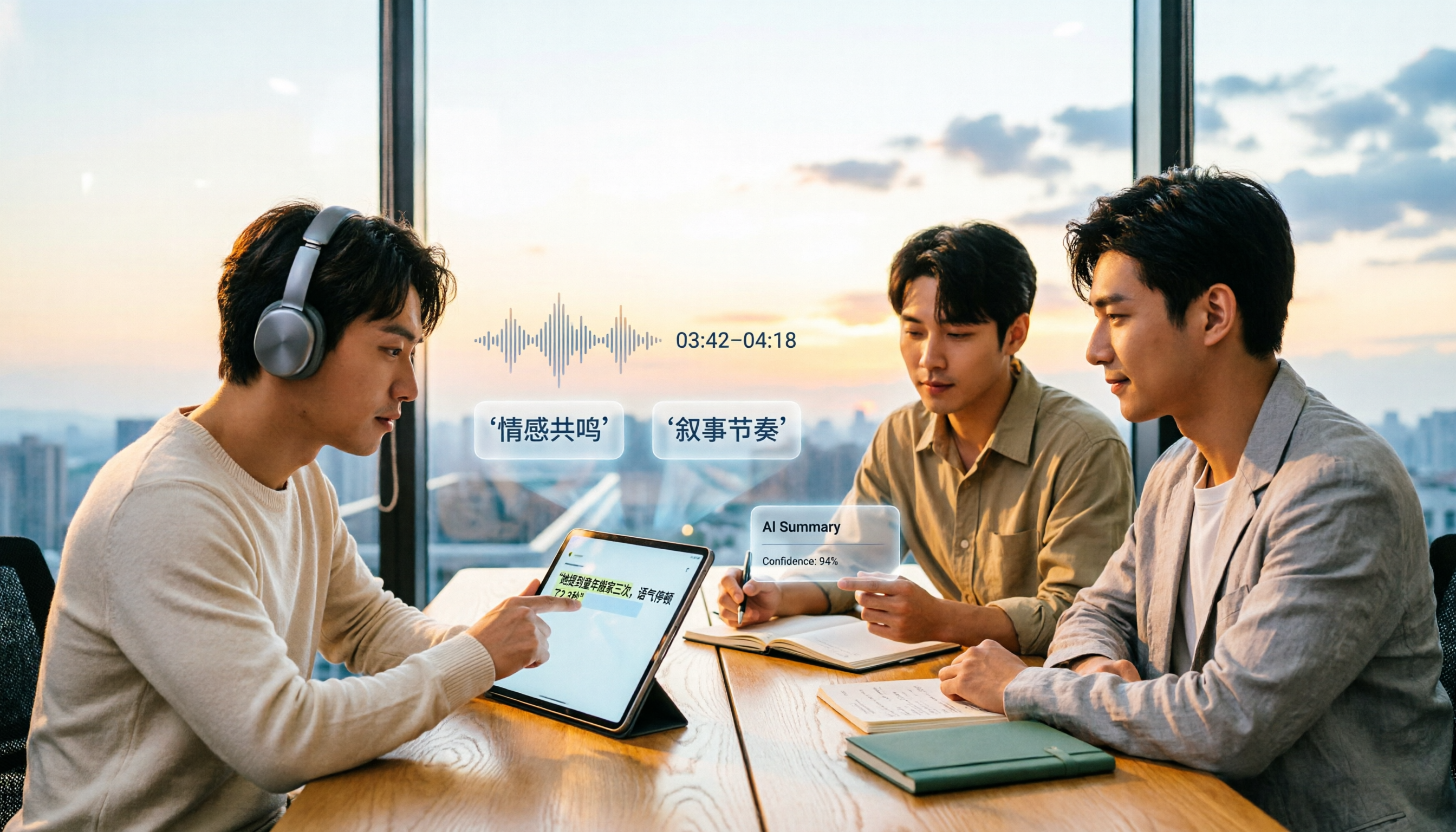
4 AI Video Summarization Tools Tested for 2026: Which Wins on Chinese Accuracy and Summary Depth?
How should you really evaluate AI video summarization accuracy? This article starts with common misconceptions, breaks down 4 practical evaluation criteria, and compares Tinrec, Notta, TurboScribe, and Granola in real-world scenarios. It explains why accuracy isn't a fixed number, how to verify summaries against source transcripts and timestamps, and where Tinrec excels and falls short in Chinese transcription, AI follow-up questions, and team knowledge retention.
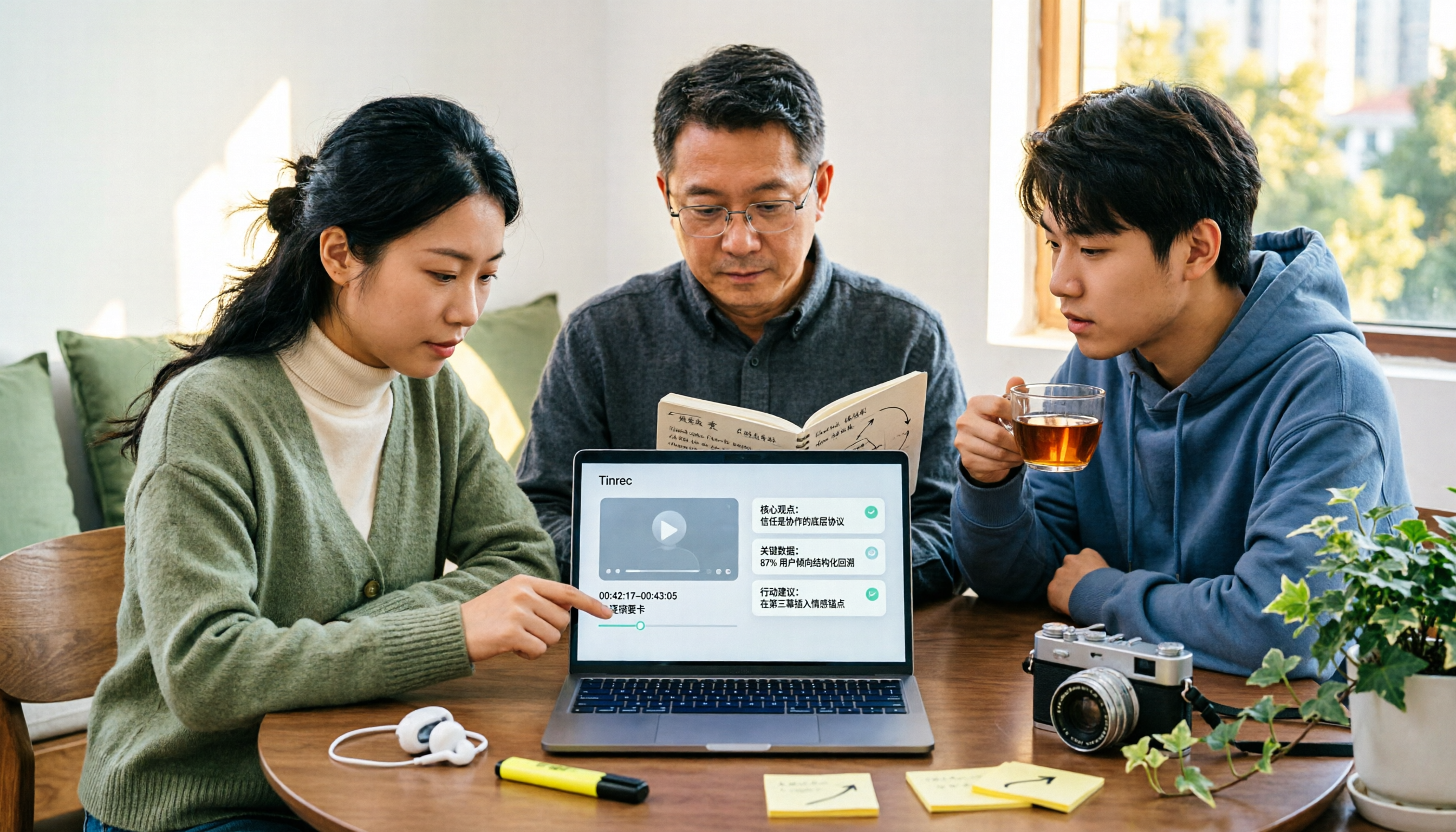
The Complete Guide to YouTube Summary Apps in 2026: How to Choose from Transcripts to AI Summaries
Can't finish long YouTube videos? Which summary app should you use? This article starts from the decision point of whether you just need a summary or need to ask follow-up questions, export, and share with a team. It covers 4 key selection criteria, common pitfalls, and compares Tinrec, YouTube Summary with ChatGPT, Notta, and TurboScribe in terms of features, limitations, and ideal users.

2026 Real-World Comparison of 4 Simultaneous Interpretation Apps: Which One Also Handles Post-Meeting Cleanup?
Simultaneous interpretation software is not just about real-time translation. This article compares Tinrec, Google Translate, iFlytek Simultaneous Interpretation, and TransGull from the perspectives of real-time bilingual support, transcripts, post-meeting summaries, action items, AI Q&A, and team knowledge retention to help you choose the right solution for meetings and cross-language collaboration.

6 Best MP3 to Text Tools in 2026: Which One Helps You Organize and Follow Up After Transcription?
How to choose an MP3 to text tool? This article reviews 6 practical options, from Tinrec's AI Q&A and meeting organization to completely free online transcription tools. It also explains what to do after getting a transcript, helping you turn audio files into truly usable data.