
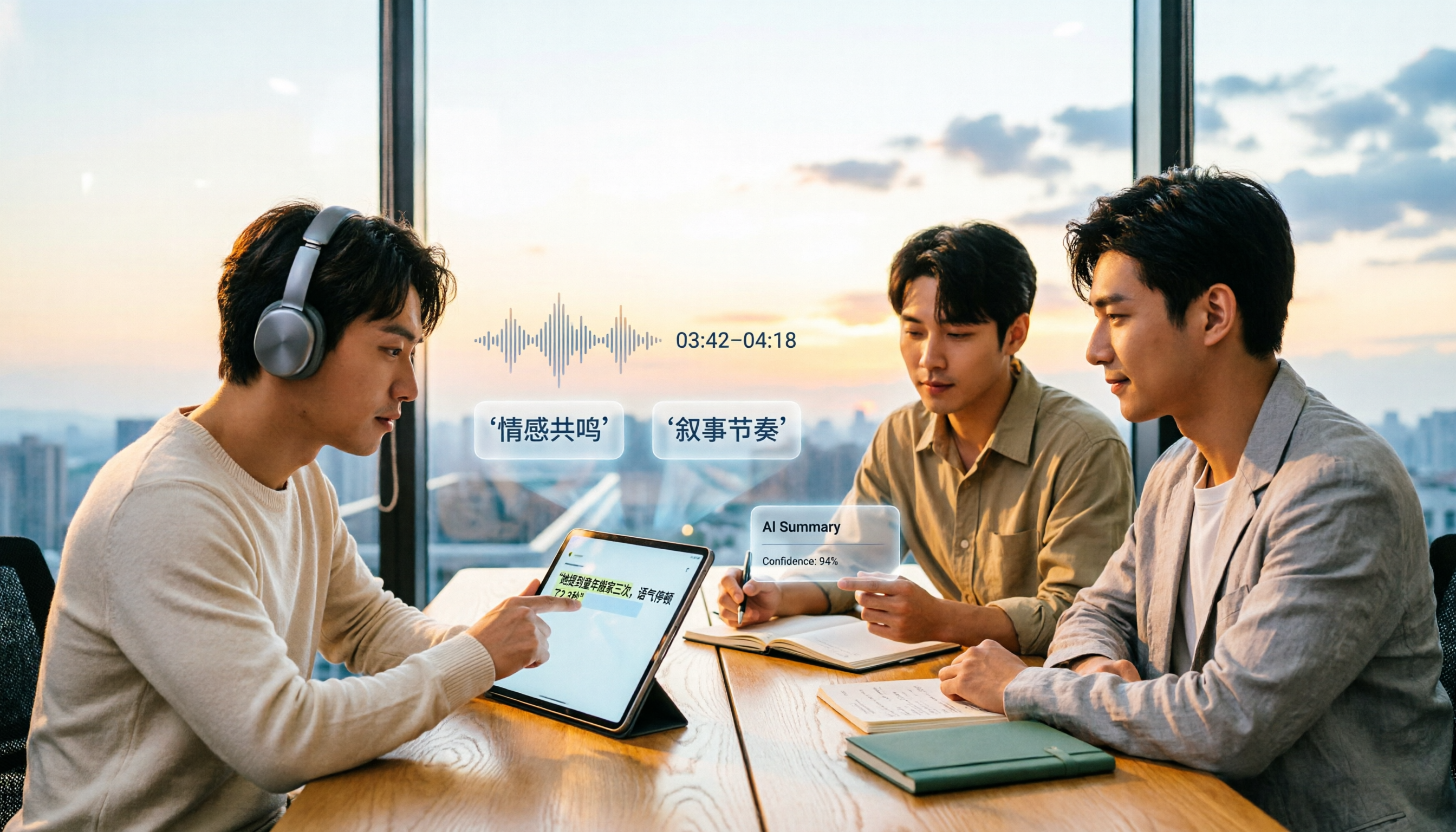
Turn recordings into transcripts and summaries in minutes
Upload audio or video for multilingual transcription, AI notes, and action items
4 AI Video Summarization Tools Tested for 2026: Which Wins on Chinese Accuracy and Summary Depth?
Video summaries look smooth—but would you use them as-is?
Many people imagine AI video summarization like this: paste a link, wait a few seconds, and get a set of notes you can hand off.
The real problem usually shows up the second time you use it. You go back to cite a number the speaker mentioned, only to find the summary says something different from what was actually said in the video.
Or it's a two-hour Chinese lecture, and the summary only captures the first five minutes—the remaining three-quarters of the discussion is completely missing.
This article isn't going to tell you which tool has "98% accuracy," because accuracy was never a fixed number. What I want to do is break down some common ways people evaluate these tools so you know how to choose for yourself.
Before choosing an AI video summarization tool, understand these 4 key points
1. Accuracy depends on conditions, not marketing numbers
The accuracy rates on official pages are usually measured under clean audio, single speaker, no background noise conditions. Real videos might be screen recordings of online courses, multi-person conversations in meeting rooms, or interviews with accents and mixed Chinese-English speech. Different conditions produce very different results.
2. Can the summary be traced back to the source for verification?
AI summaries always compress information. The key is whether they include timestamps and let you jump back to the original segment with one click. If the summary has no traceable source, you can only choose to trust it or rewatch the whole thing—and the time saved is actually quite limited.
3. What can you do after the summary?
Producing just a text summary versus producing a transcript, chapters, action items, and a queryable Q&A are completely different workflows. If you're recording meetings or interviews, the latter set of features is where the real time savings are.
4. Chinese and mixed Chinese-English handling capability
Many international tools are strong at English meetings. If you mainly handle Chinese videos, Chinese interviews, or presentations with lots of English technical terms, Chinese recognition and terminology handling should be your top priority.
Tinrec — our top pick after hands-on testing
Tinrec is an AI meeting notes and collaboration tool for individuals and teams, available on desktop, web, and mobile. Its positioning isn't just converting audio to text—it's organizing recordings into searchable, summarizable, queryable, and exportable data.
How does it work in practice? For online meetings or online courses, the desktop version directly captures your computer's system audio—no need to invite an extra meeting bot into the room. For already-recorded videos or audio files, you can upload them and get a transcript. Some public video links can also be imported via URL, but that's a supplementary capability—Tinrec's main strength is organizing meetings, audio, and video content.
After transcription, AI automatically generates summaries, chapters, key points, and action items. More importantly, there's AI Q&A: you can directly ask it "What were the three cost issues the speaker mentioned?" and it will find the answer from the long transcript based on semantics, rather than just throwing keyword search results at you. This is a huge help for organizing lectures, interviews, or meeting notes.
Regarding accuracy, I have to be honest: Tinrec officially doesn't recommend promising a fixed number publicly, because actual performance is affected by recording quality, background noise, accents, overlapping speakers, and technical terminology. Some reviews mention that AI summaries can roughly capture 80-90% of core points, but when it comes to numbers, dates, and decision conclusions, it's best to verify against the original recording (Source: Tinrec Blog comparison). This is also my own principle when using these tools—treat them as accelerators, not replacements.
Stop organizing recordings by hand
Upload audio or video and automatically get a transcript, summary, and action items
A few other things I find practical: original audio is preserved, and both transcripts and summaries can be traced back to timestamps—if you have doubts, you can replay and verify; multi-format export lets you take organized content to Notion, Google Docs, OneNote, and other tools for further processing; team spaces make meeting data belong to the team, so when members leave, data doesn't leave with them, and admins can manage roles, seats, usage, and audit logs.
One thing to note: the free version provides basic quota, suitable for trying out recording, importing, summarization, and transcription first. If you have a large volume of videos or meetings to organize every week, you'll need to evaluate paid plans; the personal plan has weekly, Pro monthly, and annual options, and the team plan is currently USD 29.80 per paid seat per month, or USD 199 per paid seat annually. Actual prices and benefits are subject to the official purchase page. Also, URL import only works for some public content—not all videos from all platforms can be directly imported.
Overall, if what you need is Chinese content transcription, post-meeting summaries, AI follow-up questions, and team knowledge retention, Tinrec is the closest fit for this workflow among these options.
Besides Tinrec, what other options are there?
Notta: A multi-platform transcription tool supporting file import, translation, and team plans. Free version offers 120 minutes per month, max 3 minutes per item; Pro annual billing works out to about USD 8.17 per month with 1,800 minutes per month; Business annual billing works out to about USD 16.67 per seat per month with unlimited transcription and usage reports. It leans toward multi-platform transcription and file processing. If what you want is to directly ask questions about meeting content afterward and then retain results in a team space, Tinrec's AI Q&A and Agent post-processing are a closer fit.
TurboScribe: A cost-effective file transcription tool focused on long files and batch uploads. Free version allows 3 files per day, max 30 minutes per file; paid version supports files up to 10 hours or 5 GB, with up to 50 files uploaded at once. When you have a large batch of long videos to transcribe for subtitles, its batch processing is genuinely convenient. However, it's centered on file transcription—live recording and mobile quick capture aren't its main scenarios, whereas Tinrec integrates live recording, desktop meetings, and file import into a single workflow.
Granola: A bot-free AI meeting notes tool, Basic is free, Business is USD 14 per user per month. It also uses desktop system audio capture and emphasizes "user handwritten notes plus AI enhancement." Note that Granola doesn't support uploading pre-recorded audio files and doesn't save meeting audio. If what you need to organize is already-recorded video, or you want to replay and verify afterward, Tinrec is more suitable in this regard.
Pitfall guide: The 3 most common mistakes when evaluating AI video summarization accuracy
Pitfall 1: Treating marketing numbers as guarantees. The accuracy rates written on pages usually don't include the test conditions. Rather than trusting numbers, try it with your own hardest video—the one with accents, noise, and mixed Chinese-English. Performance under those conditions is what you'll actually encounter.
Pitfall 2: Letting AI summaries replace source verification. Summaries help you grasp the big picture, but numbers, dates, names, and decision conclusions are where errors most easily occur. The safer approach is to read through the summary once, then click back to timestamps to confirm anything suspicious. This is also why preserving original audio and timestamps matters more than how polished the summary looks.
Pitfall 3: Only looking at transcription, ignoring the follow-up workflow. Many people compare tools only on price per hour or minutes per month, forgetting that what they really want is the final usable data. Whether it can generate chapters, whether you can ask follow-up questions, whether it can export to existing tools—these determine whether you save 10 minutes or 2 hours.
Conclusion: Which one should you actually choose?
No single tool is most accurate under all conditions, but if you divide by use case, the answer isn't hard:
- Chinese meetings, lectures, interviews to organize into transcripts, summaries, and action items → Tinrec, with bot-free desktop recording plus AI Q&A, is a relatively complete set for this workflow.
- Already-recorded long videos, large batches of files to transcribe or translate → TurboScribe, with advantages in single-file length and batch upload specs.
- Multilingual transcription, need team usage reports → Notta, with clear plan tiers.
- Only doing live meeting notes on computer, no need to preserve audio → Granola, lightweight and integrates well with handwritten notes.
If you're still not sure, I'd suggest starting with Tinrec's free version and trying it on the hardest Chinese video you have. First confirm whether the summary captures things accurately and whether follow-up questions find the answers you need, then decide whether to go further.
References
- Free AI Video Summary Tool — Accurate, Fast, with Timestamps
- Summarize YouTube with GPT: Free Online Video Summary Tool
- 5 AI Tools for Summarizing Video Content Tested: Chinese Accuracy, Summary Depth, Multi-Platform Support Comparison - Tinrec Blog
- Videos Too Long to Watch? Essential Tools for Learning and Fandom! Long Video Summarization and Foreign Language Video Translation Made Easy! - PanSci
- 6 YouTube AI Summary Tools to Save Time and Effort -
Turn every recording into actionable outcomes
Get 60 free transcription minutes when you sign in. No credit card required.
Related Reading
You might also like
How to Turn Text into Video in 2026: From Recording to AI Video Generation
The real bottleneck in text-to-video isn't the generation—it's the text you feed the AI. This guide starts with common mistakes, then shows how to use Tinrec to turn meeting, interview, and course recordings into structured transcripts, summaries, and script material for AI video generation. Includes real-world use cases, 5 factors to consider when choosing tools, and FAQs.

4 Video Note-Taking Tools Tested: Which One Turns a 2-Hour Video Into Searchable Notes?
You watch a two-hour course and only remember the opening. You've saved 80 meeting recordings and never opened them again. The problem isn't your focus—it's your tools. This article compares four automatic video note-taking apps, breaking down how Tinrec turns videos and meetings into searchable, queryable, exportable data, and who Notta, NoteGPT, and LunaNotes are best for. It also covers four key buying factors, three common pitfalls, and scenario-based recommendations.

2026 AI Meeting Notes Showdown: Tinrec vs Otter.ai for Chinese-Language Meetings
2026 comparison: Tinrec and Otter.ai differ in five key areas—meeting capture, Chinese-language meeting experience, post-meeting workflow, recording retention, and team governance. We break down free plans and paid pricing to help teams that mainly hold Chinese-language meetings decide which AI meeting notes tool to choose.

Tinrec vs WayinVideo 2026: 5-Dimension Comparison — How to Choose for Short Video Summaries and Team Knowledge Retention
Forget short videos right after watching? This article covers 6 ways to summarize short video content, from WayinVideo, Monica, and ChatGPT transcripts to Tinrec. We compare transcripts, summaries, timestamps, AI Q&A, export options, and team knowledge retention, with selection advice and key considerations.

2026 Comparison of 2 Lecture Video Summarization Tools: Which Handles Chinese and Cantonese Lectures More Efficiently?
Should you buy hardware or use software for lecture video summarization? This article uses the same lecture video as a benchmark to compare Tinrec and PLAUD Note across five dimensions: import methods and hardware requirements, Chinese and Cantonese recognition, key point organization and AI follow-up, cross-platform and post-meeting export, and team sharing and data retention. It helps you decide which tool is better suited for organizing lecture content.

Best YouTube Video Transcription Tools in 2026: We Tested 4, and Tinrec Turns Transcripts into Team Data
Still manually organizing YouTube video transcripts? We tested 4 video transcription tools, comparing subtitle dependency, post-transcription processing, and team collaboration, and share a complete method to turn video content into searchable, queryable, and shareable data.
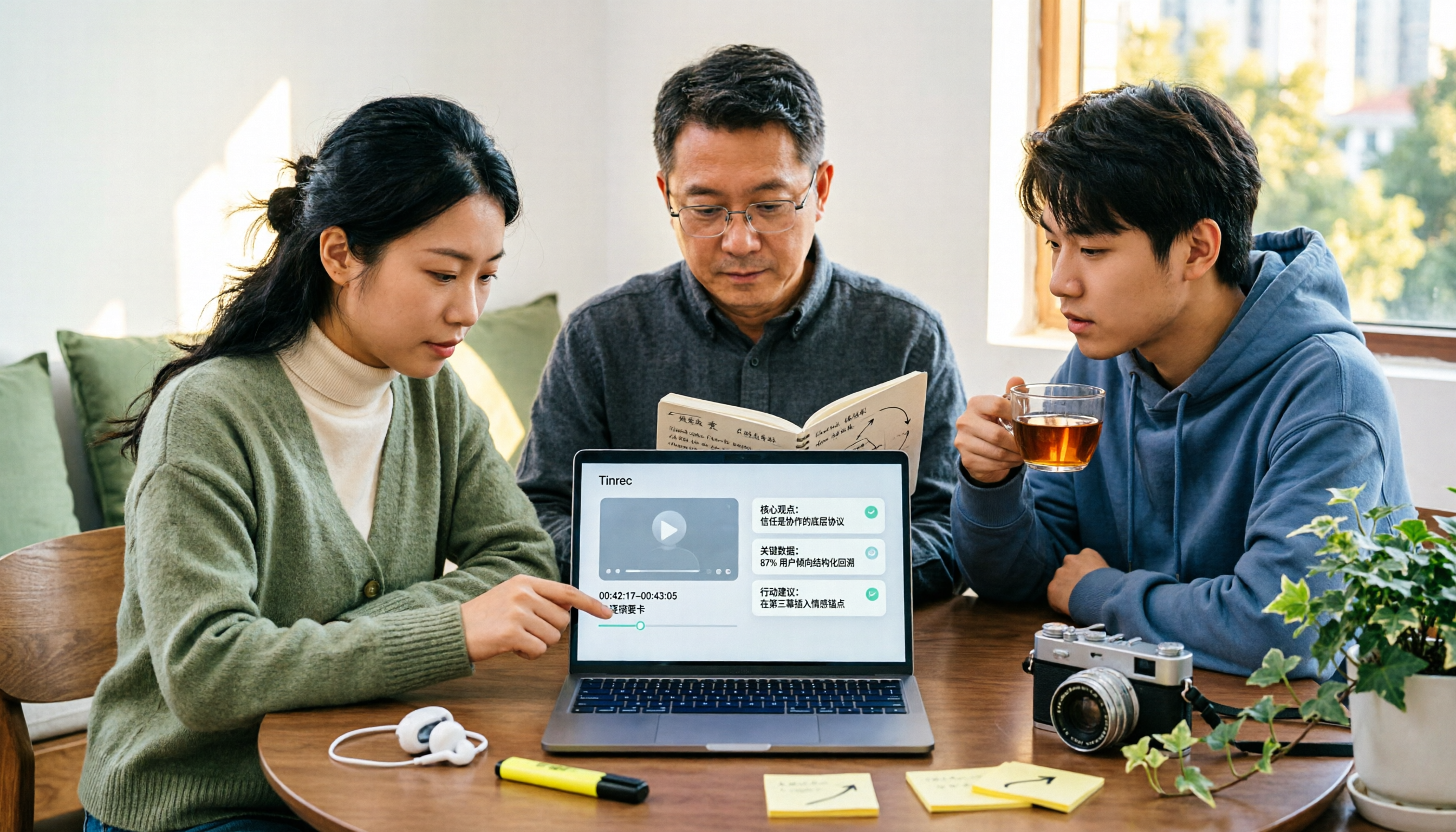
The Complete Guide to YouTube Summary Apps in 2026: How to Choose from Transcripts to AI Summaries
Can't finish long YouTube videos? Which summary app should you use? This article starts from the decision point of whether you just need a summary or need to ask follow-up questions, export, and share with a team. It covers 4 key selection criteria, common pitfalls, and compares Tinrec, YouTube Summary with ChatGPT, Notta, and TurboScribe in terms of features, limitations, and ideal users.

2026 Real-World Comparison of 4 Simultaneous Interpretation Apps: Which One Also Handles Post-Meeting Cleanup?
Simultaneous interpretation software is not just about real-time translation. This article compares Tinrec, Google Translate, iFlytek Simultaneous Interpretation, and TransGull from the perspectives of real-time bilingual support, transcripts, post-meeting summaries, action items, AI Q&A, and team knowledge retention to help you choose the right solution for meetings and cross-language collaboration.

6 Best MP3 to Text Tools in 2026: Which One Helps You Organize and Follow Up After Transcription?
How to choose an MP3 to text tool? This article reviews 6 practical options, from Tinrec's AI Q&A and meeting organization to completely free online transcription tools. It also explains what to do after getting a transcript, helping you turn audio files into truly usable data.