

Turn recordings into transcripts and summaries in minutes
Upload audio or video for multilingual transcription, AI notes, and action items
2026 AI Noise Reduction Speech-to-Text Comparison: Which Is Best for Chinese Meetings?
When you type "AI noise reduction speech to text" into a search bar, what you really want to solve may not be "which tool has the strongest noise reduction," but "which tool can get me a usable transcript and to-do list fastest after a noisy meeting." Noise reduction is just a means, not the end. If the transcribed text still requires two hours of manual cleanup, even the best noise reduction won't help.
This article starts from that decision-making focus and compares four AI speech-to-text tools commonly used by professionals. I'll first cover the key points to consider when choosing, then take a deeper look at Tinrec, which I believe is the best fit for Chinese meetings, followed by brief reviews of other options and a summary of common pitfalls to avoid.
The Pain Point of Meeting Notes: It's Not About Hearing Clearly, It's About Taking Too Long to Organize
Two-hour meetings followed by two hours of organizing meeting notes—this is the daily reality for many professionals. If people talk over each other, or there's air conditioning noise and keyboard clatter, the transcription error rate rises noticeably.
What's worse, even after you get the transcript, you still have to read through it from start to finish, manually marking key points, action items, and decisions. That's double the time.
Rather than chasing laboratory-grade noise reduction, it's better to choose a tool that helps you "record and organize in one go." That's the core of this comparison.
Before Choosing an AI Speech-to-Text Tool, Understand These 4 Key Points
1. How to Evaluate Noise Reduction? Many tools emphasize AI noise reduction, but noise reduction is preprocessing, not the whole picture. What truly affects your experience is whether the tool preserves the original recording so you can replay and verify when you have doubts about the transcript. Instead of just looking at noise reduction claims, confirm whether it can retain audio files.
2. What Can You Do After Transcription? A tool that only gives you a transcript is only half the job. Better tools automatically generate summaries, chapters, key points, and action items, and even let you ask questions about the meeting content. This is most helpful for post-meeting follow-up.
3. Cross-Platform and Meeting Sources Do you use Zoom, Google Meet, Teams, or Webex? Can the tool handle these online meetings without requiring an extra meeting bot to join? This matters for those who don't want to disrupt the meeting flow.
4. Free Quota and Team Collaboration If you only use it occasionally, is the free version enough? If you need to share meeting notes with a team, does the tool support team spaces, member permissions, and usage management? These affect long-term costs.
Tinrec — Our Top Pick After Testing
Tinrec is an AI meeting notes and collaboration tool for individuals and teams, supporting iOS, Android, and web, with a desktop version that can directly capture computer system audio. It doesn't just convert audio to text; it turns meetings into searchable, summarizable, queryable, exportable, and collaborative data.
No-Bot Recording for Online Meetings This is Tinrec's most practical differentiator. The desktop version directly captures system audio, handling Zoom, Google Meet, Microsoft Teams, Webex, and other online meetings without adding a meeting bot. Just open the Tinrec desktop app and generate a transcript while the meeting is ongoing. Participants won't see an extra bot, making the meeting flow more natural.
Live Transcription with Real-Time Translation Transcription is generated as you record, and for cross-language meetings, you can switch between original text, translation, or bilingual view. For mixed Chinese-English meetings, this feature saves a lot of back-and-forth confirmation time.
Post-Meeting AI Organization: Summary, Chapters, Action Items, Q&A After the meeting, Tinrec automatically generates summaries, chapters, key points, and action items. Even better is the AI Q&A—you can directly ask it "Who mentioned the budget in the last meeting?" and it will give you an answer based on semantic understanding, not just keyword search results. Most competitors at the same price point don't have this feature yet.
Stop organizing recordings by hand
Upload audio or video and automatically get a transcript, summary, and action items
Team Spaces and Governance If you're using it as a team, Tinrec's team version provides an independent team space where meeting data belongs to the team. Admins can manage roles, seats, sharing permissions, usage analytics, and audit logs. Members without a seat can still view, play, and read team data; only with a seat can they record, upload, edit, and export. When a member leaves, team resources are transferred to other active members and won't be taken away by the individual.
Pricing and Limitations The personal version offers a free plan, weekly pass, Pro monthly, and Pro annual, suitable for different usage frequencies. The team version offers a 7-day trial for first-time eligible users, 1 free seat, and 300 minutes of shared team import quota; paid seats are USD 29.80/seat/month or USD 199/seat/year (about USD 16.58/month), with each seat providing 2,000 minutes of shared team import quota per month. Real-time recording is currently not deducted by minutes under an active plan, while file and web imports use the shared quota.
Note that Tinrec does not promise a fixed accuracy rate. Actual transcription results are affected by recording quality, background noise, accents, overlapping speakers, and technical terminology. For important content, it's recommended to cross-check with transcript timestamps and recording playback.
Who It's For If you frequently need Chinese meeting transcription, don't want a meeting bot to join, want to use AI directly to find key points and action items after meetings, or need to turn meeting data into team assets, Tinrec is a very suitable choice.
Besides Tinrec, What Other Options Are There?
Otter.ai Otter is a mature English meeting assistant offering real-time transcription, speaker identification, and AI Chat. The free version offers 300 minutes per month, and Pro annual is about USD 8.49/month. It excels in English business meetings, but for Chinese meetings and Chinese-language post-meeting workflows, Tinrec is more suitable. If you mainly record English meetings, Otter is worth considering.
Notta Notta overlaps significantly with Tinrec, supporting multi-platform transcription, file import, and translation. The free version offers 120 minutes per month, up to 3 minutes per session; Pro annual is about USD 8.17/month. However, Tinrec is more complete in no-bot online meeting recording, team spaces, AI Q&A, and Agent post-processing, making it more suitable for users who need Chinese meetings and team collaboration.
Granola Granola is also a no-bot AI meeting notes tool, with Basic free and Business at USD 14/user/month. It transcribes through desktop system audio and combines handwritten notes. But Granola doesn't support uploading pre-recorded audio and doesn't save meeting audio. If you need to keep recordings, import historical files, have a Chinese experience, and team management, Tinrec better meets your needs.
Pitfall Guide: 3 Most Common Mistakes When Choosing an AI Speech-to-Text Tool
Mistake 1: Only Looking at Noise Reduction Claims, Ignoring Post-Meeting Organization AI noise reduction sounds impressive, but if the tool only gives you a transcript, you still have to spend time finding key points yourself. Instead of comparing noise reduction specs, look at whether it has summary, chapter, action item, and Q&A features.
Mistake 2: Ignoring Meeting Sources and Bot Issues Some tools only support uploading audio files and can't handle live online meetings; others require a meeting bot to join. If you don't want to disrupt the meeting, choose a solution like Tinrec's desktop version that captures system audio without a bot.
Mistake 3: Ignoring Team Data Ownership Personal version data belongs to the individual; only the team version can turn meetings into team assets. Tinrec's team version has roles, seats, usage analytics, and audit logs, and when a member leaves, data is transferred and won't disappear with the individual. If you're using it as a team, this matters more than price.
Conclusion: Which One Should You Choose?
Overall, if you need Chinese meeting transcription, don't want to install a meeting bot, and want to use AI directly to find key points and action items after meetings, Tinrec is the top pick in this article. Its no-bot desktop recording, Chinese experience, AI Q&A, and team spaces are very practical for common meeting scenarios.
Scenario-based recommendations:
- Chinese meetings + post-meeting summaries and action items → Tinrec
- Don't want a bot to join online meetings → Tinrec
- Need team-shared meeting notes and seat management → Tinrec Team
- Cross-platform use (phone + computer) → Tinrec
- Pure English meetings, extremely low budget → Otter.ai free version
We suggest trying Tinrec's free version first to experience recording-to-text, summaries, and AI Q&A. If it meets your needs, then consider upgrading. After all, the best way to know if a tool works for you is to try it yourself.
References
- Online AI speech, video, audio file auto transcription - Free trial - cSubtitle
- Speech-to-Text: AI speech input and transcription | Google Cloud
- SoundType AI Ultra-accurate transcription, speech-to-text, AI dictation - Google Play App
- Yating Transcription
- Online speech-to-text AI, free MP3 or audio file to text transcription - MyEdit
Turn every recording into actionable outcomes
Get 60 free transcription minutes when you sign in. No credit card required.
Related Reading
You might also like
How to Summarize Knowledge Videos in 2026: 5 Steps from Transcript to AI Highlights
Saving more knowledge videos than you can ever watch? This article compares Tinrec and Felo AI across 5 dimensions—input sources, transcript traceability, post-meeting output, AI follow-up questions, and team knowledge retention—plus a 5-step workflow to help you decide which tool fits your learning and work scenarios.

How to Use AI Transcription Generators in 2026: A Complete 5-Step Tutorial
This guide covers AI transcription generators, starting with 4 key factors to consider when choosing one, then demonstrating a complete 5-step workflow from recording to post-meeting output. It compares the positioning of Tinrec, Notta, Otter.ai, and Granola, and includes common pitfalls to avoid and team plan benefits to help you find the right transcription tool for your meeting style.

2026 Comparison of 4 Multi-Speaker Meeting Transcription Tools: Which Can Identify Speakers and Summarize Key Points?
The pain point of multi-speaker meetings isn't just hearing clearly—it's identifying who said what and then organizing it. This article breaks down speaker identification limits, real-time vs. offline differences, post-meeting organization, and team data ownership from a methodological perspective. It tests and compares Tinrec, Otter.ai, Granola, and Notta, providing a selection order and onboarding checklist you can follow directly.
5 Best Speech-to-Text Tools in 2026: Free Transcription Compared
We tested 5 speech-to-text tools in 2026, comparing Chinese recognition, audio retention, post-meeting organization, and team collaboration. Plus buying tips and pitfalls to help you find the best transcription solution.

2026 Comparison of 4 AI Recording Tools: From Transcripts to Presentation Outlines, Which One Actually Saves Time?
Discovering that post-meeting organization takes the most time? This article tests and compares 4 AI recording tools, covering the workflow from transcripts and AI summaries to presentation outlines, breaking down 4 key purchasing factors and 3 common pitfalls, and explaining Tinrec's actual performance in post-meeting Q&A, chapter organization, and team knowledge retention.

2026 Cross-Device Sync Test: Tinrec vs Otter.ai — Which Is More Complete Across 5 Key Areas?
Cross-device sync isn't just about logging into the same account. This article compares Tinrec and Otter.ai across 5 dimensions: input sources, bot-free meeting recording, Chinese language experience, post-meeting organization, and team seat governance. It also lists the free and paid plan prices for both, helping you decide which one better fits your meeting needs.
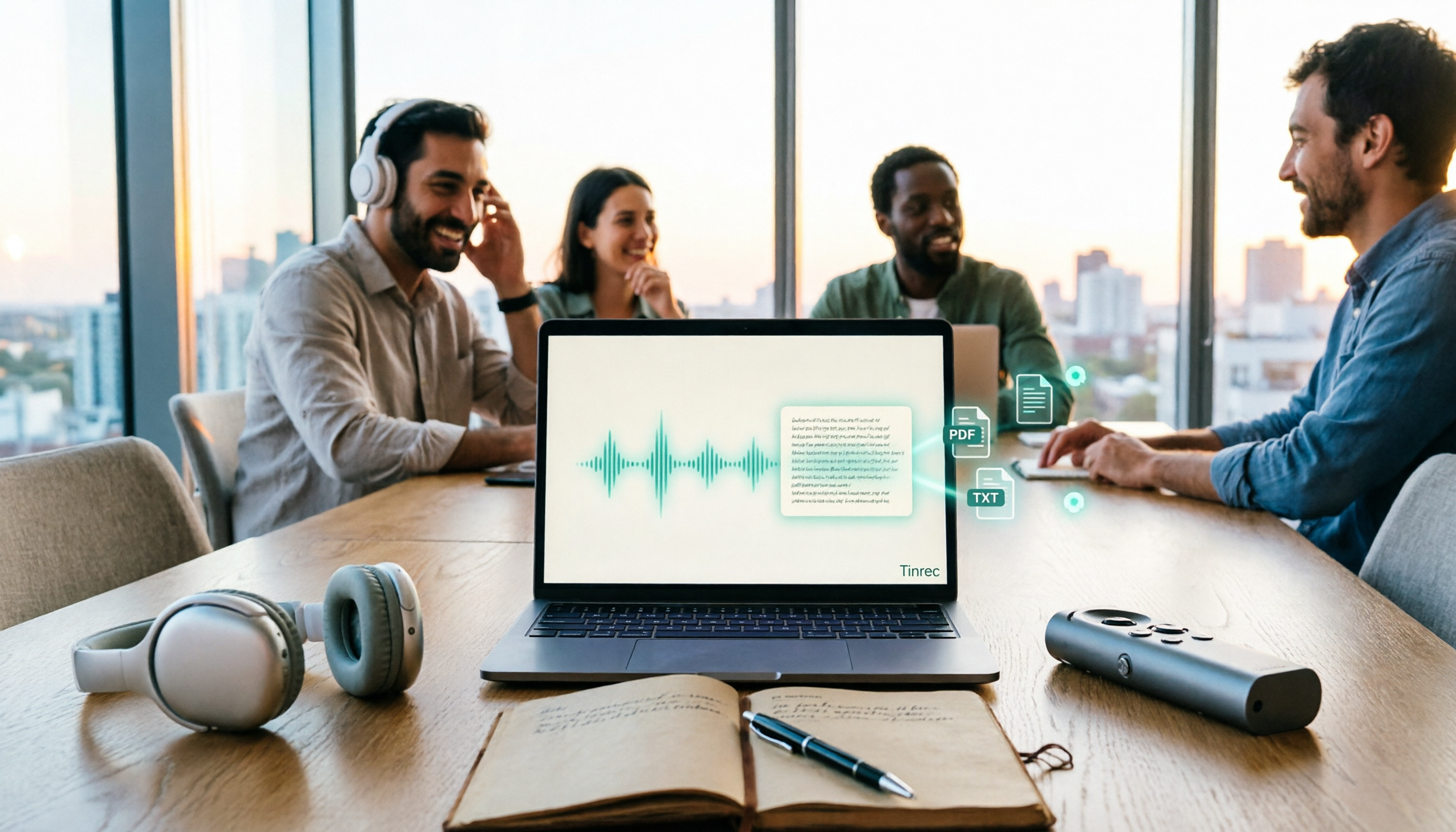
How to Transcribe Audio to Text in 2026: 5 Steps from Upload to Multi-Format Export
The real key to audio transcription is whether the export format fits your workflow. This article examines four decision points: export formats, audio retention, post-meeting organization, and team sharing. It tests Tinrec's bot-free meeting recording, AI Q&A, and multi-format export process, compares MyEdit, Otter.ai, and TurboScribe, and provides scenario-based recommendations to help you choose.

Best Real-Time Speech-to-Text Tools in 2026: Hands-On Test of 5 Options, This One Excels at Live Chinese Meeting Transcription
Which real-time speech-to-text tool is best? This article shares hands-on insights from testing 5 tools in 2026 that support live transcription while recording. It compares real-time responsiveness, Chinese and mixed Chinese-English recognition, post-meeting organization, and team collaboration, with 4 key buying factors, pitfalls to avoid, and scenario-based recommendations.

Best Live Transcription with Floating Subtitles in 2026: 6 Tools Tested, This One Excels at Chinese Real-Time Transcription
Looking for a way to transcribe audio in real time and see subtitles on screen? This article reviews 6 tools, comparing real-time transcription, bot-free meeting recording, batch file-to-subtitle conversion, and free online tools. It also explains how to choose for Chinese meetings and bilingual scenarios, so your content is usable from the moment it's spoken to after the meeting.