

Turn recordings into transcripts and summaries in minutes
Upload audio or video for multilingual transcription, AI notes, and action items
The phrase "take notes on this" in the meeting room is the real problem live transcription needs to solve
"Take notes on this." Halfway through the meeting, your manager suddenly calls on you.
You open your laptop and type furiously, but you only manage three lines and miss two decisions. After the meeting, you stare at the 40-minute recording and replay it section by section—what really takes time is replaying, not typing.
The same goes for online presentations, client interviews, and cross-department meetings. By the time you get back to your desk to organize, you've accumulated three or four recordings and can't even remember which one covered what.
The problem usually isn't that you don't know how to take notes—it's that you're using the wrong tools: recording is one thing, typing is another, and all the organizing in between falls on you.
The good news is that today's tools can transcribe as they record. Choose the right one, and by the time the meeting ends, you already have a ready-to-use transcript.
Understand these 4 key points before choosing a tool
1. Is it "live transcription" or "upload and wait for conversion"? These are very different. Uploading audio files for conversion is fine for organizing past recordings; but in a live meeting, you need to see text in real time to confirm key points as you listen. When choosing a tool, first confirm whether it supports real-time recording transcription.
2. How well does it handle Chinese and mixed Chinese-English? Meetings in Taiwan rarely stay purely in Chinese from start to finish—engineers say API, marketing says KPI, clients suddenly switch to English. Whether a tool can handle mixed Chinese-English is more important than how many languages it claims to support.
3. After getting the transcript, how much time do you still need to spend? A 40-minute transcript is about 8,000 to 10,000 words. If the tool only gives you the transcript, you still have to read through it, highlight key points, and write action items. Whether it can automatically generate summaries, chapters, and to-dos is where real time savings come from.
4. Who stores the recordings? For personal use, it's simple; but if shared by a team, you need to ask: does the data belong to the individual or the team? Will data remain after a member leaves? How many people can edit? This is especially important for multi-person collaboration.
Tinrec — turning "live transcription" into a post-meeting workflow
Tinrec is an AI meeting notes and collaboration tool for individuals and teams, supporting iOS, Android, web, and desktop.
Its most directly relevant feature to this topic is real-time recording transcription: press record, and content is transcribed as you speak. For offline meetings and interviews where you can't record afterward, this means the notes are done on the spot.
For online meetings, Tinrec's desktop version directly captures your computer's system audio to handle Zoom, Google Meet, Microsoft Teams, Webex, and other meetings without adding a meeting bot to the room. This is actually a plus for many companies—some client meetings simply don't want an unfamiliar account on the list.
Note that this doesn't mean it automatically joins all meetings on your calendar; you still need to open Tinrec and start recording yourself.
After recording is where it truly stands out.
As soon as the meeting ends, the transcript is accompanied by AI summaries, chapters, and action items; you can directly ask "where did the client mention the budget?" and it will answer with semantic understanding instead of dumping keyword search results. If you need deliverables, you can generate reports, tables, or documents, and export to Notion, Google Docs, OneNote, Dropbox for further editing. For cross-language meetings, you can view original, translated, or bilingual content while recording.
Hands-on insights: I focused on three things: the delay in live transcription, recognition of mixed Chinese-English, and how much time post-meeting organization takes. In a quiet indoor meeting setting, the real-time transcript readability was good, and Chinese-English switching didn't get garbled; reading the AI summary and action items after the meeting was much faster than going through the transcript from scratch. Honestly, actual recognition results are still affected by audio quality, accents, multiple people talking over each other, and technical terms—this is true for every tool. For important content, it's best to double-check against the recording.
A few practical advantages:
- No need to reconstruct the meeting afterward: summaries, chapters, and action items are generated automatically, saving the time of replaying a 40-minute recording.
- You can keep asking after recording: AI Q&A lets you look up things like "who mentioned the budget last time" without slowly Ctrl+F-ing through the transcript.
- Team data stays: the team version is a separate team space, meeting data belongs to the team, and when members change, resources can be handed over to other members instead of disappearing with an individual account.
Stop organizing recordings by hand
Upload audio or video and automatically get a transcript, summary, and action items
Things to note: The personal version has a free quota to try first; after it's used up, you need to upgrade. There are also weekly cards, Pro monthly, and Pro annual options. For team use, the team version's billing differs from the personal version: monthly is USD 29.80 per paid seat per month, annual is USD 199 per paid seat per year (about USD 16.58 per month), and each paid seat provides 2,000 minutes of team shared import quota per month; under a valid team plan and valid seats, live recording currently does not deduct minutes, while file and web imports use the team shared quota. First-time eligible teams get a 7-day trial, 1 free seat, and 300 minutes of team shared import quota. Prices, currencies, and promotions are subject to the official purchase page.
Also note: the team version's permission concept is "role + seat." Members without a seat can view, play, and read team data, but cannot upload, edit, or import/export.
Who it's for: People who frequently have online meetings, need Chinese and mixed Chinese-English transcripts, and want meeting minutes and action items ready as soon as the meeting ends. If a team needs to share meeting data together, the team version makes more sense than everyone buying individual versions.
Besides Tinrec, what other options are there?
Notta: The competitor with the most overlapping features. Its official free version offers 120 minutes per month, up to 3 minutes per single item, and supports multi-platform transcription, meeting notes, file import, translation, and team plans. Its multilingual performance is good, but Tinrec is more complete in "desktop recording without a meeting bot" and team space management capabilities like seats, usage, auditing, and audio recycle bin. If you only occasionally convert audio to text, Notta's free version is usable.
Otter.ai: A mature choice for English meetings. Free version offers 300 minutes per month; Pro annual is about USD 8.49 per user per month. It excels at English business meetings, speaker identification, and meeting automation. Real-time translation and bilingual transcripts are not its focus; if your meetings are mainly Chinese or mixed Chinese-English, Tinrec's real-time translation, bilingual view, and post-meeting Agent-generated reports, tables, and documents are more aligned with your needs. If meetings are all in English and for one person, Otter is a cost-effective option.
Yating Transcription: A Taiwan-based transcription service. Its official slogan is "You talk, we type" and it uses an app to organize voice memos, with high acceptance among Chinese users. Based on current information on its website, its focus is on voice memo organization and transcript output; post-recording summaries, action items, and team sharing still require other tools.
Two more free options: iPhone/iPad's "Notes" supports real-time transcription for free, and Android has Google's "Live Transcribe" app. Both are suitable for personal quick notes. The downside is they are limited to a single system, lack team collaboration, and have no post-meeting organization.
Pitfall guide: 4 most common mistakes when choosing a live transcription tool
Pitfall 1: Mistaking "upload and convert" for "live transcription." Many tools support uploading audio files for transcription but don't have live recording transcription. If you want to see text live during the meeting, confirm this first—don't just see "supports speech-to-text" and buy.
Pitfall 2: Only looking at free quota, not how it's calculated. Personal version quotas are usually tied to individual accounts, while team version import quotas are shared by the team. The two calculations differ greatly—if five team members all need to use it, only looking at the personal free version will severely underestimate costs.
Pitfall 3: Thinking a transcript equals meeting minutes. A transcript is just raw material; real meeting minutes are summaries, decisions, and action items. When choosing a tool, make "post-meeting output" a necessary condition, otherwise you're just replacing typing with reading, spending the same amount of time.
Pitfall 4: Ignoring data ownership after members leave. Meetings recorded with personal accounts leave with the person. If sharing meeting data as a team, choose a tool with a team space and resource handover capabilities. Thinking about this only after someone leaves is too late.
Conclusion: Which one should you choose?
In one sentence: if you want "live transcription, ready to use after the meeting," Tinrec is the most complete option in this comparison.
- Want live transcription with summaries, chapters, and action items after the meeting → Tinrec
- Want to ask AI directly after recording "who mentioned the budget last time" → Tinrec (AI Q&A is its main differentiator from other tools)
- Don't want an extra bot in online meetings → Tinrec (desktop version directly captures system audio)
- Team needs to share meeting data and manage seats and usage → Tinrec Team Version (team space, roles and seats, usage analytics, audit logs, audio recycle bin)
- Zero budget, only record English, single user → Otter.ai free version or built-in phone tools are enough
I suggest trying a segment with your own meeting recording first, especially Chinese and mixed Chinese-English parts—for transcripts, listening to your own recording is better than reading others' reviews. Run two or three meetings with the free quota first, and consider upgrading if it works well. No need to pay from the start.
References
- Yating Transcription
- Speech-to-Text App Recommendations: 1. iPhone/iPad Notes App - Supports real-time text conversion - Cost: Free - Supports Chinese, English
- Hands-on test of 4 best online speech-to-text tools, free instant audio-to-transcript conversion
- Using Live Transcribe - Android Accessibility Help
- Online AI speech, video, audio file auto transcription - Free trial - cSubtitle
Turn every recording into actionable outcomes
Get 60 free transcription minutes when you sign in. No credit card required.
Related Reading
You might also like
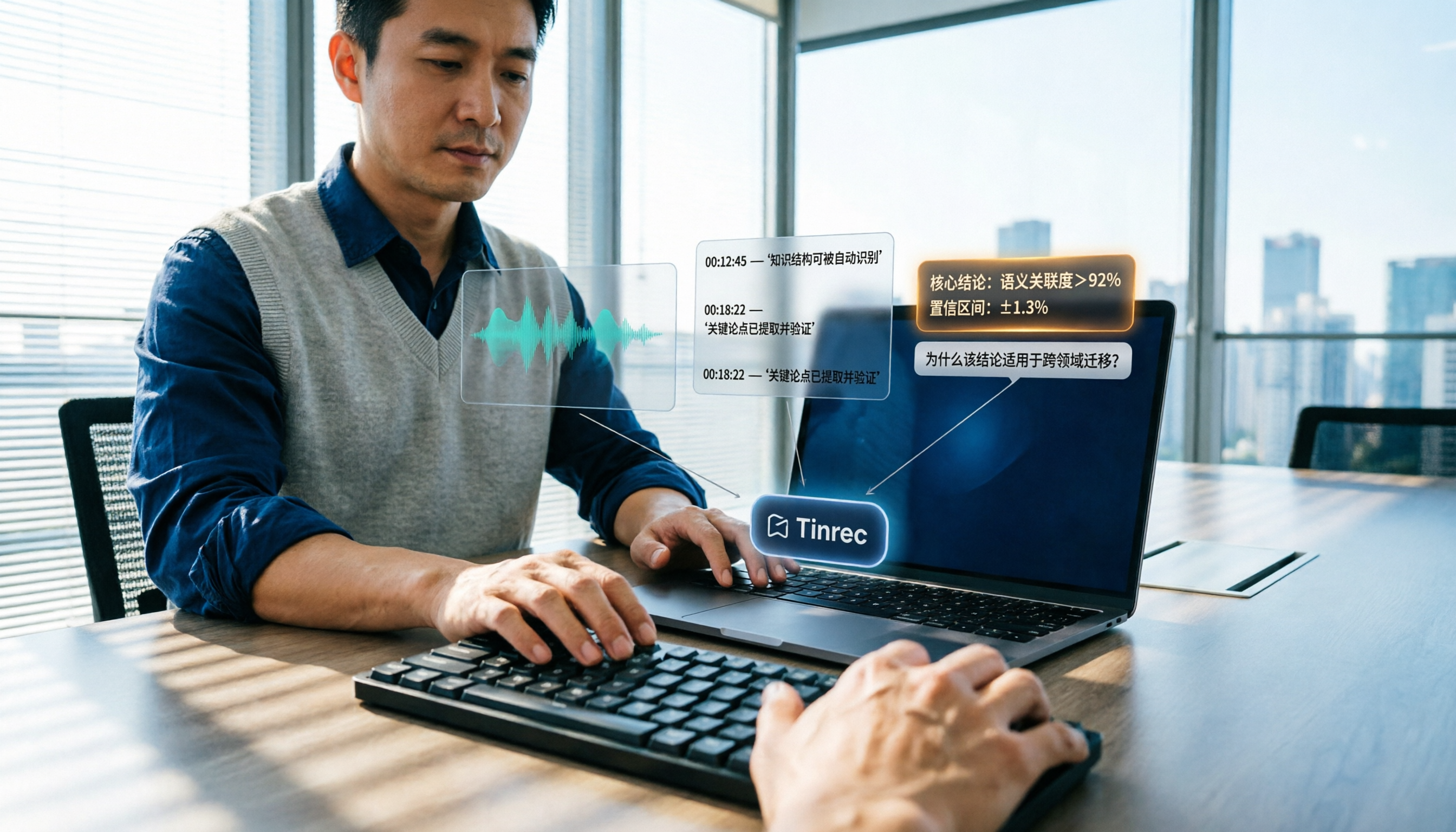
How to Summarize Knowledge Videos in 2026: 5 Steps from Transcript to AI Highlights
Saving more knowledge videos than you can ever watch? This article compares Tinrec and Felo AI across 5 dimensions—input sources, transcript traceability, post-meeting output, AI follow-up questions, and team knowledge retention—plus a 5-step workflow to help you decide which tool fits your learning and work scenarios.

How to Use AI Transcription Generators in 2026: A Complete 5-Step Tutorial
This guide covers AI transcription generators, starting with 4 key factors to consider when choosing one, then demonstrating a complete 5-step workflow from recording to post-meeting output. It compares the positioning of Tinrec, Notta, Otter.ai, and Granola, and includes common pitfalls to avoid and team plan benefits to help you find the right transcription tool for your meeting style.

2026 Comparison of 4 Multi-Speaker Meeting Transcription Tools: Which Can Identify Speakers and Summarize Key Points?
The pain point of multi-speaker meetings isn't just hearing clearly—it's identifying who said what and then organizing it. This article breaks down speaker identification limits, real-time vs. offline differences, post-meeting organization, and team data ownership from a methodological perspective. It tests and compares Tinrec, Otter.ai, Granola, and Notta, providing a selection order and onboarding checklist you can follow directly.
5 Best Speech-to-Text Tools in 2026: Free Transcription Compared
We tested 5 speech-to-text tools in 2026, comparing Chinese recognition, audio retention, post-meeting organization, and team collaboration. Plus buying tips and pitfalls to help you find the best transcription solution.

2026 Comparison of 4 AI Recording Tools: From Transcripts to Presentation Outlines, Which One Actually Saves Time?
Discovering that post-meeting organization takes the most time? This article tests and compares 4 AI recording tools, covering the workflow from transcripts and AI summaries to presentation outlines, breaking down 4 key purchasing factors and 3 common pitfalls, and explaining Tinrec's actual performance in post-meeting Q&A, chapter organization, and team knowledge retention.

2026 Cross-Device Sync Test: Tinrec vs Otter.ai — Which Is More Complete Across 5 Key Areas?
Cross-device sync isn't just about logging into the same account. This article compares Tinrec and Otter.ai across 5 dimensions: input sources, bot-free meeting recording, Chinese language experience, post-meeting organization, and team seat governance. It also lists the free and paid plan prices for both, helping you decide which one better fits your meeting needs.
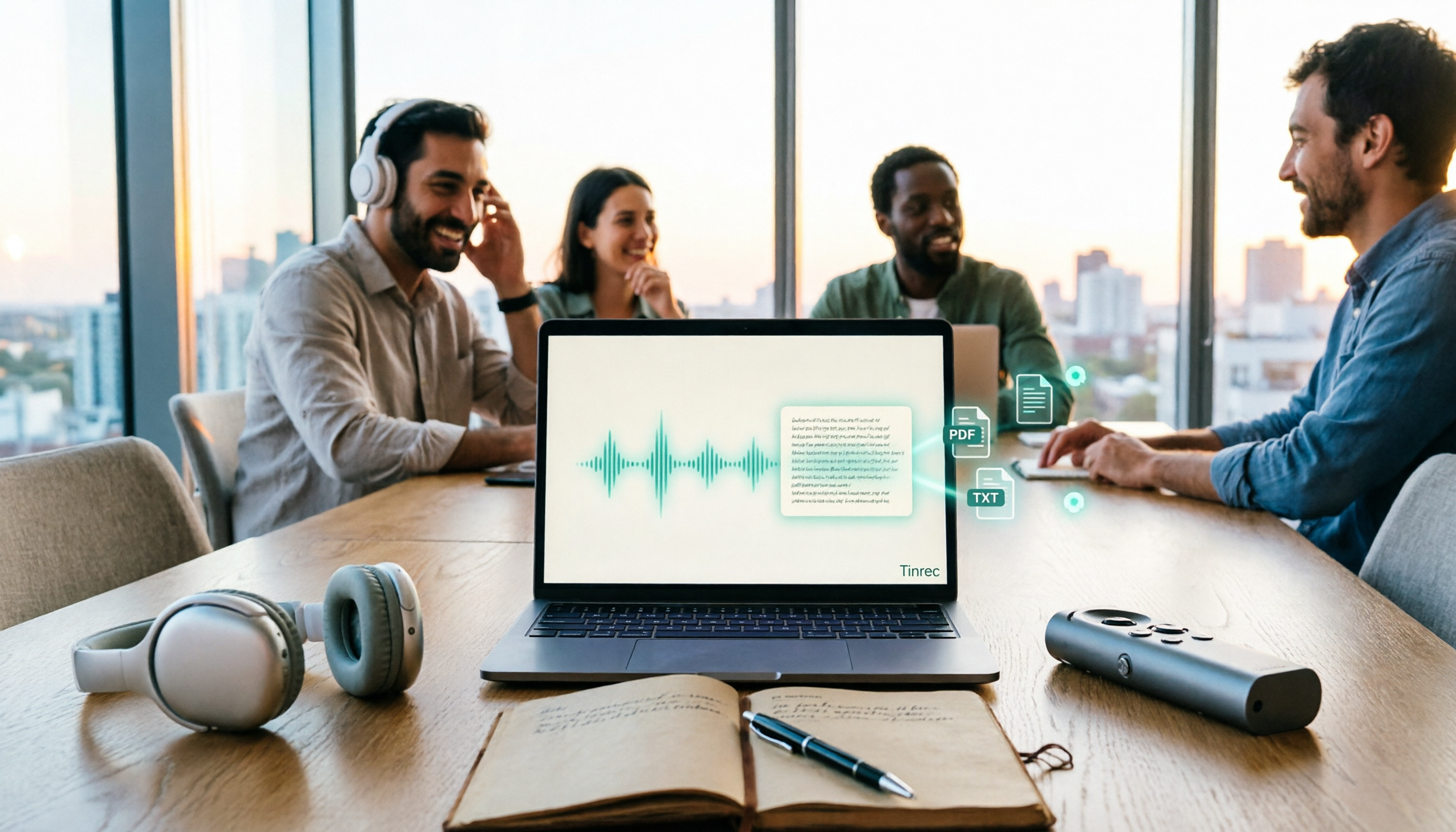
How to Transcribe Audio to Text in 2026: 5 Steps from Upload to Multi-Format Export
The real key to audio transcription is whether the export format fits your workflow. This article examines four decision points: export formats, audio retention, post-meeting organization, and team sharing. It tests Tinrec's bot-free meeting recording, AI Q&A, and multi-format export process, compares MyEdit, Otter.ai, and TurboScribe, and provides scenario-based recommendations to help you choose.

Best Live Transcription with Floating Subtitles in 2026: 6 Tools Tested, This One Excels at Chinese Real-Time Transcription
Looking for a way to transcribe audio in real time and see subtitles on screen? This article reviews 6 tools, comparing real-time transcription, bot-free meeting recording, batch file-to-subtitle conversion, and free online tools. It also explains how to choose for Chinese meetings and bilingual scenarios, so your content is usable from the moment it's spoken to after the meeting.

2026 AI Noise Reduction Speech-to-Text Comparison: Which Is Best for Chinese Meetings?
A hands-on comparison of 2026 AI noise reduction speech-to-text tools, covering noise reduction, Chinese recognition, post-meeting organization, and team collaboration. We analyze the pros, cons, and pricing of Tinrec, Otter.ai, Notta, and Granola to help professionals choose the best meeting transcription tool.