

Turn recordings into transcripts and summaries in minutes
Upload audio or video for multilingual transcription, AI notes, and action items
Best Live Transcription with Floating Subtitles in 2026: 6 Tools Tested, This One Excels at Chinese Real-Time Transcription
Why You Need Real-Time Transcription and Floating Subtitles
When many people hear "floating subtitles," their first thought is to find a small tool that can float text on top of the screen.
I understand that idea. During meetings, interviews, or foreign-language videos, if the text just stays there, you don't have to switch windows or look down to take notes—it feels like most of the problem is solved.
But this is the easiest misstep I've seen.
The real problem isn't that subtitles aren't floating; it's that no one is organizing that audio for you from start to finish.
And let's be clear: most meeting and transcription tools today offer a "real-time transcript panel," not a true always-on-top subtitle bar. To get the latter, you usually need to build it yourself with developer tools.
So before choosing a tool, I ask myself three questions: Is this content happening live or already recorded? Do I need to see it now or organize it later? Am I dealing with Chinese, bilingual, or foreign language?
Below are 6 different approaches. You can match them to your situation and pick one to start with.
Option 1 | Tinrec — The Most Complete AI Recording, Real-Time Transcription, and Post-Meeting Assistant
Tinrec is an AI meeting notes and collaboration tool for individuals and teams. I put it first because most people's real struggle isn't that subtitles won't float—it's that after the meeting, they can't find anything.
Transcribe while recording, capture content in real time. Use it for in-person meetings, interviews, and live discussions; the transcript is generated simultaneously.
Bot-free online meeting recording. The desktop version captures your computer's system audio directly, handling Zoom, Google Meet, Microsoft Teams, Webex, and more without inviting an extra bot to the meeting.
The real value is after transcription. During recording, you can switch between original text, translation, or bilingual view; after finishing, it automatically generates summaries, chapters, key points, and action items. You can also ask AI questions about the meeting content and export results to Notion, Google Docs, OneNote, Dropbox, and other tools for further work.
The personal plan includes a free version, weekly pass, Pro monthly, and Pro annual. Choose based on your usage rhythm: use the free version for occasional recordings, the weekly pass for short-term intensive interviews, Pro for regular weekly use, and the annual plan for long-term data accumulation.
The team plan is a separate team space with member invitations, role and seat management, shared quotas, usage analytics, audit logs, and an audio recycle bin. Team monthly is USD 29.80 per paid seat per month, annual is USD 199 per paid seat per year (about USD 16.58 per month). Eligible teams get a 7-day free trial with 1 free seat and 300 minutes of shared import quota. Each paid seat provides 2,000 minutes of shared import quota per month. Real-time recording under an active team plan is currently not deducted by minutes. Prices and promotions are subject to the official purchase page.
Who it's for: Those who need Chinese real-time transcription and want to connect directly to summaries, action items, and team data accumulation after the meeting.
Option 2 | cSubtitle — Chinese-Focused File Transcription and Subtitle Generation
cSubtitle takes a different route: it doesn't aim for real-time but instead lets you upload already-recorded files.
According to official information, after uploading a video or audio file, it automatically starts transcribing without requiring an account. It supports MP4, MOV, MP3, WAV, M4A, OGG, WMA, and other formats, with a single file limit of 4GB and up to 5 hours, and it can process files in batches.
Output includes text files and Word transcripts, with automatic punctuation and paragraphing, plus time-coded subtitle files (.sub, .vtt). The official site also states that files are transferred with 2048-bit SSL/TLS encryption, uploaded media is automatically deleted after 3 hours, and is not used for AI training.
The difference from Tinrec: cSubtitle is file-in, subtitles-out; Tinrec starts accumulating meeting data from the moment of recording, which you can query later.
Who it's for: Those who already have a batch of media files and just need subtitle files generated.
Option 3 | Monica AI Audio to Text — Lightweight Free Online Transcription
Monica's audio-to-text tool is free and ready to use. The official specs say a maximum file size of 50MB, up to 6 hours of recording, and support for translation in over 100 languages.
Stop organizing recordings by hand
Upload audio or video and automatically get a transcript, summary, and action items
Transcripts can be edited and searched online, then shared or exported. For those who occasionally need to turn a piece of audio into text, the barrier is very low.
Note that it's a file-upload tool, not real-time subtitles, and its file size and length limits are stricter than dedicated transcription services.
Who it's for: Those with zero budget who only occasionally convert short audio files to text.
Option 4 | Web Speech to Text — Free, Play-and-Transcribe Subtitle Generator
Web Speech to Text is a free browser-based tool. It works intuitively: play a video or recording, and it listens and transcribes as it goes, so the actual conversion time is roughly equal to playback time.
After completion, you can download an SRT subtitle file or a TXT file with timestamps. Its recognition results don't automatically add punctuation, so you'll need to proofread, but if your goal is just subtitles, that's not a big deal.
The limitation is clear: the file must play through completely, making it suitable for fragmented, non-urgent content.
Who it's for: Those who want to try speech-to-subtitle at zero cost first.
Option 5 | Google Cloud Speech-to-Text — Developer-Oriented Real-Time Speech Recognition
If your goal is to "build your own app that displays real-time subtitles," Google Cloud's Speech-to-Text is unavoidable.
According to official information, it supports over 85 languages and dialects, can transcribe audio and video and add subtitles, including adding subtitles to existing content and real-time subtitles to streaming content. After the API processes streaming audio input, users receive speech recognition results in real time.
The trade-off is that you need some development skills to integrate it into your workflow, which is a high barrier for typical office users.
Who it's for: Teams with engineering resources that want to build real-time subtitles into their own product or internal system.
Option 6 | Notta — Integrated Multilingual Transcription and Meeting Notes
Notta overlaps significantly with Tinrec, also covering multi-platform transcription, meeting notes, file import, translation, and team plans.
Official current specs: Free plan has 120 minutes per month, max 3 minutes per session; Pro annual is about USD 8.17 per month with 1,800 minutes per month; Business annual is about USD 16.67 per seat per month, offering unlimited transcription, role permissions, and usage reports.
If you care about price and minute conversion, include it in your comparison. But if you want bot-free online meeting recording and post-meeting AI Q&A, Tinrec's workflow is more complete.
Who it's for: Those focused on file transcription and multilingual needs who haven't decided on a meeting workflow yet.
With So Many Options, How Should You Choose?
- Want to accumulate searchable meeting data from the moment of recording → Tinrec (real-time transcription, bot-free meeting recording, post-meeting AI Q&A and action items in one flow)
- Frequently use Zoom, Meet, Teams and don't want a bot in the meeting list → Tinrec (desktop version captures system audio)
- Need Chinese and bilingual real-time viewing → Tinrec (switch between original, translation, or bilingual during recording)
- Meeting data must stay with the team and you need member and usage management → Tinrec Team (team space, roles and seats, usage analytics, audit logs)
- Have a batch of pre-recorded media files and just need subtitle files → cSubtitle
- Zero budget, occasional short audio transcription → Monica or Web Speech to Text
- Want to build your own real-time subtitle feature → Google Cloud Speech-to-Text
4 Things to Know Before Using Real-Time Transcription and Floating Subtitles
1. First distinguish whether you want "real-time viewing" or "post-meeting organization" Floating subtitles solve immediate reading, but the real time sink is often post-meeting organization. If you have to re-listen after every meeting, what you actually need is a tool like Tinrec that connects transcript, summary, and action items—not a subtitle plugin.
2. Real-time transcription is heavily affected by on-site conditions Noise, accents, overlapping speakers, and technical jargon all affect results. The practical approach is to treat the transcript as a draft and verify important sections by replaying the recording. Tinrec's transcript preserves original speech and is searchable for easy cross-checking.
3. Handle consent and regulations before recording Different regions have different requirements for recording and personal data. Informing participants before the meeting and obtaining consent when necessary is a prerequisite for using any transcription tool.
4. Understand the limits of free plans Some have file size limits, some have single-session length limits, some have monthly minute limits. Check your usage frequency before deciding to pay so you don't get stuck midway.
Conclusion
Floating subtitles may seem like an interface issue, but it's really a workflow issue of "listen in real time, see in real time, use afterward."
If you need Chinese real-time transcription and want to connect directly to summaries, action items, AI Q&A, and team data accumulation after the meeting, Tinrec is the easiest starting point. If you only have existing media files, file-based tools like cSubtitle can fill in the subtitles.
Start with one meeting or one interview, run the workflow once, and you'll know which tool you truly need.
Test step by step, and you'll gradually master your own workflow.
References
- Online AI speech, video, audio file auto-transcription - Free trial - cSubtitle
- AI speech-to-text fast audio file online transcription, transcript and video subtitles - Free trial - cSubtitle
- Free! Chinese video speech-to-text subtitles, supports large videos and long recordings
- Speech-to-Text: AI speech input and transcription | Google Cloud
- Audio to Text - Free speech-to-text tool
Turn every recording into actionable outcomes
Get 60 free transcription minutes when you sign in. No credit card required.
Related Reading
You might also like
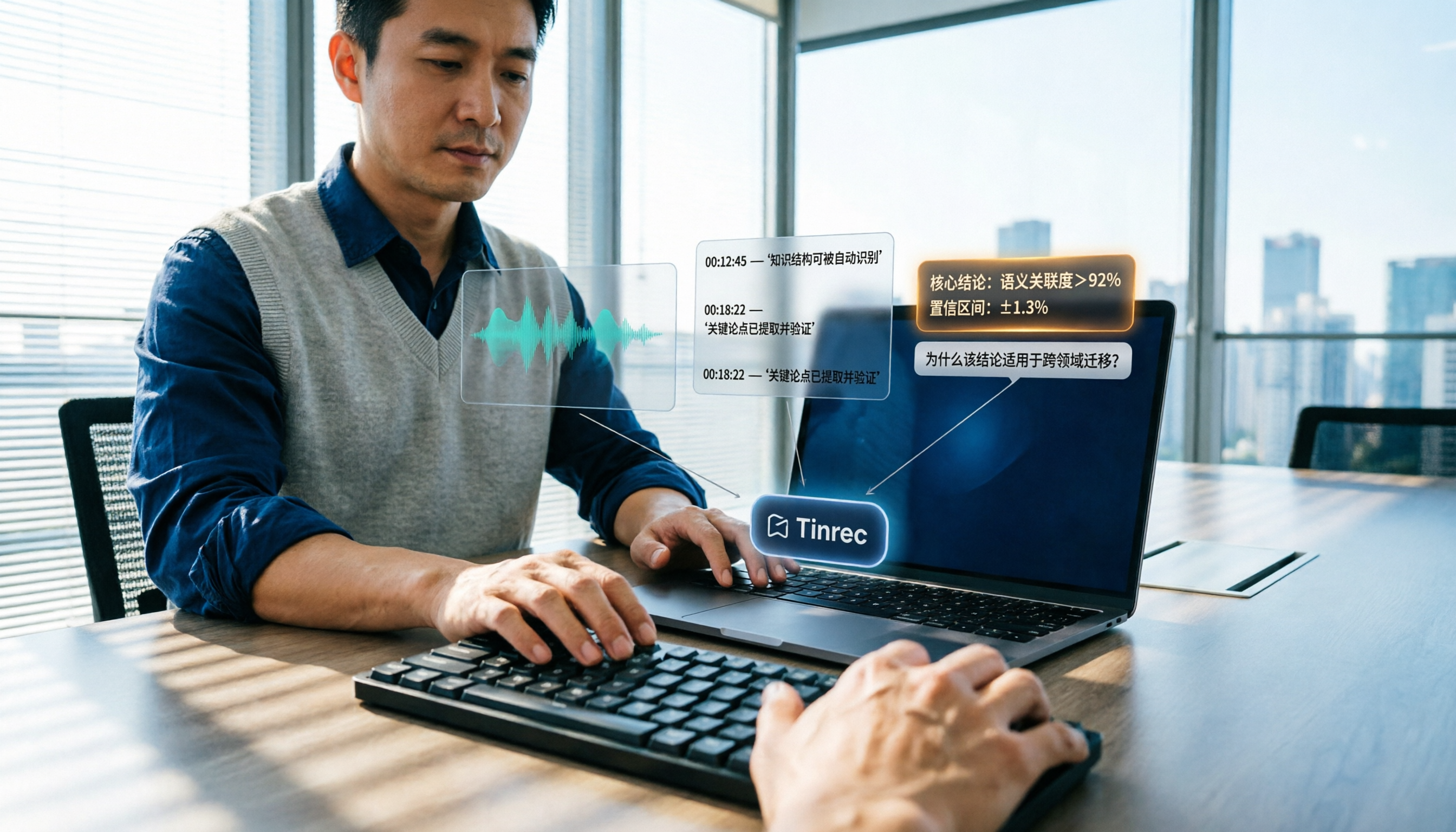
How to Summarize Knowledge Videos in 2026: 5 Steps from Transcript to AI Highlights
Saving more knowledge videos than you can ever watch? This article compares Tinrec and Felo AI across 5 dimensions—input sources, transcript traceability, post-meeting output, AI follow-up questions, and team knowledge retention—plus a 5-step workflow to help you decide which tool fits your learning and work scenarios.

How to Use AI Transcription Generators in 2026: A Complete 5-Step Tutorial
This guide covers AI transcription generators, starting with 4 key factors to consider when choosing one, then demonstrating a complete 5-step workflow from recording to post-meeting output. It compares the positioning of Tinrec, Notta, Otter.ai, and Granola, and includes common pitfalls to avoid and team plan benefits to help you find the right transcription tool for your meeting style.

2026 Comparison of 4 Multi-Speaker Meeting Transcription Tools: Which Can Identify Speakers and Summarize Key Points?
The pain point of multi-speaker meetings isn't just hearing clearly—it's identifying who said what and then organizing it. This article breaks down speaker identification limits, real-time vs. offline differences, post-meeting organization, and team data ownership from a methodological perspective. It tests and compares Tinrec, Otter.ai, Granola, and Notta, providing a selection order and onboarding checklist you can follow directly.
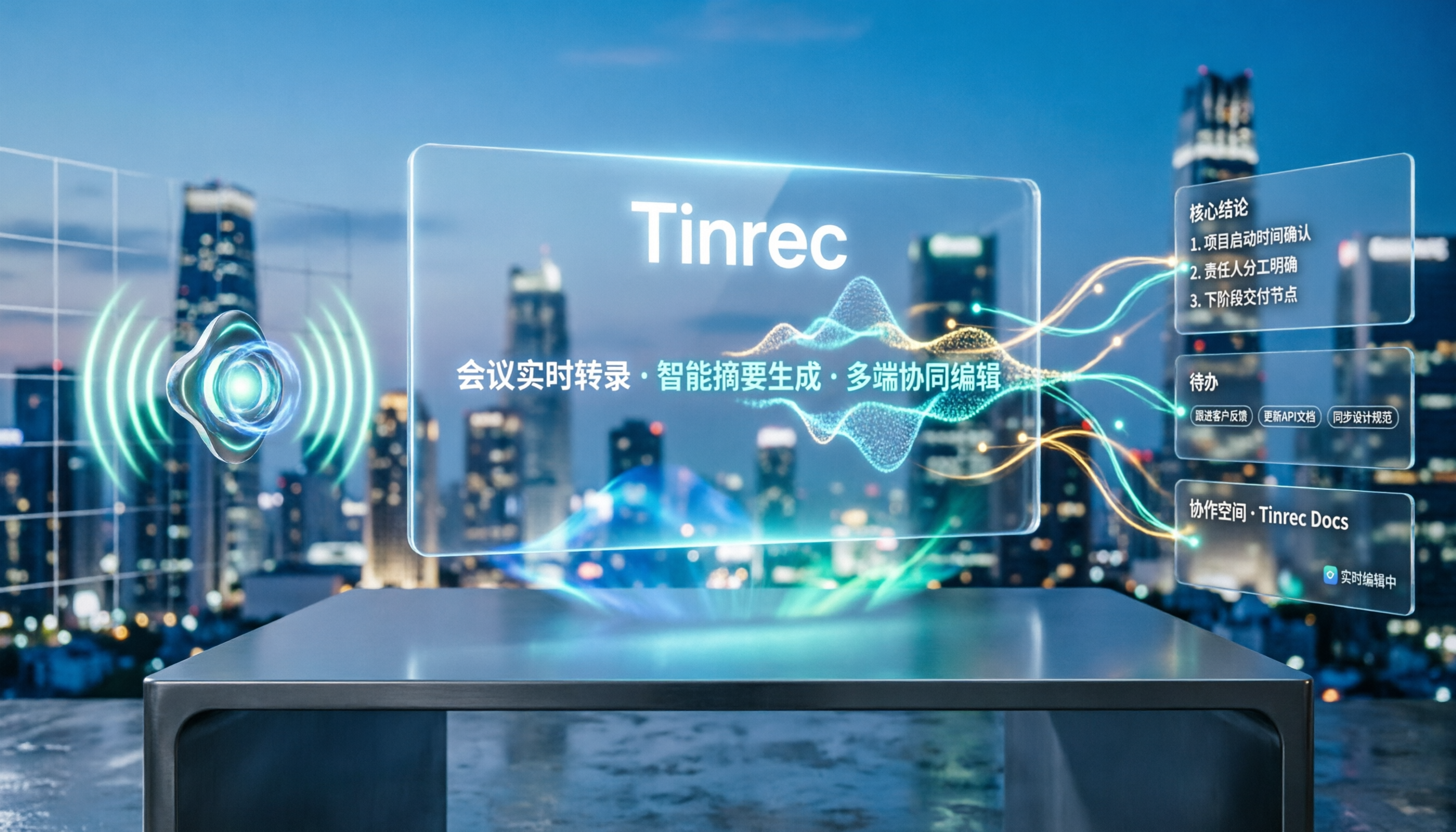
5 Best Speech-to-Text Tools in 2026: Free Transcription Compared
We tested 5 speech-to-text tools in 2026, comparing Chinese recognition, audio retention, post-meeting organization, and team collaboration. Plus buying tips and pitfalls to help you find the best transcription solution.

2026 Comparison of 4 AI Recording Tools: From Transcripts to Presentation Outlines, Which One Actually Saves Time?
Discovering that post-meeting organization takes the most time? This article tests and compares 4 AI recording tools, covering the workflow from transcripts and AI summaries to presentation outlines, breaking down 4 key purchasing factors and 3 common pitfalls, and explaining Tinrec's actual performance in post-meeting Q&A, chapter organization, and team knowledge retention.

2026 Cross-Device Sync Test: Tinrec vs Otter.ai — Which Is More Complete Across 5 Key Areas?
Cross-device sync isn't just about logging into the same account. This article compares Tinrec and Otter.ai across 5 dimensions: input sources, bot-free meeting recording, Chinese language experience, post-meeting organization, and team seat governance. It also lists the free and paid plan prices for both, helping you decide which one better fits your meeting needs.
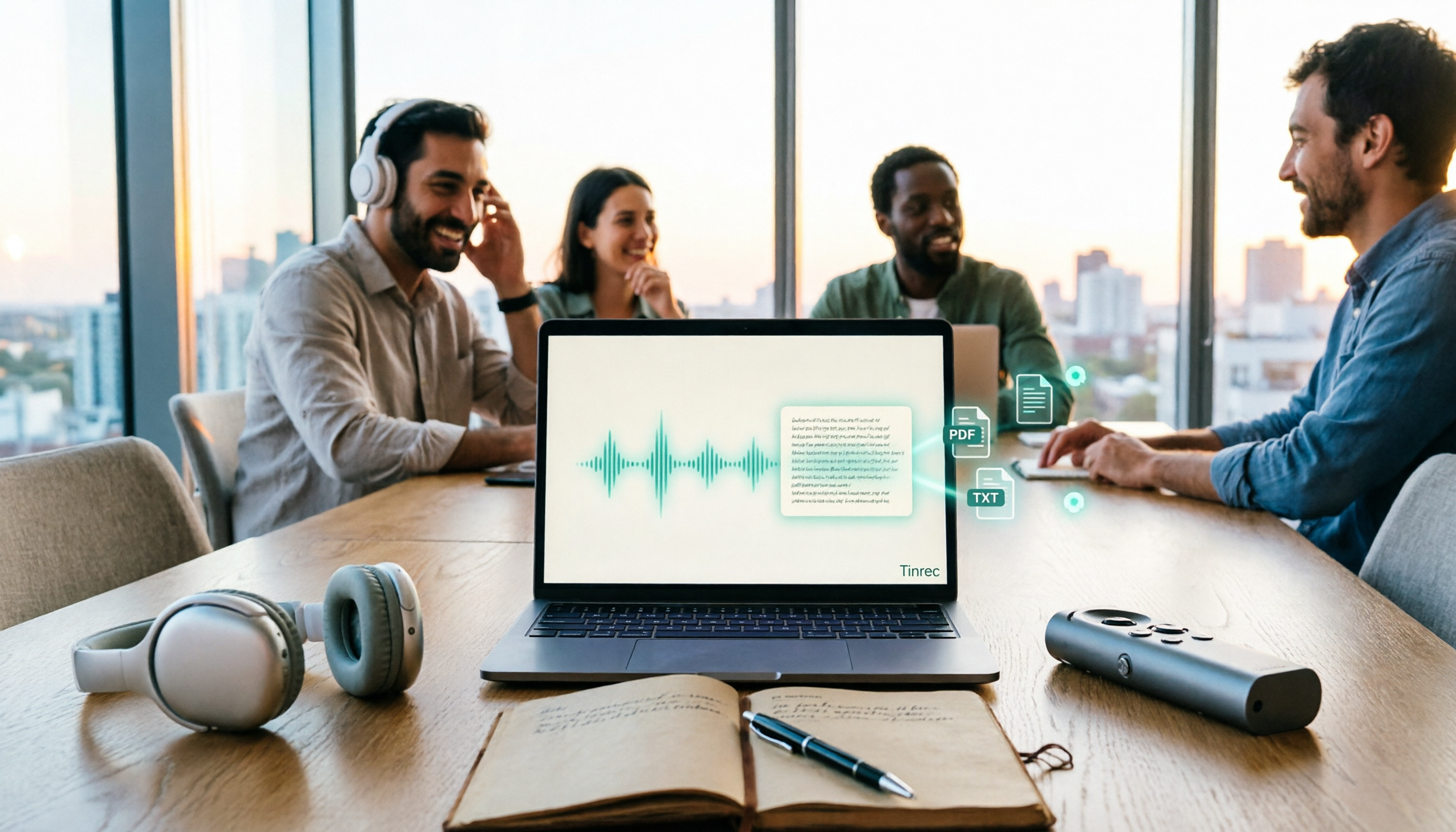
How to Transcribe Audio to Text in 2026: 5 Steps from Upload to Multi-Format Export
The real key to audio transcription is whether the export format fits your workflow. This article examines four decision points: export formats, audio retention, post-meeting organization, and team sharing. It tests Tinrec's bot-free meeting recording, AI Q&A, and multi-format export process, compares MyEdit, Otter.ai, and TurboScribe, and provides scenario-based recommendations to help you choose.

Best Real-Time Speech-to-Text Tools in 2026: Hands-On Test of 5 Options, This One Excels at Live Chinese Meeting Transcription
Which real-time speech-to-text tool is best? This article shares hands-on insights from testing 5 tools in 2026 that support live transcription while recording. It compares real-time responsiveness, Chinese and mixed Chinese-English recognition, post-meeting organization, and team collaboration, with 4 key buying factors, pitfalls to avoid, and scenario-based recommendations.

2026 AI Noise Reduction Speech-to-Text Comparison: Which Is Best for Chinese Meetings?
A hands-on comparison of 2026 AI noise reduction speech-to-text tools, covering noise reduction, Chinese recognition, post-meeting organization, and team collaboration. We analyze the pros, cons, and pricing of Tinrec, Otter.ai, Notta, and Granola to help professionals choose the best meeting transcription tool.